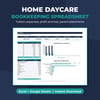
Home Daycare Bookkeeping Spreadsheet for In-Home Childcare Providers, Tuition Tracker, Food Program Log, Excel and Google Sheets
This home daycare bookkeeping spreadsheet keeps your tuition, food program income, expenses, Time-Space percentage and parent year-end statements in one file. It works in Excel and Google Sheets.
Who it's for: licensed or registered home childcare providers caring for 1 to 12 children in their own home.
If your records are spread across a notebook and a box of receipts, this gets them into one place. At year end, you can hand each family a statement of what they paid and give your tax preparer clean totals.
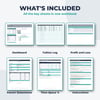
WHAT'S INSIDE
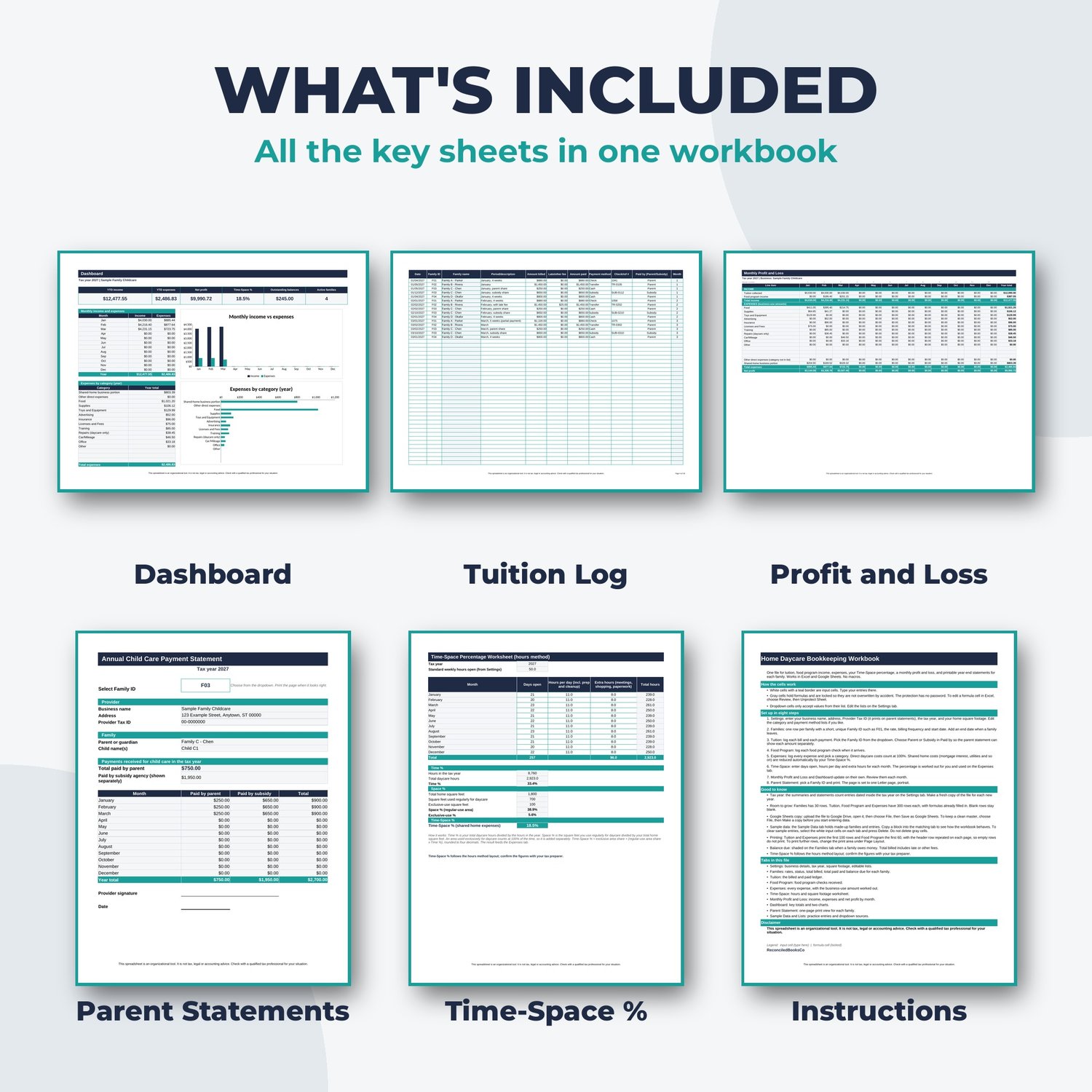
12 tabs:
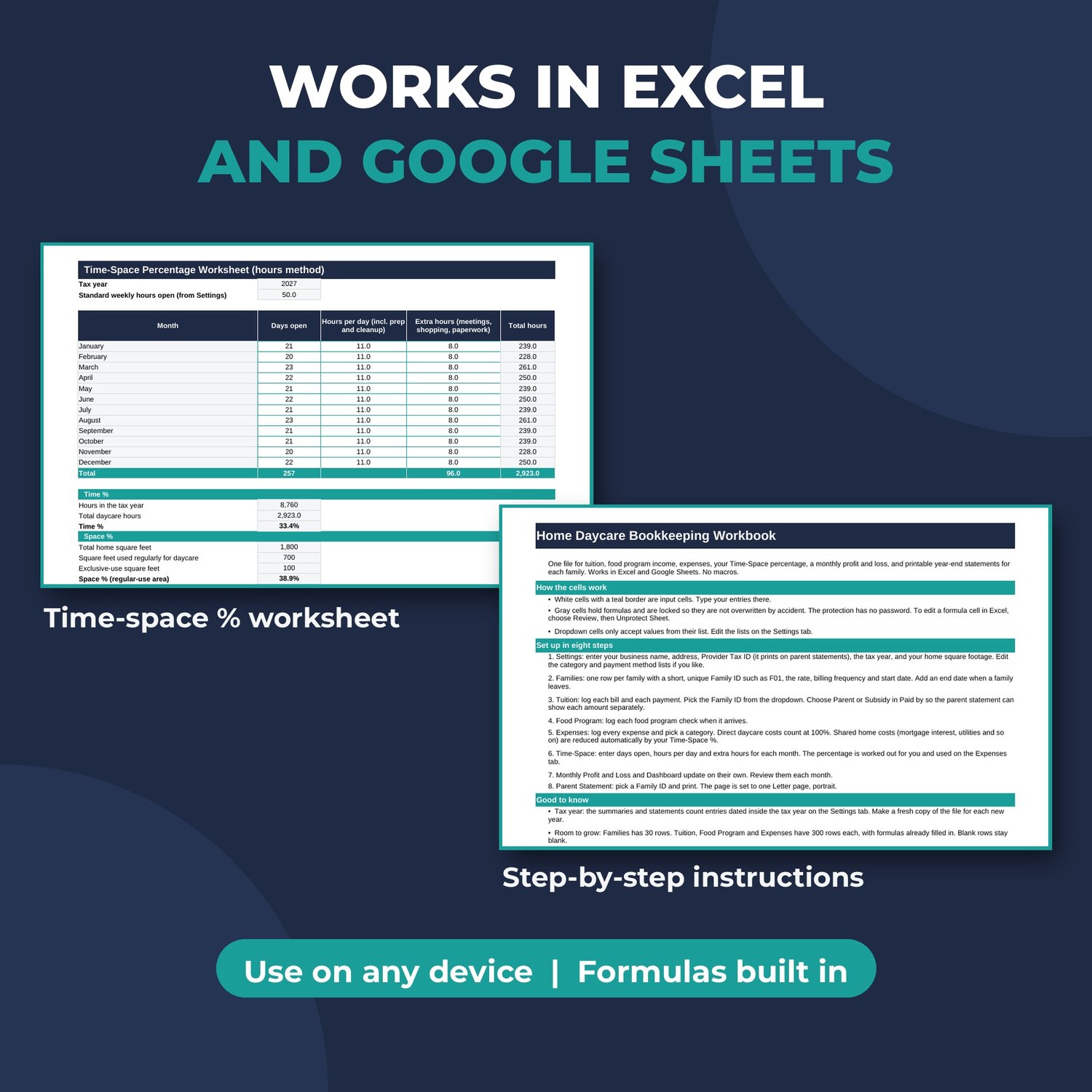
- Instructions: step-by-step setup, which cells you type in and which are formulas, and how to clear the sample data.
- Settings: business name, address, provider Tax ID for statements, tax year, home square footage, and editable category and payment lists.
- Families: up to 30 families, with rates, billing frequency, subsidy agency, total billed, total paid and balance due for each.
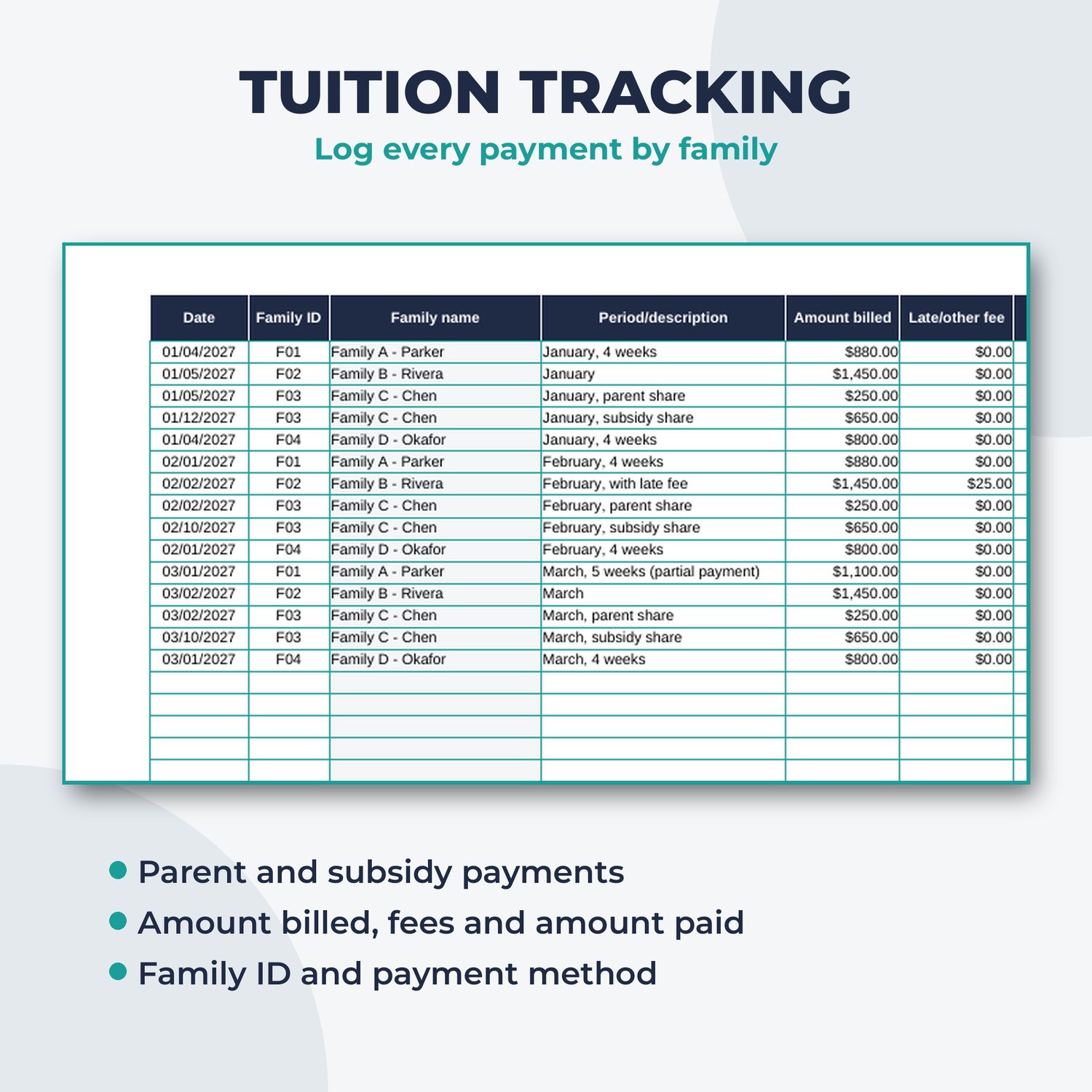
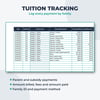
- Tuition: 300 rows for charges and payments, with parent and subsidy payments tracked separately.
- Food Program: 300 rows for CACFP or other food program reimbursements.
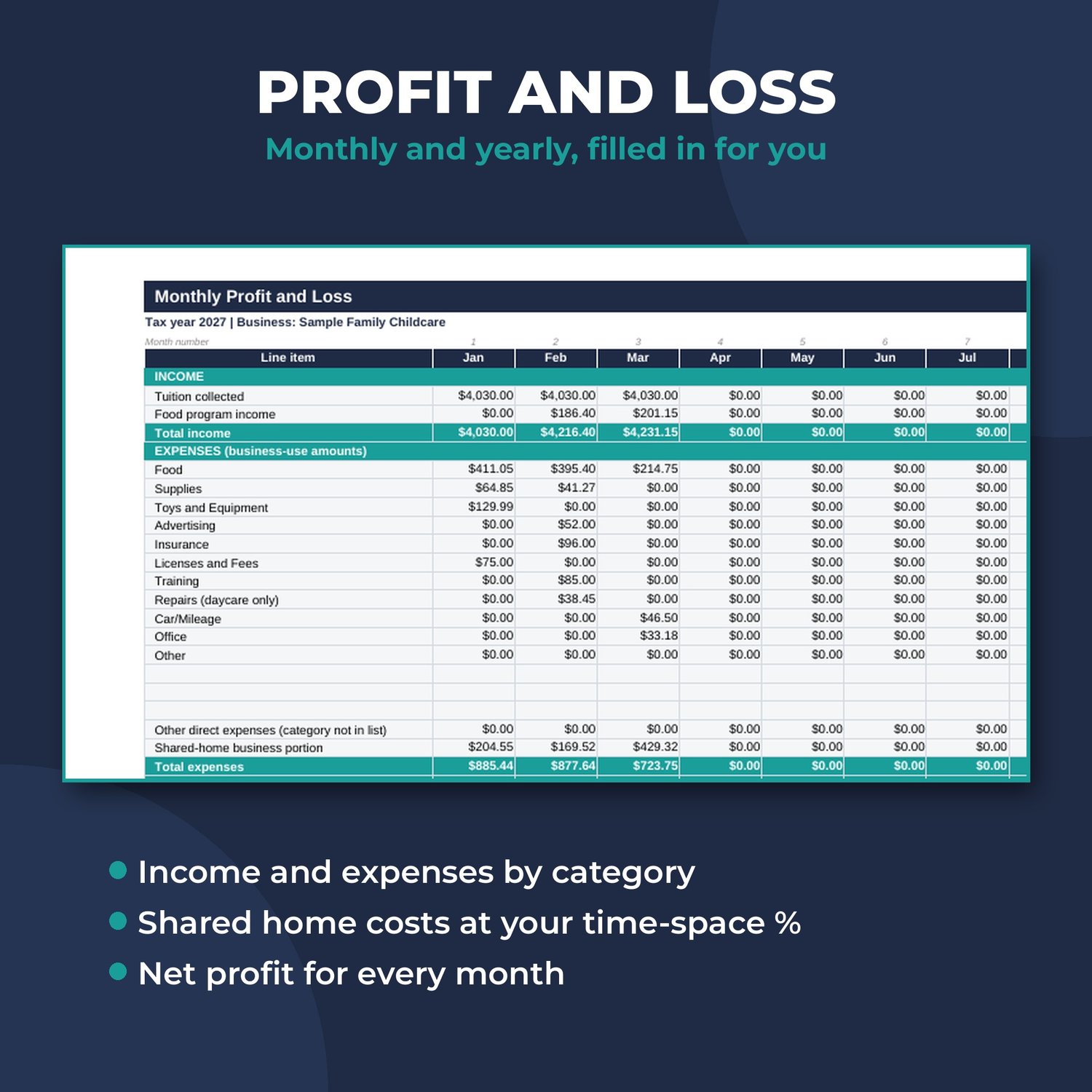
- Expenses: 300 rows. Direct daycare costs count in full. Shared home costs (rent, mortgage interest, utilities and similar) are multiplied by your Time-Space % for you.
- Time-Space: a monthly hours worksheet plus square footage, including exclusive-use space. It shows Time %, Space % and the final Time-Space %. It follows the hours method in IRS Pub 587. It is not tax advice, so confirm the figures with your tax preparer.
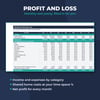
- Monthly Profit and Loss: income, expenses by category and net profit, January to December plus a year total.
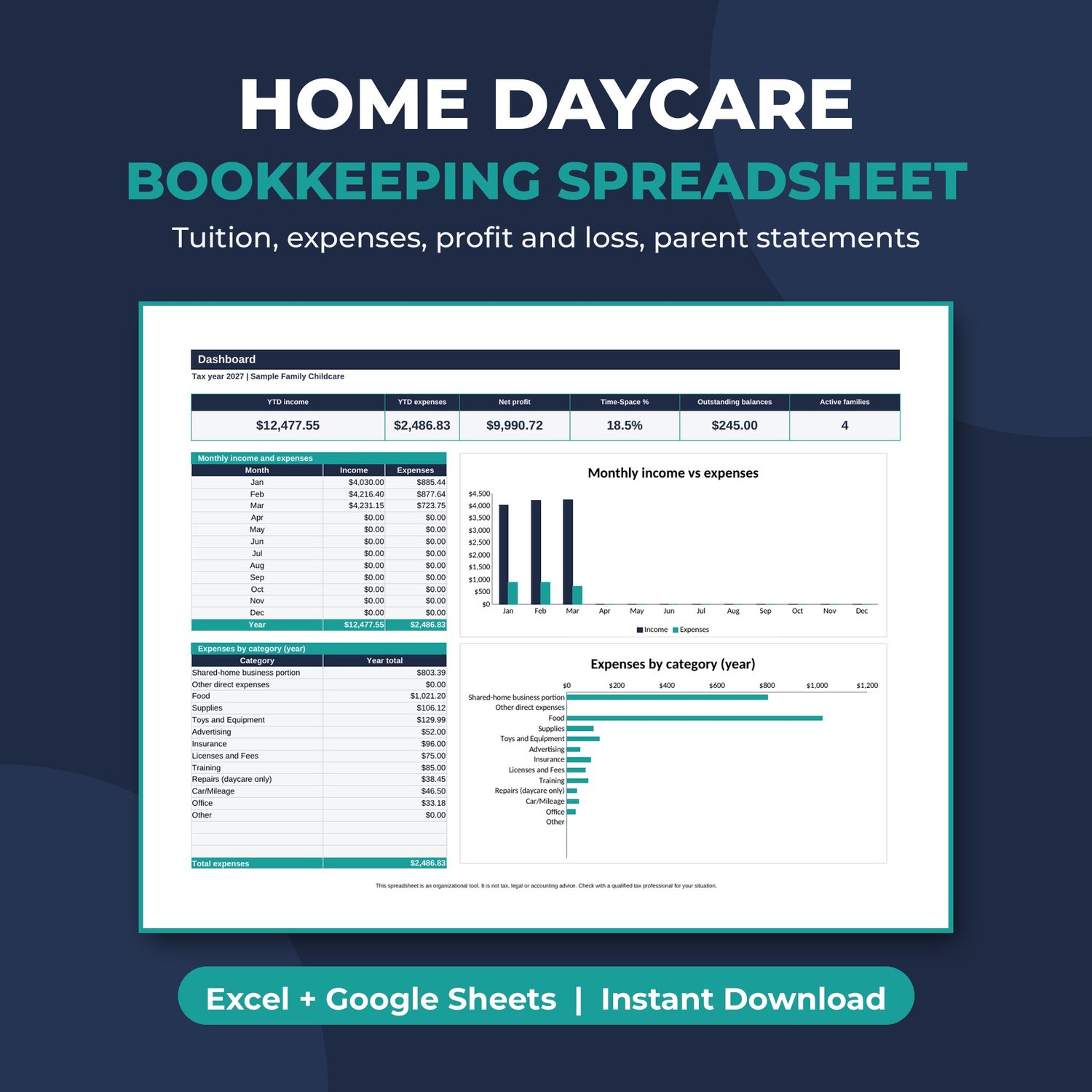
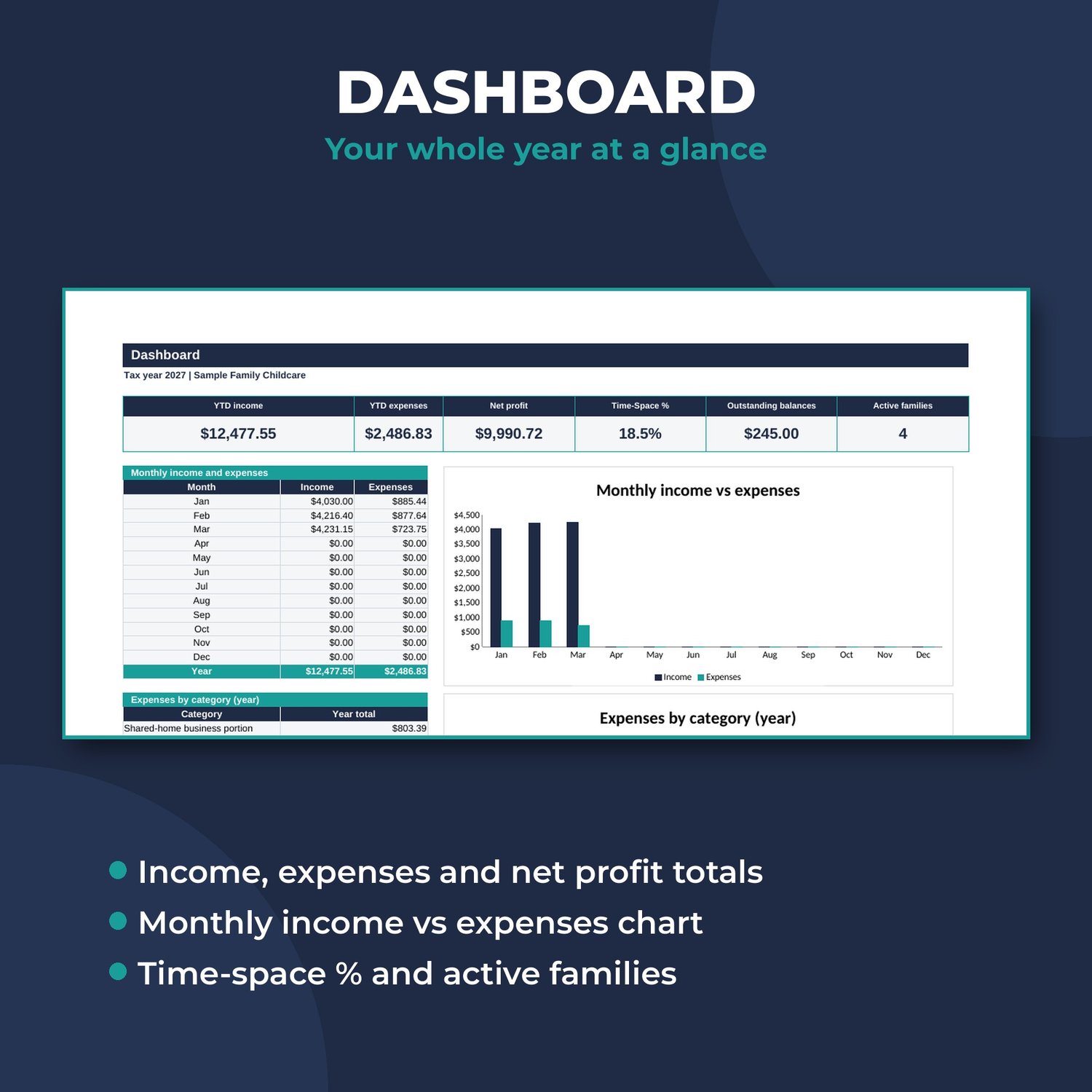
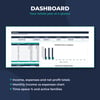
- Dashboard: year-to-date income, expenses, net profit, Time-Space %, outstanding balances and active families, with two charts.
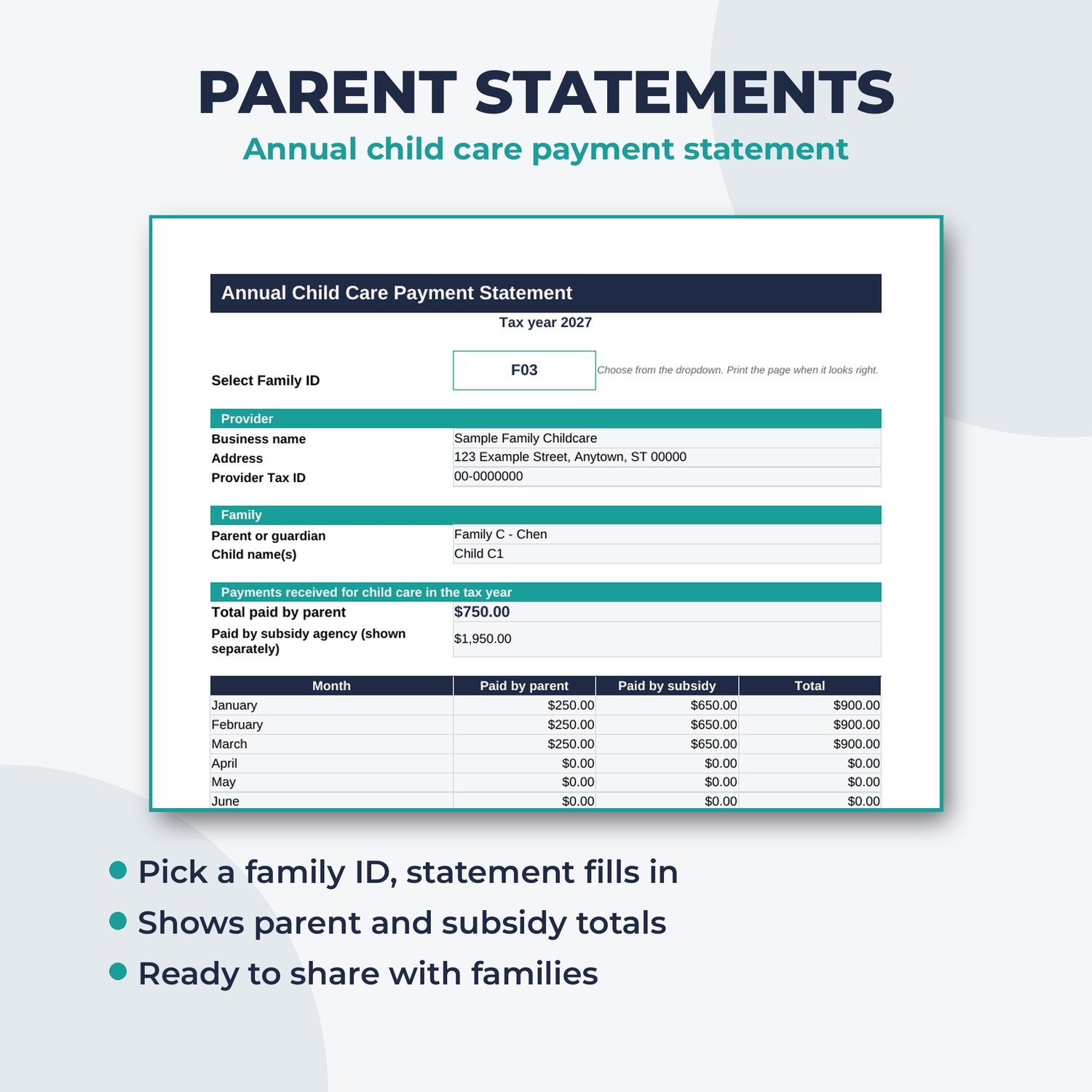
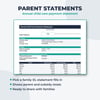
- Parent Statement: pick a family from the dropdown and a one-page annual payment statement fills in, with a monthly breakdown, subsidy payments shown separately and a signature line. It is a record of payments received. What a parent can claim is up to them and their own tax preparer.
- Sample Data: fictional example rows you can copy in to practice.
- Lists: the dropdown lists behind the other tabs.
WHAT YOU GET
- A blank workbook, ready for your own numbers.
- A SAMPLE workbook filled with fictional families and example entries, so you can see how every tab works before you start.
- A Google Sheets "Make a copy" link for anyone who would rather work in Sheets.
- START_HERE.txt with the open order.
HOW IT WORKS
1. Fill in Settings once.
2. Add your families.
3. Log tuition charges and payments as they come in.
4. Log food program checks and expenses.
5. Enter your daycare hours each month on Time-Space.
6. Check the Dashboard and Monthly Profit and Loss whenever you like.
7. At year end, print a Parent Statement for each family.
The formulas are already set up. You only type in the input cells.
SPECS
File type: Excel (.xlsx) and Google Sheets
Tabs: 12
Families: up to 30
Log rows: 300 each on Tuition, Food Program and Expenses
Tax year: one tax year per file. Start a fresh copy each January.
Macros: none
Layout: US calendar tax year, US dollars
Print: Parent Statement prints on one Letter-size page, portrait
CAPACITY LIMITS
The file holds 30 families and 300 entries per log. That is a full year of entries if families pay weekly or monthly. If you bill daily or have more than 30 families, you will outgrow it. It tracks one location and one tax year per file.
FAQ
Do I need Excel?
No. It works in Excel or in Google Sheets with the free "Make a copy" link.
Will this calculate my taxes?
No. It organizes your income, expenses and Time-Space numbers, so you or your tax preparer can work from clean totals. It does not file anything or calculate tax owed.
Is the Time-Space % official?
The calculator follows the hours method in IRS Pub 587. Your situation may have details it does not cover, so confirm the final percentage with your tax preparer.
Can I use it for more than one year?
Use one file per tax year. Keep last year's file as your record and start a new blank copy for the new year.
How do subsidy payments work?
Mark each payment as paid by the parent or by the subsidy agency. Parent Statements show the two amounts separately.
Can I change the expense categories?
Yes. The category and payment method lists on Settings are editable, and the dropdowns update to match.
DIGITAL DOWNLOAD
This is an instant digital download. You get the Excel files and a Google Sheets "Make a copy" link. No physical item will be shipped.
DISCLAIMER
This spreadsheet is an organizational tool, not tax, legal or accounting advice. Check with a qualified tax professional for your situation.
Built by ReconciledBooksCo, a small shop run by an experienced accountant.