
Year End Giving Statements and Church Donor Letters
January means donor statements, and a gift posted to the wrong year or a donor with no address holds them up. This church bookkeeping spreadsheet handles year-end donor giving statements (contribution statements), mileage reimbursement, benevolence assistance, and missions support, in Excel & Google Sheets.
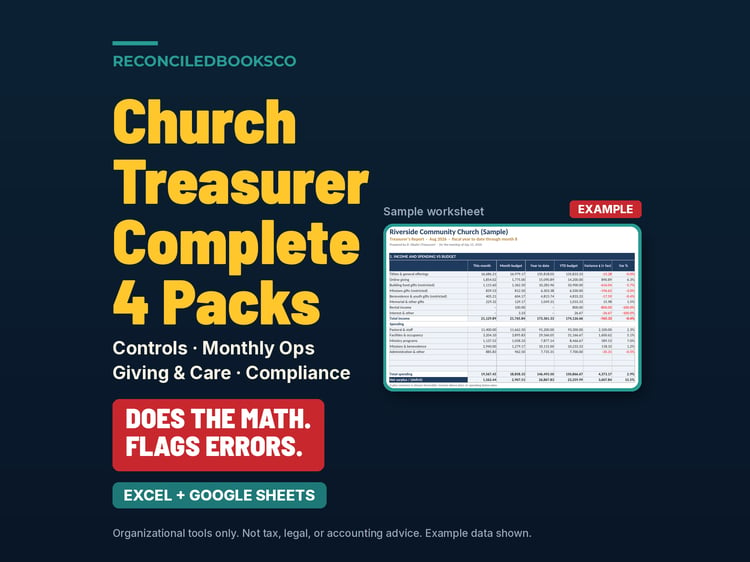
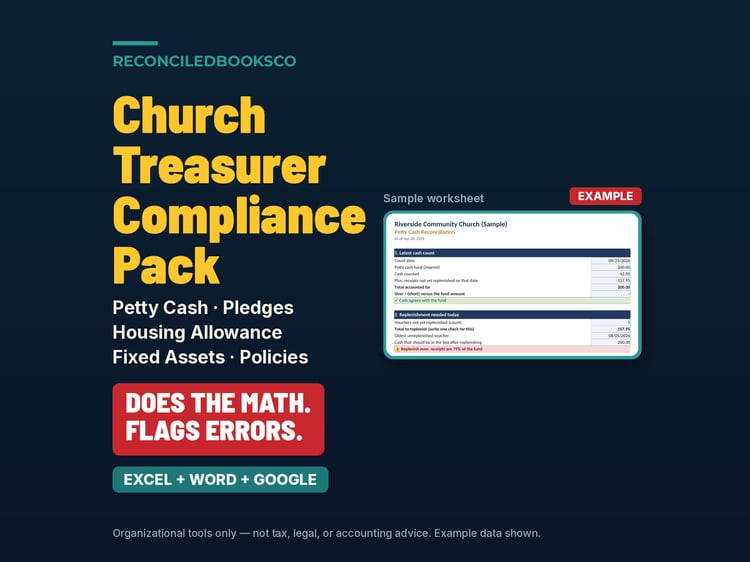
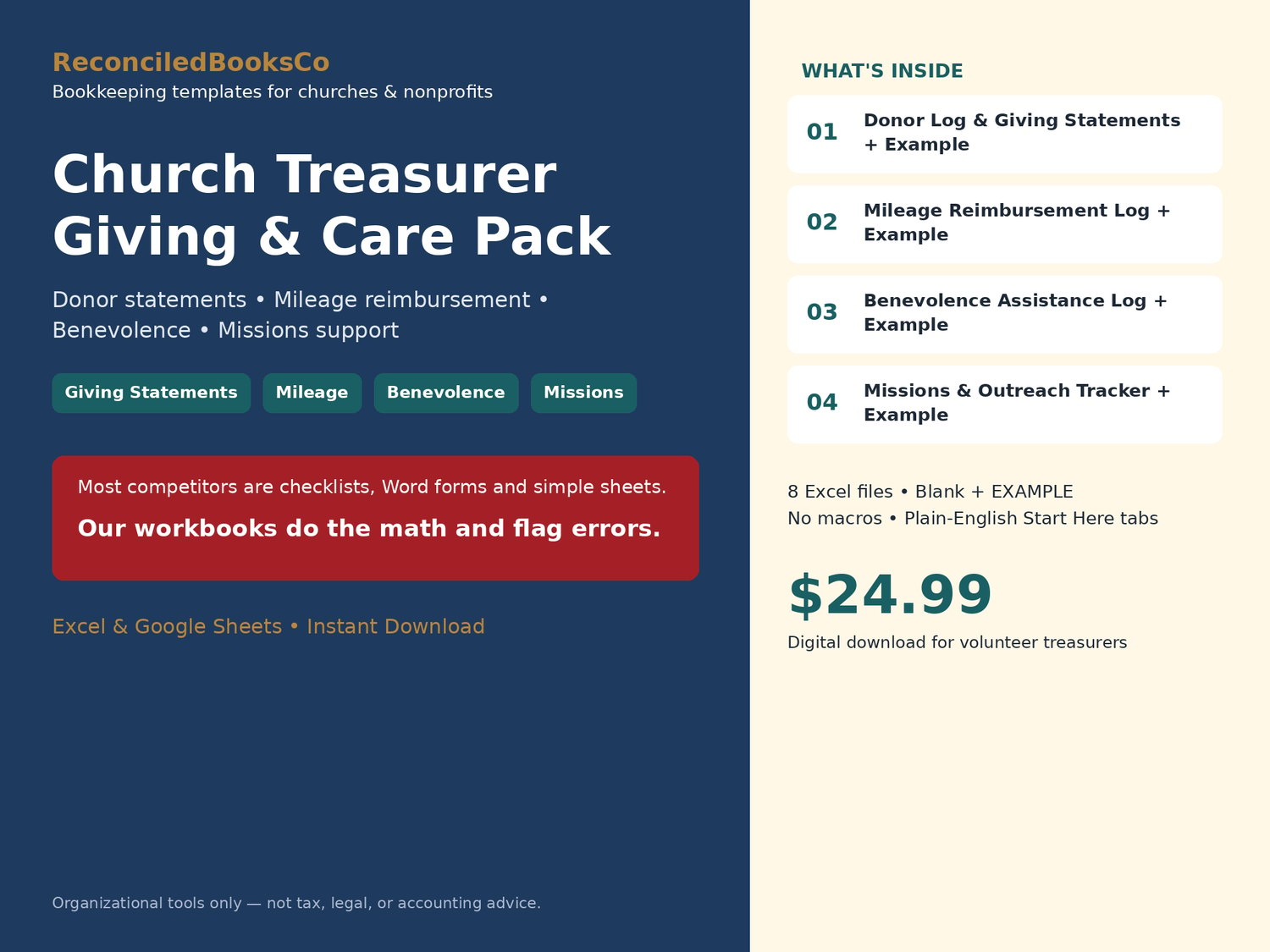
Most templates in this space are checklists, Word forms and simple sheets. These workbooks do the math and flag errors.
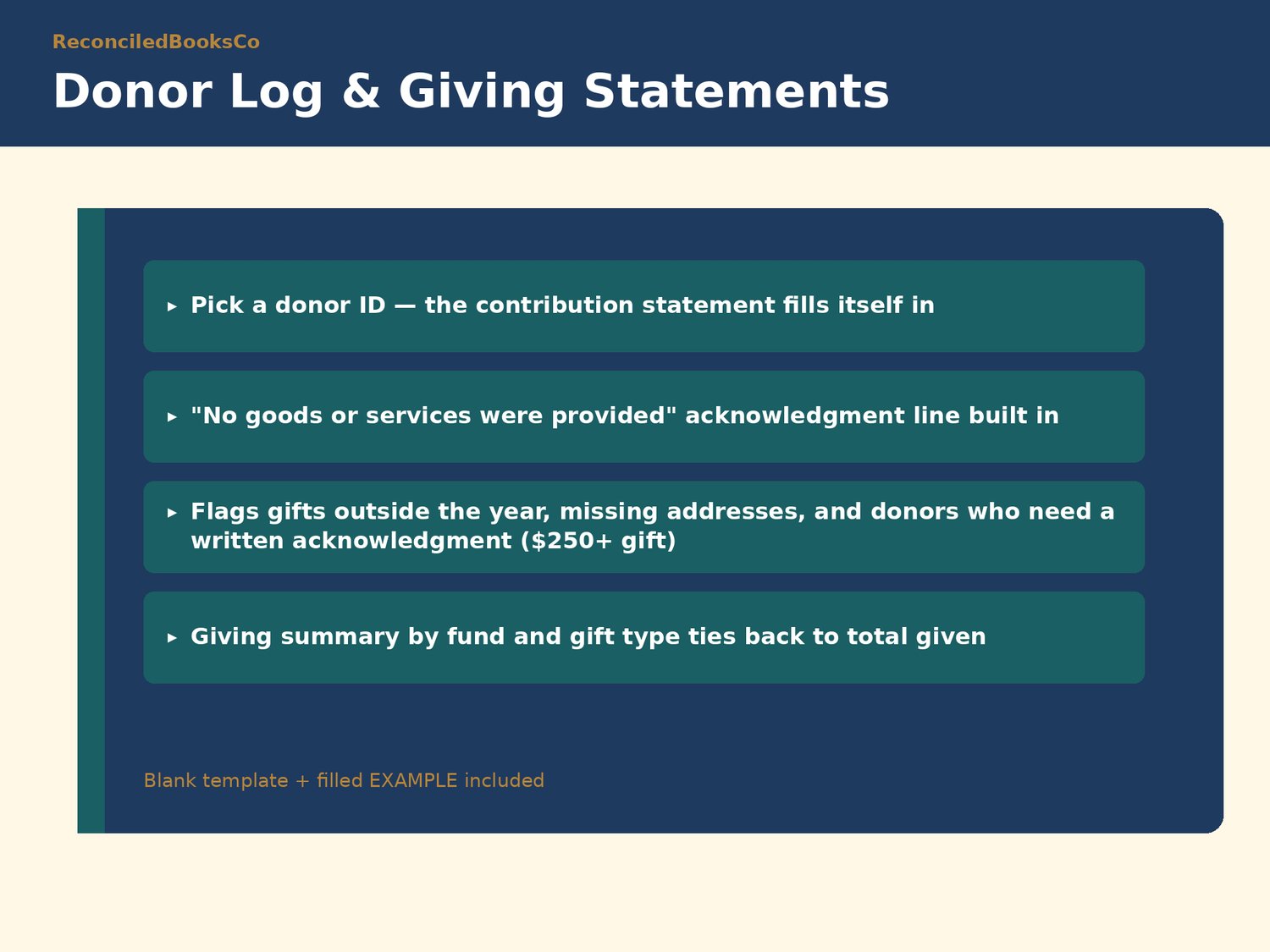
Every log has a Check column that tells you what to fix before it reaches a donor, a board member, or an auditor: gifts dated outside the giving year, donors missing an address, duplicate mileage trips, claims turned in late, benevolence cash paid to a recipient, and totals that don't tie out.
WHAT'S INCLUDED (8 Excel files)
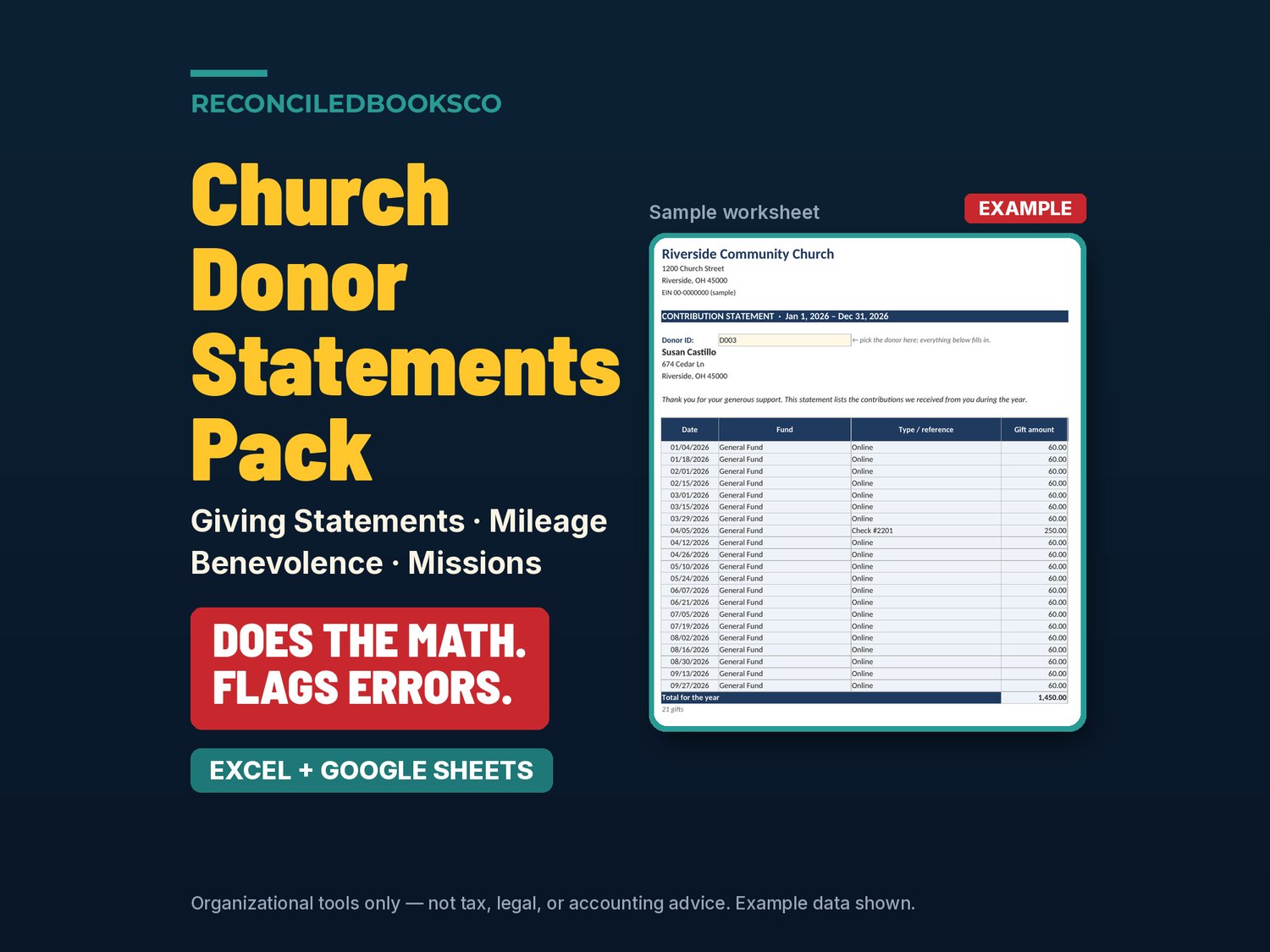
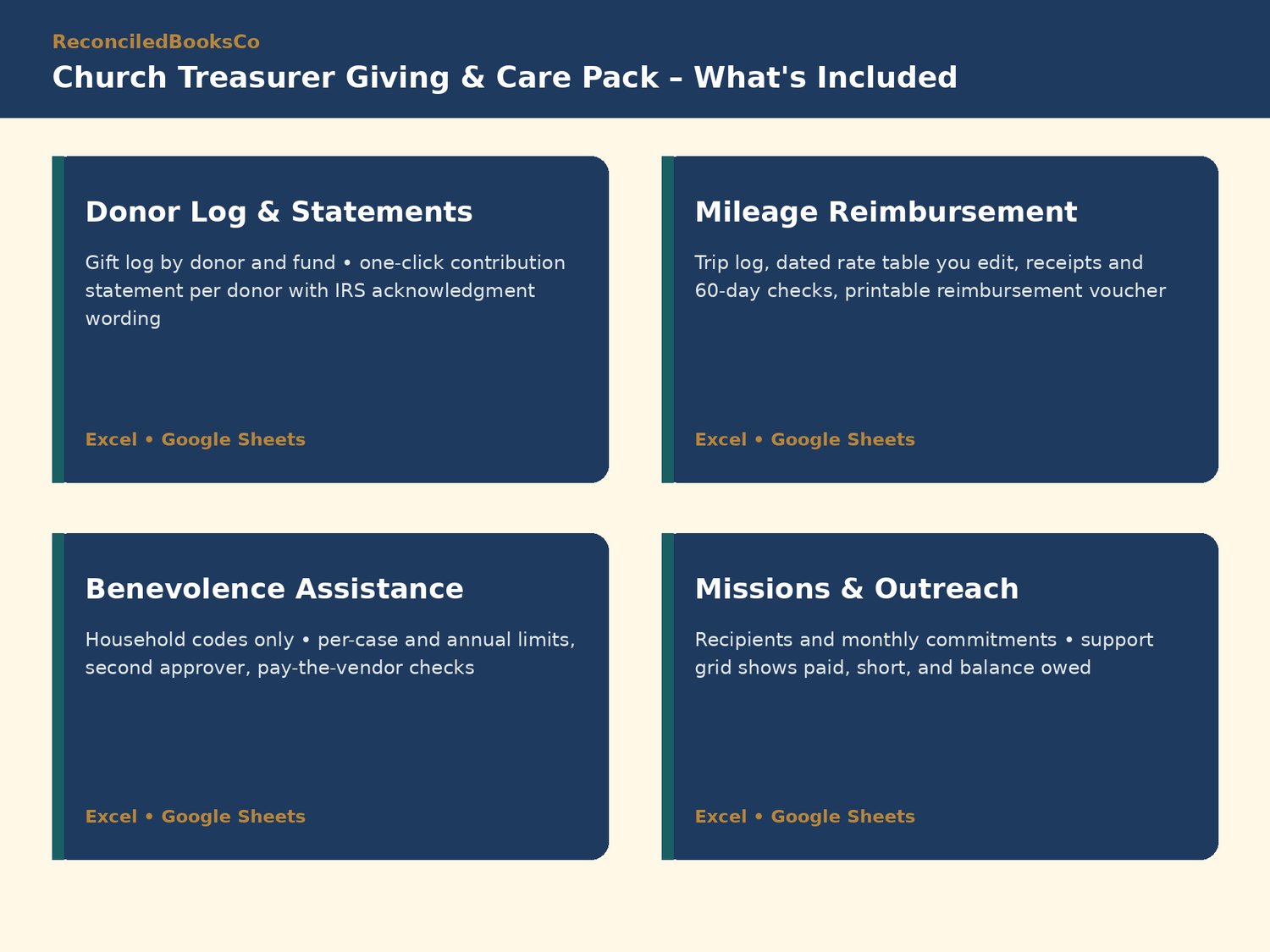
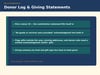
• Church_Donor_Log_Giving_Statements.xlsx + EXAMPLE: gift log by donor and fund; pick a donor ID and a contribution statement fills in, with the "no goods or services were provided" acknowledgment line; giving summary by fund and gift type
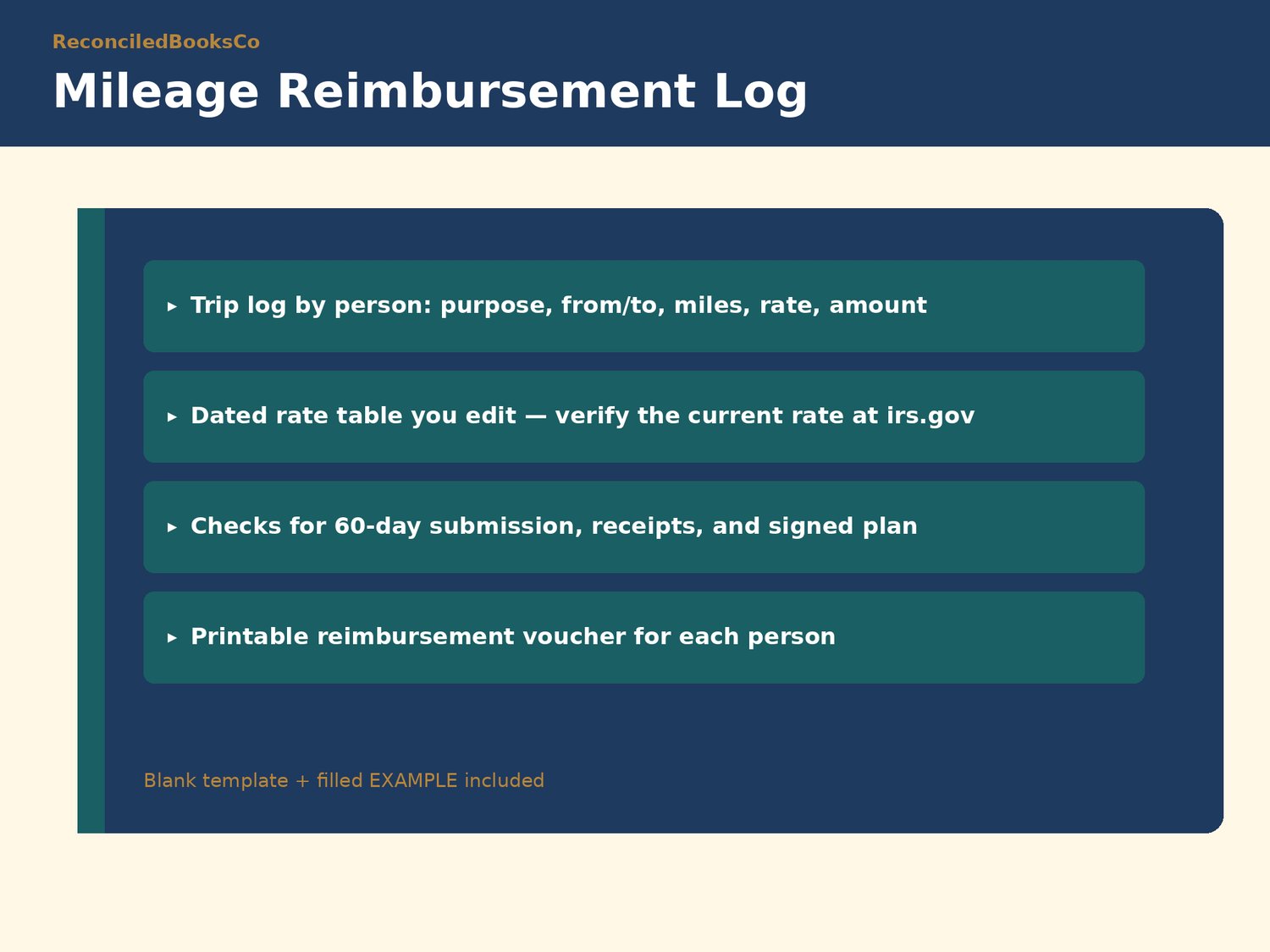
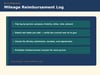
• Church_Mileage_Reimbursement_Log.xlsx + EXAMPLE: trip log, dated mileage-rate table you edit (verify the current rate at irs.gov), other expenses, 60-day and receipt checks, printable reimbursement voucher
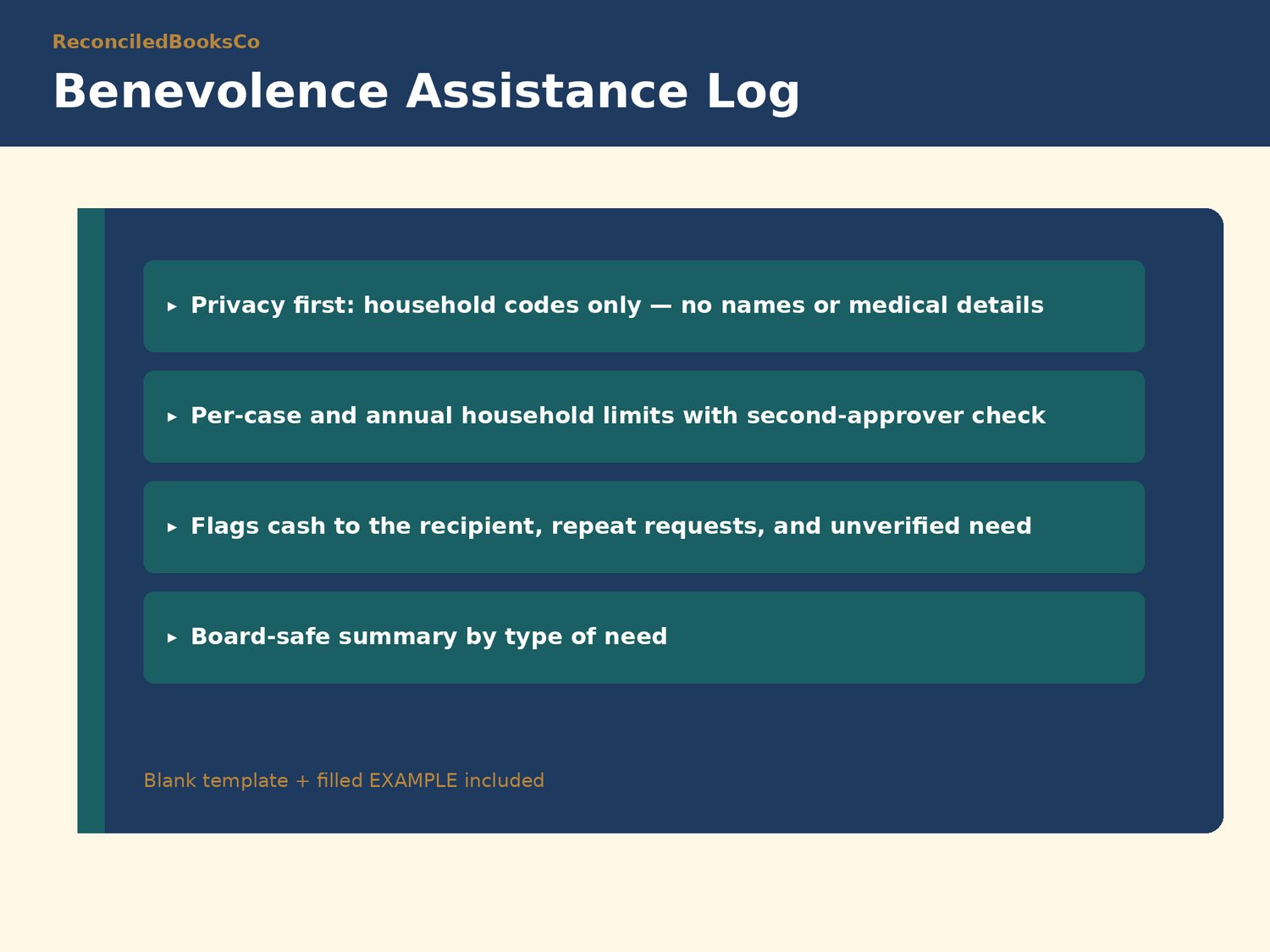
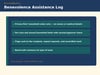
• Church_Benevolence_Assistance_Log.xlsx + EXAMPLE: household codes only (no names or medical details), per-case and annual limits, second-approver check, pay-the-vendor flags, board-safe summary
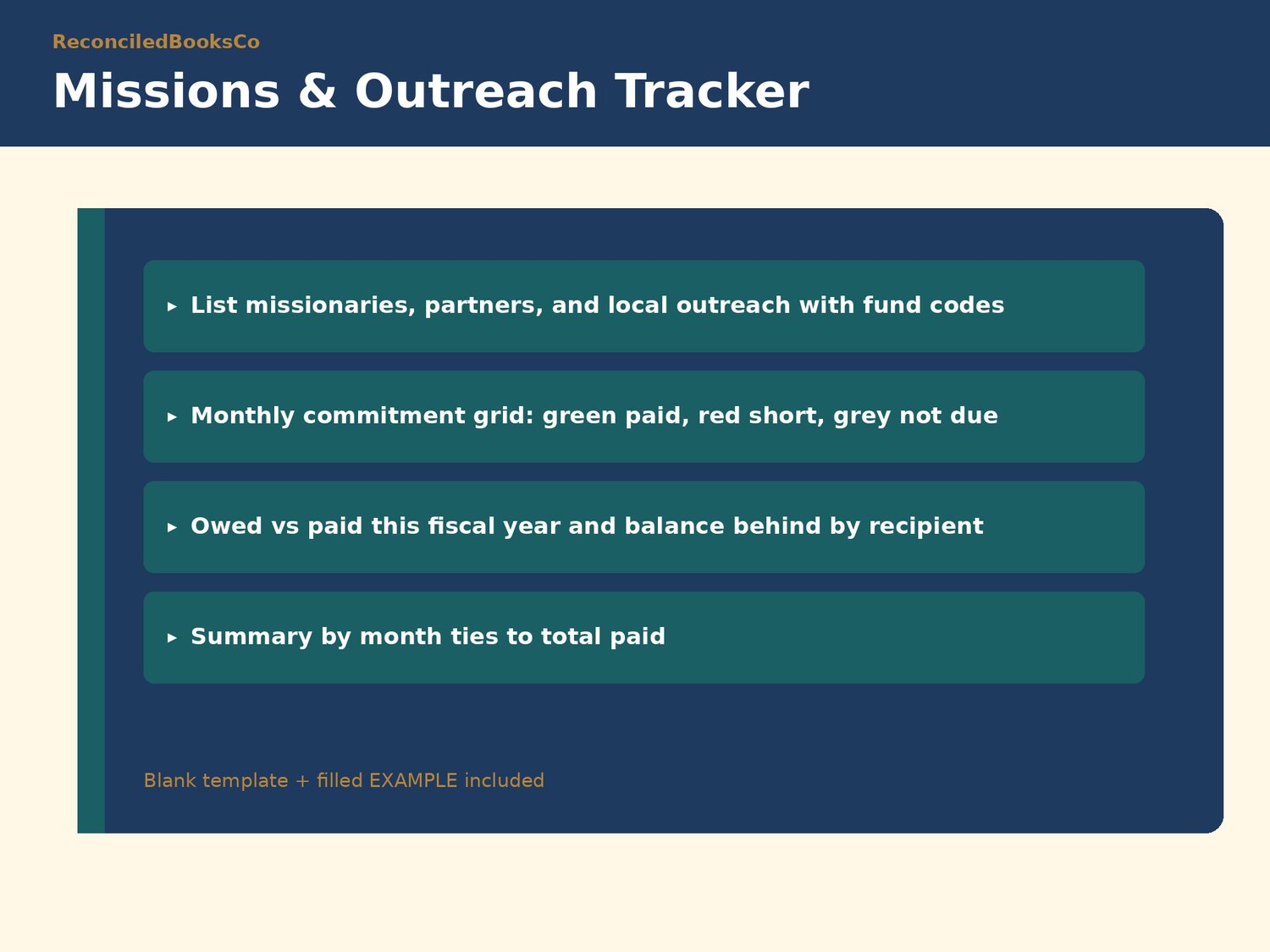
• Church_Missions_Outreach_Tracker.xlsx + EXAMPLE: missionaries and outreach partners, monthly commitments, support grid (paid / short / not due), owed vs paid and balance behind
HOW IT WORKS
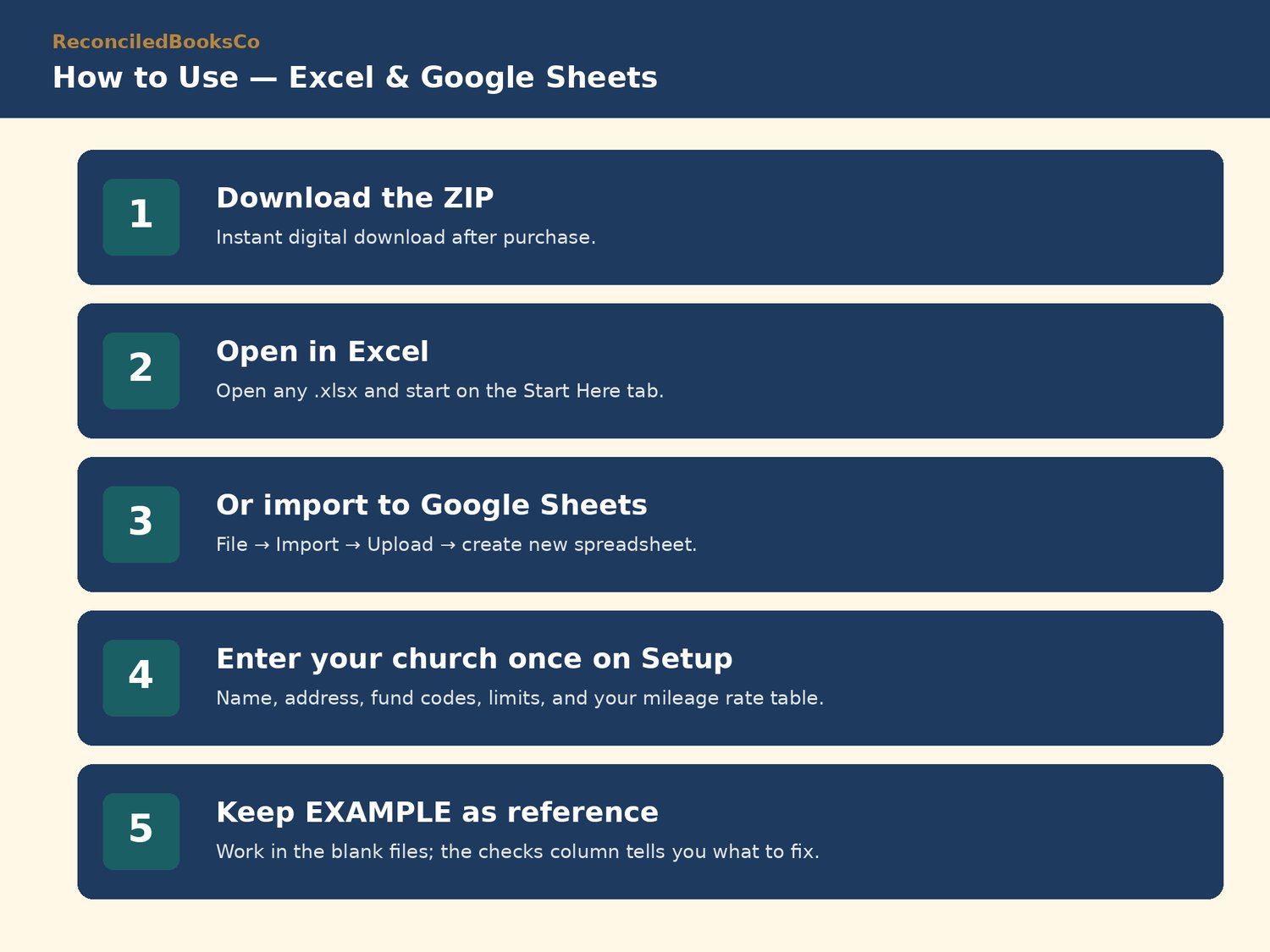
1. Enter your church once on the Setup tab: name, address, fund codes, limits, and your mileage rates.
2. Log gifts, trips, requests, and payments one line at a time.
3. The Check column flags problems; summaries and statements update themselves.
4. Print statements, vouchers, and summaries for donors and the board.
Same fund discipline as our other packs: Unrestricted (General), Board-designated, Donor-restricted, with fund codes like GEN and RES-BLD.
Plain-English Start Here tab in every file · no macros · blank + filled EXAMPLE for every template.
WORKS IN EXCEL AND GOOGLE SHEETS
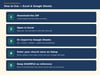
Excel: download the ZIP, open any .xlsx, and start on the Start Here tab.
Google Sheets: File → Import → Upload → choose the .xlsx → create new spreadsheet. (Sheets does not carry over Excel's sheet protection, so formula cells are unlocked there.)
Keep the EXAMPLE files as a filled reference; work in the blank files.
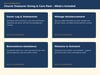
WHO THIS IS FOR
Part-time treasurers at churches roughly 40 to 250 in attendance who send year-end giving statements, reimburse mileage, run a benevolence fund, and support missionaries monthly.
PAIRS WITH OUR OTHER PACKS
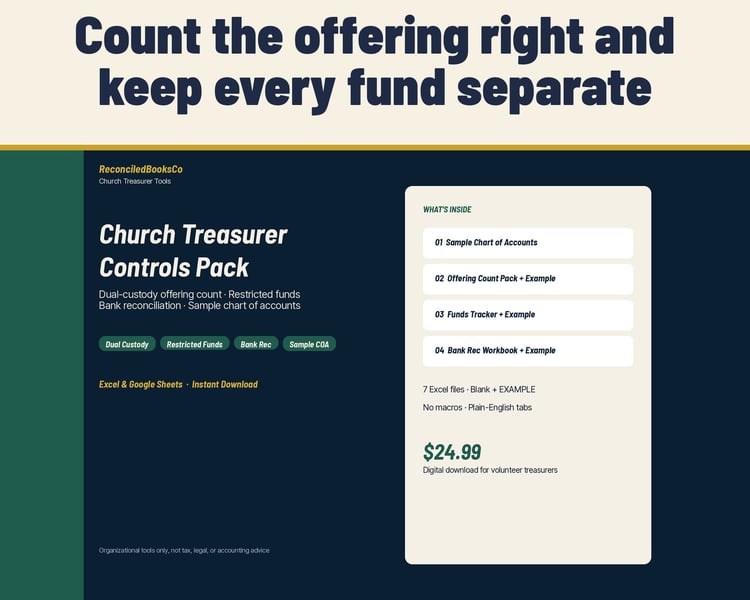
Church Treasurer Controls Pack (offering count, restricted funds, bank reconciliation) and Church Treasurer Monthly Ops Pack (income log, expense & bills, treasurer report, budget vs actual). Same fund codes, same Start Here layout.
INSTANT DOWNLOAD · FINAL SALE
This is a digital product. Files are available immediately after purchase. Because of the nature of digital downloads, all sales are final (see shop policies for detail).
DISCLAIMER
Organizational tools only for small churches and ministries. Not tax, legal, or accounting advice. Not approved or endorsed by the IRS or any denomination. Does not guarantee compliance or a clean audit. Confirm acknowledgment wording, mileage rates, and benevolence policy with a qualified CPA or attorney.
Built by ReconciledBooksCo, a small shop run by an experienced accountant.
Shop: ReconciledBooksCo