Your Cart
Loading
Only -1 left

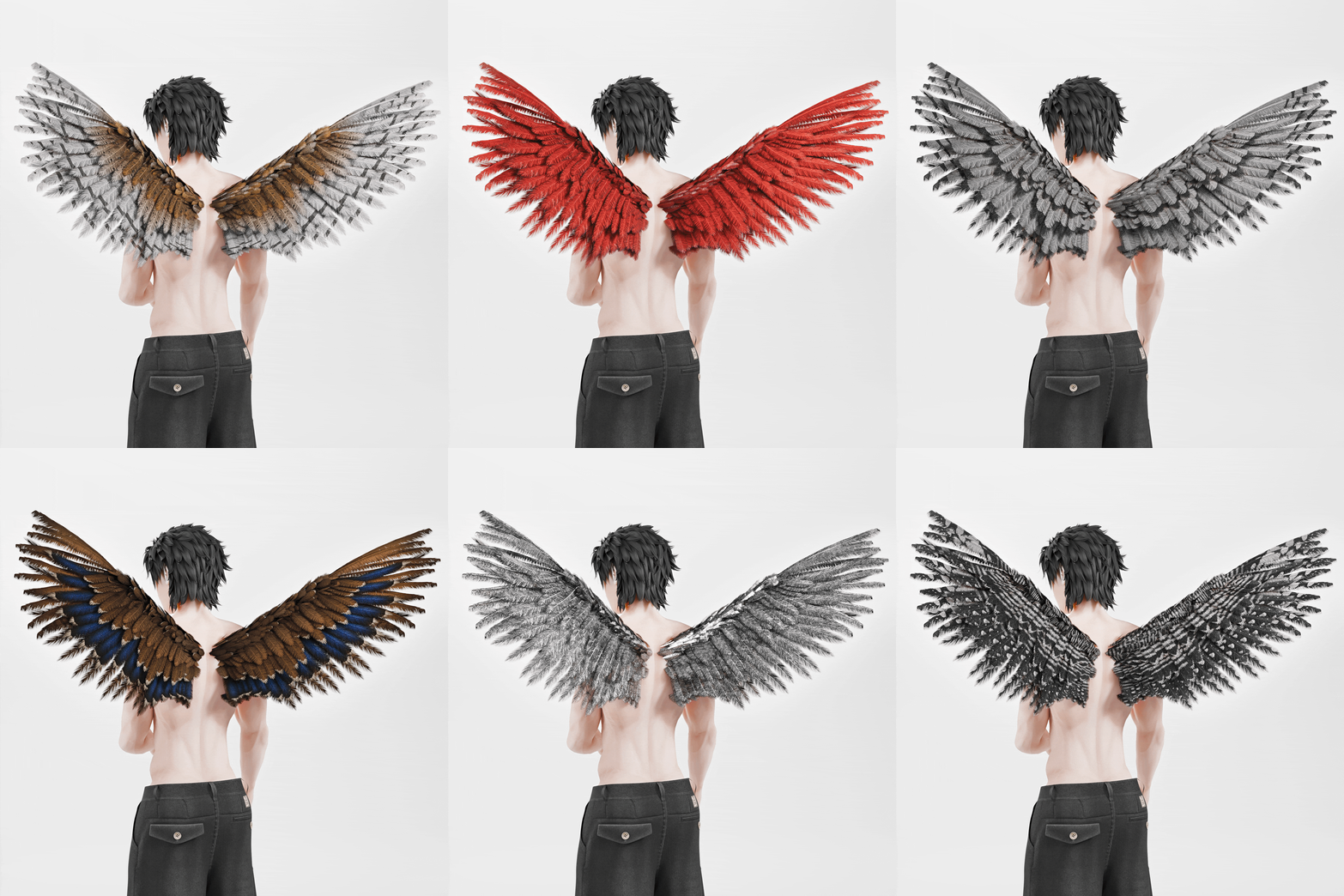
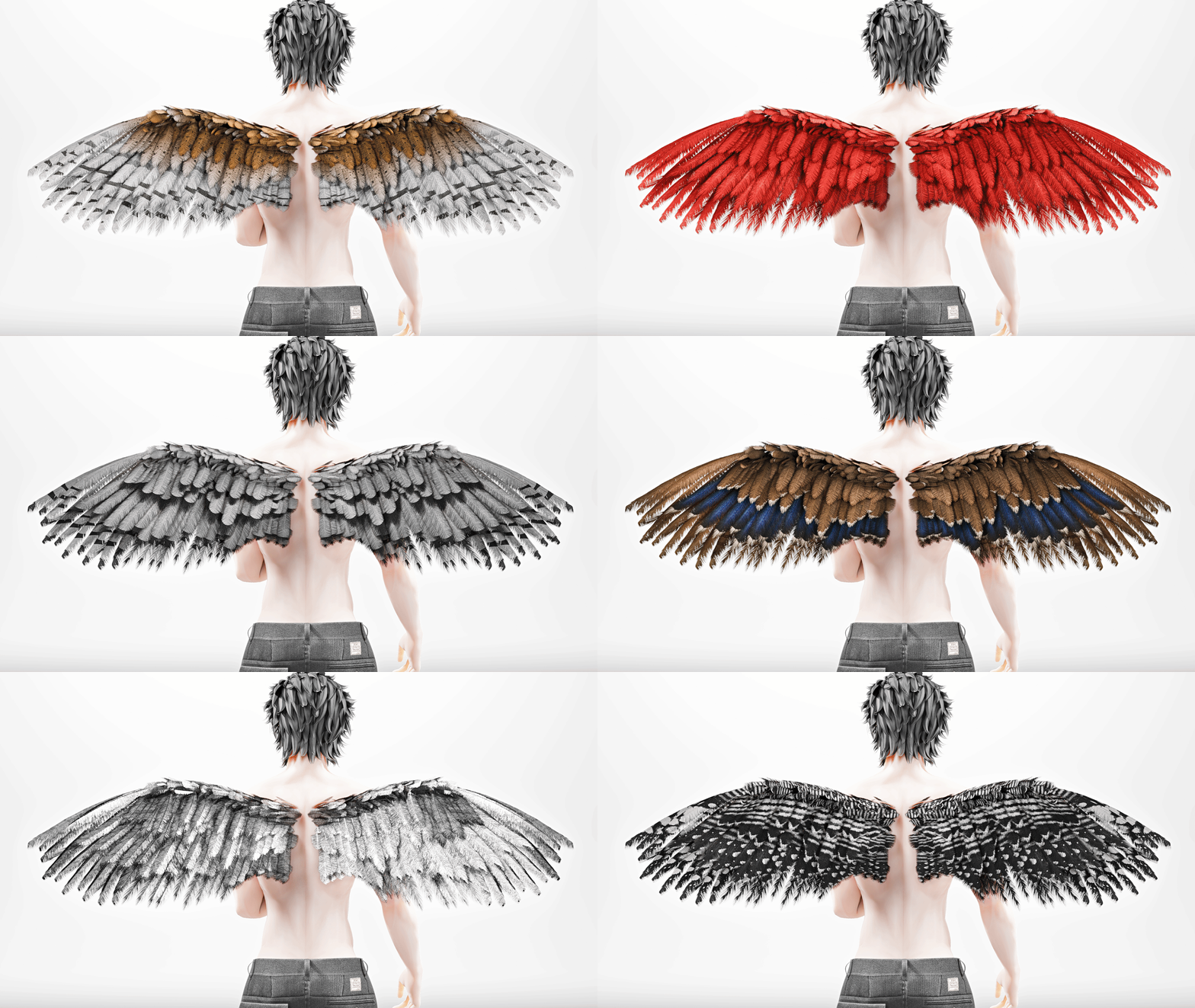
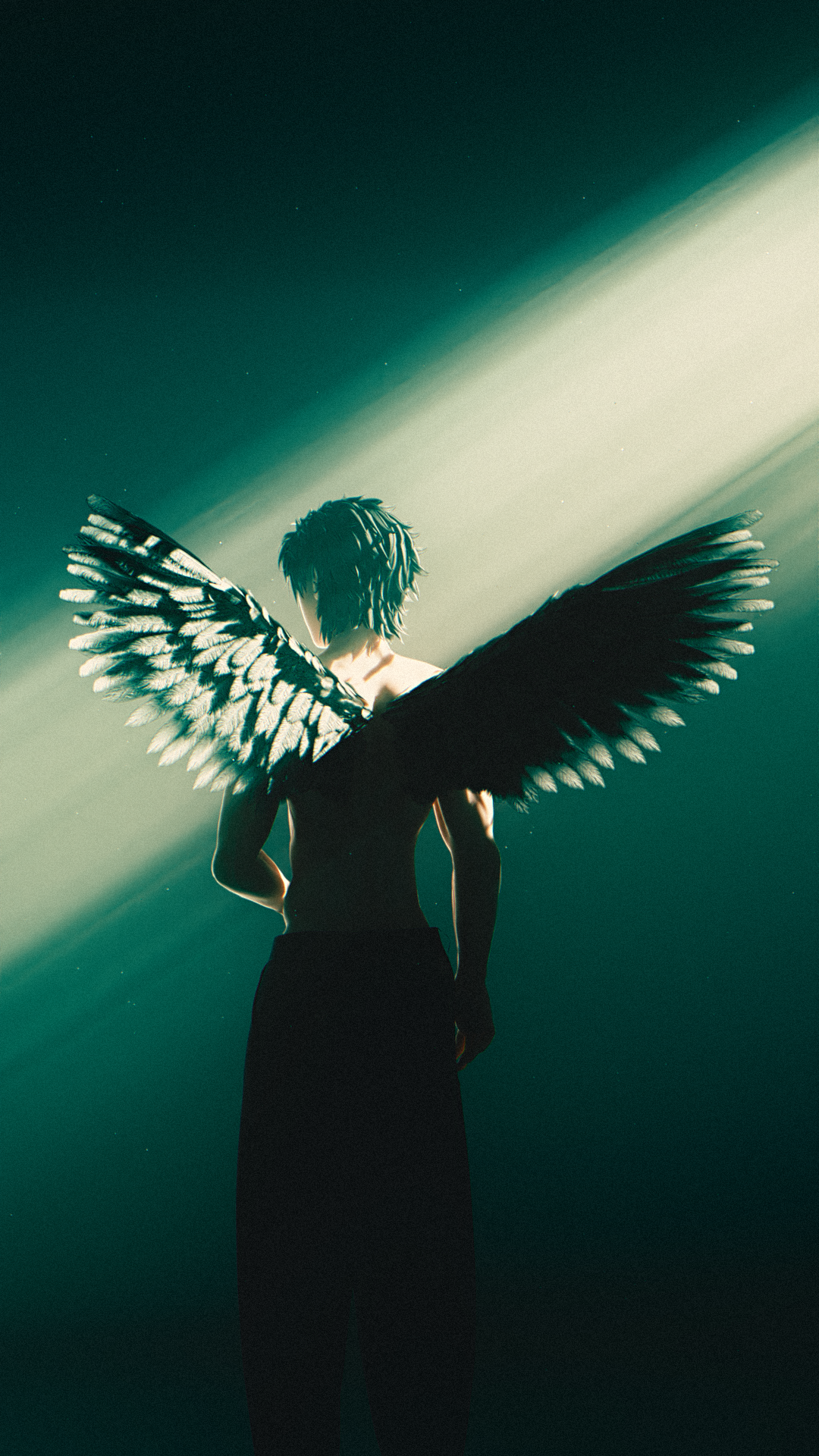
Bird Wings

On Sale
$15.00
$15.00
Added to cart

Technical Specifications

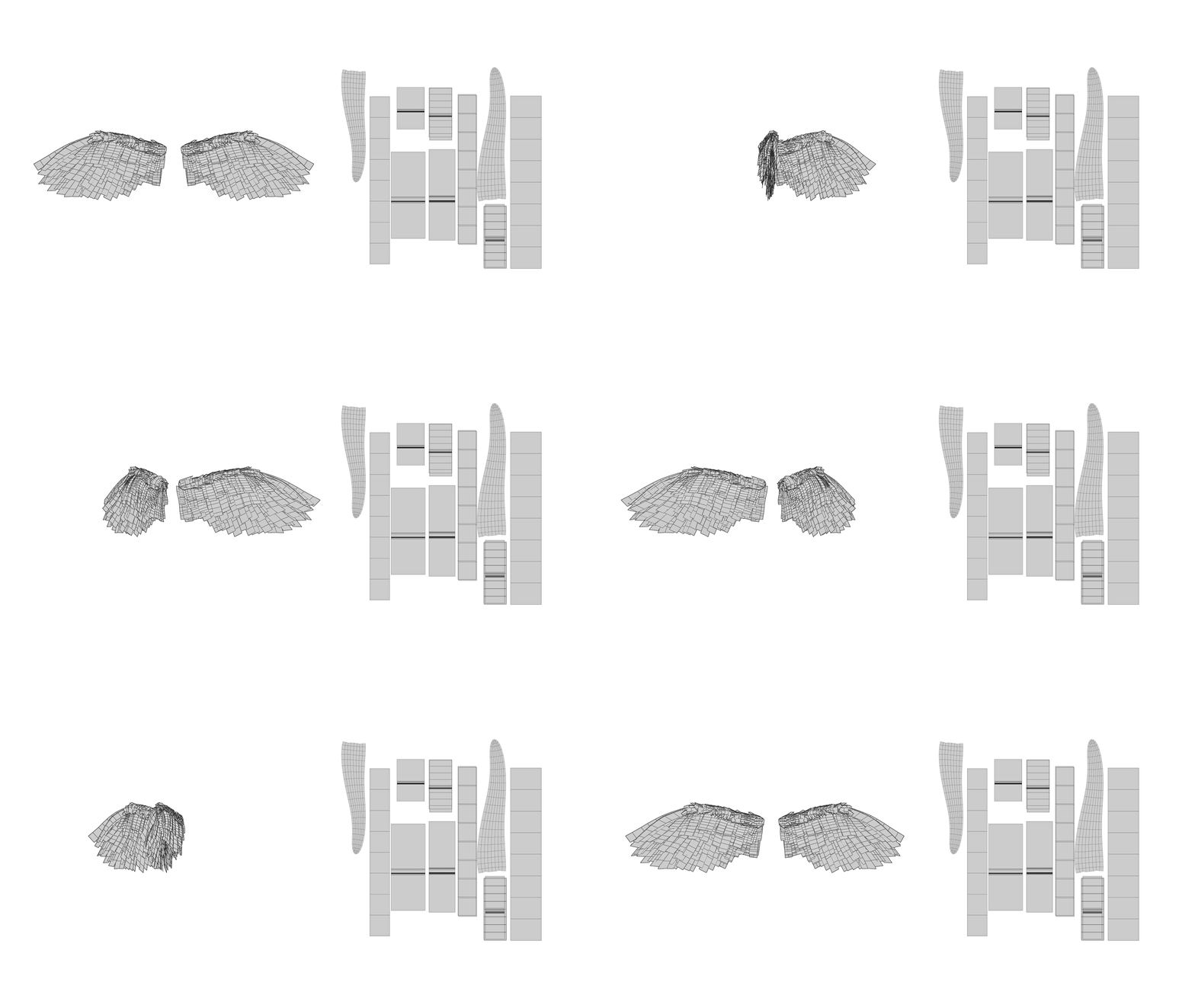
  • Triangles (Polycount): 7.7k
  • Material Count: 1
  • Mesh Count: 1
  • PhysBone Components: 2
  • PhysBone Transform Count: 28
  • Rig: Custom
  • Bone Count: 30
  • Texture Maps: Albedo, AO, Normal, Rough, Metallic, Emissive Mask
  • Colors:
  • 18 hand-crafted designs inspired by real life birds:
  • Barn Owl (brown/white/striped + spotted)
  • Bee-Eater (orange/blue/black)
  • Bluejay (blue/black/white/striped)
  • Cardinal (red)
  • Crow (iridescent black)
  • Flamingo (pink/salmon/black)
  • Gold (metallic + shiny/yellow/scratched)
  • Guide Mount (white/grey/black/striped)
  • Horned Owl (brown/dark brown/striped)
  • Macaw (red/yellow/green/blue)
  • Mallard (brown/light brown/black/iridescent blue/white tips)
  • Penguin (black)
  • Pheasant (brown/black/red/striped)
  • Shoebill (grey/white/black)
  • Silver (metallic + shiny/white/scratched)
  • Swan (white)
  • Vulture (brown/tan/cream/black)
  • Woodpecker (black/white/striped + spotted)

Requirements

  • Unity 2022.3.22f1
  • Poiyomi Toon 9.3.46 (or whatever is newest)
  • VRChat SDK3 (Avatars)

What's in the Package

  • Wings mesh + armature — fully rigged with feather bones
  • 18 feather materials — bird species ranging from Crow to Macaw to Flamingo
  • Texture maps — albedo, normal, emission, and data maps for each material
  • Unity setup script — automates FX layer merging, retargeting, and menu creation
  • Pose animations — Resting, Flap Up, Flap Down, Folded, Flare, Covered, Dive, Glide
  • Size animations — Bigger, Smaller
  • Texture Resizer — standalone tool for reducing texture resolution before upload (see below)

Installation Guide


Texture Resizer

The Texture Resizer is a standalone Windows tool written by Evan Pierce (EAE) for quickly downscaling textures before uploading your avatar to VRChat. Smaller textures = less VRAM usage = better performance ranking.


What it does

Rescales .png, .jpg, and .tga texture files to a target resolution of your choice. Processes files in-place (overwrites the original) or to a new output, depending on your settings.


The repository for the script is public and can be found here

Artstation Post — Has more details + interactive 3D scene for viewing the wings

You will get the following files:
  • ZIP (844MB)
  • HTML (45KB)
  • UNITYPACKAGE (786MB)

Requirements and Notice

Notice for VRChat Users

Please refrain from downvoting this product or leaving false reviews due to user error. If you purchase this model without understanding how assets function, that responsibility lies with you.

The models and assets are always double checked for rigging issues and missing files before being packaged. For dynamic movement to work, the armature must be included upon import, as it contains the vertex data for weight painting. You may remove the armature after importing the asset, provided you don’t close the scene.

A basic understanding of Unity and avatar creation using Blender or another 3D program is required to utilize this asset.


Communication:

  • Evan will not respond to friend requests on Discord.
  • Due to high message volume, it is unlikely Evan will respond to direct messages.
  • For assistance, please explore avatar Discord servers and YouTube tutorials before contacting Evan.
  • Only reach out to Evan for serious bugs or user experience issues related to this product.

Contact Information:


License Information & Terms of Use:

  • Commercial License (For Projects Expecting Profits Under $20,000)Grant of License:
  • This Commercial License grants individuals, small businesses, or organizations the right to use the purchased digital asset in commercial projects that are expected to generate profits up to $20,000. This includes use in games, renders, visual media, animations, and other commercial content.
  • Additional Notes for All Licenses:
  • Termination: Any breach of the terms of the license will result in immediate termination of the license, and the user must cease all use of the digital assets.
  • Non-Exclusive License: All licenses are non-exclusive, meaning EAE retains ownership and the right to continue selling the digital assets to other users.
  • Upgrading Licenses: If a project exceeds its initially expected revenue threshold (e.g., if a project under the Commercial License grows beyond $20,000 in profits), the user is required to upgrade their license by contacting EAE for appropriate licensing.
  • Terms of Use

The full Terms of Use and license information can be found here.