
Colouring With Light App
Learn photography one tap at a time.
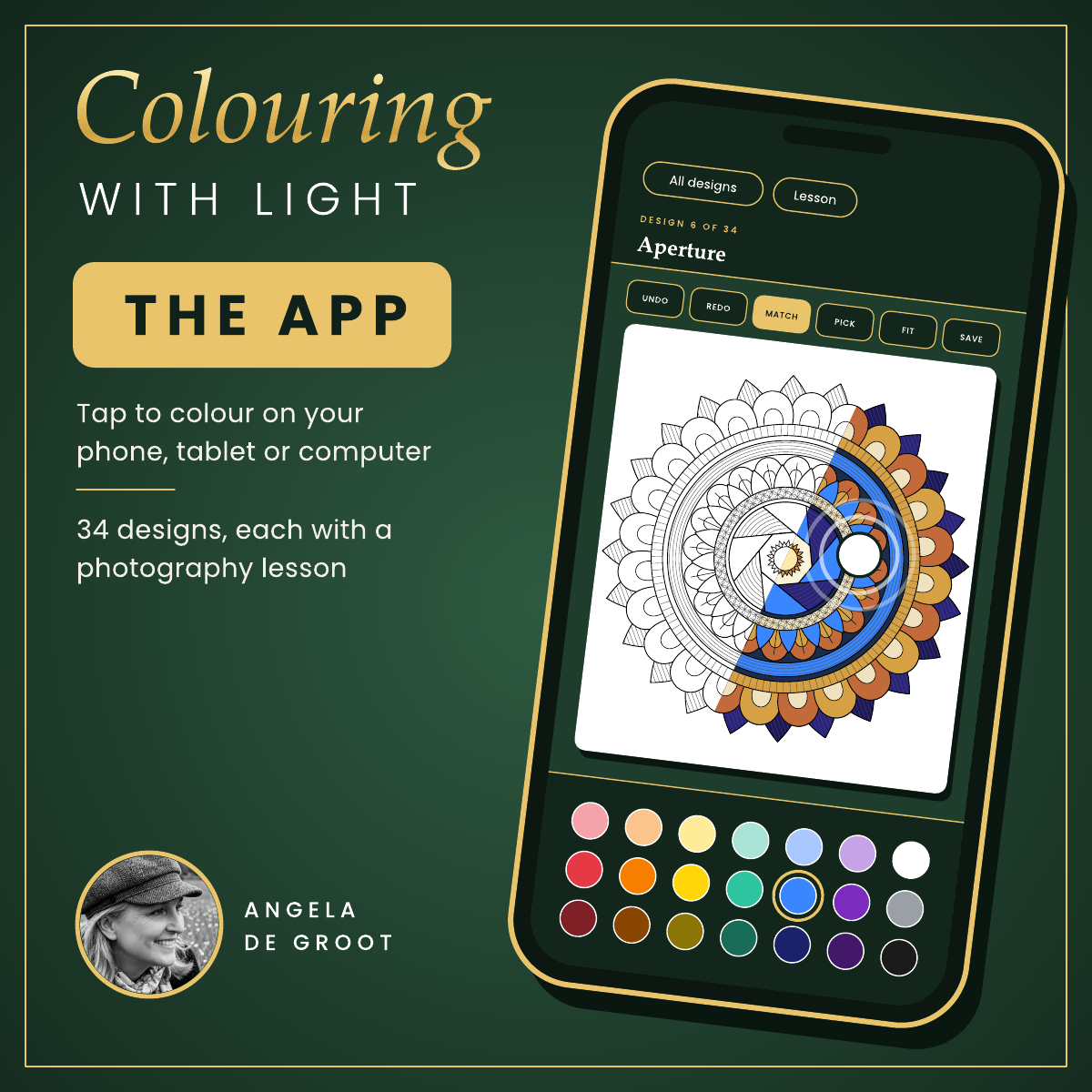
Colouring With Light is a colouring app with a purpose. Each of its 34 intricate designs is built around one idea in photography, from aperture and shutter speed to golden hour and the rule of thirds. Pick a colour, tap a shape to fill it, then read the short lesson and try the exercise with your camera or phone.
The idea came from one of my learners. She was struggling with sleepless nights and found colouring calming, and she is a visual learner who takes things in by seeing and doing far more than by reading. So I drew her a page that taught a piece of photography as she coloured it. It worked, and that one page grew into a book, and now this app.
What's inside
• 34 designs to colour, each teaching one concept
• A plain-English lesson and a five-minute camera exercise with every design
• Five parts: Meet Your Camera, Exposure, Light and Colour, Composition, and Creative Techniques
• Match, which fills every matching shape with one tap
• Zoom, undo and a 42-colour palette
• A pocket guide to camera settings
• Save any finished page as a picture
Who it's for
Beginners, and anyone who has a camera but still shoots on auto. You don't need expensive equipment; most of it applies to a phone as well.
How it works
After buying you'll receive a short PDF with your personal link. The app opens in your web browser on a phone, tablet or computer, so there is nothing to install, and you can add it to your home screen like any other app.
Good to know
• Your colouring is saved on the device you use and doesn't transfer to another device
• You need an internet connection
• For your personal use only; please don't share the link
Prefer paper? The print-at-home PDF edition is also in my shop.
This is the copy from earlier with two additions: the five parts of the book and a "Who it's for" section, so it matches the PDF listing.