
Rental Property Tracker: Rent Log, Expenses, Schedule E Summary & ROI for Landlords (Excel + Google Sheets)
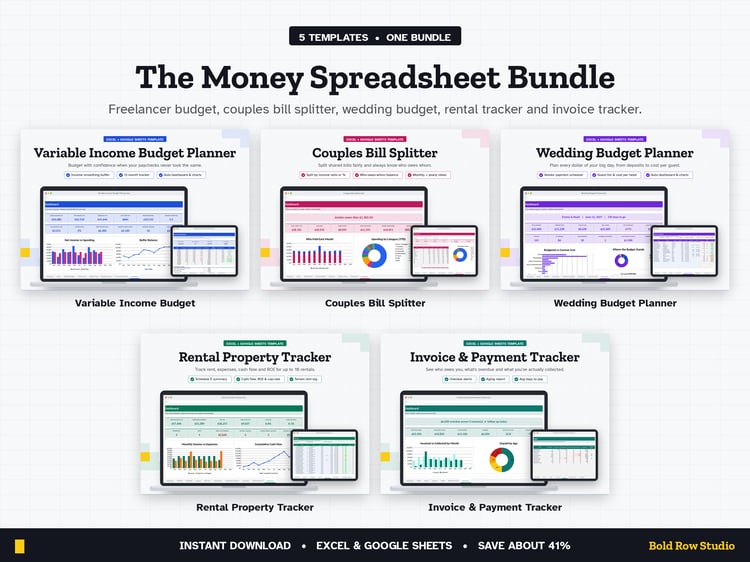
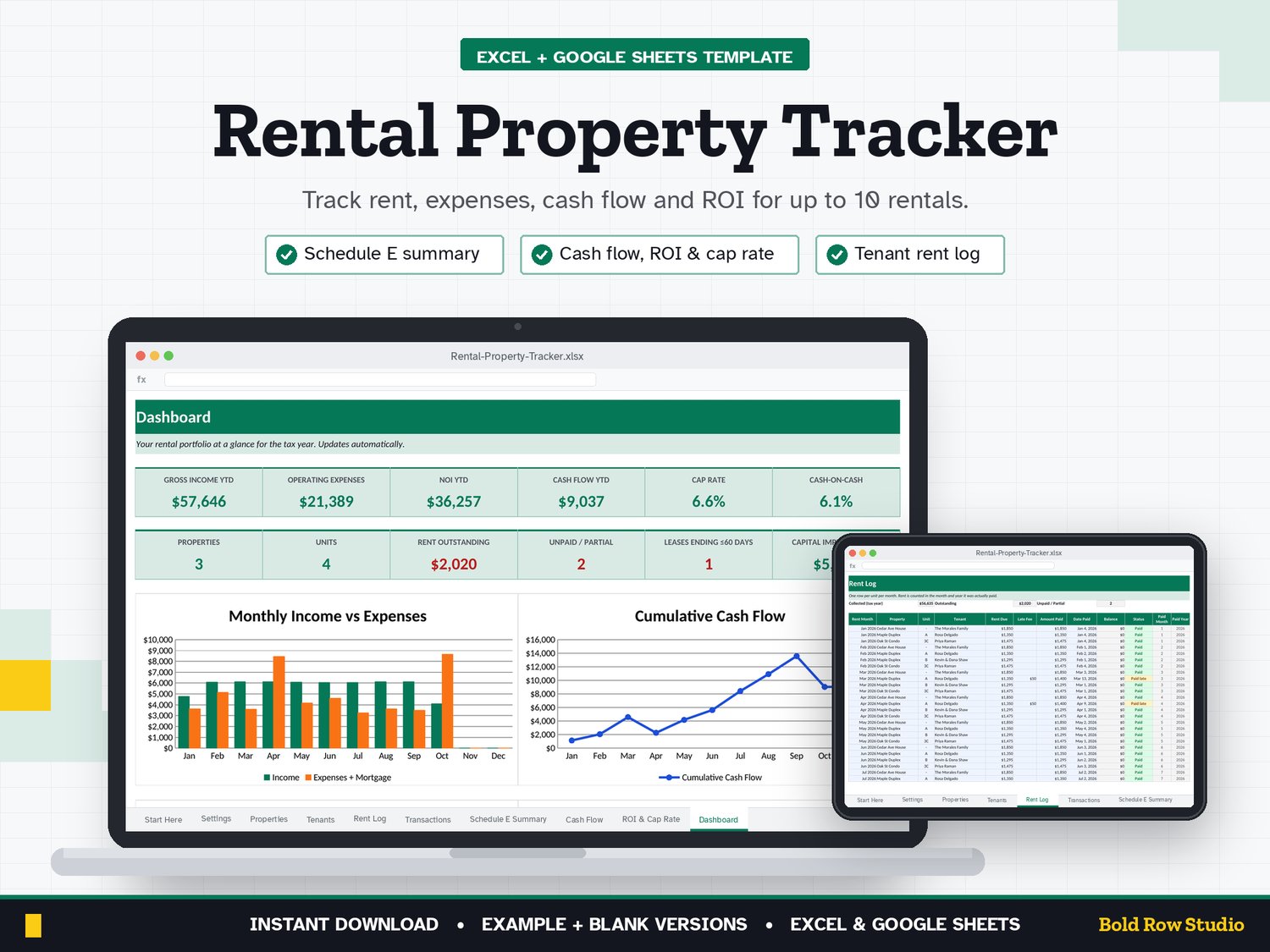
The Rental Property Tracker is a spreadsheet template for Microsoft Excel and Google Sheets that tracks rent, expenses, cash flow, ROI and cap rate for up to 10 rental properties, with a Schedule E summary for tax time. It's for small landlords and new real estate investors who want clear numbers without paying for property-management software every month.
WHAT'S INCLUDED
• Rental-Property-Tracker_BLANK.xlsx: ready for your properties
• Rental-Property-Tracker_EXAMPLE.xlsx: a sample 3-property portfolio so you can see how it works
• Download guide (PDF) with step-by-step Excel and Google Sheets setup
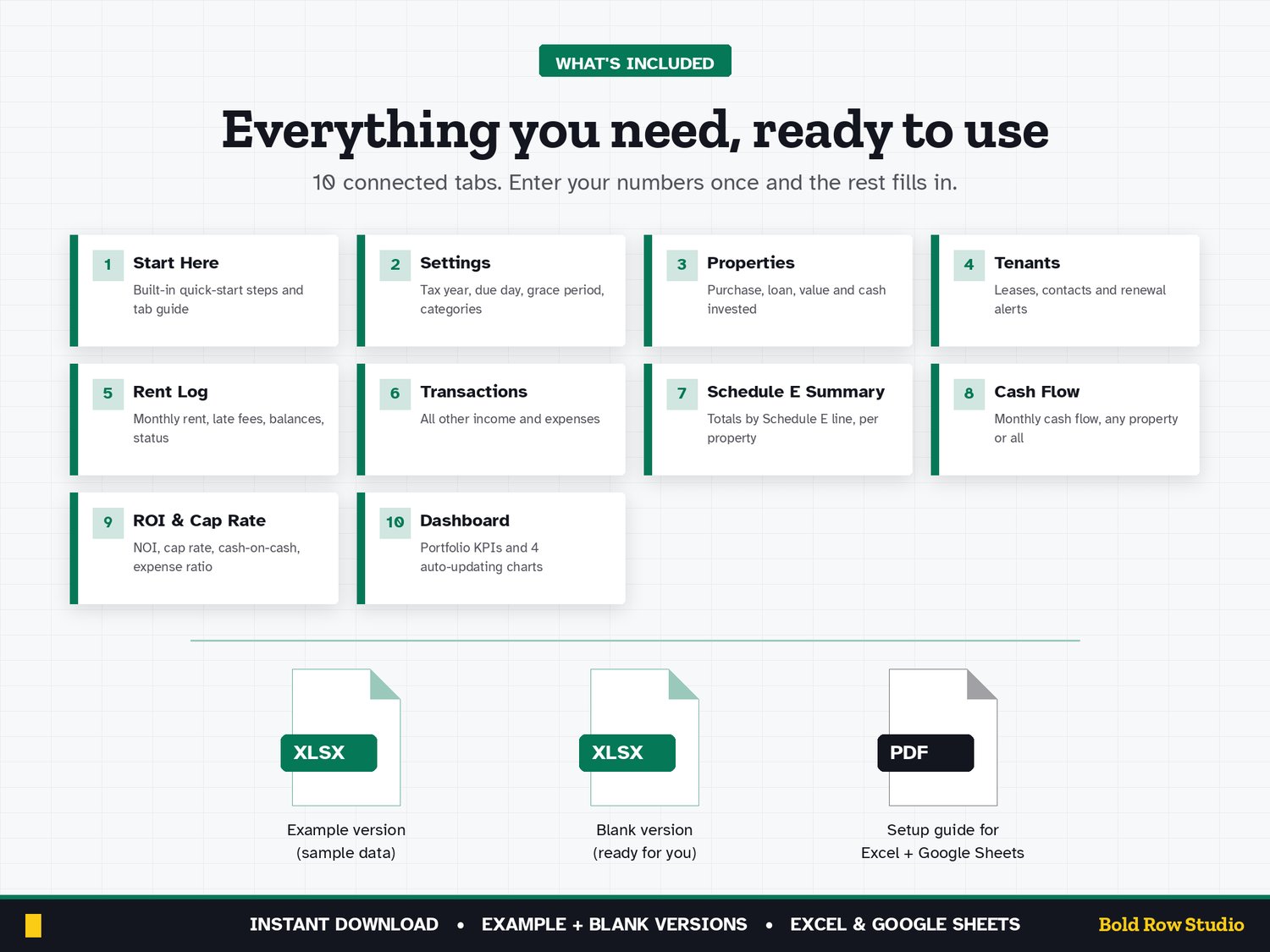
10 TABS
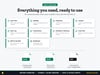
Start Here (built-in quick-start notes) · Settings · Properties · Tenants · Rent Log · Transactions · Schedule E Summary · Cash Flow · ROI & Cap Rate · Dashboard
Room for 10 properties, 50 tenants, 600 rent entries and 1,000 transactions per file.
KEY FEATURES
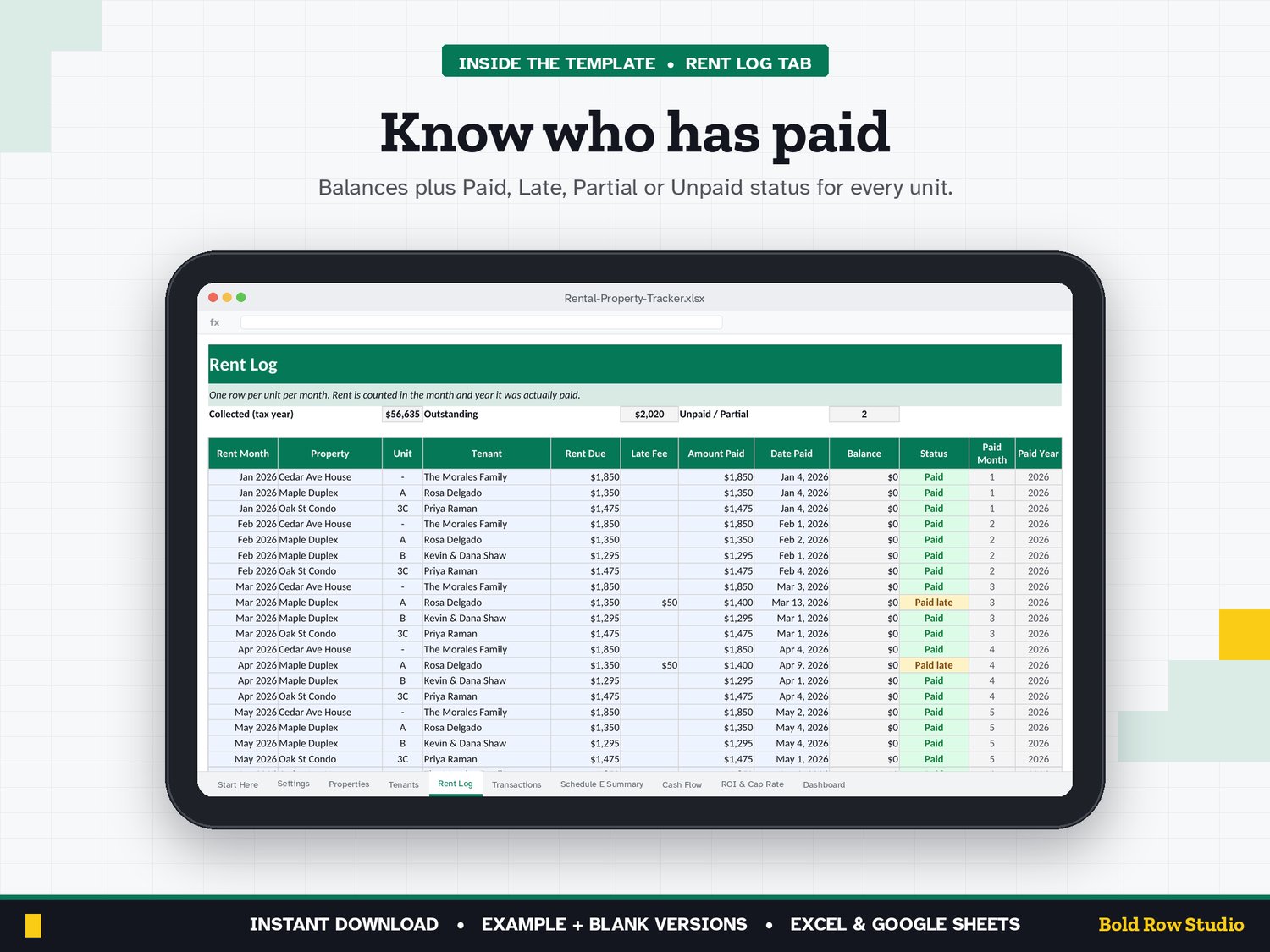
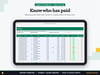
• Rent Log: rent due, late fees, amount paid and status (Paid, Paid late, Partial, Unpaid) for every unit, every month
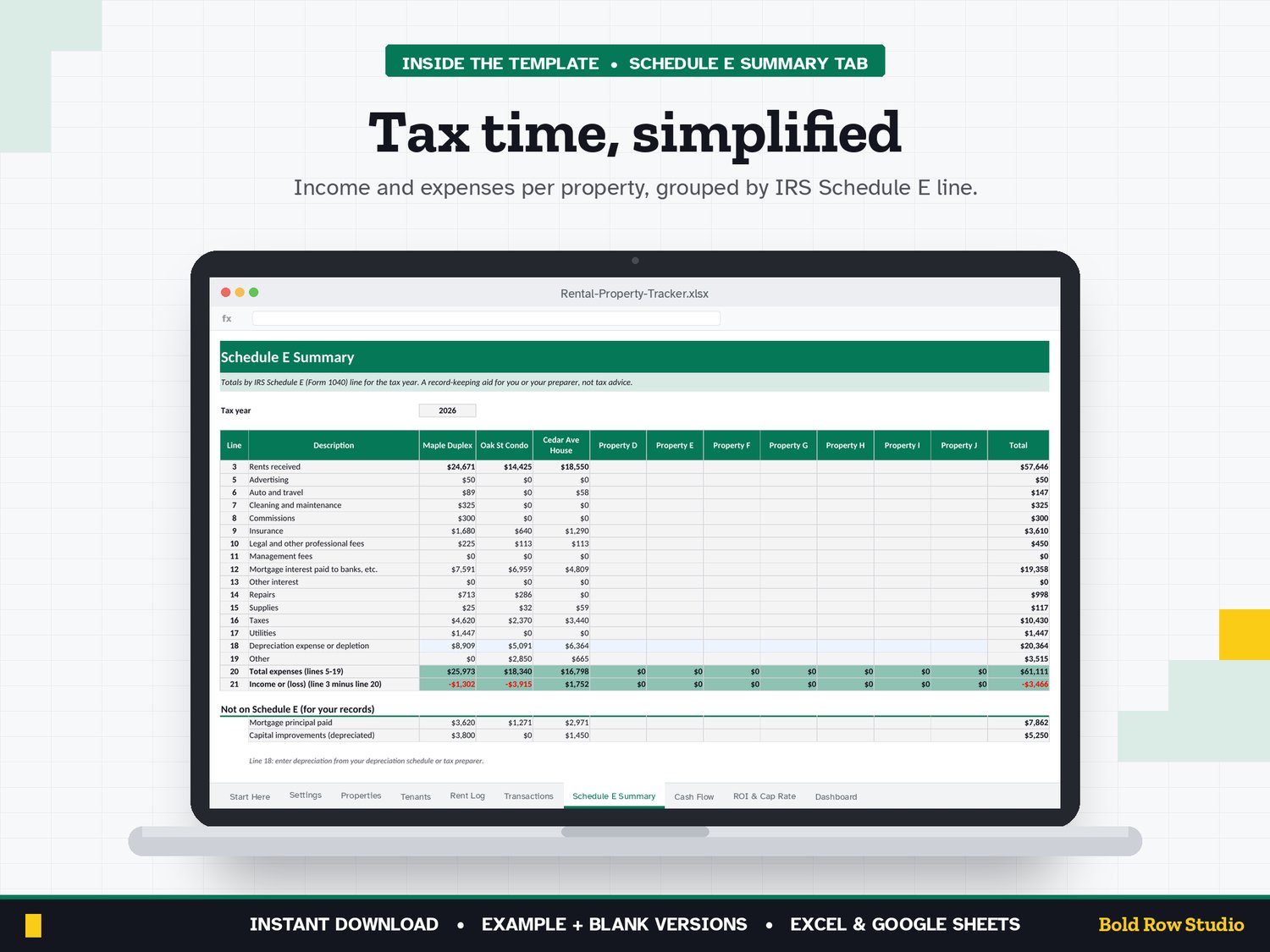
• Transactions: every expense and other income, by property. Pick a category and the Schedule E line fills in automatically
• Schedule E Summary: income and expenses per property, grouped by IRS Schedule E line, for you or your tax preparer
• Cash Flow: monthly cash flow for one property or your whole portfolio (dropdown)
• ROI & Cap Rate: NOI, cash flow, cap rate (on purchase price and on current value), cash-on-cash return and expense ratio
• Tenants: leases, contacts and deposits, with "Renew soon" alerts 60 days before a lease ends
• Dashboard: portfolio KPIs plus 4 charts
HOW IT WORKS
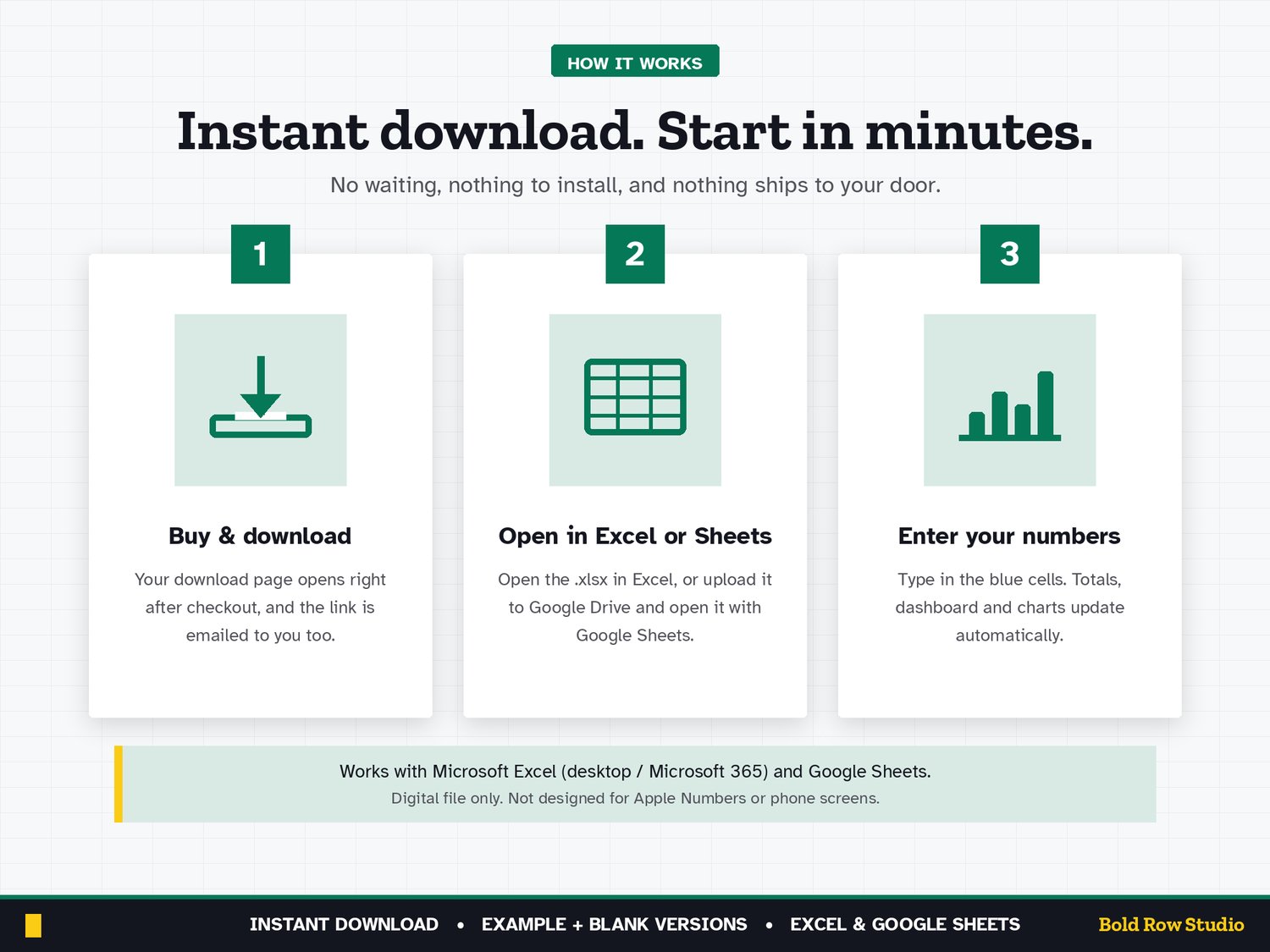
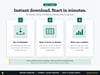
1. Buy and download instantly: your download page opens right after checkout, and the link is also emailed to you.
2. On a computer, open the BLANK file in Microsoft Excel, or upload it to Google Drive and open it with Google Sheets (the PDF guide shows both).
3. Start on the Start Here tab and type your numbers into the blue cells. The grey formula cells, summaries and dashboard charts update automatically.
4. Open the EXAMPLE file any time to see how a filled-in version looks.
COMPATIBILITY
✔ Microsoft Excel (Windows and Mac desktop, Microsoft 365)
✔ Google Sheets (free): upload the .xlsx to Google Drive, then Open with Google Sheets
✘ Not designed for Apple Numbers or phone screens. A computer is recommended.
FREQUENTLY ASKED QUESTIONS
Q: Does it work in Excel and Google Sheets?
A: Yes. It works in Microsoft Excel (Windows or Mac desktop, or Microsoft 365) and in Google Sheets, which is free with a Google account. It isn't designed for Apple Numbers.
Q: Should I use Google Sheets or Excel?
A: Either works: the formulas, dropdowns and charts work in both. Choose Excel if you want to keep the file on your computer. Choose Google Sheets if you want a free, browser-based option. For Google Sheets, upload the .xlsx file to Google Drive, right-click it and choose Open with > Google Sheets, then File > Save as Google Sheets.
Q: Can I use it on my phone or tablet?
A: It's designed for a computer screen, not a phone. Phones often can't open .xlsx downloads, so download and set it up on a computer. Once it's saved as a Google Sheet, you can open it in the Google Sheets mobile app to check your numbers, but a computer is best for setup and data entry.
Q: How do I download it?
A: Right after checkout your download page opens, and the download link is also emailed to you. Download all the files on a computer, then follow the PDF guide to open the BLANK file in Excel or Google Sheets.
Q: Can I customize it?
A: Yes. Enter your tax year, rent due day, grace period and expense categories (each mapped to a Schedule E line) in the blue cells on the Settings tab and the rest of the workbook updates. Formula cells are locked without a password so they can't be overwritten by accident. To change formulas or the layout, unprotect the tab: Review > Unprotect Sheet in Excel, or Data > Protect sheets and ranges in Google Sheets.
Q: Can I get a refund?
A: Yes, within 14 days of purchase, in two cases: a file has a problem I can't fix, or you bought the same product twice by mistake. Email todorgan@gmail.com with your order details.
GOOD TO KNOW
• This is a digital product. Nothing will be shipped.
• A record-keeping tool, not tax, legal or investment advice. Confirm tax treatment with your tax professional.
• Amounts are shown in US dollars ($). Schedule E categories follow the US IRS form.
• For personal use. Please don't share or resell the files.
• Questions or a problem with a file? Email todorgan@gmail.com.
AI disclosure: this template was designed with the help of AI tools. The formulas, layout and example data were reviewed and tested before release.