
Household Budget Planner
On Sale
ZAR99.00
ZAR 99.00
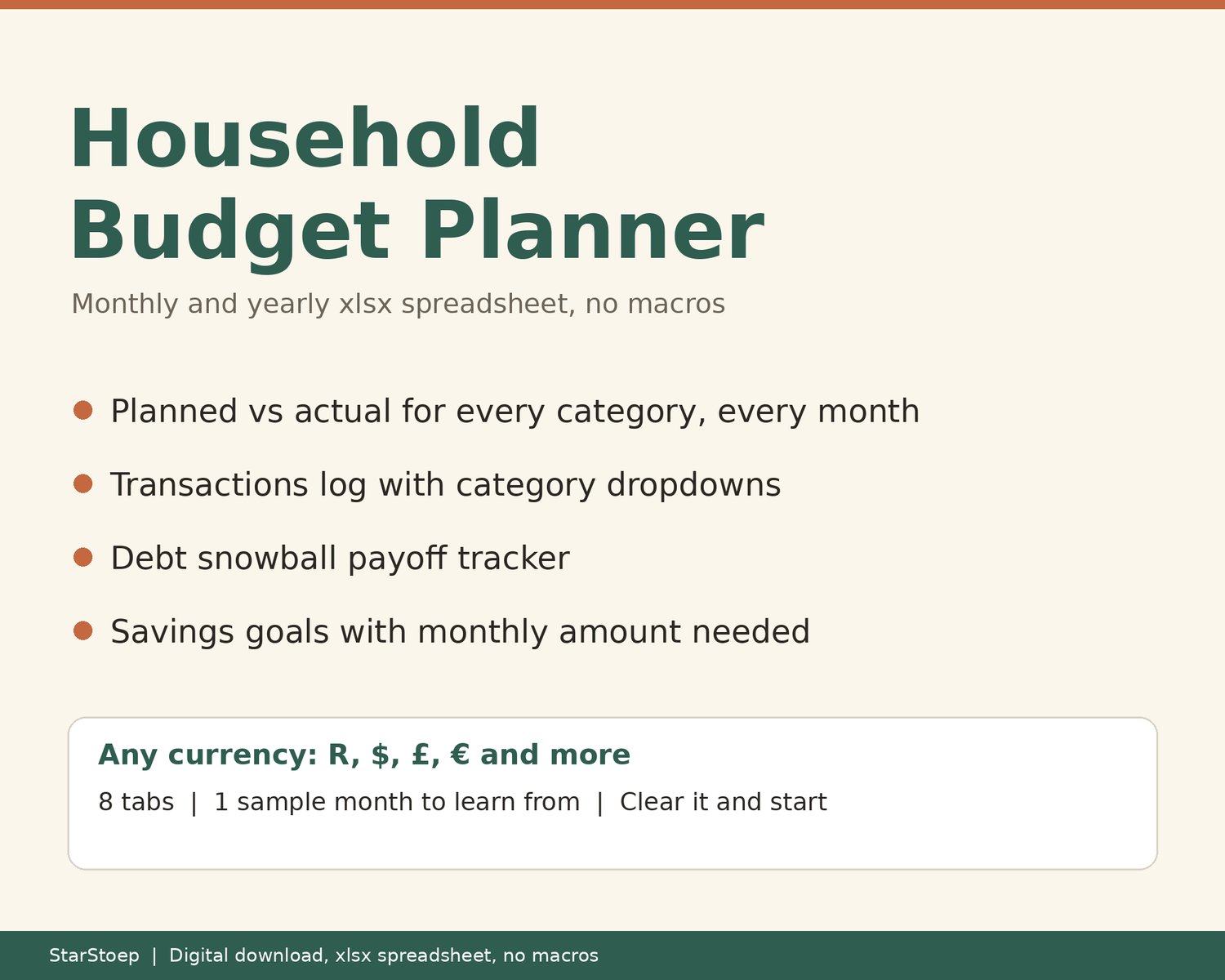
Plan your household money one month at a time and see the whole year at a glance. This is an .xlsx spreadsheet that compares what you planned to spend with what you actually spent, category by category.
WHAT IT DOES
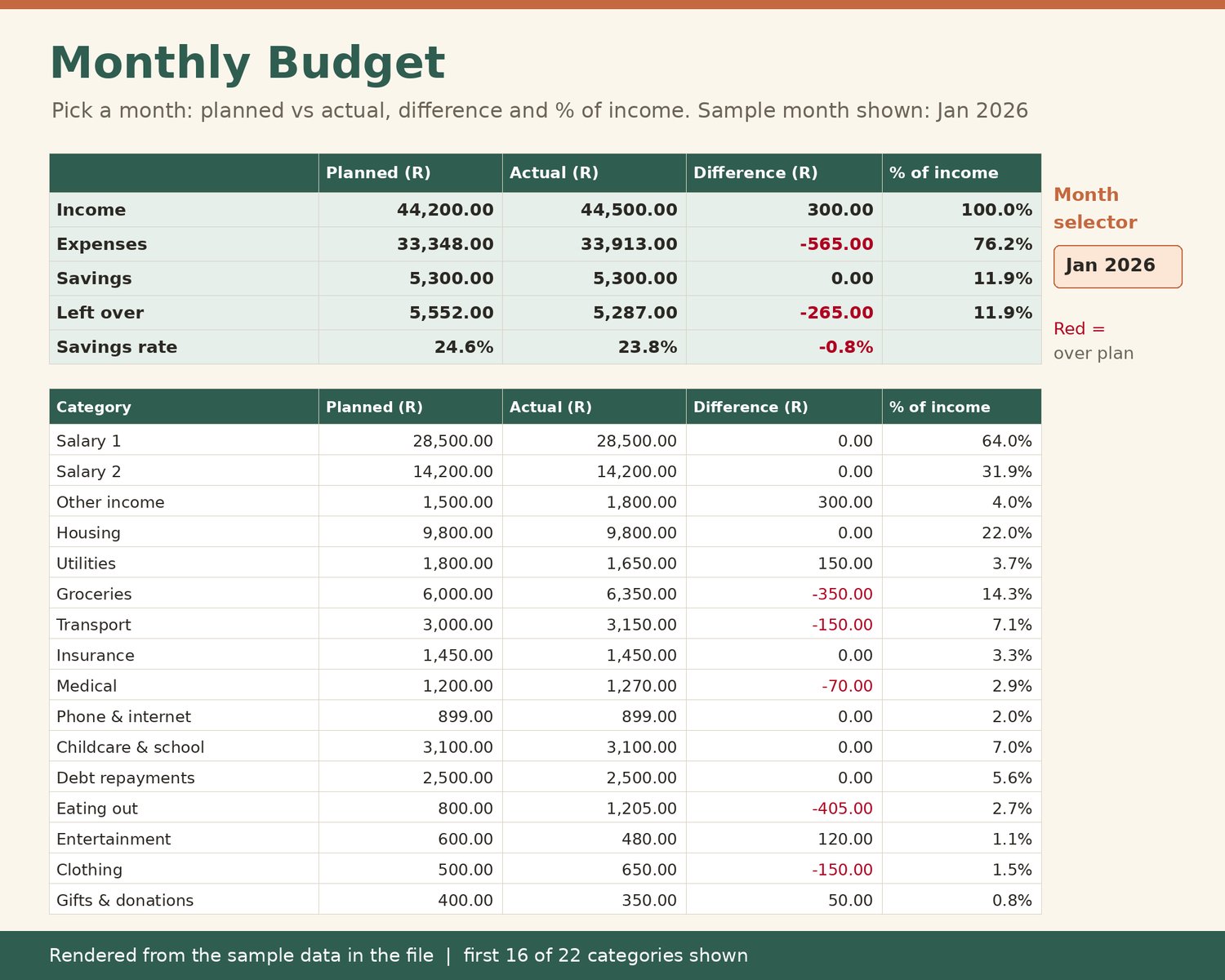
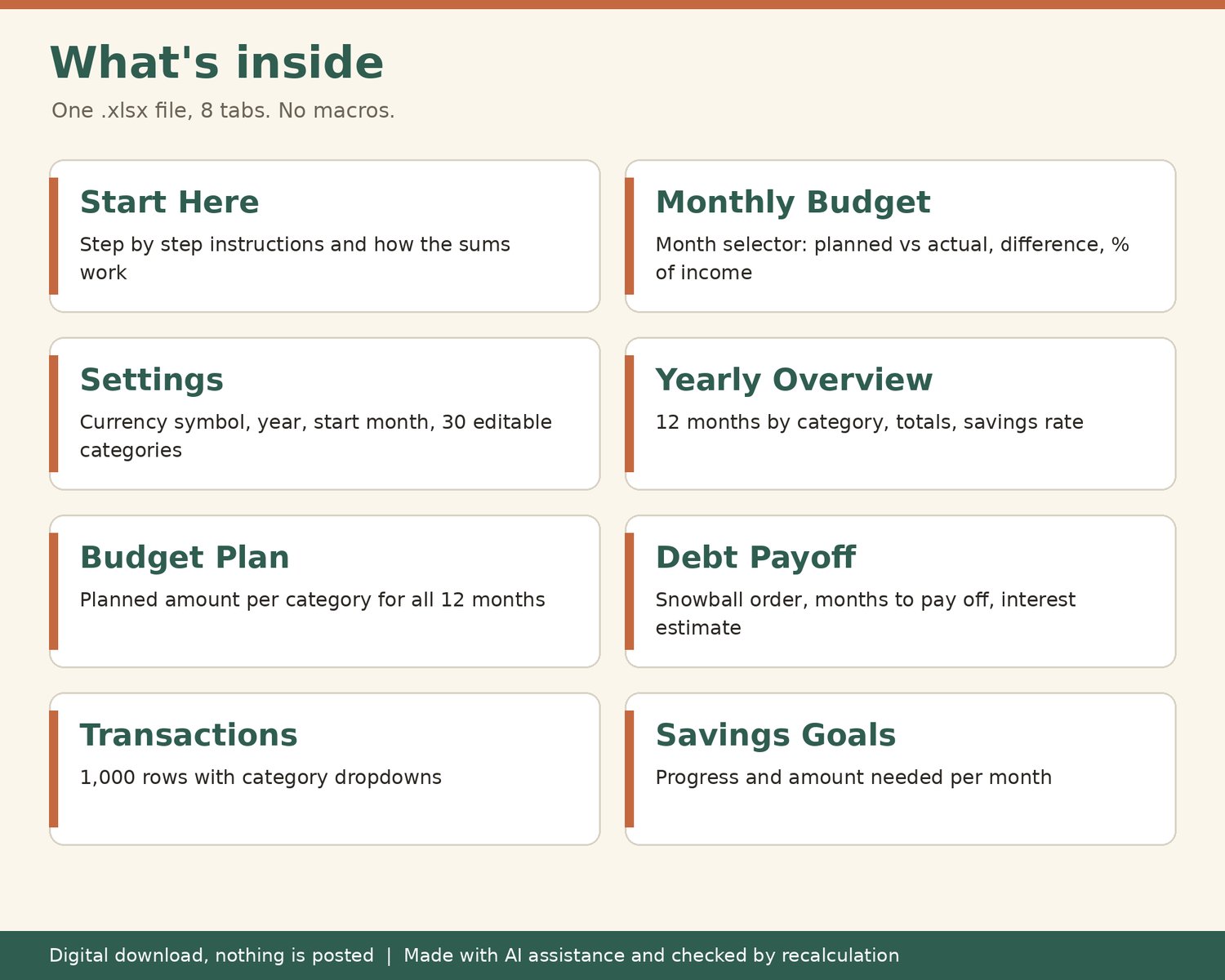
- Monthly Budget: pick a month from a dropdown and see planned vs actual, the difference and each category as a % of income.
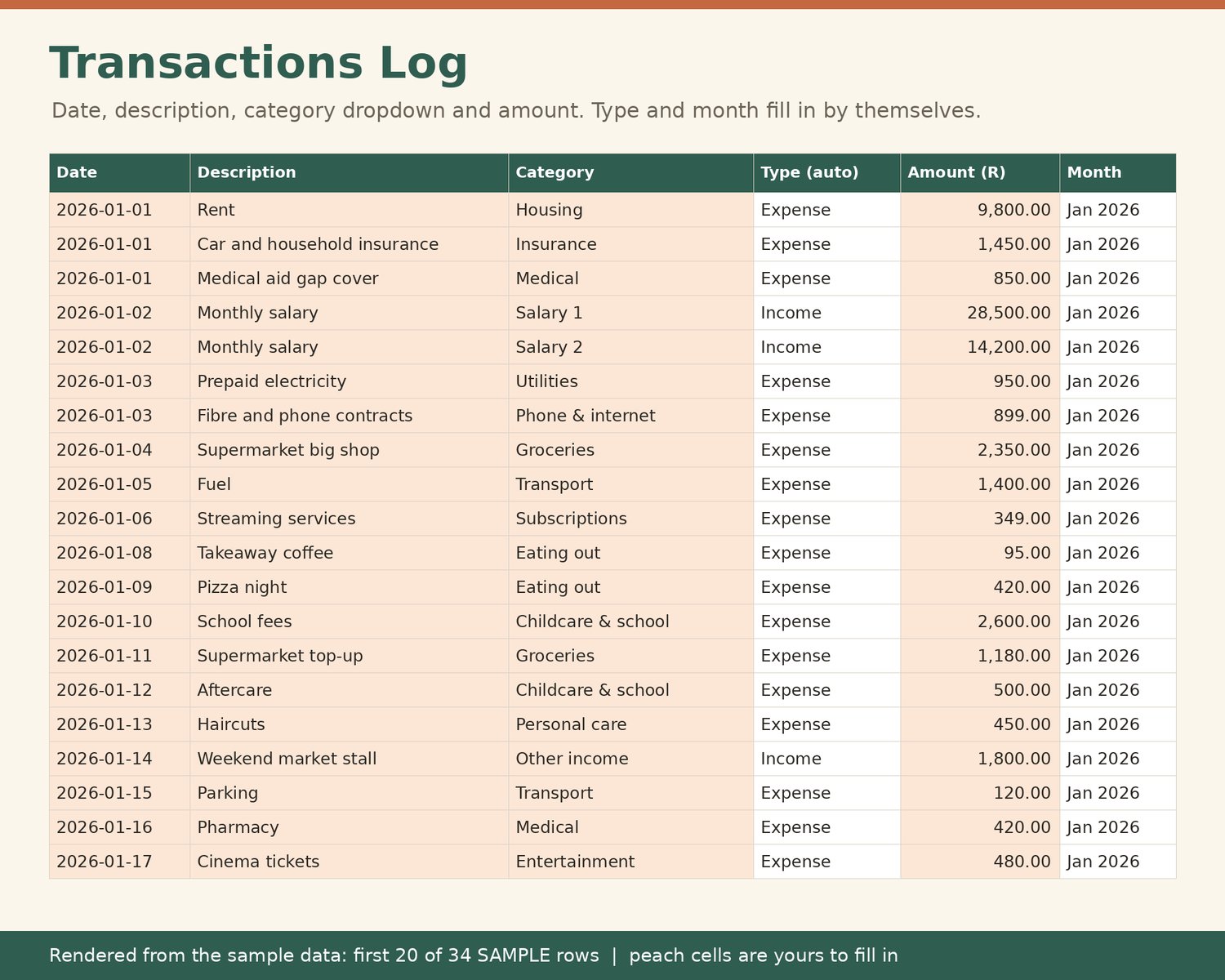
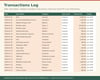
- Transactions log: 1,000 rows. Type the date, description and amount, and choose the category from a dropdown. Your actuals fill in by themselves.
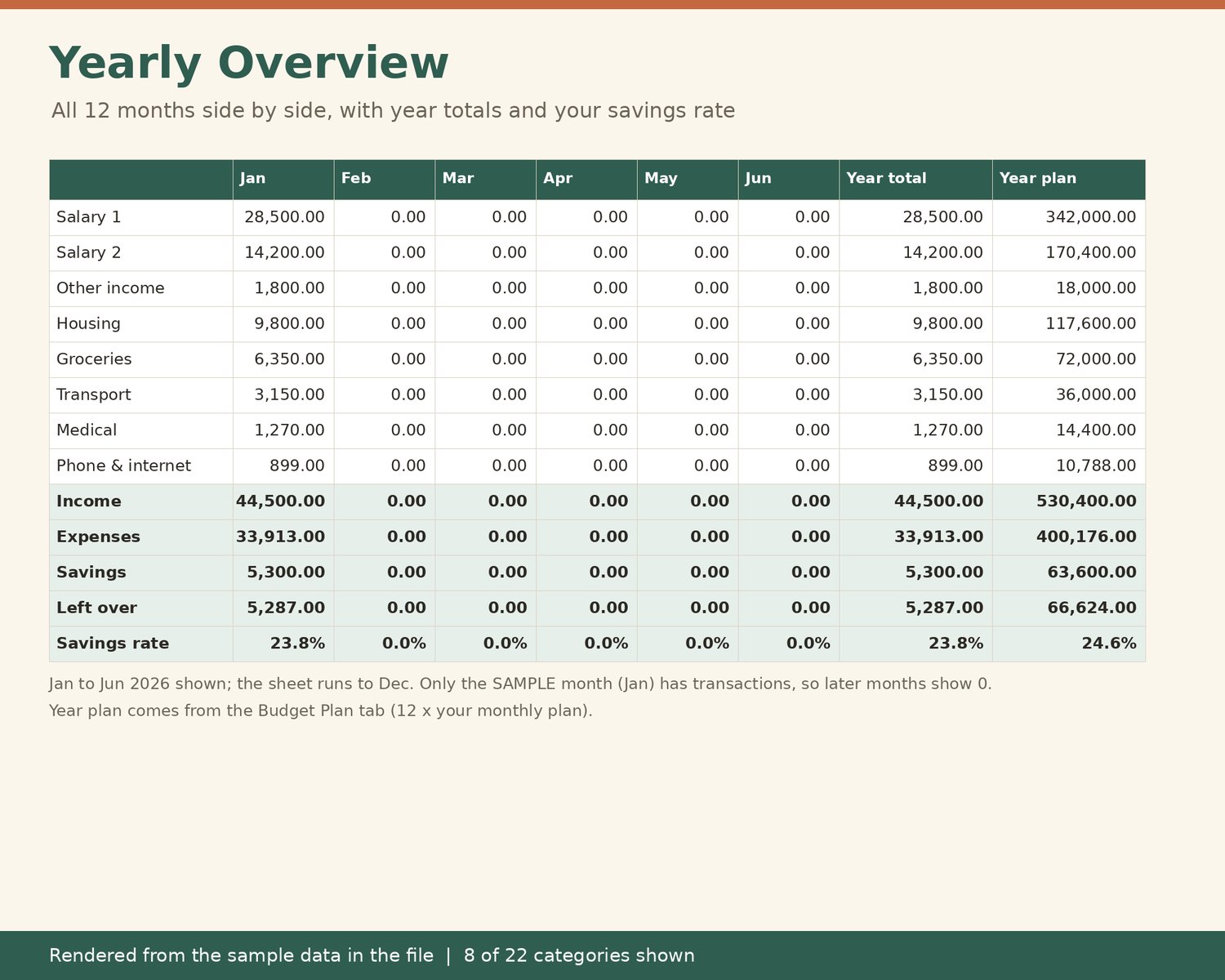
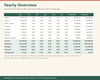
- Yearly Overview: all 12 months side by side, with year totals, income, expenses, savings, money left over and your savings rate.
- Budget Plan: set a planned amount per category once and it copies to all 12 months. Change any single month that differs.
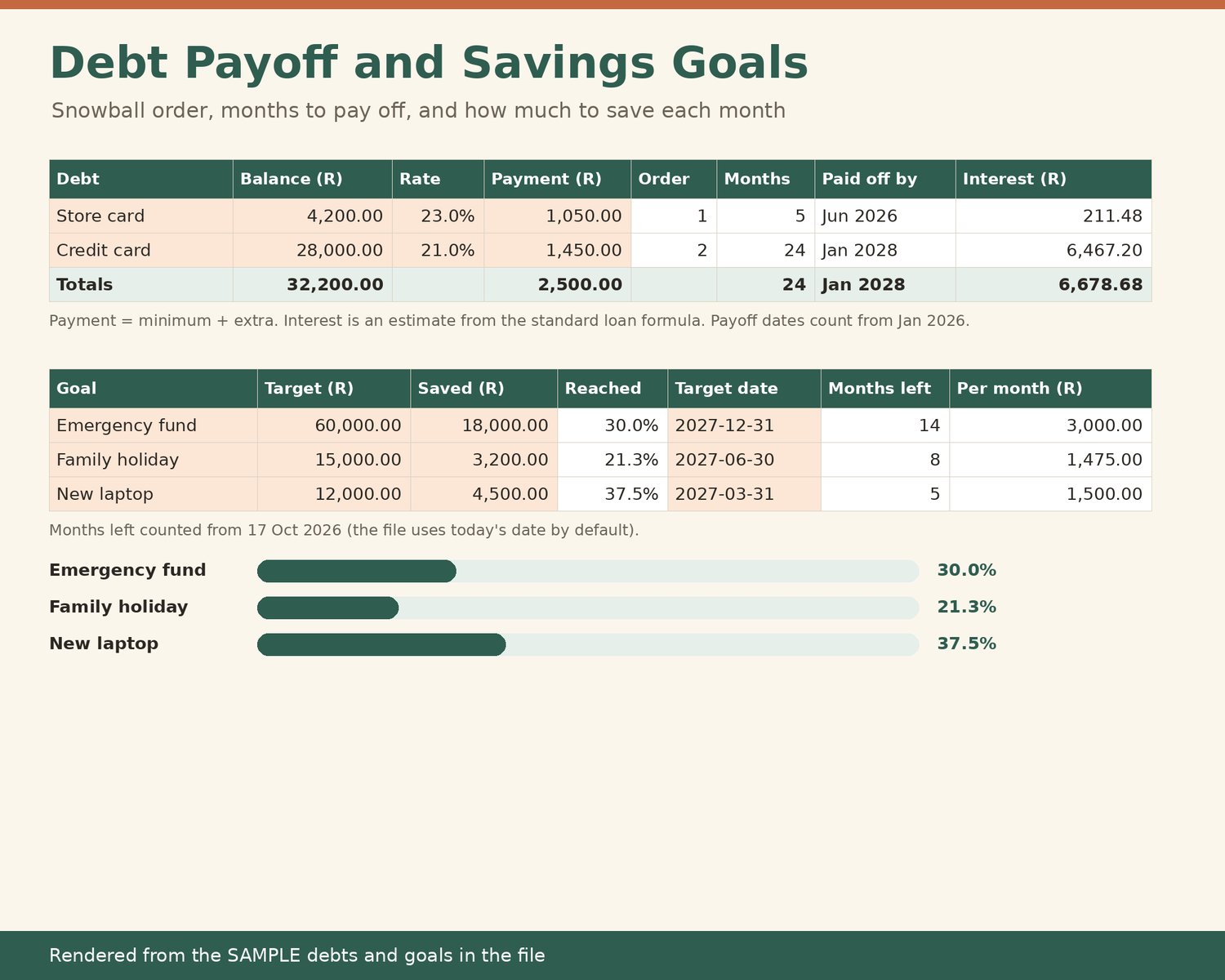
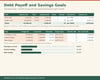
- Debt Payoff: list up to 10 debts. See a snowball order (smallest balance first), months to pay off each debt at its current payment, the month it would be paid off and an estimate of total interest.
- Savings Goals: up to 10 goals with progress and the amount you need to put away each month to reach the target date.
- Settings: choose your currency symbol (R, $, £, € or any other), budget year and start month (for example March to February), and edit up to 30 categories.
WHAT'S INSIDE
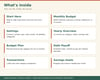
- 1 spreadsheet file (.xlsx) with 8 tabs: Start Here, Settings, Budget Plan, Transactions, Monthly Budget, Yearly Overview, Debt Payoff, Savings Goals.
- One clearly labelled SAMPLE month (January 2026) with sample debts and goals, so you can see how it works before you clear it.
- Shaded cells show where to type. Everything else calculates for you.
HOW TO USE IT
- An .xlsx spreadsheet with no macros. Tested in LibreOffice Calc; not yet opened in Excel or Google Sheets.
- Open the file and start on the Start Here tab.
- Delete the sample rows on Transactions and type over the shaded sample amounts, then add your own.
GOOD TO KNOW
- Digital download, nothing is posted. You get a file to download after purchase.
- Checked by recalculation. Every formula was recalculated and checked for errors before listing.
- This is a planning tool. It does not give financial advice and cannot promise any savings or results. Debt figures are estimates; your lender's statement is final.
- Not affiliated with Google or Microsoft.
- Because this is a digital file, please message me if anything does not open correctly and I will help.