
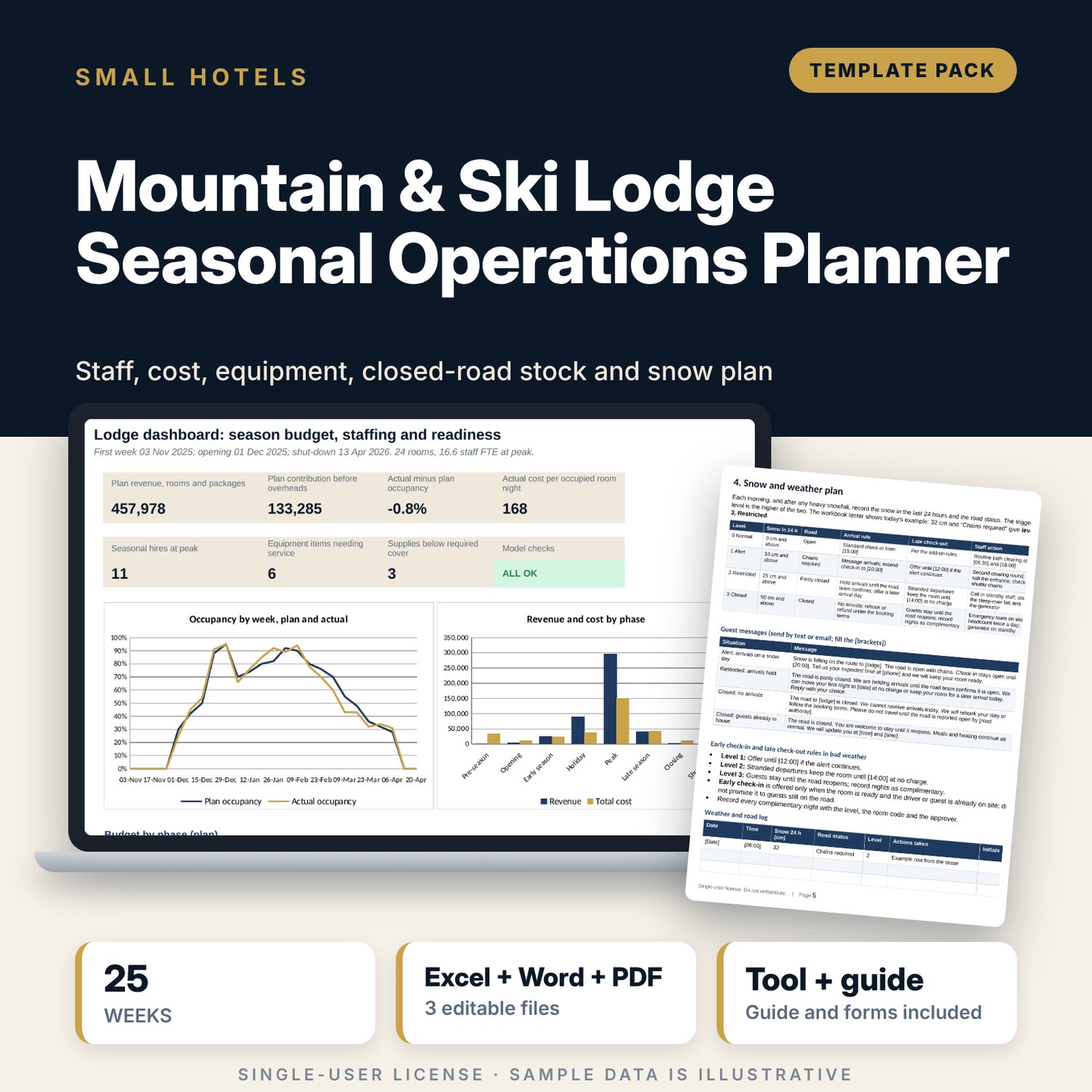
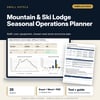

Mountain & Ski Lodge Seasonal Operations Planner: Ski Lodge Season Planner for Staff, Stock and Budget
Full description
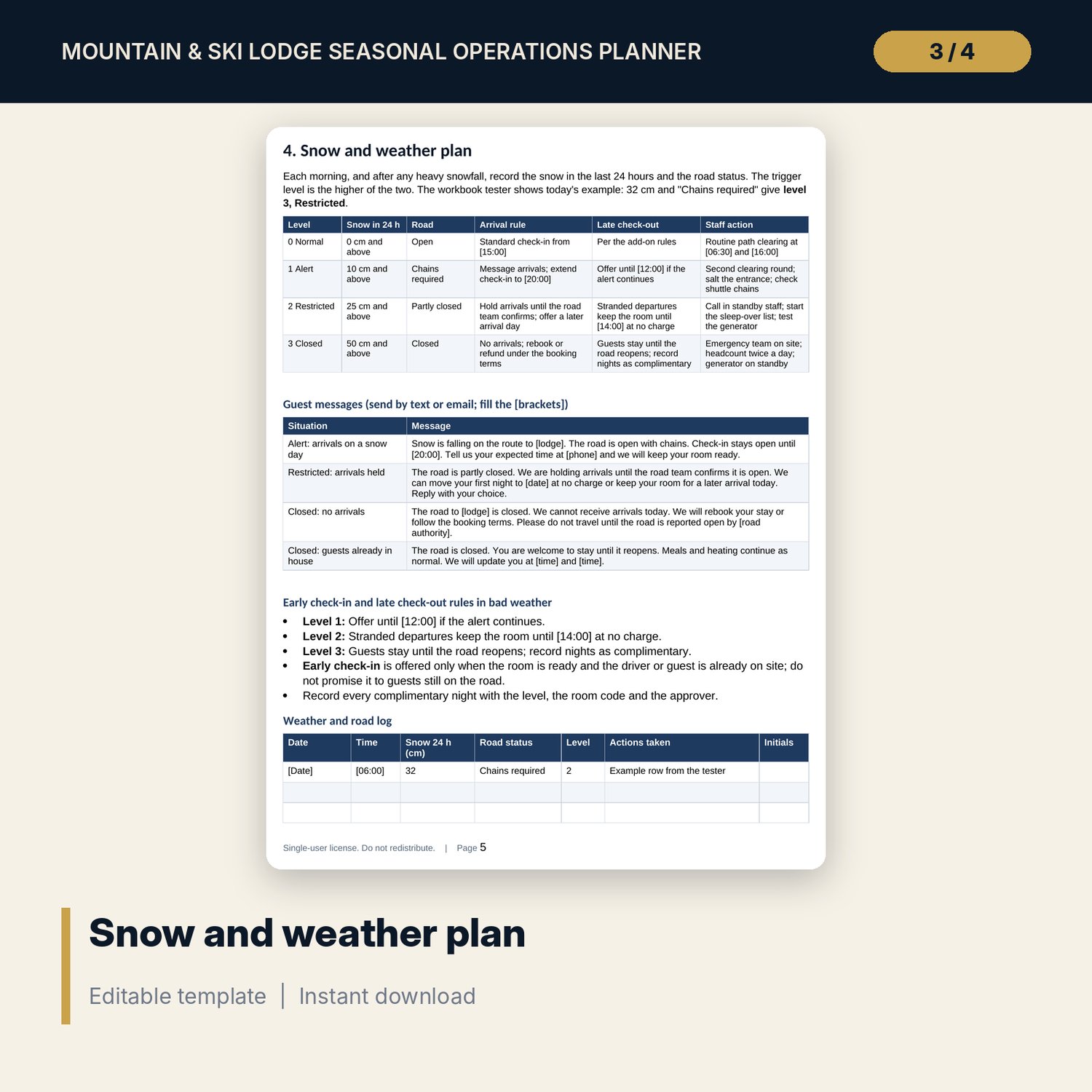
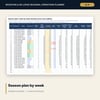
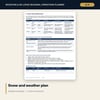
For owners and managers of mountain lodges, ski chalets and small alpine hotels that open for a short season and depend on roads, fuel and snow clearance. The workbook plans 25 weeks from pre-season to shut-down: pricing tier, forecast occupancy and a cold index drive rooms sold, revenue, staff needed and cost. It works out seasonal hires against staff beds, budgets cost by phase, and compares actual occupancy and cost with plan week by week. An equipment register flags service due before opening or inside the season, and a supplier plan compares cover days with the cover needed when the road is closed. A snow and road trigger table gives arrival, late check-out and staff rules at each level. The Word guide gives task lists, a training week, guest messages, safety forms, a reorder rule and a worked example.
What is inside
- Mountain_Lodge_Seasonal_Planner.xlsx: 7 tabs, 1,118 formulas, 2 native charts, 26 drop-down and input rules
- Settings: rooms, rates, staffing and cost inputs, 8 season phases, 5 pricing tiers, 4 snow and road trigger levels and a condition tester
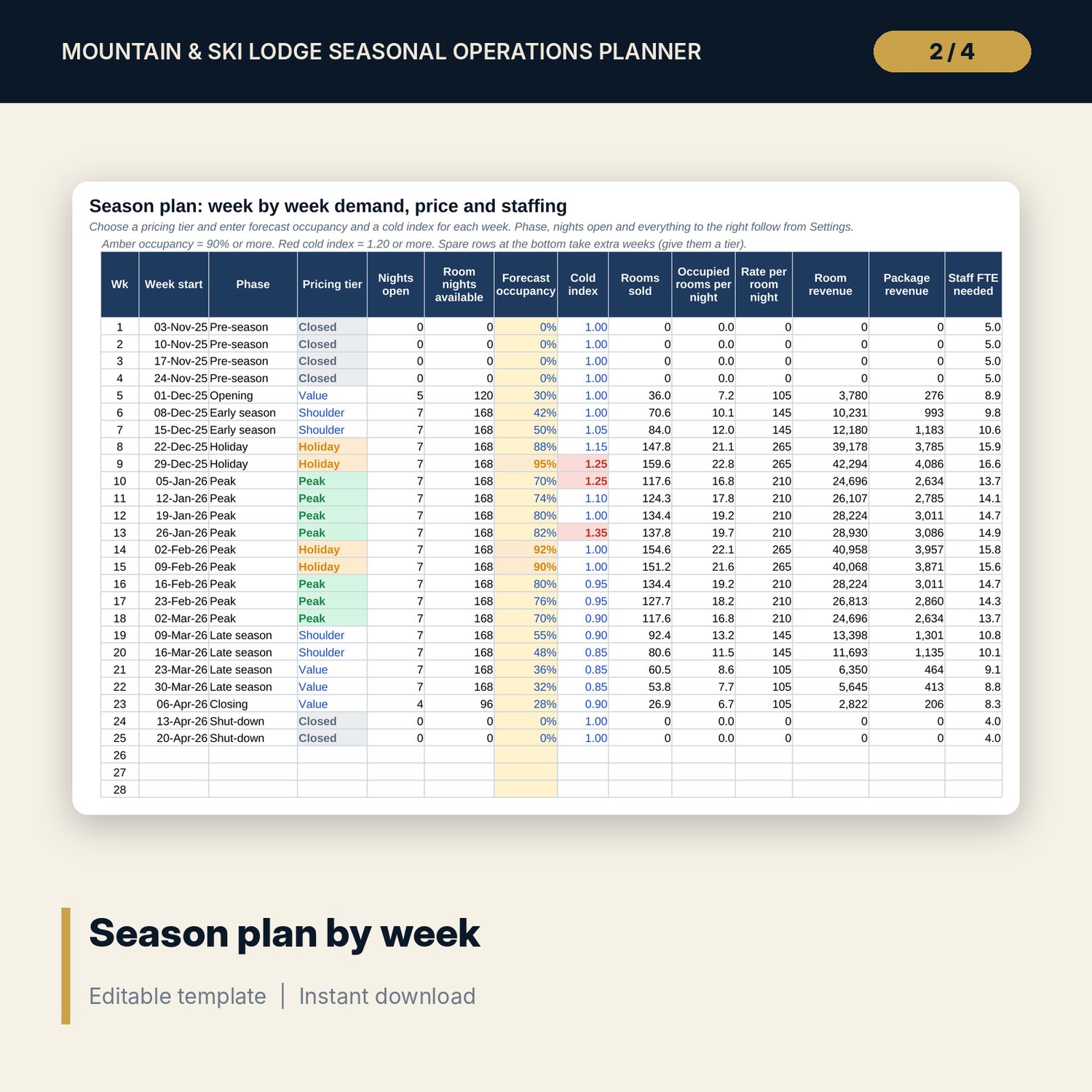
- Season Plan: 25 sample weeks plus 5 spare rows, with a staffing summary (peak FTE, seasonal hires, staff beds)
- Budget and Review: cost by week in four parts, plan contribution, actual occupancy and cost with flags, and a next-season change log
- Equipment and Stock: 14 equipment items with next due date, status and risk, and 10 supply lines with cover days, required cover and order quantity
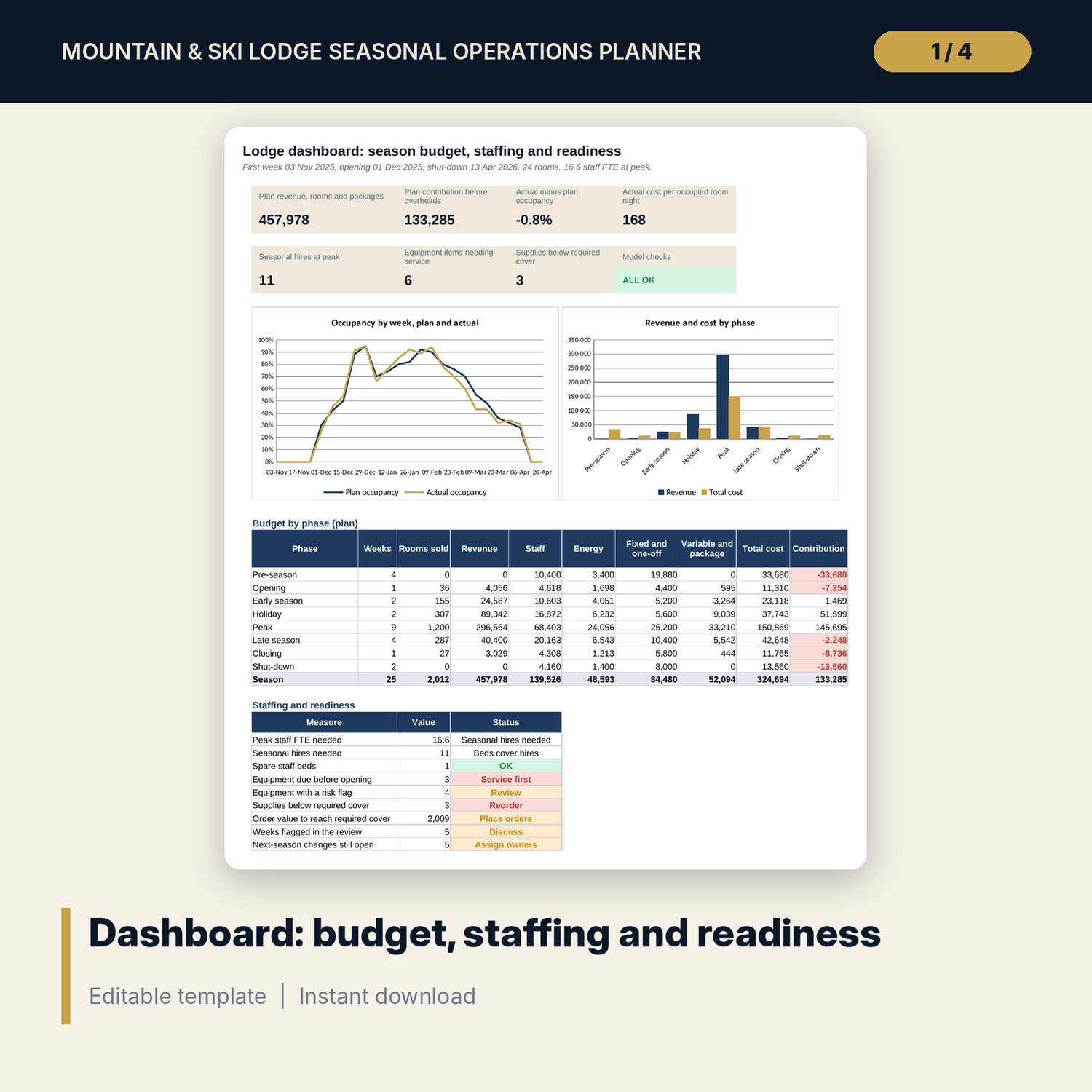
- Dashboard: 7 KPI tiles, a check tile, 2 charts, budget by phase and a readiness table; 8 integrity checks on the Checks tab
- Mountain_Lodge_Operations_Guide.docx and PDF: 8 pages with a season calendar, 22 task lines, a training week, staffing rules, equipment checklists, guest messages, safety forms, a reorder rule, pricing rules and a worked example
- README.txt and LICENSE-and-Terms.txt
How it works
- Enter rooms, the first week date, staffing and cost rates, phases, pricing tiers and snow and road triggers on Settings.
- Choose a pricing tier and enter forecast occupancy and a cold index for each week on Season Plan.
- Enter service dates, stock on hand, lead times and target cover on Equipment and Stock.
- Enter actual occupancy and cost on Budget and Review, then read the Dashboard and the flags.
Details
- Formats: 1 Excel workbook (.xlsx), 1 operations guide in Word (.docx) and PDF, English
- Software: Excel 2016 or later, or LibreOffice Calc 7 or later
- No macros, no external links, no data tables, no array formulas
- 3 files plus README and license; instant digital download
Good to know
- Sample data is illustrative. Replace it with your own figures.
- Wage rules, safety rules, mountain hazard guidance and road rules depend on the place. These files are planning tools, not legal or safety advice. Verify local requirements and follow the local authority and rescue service.
- All amounts use one currency label that you can change on Settings.
- Single-user license. Do not redistribute.
FAQ
How are staff numbers worked out?
Core staff for the phase plus staff per occupied room times occupied rooms per night. The peak figure less your permanent staff gives the seasonal hires, which the sheet compares with your staff beds.
What does the cold index do?
It multiplies the weekly energy cost. Use 1.00 for a normal week and a higher figure for a cold snap, a lower figure for a mild week.
How is stock cover judged?
Cover days now = stock on hand divided by peak daily use. The sheet compares this with the larger of your target cover and the road-closed lead time plus safety days.
Can I use my own season length and phases?
Yes. Phases follow the week numbers you enter, and Season Plan has 5 spare rows for extra weeks.
Do I need macros?
No. Every result is a standard worksheet formula.