
Hotel In-Room Directory Template: Editable Guest Services Directory
Full description
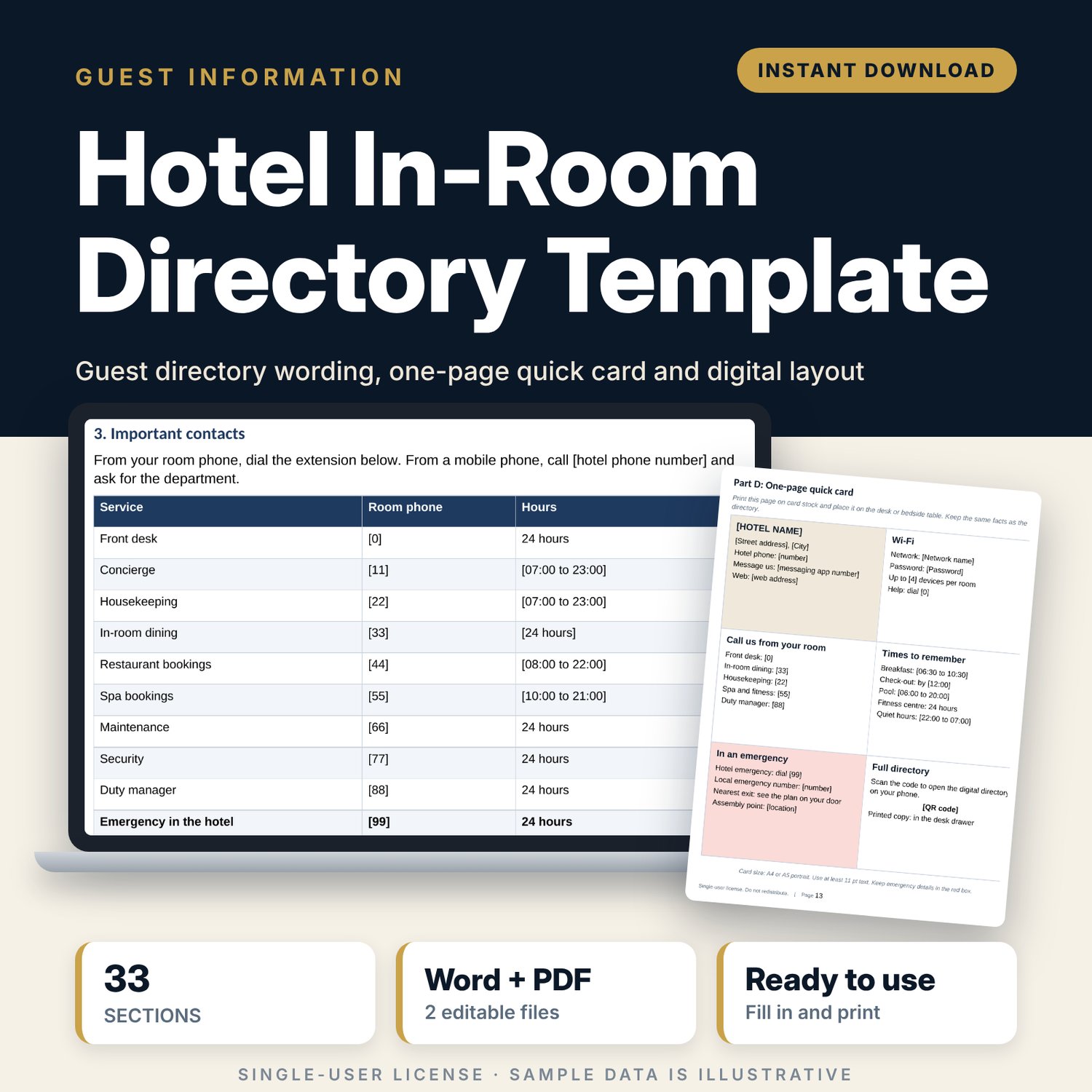
For hotel general managers, front office managers and guest experience teams who need a clear in-room directory without writing it from scratch. The template covers every service a guest asks about, from Wi-Fi and breakfast times to fire procedures, accessibility and privacy, in plain guest-facing wording with [bracketed] fields for your details. A one-page quick card puts the key facts on the desk, and a digital layout shows how to publish the same content behind a code or link, with page owners and review dates so it stays correct.
Save with a bundle: this template is also in the Hotel Rooms, Guest Experience & Spa Bundle, 16 templates for $39 instead of $112. All 141 templates are in the All-Access Hospitality Template Library for $79.
What is inside
- Hotel_In_Room_Directory_Template.docx: editable Word document, 13 A4 pages, 17 tables, 271 [bracketed] fields to fill in.
- Hotel_In_Room_Directory_Template.pdf: print preview of the same document.
- How to use this template: 5 steps, a contents list and a list of all sections.
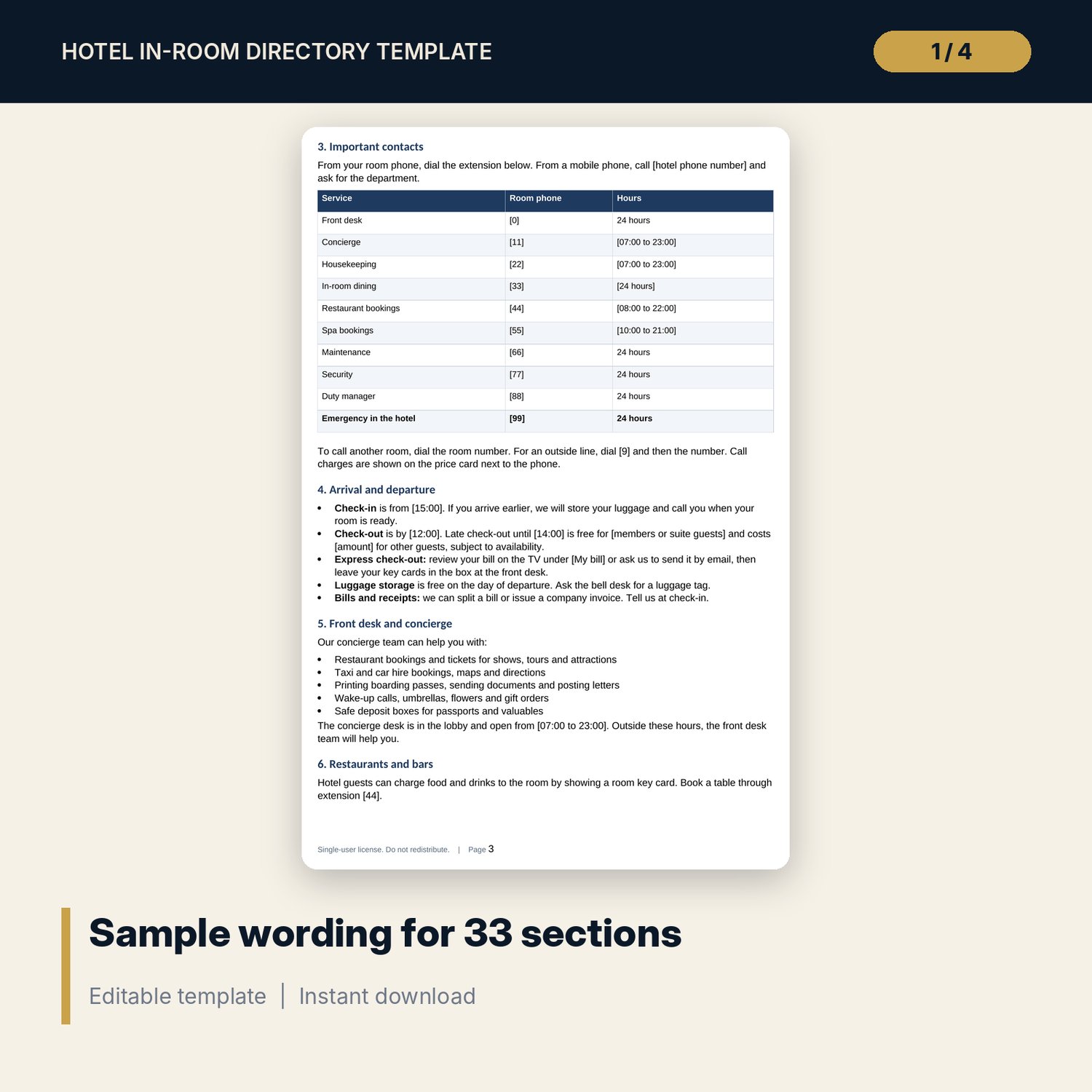
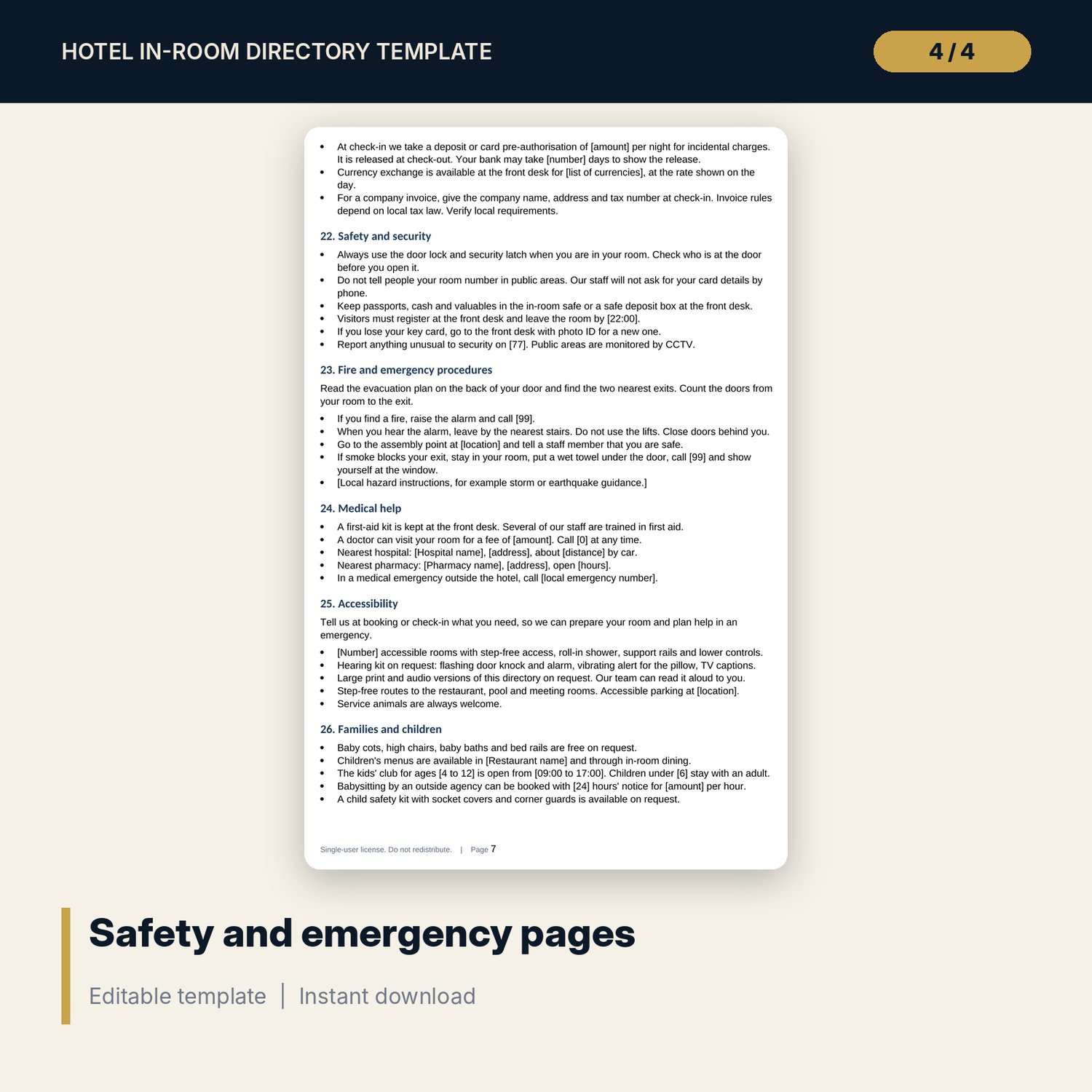
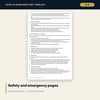
- Part A: guest services directory with 33 sections, including welcome letter, contacts and extensions, arrival and departure, restaurants and bars, breakfast, in-room dining, housekeeping, laundry with a price table, Wi-Fi, TV and technology, items on request, room controls and safe, pool, fitness, spa, transport, payments, safety, fire and emergency, medical help, accessibility, families, pets, sustainability, house rules, privacy, local area guide and useful local information.
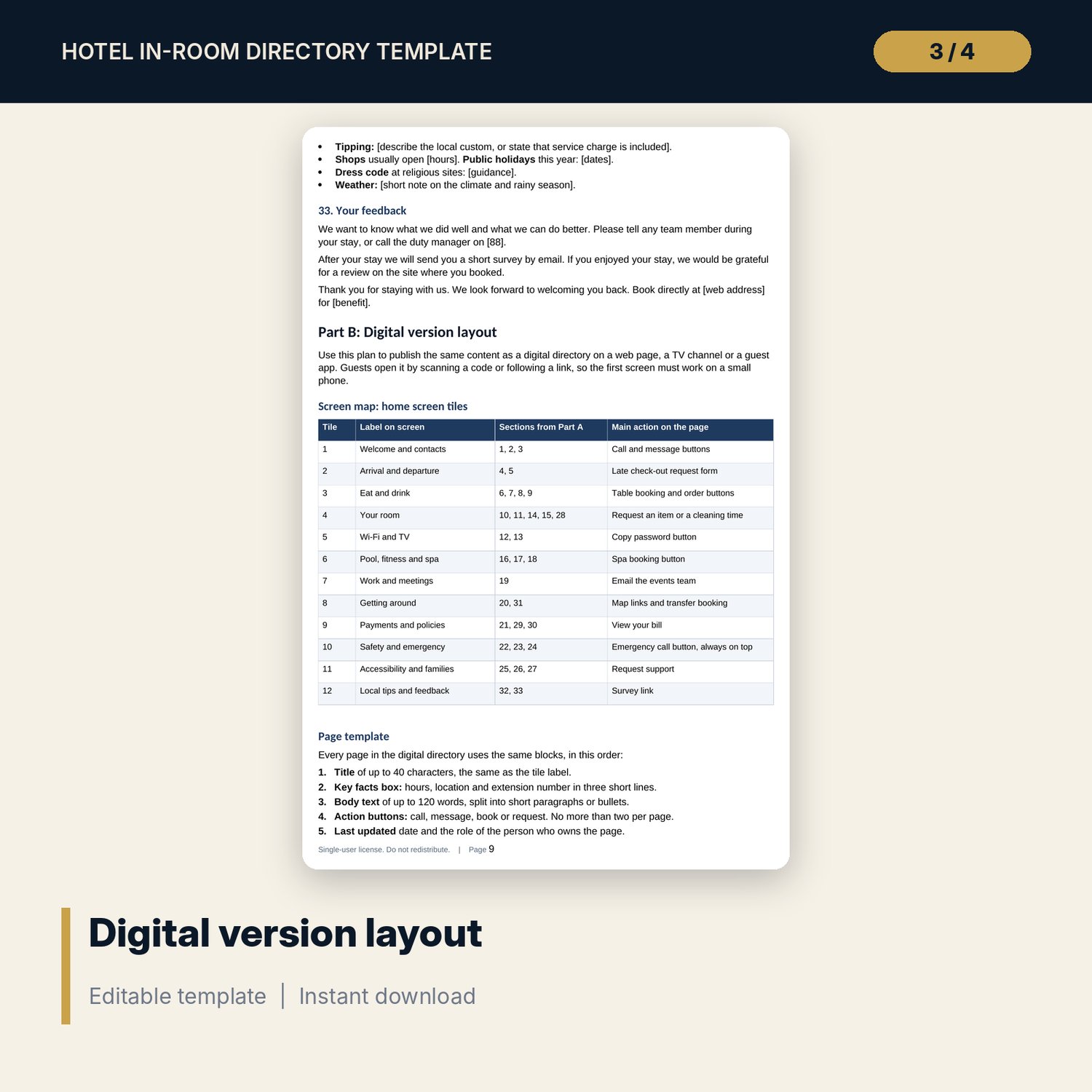
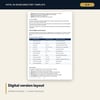
- Part B: digital version layout with a 12-tile home screen map, a 5-block page template, 7 content rules, where to place the code or link, page owners and review frequency, and 6 digital accessibility checks.
- Part C: 15-point editor checklist, update log and approval sign-off.
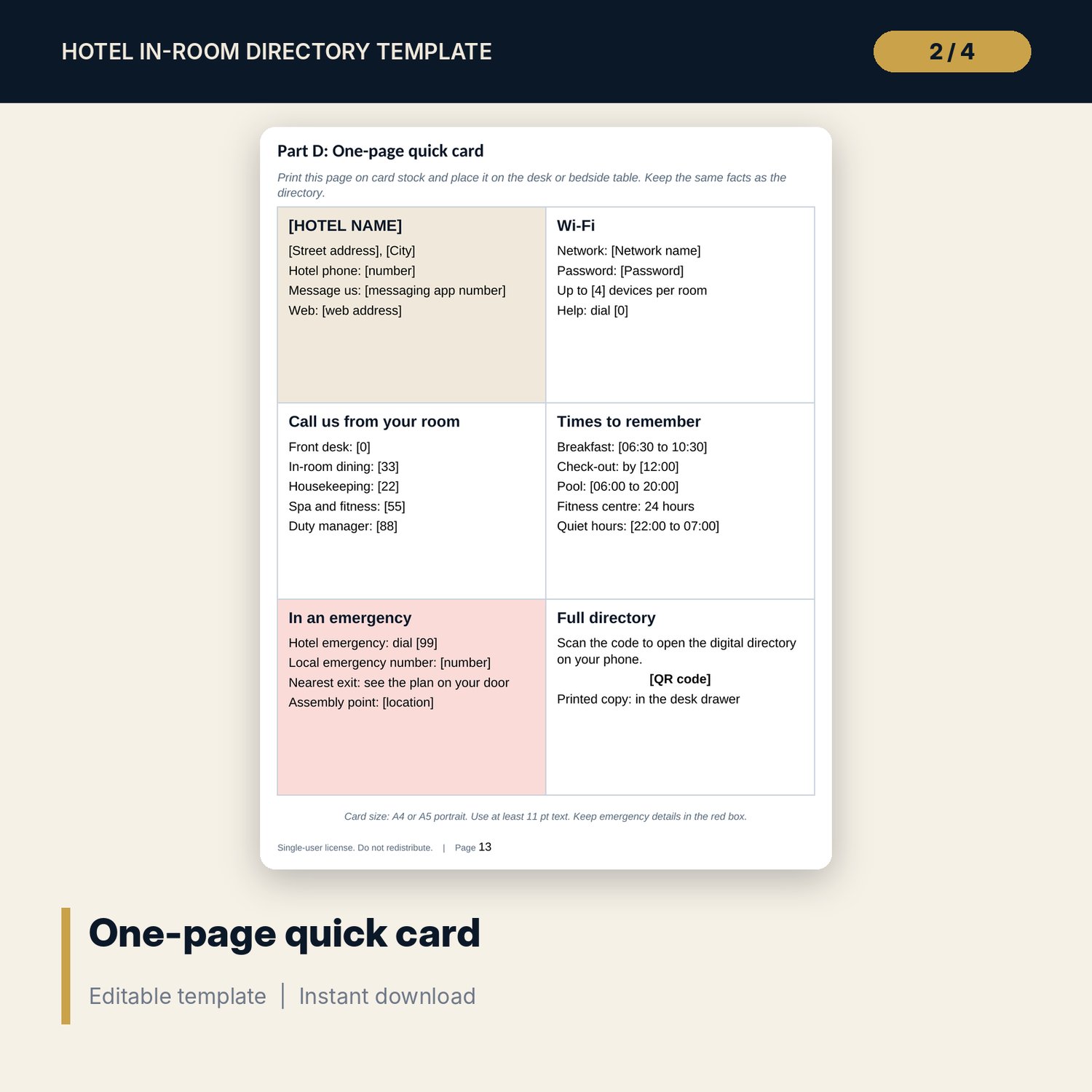
- Part D: one-page quick card with 6 boxes: hotel details, Wi-Fi, room phone numbers, key times, emergency and a code to the digital directory.
- README.txt and LICENSE-and-Terms.txt.
How it works
- Replace every [bracketed] field with your own details and delete the sections you do not need.
- Ask each department head to check hours, prices and extension numbers in their section.
- Set up the digital version using the screen map and page template in Part B.
- Run the editor checklist in Part C before you print or publish.
- Print the quick card in Part D for the desk or bedside table.
Details
- Format: Word document (.docx) and PDF.
- Language: English.
- Software: Word or any word processor that opens .docx files. The PDF opens in any PDF reader.
- Delivery: instant digital download. Nothing is shipped.
Good to know
- Sample wording, times, prices and extension numbers are illustrative. Replace them with your own.
- Prices, taxes, safety rules, privacy notices and accessibility standards depend on local law. Verify local requirements before you publish. This is not legal advice.
- Single-user license. Do not share or resell the files.
FAQ
Can I change the order or remove sections?
Yes. Each section stands on its own. Delete what you do not offer, such as Pets or Swimming pool, and renumber the rest.
Does it include a design with photos?
No. It is a clean, text-based layout with tables so you can add your own branding, colours and photos.
How do I make the digital version?
Part B gives the screen map, page template, content rules and owners. Copy the text into the web page, TV channel or guest app you already use.
Can I translate it?
Yes. The document is fully editable. Have a fluent speaker check each translation, as listed in the editor checklist.
Is this a physical product?
No. It is a digital download. Refund terms follow the store policy at the time of purchase.