
Celebrations Scrapbook — Birthdays, Graduations & Every Happy Day | Hyperlinked Digital Photo Album Template for Tablet & Computer, 10 Occasion Albums + Layout Library
A joyful, warm-cream digital scrapbook for every happy day worth keeping — birthdays, graduations, baby showers, anniversaries, retirements, reunions, holiday parties, school celebrations and the wins in between — with serif lettering, confetti-gold accents, and a caption line under every single photo.
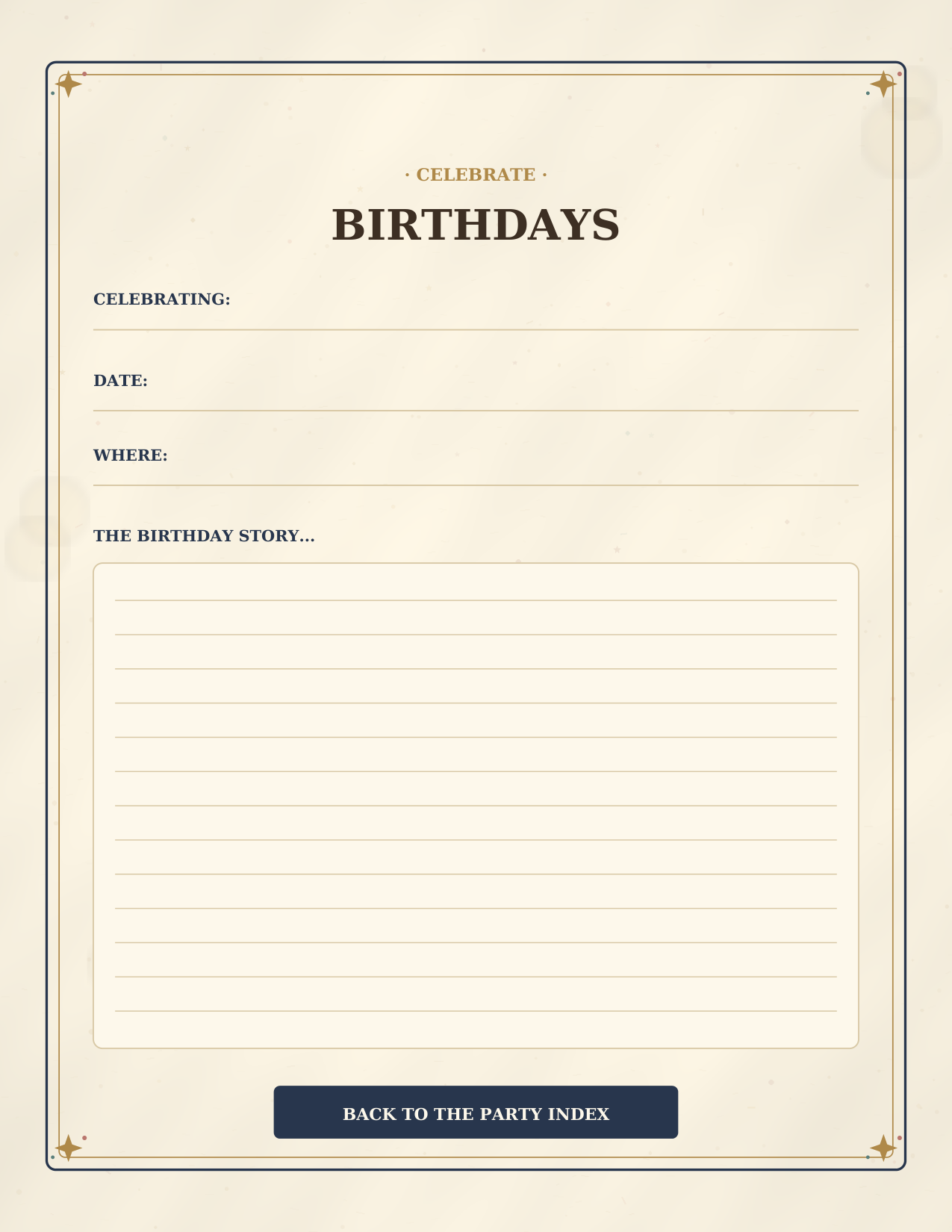
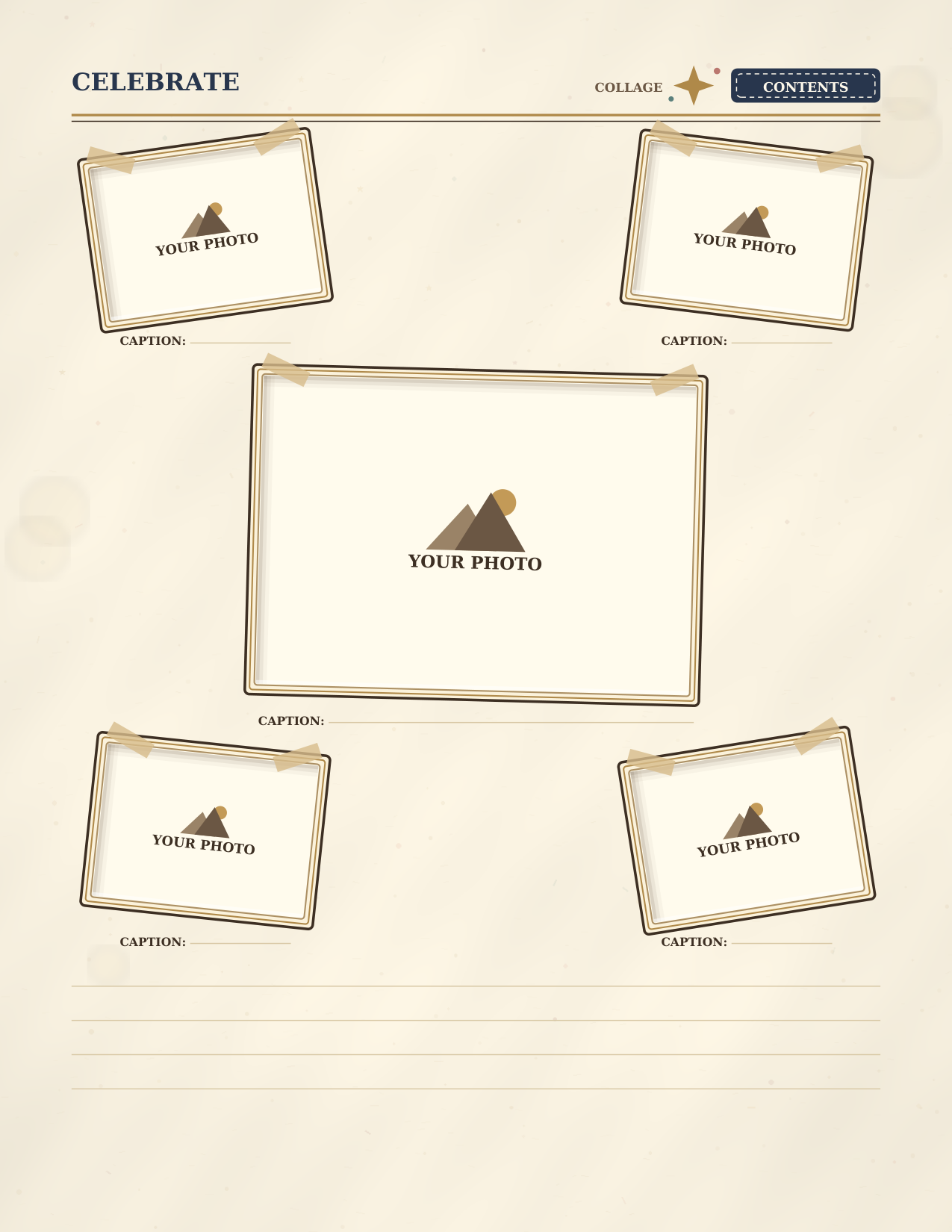
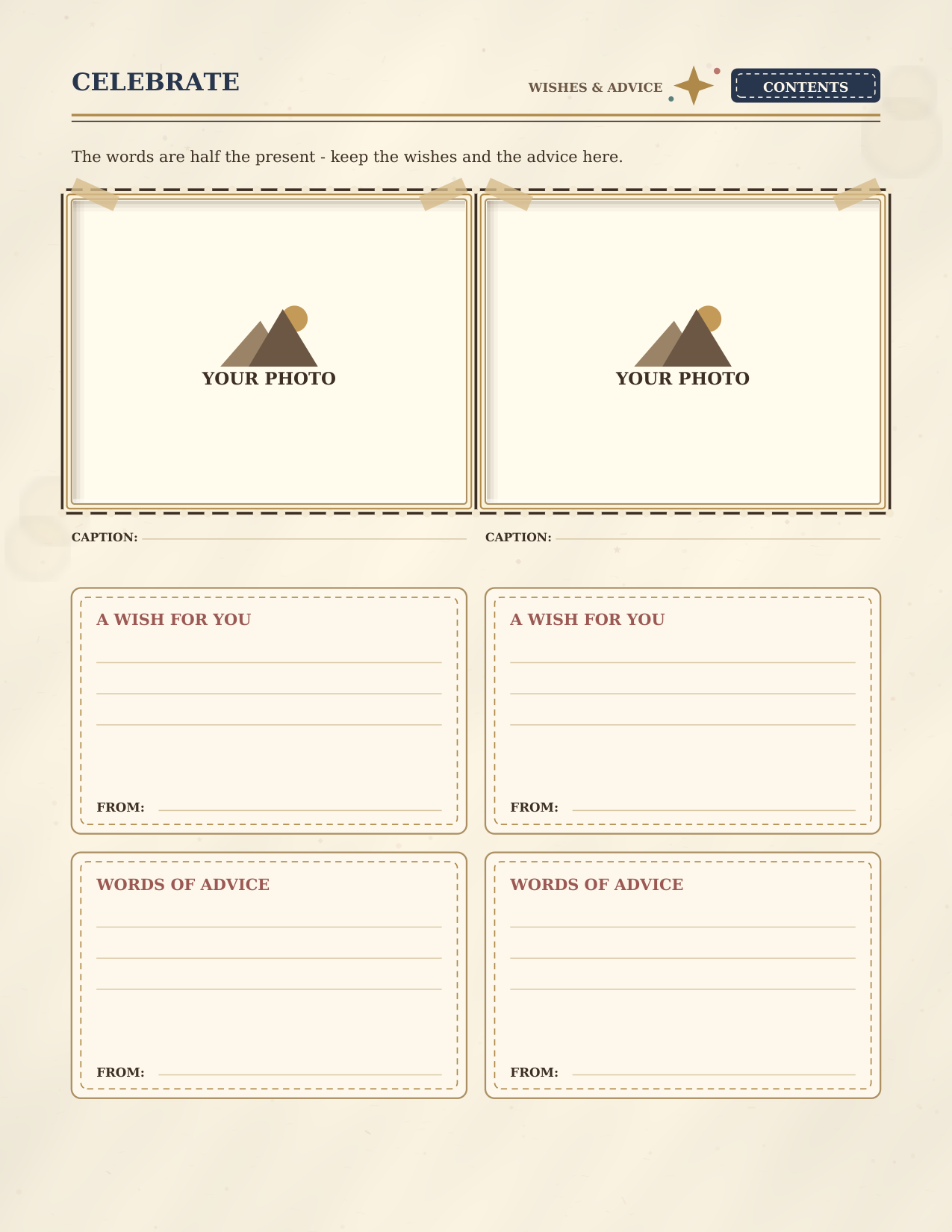
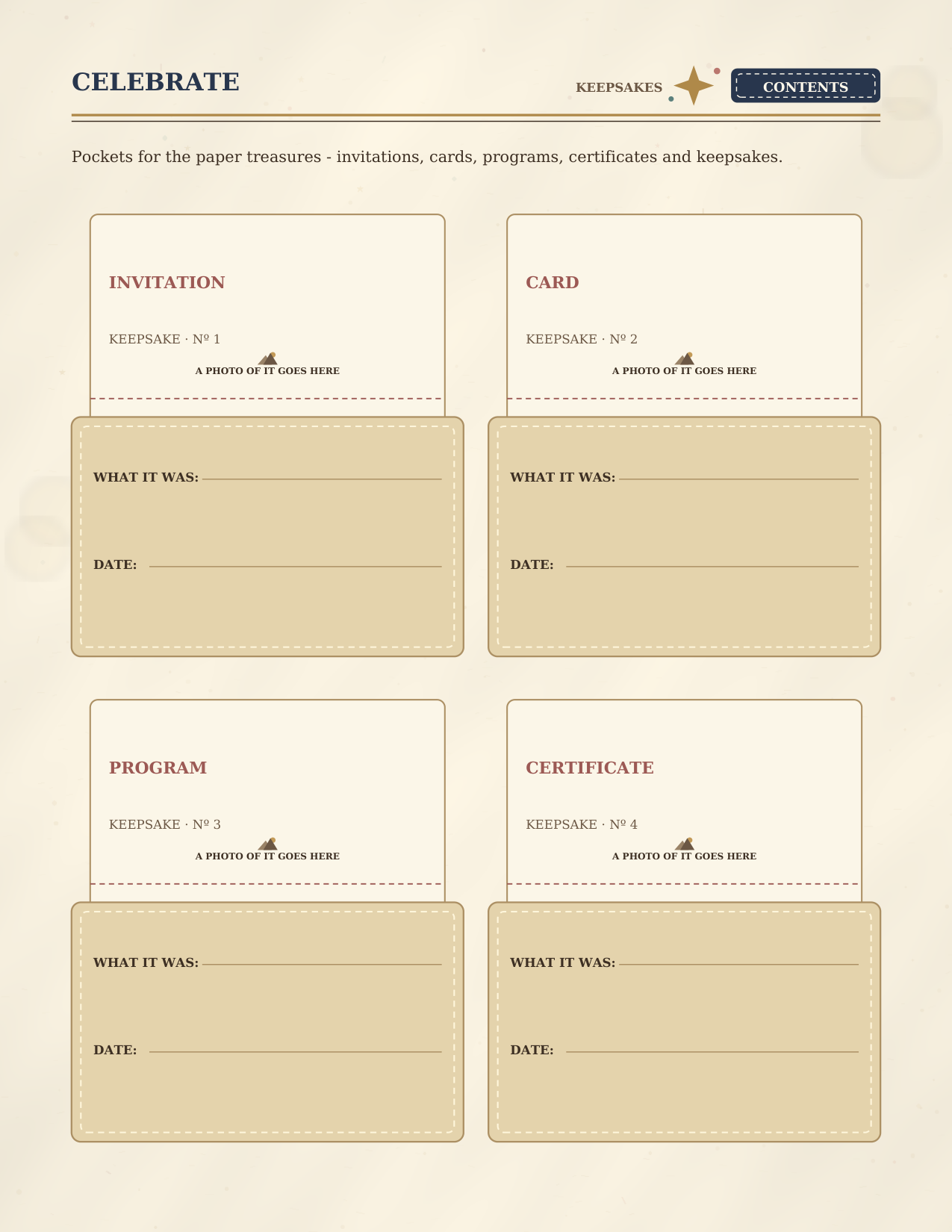
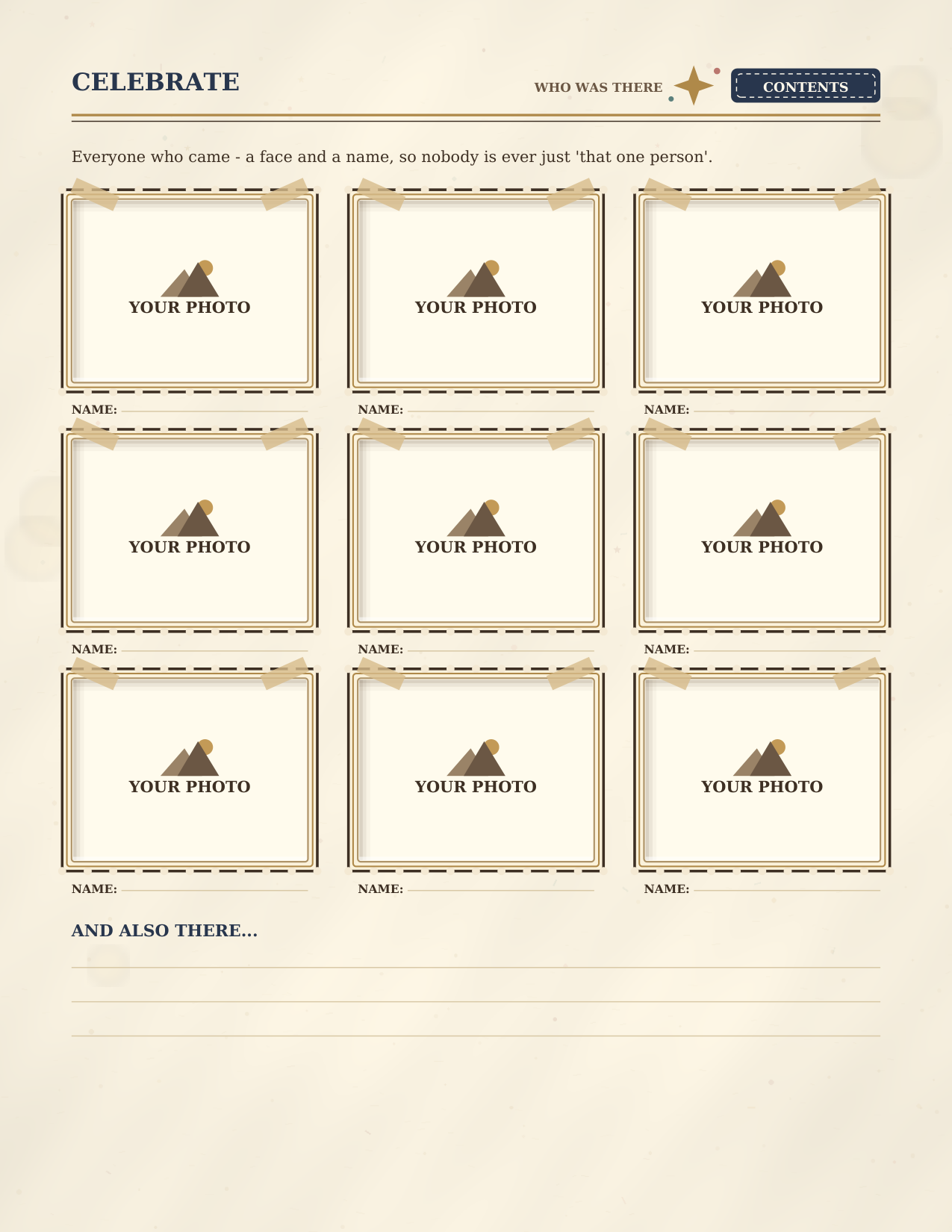
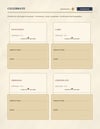
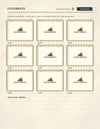
Open it in GoodNotes, Notability, or a similar notes app on your tablet — or in a PDF app on your computer — tap an album, drop your pictures into the frames, and write the captions and stories while the day is still fresh. Every one of the ten albums is a complete 20-page kit that runs in the same order: a title page for who you're celebrating, big-photo and grid pages, a collage, a photo burst, a Wishes & Advice page (two photos plus four keepsake cards for the wishes and advice people wrote — birthday wishes, graduation advice, toasts), a Keepsakes page (four pockets for the invitation, the cards, the program and the certificate, each with a marked spot for a photo of it), a Who Was There guest page (nine photos with a name line under each, so nobody is ever just "that one person"), favorites, notes, and a closing page.
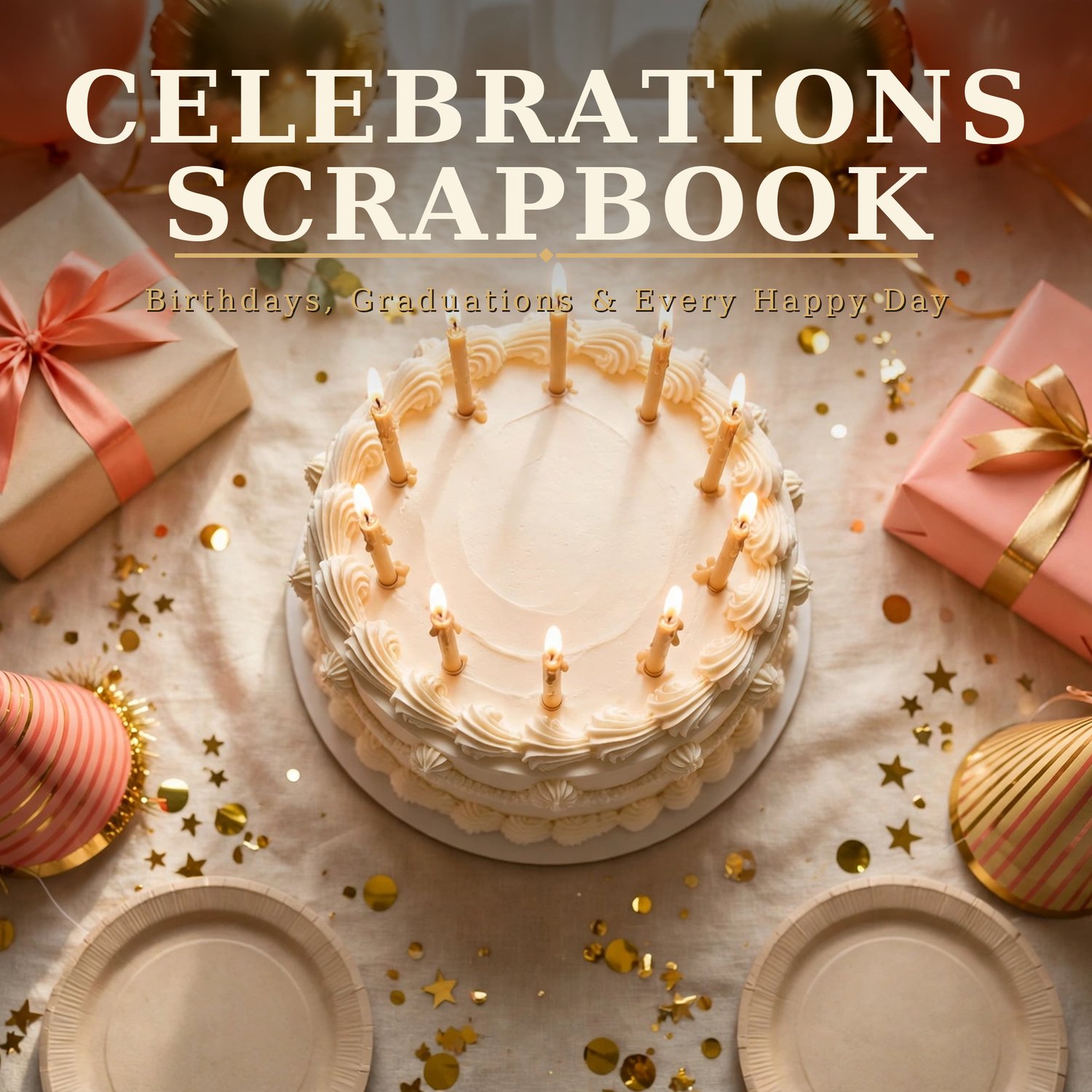
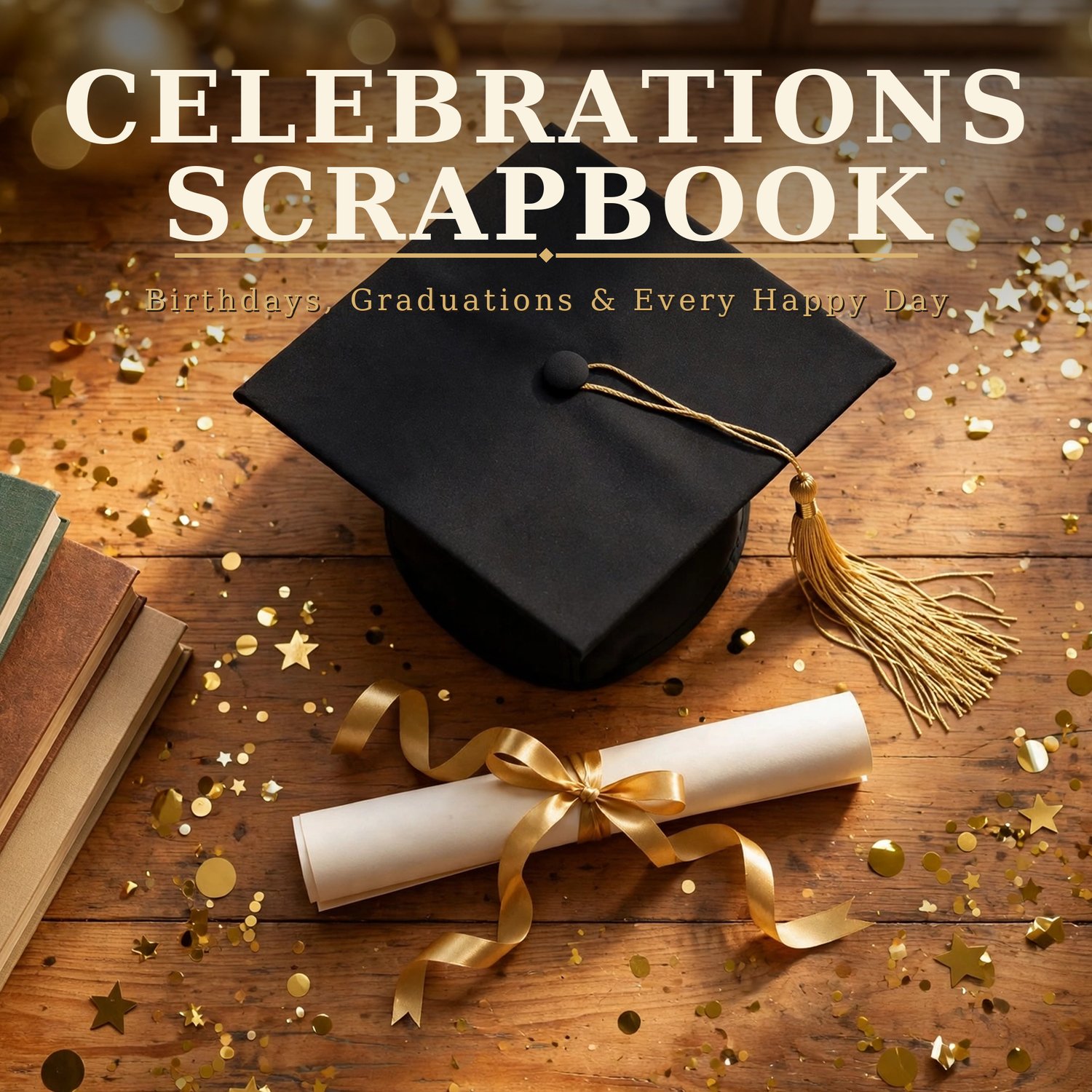
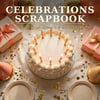
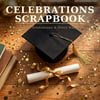
It starts your way, too: the scrapbook opens with 2 cover designs — a birthday table and a graduation desk. Both are in the book, each one taps straight to the Contents, and the rest of the scrapbook is exactly the same behind either.
One purchase, both editions. You never pick a version at checkout: the download includes the tablet edition (tall portrait pages) AND the desktop edition (wide landscape pages that suit a computer screen and landscape photos). Open whichever file fits the screen in front of you.
And because the best days come back every year, the Layout Library at the back holds a blank master of every layout — wishes, keepsakes and guest pages included — copy the masters in kit order in your app and the next birthday, graduation or reunion starts with a fresh album. Forever.
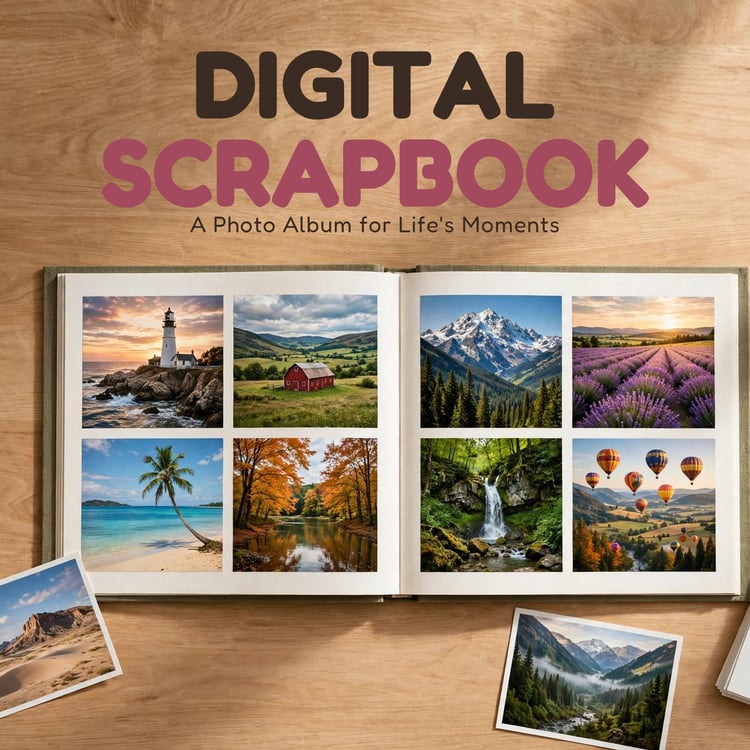
This is the celebrations edition of our scrapbook family: the Digital Scrapbook is the all-occasion original, the Vintage Travel Scrapbook is made for the road, and this one is made for the party.
WHAT'S INCLUDED:
1. Celebrations Scrapbook — Tablet Edition (PDF, 231 pages, portrait)
2. Celebrations Scrapbook — Desktop Edition (PDF, 231 pages, landscape)
3. Celebrations Scrapbook — Tablet Edition A4 (PDF, 231 pages, portrait)
4. Celebrations Scrapbook — Desktop Edition A4 (PDF, 231 pages, landscape)
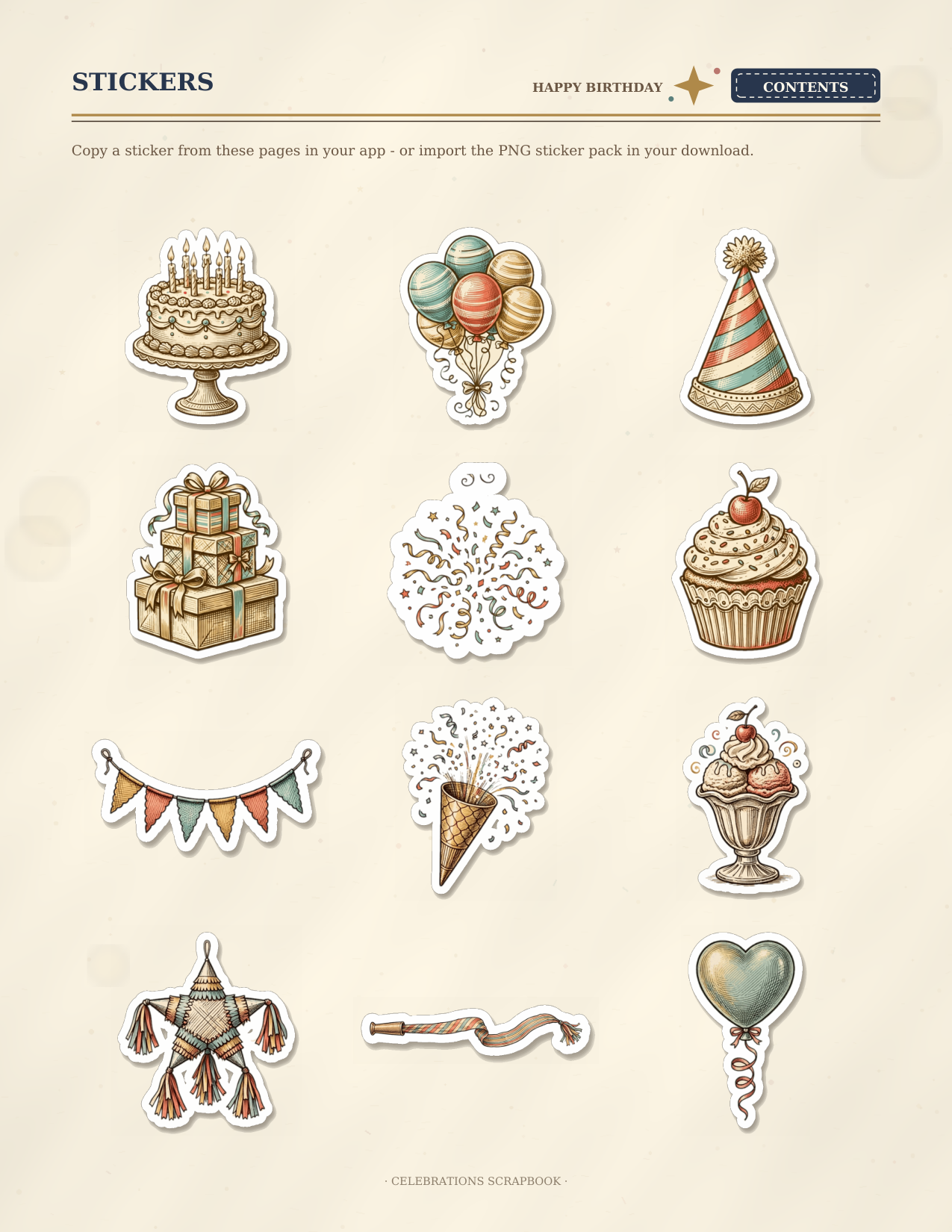
5. Sticker pack (stickers.zip — 60 transparent PNG files): the same stickers that appear on the book's sticker pages, as eparate see-through PNGs to import as elements/stickers in your app
Both editions hold the identical scrapbook:
- 2 cover pages at the front (birthday table / graduation desk) — each taps straight to the Contents
- 3-page illustrated guide: how to use it on a tablet or computer, and how the albums, party index, Layout Library, and stickers work
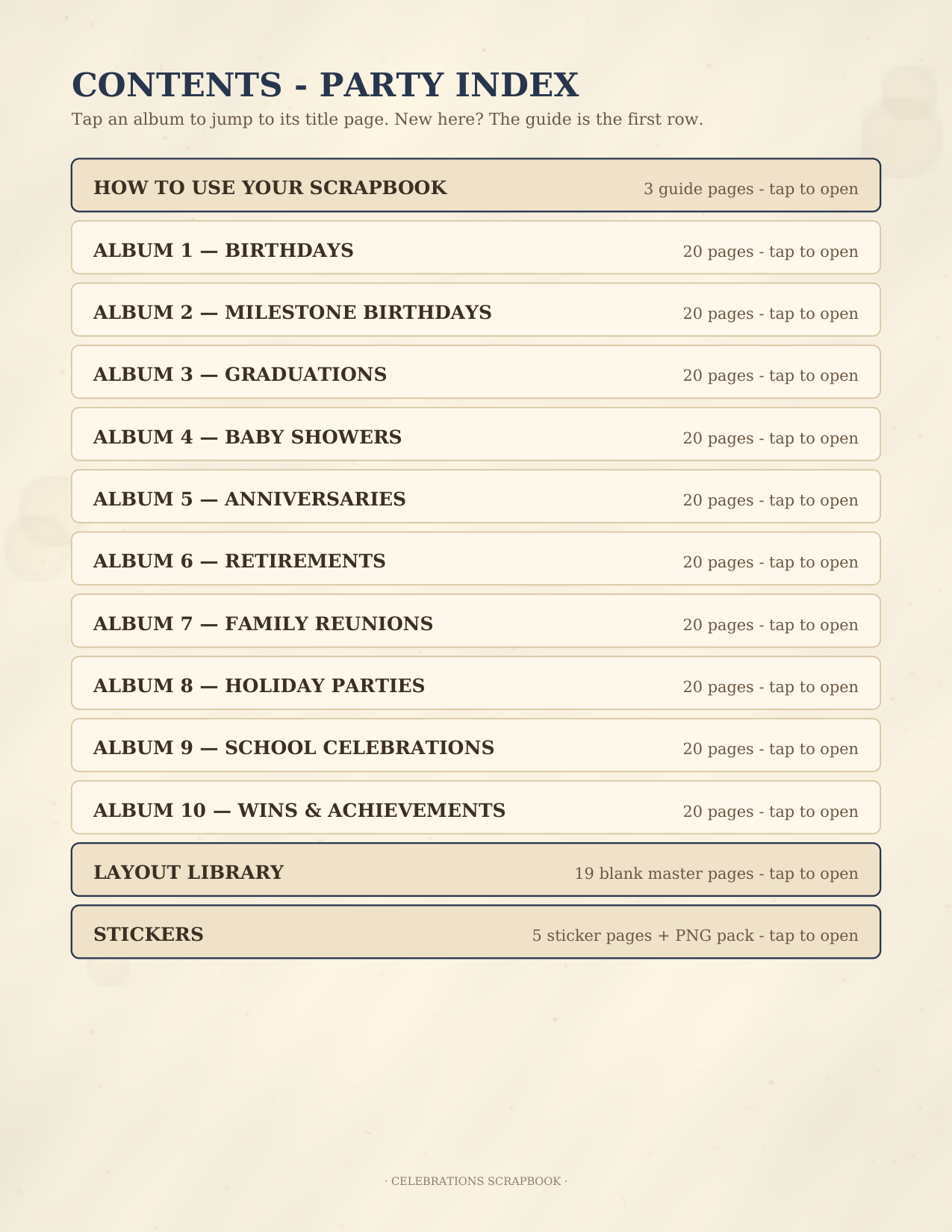
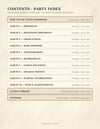
- Hyperlinked Contents — Party Index page
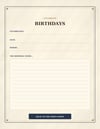
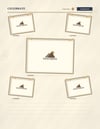
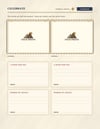
- 10 ready-made occasion albums, each a 20-page kit: Birthdays • Milestone Birthdays • Graduations • Baby Showers • Anniversaries • Retirements • Family Reunions • Holiday Parties • School Celebrations • Wins & Achievements. Every kit: album title page (celebrating / date / where, followed by an album-specific prompt) • one big photo • two photos • four-photo grid • six-photo grid • collage page (one big photo in the middle, four smaller photos at angles around it) • photo burst page (one big hero photo ringed by six smaller ones) • wishes & advice page (2 photos + 4 wish/advice cards with FROM lines) • photo spread (four photos laid out at angles, one short caption each, nothing else to fill in) • full-page photo • photo + big story page • keepsakes page (4 pockets for invitations, cards, programs and certificates, each with what-it-was and date lines and a marked spot for a photo of the keepsake itself) • photo wall (six photos in a loose collage, each with a tiny caption) • who was there guest page (9 photos, each with its own NAME line, plus an "and also there" list) • favorites (3 photos + favorite-moments lines) • notes & details (the funniest moments / who said what / little details to remember) • hero + two page (one tall hero photo beside two stacked photos) • filmstrip page (four photos in a row on a film-strip band) • top + three page (one wide hero photo over three more) • closing page
- Layout Library: 19 blank master pages — one of each kit layout, wishes, keepsakes and guest pages included — for copying into endless new albums: copy any layout into any album, as many times as you like, and delete the pages you don't need
- A caption line under every photo — each picture gets its own line for the moment, not just one caption per page
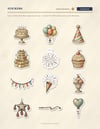
- Stickers: 5 sticker pages (60 stickers — birthday cake, balloons, party hat, gifts, confetti, cupcake and piñata • graduation cap, diploma, trophy and medal • school apple, books, bus and chalkboard • baby bottle, onesie and moon • anniversary rings and hearts • retirement gold watch and golf • reunion family tree • generic winter holiday pieces (ornament, snowflake, pine, cocoa — no religious marks) • word banners with exact set type: HAPPY BIRTHDAY, GRAD, YOU DID IT, CHEERS, BEST DAY EVER, MAKE A WISH, HOORAY, CELEBRATE, WELCOME BABY, GOLDEN YEARS, PARTY TIME • a CLASS OF plaque with a blank box to write the year • milestone number medallions 16, 18, 21, 30, 40, 50 and 60 • gold and coral tape, star and heart badges, confetti cluster), also included as the PNG pack above
- Back page
- 693 photo frames and 604 verified hyperlinks in each edition — every album, library, and sticker page carries a CONTENTS ticket back to the index, and every Contents entry lands on the right section
PLEASE KNOW:
- The photo frames are placement guides: you add your pictures with your notes app's image tool (tablet) or your PDF app's "add image" tool (computer), then write or type on the caption and story lines. The PDF itself is not an editable template file, and the scrapbook is a template, not software.
- On a computer, you need a PDF app that can add images and text — many free and paid PDF editors can. The guide pages inside explain both routes step by step.
- No privacy or password claims: this file is not password-protected; how private your album is depends on your app and device settings.
- Undated and reusable: nothing is tied to a year. Fill the 10 albums, then keep going with Layout Library copies — birthdays and holidays come back every year.
- The two editions are the same scrapbook laid out two ways (portrait / landscape) — not two different scrapbooks.
- Stickers: the ones printed on the book's sticker pages can be copied or screenshotted in your app; the included PNG pack is the easy-import route — separate transparent files your app can place as elements or stickers. Which route works best depends on your app.