

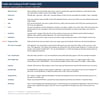
Tradie Job Costing & Profit Tracker (AU): Excel & Google Sheets, GST or No-GST
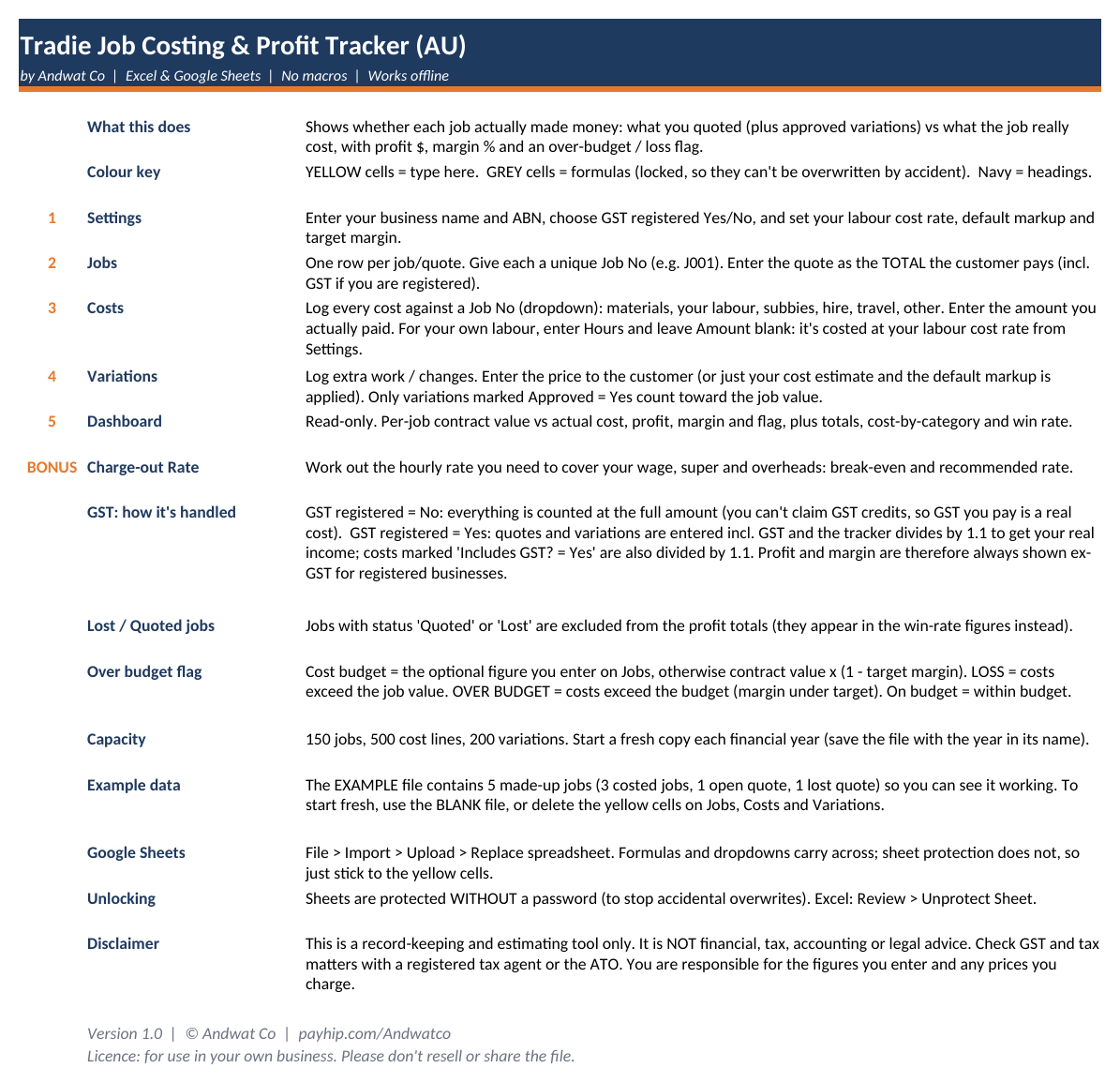
Find out whether every job actually made money. Log your quotes, costs and variations, and the dashboard shows the profit, the margin, and which jobs went over budget or ran at a loss. Built for Australian tradies, whether or not you're registered for GST.
Most tradies only find out a job lost money once it's long finished, if they ever do. This spreadsheet compares what you quoted (plus approved variations) with what the job actually cost (materials, your own labour, subbies, hire, travel and other costs) and shows the result for every job.
Type into the yellow cells and the formulas do the rest. No subscription, no app, no internet needed.
Features
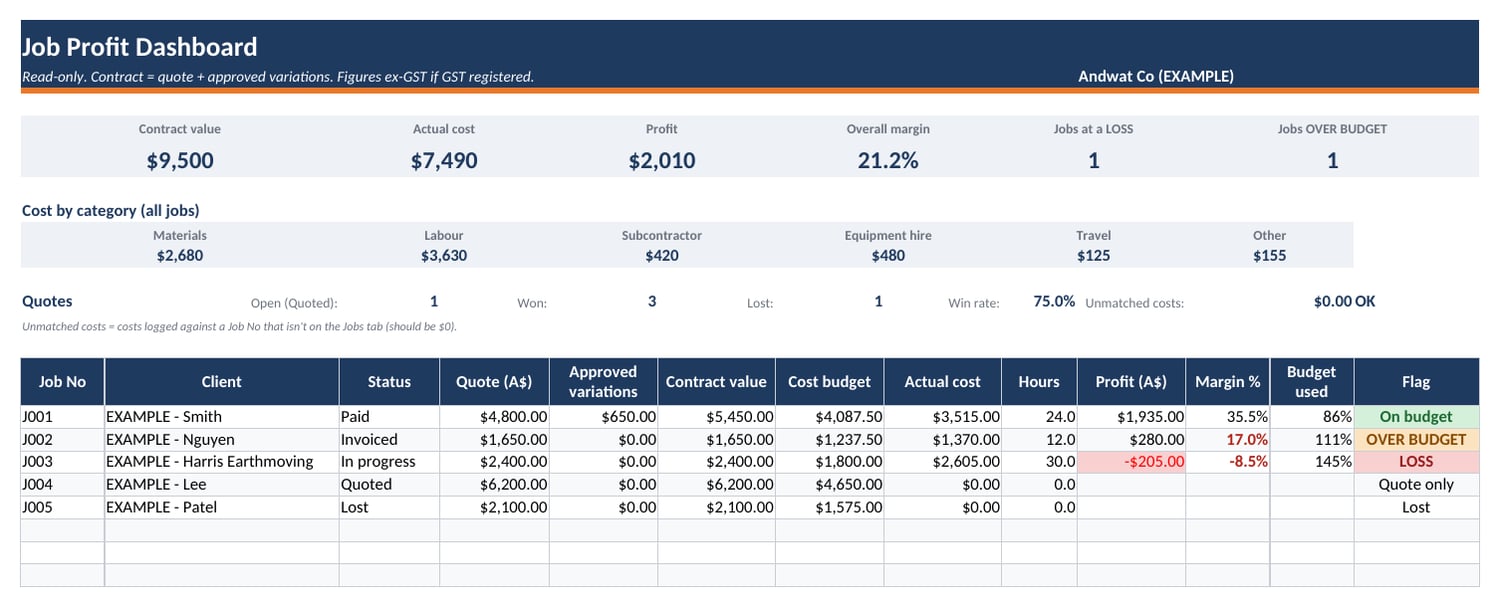
- Job profit dashboard: contract value, actual cost, profit in dollars, margin %, budget used, plus a colour-coded On budget / OVER BUDGET / LOSS flag for every job
- Totals at a glance: total contract value, total costs, total profit, overall margin, number of loss jobs and over-budget jobs
- Cost breakdown by category: Materials, Labour, Subcontractor, Equipment hire, Travel, Other
- GST registered: Yes/No switch. Not registered: everything counts at the full amount. Registered: quotes, variations and GST-inclusive costs are converted to ex-GST automatically.
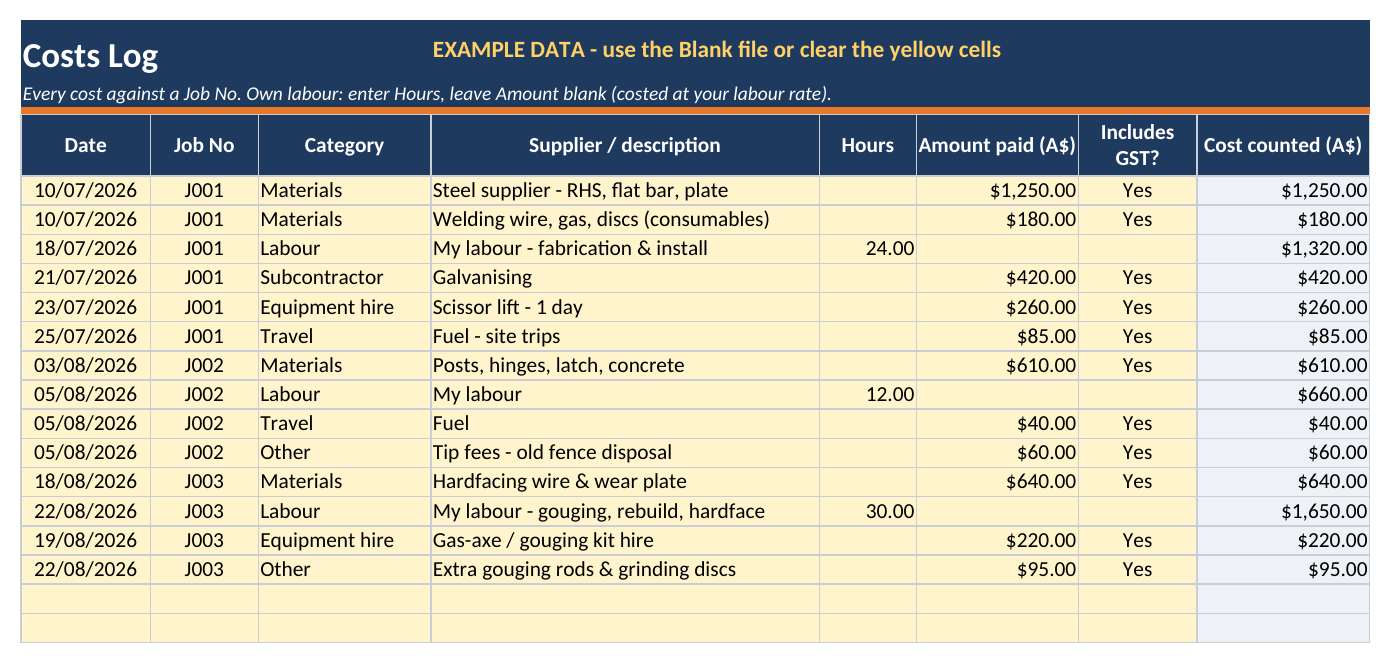
- Own labour costing: enter your hours and the tracker costs them at your labour rate
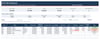
- Variations log: only approved variations count toward the job value. Enter a customer price, or just your cost and your default markup is applied.
- Quote win rate: counts open, won and lost quotes
- Data check: warns you if costs are logged against a Job No that isn't on the Jobs list
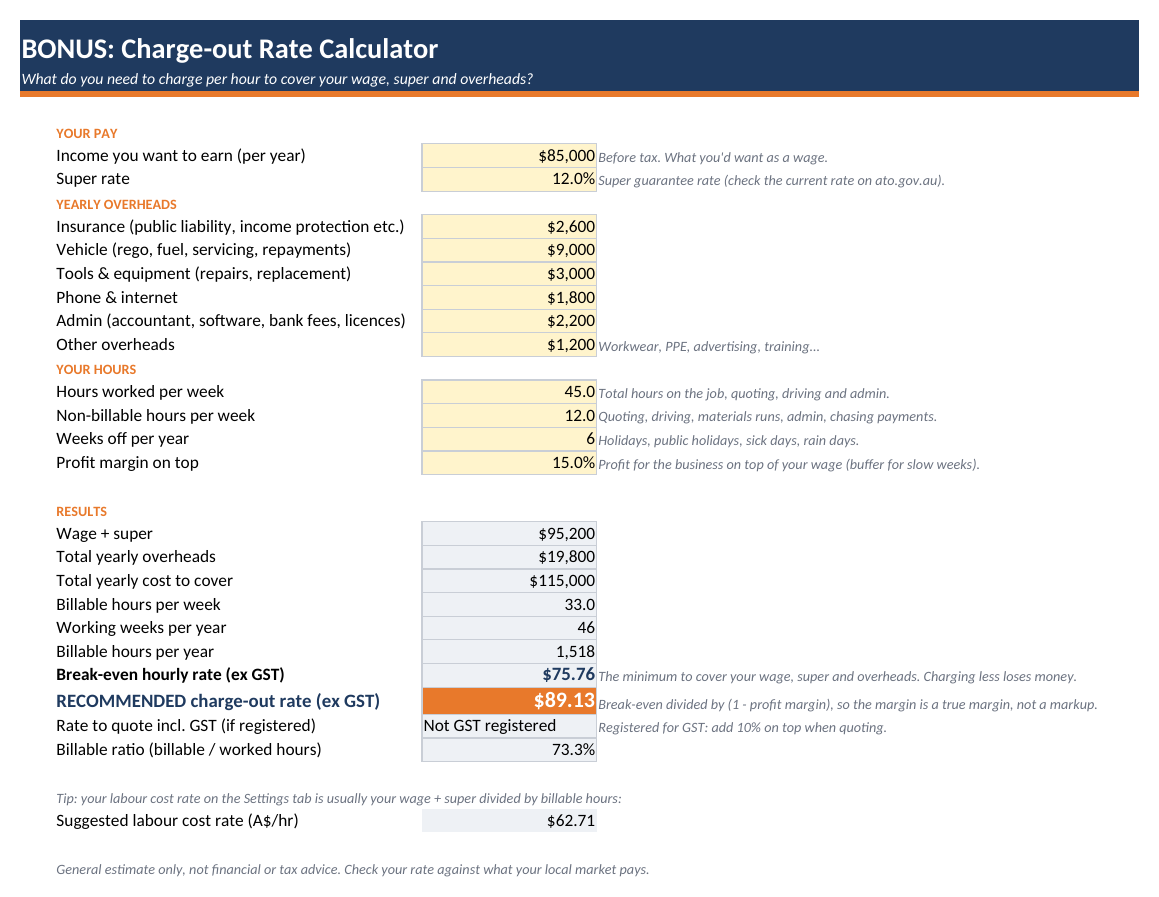
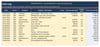
- BONUS Charge-out Rate Calculator: enter your wage, super, overheads and real billable hours to get your break-even hourly rate and a recommended charge-out rate (ex GST, plus incl. GST if registered)
- Dropdown menus for job numbers, categories, status and Yes/No
- Locked formula cells (no password) so you can't break them by accident
- Australian date format (dd/mm/yyyy) and dollar formatting
- Room for 150 jobs, 500 cost lines and 200 variations per file
What's included
- Tradie-Job-Costing-Profit-Tracker-AU-BLANK.xlsx: ready to use
- Tradie-Job-Costing-Profit-Tracker-AU-EXAMPLE.xlsx: filled with 5 made-up example jobs so you can see how it works
- READ-ME-FIRST.txt: quick-start guide (full instructions are on the Start Here tab)
Works with
Microsoft Excel (desktop), Google Sheets (via File > Import) and LibreOffice Calc. No macros. Works offline. Best on a laptop or desktop. Not designed for phone editing.
Who it's for
Sole traders and small trade businesses in Australia (sparkies, plumbers, chippies, fabricators/boilermakers, landscapers, handymen and others) who want to see their real job margins without paying for job-management software.
FAQ
- Do I need to be registered for GST? No. Choose Yes or No on the Settings tab and the tracker handles both.
- Is it a subscription? No. It's a one-off purchase and an instant download.
- Will it work in Google Sheets? Yes. Use File > Import > Upload. Formulas and dropdowns carry over. Sheet protection doesn't carry over, so stick to the yellow cells.
- Is this tax or financial advice? No. It's a record-keeping and estimating tool. Check GST and tax matters with a registered tax agent or the ATO.