

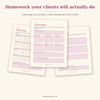

Coaching Workbook Canva Bundle
50 editable workbook pages so you can hand clients real homework without designing a thing.
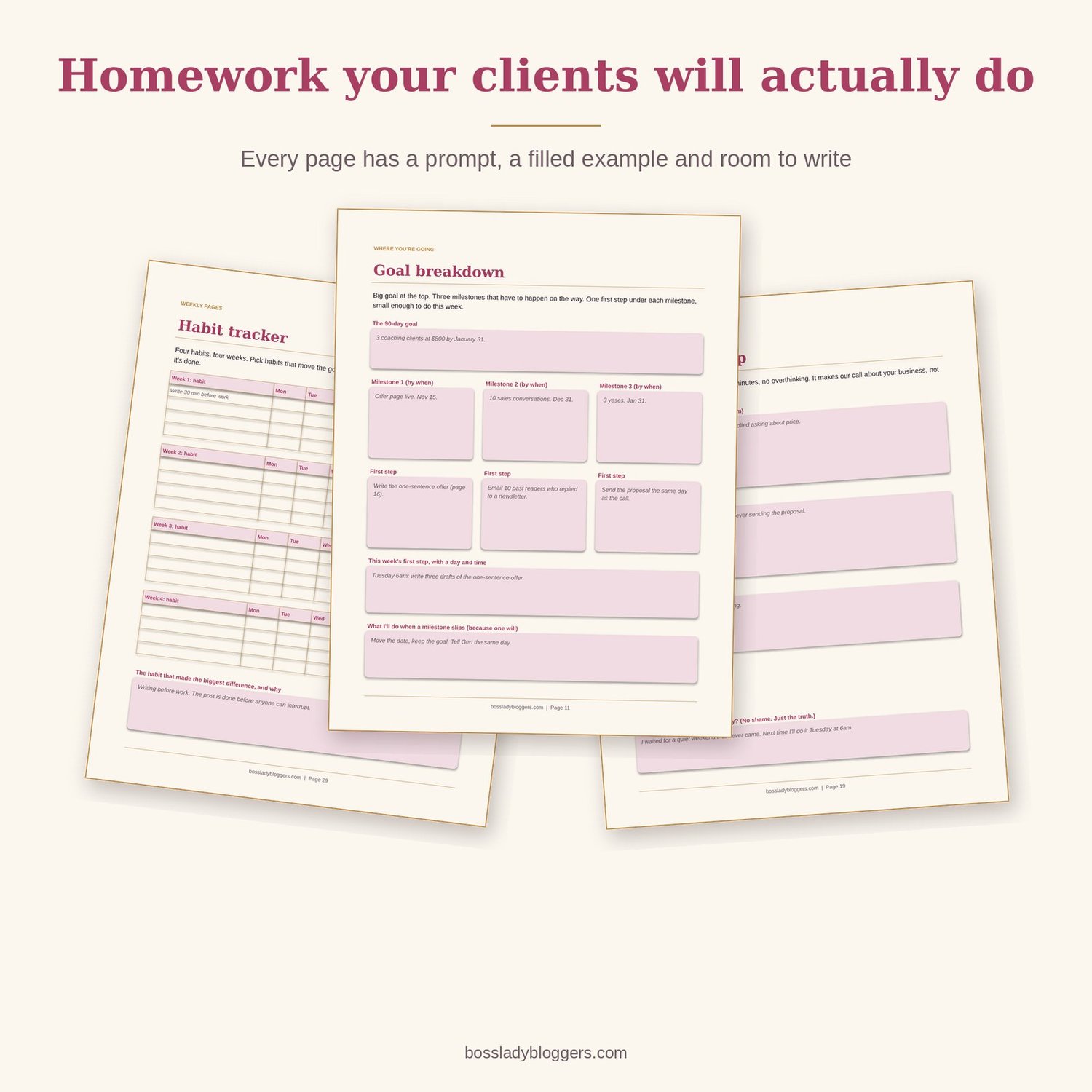
You sell coaching or a program. Your clients need something to do between calls. Right now that's a Google Doc with three questions in it, or nothing. This is 50 finished pages, written and designed, that you brand in Canva in an afternoon. Every page has a prompt, a filled example and room to write.
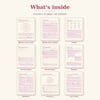
What's inside
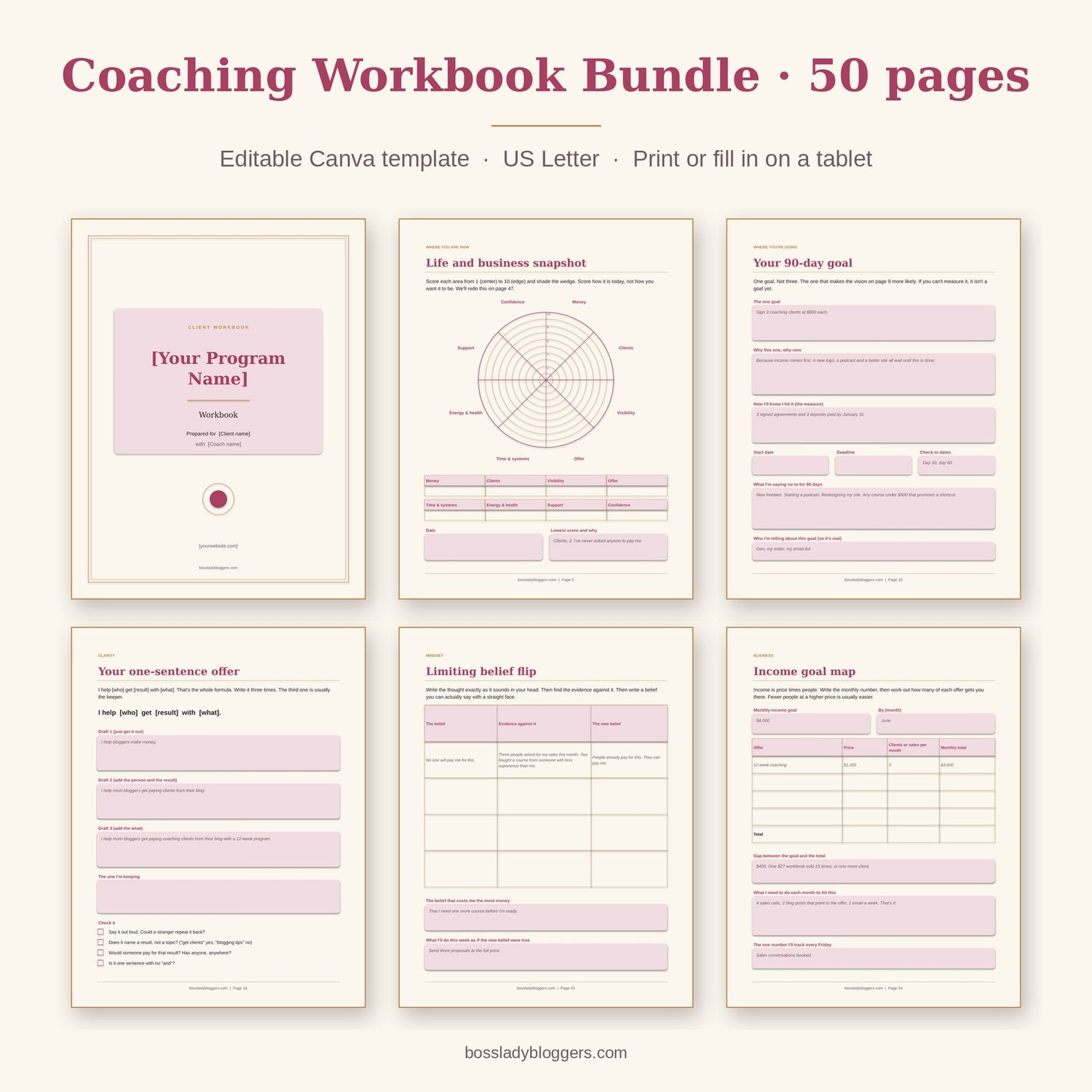
- 50 pages at US Letter, editable in free Canva, plus a printable PDF
- Cover, welcome letter template (with a real example letter), how-to-use page and a coaching agreements page
- Where you are now: life and business snapshot wheel, current reality questions, "what I've tried" inventory, energy audit
- Where you're going: 12-month vision, 90-day goal, goal breakdown, obstacles and plan
- Clarity: values picker (40 values), strengths inventory, who you help, one-sentence offer, ideal client profile, your story in 5 lines
- 4 session sets: pre-session prep + session notes and actions
- Weekly pages: focus planner, weekly review, 4-week habit tracker, 168-hour time audit, "good enough" done list, weekly reflection
- Mindset: limiting belief flip, fear setting, confidence bank, decision matrix, energy givers and drainers, self-care minimum
- Business: offer pricing worksheet, content idea generator, launch checklist, client feedback form, testimonial request, income goal map
- Progress: 30-day check-in, 90-day review, before and after wheel, celebration page
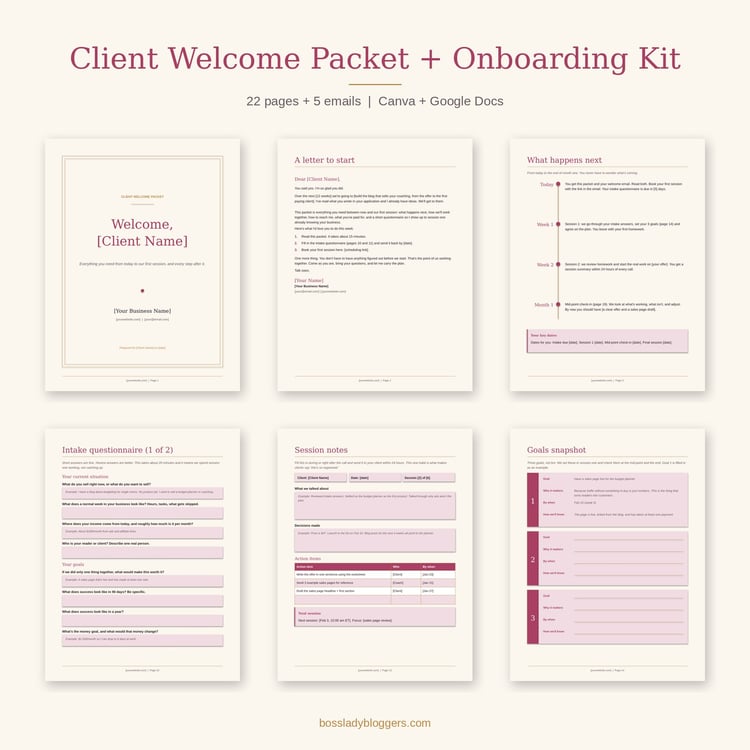
- Next steps and ways to keep working together, plus a notes page
- Start Here guide with the Canva link, setup steps and licence
Who it's for
- Coaches who sell 1:1 or group programs and want homework that looks like the price they charge
- Course creators who need a workbook to go with the lessons
- Bloggers who just launched a coaching offer or a program and have nothing to hand clients yet
- Anyone who's been meaning to make a workbook for a year and keeps opening a blank Canva page
Not for you if you want blank lined pages. Every page here is opinionated: it asks one thing, shows one example, and gives you room to answer.
How to use it
- Open the template link in Canva and click "Use template." Swap the colors and fonts with your Brand Kit.
- Change the brackets on the cover and welcome letter. Delete the pages you won't use. Keep or remove the gray examples.
- Download as a PDF and send it with your welcome email, or share the Canva link so clients fill it in on a tablet.
FAQ
Do I need Canva Pro?
No. The free plan opens and edits everything. Pro only matters if you want to upload your own fonts.
Can I use this for a course, not just coaching?
Yes. Delete the 8 session pages and the rest works as a course workbook. The business and weekly pages fit any program.
Can I sell the workbook to my clients?
You can include it in anything you sell: a program, a course, a membership. You can't sell or share the template itself.
Is it A4?
It's US Letter. In Canva, Resize (Pro) or just print "fit to page" on A4. The margins are generous enough that nothing gets cut.