
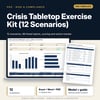
Crisis Tabletop Exercise Kit (12 Scenarios): Tabletop Exercise Scenarios, Timed Injects and Scoring Workbook
Full description
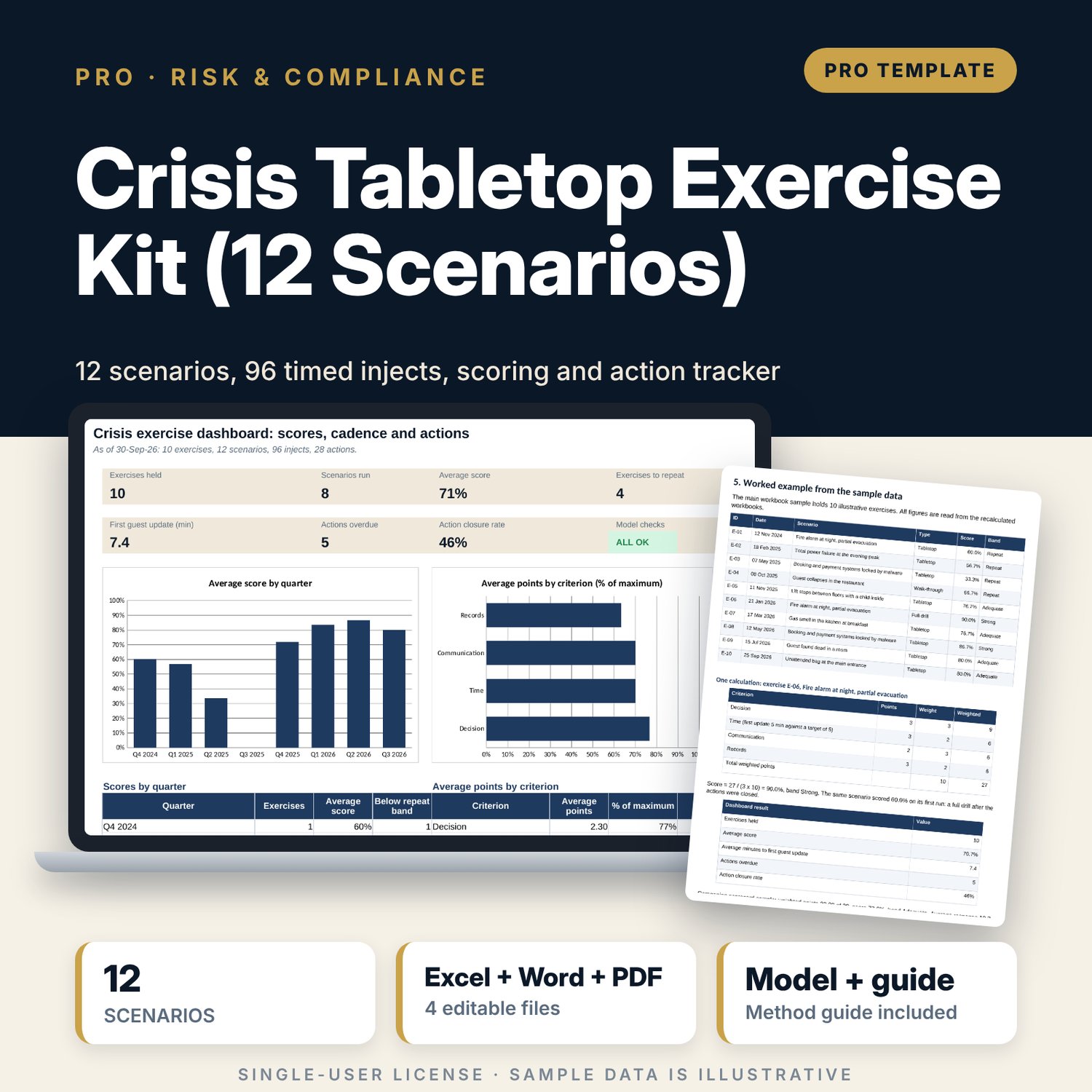
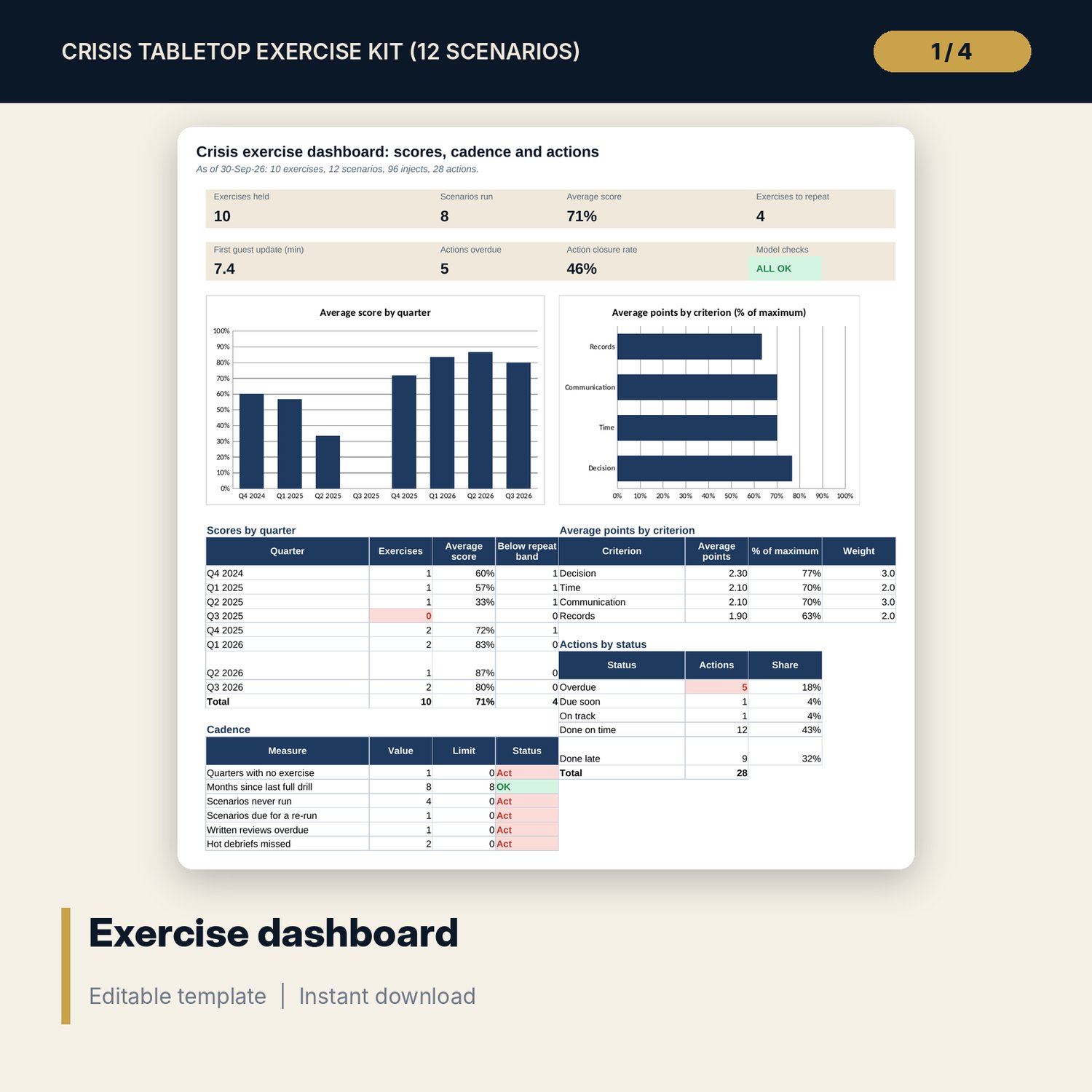
For hotel general managers, duty managers, safety and security managers and department heads who must test their crisis plans before a real event. The main workbook holds 12 scenarios (fire, power failure, medical emergency, lift entrapment, gas leak, security threat, cyber attack, death on property, storm and flood, food safety, water failure and a social media crisis), each with 8 timed injects covering guests, vulnerable guests, media, staff, suppliers, resource shortfalls, guest updates and authorities. Each exercise is scored on decision, time, communication and records, weighted into a score and a band. Findings go to an action tracker with a closure rate, and the coverage view shows which scenarios are due. The companion workbook times each inject and records up to four evaluators. The Word guide covers roles, the facilitator script, scoring, a worked example and the written review.
What is inside
- Crisis_Tabletop_Exercise_Kit.xlsx: 11 tabs, 1,845 formulas, 2 native charts, 22 drop-down and input rules, 10 integrity checks, 14 method rows
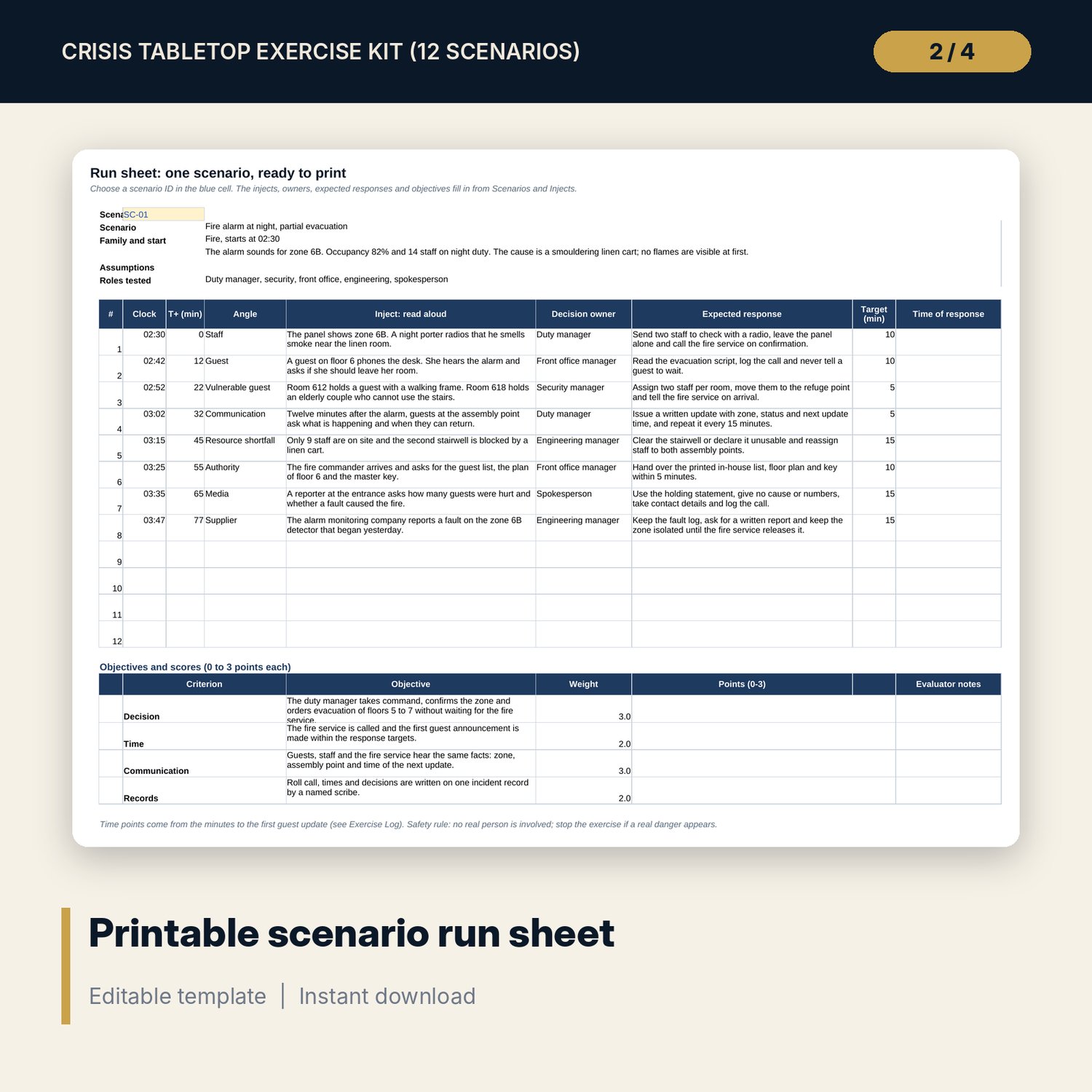
- Scenarios: 12 scripts with assumptions, roles tested and four objectives each
- Injects: 96 timed injects with clock time, angle, decision owner, expected response and target minutes
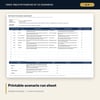
- Run Sheet: a one-page print of any scenario
- Exercise Log: 10 sample exercises with weighted score, band, review flag and change on the last run
- Action Tracker: 28 sample actions with owner, due date, status and an Overdue flag
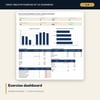
- Dashboard: 7 KPI tiles, a check tile, 2 charts, scores by quarter and cadence
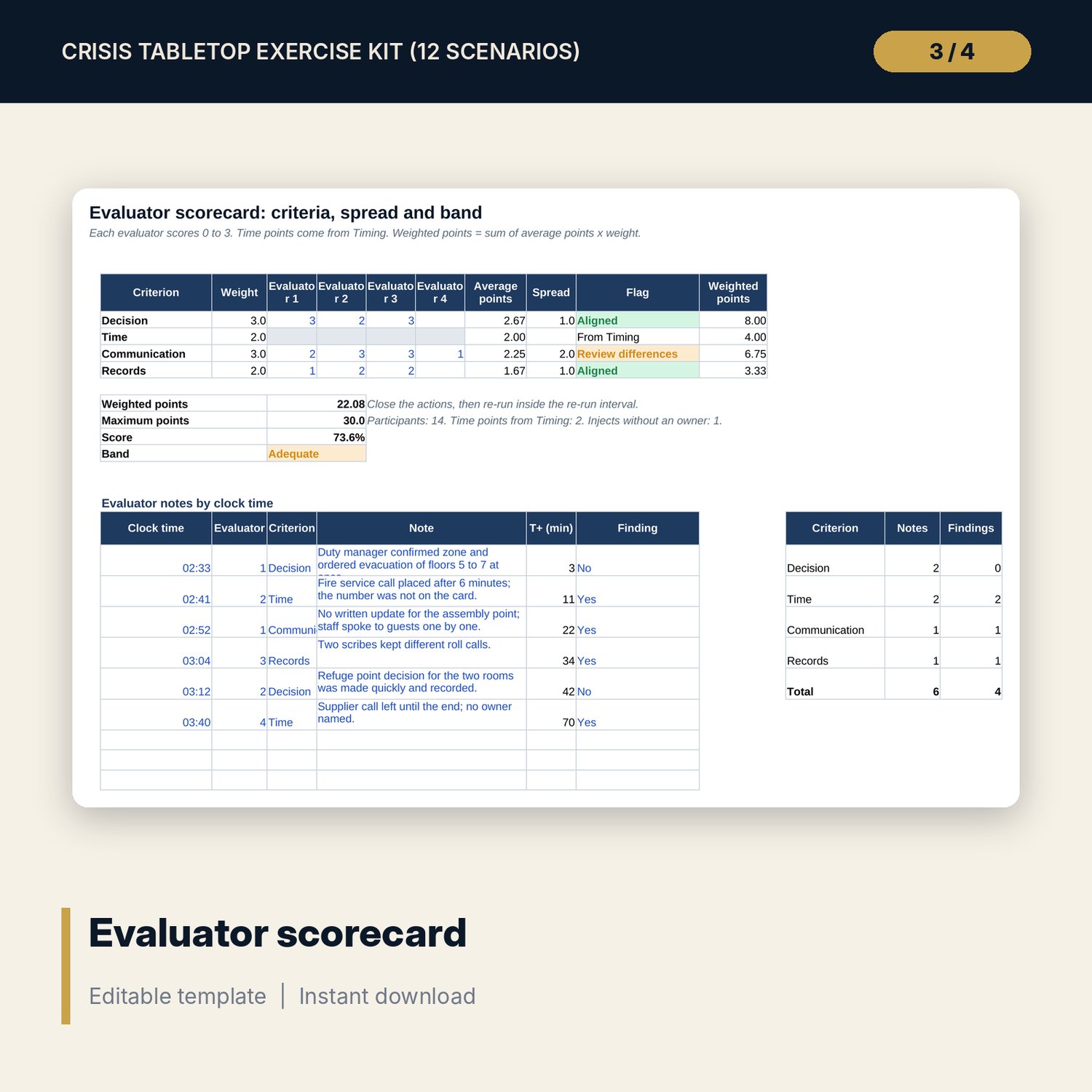
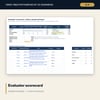
- Crisis_Tabletop_Exercise_Kit_Evaluator_Scorecard.xlsx: 5 tabs, 162 formulas, inject timing, evaluator scores and notes by clock time
- Crisis_Tabletop_Exercise_Kit_Guide.docx and PDF: 10 pages
- README.txt and LICENSE-and-Terms.txt
How it works
- Set the weights, bands, targets and intervals on Assumptions.
- Pick a scenario on Run Sheet and print it. Run it with the companion scorecard.
- Add the exercise to the log with the criterion points and the minutes to the first guest update.
- Record each finding with an owner and a due date, and review the tracker every week.
Details
- Formats: 2 Excel workbooks (.xlsx), 1 Word guide (.docx) and PDF, English
- Software: Excel 2016 or later, or LibreOffice Calc 7 or later
- No macros, no external links, no data tables, no array formulas
- 4 files plus README and license; instant digital download
Good to know
- Sample data is illustrative. Replace it with your own figures.
- Exercises are simulations. Never involve real guests, and stop if a real emergency develops.
- This kit organises exercises and records. It is not legal, safety or emergency-services advice. Verify local requirements for drills, notices and records.
- Single-user license. Do not redistribute.
FAQ
How long does one exercise take?
About two and a half hours: a 10 minute pre-brief, a run of 60 to 90 minutes with one inject every 10 to 15 minutes, a 30 minute debrief and a written review within a week.
How is an exercise scored?
Decision, communication and records are scored 0 to 3. Time points are calculated from the minutes to the first guest update against your target. A weighted score sets the band Strong, Adequate or Repeat.
Can I change the scenarios?
Yes. Edit the text, add rows on Scenarios and Injects, and the design flag checks spacing, angles and owners.
What does the companion workbook do?
It records planned and actual inject times, points against target, up to four evaluator scores with a spread flag, and notes by clock time. It works on its own.
Do I need macros?
No. Every result is a standard worksheet formula.