
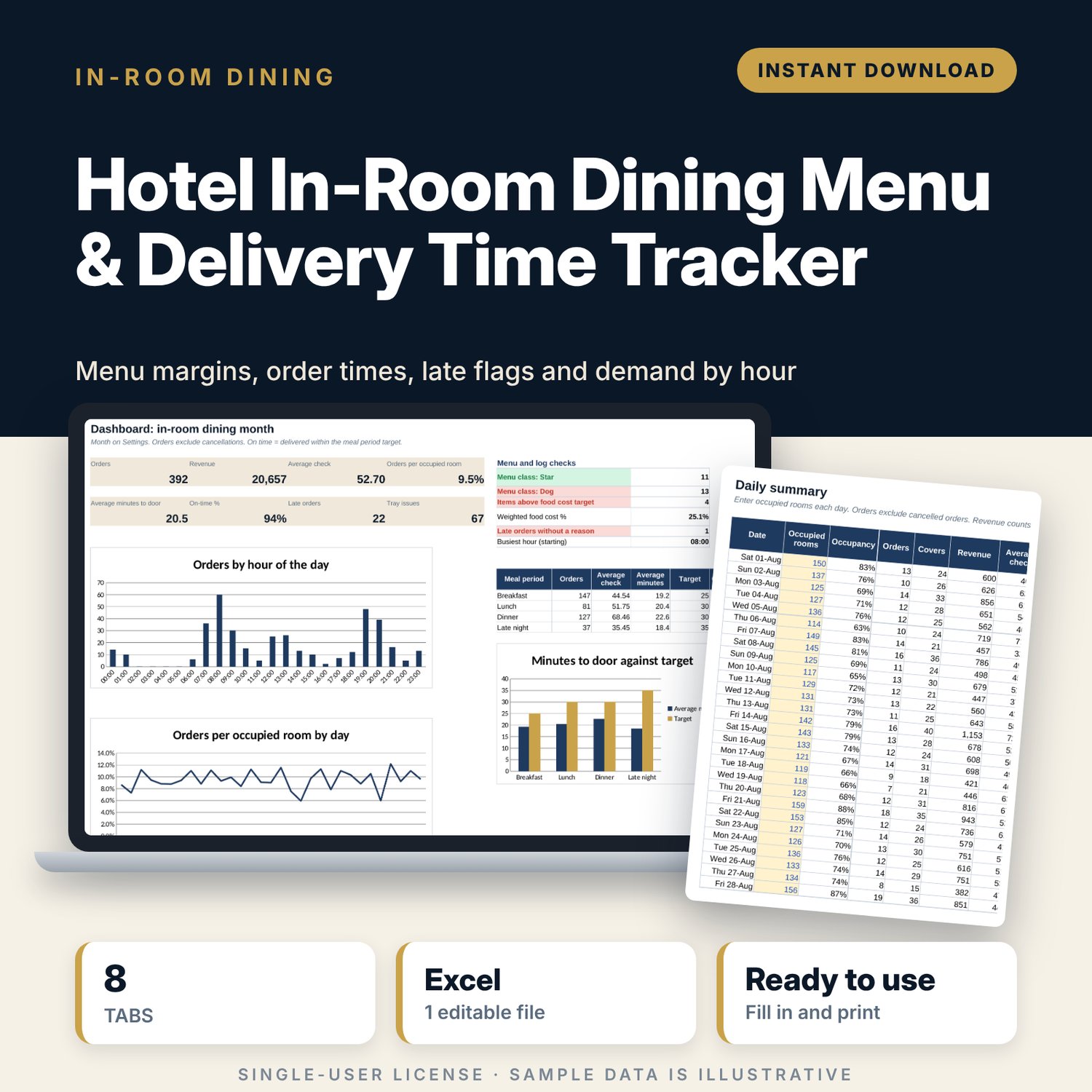
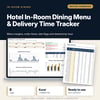
Hotel In-Room Dining Menu & Delivery Time Tracker: Room Service Order and Delivery Time Spreadsheet
Full description
For in-room dining managers, F&B directors and hotel general managers who want to know how fast room service really is, what each menu item earns and when the phone rings. You price the menu with food cost and margin, log each order with its order, dispatch and delivery times, and record each tray when it is collected. The workbook flags late and very late orders against a target for each meal period, shows orders per occupied room and average check day by day, and builds an hourly demand profile with the number of servers you need.
Save with a bundle: this template is also in the Hotel Rooms, Guest Experience & Spa Bundle, 16 templates for $39 instead of $112. All 141 templates are in the All-Access Hospitality Template Library for $79.
What is inside
- In_Room_Dining_Menu_Delivery_Tracker.xlsx: 8 tabs, 11,180 formulas, 4 native charts, 12 drop-down or number rules.
- Settings: 11 inputs (month, rooms, kitchen and tray targets, food cost target, server capacity), 4 meal periods with delivery targets and 7 drop-down lists.
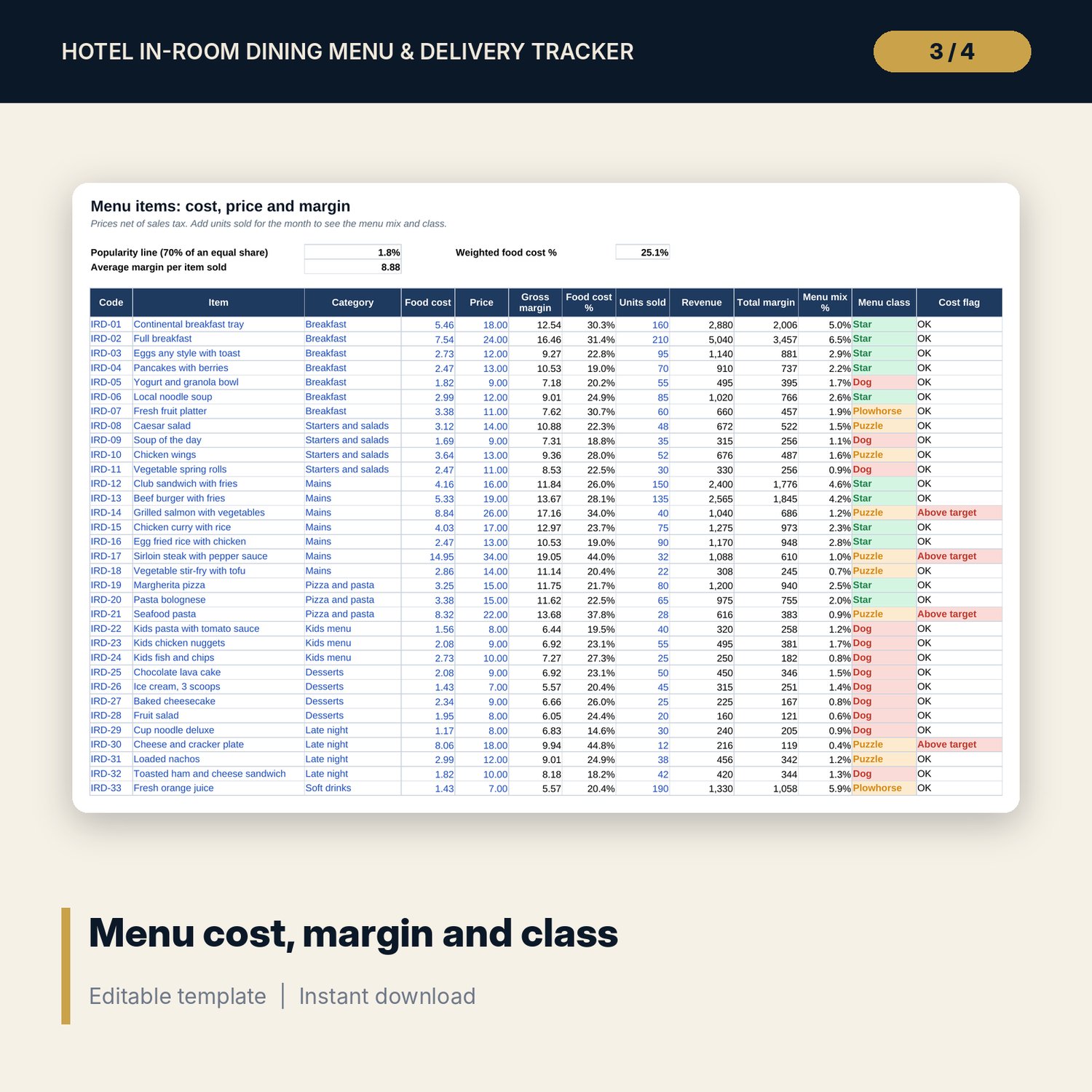
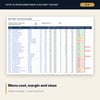
- Menu_Items: 40 sample items in 10 categories with food cost, price, margin, food cost %, units sold, menu mix and a Star, Plowhorse, Puzzle or Dog class. Room for 80.
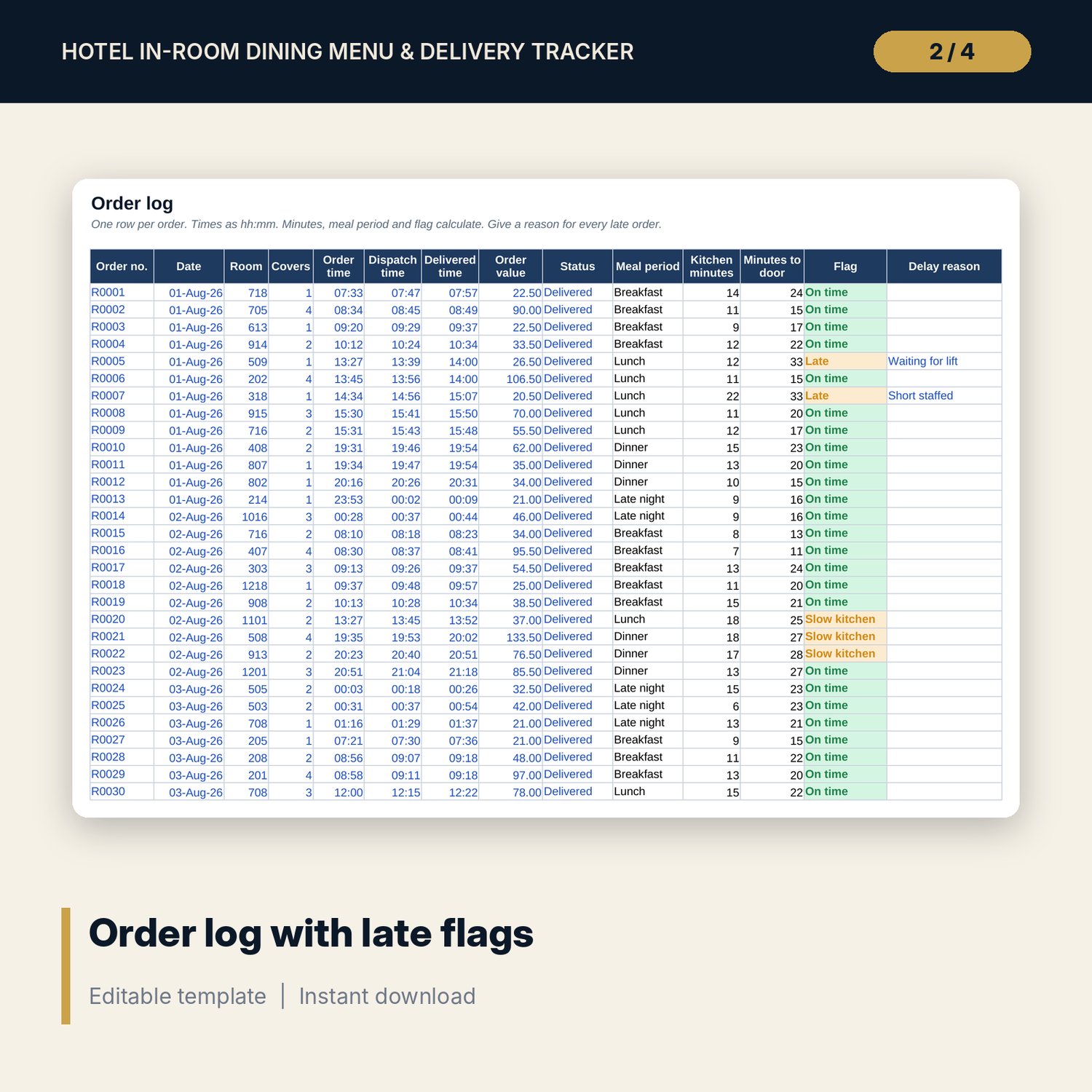
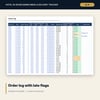
- Order_Log: room for 1,000 orders (399 sample rows). Meal period, kitchen minutes, minutes to door and a flag calculate: On time, Slow kitchen, Late, Very late, Missing time or Cancelled.
- Tray_Collection: room for 1,000 trays (392 sample rows). Date, room and delivery time fill in from the order number; late, outside-room, missing and damaged items are flagged.
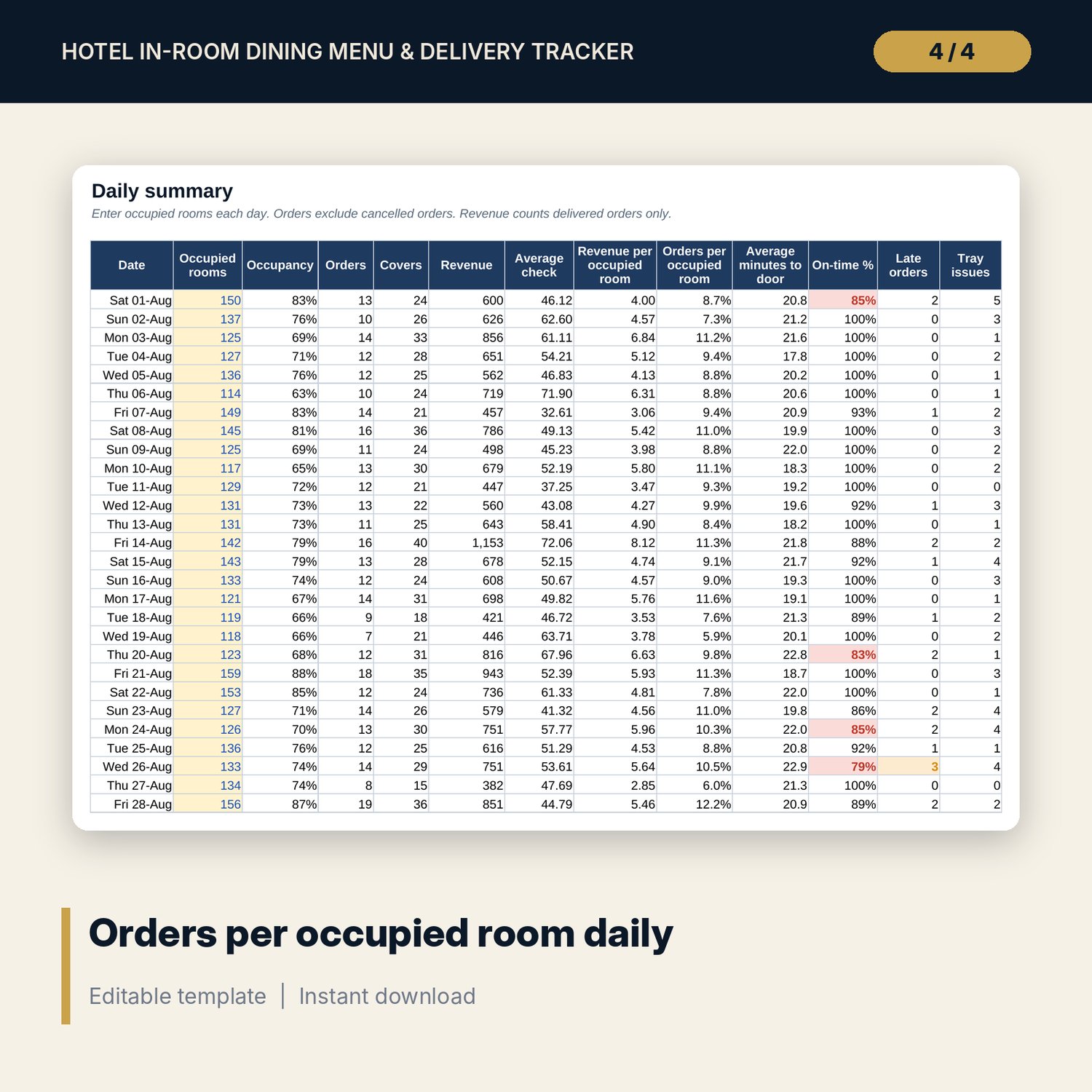
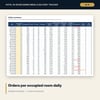
- Daily_Summary: each day of the month with occupancy, orders, covers, revenue, average check, orders per occupied room, average minutes to door, on-time %, late orders and tray issues.
- Hourly_Profile: 24 hours of orders, revenue, average check, delivery time, late % and servers needed, with a chart.
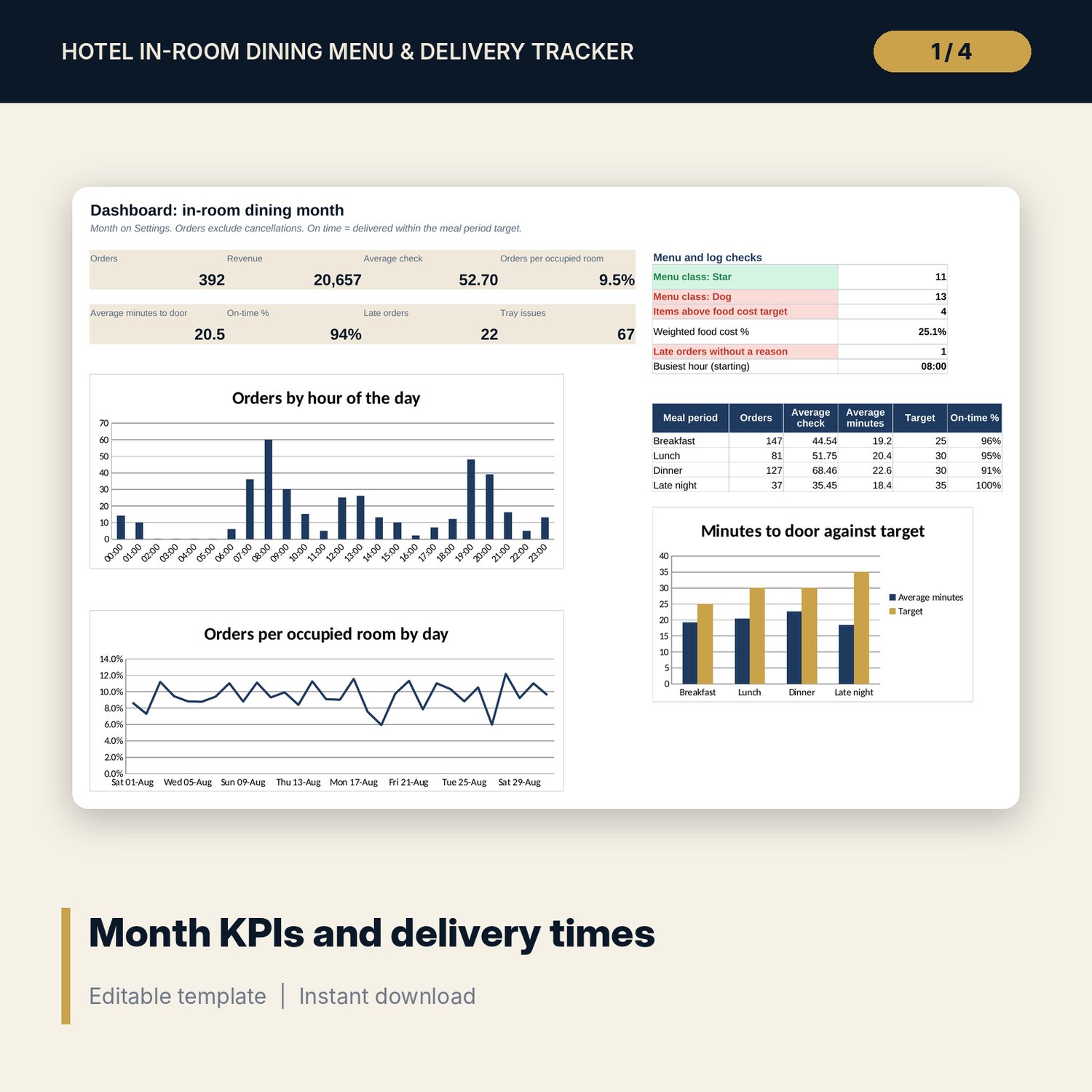
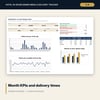
- Dashboard: 8 KPI tiles, 6 menu and log checks, results by meal period and 3 charts.
- README.txt and LICENSE-and-Terms.txt.
How it works
- Set the month, rooms and targets on Settings, and check the delivery target for each meal period.
- Enter food cost and price for each menu item. Add units sold at month end.
- Log each order with its 3 times, then log each tray when it is collected.
- Enter occupied rooms each day on Daily_Summary.
- Review Hourly_Profile for server shifts and the Dashboard for the month.
Details
- Format: Excel workbook (.xlsx). No macros.
- Language: English. Currency is a label you choose.
- Software: Excel 2016 or later, or a spreadsheet program that opens .xlsx files.
- Delivery: instant digital download. Nothing is shipped.
Good to know
- All sample menu items, orders and times are illustrative. Replace them with your own.
- Enter prices and order values net of sales tax and service charge. Tax and alcohol service rules differ by location; verify local requirements.
- Use one copy of the workbook per month.
- Single-user license. Do not share or resell the files.
FAQ
Can I set different delivery targets for breakfast and dinner?
Yes. Each meal period on Settings has its own target in minutes, and every order is judged against the target for the time it was placed.
What happens with orders after midnight?
Enter them on the calendar date they were placed. The late night period runs from 23:00 to 05:59 and minutes are worked out across midnight.
How is orders per occupied room calculated?
Orders for the day, excluding cancellations, divided by the occupied rooms you enter from your PMS.
Does it work in Google Sheets?
It opens in Google Sheets and the formulas calculate. Check the drop-downs after import.
Is this a physical product?
No. It is a digital download. Refund terms follow the store policy at the time of purchase.