
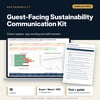
Guest-Facing Sustainability Communication Kit: Sustainability Claims Register and Signage Checklist for Hotels
Full description
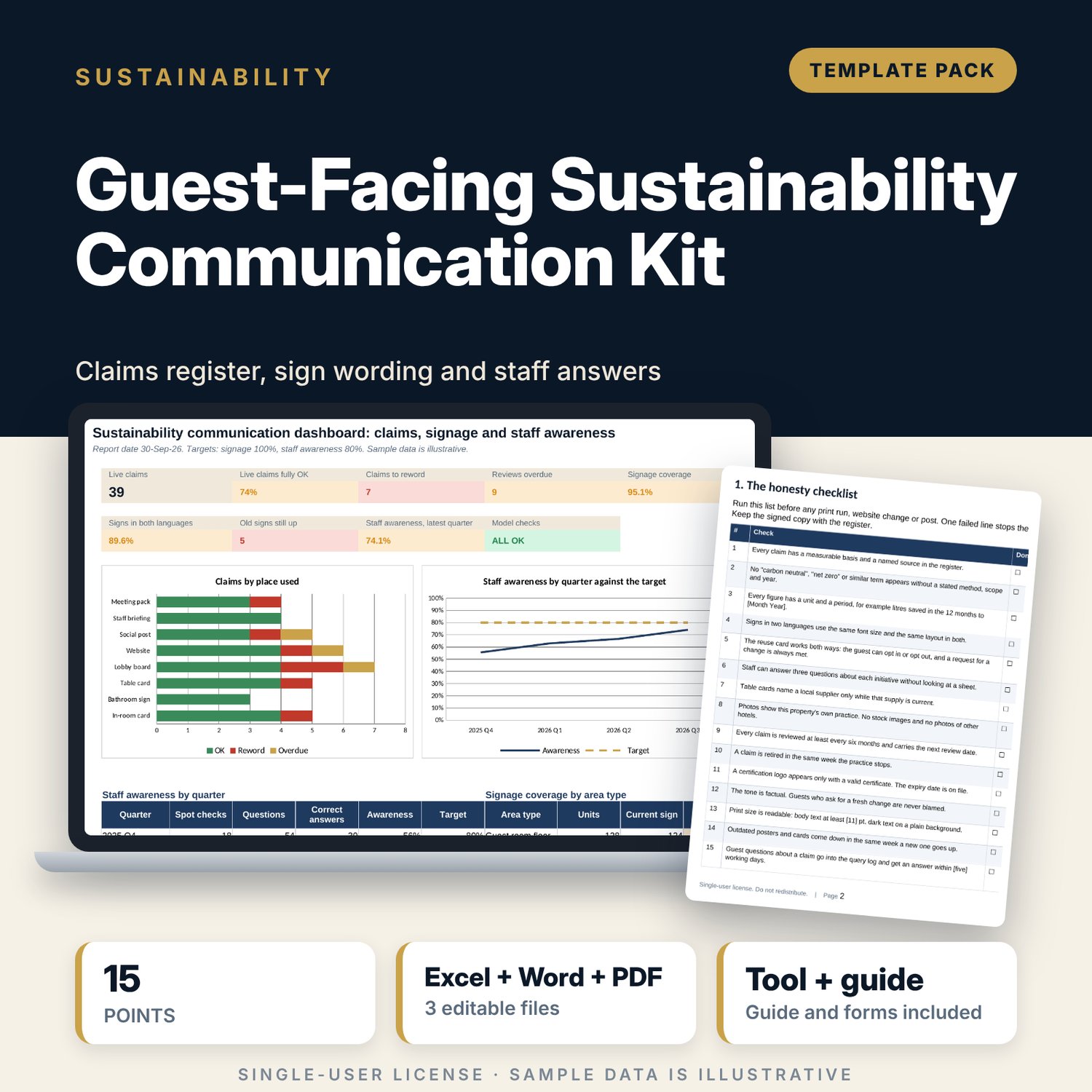
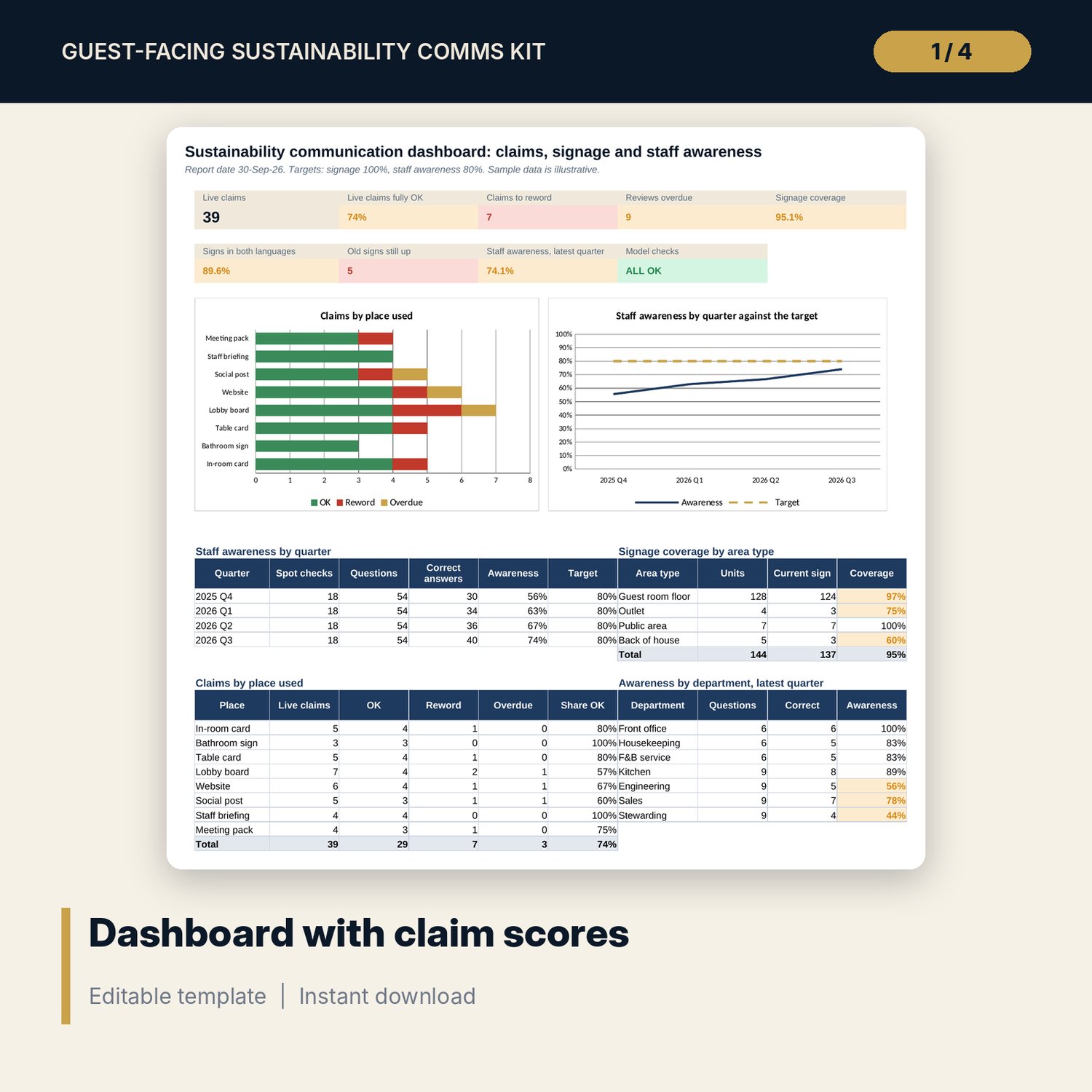
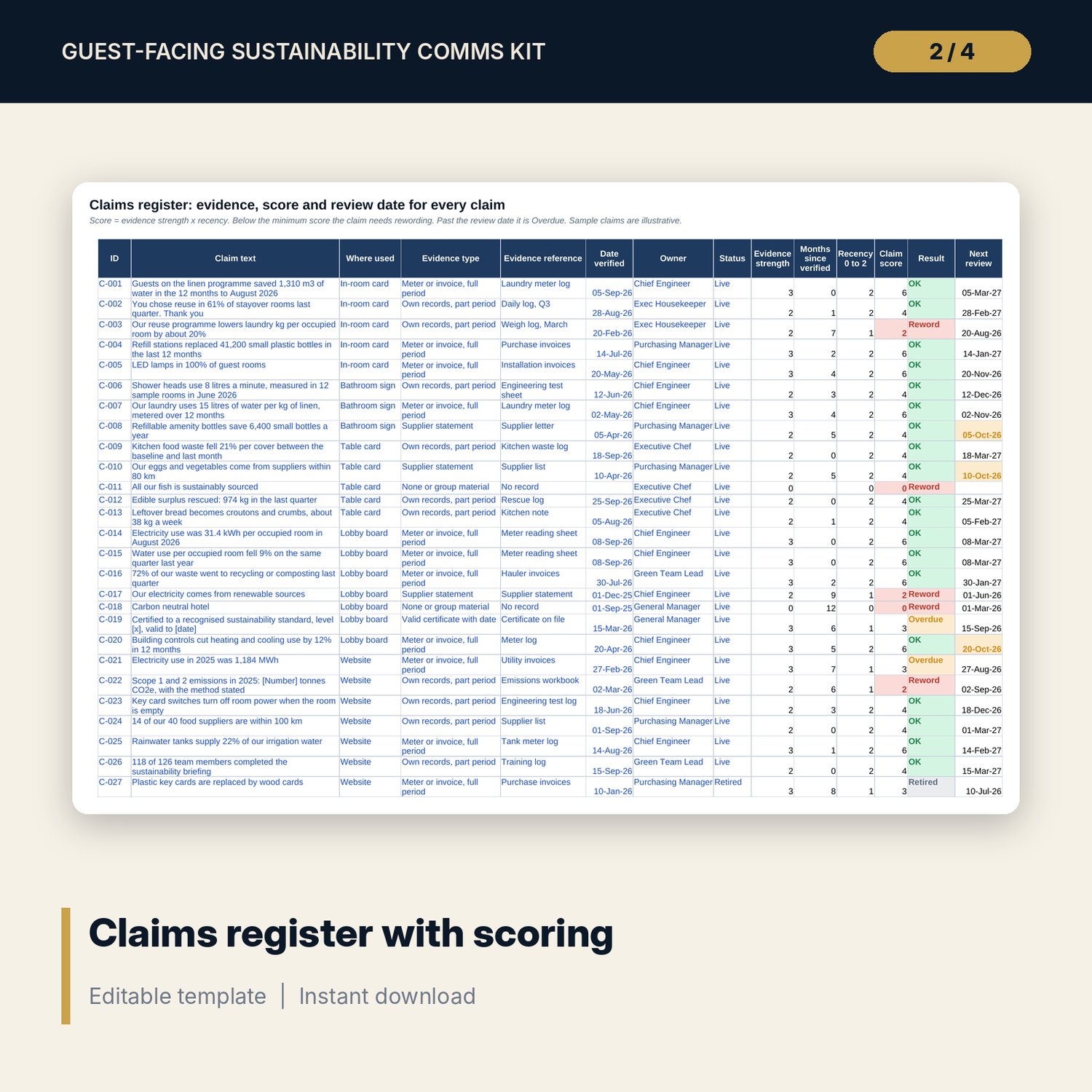
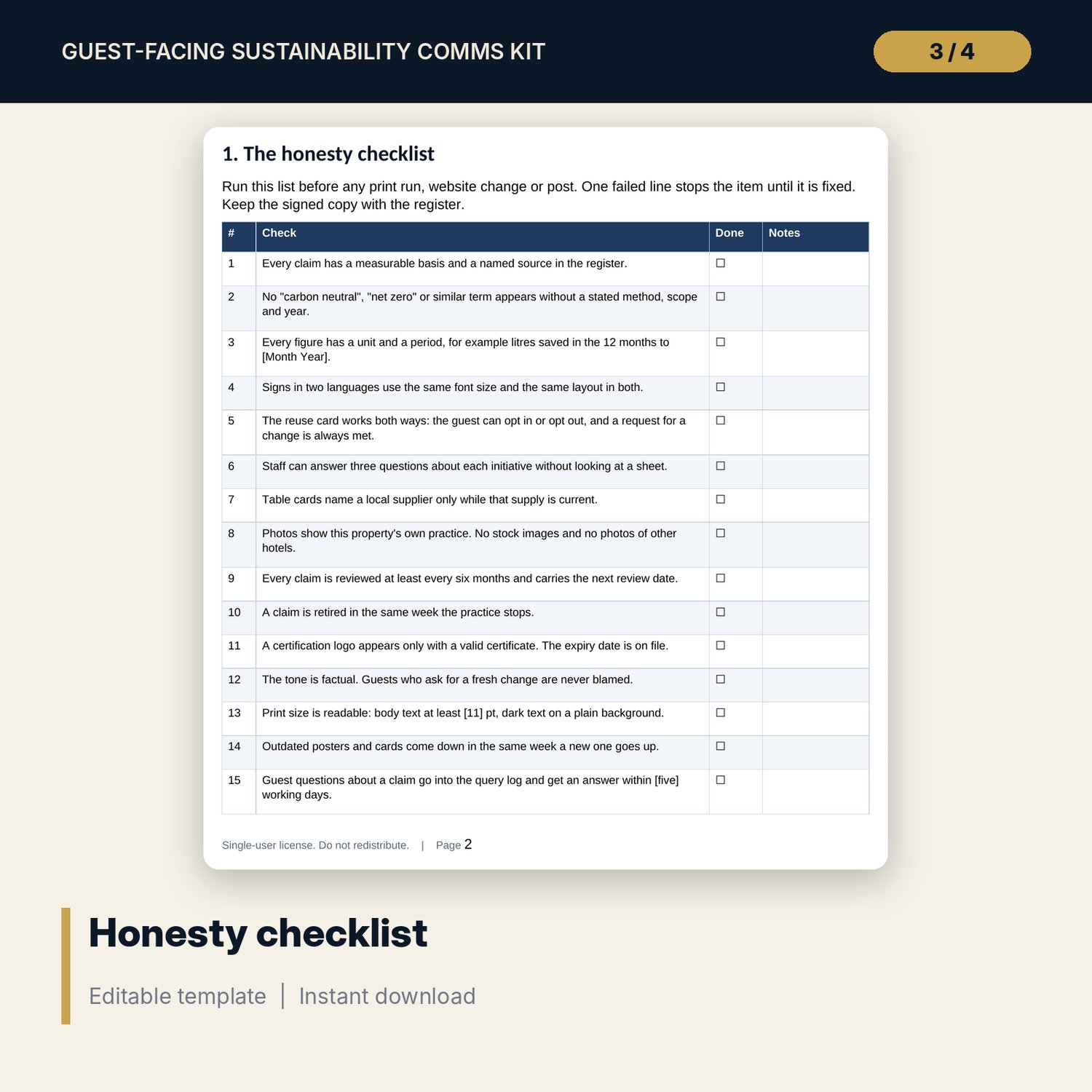
For general managers, marketing managers and green team leads who need every guest-facing sustainability message to hold up when a guest or an auditor asks for proof. The workbook lists each claim with the place it appears, the evidence type, the date verified and an owner. It scores each claim as evidence strength times recency, marks claims that need rewording or are past review, and tracks signage coverage, both-language signs, old signs still up and quarterly staff spot-check results. The Word guide gives a 15-point honesty checklist, ready-to-edit wording for signs, cards, the website and social posts, staff questions with answers, and the approval and review routine.
What is inside
- Sustainability_Claims_Register.xlsx: 7 tabs, 990 formulas, 2 native charts, 21 drop-down and input rules
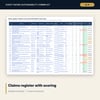
- Claims: register with 42 sample claims across 8 places, evidence strength, months since verified, recency, claim score, result and next review, plus 40 spare rows
- Signage: 18 sample areas with units, current signs, both-language signs, old signs still up, coverage and days since check, plus 12 spare rows
- Staff Check: 72 sample spot checks over four quarters by department and initiative, with awareness per check, plus 60 spare rows
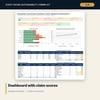
- Dashboard: 8 KPI tiles and a check tile, claims by place used, staff awareness by quarter, signage coverage by area type, 2 charts
- Checks: 8 integrity checks
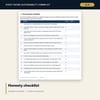
- Communication_Kit_Guide.docx and PDF: 8-page guide with a 15-point honesty checklist, claim scoring rules, sign and card wording for 9 places, website and social copy, 18 staff questions with answers, approval routine and a guest query log
- README.txt and LICENSE-and-Terms.txt
How it works
- Set the report date, review interval, minimum claim score and targets on Settings.
- List every claim guests can read on Claims with its evidence and date verified, and fix every Reword result.
- Count signs on Signage each month and log staff spot checks each quarter.
- Use the guide for wording, staff answers and the approval routine; confirm that Checks shows ALL OK.
Details
- Formats: 1 Excel workbook (.xlsx), 1 Word document (.docx) and its PDF, English
- Software: Excel 2016 or later, or LibreOffice Calc 7 or later
- No macros, no external links, no array formulas
- 3 files plus README and license; instant digital download
Good to know
- Sample data is illustrative. The sample claims say nothing about any real hotel.
- Rules on environmental claims differ by country. Verify local requirements and take legal advice before you publish a claim.
- The score shows how well a claim is supported. It does not certify that a claim is lawful.
- Single-user license. Do not redistribute.
FAQ
How is a claim scored?
Score = evidence strength (0 to 3, set by evidence type on Settings) x recency (2 inside the review interval, 1 if overdue but verified within 12 months, else 0). Below the minimum score the claim shows Reword.
Can I change the points and the review interval?
Yes. The evidence points, review interval, minimum score and targets are inputs on Settings.
Does it track signs and staff awareness?
Yes. Signage records coverage, both-language signs and old signs per area. Staff Check logs the quarterly spot check and shows awareness by quarter and department.
Is the wording legal advice?
No. The wording is a starting point with [brackets] for your own verified figures. Check local rules on environmental claims before you publish.
Do I need macros?
No. Every result is a standard worksheet formula.