
Home Maintenance Schedule (Southern and Northern Hemisphere)
On Sale
ZAR129.00
ZAR 129.00
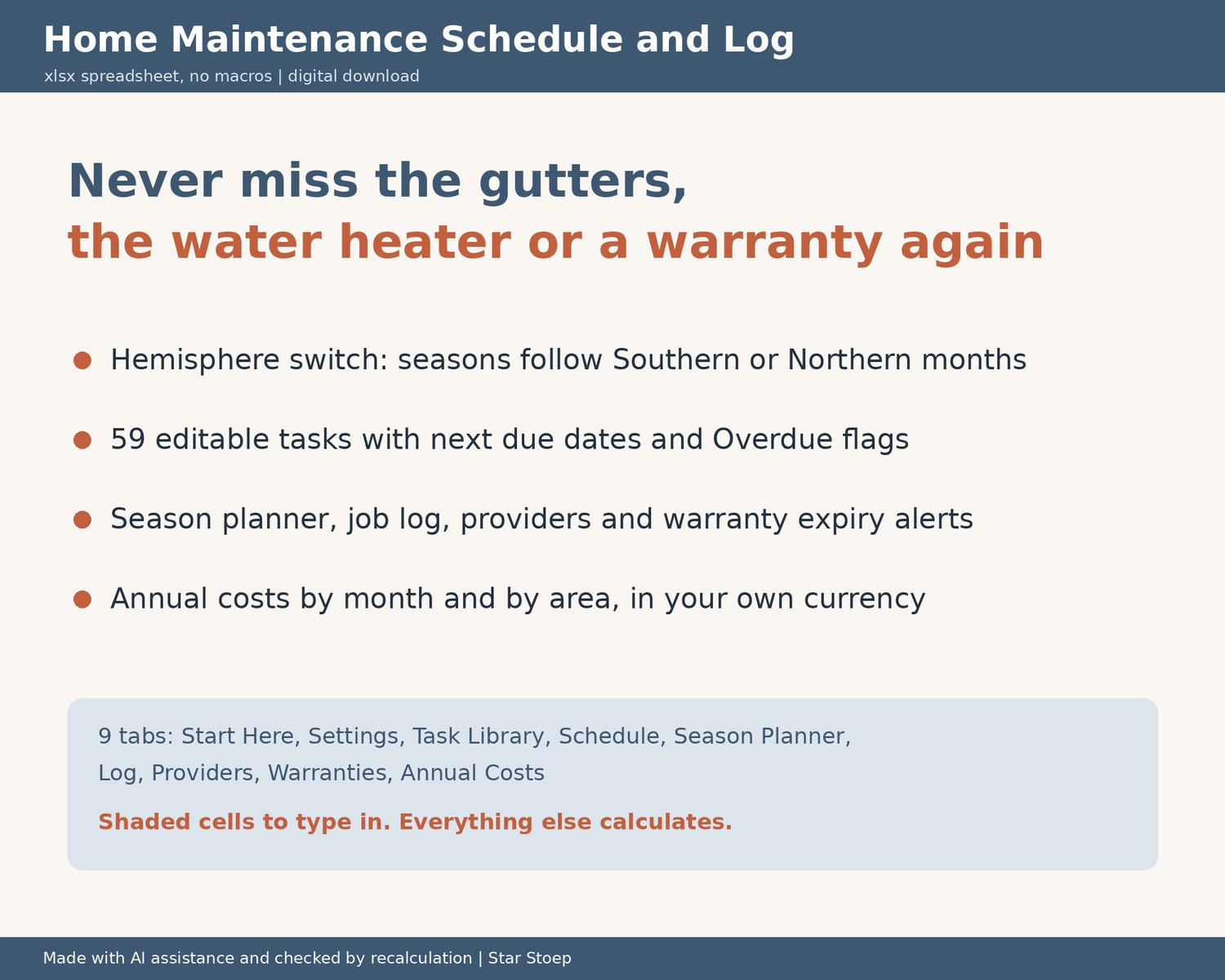
Keep track of every job your home needs, from smoke alarms and gutters to the water heater, the pool pump and appliance warranties. This is an .xlsx spreadsheet with a hemisphere switch, so the seasons match where you live.
WHAT IT DOES
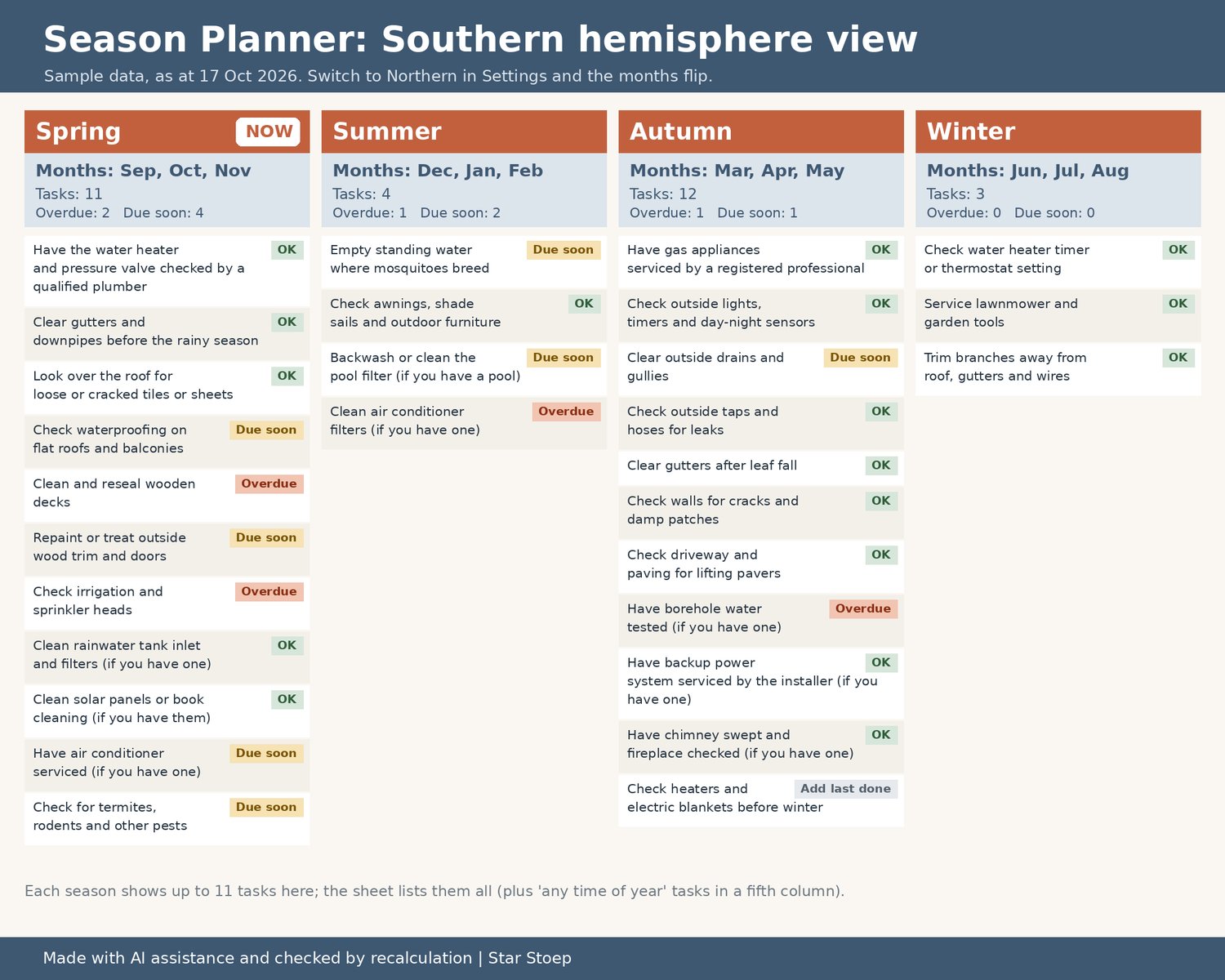
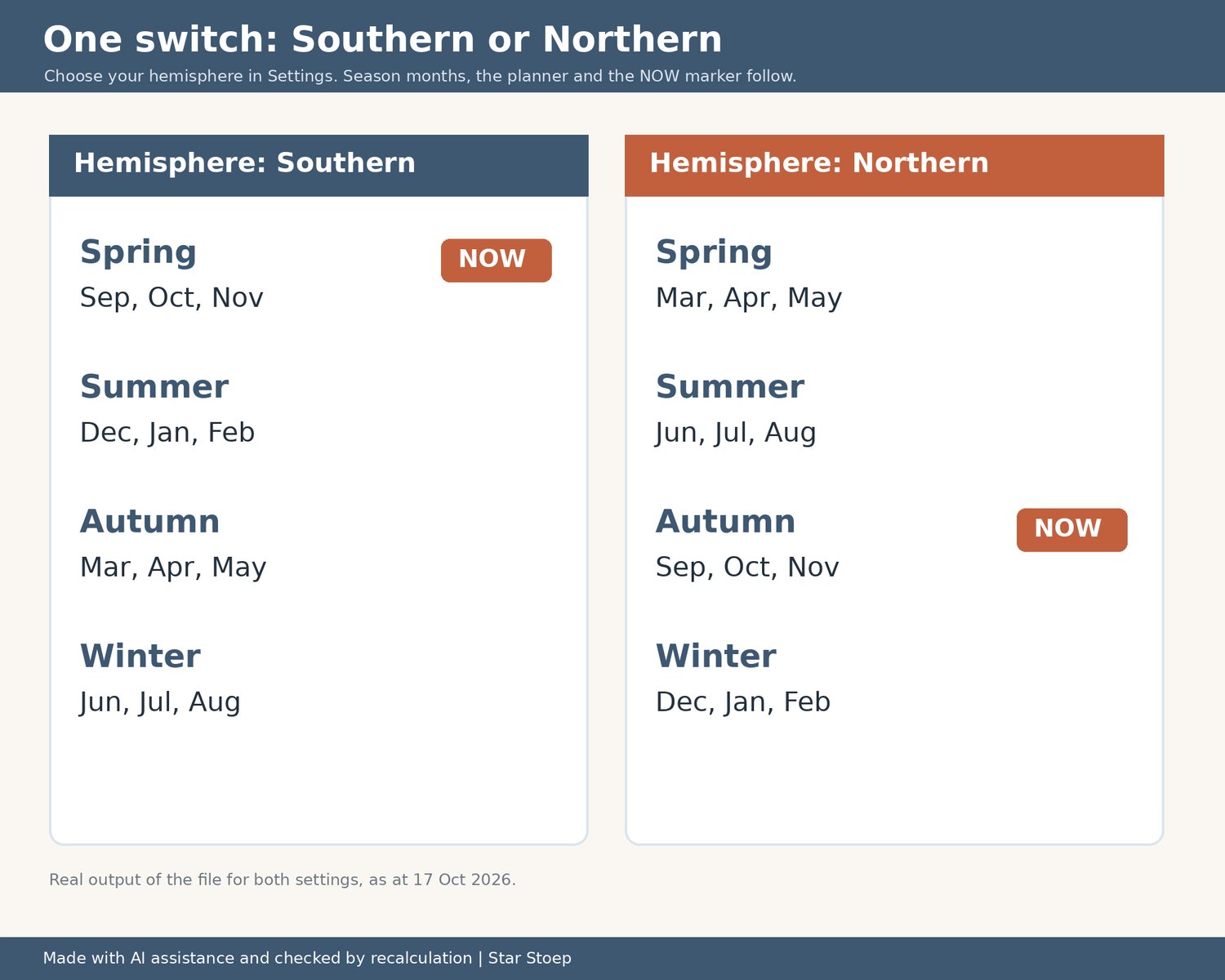
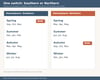
- Hemisphere switch: choose Southern or Northern in Settings. Southern spring is Sep to Nov, summer Dec to Feb, autumn Mar to May, winter Jun to Aug; Northern is the other way round. The Season Planner and the NOW marker follow.
- Task Library: 59 general home tasks with area, frequency (monthly to every 2 years), season and notes. Includes items many southern-hemisphere homes need, such as water heater checks, gutters before the rainy season, and pool, borehole, solar and gate motor items marked "if you have one". Edit, add or delete tasks.
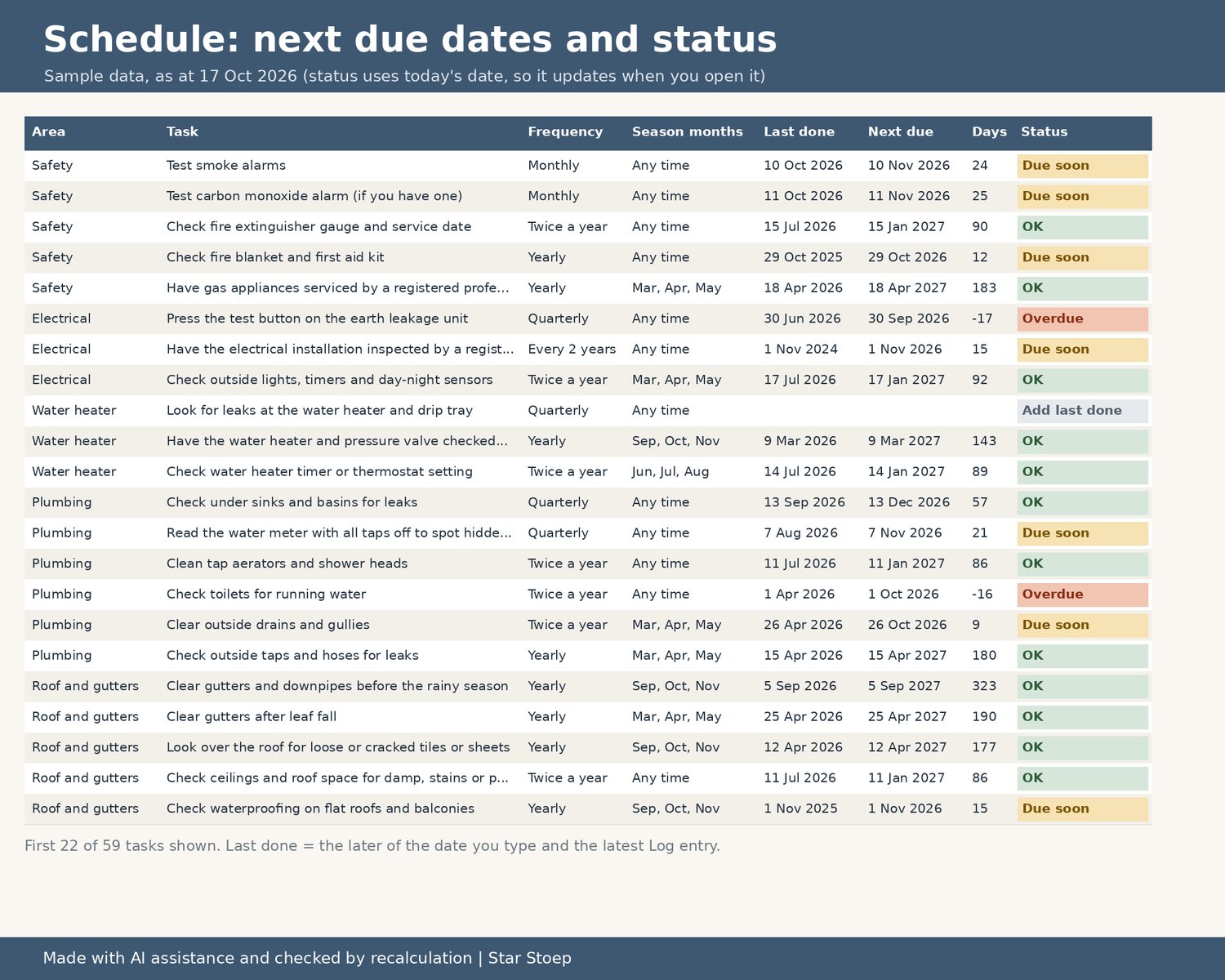
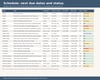
- Schedule: type the date you last did each task. It shows the next due date, days to go and a status: Overdue, Due soon or OK. Log a job and the Schedule picks up the new date by itself.
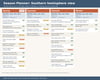
- Season Planner: tasks grouped by season with the months for your hemisphere, plus counts of overdue and due-soon tasks.
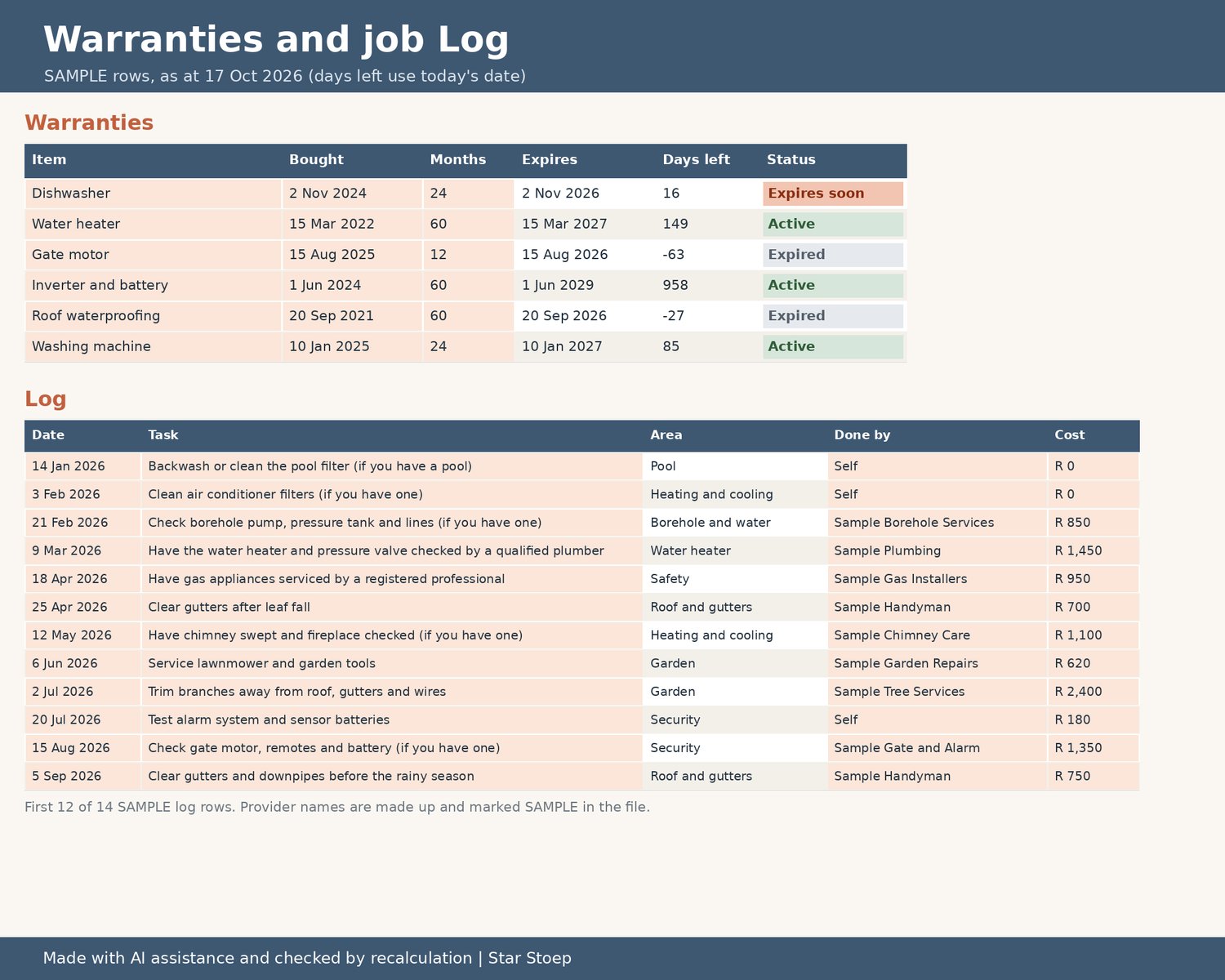
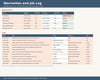
- Log: up to 500 jobs with date, task, who did it, cost and notes.
- Providers: trades people with phone, email, last used, a 1 to 5 rating, and jobs and spend pulled from the Log.
- Warranties: purchase date and warranty months give the expiry date, days left and an "Expires soon" warning.
- Annual Costs: maintenance spend by month and by area for the year you choose, with a chart.
WHAT'S INSIDE
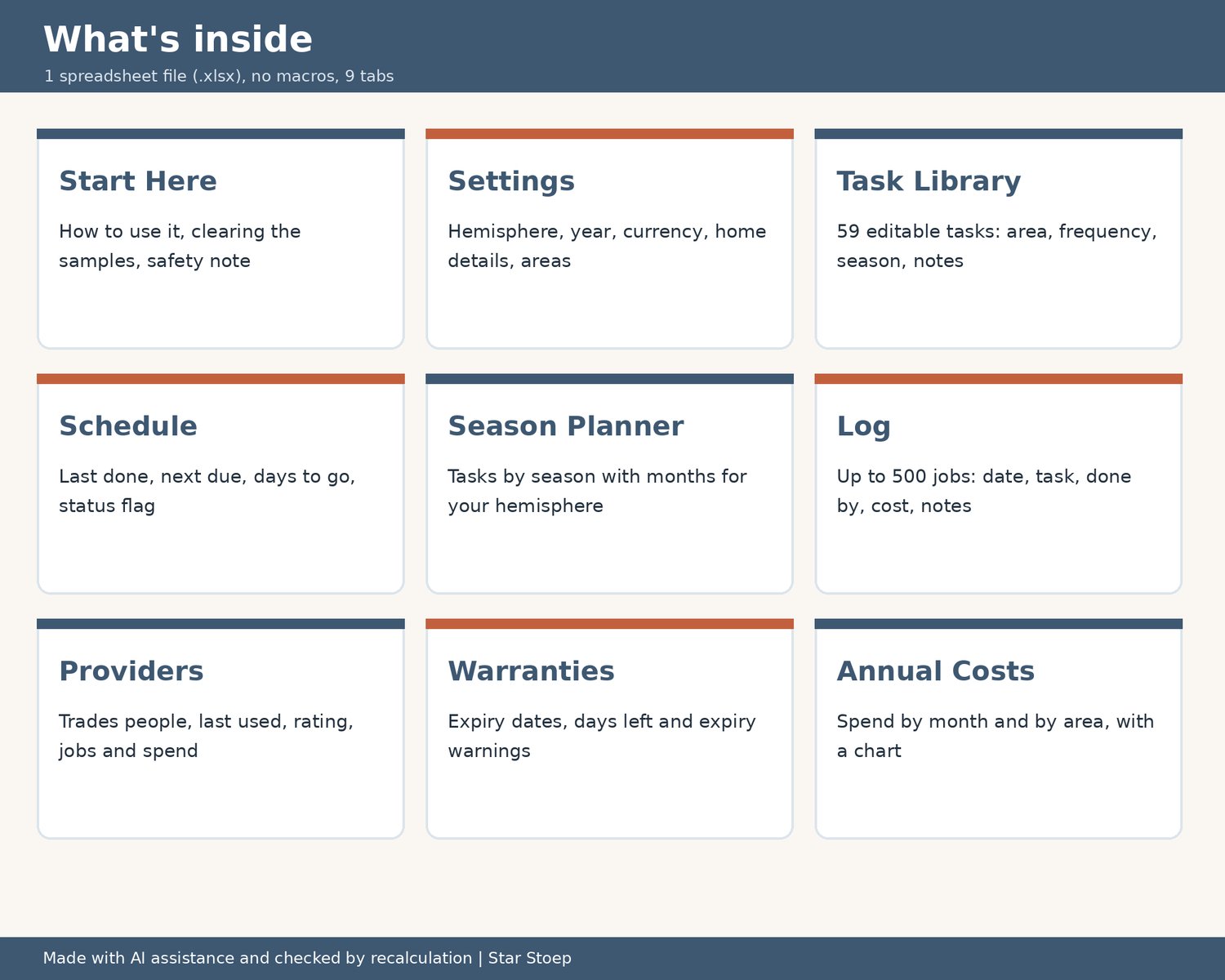
- 1 spreadsheet file (.xlsx) with 9 tabs: Start Here, Settings, Task Library, Schedule, Season Planner, Log, Providers, Warranties, Annual Costs.
- Clearly labelled SAMPLE log, provider and warranty rows (made-up names) so you can see how it works before you clear them.
- Shaded cells show where to type. Everything else calculates for you.
- Any currency: type your own symbol in Settings (R by default).
HOW TO USE IT
- An .xlsx spreadsheet with no macros. Tested in LibreOffice Calc; not yet opened in Excel or Google Sheets.
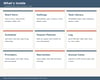
- Open the file and start on the Start Here tab.
GOOD TO KNOW
- Digital download, nothing is posted. You get a file to download after purchase.
- Checked by recalculation. Every formula was recalculated and checked for errors before listing.
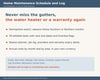
- The tasks are general reminders, not instructions. Use qualified, registered professionals for gas, electrical, structural, roof and pump work, and follow the maker's instructions for your appliances. Timings are typical suggestions; your climate and the maker's guidance come first.
- Not affiliated with Google or Microsoft.
- If anything does not open correctly, please send me a message and I will help.