
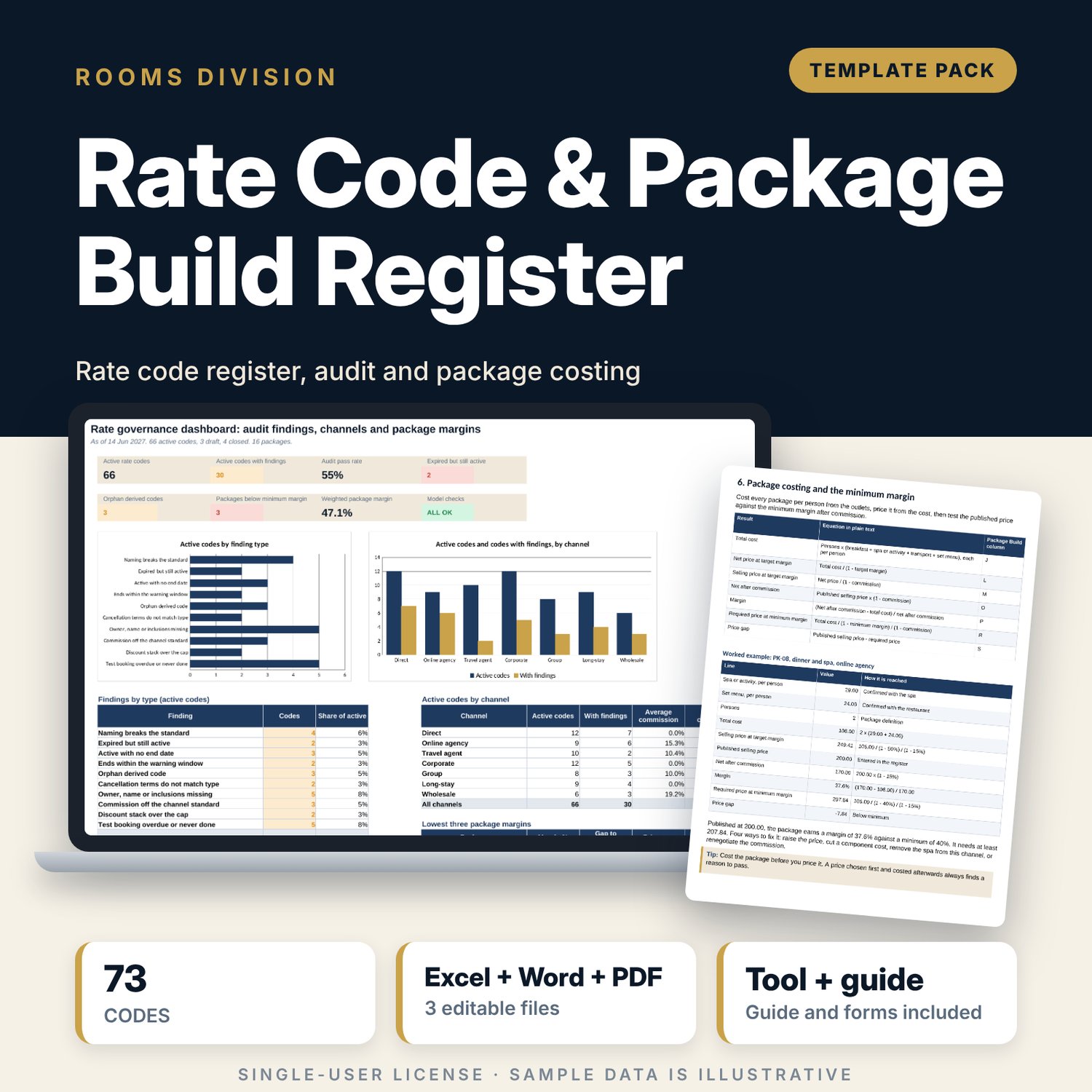
Rate Code & Package Build Register: Rate Code Audit Workbook and Rate Governance Procedure
Full description
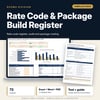
For revenue managers, reservations managers, rooms directors and general managers who keep rate codes in several systems and cannot say which ones are still correct. The workbook holds a register of 73 sample codes with channel, plan type, cancellation terms, parent code and offset, season, validity, owner, inclusions, commission and last test booking. Formulas derive the reference rate and the discount stack, then test every Active code on eight points: naming, validity, parent, cancellation terms, completeness, commission, discount stack and test booking age. Package Build costs 16 packages per person, prices them at a target margin and flags any published price below the minimum margin after commission. The Word procedure sets roles, the naming standard, the change request, a 14-step release checklist, the quarterly audit and a weekly parity log.
What is inside
- Rate_Code_and_Package_Register.xlsx: 7 tabs, 1,726 formulas, 2 native charts, 23 drop-down and input rules
- Rate Codes: 73 sample codes plus 12 spare rows, with reference rate, rate for season and day, discount stack and expected code stem calculated
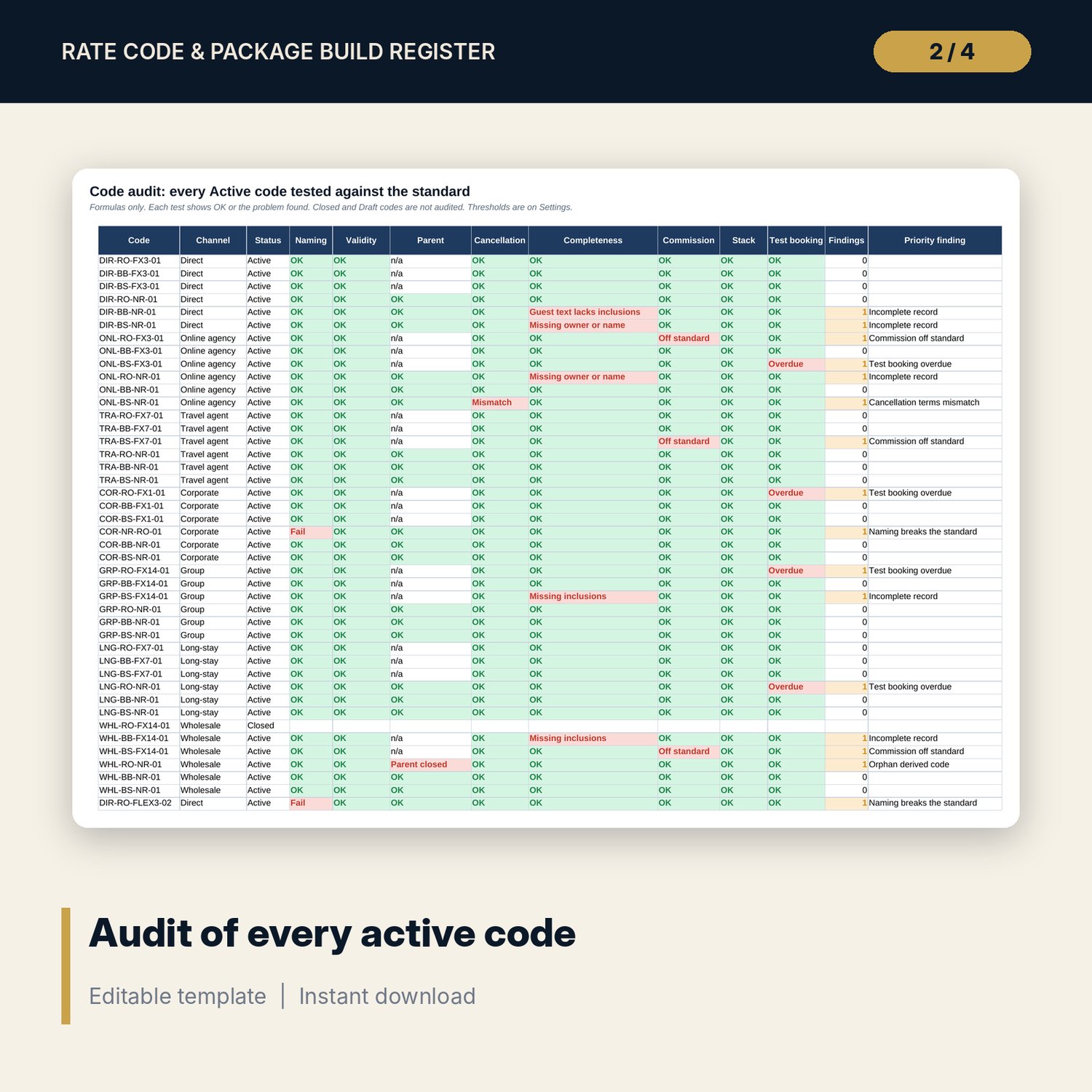
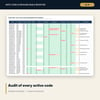
- Code Audit: 8 formula tests on every Active code, a findings count and the priority finding for each
- Package Build: 16 sample packages plus 4 spare rows, with cost by component, price at target margin, margin check and required price
- Settings: audit thresholds, margins, a 7-channel table, plan and cancellation types, season and day multipliers, a 4-step best-available ladder and a tester
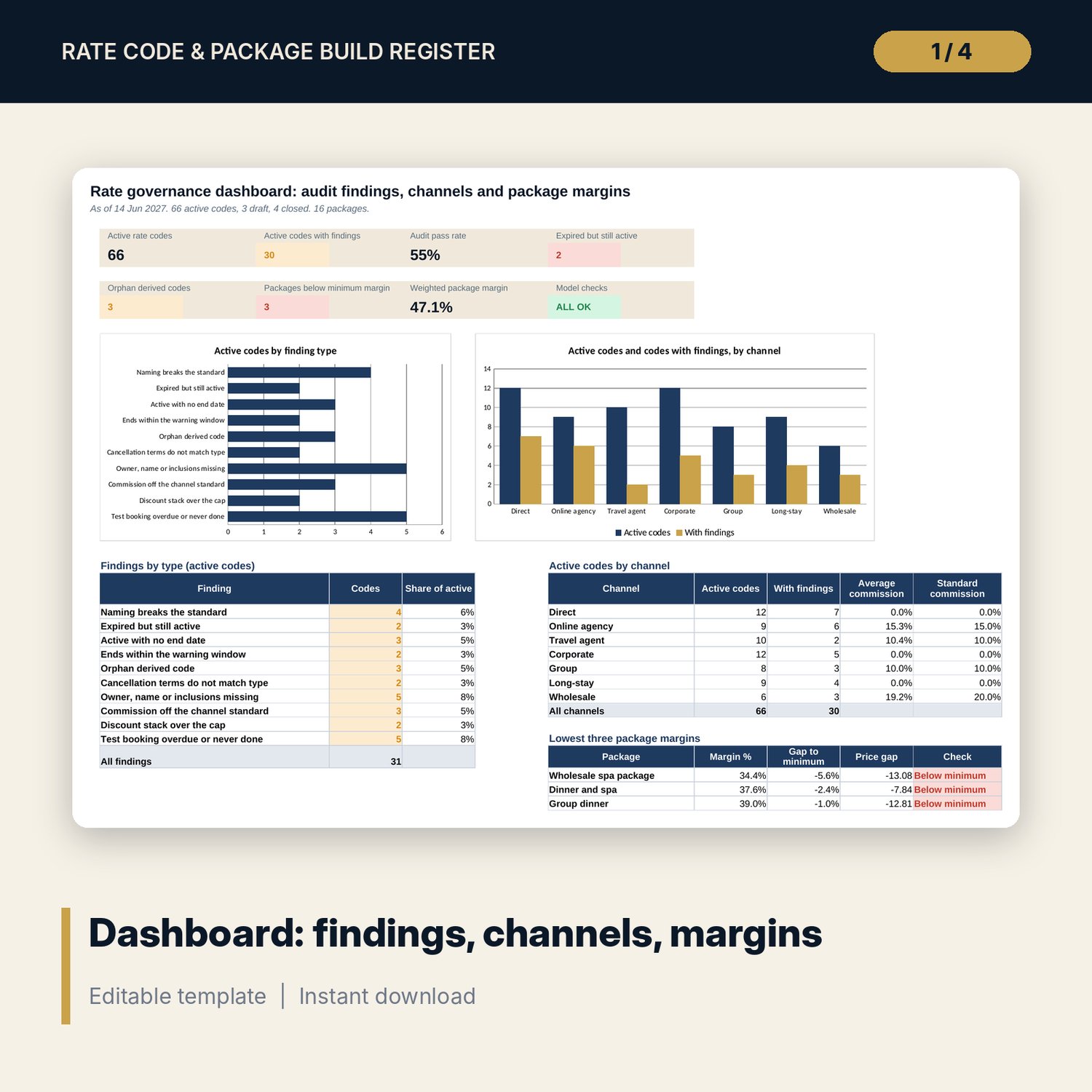
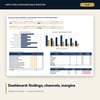
- Dashboard: 7 KPI tiles, a check tile, 10 finding types, a channel table, the lowest three package margins and 2 charts; 8 integrity checks on the Checks tab
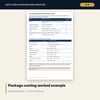
- Rate_Governance_Procedure_and_Forms.docx and PDF: 10 pages with roles, naming standard, change request form, 14-step checklist, derived rate examples, package costing example, audit steps and a weekly parity log
- README.txt and LICENSE-and-Terms.txt
How it works
- Set the as-of date, thresholds, margins, channels and best-available ladder on Settings.
- List your rate codes on Rate Codes. Choose channel, plan, cancellation type, season and day type from the lists.
- Read Code Audit and the Dashboard, then fix the priority finding on each code.
- Enter component costs and published prices on Package Build and read the margin check.
- Use the Word forms for change requests, releases, the quarterly audit and the weekly parity check.
Details
- Formats: 1 Excel workbook (.xlsx), 1 procedure and forms pack in Word (.docx) and PDF, English
- Software: Excel 2016 or later, or LibreOffice Calc 7 or later
- No macros, no external links, no data tables, no array formulas
- 3 files plus README and license; instant digital download
Good to know
- Sample data is illustrative. Replace it with your own codes, costs and contract terms.
- Commission rates, margins, discount caps and notice windows are your own policy. Verify contract terms before you load a code.
- The audit tests the register you enter. It does not read your booking systems.
- The files are management tools, not legal advice.
- Single-user license. Do not redistribute.
FAQ
How does the audit decide that a code fails?
Eight formula tests run on every Active code. Thresholds for test booking age, expiry warning, discount stack cap and commission tolerance are inputs on Settings.
What is a derived code?
A code priced from a parent code: parent base rate x (1 + offset %). Leave Own base rate empty and enter the parent code and the offset.
How is the package price calculated?
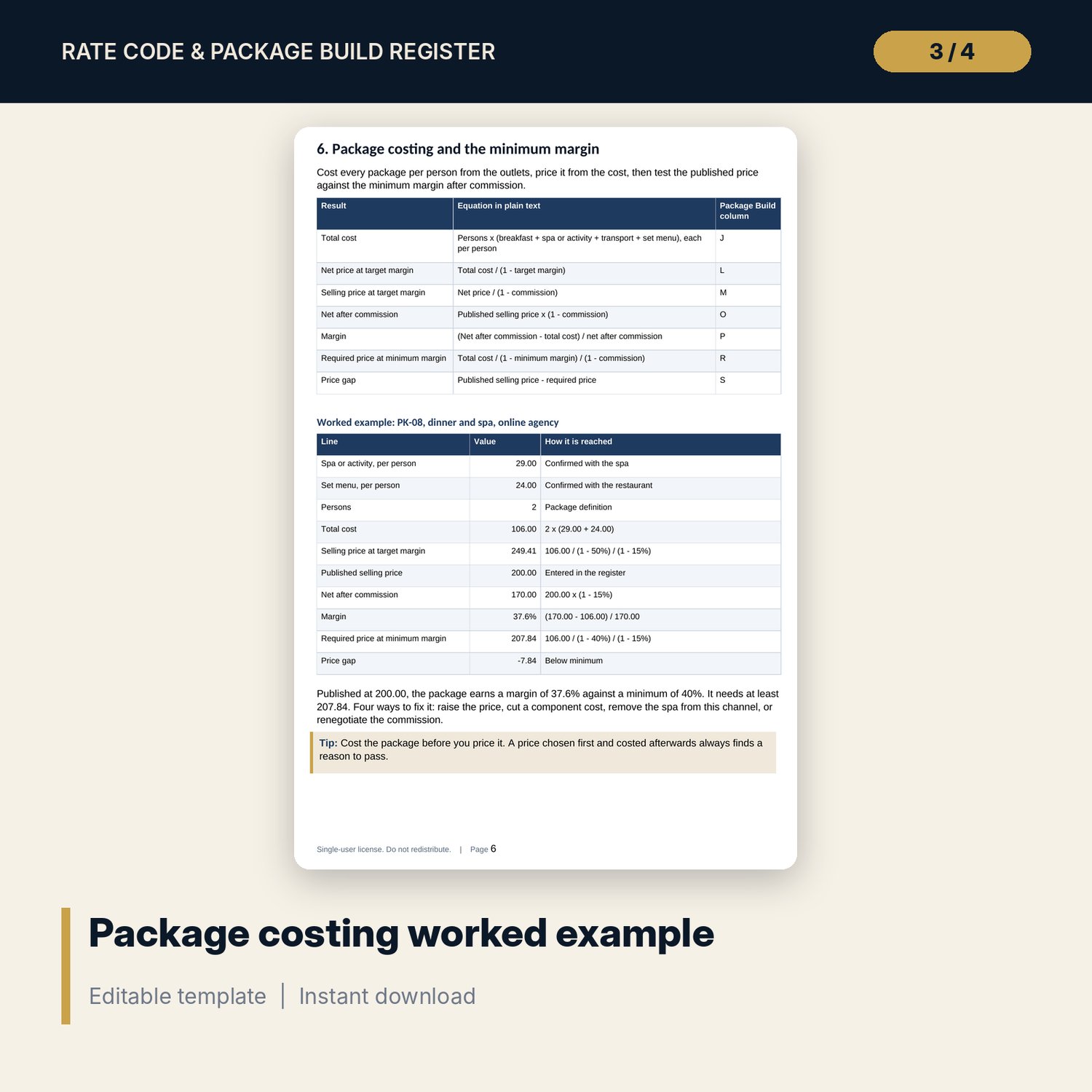
Total cost / (1 - target margin) / (1 - commission). A published price whose margin after commission is below the minimum is flagged, with the required price and the gap.
Can I add more codes, channels or packages?
Yes. Rate Codes has 12 spare rows and Package Build has 4. Insert rows inside the table and copy the formulas down so the named ranges grow. Channels have 2 spare rows on Settings.
Can I use my own naming standard?
You can change channel prefixes, plan abbreviations and cancellation codes on Settings. The expected stem always runs channel, plan, terms.