
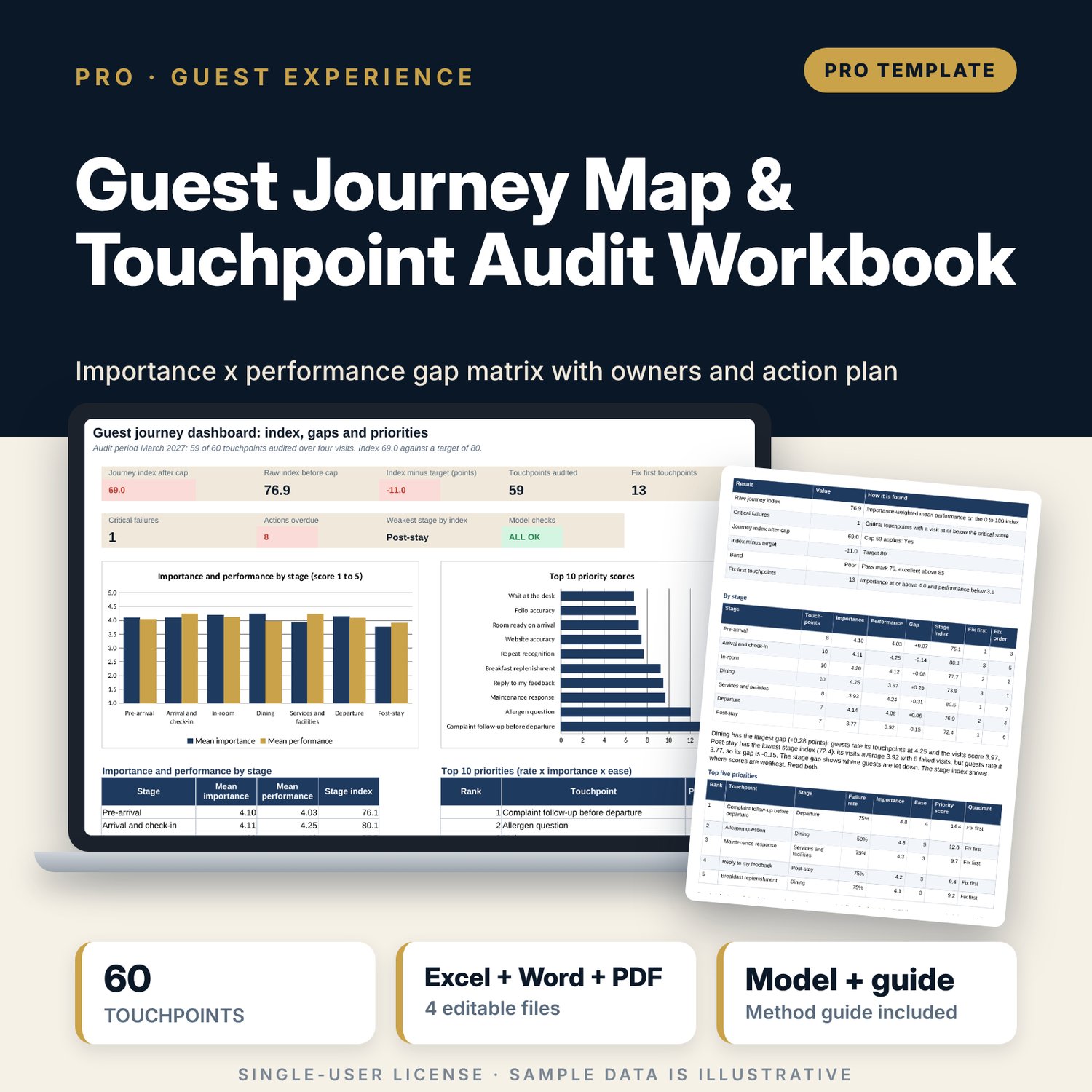

Guest Journey Map & Touchpoint Audit Workbook: Guest Journey Mapping and Touchpoint Scoring Template
Full description
For general managers, guest relations managers and department heads who want to know which parts of the guest journey let guests down and who will fix them. The workbook holds 60 touchpoints across 7 stages, each with an owner role, a moment-of-truth flag, a tag and an ease-of-fix score. Guest importance is set against four observed visit scores per touchpoint. The engine calculates performance, gap, failure rate, a priority score and a quadrant (fix first, maintain, monitor, over-invest), then a journey index from 0 to 100 that a critical failure can cap. A gap matrix, a fix simulator and an action plan with a reminder ladder turn the scores into owned, dated fixes. A companion audit form workbook scores each visit, and a 9-page guide explains the method with a worked example.
What is inside
- Guest_Journey_Touchpoint_Audit.xlsx: 11 tabs, 2,497 formulas, 2 native charts, 19 drop-down and input rules
- Touchpoints: 60 touchpoints in 7 stages with guest questions, owner roles, tags and ease of fix, plus 15 spare rows
- Audit Scores: guest importance and 4 visit score cells per touchpoint (240 sample cells), with NA handling
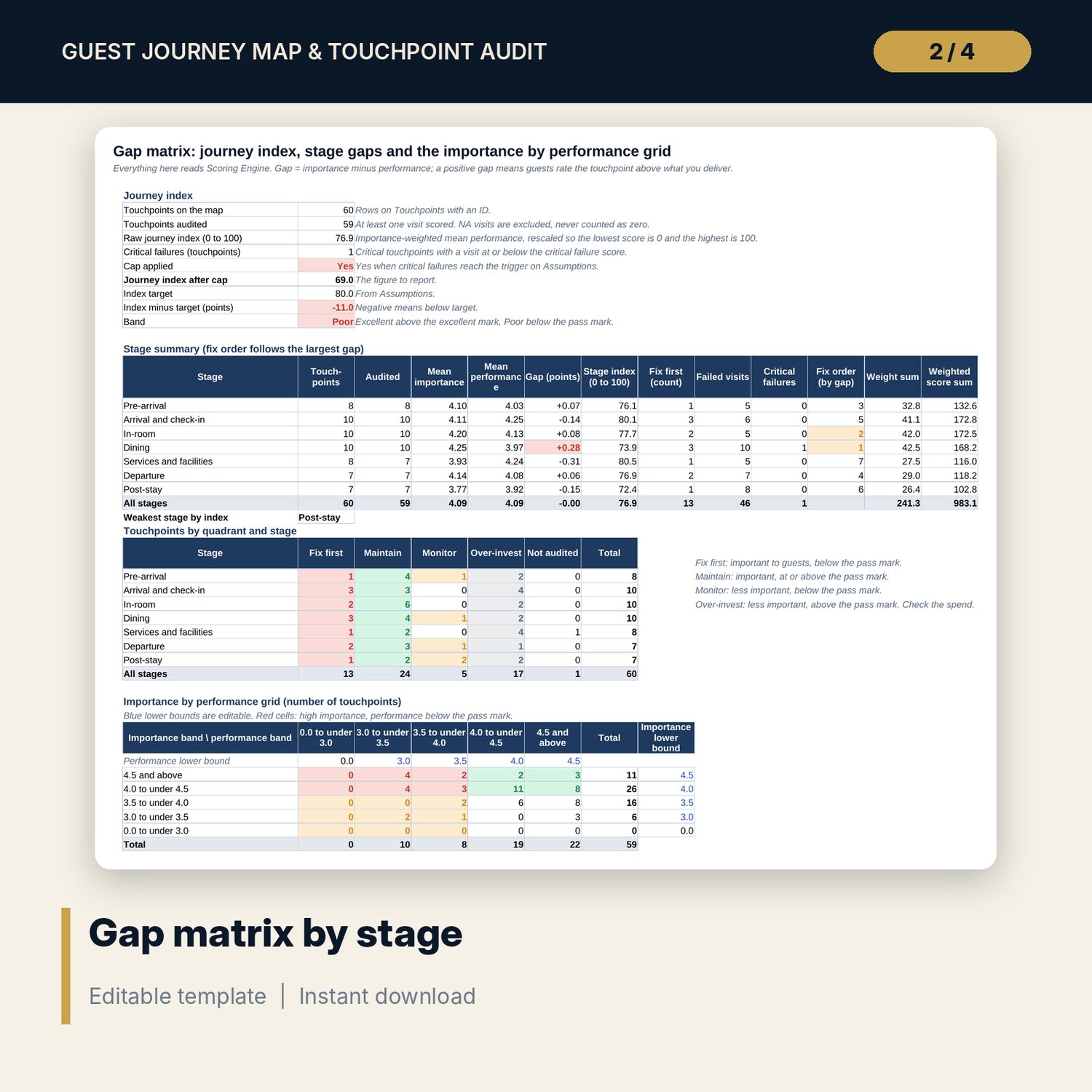
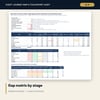
- Scoring Engine: 21 step columns per touchpoint; Gap Matrix with a stage table, quadrant counts and a 5 x 5 grid
- Fix Simulator: 30 what-if cells and a top-20 fix order
- Action Plan: 24 sample actions with owner role, due date, days overdue and a four-step reminder ladder
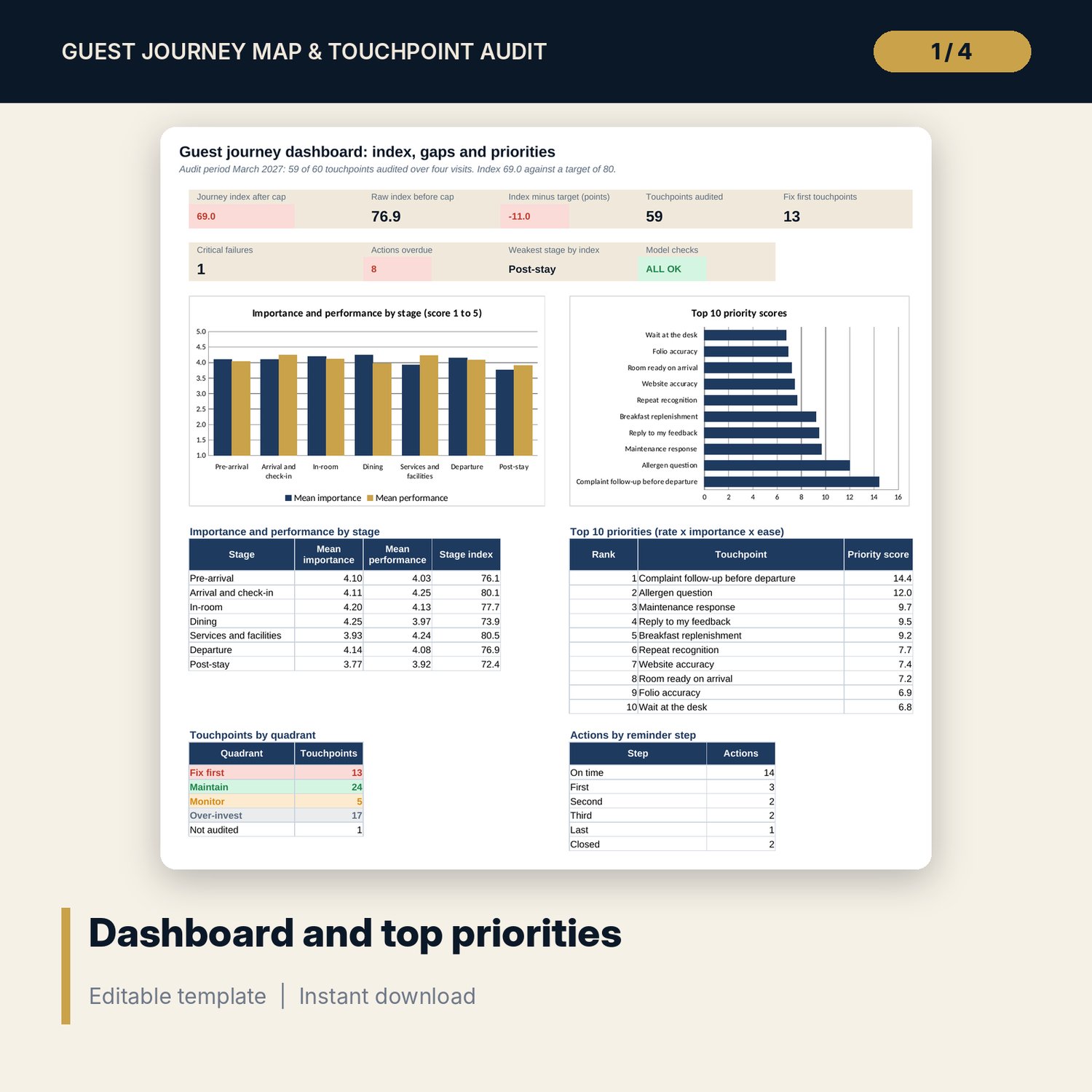
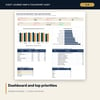
- Dashboard with 8 tiles, a check tile and 2 charts; 13 integrity checks; Method tab with 14 documented calculations
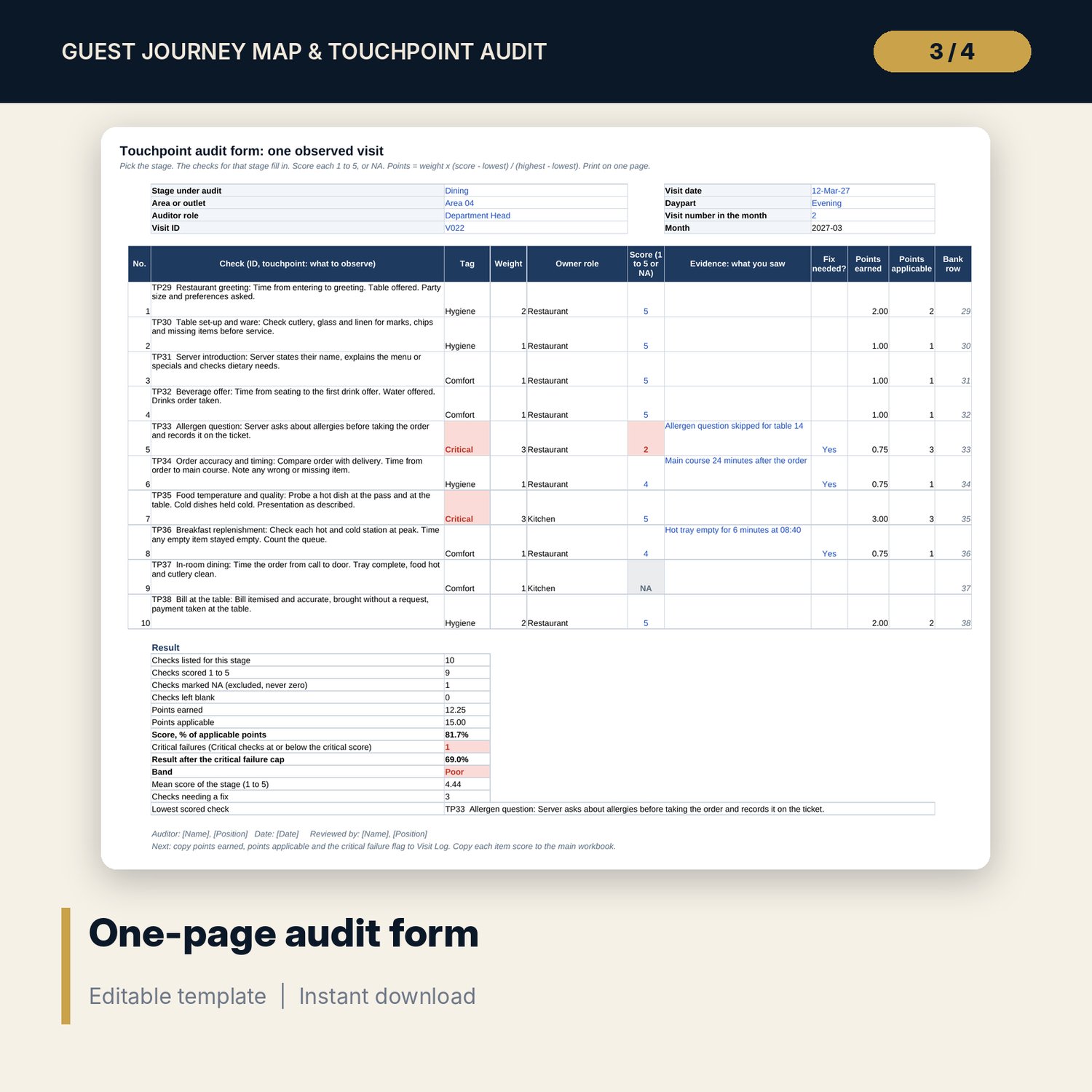
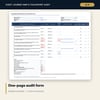
- Guest_Journey_Touchpoint_Audit_Form.xlsx: 5 tabs, 546 formulas, a printable one-page audit form with 60 item bank checks, a visit log and a monthly summary
- Guest_Journey_Touchpoint_Audit_Guide.docx and PDF: 9 pages with equations, a worked example read from the workbook, a weekly meeting agenda, common mistakes and a checklist
- README.txt and LICENSE-and-Terms.txt
How it works
- Set the scale, failure scores, target, pass mark and importance threshold on Assumptions.
- Review the 60 touchpoints with your department heads and name one owner role for each.
- Enter guest importance and score each observed visit 1 to 5, or NA.
- Read the gap matrix, the priority list and the dashboard to see what to fix first.
- Log each fix on the action plan and chase late items with the reminder ladder.
Details
- Formats: 2 Excel workbooks (.xlsx), 1 guide in Word (.docx) and PDF, English
- Software: Excel 2016 or later, or LibreOffice Calc 7 or later
- No macros, no external links, no data tables, no array formulas
- 4 files plus README and license; instant digital download
Good to know
- Sample data is illustrative. Replace it with your own figures.
- Targets, pass marks and failure scores are your own policy. Verify local requirements for any safety, hygiene or allergen standard.
- Scores come from four observed visits a month, so read trends over several months.
- Single-user license. Do not redistribute.
FAQ
How many touchpoints and stages are included?
60 touchpoints in 7 stages, with 15 spare rows for your own touchpoints.
How is the priority score calculated?
Failure rate times guest importance times ease of fix, from 0 to 25. Rank 1 is the highest score.
What does a critical failure do?
A Critical touchpoint with a visit at or below the critical score caps the journey index at the cap you set on Assumptions.
Can I use a different scale or different thresholds?
Yes. The scale, failure score, pass mark, importance threshold and grid bands are inputs.
Do I need macros or add-ins?
No. Every result is a standard worksheet formula.