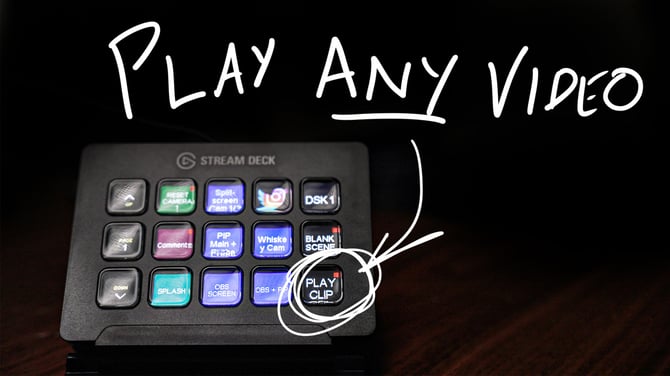
Streamdeck Automation (Atem Mini Pro, OBS, Streamdeck, Companion)
This only works with a Mac. It will not work with a PC.
Watch this video for a demo: https://youtu.be/FPaRw42mU9w
It uses scripting done with Applescript and bash / shell scripting. You do not need to know anything about shell or Applescript, this will work as-is. I coded this out to automate my own live stream workflow, because I never have any time to set up before hand. It has two purposes:
1. Hack OBS a bit to allow for playing clips directly over a stream with the touch of a button on the streamdeck and no prior setup directly from a Finder window, and then switch back to the primary camera after the clip has ended.
2. Automatically set up the youtube livestream pop-out comment window to fit the OBS screen perfectly for comment overlays, and then automatically activate Aaron Pareki's comment extension for Chrome, with a single button touch on the streamdeck.
This is an advanced product, but I've written extremely thorough instructions to get it set up. Anyone who buys it will get any updates I make to it, or addons, emailed to them for free in the future. Please provide any feedback or errors as you get them, it will improve this new premium addon for anyone else who has bought it, or is buying it in the future.

 Save
Save
 Share
Share
 Tweet
Tweet