
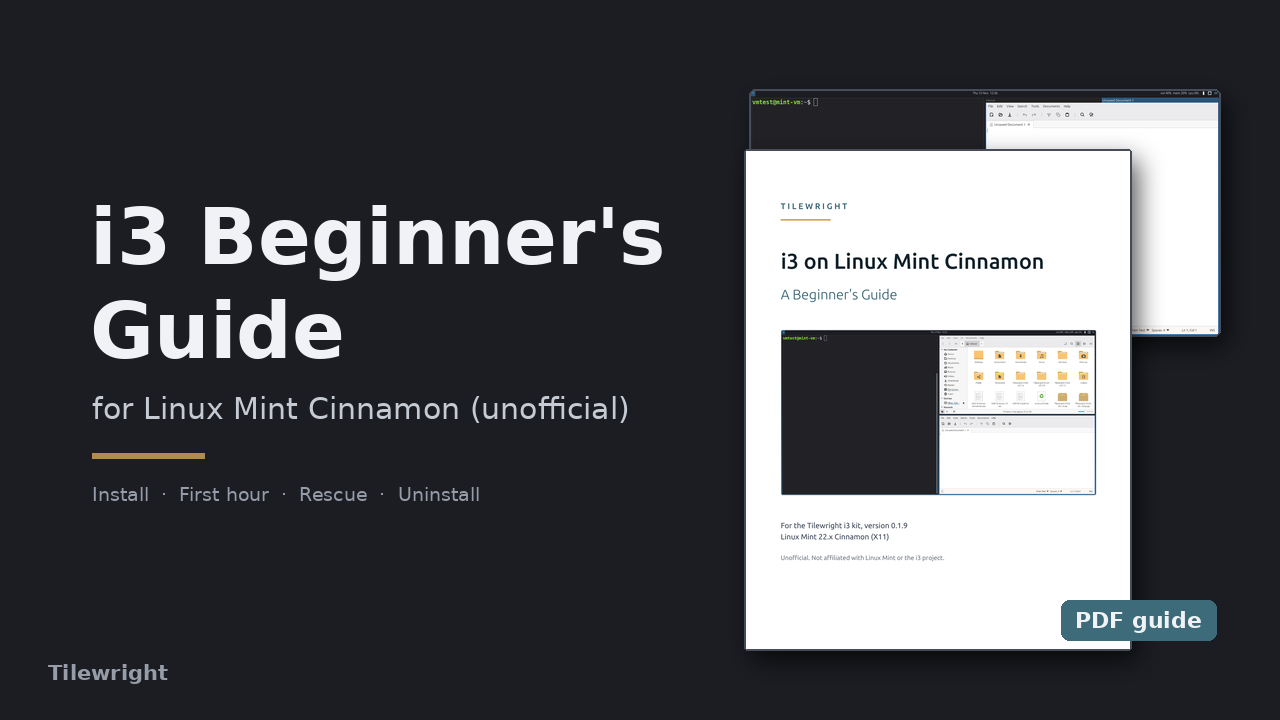
i3 on Linux Mint Cinnamon: A Beginner's Guide (unofficial)
A STEP-BY-STEP GUIDE TO i3 ON LINUX MINT CINNAMON
This is the written companion to the Tilewright i3 setup kit. It shows you how to install the kit safely, find your way around i3 in the first hour, use it day to day, make the setup yours, and get back out again if something goes wrong.
The guide is written for kit version 0.1.9 on Linux Mint 22.x Cinnamon (X11). It is 89 pages, US Letter, about 27,000 words, with screenshots.
The kit itself is not included. It is sold separately (link below). You can read the guide first to decide whether i3 is for you, but you need the kit to follow the install steps.
UNOFFICIAL: This is an independent product. It is not affiliated with, endorsed by, or supported by Linux Mint or the i3 project.
WHO IT IS FOR
- Linux Mint Cinnamon users who have the Tilewright i3 kit, or plan to get it, and want a clear walkthrough instead of assembling steps from forum posts.
- Beginners who can open a terminal and type a command, but do not need to be experts.
- People who tried i3 before and gave up because the desktop pieces (lock screen, volume keys, network icon) were missing.
WHO IT IS NOT FOR
- People looking for a generic i3 tutorial. This guide describes the Tilewright kit, not a from-scratch i3 install.
- Wayland/Sway users. i3 is X11-only.
- Other distributions, and Linux Mint XFCE or MATE editions. The kit and this guide are for the Cinnamon edition only.
WHAT'S INSIDE
- Chapter 1. Welcome: what you get, what was tested, and whether i3 is for you.
- Chapter 2. Before you install: a safety net, and an optional test run in a virtual machine.
- Chapter 3. Install the kit: unpack, dry run, real install, and the health check.
- Chapter 4. Your first hour in i3: the first login and the keys that matter.
- Chapter 5. Everyday desktop: network, sound, power, files, USB, notifications, screenshots and displays.
- Chapter 6. Make it yours: your two settings files, look and feel.
- Chapter 7. When things go wrong: rescue, troubleshooting, uninstall and roll back.
- Chapter 8. Updates, versions and getting help.
- Appendix A. Key cheat-sheet.
- Appendix B. The packages the kit installs.
- Appendix C. Every file the kit writes.
- Appendix D. Glossary.
TESTED ON
The steps in this guide were checked on Linux Mint 22.3 Cinnamon (X11) in a VirtualBox virtual machine, November 2026, single monitor. Kit versions 0.1.6, 0.1.7 and 0.1.8 were each installed on a clean Mint. Version 0.1.9, the one this guide describes, was then installed over 0.1.8 in the same machine. That work covered the install, a login into i3, the first-hour keys, the health check, a return to Cinnamon, and the uninstaller. After the 0.1.9 upgrade, the health check inside i3 passed all 55 checks, and the existing settings files were kept. On 12 November 2026 two rescue steps were also checked in the same machine: removing and reinstalling Cinnamon, and apt autoremove after a full uninstall. The screenshots in the guide were taken with kit 0.1.9 in that machine.
Not yet tested: Mint 22.0, 22.1 or 22.2, real laptop or desktop hardware (brightness keys, lid close and suspend, Bluetooth pairing, Wi-Fi, touchpad, USB mounting, unlocking the lock screen), multiple monitors, and HiDPI screens. The installer accepts Mint 22.x Cinnamon, but only 22.3 in a VM has been tested. Hardware features may need adjusting.
WHAT YOU GET
- The guide as a PDF: i3 on Linux Mint Cinnamon: A Beginner's Guide, written for kit version 0.1.9
LICENSE
The guide is for your own personal use. You may keep a backup copy and print pages for yourself. Please don't share, resell or publish it, or your download link. The short terms are printed on the page after the guide's title page. The kit has its own license (LICENSE.txt, in the kit download).
ALSO AVAILABLE
The guide is the companion to the Tilewright i3 setup kit, sold separately for CA$29: https://payhip.com/b/MDavZ.
The kit and this guide together cost CA$39 as a bundle: https://payhip.com/b/Mb6ni.
If you want both, the kit and this guide are also sold together as a bundle for CA$39, which saves CA$9 compared with buying them separately (CA$48).
A free one-page key cheat-sheet is here: https://payhip.com/b/1BxVO.
SUPPORT
Email tilewright@proton.me.
Refunds: 14 days, see the refund policy on this page.