
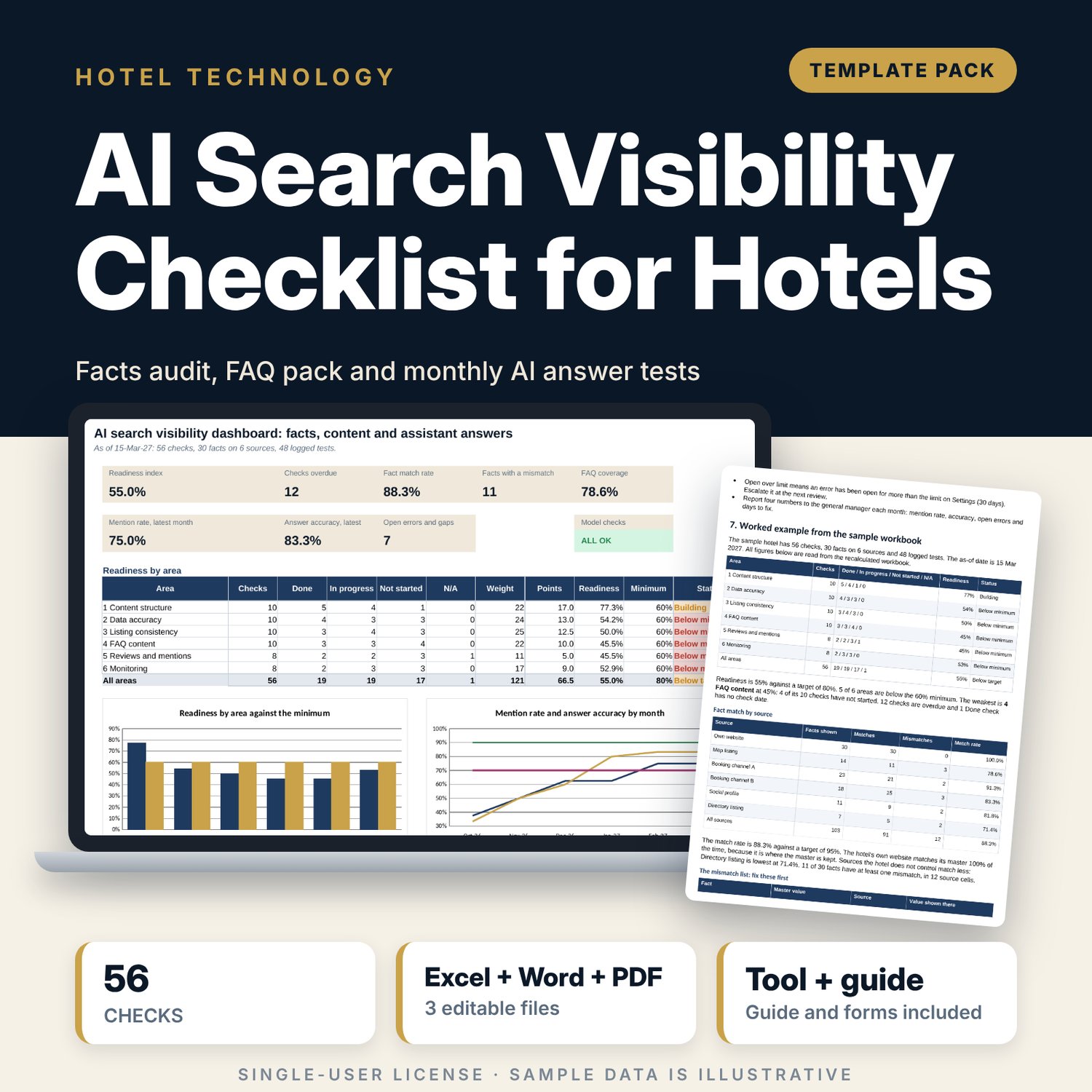
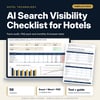
AI Search Visibility Checklist for Hotels: Facts Audit, FAQ and Monitoring Spreadsheet with Guide
Full description
For hotel marketing, e-commerce and front office teams who want guests and AI assistants to find the same correct facts about the hotel everywhere it is listed. The workbook scores 56 checks in 6 areas (content structure, data accuracy, listing consistency, FAQ content, reviews and mentions, monitoring) by priority and status, audits 30 facts against 6 sources with an exact-match test, counts the words in each published FAQ answer, and logs monthly tests of guest questions on AI assistants with the error, its source, the fix and the retest. A 10-page guide adds the fact page standard, 40 situational guest questions, a twelve-question test set and printable forms.
What is inside
- AI_Search_Visibility_Checklist.xlsx: 7 tabs, 754 formulas, 2 native charts, 14 drop-down and input rules
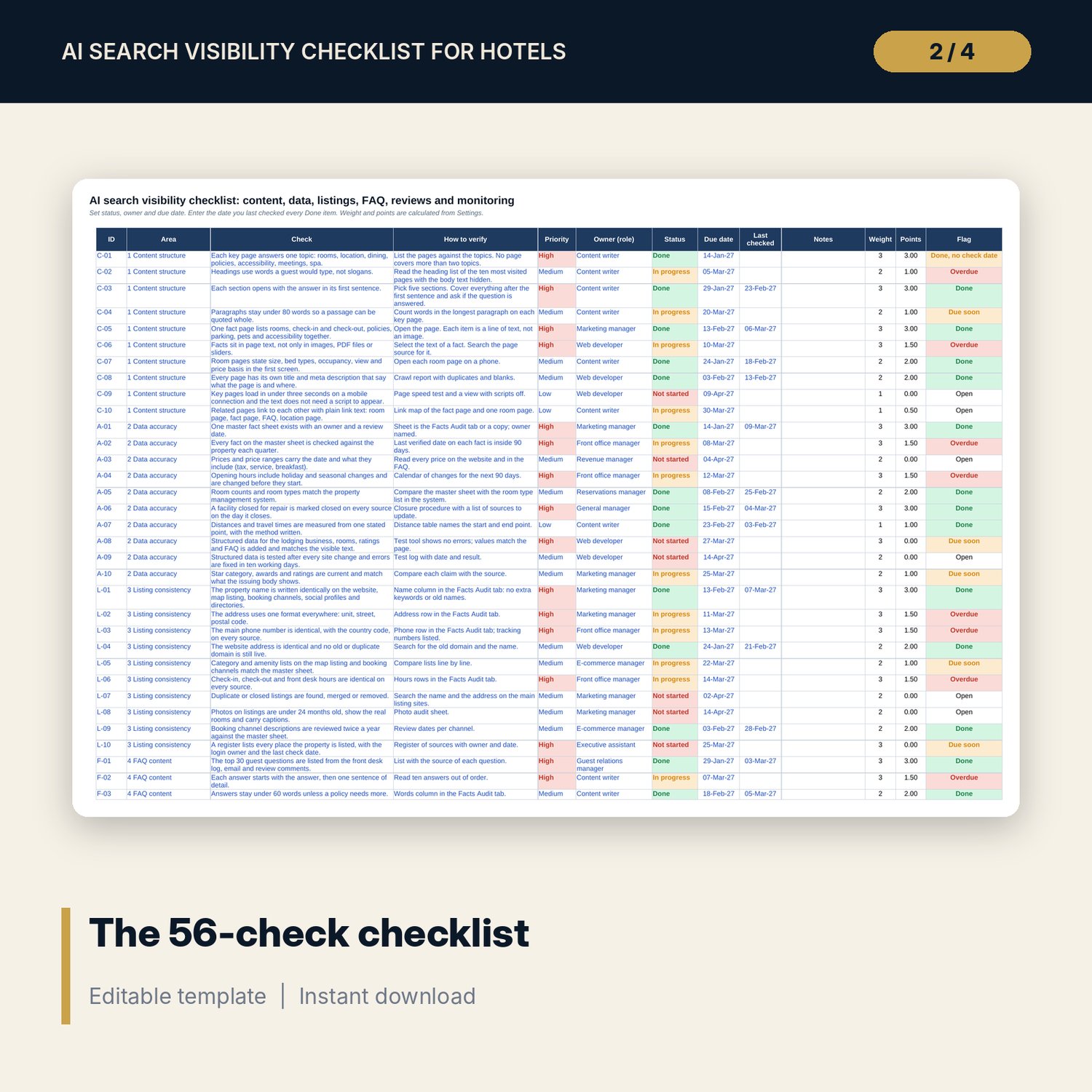
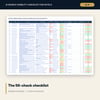
- Checklist: 56 checks in 6 areas with priority, owner, status, due date, check date and an automatic flag (Overdue, Due soon, Done, No owner)
- Facts Audit: 30 facts with a master value, 6 source columns, an exact-match test, the guest question, the published FAQ answer and a word count; room for 10 more facts
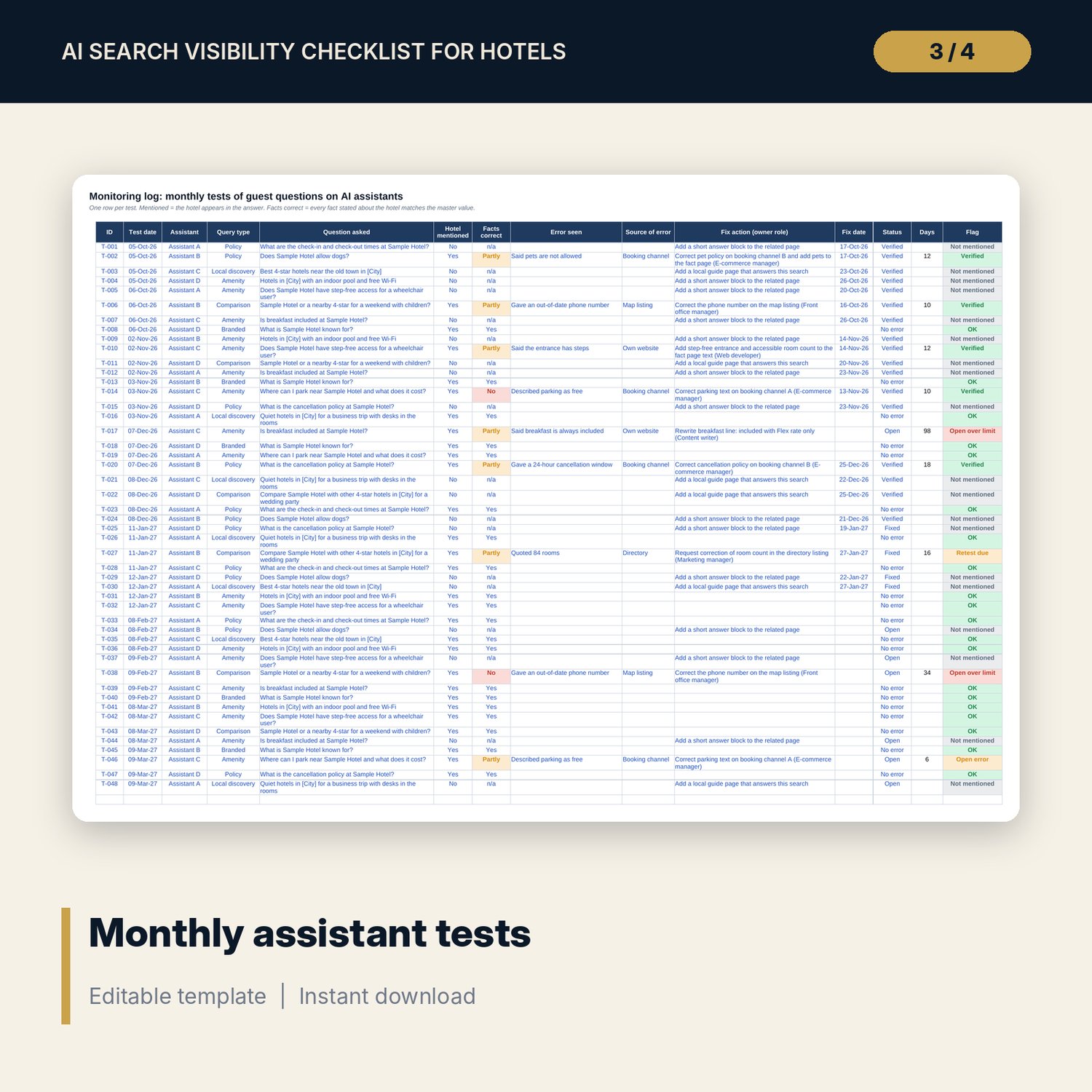
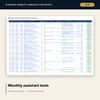
- Monitoring Log: 48 sample tests over 6 months with query type, error, source, fix and status; days-open flags; room for 24 more tests
- Settings: targets, limits, status points, priority weights and editable lists
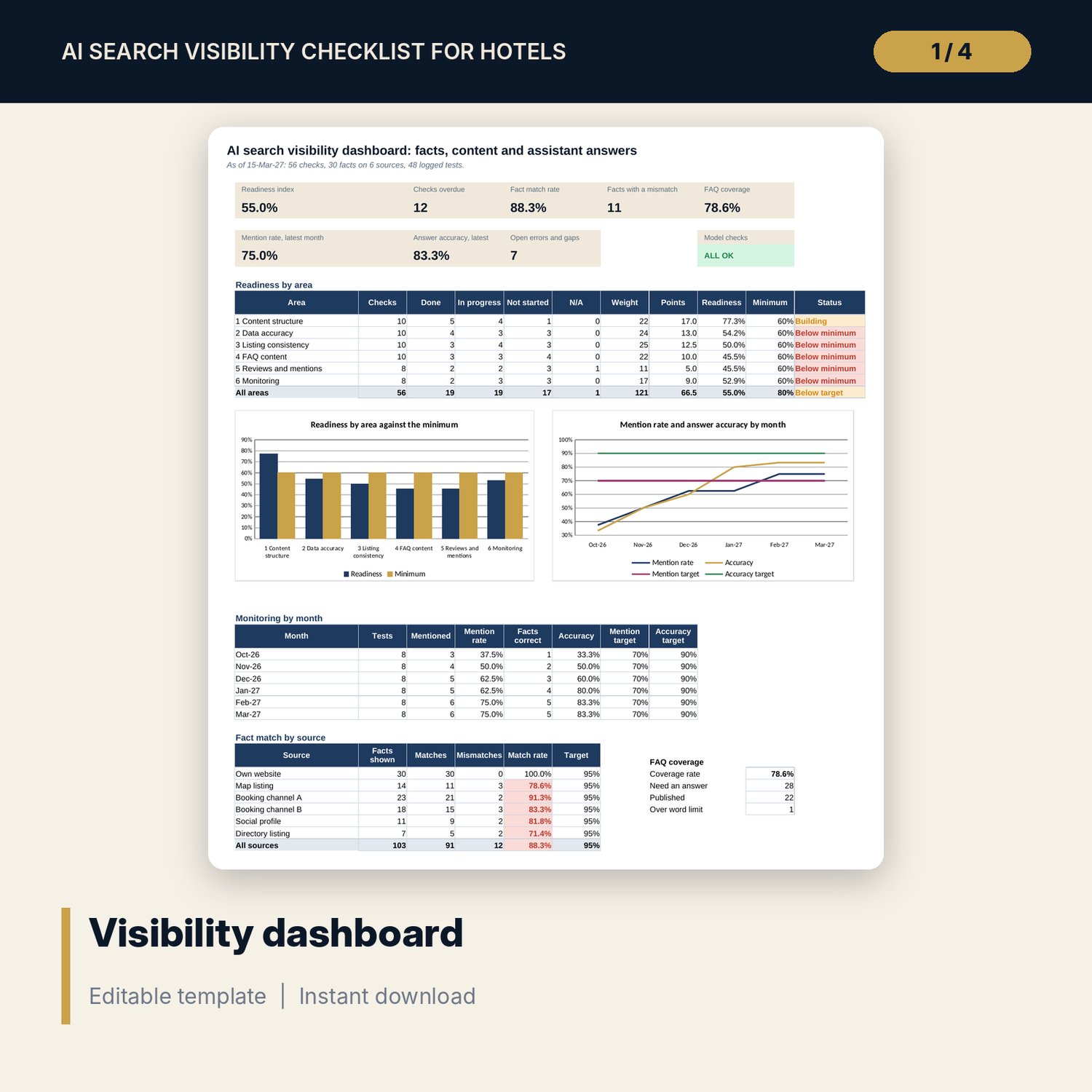
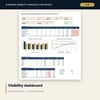
- Dashboard: 8 tiles, a check tile, an area readiness table, month and source tables and 2 charts; 7 integrity checks
- AI_Search_Visibility_Guide.docx and AI_Search_Visibility_Guide.pdf: 10 pages with the fact page standard, 40 guest questions, test routine, worked example and forms
- README.txt and LICENSE-and-Terms.txt
How it works
- Enter the as-of date, targets and limits on Settings.
- Type the master value of each fact once, then what each source shows; fix every row marked Mismatch.
- Set status, owner and due date for each check; enter the date you last checked every Done item.
- Each month, ask the twelve test questions on four assistants and log each result.
- Read the Dashboard, fix open errors, retest within 30 days and use the guide for the fact page and the FAQ.
Details
- Formats: 1 Excel workbook (.xlsx), 1 guide in Word (.docx) and PDF, English
- Software: Excel 2016 or later, or LibreOffice Calc 7 or later
- No macros, no external links, no data tables, no array formulas
- 3 files plus README and license; instant digital download
Good to know
- Sample data is illustrative. Replace it with your own facts.
- No tool can promise how an AI assistant will answer. The files improve your sources and measure the result.
- The files are planning tools, not legal advice. Verify local requirements.
- Single-user license. Do not redistribute.
FAQ
Does it make AI assistants mention my hotel?
No one can promise that. It makes your facts consistent and quotable, and it measures each month whether assistants mention the hotel and state the facts correctly.
Which assistants does it work with?
Any. You record the name of the assistant you test, and the four names on the Settings tab are editable.
How is a fact "matched"?
The text on a source must equal the master value after trimming spaces and ignoring capitals. Different wording is shown as a mismatch.
Can I add more facts, sources or tests?
Yes. There is room for 10 more facts, 24 more tests and 16 more checks, and the source names are inputs on Settings.
Do I need macros or add-ins?
No. Every result is a standard worksheet formula.