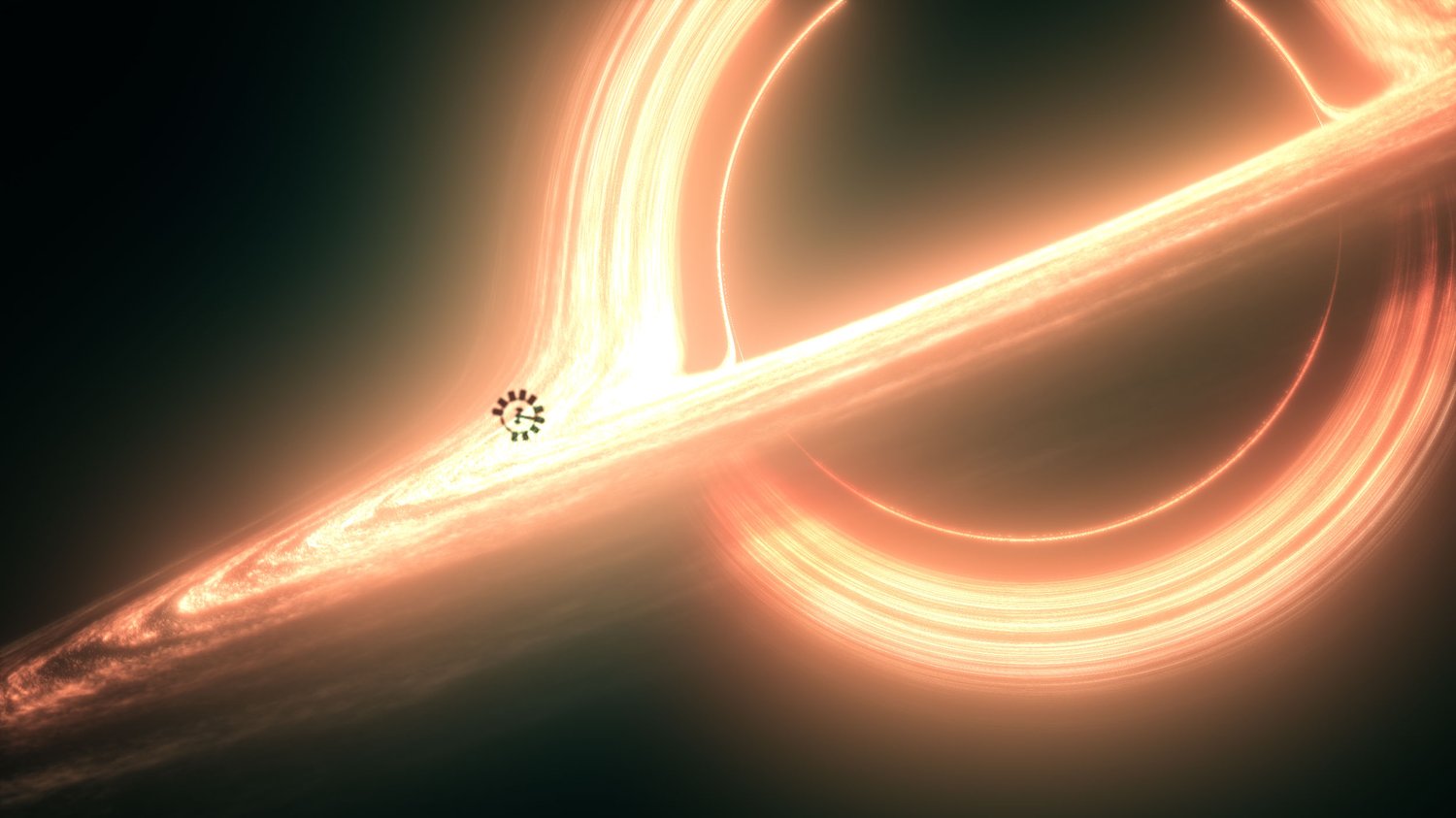
Interstellar Black Hole After Effects Template
Recreate Interstellar's iconic Gargantua black hole
in After Effects — no expensive assets, no paid VFX tools.
This After Effects template uses the FREE Crates
Black Hole plugin and gives you the exact project
setup to achieve a cinematic black hole in minutes.
──────────────────────────────
WHAT'S INCLUDED
──────────────────────────────
✅ After Effects Template (.aep)
✅ Pre-built black hole composition
✅ Camera animation setup
✅ Glow & color grade included
──────────────────────────────
REQUIREMENTS
──────────────────────────────
▶ Adobe After Effects 2026 or newer
▶ Crates Black Hole Plugin (FREE)
▶ Any glow plugin (Deep Glow or Easy Glow recommended)
──────────────────────────────
RENDER SETTINGS (IMPORTANT)
──────────────────────────────
Output Module → Color → Show All
Select: sRGB - Display / ACES 1.0 - SDR Video
──────────────────────────────
FREE PLUGIN DOWNLOAD
──────────────────────────────
▶ https://www.productioncrate.com/plugins/crates-black-hole
──────────────────────────────
💡 Watch the full tutorial on YouTube before purchasing
to make sure this fits your workflow.
Link: https://youtu.be/l2wT_J_ho2Q