
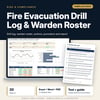


Fire Evacuation Drill Log & Warden Roster: Fire Drill Log Template and Warden Training Tracker
Full description
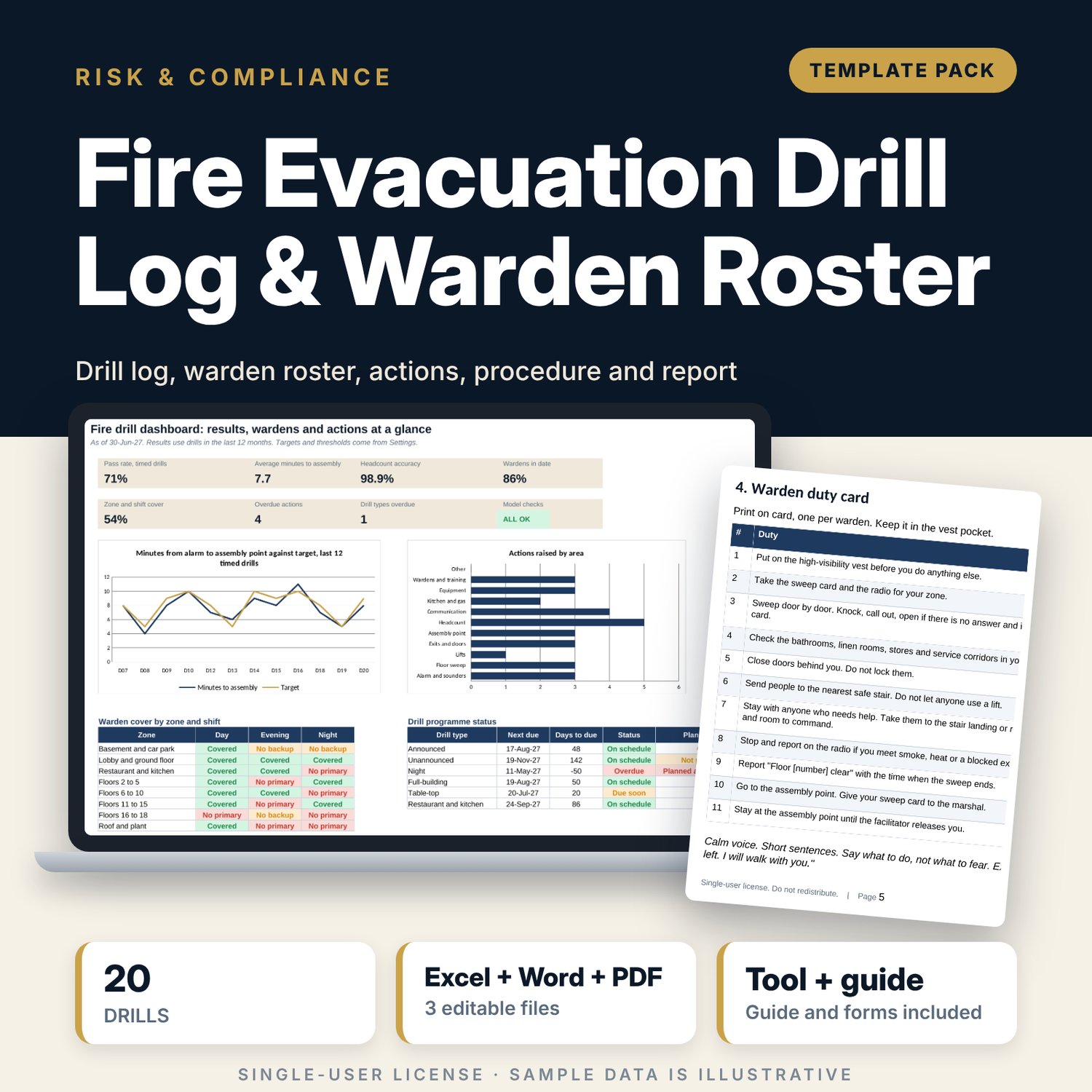
For security managers, duty managers, chief engineers and general managers who run fire evacuation drills and must prove they were timed, scored and followed up. The workbook logs each drill with the alarm time, the time the assembly point was reached and the time the headcount was complete. It compares both times and the headcount accuracy with the target for the drill type, then returns Pass or Fail by formula. A programme table works out the next due date for each drill type from the frequency you set. The warden roster calculates certificate expiry and shows cover by zone and shift. The Word document holds the procedure, a warden duty card, an 18-standard evaluator score sheet, a report form and a worked example.
What is inside
- Fire_Evacuation_Drill_Log.xlsx: 7 tabs, 974 formulas, 2 native charts, 17 drop-down and input rules
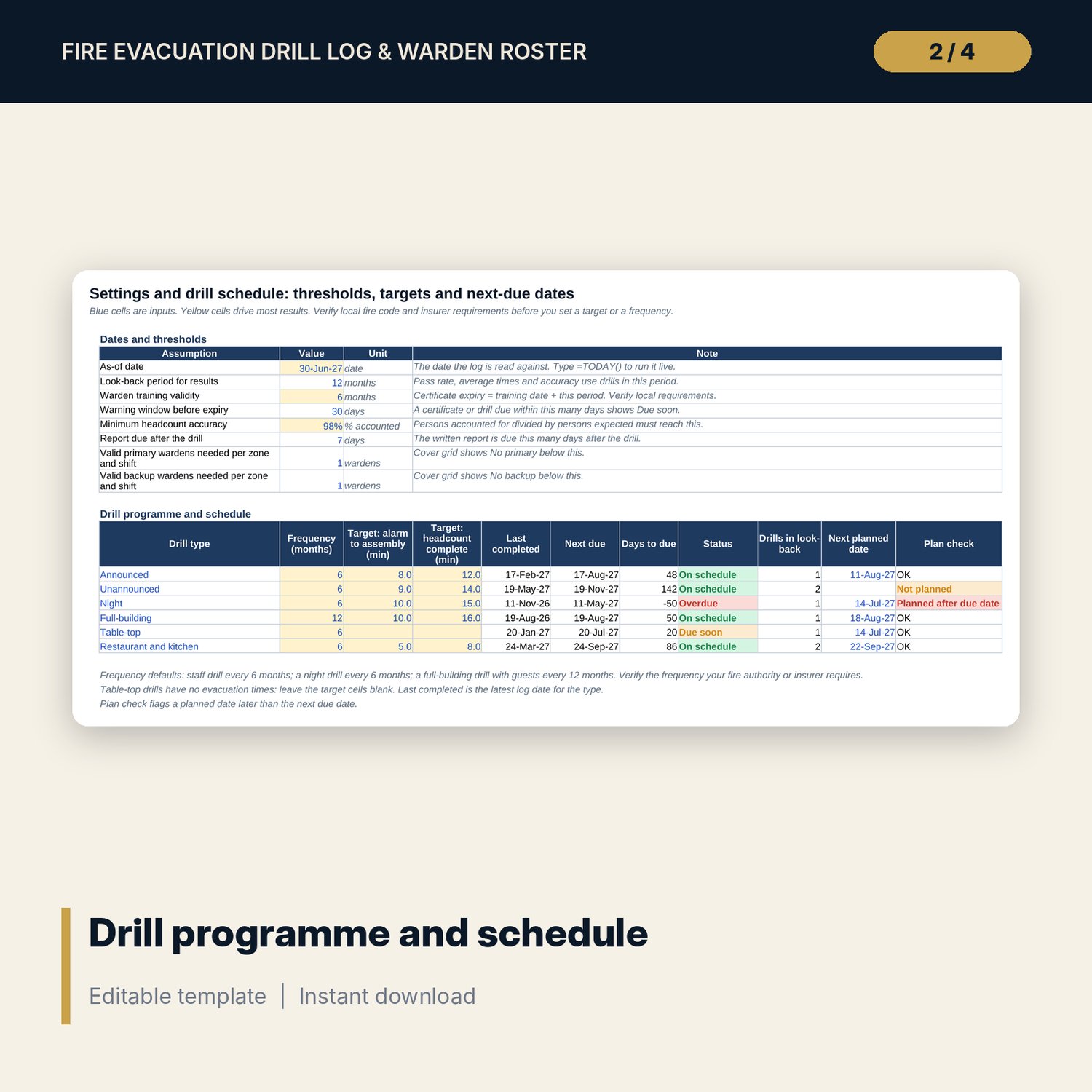
- Settings: as-of date, thresholds and a drill programme of 6 drill types with frequency, target times, last drill, next due date and status
- Drill Log: 20 sample drills over two years plus 28 spare rows; 19 columns including minutes to assembly, headcount accuracy and result
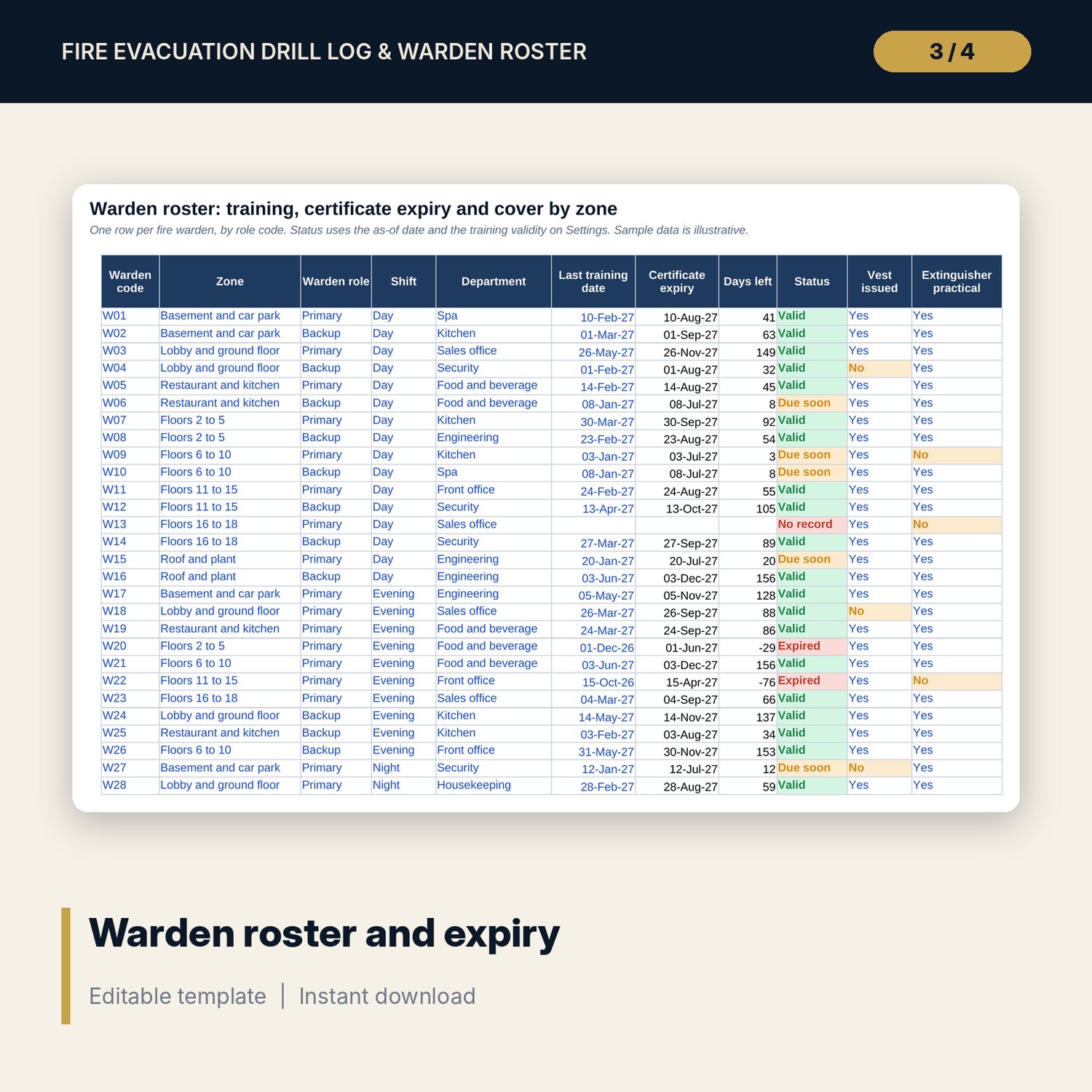
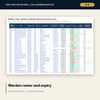
- Warden Roster: 35 sample wardens in 8 zones and 3 shifts, certificate expiry, status and a cover grid, plus 13 spare rows
- Actions: 30 sample observations with owner, deadline, closing date and status, plus 20 spare rows
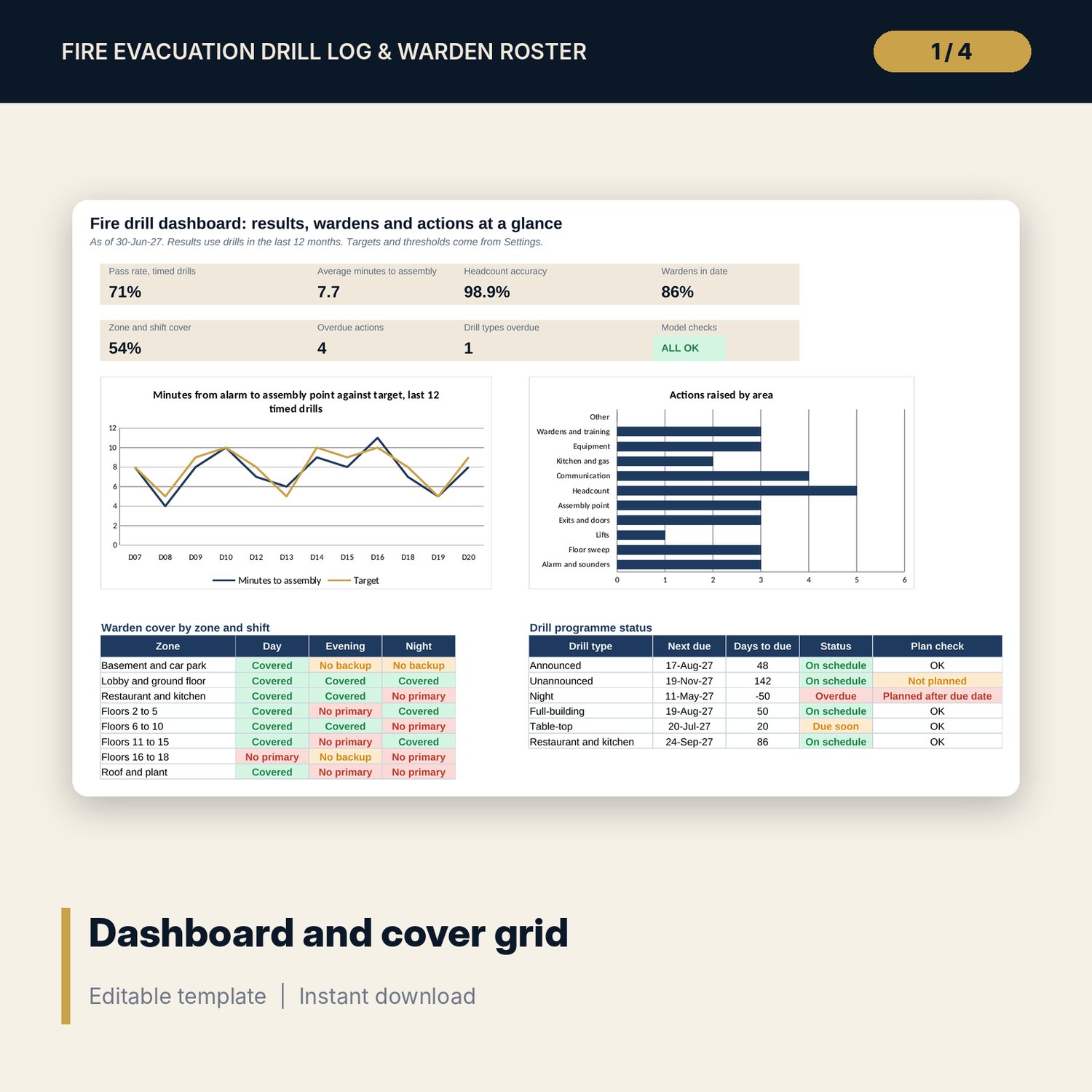
- Dashboard: 7 KPI tiles, a check tile, 2 charts, the zone and shift cover grid and the programme status; 8 integrity checks
- Fire_Evacuation_Drill_Procedure.docx and PDF: 9 pages with roles, a 12-task planning checklist, the drill-day timeline, announcement script, warden duty card, 18-standard score sheet, report form and a worked example
- README.txt and LICENSE-and-Terms.txt
How it works
- Set the as-of date, the warden training validity and the target times and frequency for each drill type on Settings.
- Load your wardens on Warden Roster and read which certificates are expired or due soon.
- After each drill, enter the three times and the headcount on Drill Log. The result appears by formula.
- Enter each observation on Actions with an owner and a deadline, and fill the closing date when it is done.
- Read the Dashboard for pass rate, warden cover, overdue drill types and overdue actions, and print the report form from the document.
Details
- Formats: 1 Excel workbook (.xlsx), 1 procedure and report document in Word (.docx) and PDF, English
- Software: Excel 2016 or later, or LibreOffice Calc 7 or later
- No macros, no external links, no data tables, no array formulas
- 3 files plus README and license; instant digital download
Good to know
- Sample data is illustrative. Replace it with your own figures.
- Target times, drill frequencies and the training validity period are inputs. Fire code, insurer and authority requirements differ: verify local requirements.
- This is a working tool, not legal or fire-safety advice.
- Single-user license. Do not redistribute.
FAQ
Which drill types are included?
Announced, unannounced, night, full-building, table-top, and restaurant and kitchen. You can rename them and change the targets and frequency on Settings.
How does the workbook decide Pass or Fail?
A drill passes when the alarm-to-assembly time and the alarm-to-headcount time are within the target for its type, and headcount accuracy is at or above the minimum you set.
Can I use it for a table-top drill?
Yes. Leave the times blank. The result shows Not timed and the drill still counts for the schedule.
How are warden certificates tracked?
Expiry is the training date plus the validity period on Settings. The roster shows Valid, Due soon, Expired or No record, and the cover grid shows missing primary or backup wardens by zone and shift.
Do I need macros?
No. Every result is a standard worksheet formula.