
Job-centric project planner - Notion template
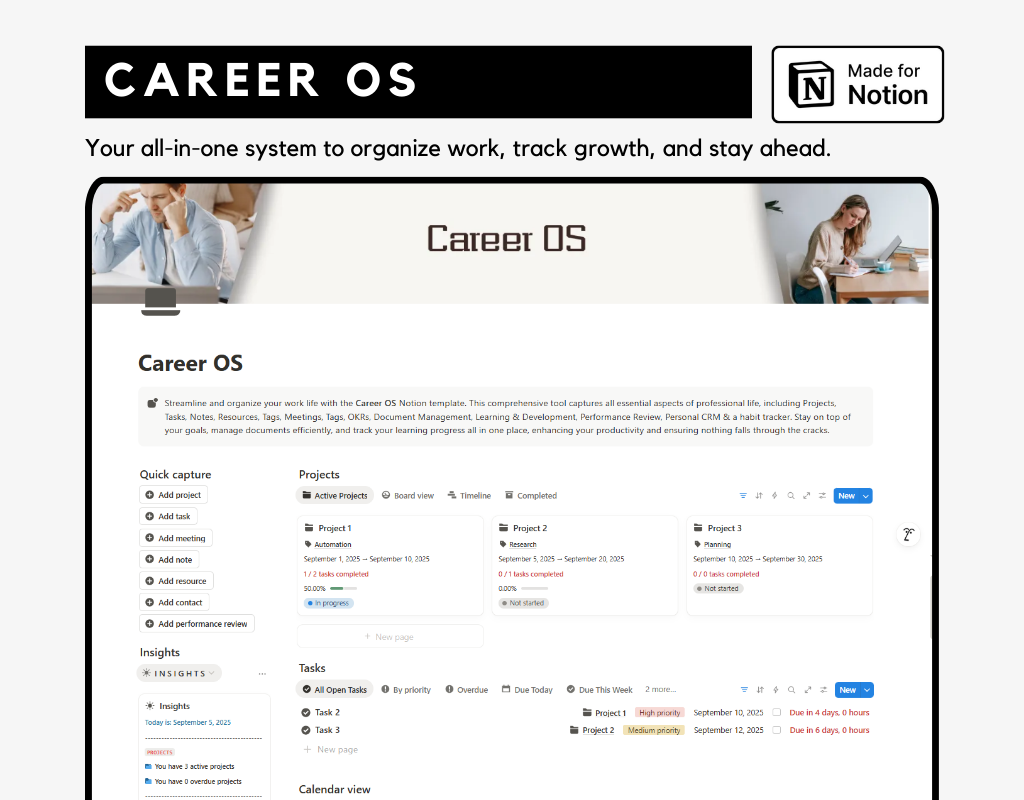
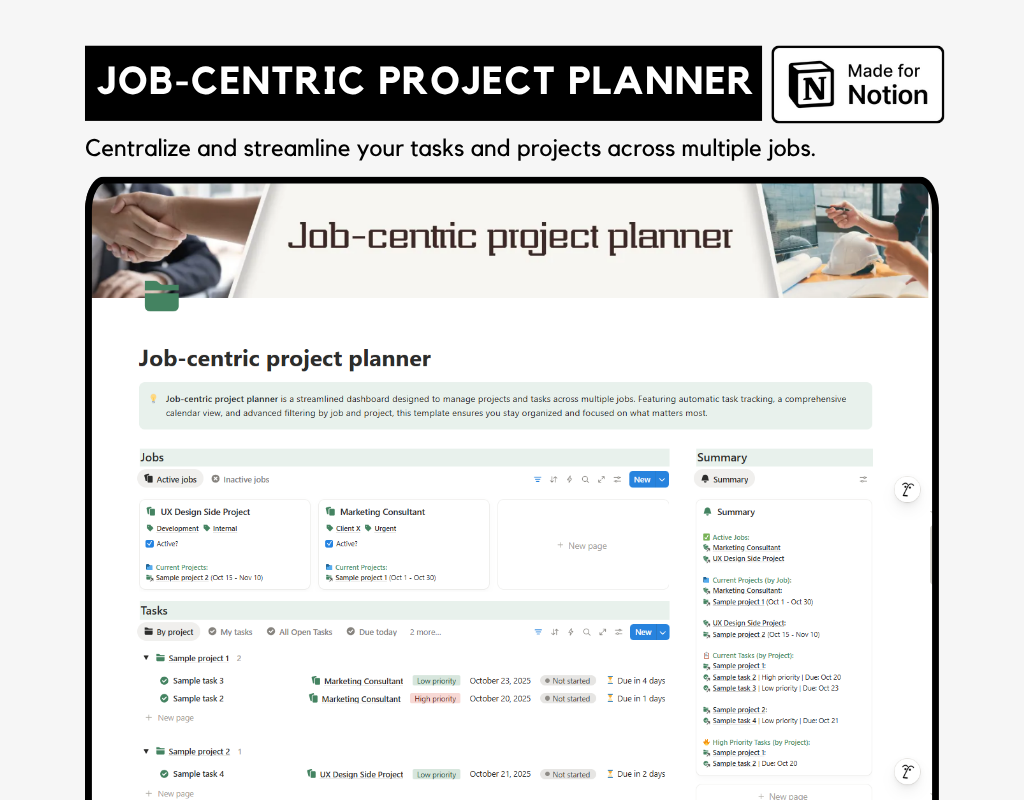
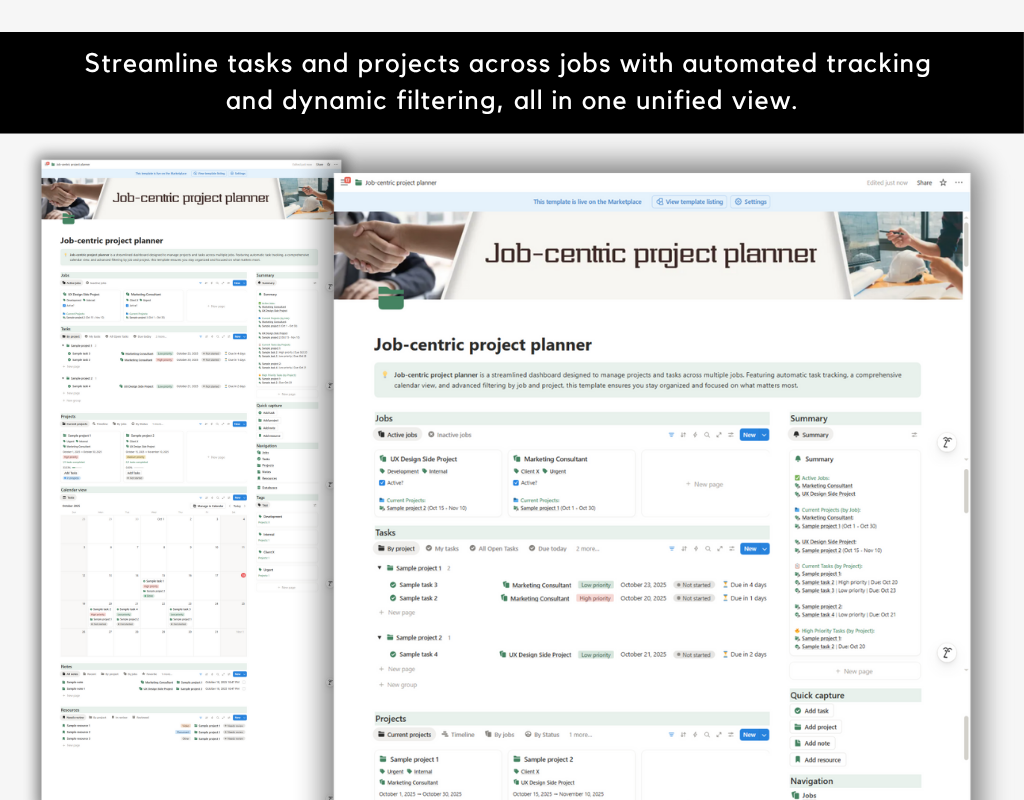
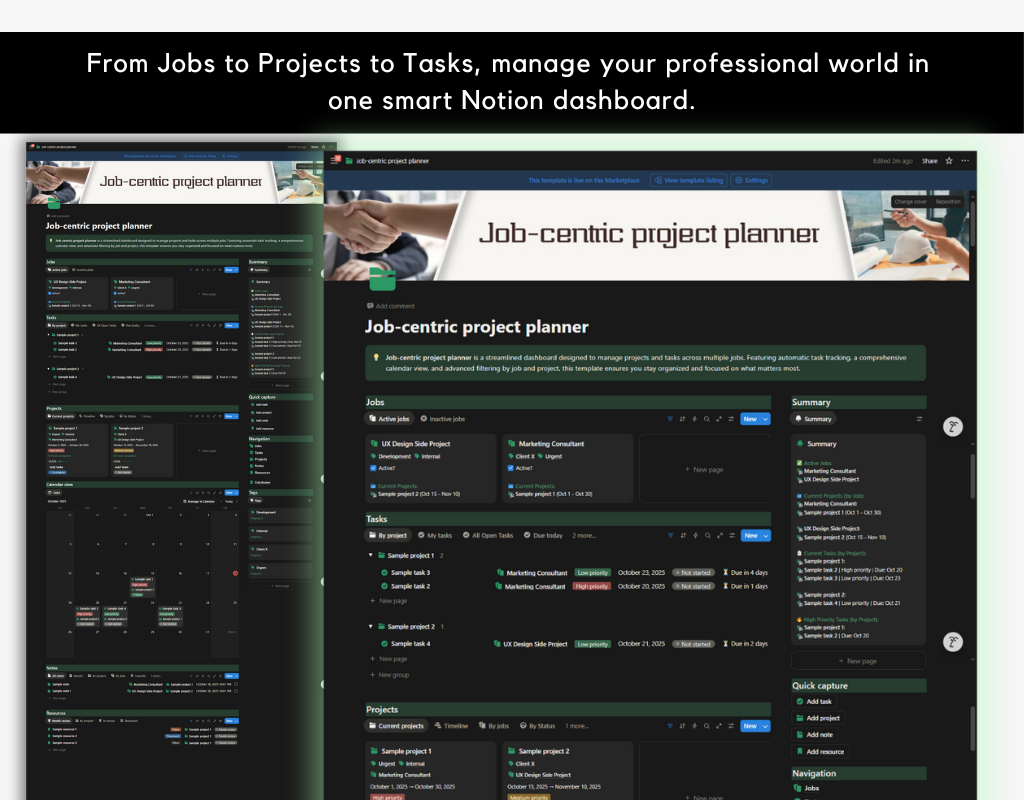
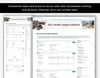
Balancing multiple roles and endless responsibilities? The Job-Centric Project Planner is your all-in-one Notion system that centralizes your professional life into a single, smart dashboard. Connect Jobs, Projects, Tasks, Notes, and Resources into a seamless workflow—more than a to-do list, it’s your professional command center.
Who it’s for:
Freelancers, consultants, professionals, or side-hustlers managing multiple roles or projects who want clarity, focus, and control over their work.
How it helps:
- Stay on top of your work: See all Active Jobs, Current Projects, and linked Tasks at a glance.
- Prioritize effectively: High-priority tasks are automatically surfaced so nothing slips through the cracks.
- Centralize resources: Notes, files, and references are connected to the relevant Jobs or Projects for easy access.
Key features:
- Jobs Database: Organize work across different roles and track active vs. inactive jobs.
- Projects Database: Manage all projects with progress tracking, linked to the relevant Job.
- Tasks Database: Prioritize daily work, automatically sorted by Project and Job, with high-priority tasks highlighted.
- Notes Database: Store meeting minutes, ideas, and key info.
- Resources Database: Keep references and materials in one hub.
- Tags Database: Filter and sort across everything quickly.
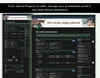
- Summary Dashboard: A central command panel that filters and organizes Active Jobs, Current Projects, Tasks by Project, and High-Priority Tasks—everything you need at a glance.
With the Job-Centric Project Planner, you’ll simplify your workflow, sharpen your focus, and manage your professional world confidently—seeing the big picture without losing track of the details.
No Refund Policy
Due to the nature of digital products, all sales are final. Once a product is downloaded or accessed, it cannot be returned. We encourage you to review all product details carefully before making your purchase. If you encounter any issues, feel free to reach out—we're here to help!