
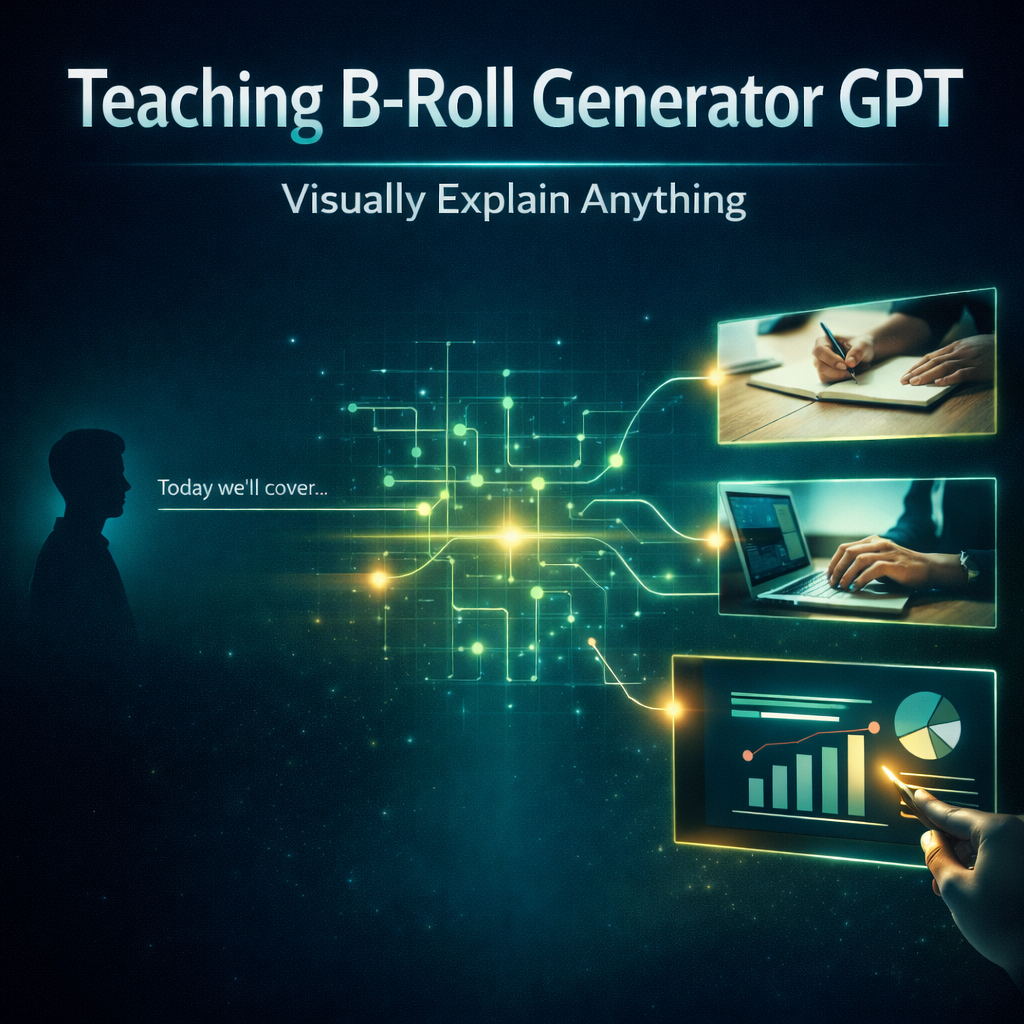
Teaching B-Roll Generator GPT
Turn B-Roll Into Visual Explanations (Not Decoration)
One of the biggest mistakes educational creators make isn’t using B-roll.
It’s using B-roll that does nothing.
They add:
• typing clips
• random laptop shots
• slow-motion walking
• aesthetic desk setups
But none of it explains the idea.
This creates a hidden problem:
• visuals look good… but don’t teach anything
• B-roll fills space instead of adding clarity
• viewers watch — but still don’t understand
• the lesson relies entirely on talking
The result:
👉 The video feels polished, but not clear.
The Real Problem
Most creators think:
👉 “I just need better B-roll”
But the real issue is:
👉 The B-roll doesn’t prove the idea
Common mistakes:
• using generic stock clips unrelated to the concept
• repeating the same “typing on laptop” footage
• showing activity without meaning
• using visuals that could fit any video
• adding clips that don’t connect to what’s being said
Viewers don’t think:
“This B-roll is useless”
They feel:
“This isn’t helping me understand…”
What Teaching B-Roll Generator GPT Does
This GPT solves one specific problem:
👉 It turns ideas into visual proof using real-world footage
Instead of decoration, you get:
• demonstration-based visuals (show the behavior)
• process footage (show progression over time)
• metaphor visuals grounded in reality
• real-world examples that make concepts tangible
Every output answers:
👉 “What would this idea look like in real life?”
So the viewer feels:
“Now I see what you mean.”
What This GPT Helps You Fix
This tool is built for moments like:
• “What B-roll should I use here?”
• “Why does my footage feel random?”
• “Why doesn’t this visual help the explanation?”
• “How do I show this idea instead of saying it?”
It fixes:
• decorative B-roll
• irrelevant stock footage
• unclear visual support
• repeated generic clips
• over-reliance on talking
Instead of filling space…
👉 You reinforce the lesson visually.
How The System Works
This GPT uses 4 B-roll types, each designed to solve a different clarity problem:
Demonstration Footage
Shows the behavior happening
👉 practicing, writing, editing, doing
Process Footage
Shows change over time
👉 building, improving, repeating
Metaphor Footage
Shows symbolic meaning in real life
👉 fog clearing, clutter organizing (always physically realistic)
Real-World Example
Shows the idea in context
👉 student studying, creator working
Instead of guessing what to show…
👉 The system selects the right type of visual proof.
Cinematic Quality (Not AI Guesswork)
Every prompt is built like a professional stock footage brief.
It includes:
• real camera systems (Sony, RED, cinema rigs)
• intentional lens choices (35mm, 50mm, 85mm)
• realistic lighting (window light, golden hour, overcast)
• natural textures (skin, materials, environments)
• believable human movement and physics
• two prompts, image, and AI video
This ensures:
👉 your visuals look like real footage...you'll never create AI-generated noise
What Makes This Different
Most creators use B-roll like this:
❌ “Add something here so it’s not boring”
This GPT flips that completely:
👉 “Show something here so it becomes clear”
It enforces:
• visual relevance
• concept alignment
• real-world believability
• teaching-first visuals
So every clip has a job:
👉 to make the idea easier to understand
Perfect For Creators Who Want To
• stop using random stock footage
• make B-roll actually explain concepts
• show instead of tell
• create more engaging lessons
• build reusable B-roll libraries
• make visuals feel intentional
Whether you teach:
• business
• productivity
• design
• coding
• fitness
• education
This tool turns your ideas into visual b-roll that demonstrates, not decorates.
The Result
When used correctly, something changes.
Creators stop doing this:
❌ adding B-roll just to “look good”
And start doing this:
👉 using visuals to explain the lesson
Because now…
The viewer doesn’t just hear the idea.
They can see it happening.
Part of the Clarity Fix System
Teaching B-Roll Generator GPT is part of:
👉 The Clarity Fix ecosystem:
A set of tools built to solve one core issue:
👉 Why viewers don’t understand your videos
Because if your visuals don’t make ideas clearer…
They’re just decoration.
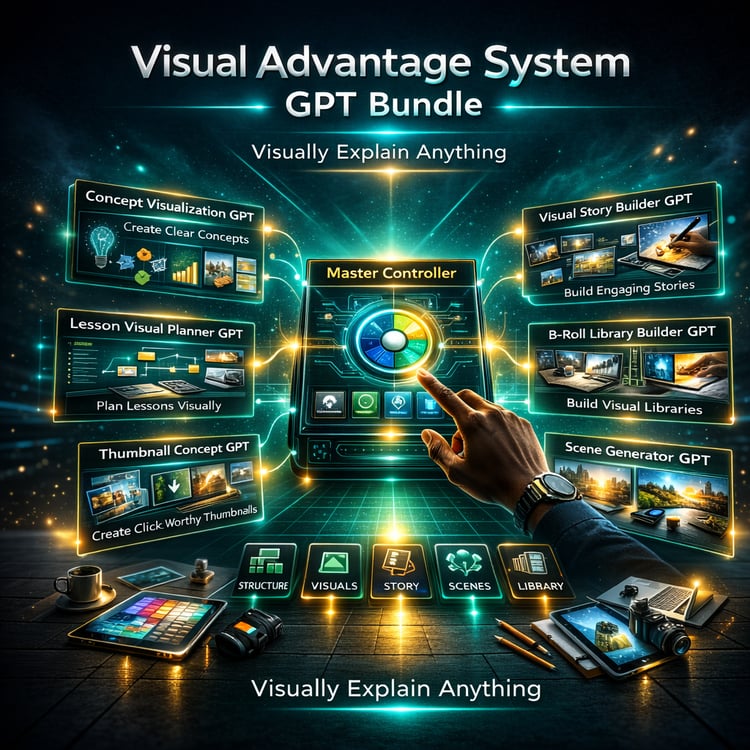
~ Clarity Fix - Your Visual Advantage System
Contains GPT Link