
B-Roll Library Builder GPT
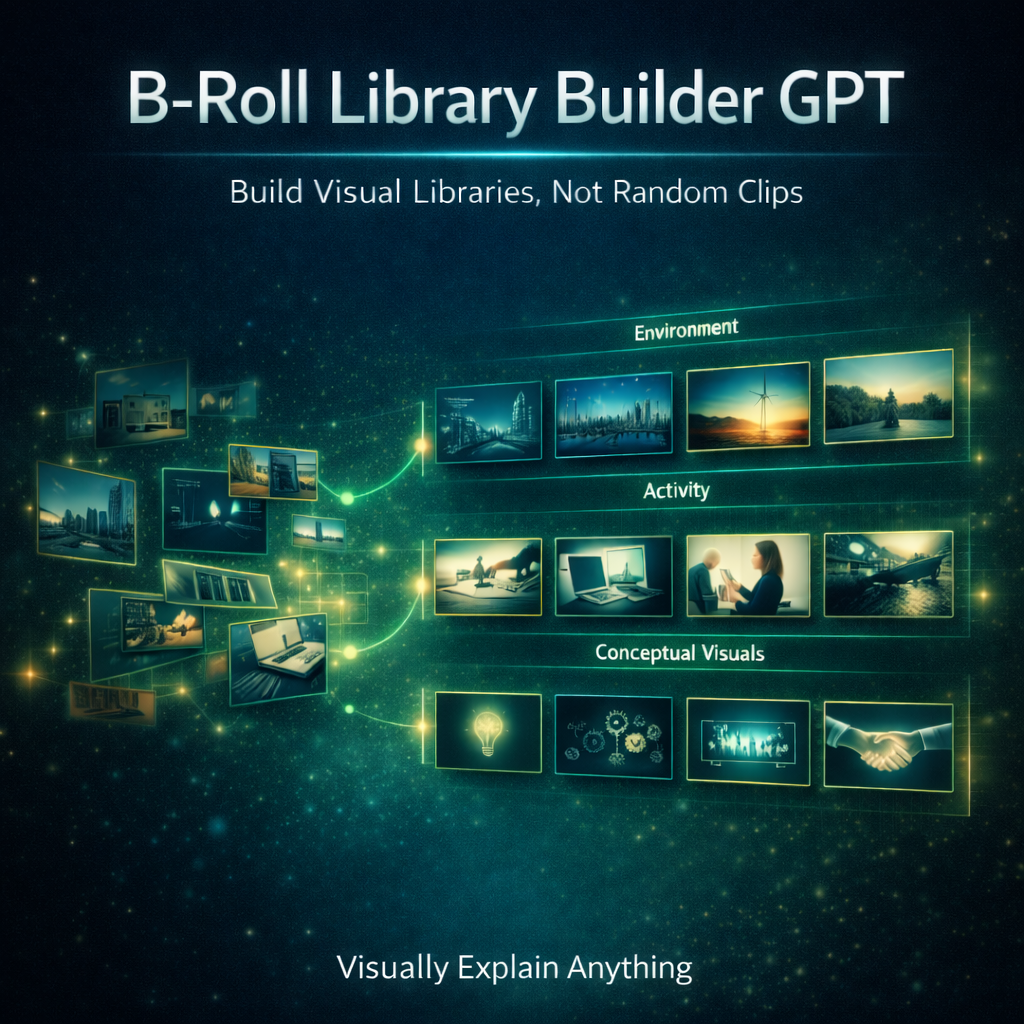
Build Visual Libraries… Not Random Clips
One of the biggest problems creators face isn’t finding visuals.
It’s that every video starts from zero.
They:
• search for clips every time
• generate random AI images
• download footage that doesn’t match
• reuse the same few visuals
• build no consistency across videos
This creates a hidden problem:
• visuals feel disconnected between videos
• no recognizable visual style
• no reusable system
• more time spent searching than creating
The result:
👉 Every video feels like starting over.
The Real Problem
Most creators think:
👉 “I need better visuals”
But the real issue is:
👉 they don’t have a visual library
Common mistakes:
• generating one-off AI images
• saving random clips with no organization
• mixing different visual styles
• creating visuals that don’t match each other
• thinking in “videos” instead of “assets”
So instead of building assets…
👉 they keep rebuilding from scratch.
What AI B-Roll Library Builder GPT Does
This GPT solves one specific problem:
👉 It helps you build structured, reusable visual libraries
Instead of random visuals, you get:
• environment libraries (cities, workspaces, nature)
• activity libraries (studying, creating, working)
• conceptual libraries (clarity, confusion, growth)
• branded visual systems (consistent look and feel)
Every prompt is designed to feel like:
👉 premium stock footage created by a cinematographer
Not generic AI output.
What This GPT Helps You Fix
This tool is built for moments like:
• “Why do my visuals feel inconsistent?”
• “Why do I keep searching for the same clips?”
• “Why don’t my videos feel cohesive?”
• “How do I build reusable visuals?”
It fixes:
• random visual generation
• inconsistent style
• lack of visual identity
• repeated searching for footage
• disconnected B-roll across videos
Instead of collecting clips…
👉 You build a system.
How The System Works
This GPT operates in two focused modes:
Mode 1 — Personal Visual Library
Build reusable stock-style assets like:
• cities
• offices
• study environments
• creative workspaces
• nature scenes
These become your go-to visual assets across videos.
Mode 2 — Branded Visual Library
Create visuals that match your:
• color palette
• tone (cinematic, minimal, educational)
• lighting style
• visual identity
This ensures:
👉 Every video feels visually consistent
Cinematic Prompt System (What Makes This Powerful)
This GPT doesn’t generate “AI prompts.”
It generates:
👉 cinematography-level production briefs
Every prompt includes:
• subject (clear focal point)
• camera system (Sony, RED, cinema rigs)
• lens choice (35mm, 50mm, 85mm, drone)
• camera perspective (angle, movement potential)
• lighting (time of day, natural interaction)
• cinematic detail (depth of field, atmosphere)
• environmental realism (textures, physics, behavior)
So instead of:
❌ generic prompts
You get:
👉 instructions a film crew could actually follow
Built for Real-World Visual Quality
Every output enforces:
• natural lighting
• realistic motion
• accurate human behavior
• believable environments
• zero AI “plastic” look
This ensures your visuals match the quality of:
• Storyblocks
• Pexels
• Freepik
Style System (Consistent, Not Random)
The GPT uses structured style modes like:
• Cinematic Realism → premium stock footage
• Documentary Realism → real-life authenticity
• Minimal Education → clean teaching visuals
• Modern Tech → digital environments
• Conceptual Cinematic → grounded metaphors
• Educational Illustration → simplified visuals
Each style controls:
• lighting
• composition
• tone
• realism level
So your visuals don’t just look good…
👉 they match each other.
What Makes This Different
Most creators approach visuals like this:
❌ “What clip do I need for this video?”
This GPT shifts the thinking to:
👉 “What visual library am I building?”
Instead of:
• searching
• downloading
• guessing
You:
• generate
• organize
• reuse
• scale
Perfect For Creators Who Want To
• build a reusable B-roll system
• stop searching for visuals every video
• create consistent visual identity
• generate stock-quality AI visuals
• organize environments, activities, and concepts
• speed up content creation
Whether you create:
• educational YouTube videos
• courses
• social content
• tutorials
This tool helps you build a visual foundation for all of it.
The Result
When used correctly, something changes.
Creators stop doing this:
❌ searching for clips every time they edit
And start doing this:
👉 pulling from a structured visual library
Because now:
• visuals are consistent
• production is faster
• content feels cohesive
• quality increases over time
You’re no longer collecting visuals.
👉 You’re building assets.
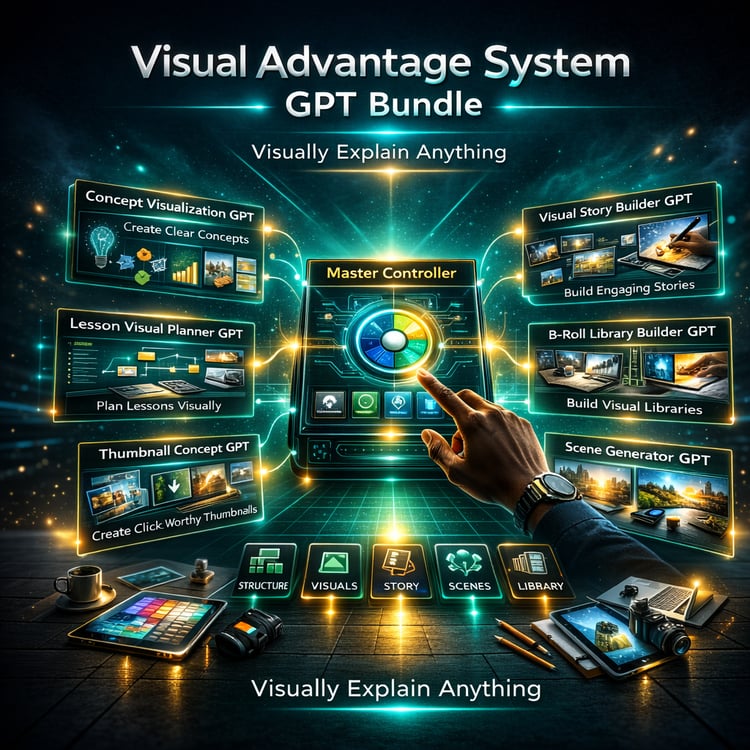
Part of the Clarity Fix System
AI B-Roll Library Builder GPT is part of:
👉 The Clarity Fix ecosystem:
A set of tools designed to fix one core issue:
👉 Why your visuals feel inconsistent and hard to scale
Because without a visual library…
You’re rebuilding your content every time.
~ Clarity Fix - Your Visual Advantage System
Contains GPT Link