
Lesson Visual Planner GPT
Turn Scripts Into Visual Teaching Blueprints
One of the biggest problems educational creators face isn’t what to teach. That’s easy.
What’s hard is knowing how to avoid creating lessons that are:
• hard to follow
• mentally heavy
• easy to lose track of
• overly dependent on talking
Even when the idea is good…
👉 The viewer gets lost in the delivery.
The Bigger and Overlooked Problem
Most creators write scripts like this:
👉 words first
👉 visuals later
They:
• talk through ideas
• add visuals randomly during editing
• rely on B-roll to “fill gaps”
• explain without guiding attention
This creates a hidden breakdown:
• no clear visual flow
• no structure the viewer can follow
• no signal of what matters
• no sense of progress
The viewer feels:
“I’m trying to follow… but I’m getting lost.”
What Lesson Visual Planner GPT Does
This GPT solves one specific problem:
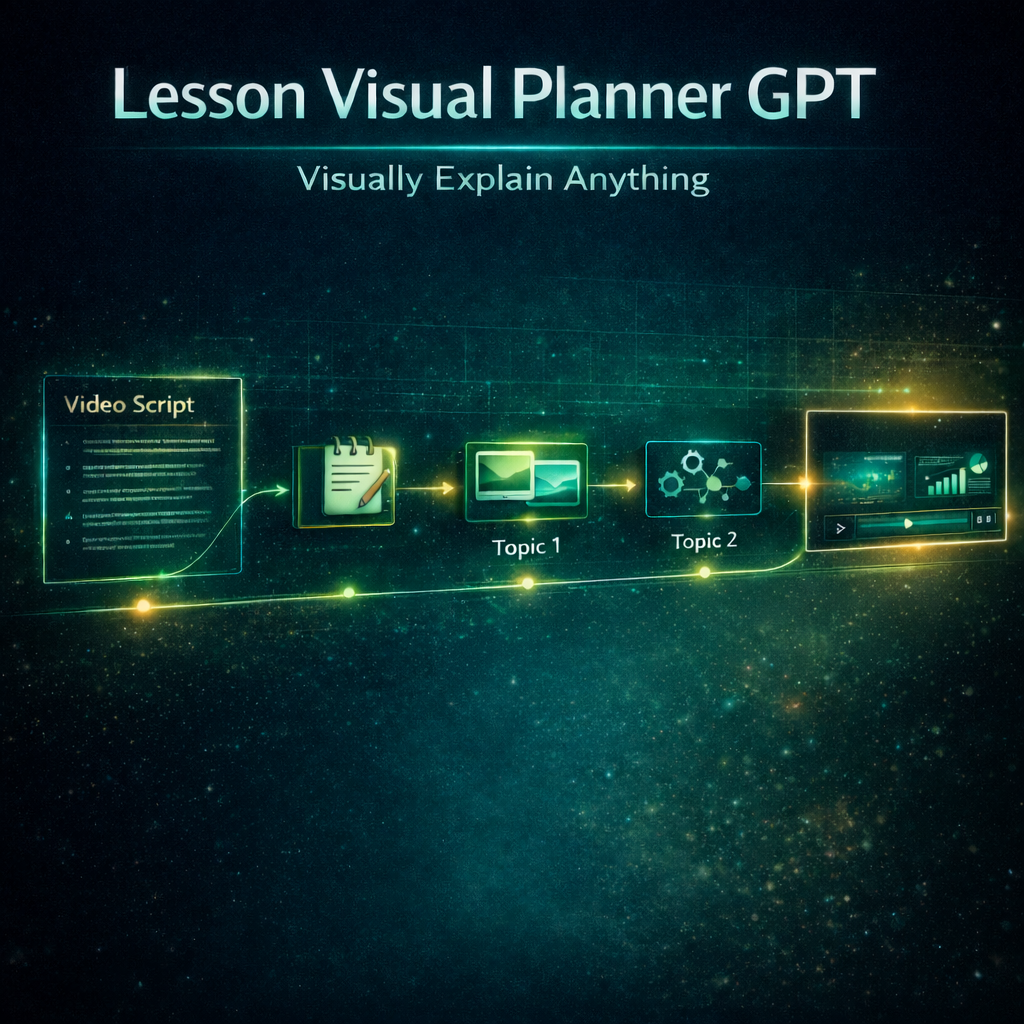
👉 It turns scripts into visual teaching systems
Instead of a normal script, you get:
• a structured lesson flow
• visuals mapped to every key moment
• clear teaching progression
• guided attention throughout the lesson
• a blueprint for what to say AND what to show
The goal is simple:
👉 The viewer never wonders what to look at or why it matters
What This GPT Helps You Fix
This tool is built for moments like:
• “Why does my lesson feel confusing?”
• “Why do viewers drop off here?”
• “What visuals should I show while explaining?”
• “How do I structure this so it flows?”
It fixes:
• hard-to-follow lessons
• long talking sections
• random visual placement
• unclear teaching progression
• lack of structure
Instead of guessing where visuals go…
👉 Everything is planned before recording.
How The System Works
This GPT transforms your idea into a visual lesson blueprint
Every section includes:
• what you say
• what appears on screen
• which visual system to use
• how the idea unfolds visually
It follows a proven teaching flow:
• Hook → create curiosity
• Problem → show the struggle
• Insight → introduce the solution
• Visual Explanation → make it clear
• Tutorial (if needed) → show how
• Recap → reinforce understanding
And most importantly:
👉 visuals are built into every step
The Breakthrough (What Makes This Unique)
This is not a script writer.
This is:
👉 an advanced visual script system
Powered by:
• the Script Structure Document
• the Tutorial Structure Document
These two systems control:
• how lessons flow
• where visuals must appear
• how explanations are paced
• how tutorials are demonstrated
• how clarity is maintained from start to finish
This creates something most creators don’t have:
👉 a script where visuals lead the teaching
Built-In Visual Intelligence
Every visual moment is assigned automatically:
• Idea Visualization GPT → for diagrams and structure
• Visual Story Builder GPT → for abstract concepts
• Teaching B-Roll Generator GPT → for real-world proof
This ensures:
👉 every visual has a purpose
👉 every visual improves understanding
Not decoration.
Not filler.
👉 clarity.
Tutorial Mode (Where This Becomes Powerful)
For tutorials, this GPT does something most tools don’t:
👉 it tells you exactly what to record
Each step includes:
RECORD THIS
What should be on screen
VOICEOVER
What you say while showing it
VISUAL SUPPORT (if needed)
Extra clarity using diagrams or visuals
This removes a major problem:
👉 guessing how to explain while recording
What Makes This Different
Most creators do this:
❌ write script → record → figure out visuals later
This GPT flips it:
👉 plan visuals → structure explanation → record clearly
It enforces:
• constant visual guidance
• smooth teaching flow
• clear progression
• viewer orientation at all times
So instead of:
❌ “Let me explain…”
You get:
👉 “Watch this.”
Perfect For Creators Who Want To
• make lessons easier to follow
• stop relying on long explanations
• structure videos clearly
• plan visuals before recording
• improve retention and understanding
• create smoother tutorials
Whether you teach:
• software
• business
• design
• education
• productivity
This tool turns your idea into a clear visual lesson system.
The Result
When used correctly, something changes.
Creators stop doing this:
❌ explaining and hoping viewers keep up
And start doing this:
👉 guiding viewers visually through the lesson
Because now:
• every section is clear
• every visual has a purpose
• every step feels connected
The viewer doesn’t feel lost.
They feel guided.
Part of the Clarity Fix System
Lesson Visual Planner GPT is part of:
👉 The Clarity Fix ecosystem:
A set of tools designed to fix one core issue:
👉 Why viewers stop understanding your videos
Because if your lesson isn’t structured visually…
Even great ideas feel confusing.
~ Clarity Fix - Your Visual Advantage System
Contains GPT Link