
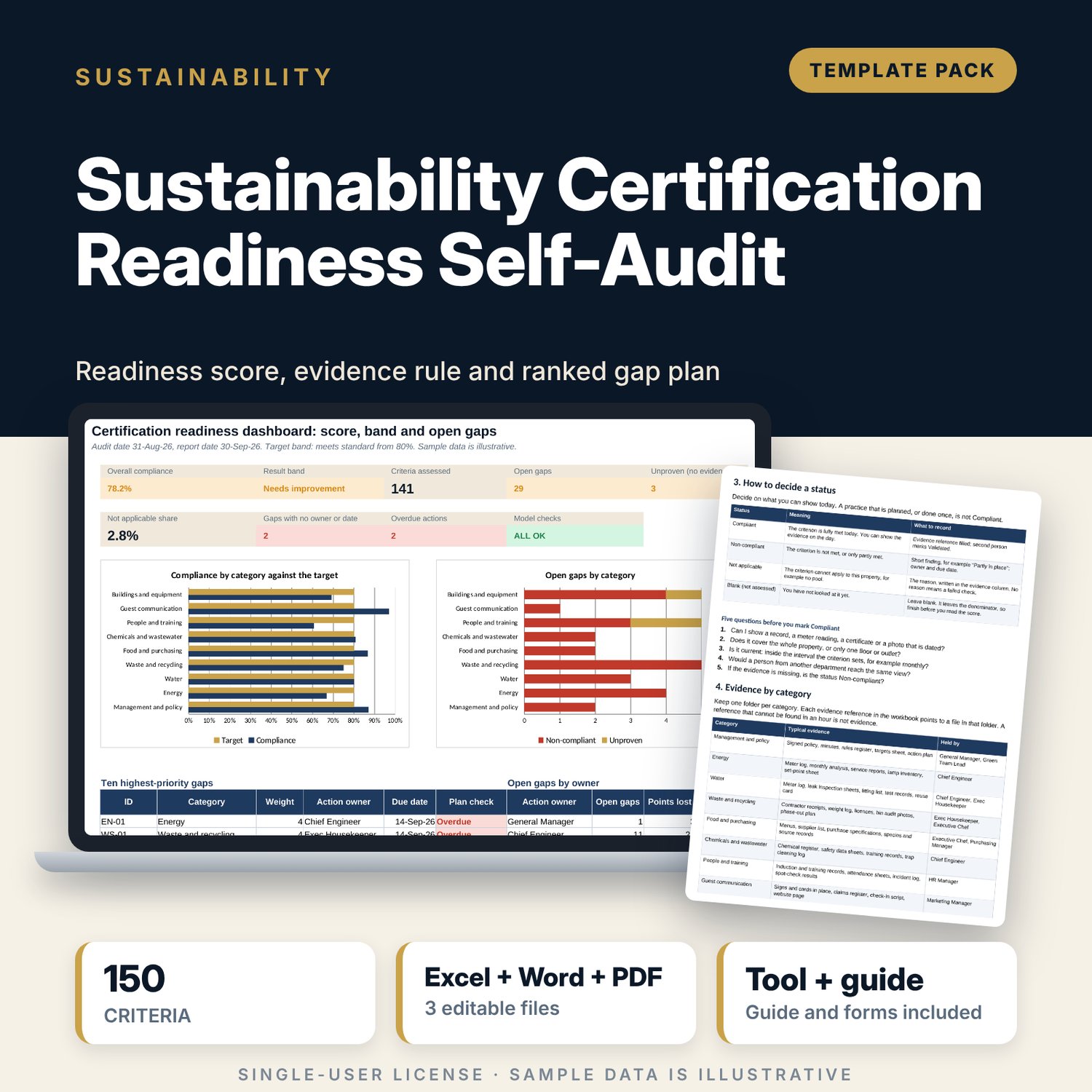
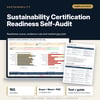
Sustainability Certification Readiness Self-Audit: Hotel Sustainability Certification Readiness Checklist and Scoring
Full description
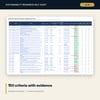
For general managers, green team leads and heads of department who want to know how ready a hotel is for an external sustainability certification before the auditor arrives. The workbook lists 150 generic criteria in 9 categories, each with a weight from 1 to 4. You set the status and record evidence. A criterion marked compliant without evidence, or without a second-person check, earns no points. Not applicable rows leave the denominator but need a reason. The workbook shows compliance by category and weight, assigns a band, ranks every gap by priority and sets target dates of 30, 60 or 90 days by weight. The Word procedure gives the four-week cycle, status rules, evidence guide, validation steps and forms.
What is inside
- Certification_Readiness_Self_Audit.xlsx: 7 tabs, 2,088 formulas, 2 native charts, 11 drop-down and input rules
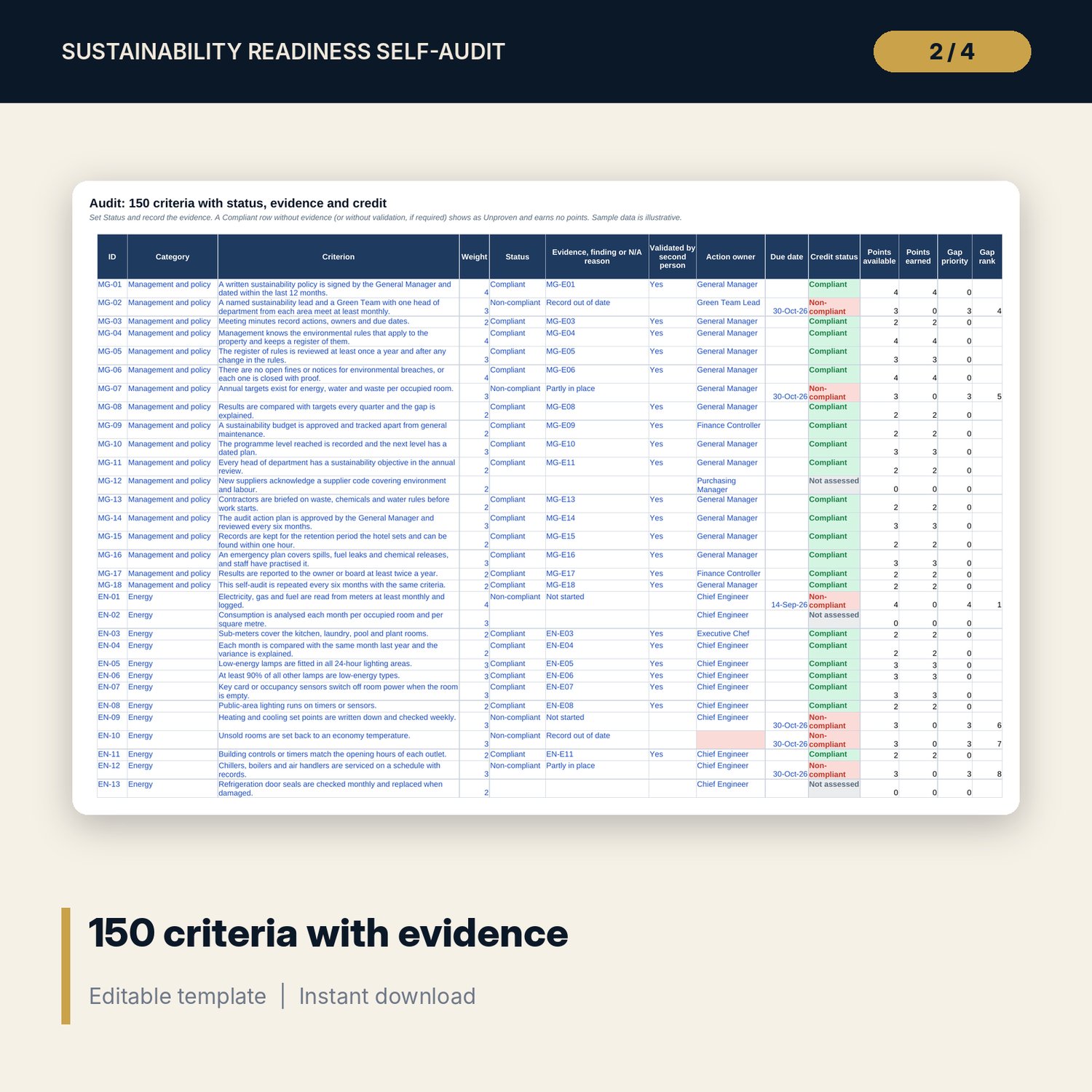
- Audit: 150 criteria in 9 categories, each with weight 1 to 4, status, evidence, second-person validation, action owner and due date, plus 20 spare rows
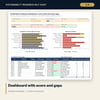
- Scoring: compliance, band and gap counts by category and by weight, with an editable band legend
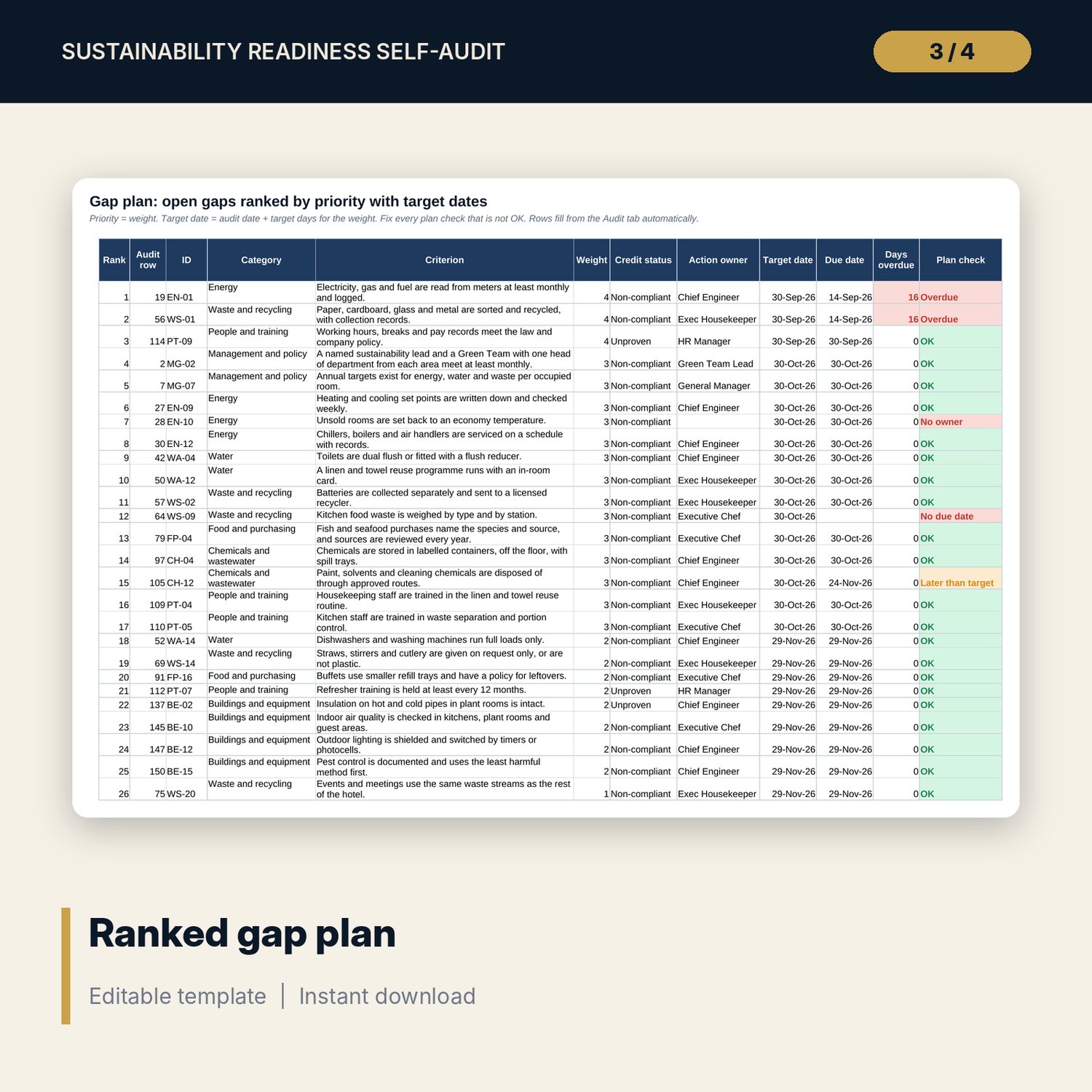
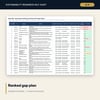
- Gap Plan: up to 80 open gaps ranked by priority with owner, target date by weight, due date, days overdue and a plan check
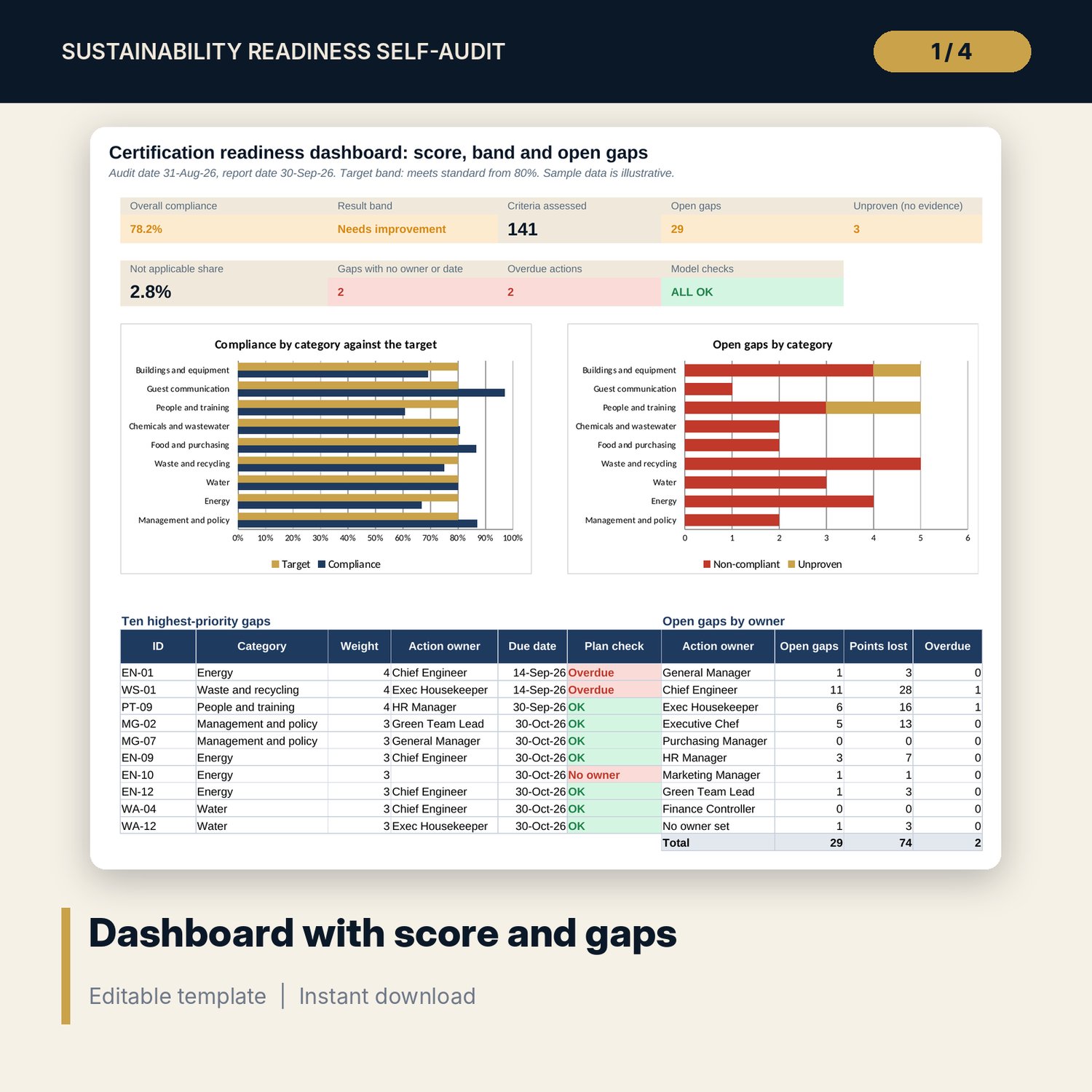
- Dashboard: 8 KPI tiles and a check tile, compliance and open gaps by category (2 charts), top ten gaps and gaps by owner
- Checks: 8 integrity checks
- Audit_Procedure.docx and PDF: 8-page procedure with a four-week cycle, status rules, evidence guide for 9 categories, validation steps, scoring rules, gap plan rules, 3 printable forms and a worked example
- README.txt and LICENSE-and-Terms.txt
How it works
- Set the audit date, report date, evidence rule, bands and target days on Settings.
- Set the status of each criterion on Audit and record the evidence or the reason it does not apply.
- Have a second person validate the evidence, then enter an owner and due date for every gap.
- Read Scoring and Gap Plan, fix every plan check, confirm that Checks shows ALL OK, and repeat every six months.
Details
- Formats: 1 Excel workbook (.xlsx), 1 Word document (.docx) and its PDF, English
- Software: Excel 2016 or later, or LibreOffice Calc 7 or later
- No macros, no external links, no array formulas
- 3 files plus README and license; instant digital download
Good to know
- Sample data is illustrative. The sample scores say nothing about any real hotel.
- The criteria are generic and do not follow any one certification scheme. A readiness score does not replace an external audit.
- Several criteria depend on local rules. Verify local requirements before you mark them compliant.
- Single-user license. Do not redistribute.
FAQ
Which certification scheme does it follow?
None. The criteria are generic practices that most schemes ask for. Use it to prepare, then compare the result with the checklist of the scheme you choose.
How does it treat compliance without evidence?
Credit status shows Unproven: the row stays in the denominator and earns no points. With the validation rule on, a second person must also mark it validated.
Can I change the weights, bands and target days?
Yes. Each criterion weight is an input on Audit. The score bands and target days by weight are inputs on Settings.
How does the gap plan work?
Every non-compliant or unproven row is a gap. Its priority is its weight. Gap Plan ranks gaps and sets a target date from the audit date, then flags missing owners, missing dates and overdue actions.
Do I need macros?
No. Every result is a standard worksheet formula.