Whatnot Seller Profit Tracker Spreadsheet, Live Show Fees, Payout and Break-Even Prices
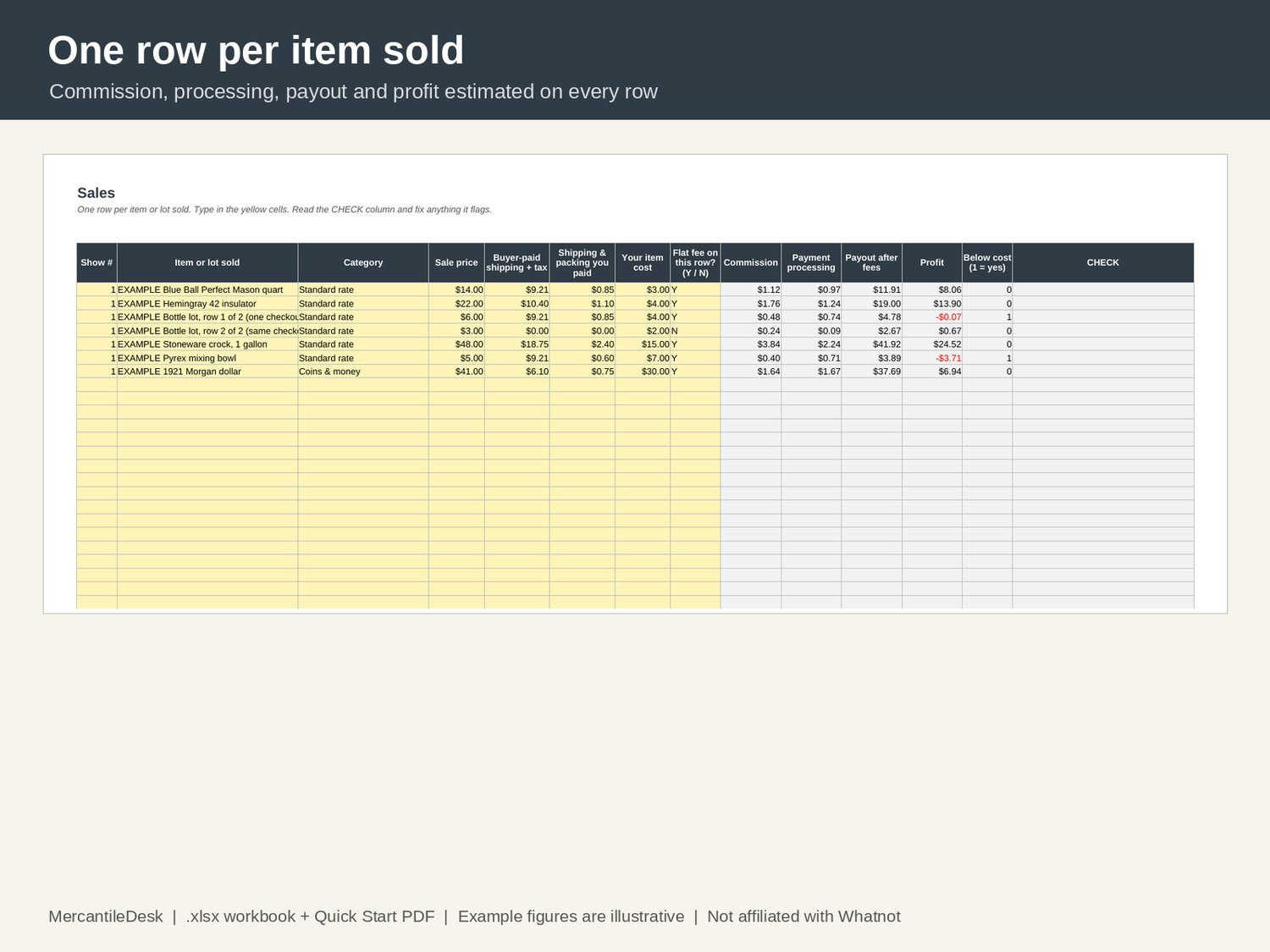
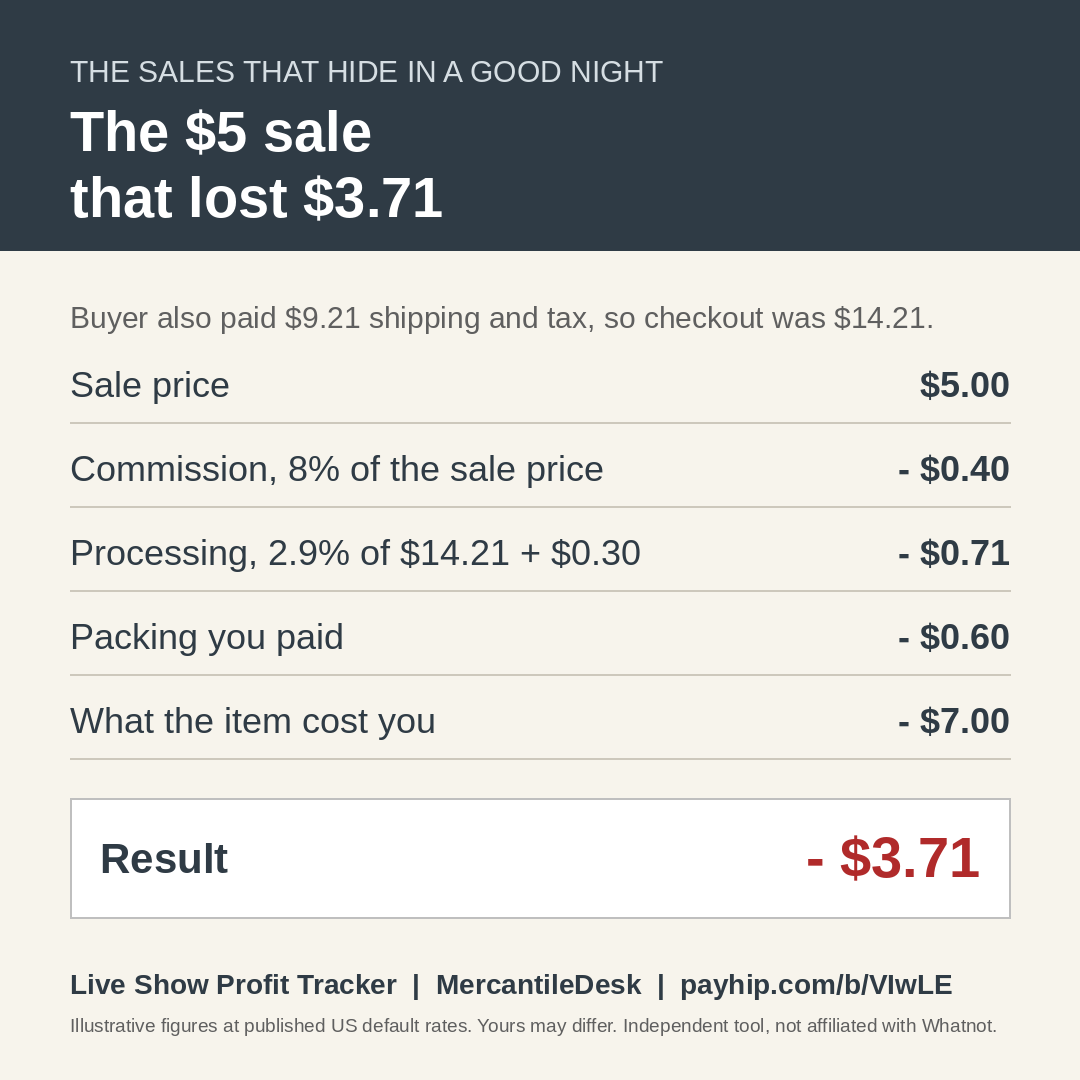
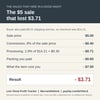
A big gross on a live show doesn't mean a big profit. Enter what each item sold for and what it cost you, and this workbook estimates commission, processing, payout and profit per item, then totals every show after shipping, supplies and promo spend.
WHAT IT DOES
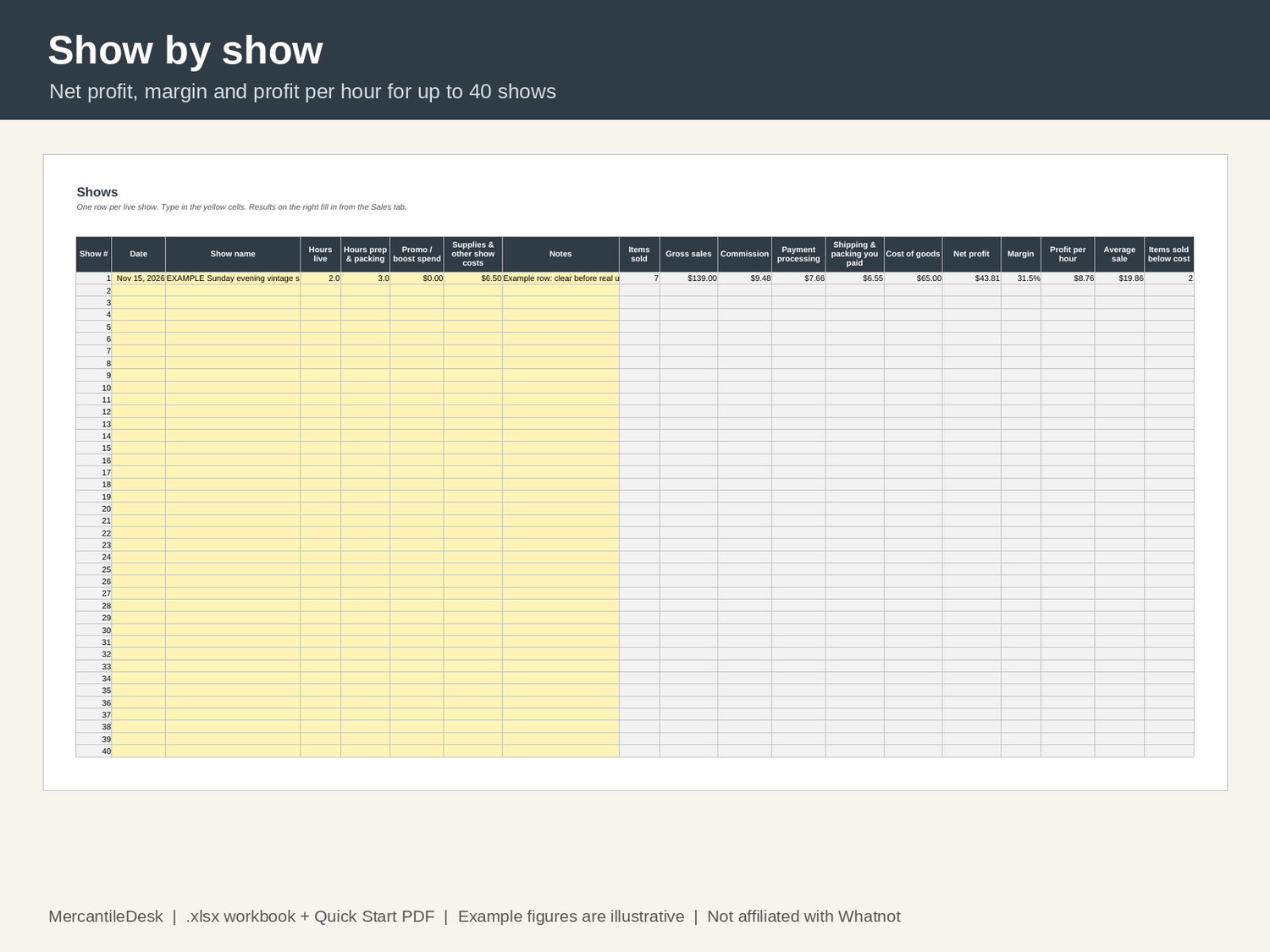
• Net profit, margin and profit per hour for every show, not just gross sales
• Flags items that sold below cost once fees and shipping came out
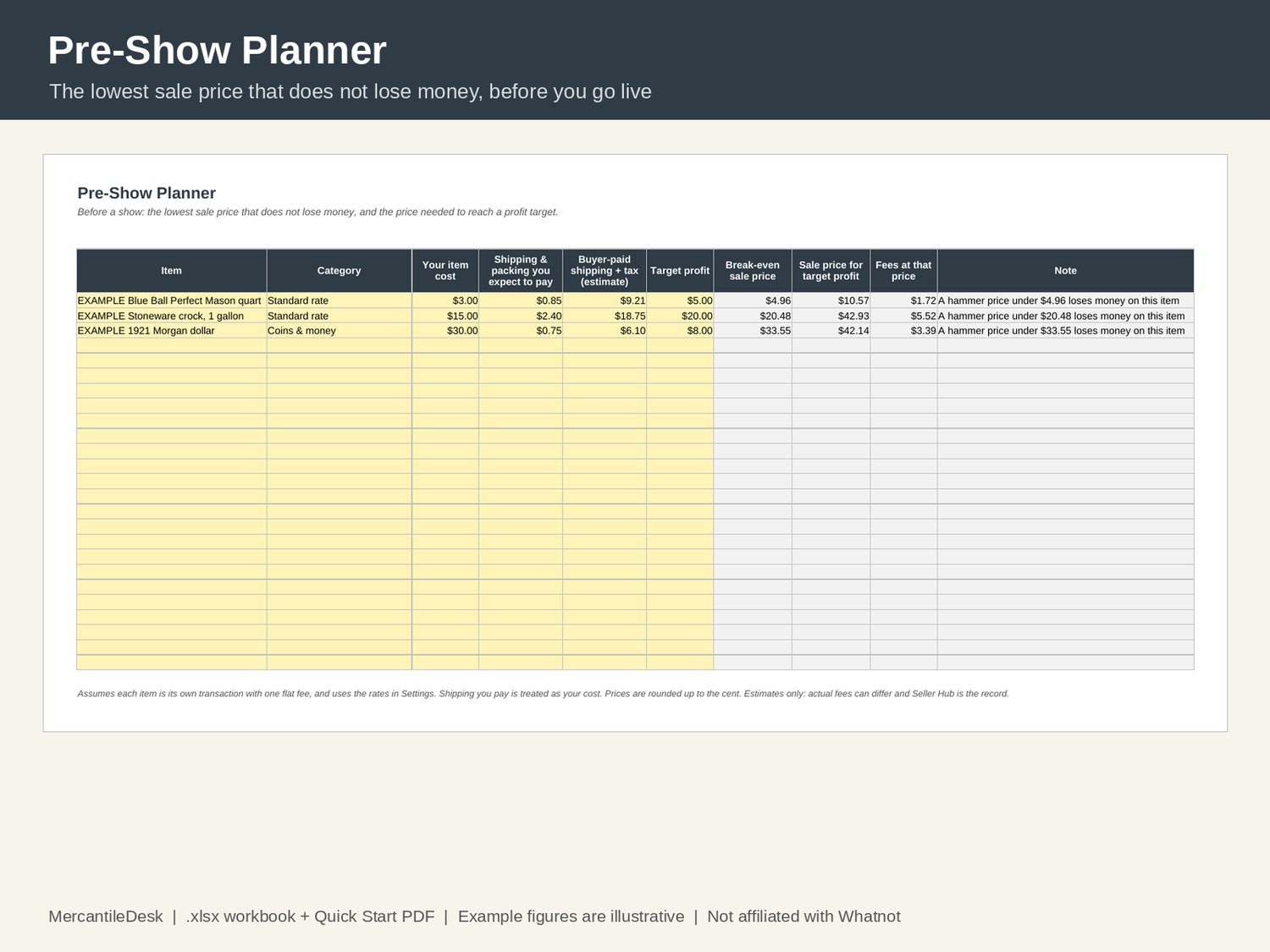
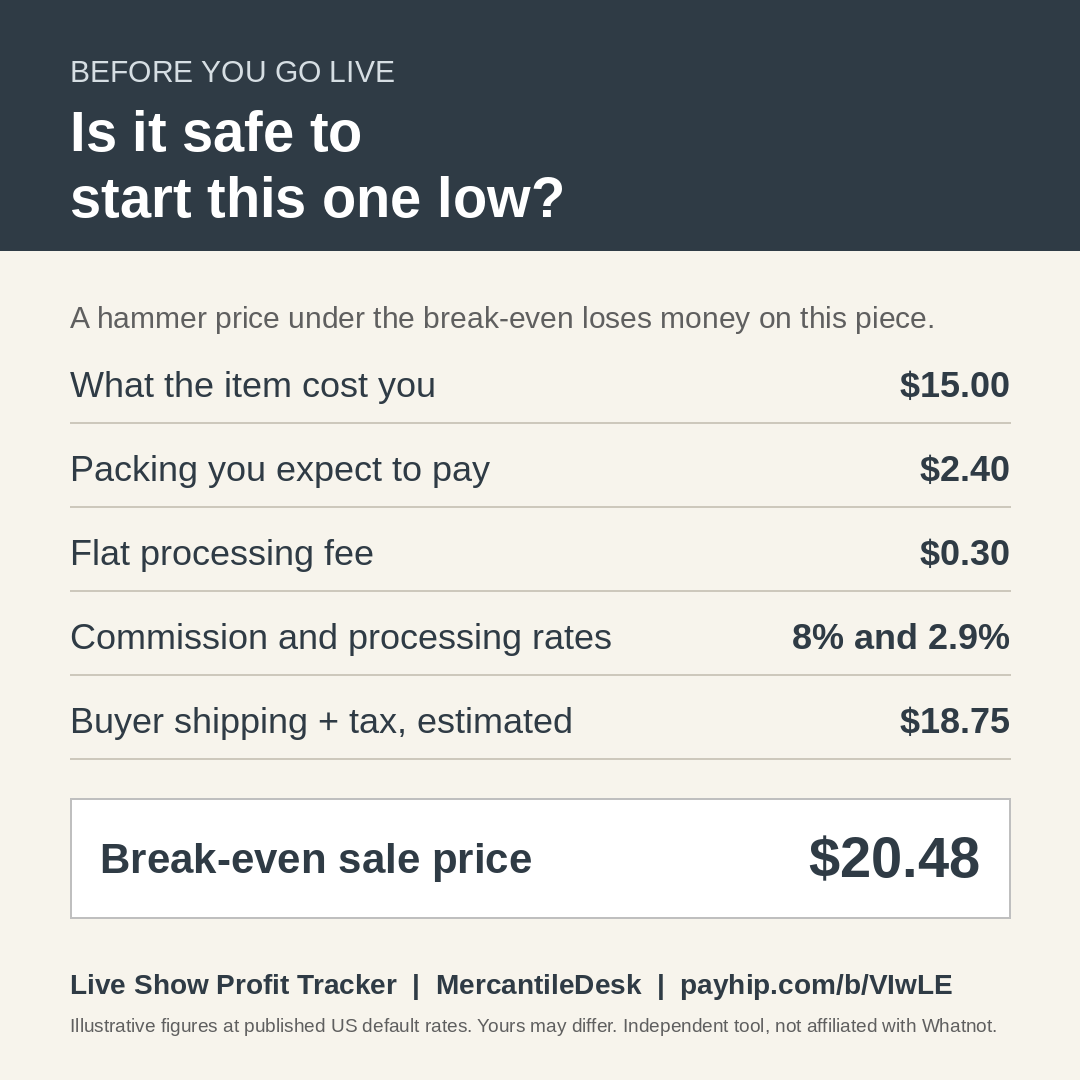
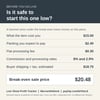
• Before you go live, shows the lowest sale price that doesn't lose money, so you know what is safe to start at a low opening bid
YOU RECEIVE: 2 FILES, INSTANT DOWNLOAD
• MercantileDesk-Live-Show-Profit-Tracker-v2026-11-19-a3.xlsx (the workbook, 105 KB)
• MercantileDesk-Live-Show-Profit-Tracker-Quick-Start-v2026-11-19-a3.pdf (two-page setup guide, 6 KB)
CAPACITY
40 shows, 600 sale rows, 8 fee categories and 25 planner rows.
WHAT'S INSIDE
• Settings: processing rate, flat fee per transaction and up to 8 commission rates. Defaults are 2.9% + $0.30 and 8% commission, with 4% for coins and money; every rate is editable
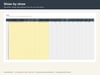
• Shows: date, hours live, prep hours, promo spend and supplies, with results beside them
• Sales: one row per item or lot, with a CHECK column for missing or invalid entries
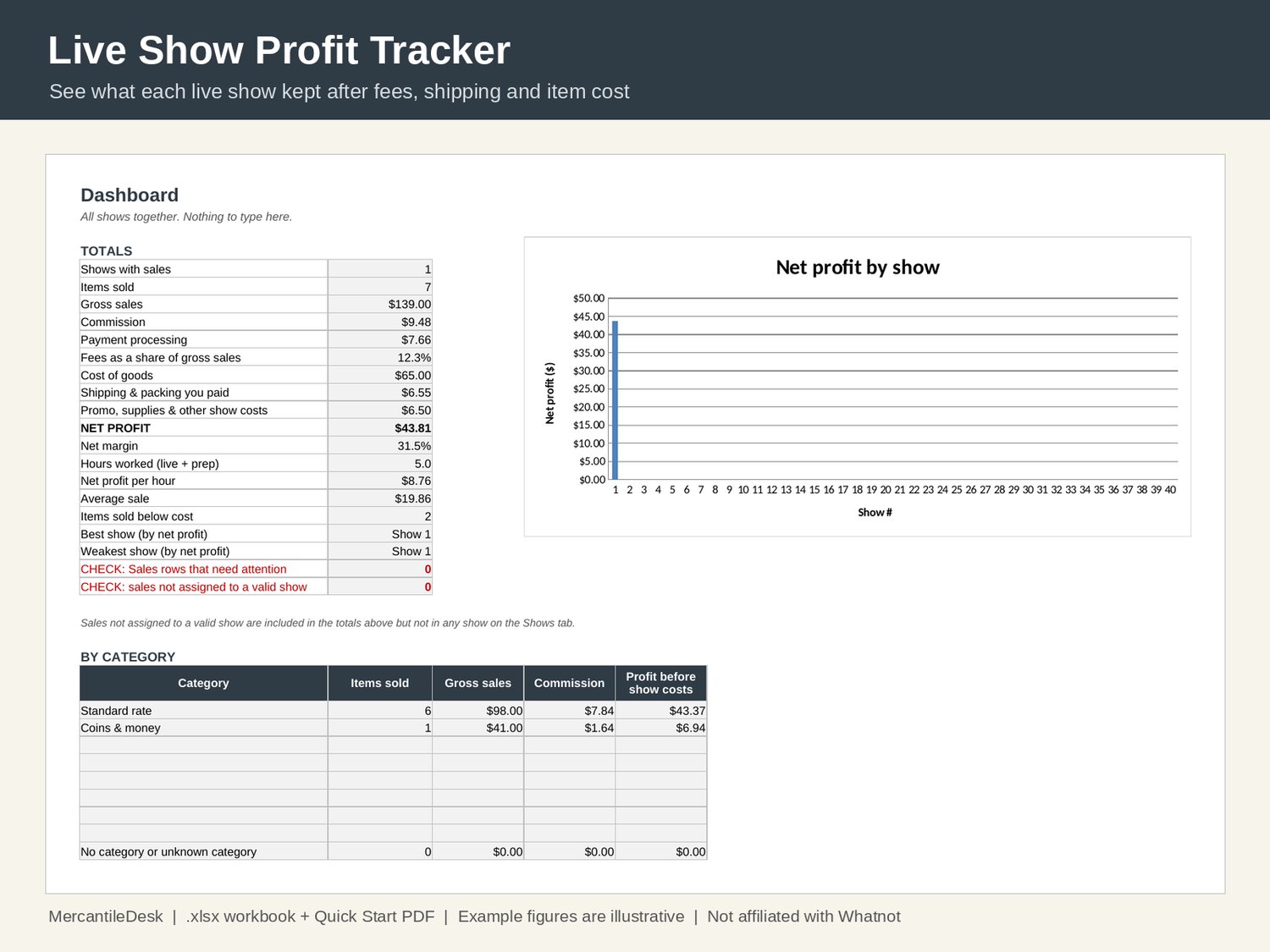
• Dashboard: gross sales, fees as a share of sales, cost of goods, net profit, profit per hour, best and weakest show, results by category and a net-profit-by-show chart
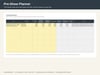
• Pre-Show Planner: break-even price and the price for a profit target
• START HERE and Quick Start: setup, clearing the example rows, limits and backups
HOW FEES ARE ESTIMATED
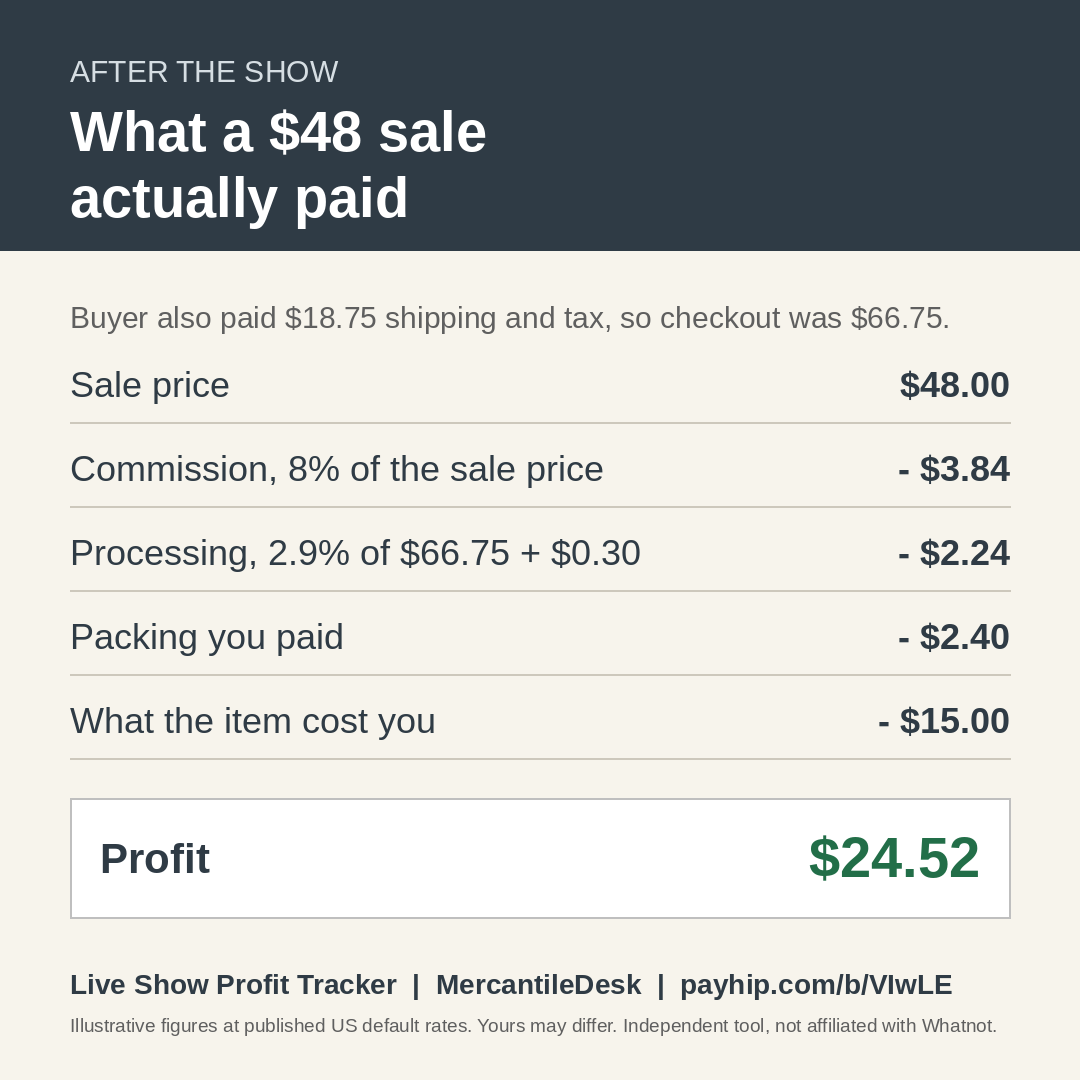
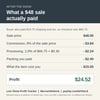
Commission is the sale price times your rate. Processing is your rate times everything the buyer paid (item, shipping and tax) plus the flat fee per transaction; mark extra rows of a split checkout so the flat fee counts once. A $0 giveaway carries no fees. Fees round to the cent on each row.
COMPATIBILITY AND LIMITS
• Google Sheets: tested November 2026. Every result matched LibreOffice across the example, a full 600-row file and an invalid-entry file, and the dropdowns, checks and chart worked. Version a3 was rechecked November 19, 2026.
• Microsoft Excel: not tested yet, so Excel compatibility is not claimed. No macros, no subscription.
• Estimates, not a payout guarantee. Nothing connects to Whatnot; you type or paste your sales.
• Not modeled: your sales tier or promotions, reduced commission above $1,500, state tax on marketplace fees, refunds and cancelled orders. Check your rates against the fee breakdown in Seller Hub.
• A planning and record-keeping tool, not tax, accounting or legal advice.
Made by MercantileDesk with AI-assisted engineering and independent recalculation checks. Example figures are illustrative. An independent seller tool; MercantileDesk is not affiliated with or endorsed by Whatnot. Questions about setup? Message the shop.
Whatnot seller spreadsheet · live show profit tracker · Whatnot fee calculator · break-even price planner · reseller profit log