
Reseller Fee and Profit Calculator Spreadsheet, Seven Editable Channel Models
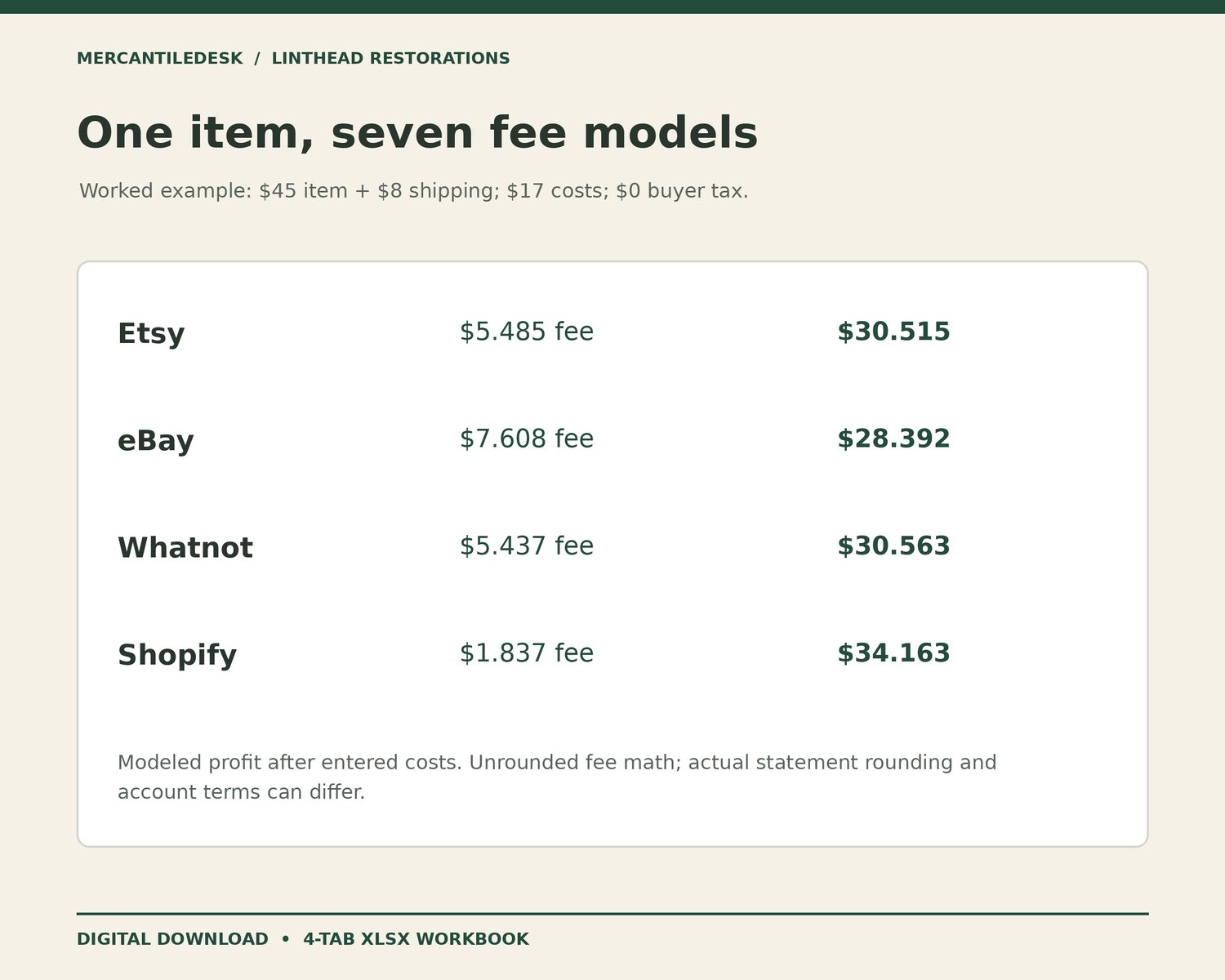
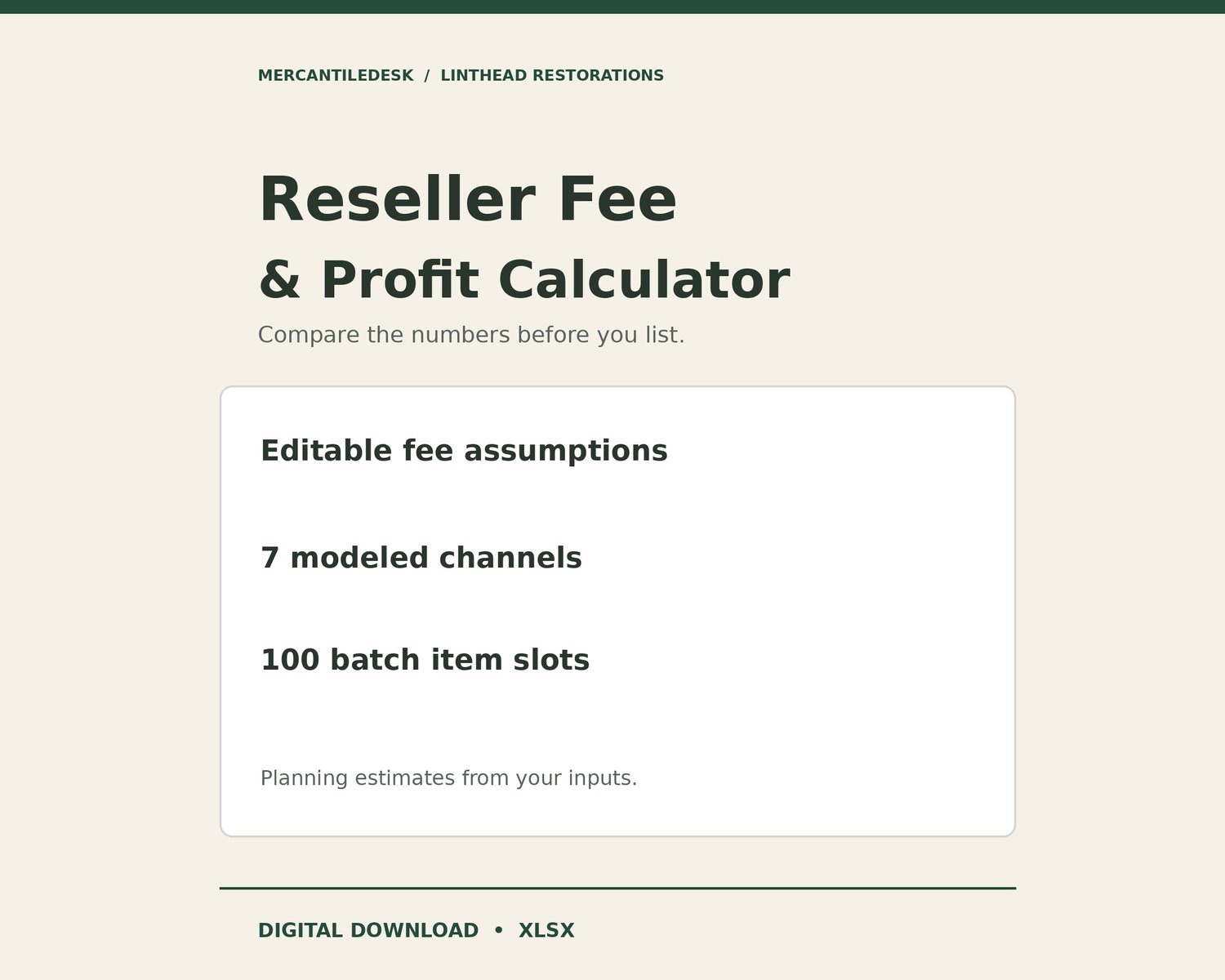
Compare modeled selling fees and entered-cost profit before choosing where to list an item. This four-tab XLSX fee calculator includes seven configurable channel models, a Quick Calc and a fixed 100-item batch calculator.
YOUR DOWNLOAD
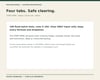
• One XLSX workbook: START HERE, Rates, Quick Calc and Batch
• Seven editable channel models; some start disabled until you configure them
• 100 item slots with input checks and planning totals
• Planning estimates (not guaranteed fees or payouts)
Digital download for your own business use. One-time purchase; no subscription or physical shipment. Independent MercantileDesk / LintHead Restorations product, not affiliated with Etsy, eBay, Whatnot, Shopify or Meta. No sales or income outcome is promised.
Quick Calc compares Etsy, eBay, Whatnot, Shopify, Facebook Marketplace, antique mall / booth and a custom model. It shows modeled fees, profit, margin and ranking based only on your inputs. Ranking does not measure buyer demand, selling speed or returns. Buyer tax affects configured fee bases and is excluded from revenue.
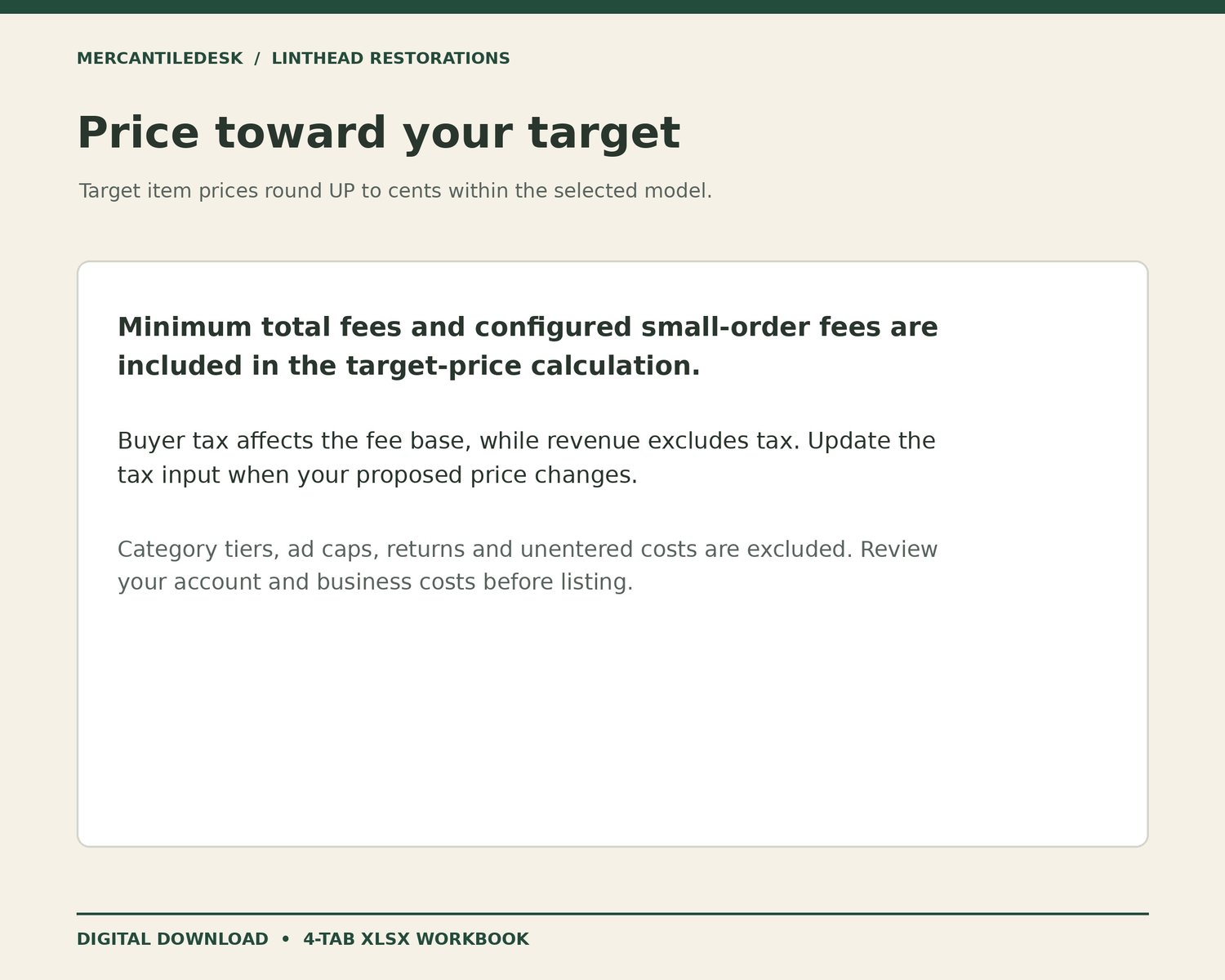
Enter a target profit to calculate an item price rounded up to cents within the selected model. The calculation includes minimum total fees and a configured small-order fixed fee. Buyer tax is held constant for this calculation; update tax and recalculate after changing price.
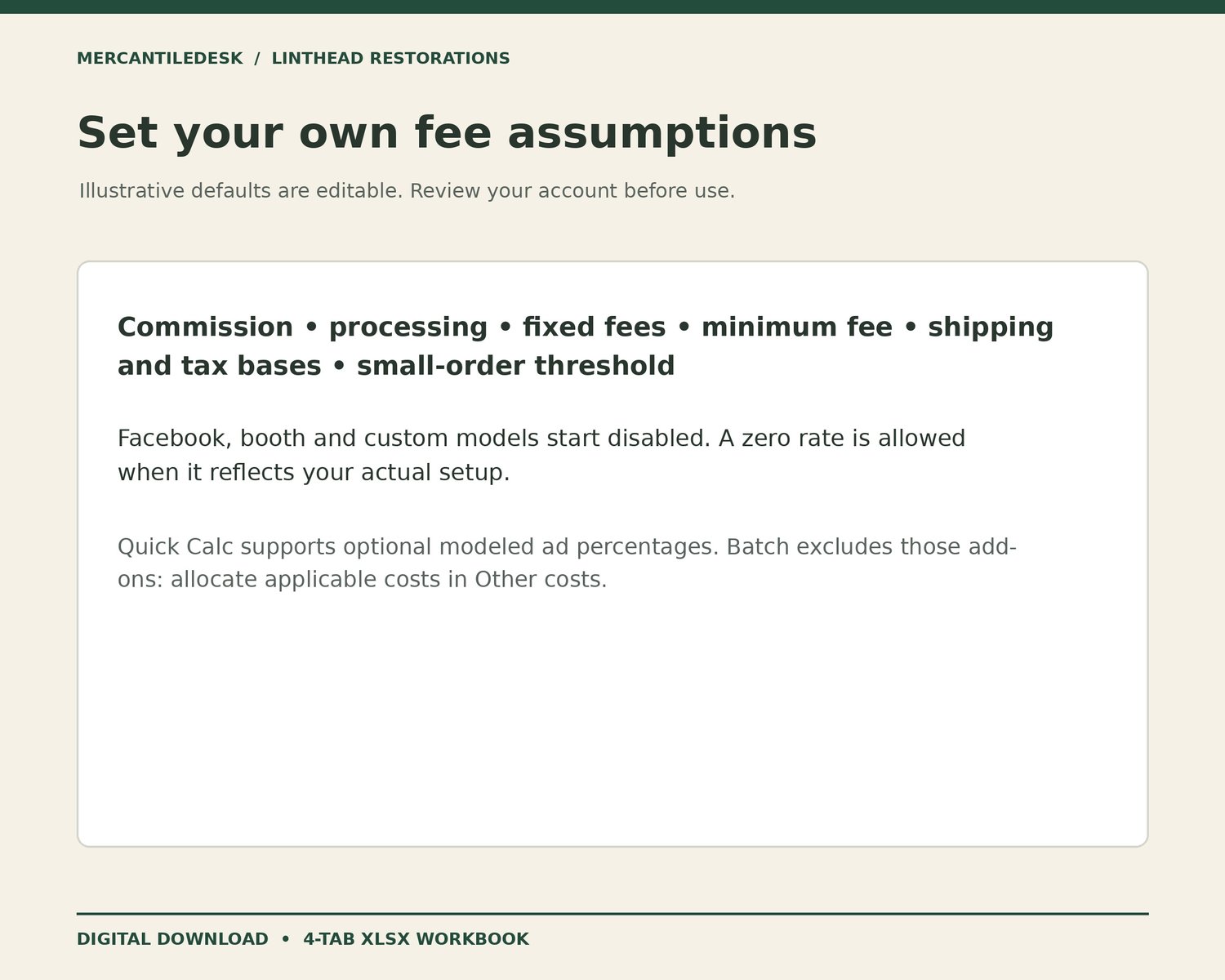
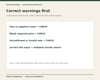
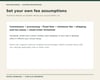
Rates contains editable illustrative US assumptions, with source links and model checks. Review your own account, category, plan, payment method, rates and fee bases before use. Facebook, booth and custom models start disabled until you configure and enable them. Zero is a valid numeric rate; blank or invalid required rates cannot produce a winning result.
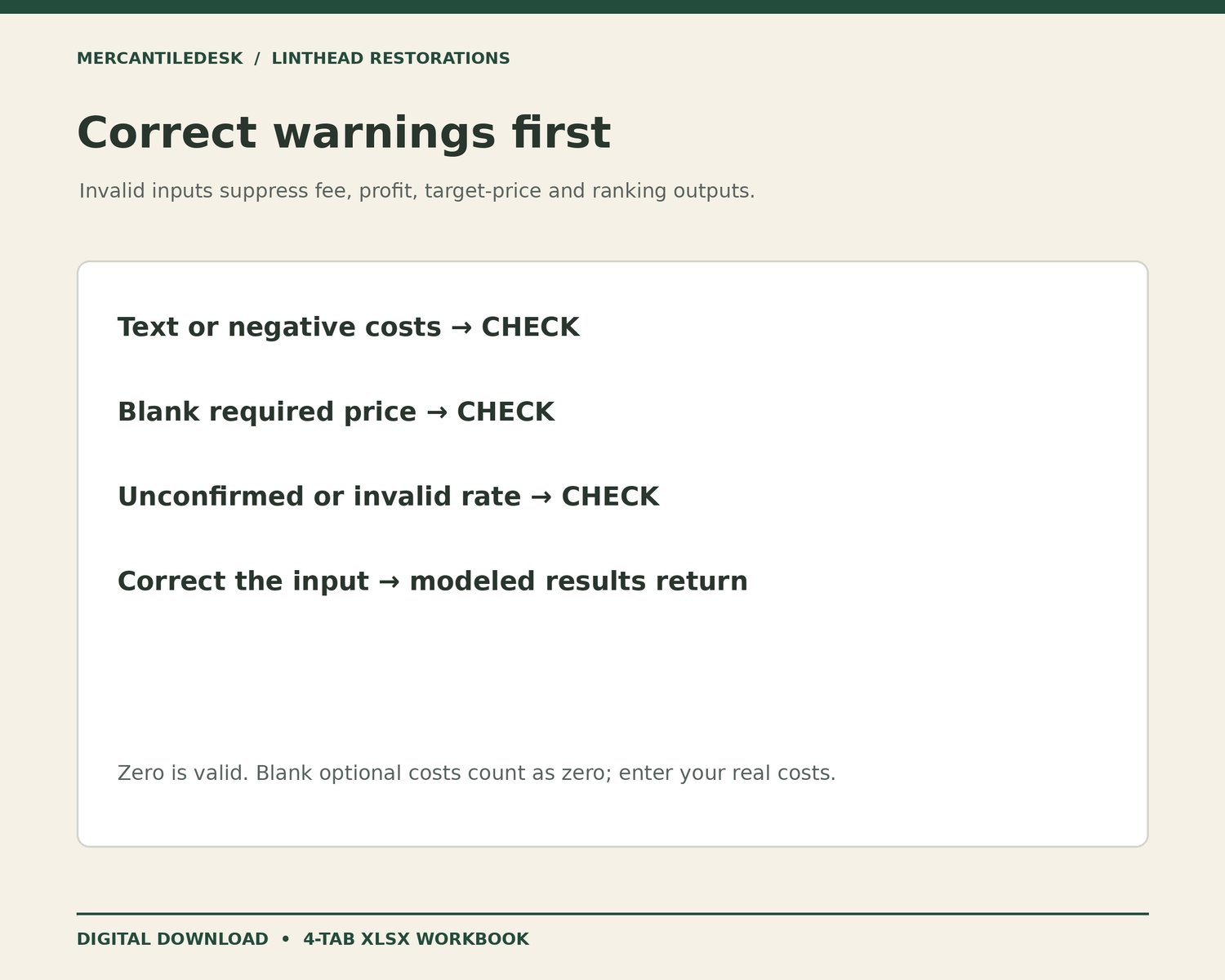
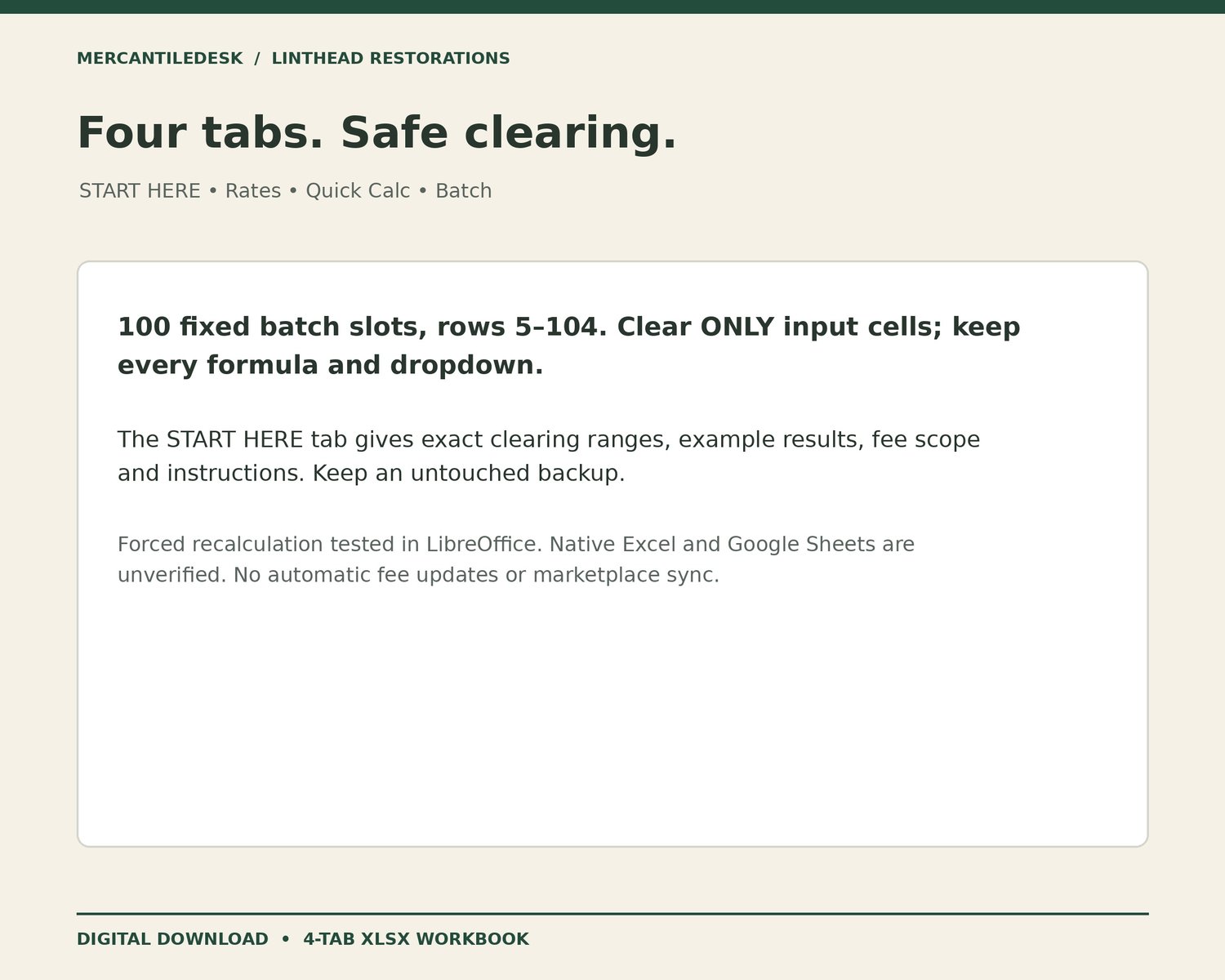
Batch provides 100 fixed item slots, rows 5–104. Text or negative monetary inputs, missing required prices and invalid or unconfirmed models show CHECK and suppress calculated outputs. CHECK rows block the totals. Blank optional shipping, costs and buyer tax count as zero; enter your actual amounts before relying on results. Correcting inputs restores valid calculations. Quick Calc ad add-ons are excluded from Batch; allocate applicable costs in Other costs.
The flat percentage model does not implement category or high-value tiers, ad caps or attribution, refunds, multi-item order allocation, currency conversion, taxes on seller fees, subscriptions, booth rent or costs you have not entered. Fee math retains fractional cents; actual statement rounding may differ. Optional ad percentages are calculations only and do not turn on marketplace advertising.
START HERE includes sample results and exact input-only clearing instructions. Preserve formulas and dropdowns, keep an untouched backup, and use a separately named workbook at capacity. Copying or inserting extra rows does not extend supported formulas or totals.
Compatibility: tested by forced recalculation in LibreOffice. Native Microsoft Excel and Google Sheets have not been verified. For Google Sheets, import a copy into a new spreadsheet and verify examples, warnings, dropdowns and formatting before use. No macros, automatic fee updates, marketplace publishing or marketplace synchronization.