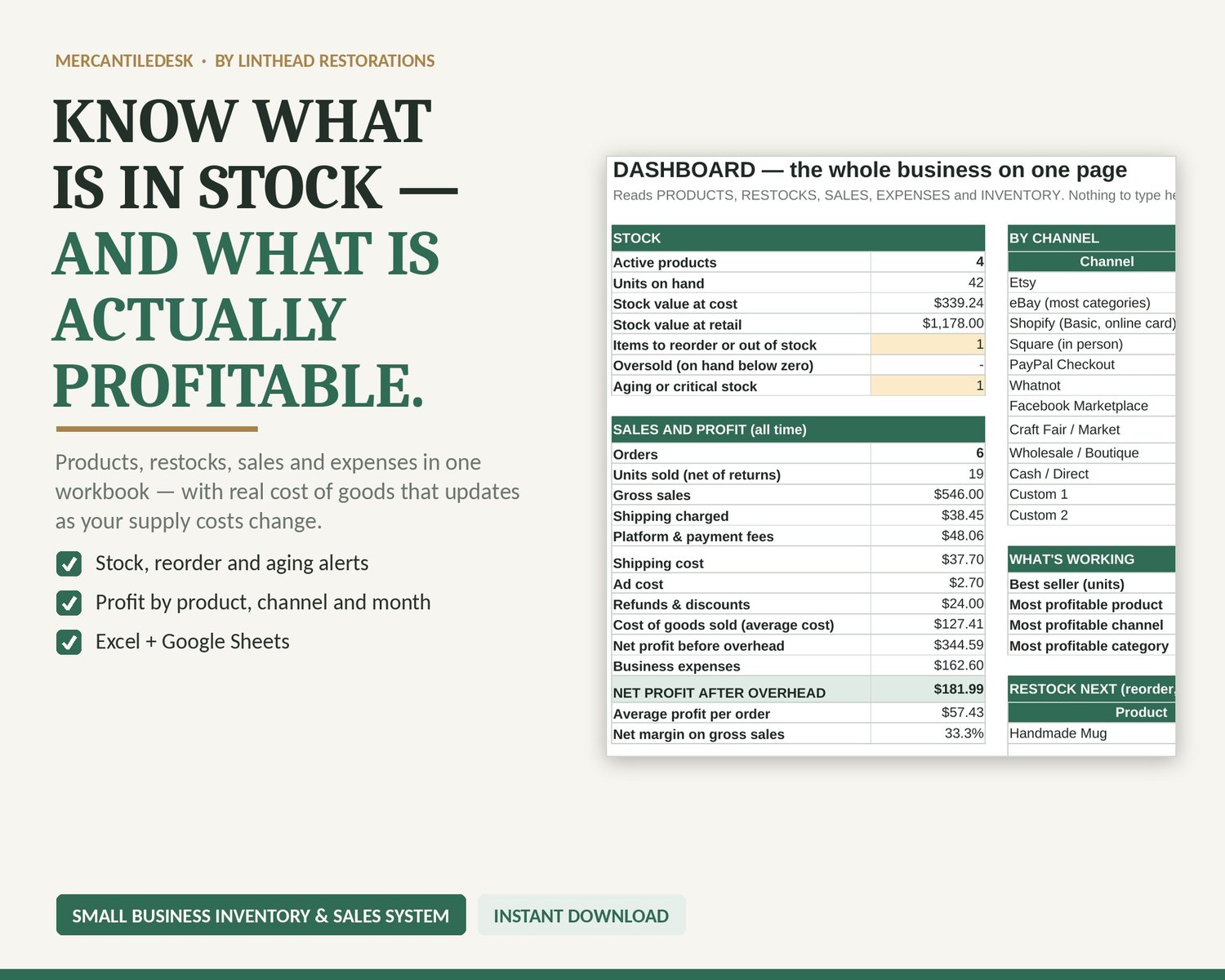
Small Business Inventory Spreadsheet, Stock, Sales and Profit Tracker
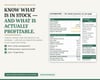
Track products, restocks, sales and expenses in one inventory workbook. Enter your own records to review stock on hand, moving weighted-average cost, reorder alerts and recorded profit, with an XLSX workbook and Quick Start PDF.
YOUR DOWNLOAD
• One XLSX workbook and one Quick Start PDF
• 300 products, 500 restocks, 1,000 sales and 500 expenses
• Inventory and business dashboard; manual data entry with no marketplace synchronisation
WHAT IT DOES
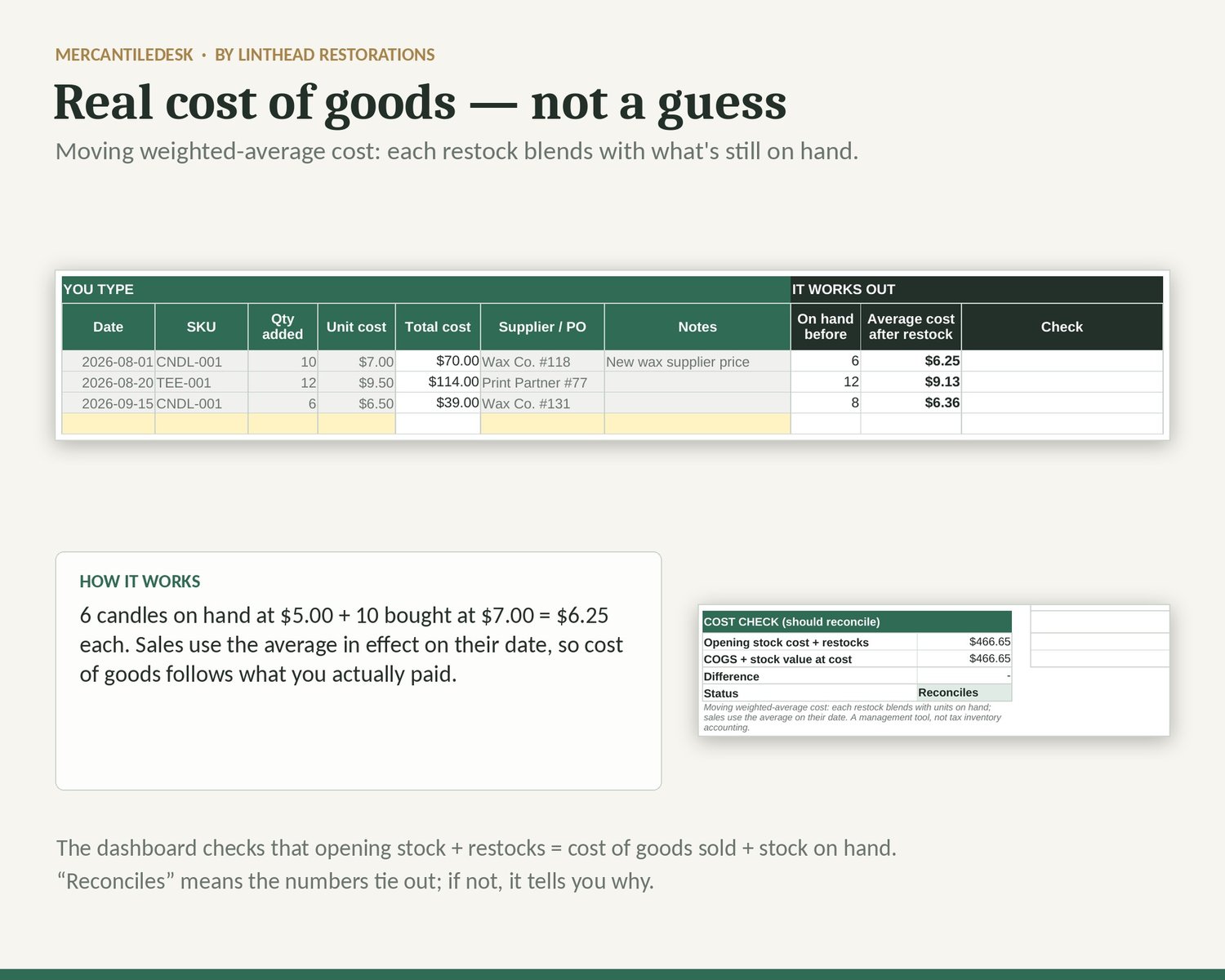
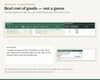
• Real cost of goods: moving weighted-average cost — each restock blends with the units still on hand, and every sale uses the average on its date
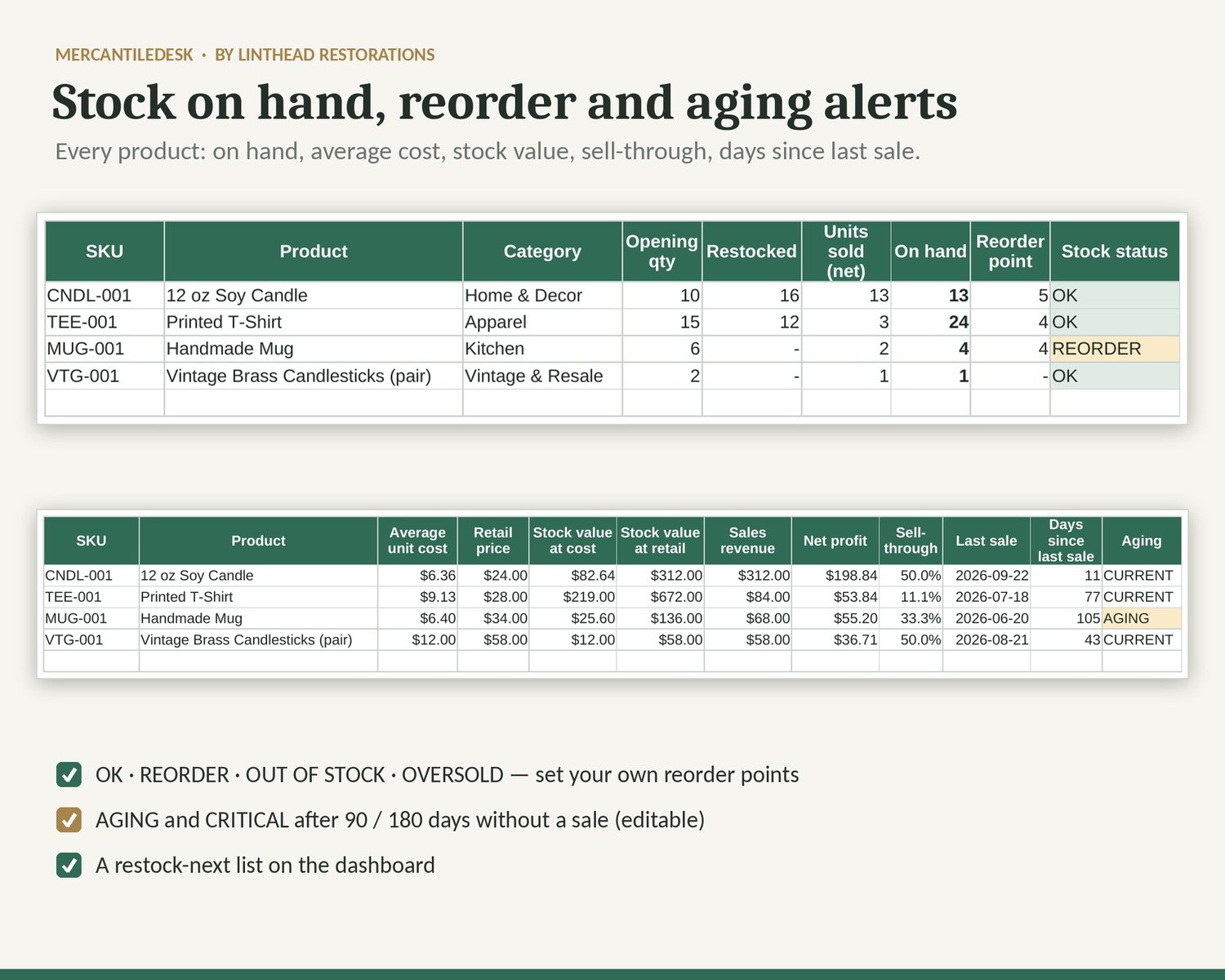
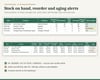
• Stock on hand, stock value at cost and at retail, sell-through and days since last sale for every product
• Alerts: OK · REORDER · OUT OF STOCK · OVERSOLD, plus AGING and CRITICAL after 90 / 180 days without a sale (editable)
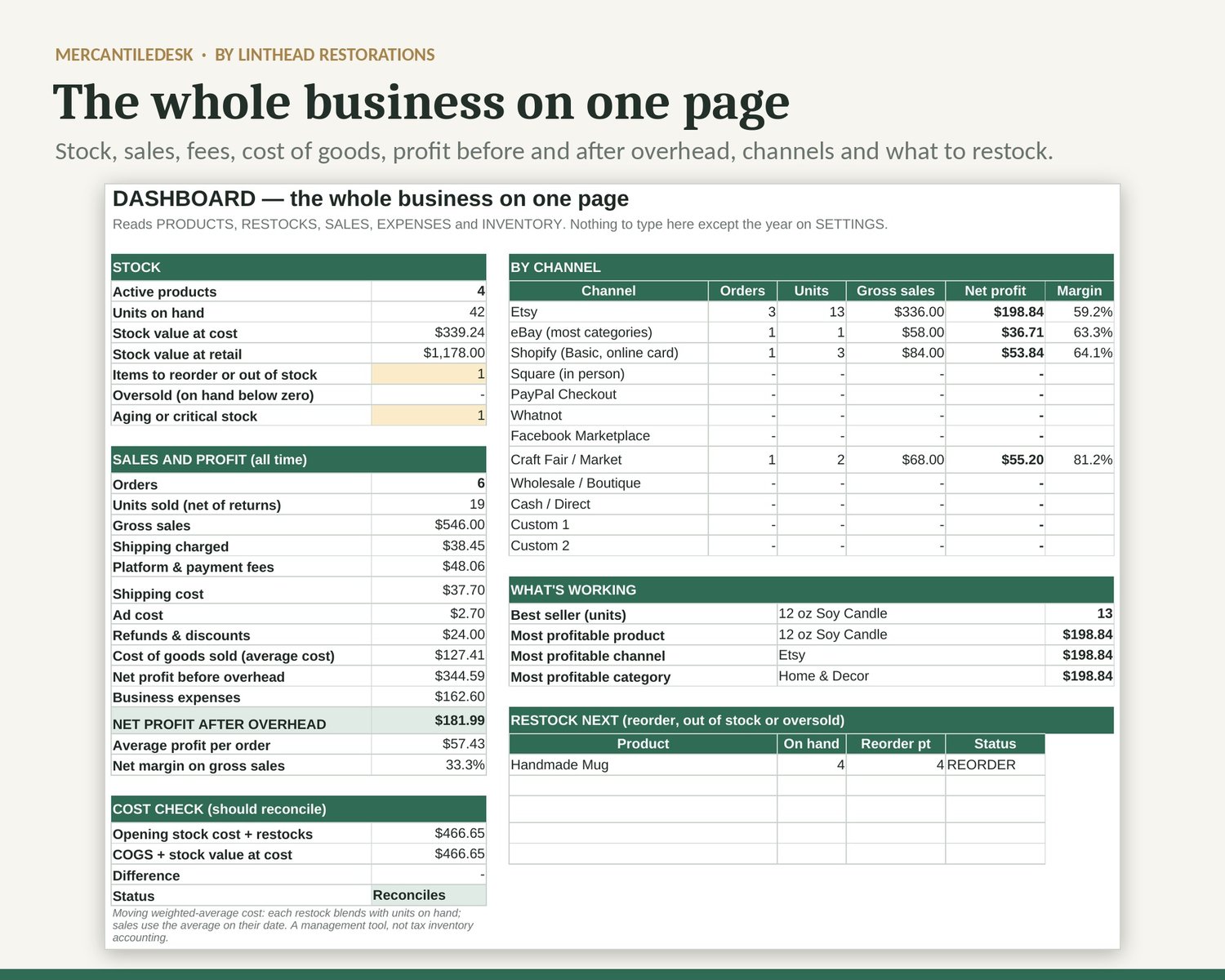
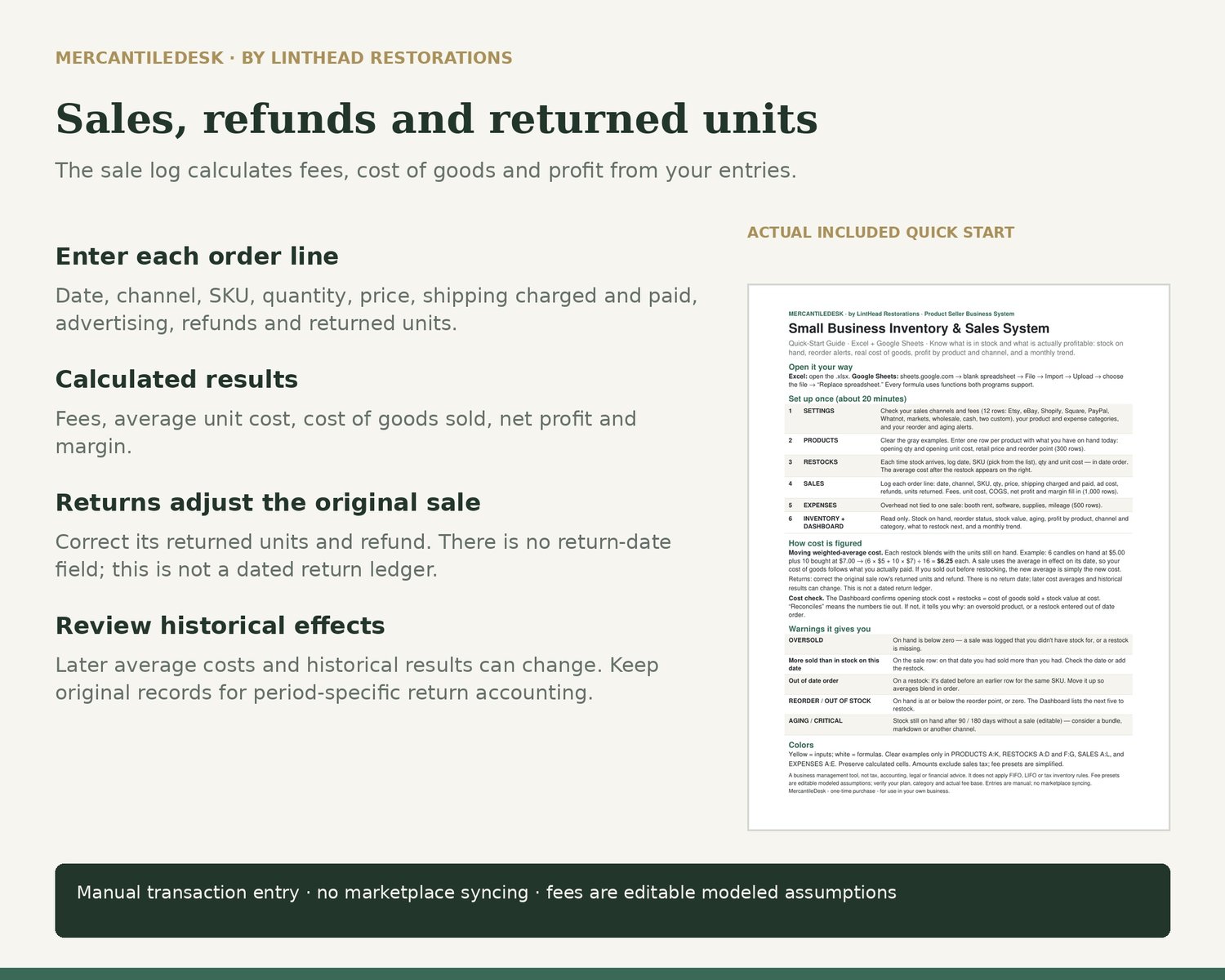
• Every sale: fees (figured on item + shipping charged), shipping paid, ad cost, refunds, cost of goods, net profit and margin
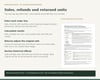
• Returns: correct returned units and refunds on the original sale row. There is no return date; later cost averages and historical results can change. This is not a dated return ledger.
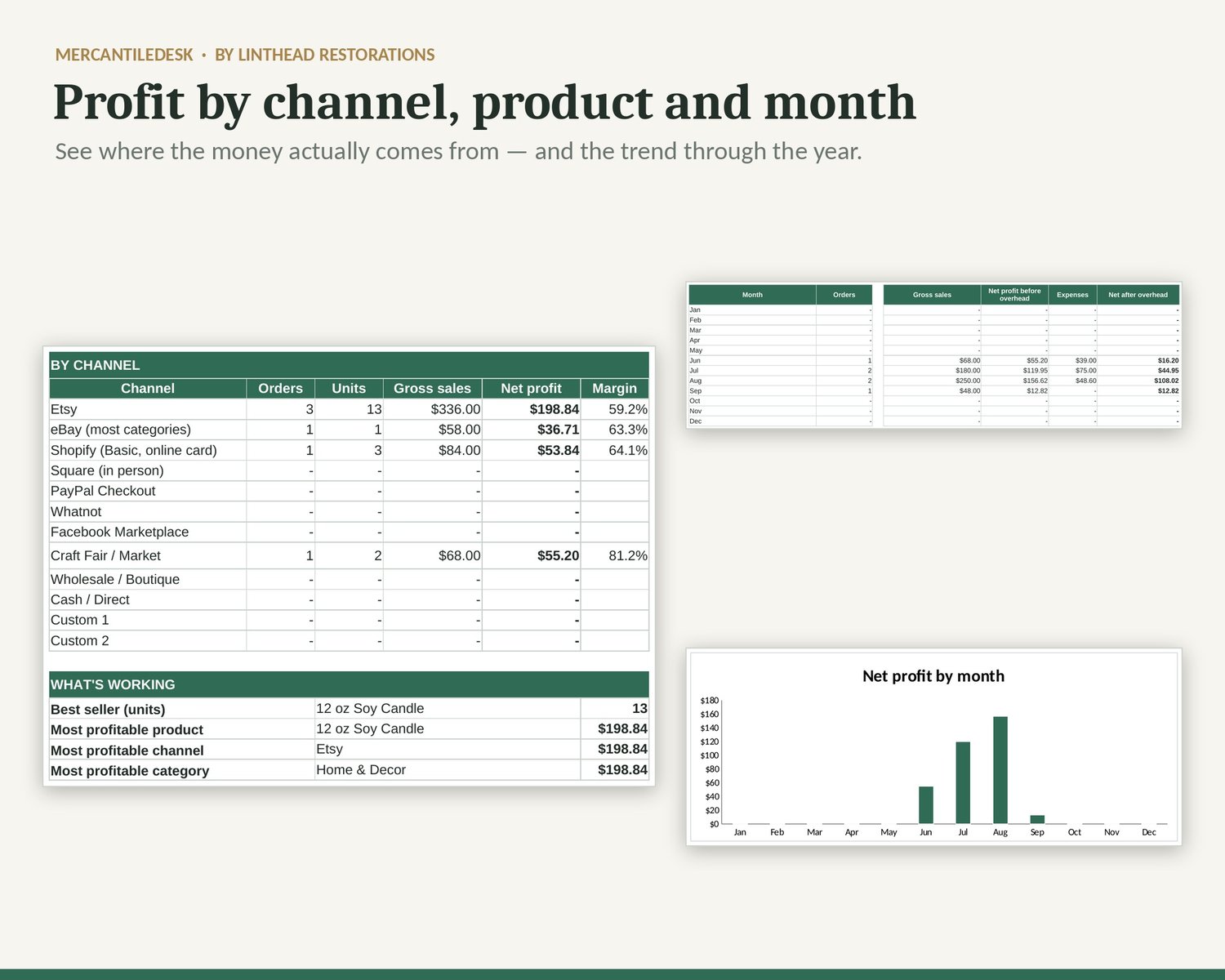
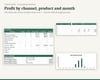
• Profit by product, channel and category before overhead, plus overall and monthly profit before and after overhead; monthly chart shows profit before overhead
• A cost check that confirms opening stock + restocks = cost of goods sold + stock on hand
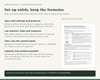
• Warnings for unknown SKUs, duplicate SKUs, restocks out of date order and sales larger than stock on hand
WHAT'S INSIDE
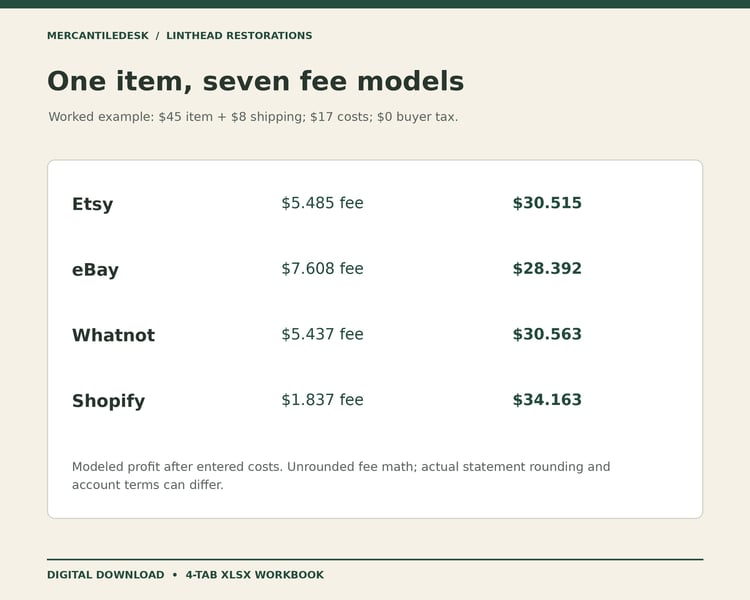
• SETTINGS — 12 sales channels with editable modeled US fee assumptions; verify your plan, category, tier, tax treatment and actual fee base. Product and expense categories and alerts are editable.
• PRODUCTS (300) · RESTOCKS (500) · SALES (1,000) · EXPENSES (500)
• INVENTORY — fills itself from your logs
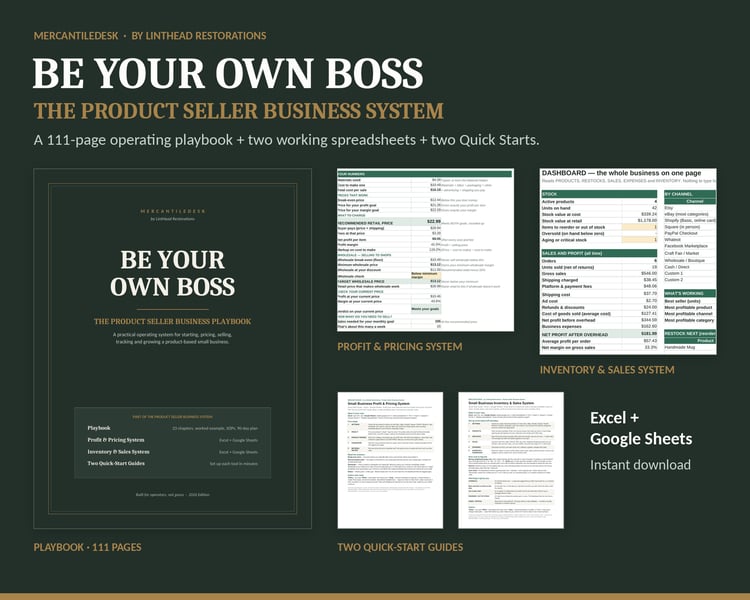
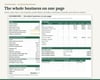
• DASHBOARD — stock, sales, fees, profit, channels, best sellers, what to restock next and the monthly trend
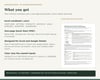
• One-page Quick Start PDF
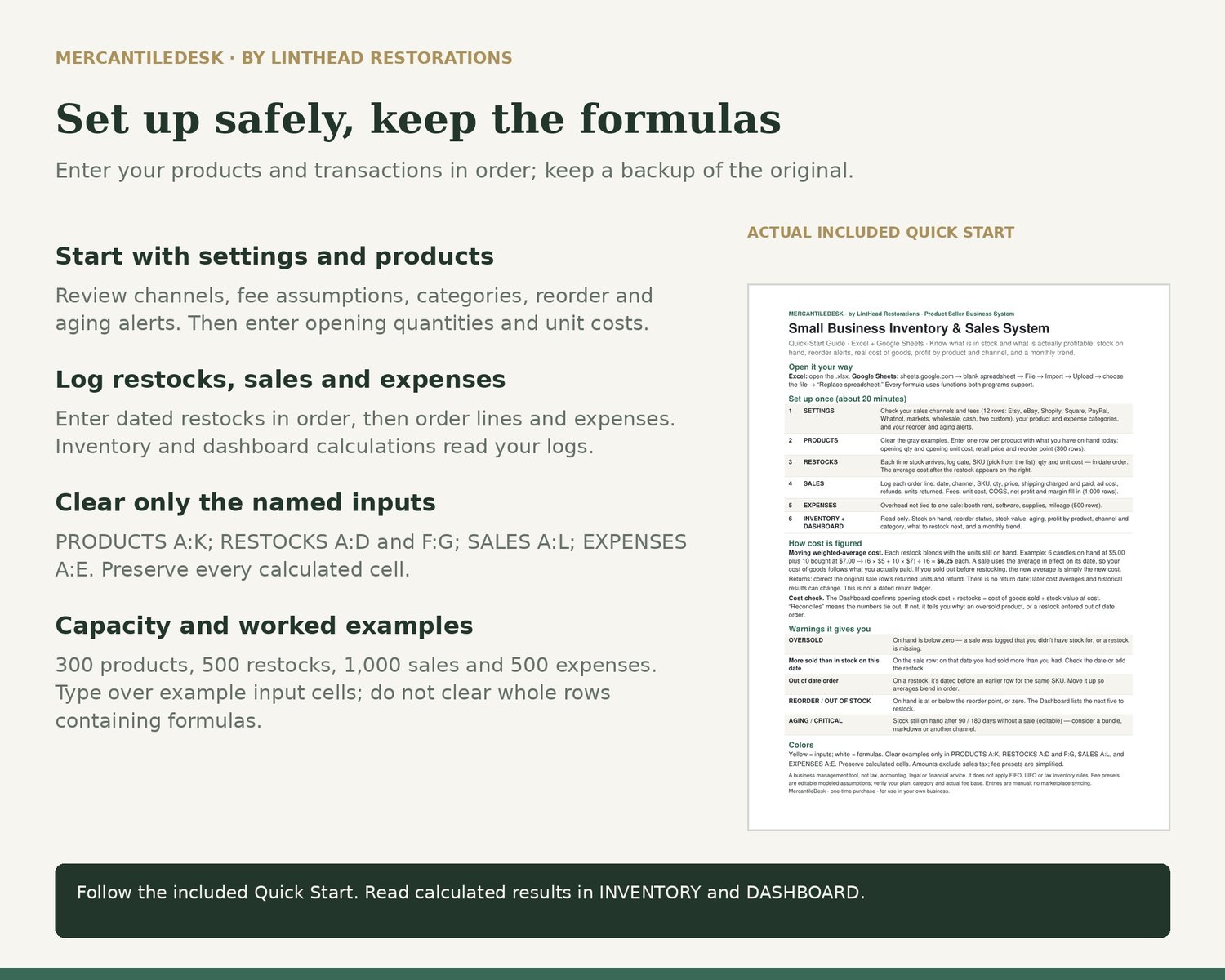
Worked examples — a candle, a T-shirt, a mug and a vintage resale pair, with restocks at different costs and a return — show how it works. Clear examples only in PRODUCTS A:K, RESTOCKS A:D and F:G, SALES A:L, and EXPENSES A:E. Preserve all calculated cells; then enter your own products.
WHAT YOU GET
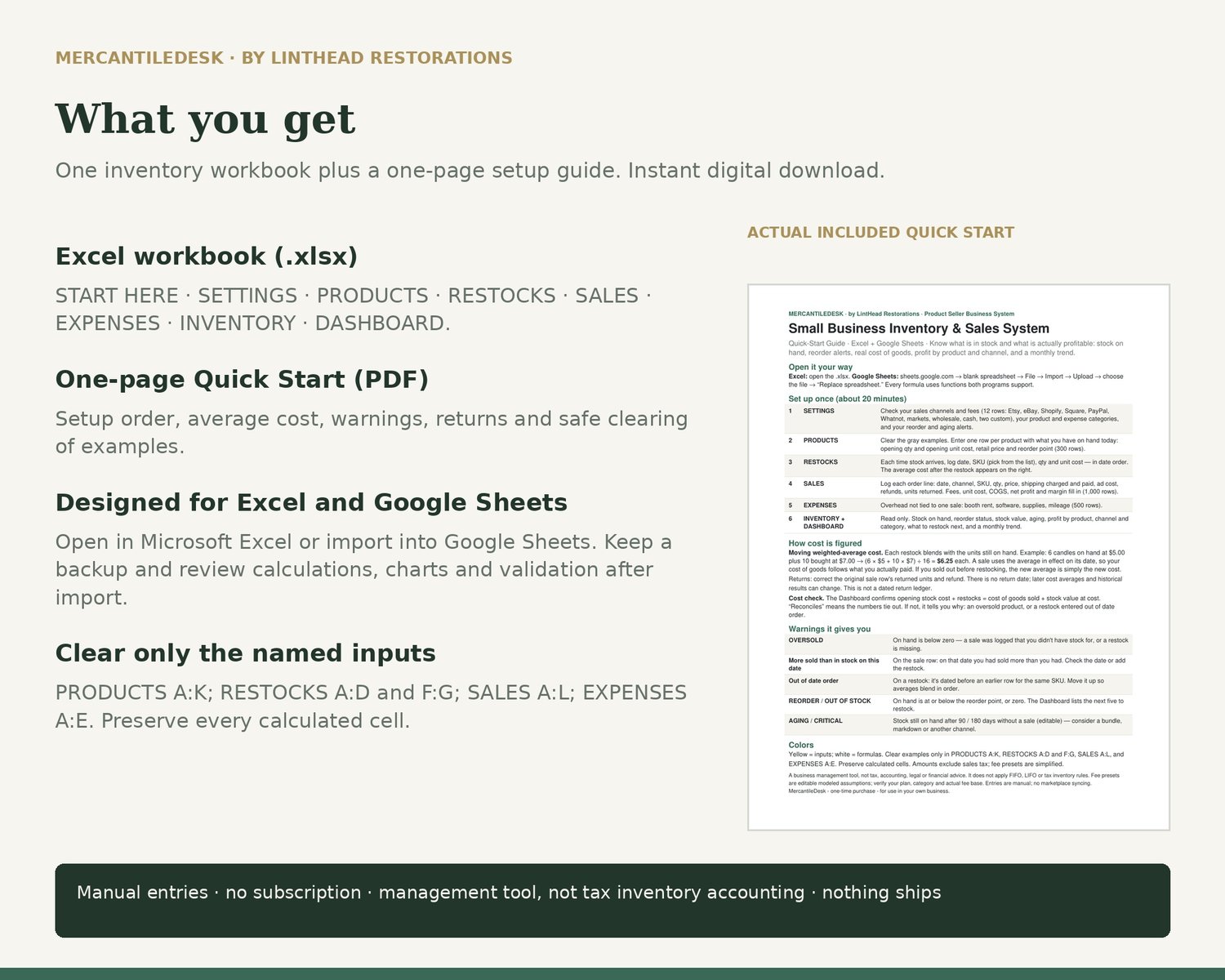
1 Excel workbook (.xlsx) + 1 Quick Start PDF. Designed for Microsoft Excel and Google Sheets (File → Import). Save a working copy and follow the Quick Start. No subscription. Not tested in Apple Numbers.
FAQ
Q: Do I need Excel?
A: You can import the .xlsx into Google Sheets using File → Import. Keep a backup and review calculated results and charts after import. Follow the Quick Start.
Q: What costing method does it use?
A: Moving weighted-average cost. It is a management tool and doesn't apply FIFO, LIFO or tax inventory rules — ask your tax preparer what your return needs.
Q: Does it connect to my shop?
A: No. You type or paste your sales; nothing connects to your accounts.
Q: Does it work for one-of-a-kind resale items?
A: Yes. Give each item its own SKU with an opening quantity of 1.
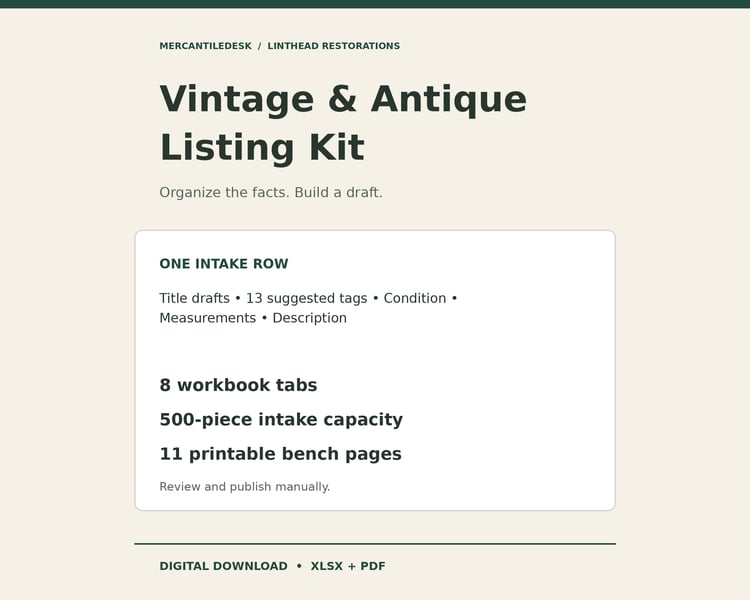
Q: How is this different from the Vintage Reseller Profit & Inventory Spreadsheet in this shop?
A: That one is a per-item reseller log. This one tracks quantities, restocks at changing costs, reorder points and a business dashboard for any product business.
Also from MercantileDesk: the Small Business Profit & Pricing System, and Be Your Own Boss — The Product Seller Business System (the 111-page playbook plus both spreadsheets).
Made by MercantileDesk, the seller-tools line from LintHead Restorations.
A digital download for use in your own business; nothing ships. A business planning tool, not tax, accounting, legal or financial advice. Marketplace and payment fees change — confirm current rates with each platform.