
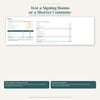

Job Offer Comparison Spreadsheet, Total Compensation Calculator, Salary Offer Analyzer, Google Sheets & Excel PDF
Base salary is the number everyone quotes, and it is often the wrong number. This calculator lines up as many as four offers — base, bonus, equity, 401(k) match, health premiums and deductibles, PTO, commute, and remote days — then estimates take-home and shows which offer actually puts more in your pocket. A weighted scorecard covers the things money can't count, and the Negotiation tab writes talking points you can use.
★ WHY IT STANDS OUT
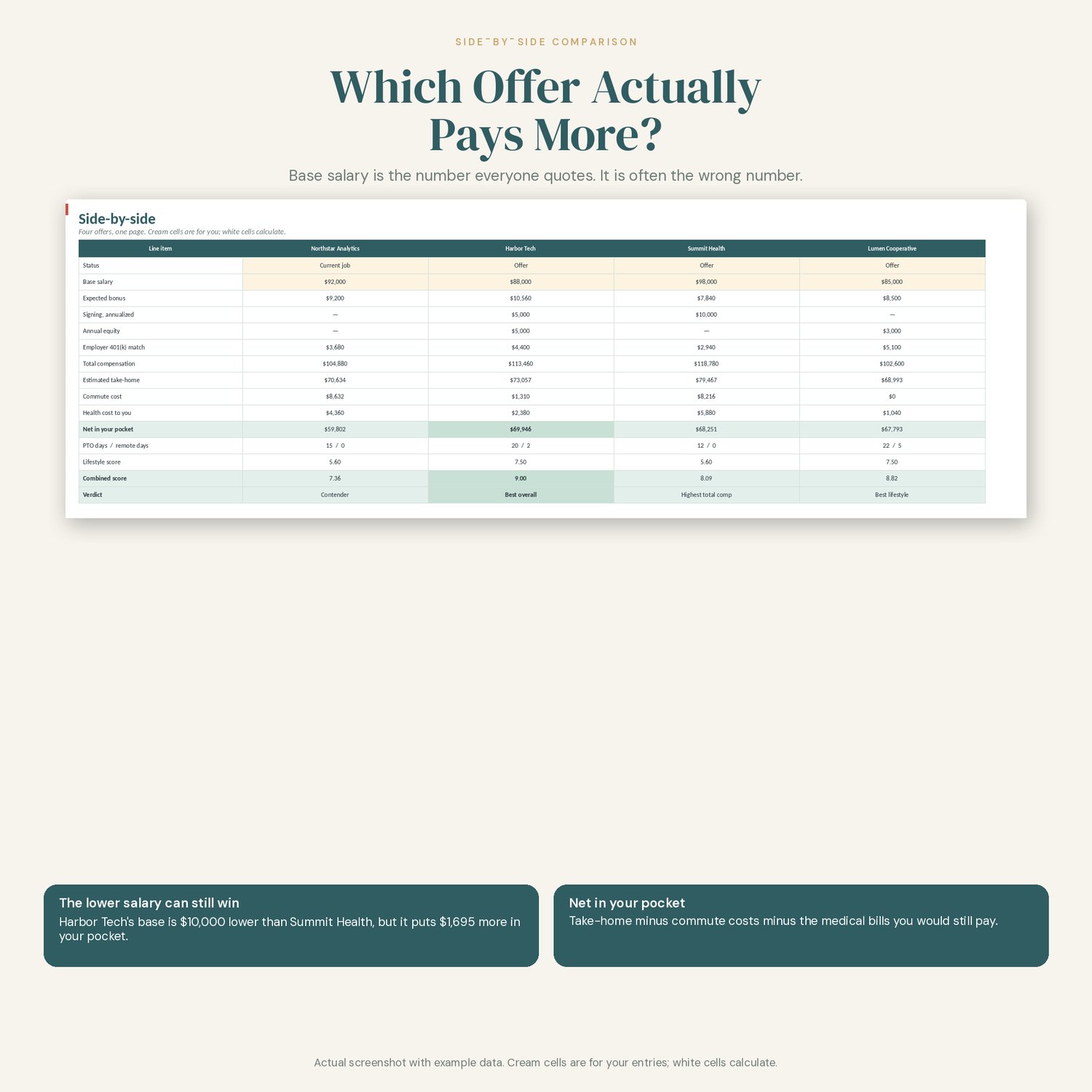
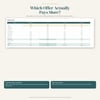
• A side-by-side “which offer actually pays more” number after benefits, taxes, PTO value, and commute
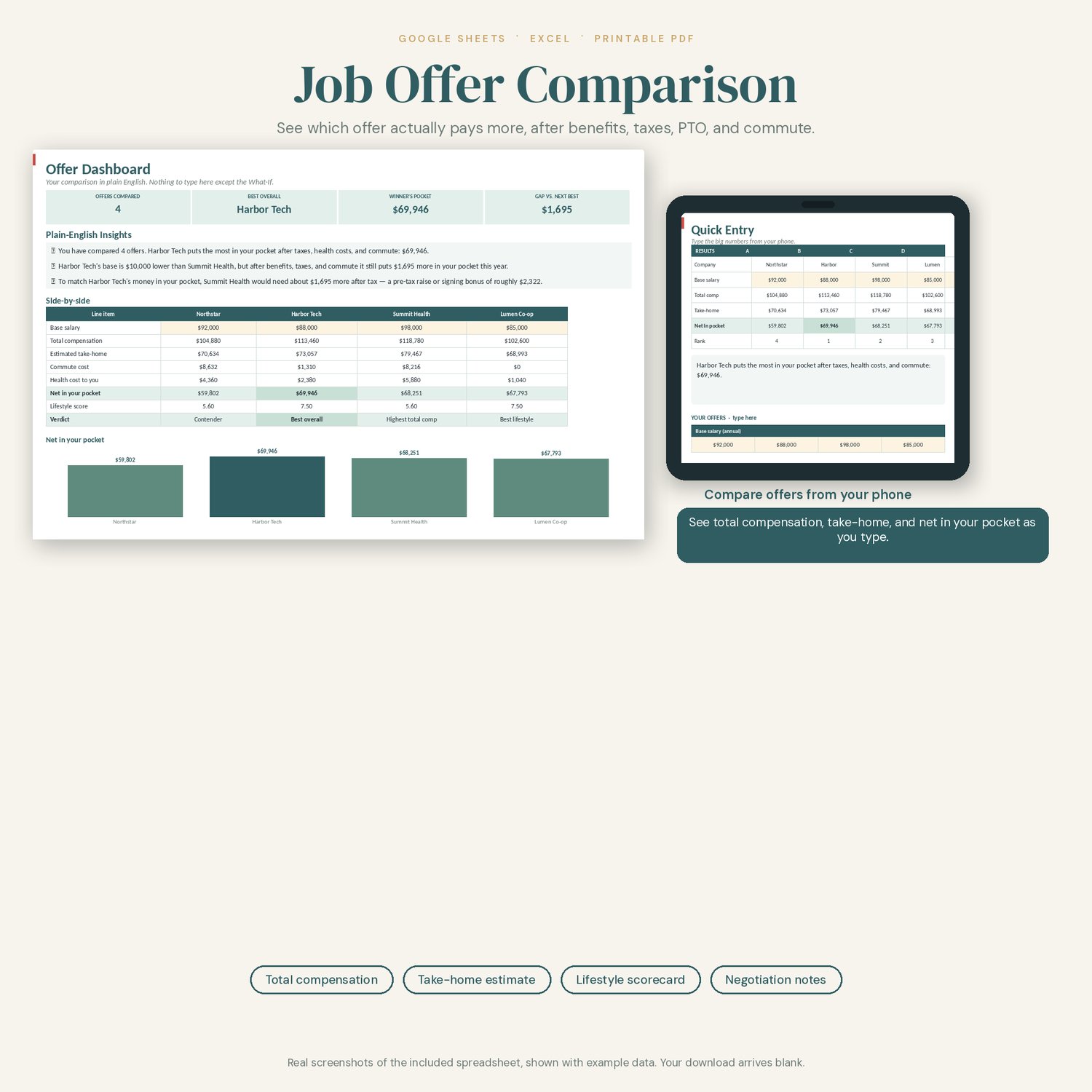
• Plain-English Insights like “Harbor Tech's base is $10,000 lower than Summit Health, but after benefits, taxes, and commute it still puts $1,695 more in your pocket this year.”
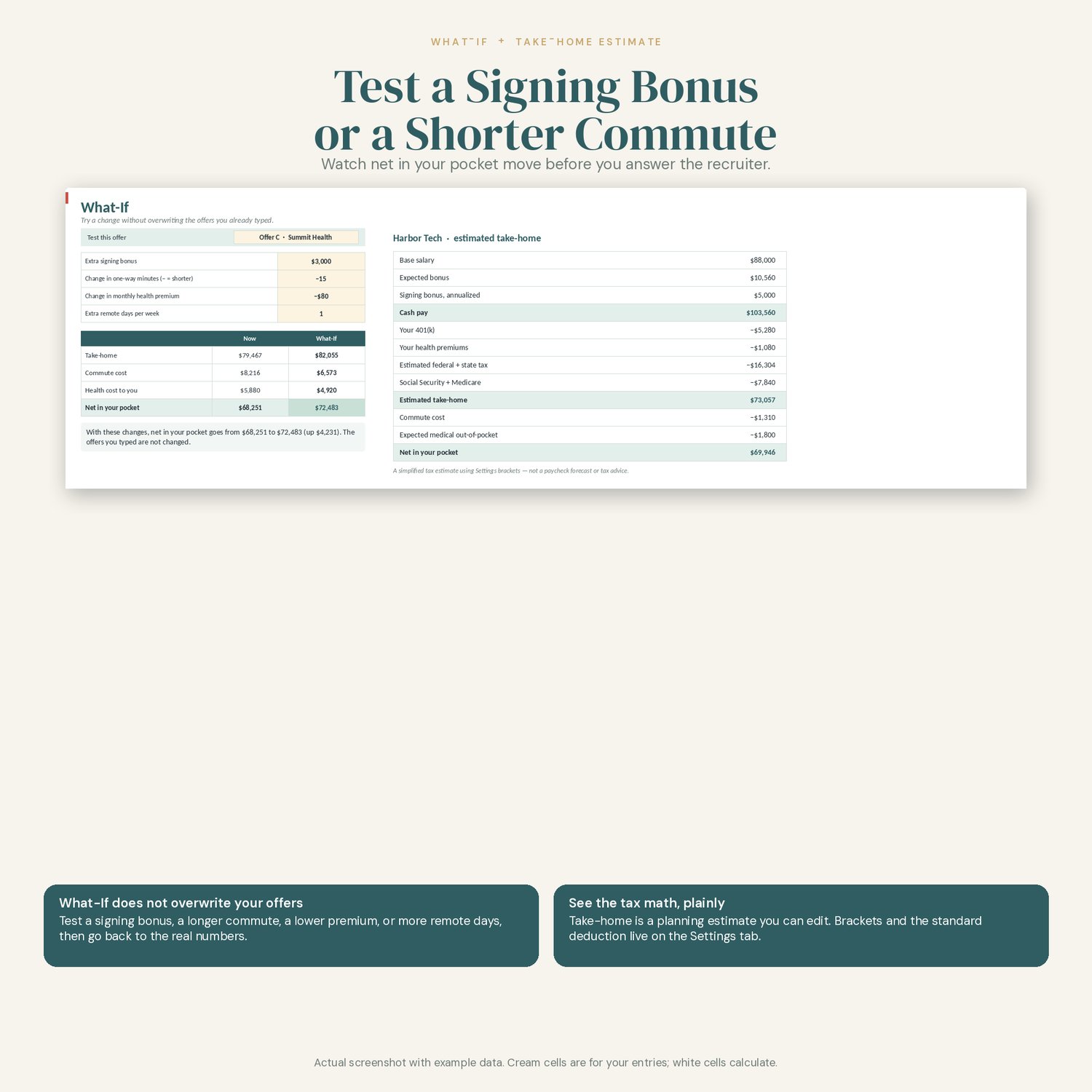
• What-If inputs so you can test a signing bonus, a longer or shorter commute, a lower health premium, or more remote days without changing the offers you already typed
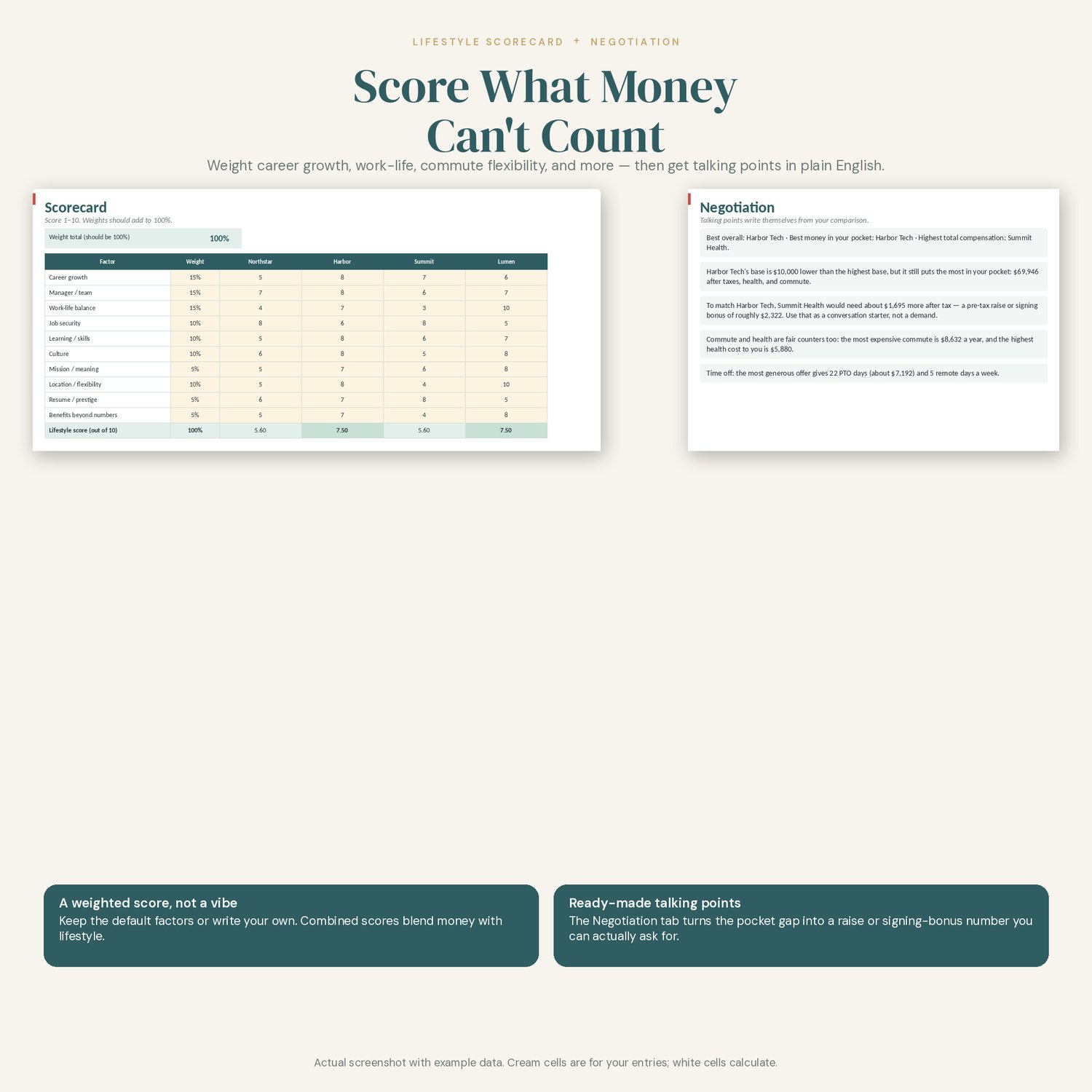
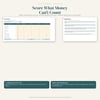
• A weighted lifestyle scorecard (career growth, manager, work-life, flexibility, and more) plus a combined money + lifestyle score
• Negotiation talking points and a log for every email, call, and counter
• 10-minute numbered Quick Start on the Start Here tab
• Quick Entry tab sized for your phone in the Google Sheets app
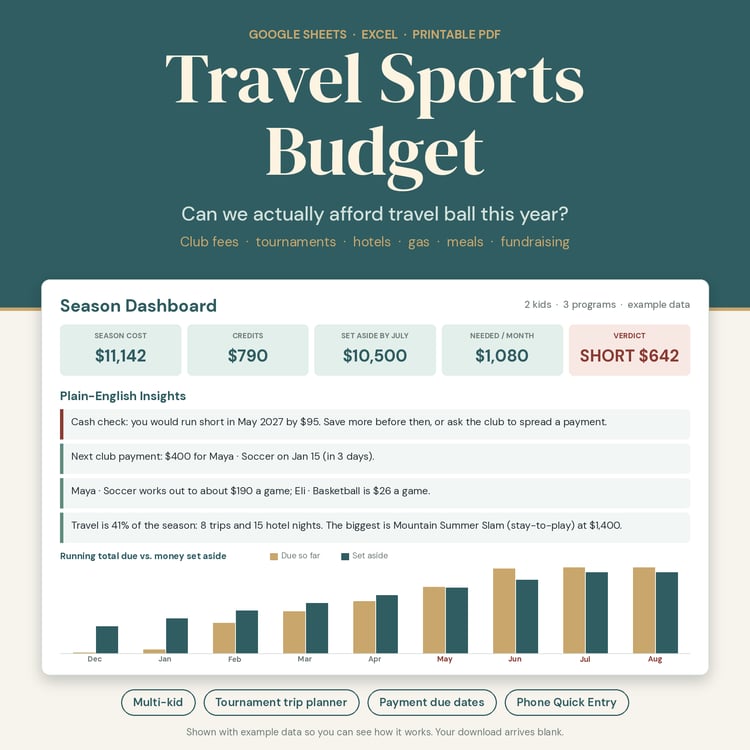
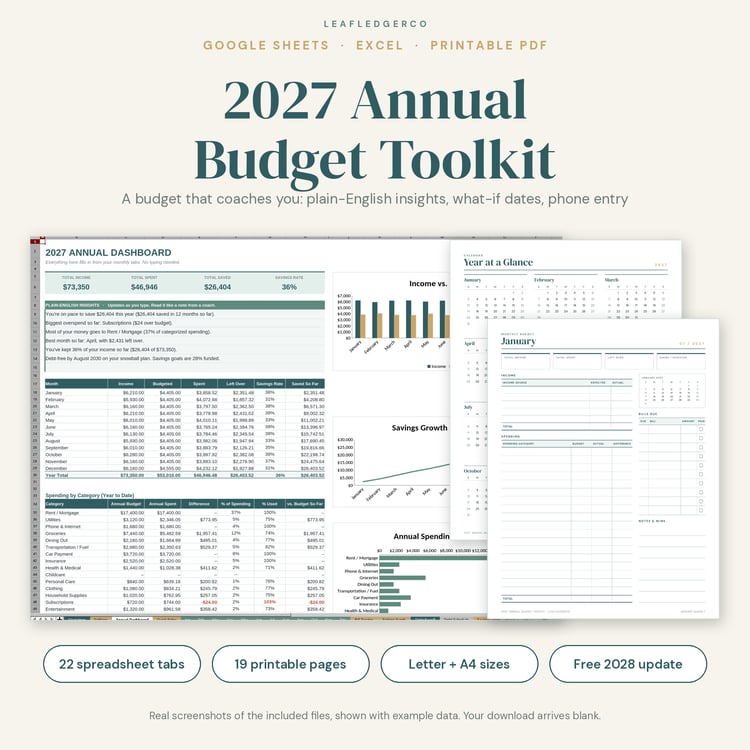
• Budget categories that match the 2027 Budget Toolkit and the rest of the LeafLedgerCo shop
• Free 2028 update
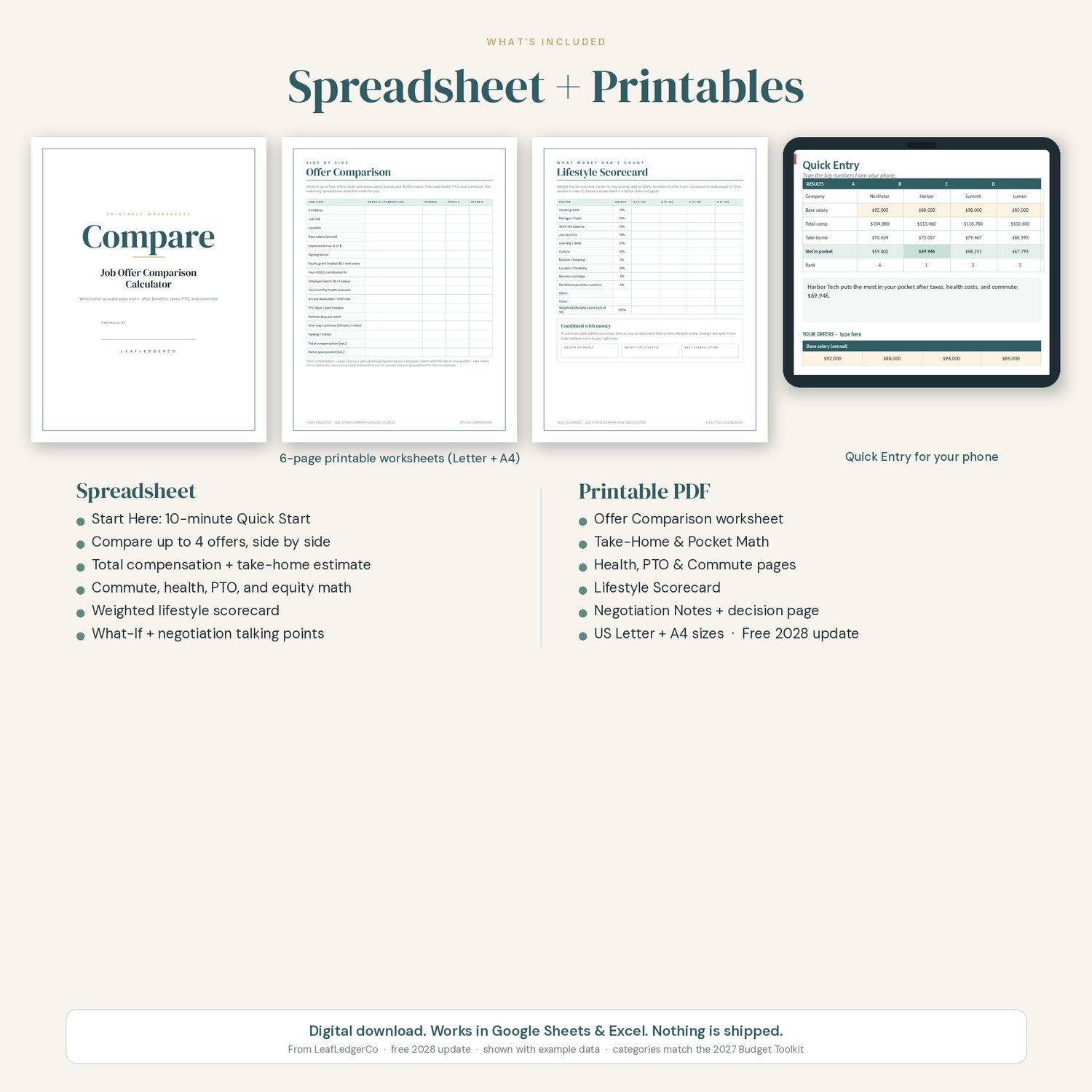
★ WHAT'S INCLUDED
SPREADSHEET (one .xlsx file that works in Google Sheets and Microsoft Excel)
• Start Here: a numbered 10-minute Quick Start and a color key (cream cells are for you, white cells calculate)
• Quick Entry: type company, salary, bonus %, 401(k) match, premiums, PTO, remote days, and commute; results feed the whole file
• Offers: up to 4 offers with equity, deductibles, out-of-pocket max, parking, transit, and a full tax, take-home, and total-compensation breakdown
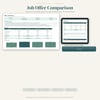
• Dashboard: winner cards, plain-English Insights, a side-by-side table, a comparison chart, and a What-If
• Scorecard: weight the non-money factors (they should add to 100%) and score each offer from 1 to 10
• Negotiation: auto talking points (including the raise or signing bonus that would close the gap) and a 20-row log
• Settings: filing status, editable federal starting-point brackets, state tax, mileage, and money vs. lifestyle weights
• Categories: shared budget categories plus editable scorecard factors
PRINTABLE PAGES (6 pages, in both US Letter and A4)
• Cover, Offer Comparison, Take-Home & Pocket Math, Health, PTO & Commute, Lifestyle Scorecard, and Negotiation Notes with a decision section
★ HOW TO USE IT IN GOOGLE SHEETS
1. Download the files from the link in your purchase receipt email.
2. In Google Drive, click New > File upload and choose Job-Offer-Comparison-Calculator.xlsx.
3. Open it and choose File > Save as Google Sheets. Work in that copy.
4. On your phone, open that copy in the free Google Sheets app and use the Quick Entry tab.
★ HOW TO USE IT IN MICROSOFT EXCEL
1. Open Job-Offer-Comparison-Calculator.xlsx in Excel (desktop, web, or mobile).
2. If you see a Protected View bar, click Enable Editing.
3. Save a personal copy, then follow the 10-minute Quick Start on the first tab.
★ PRINTING
Print the PDF at home or at a print shop. Choose "Actual size" or "Fit" in your print settings. Print every page or only the ones you need. The pages use thin lines and little color to save ink.
★ PART OF A SET
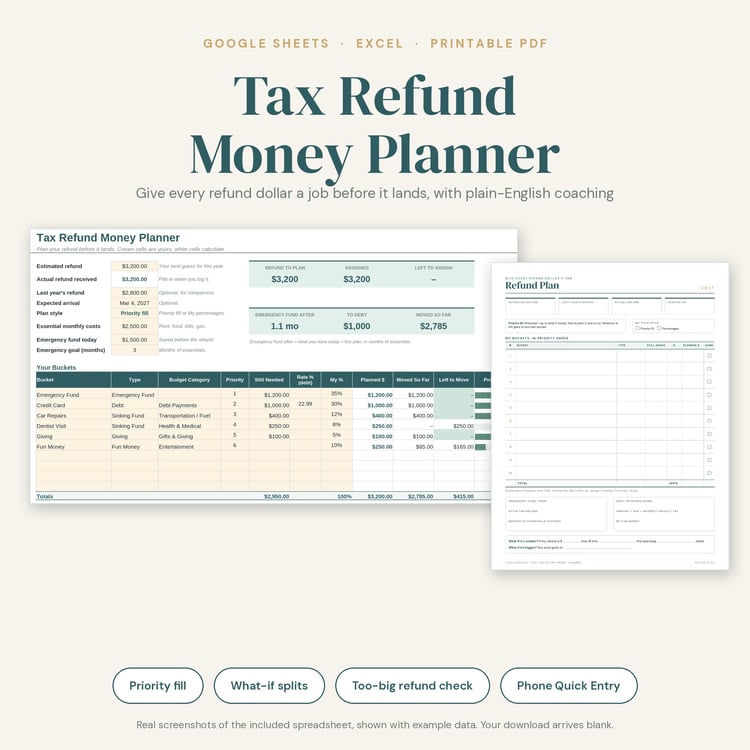
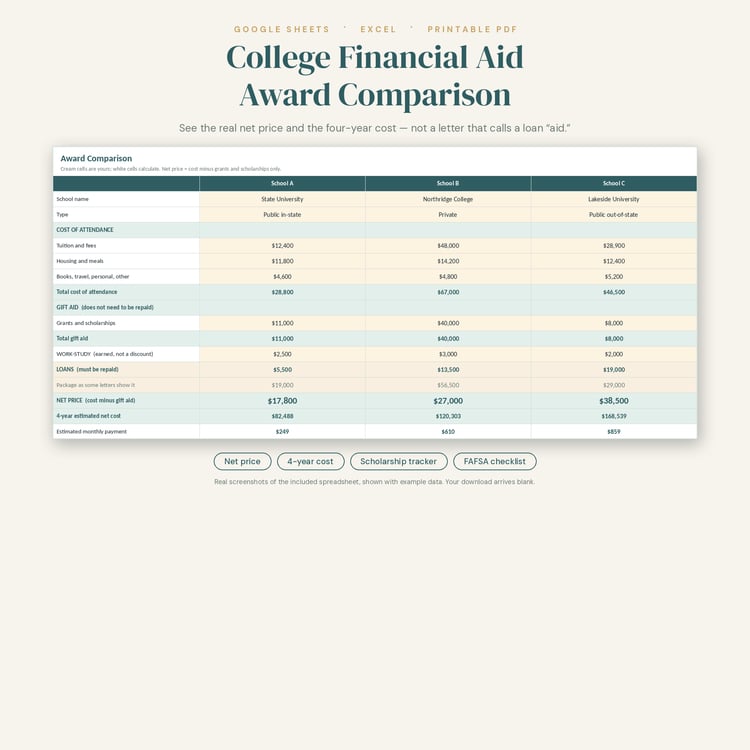
LeafLedgerCo planners share the same budget categories, so the numbers you use here can line up with the 2027 Budget Toolkit, Budget by Paycheck, and the rest of the shop when you want to turn a new take-home number into a monthly plan.
★ PLEASE NOTE
• This is a DIGITAL DOWNLOAD. Nothing will be shipped to you.
• Download your files from the link in your purchase receipt email (a computer is easiest).
• FREE 2028 UPDATE: when the 2028 edition is ready, I'll add it to this product, and you can download it at no extra cost from your original purchase download link. I'll also email buyers when the update is ready.
• Amounts are shown in US dollars. You can change the currency format in your spreadsheet app.
• You need a free Google account or Microsoft Excel to use the spreadsheet, and a PDF reader to print.
• The listing photos show example data so you can see how it works. Your file arrives blank.
• Federal tax brackets and the standard deduction ship as official tax year 2027 IRS amounts (Rev. Proc. 2026-35). The Social Security wage base ships as the official 2027 SSA amount. The mileage rate is a starting point. All of these stay editable on the Settings tab. They are a planning estimate, not a substitute for your own offer letter or a tax professional.
• This is an organizing and planning tool, not tax, legal, career, or financial advice.
• For personal use only. Please do not share or resell the files.
• Colors may look slightly different on screen than on paper.
★ ABOUT HOW THIS WAS MADE
This product was designed with AI assistance under my direction. I planned it, set its features and look, and reviewed and tested the spreadsheet formulas and printable pages before listing.
Questions? Use the contact form on this store, or reply to your receipt email. I'm happy to help you get set up.