
Daily Planner & Time Blocker Standard — Habit Tracker, Day View (Works Offline)
Block your time or waste it. There's rarely a middle ground.
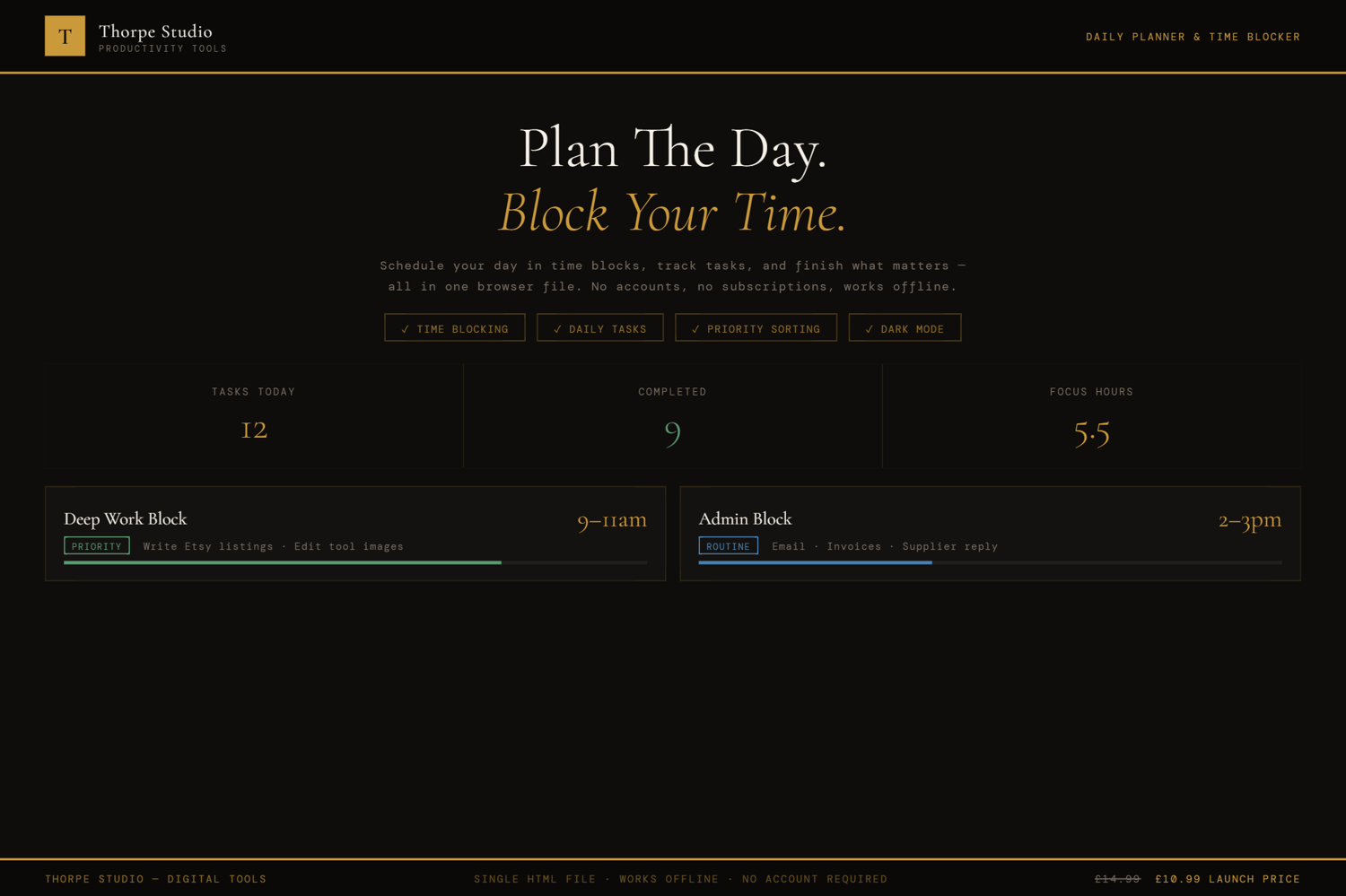
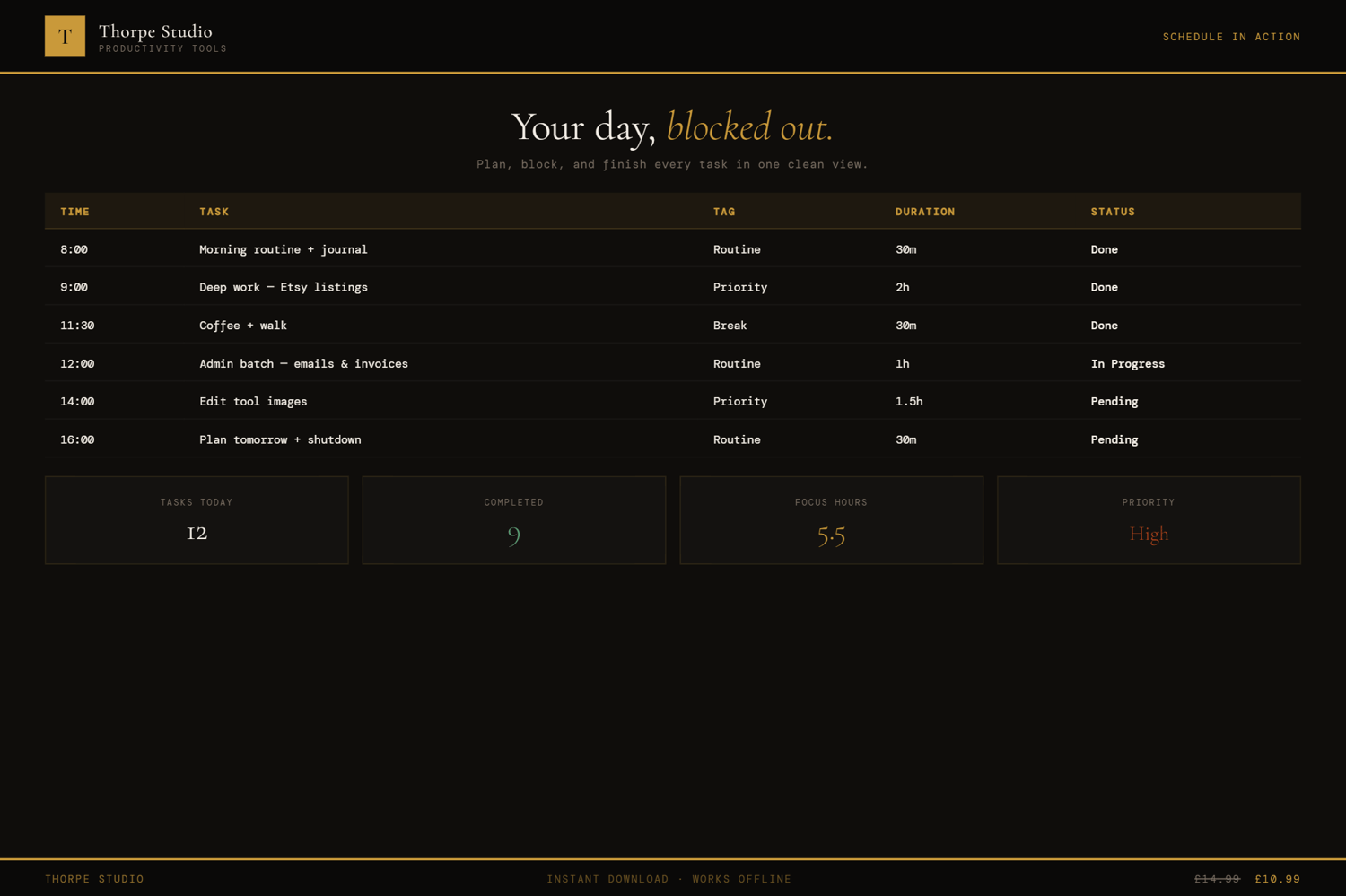
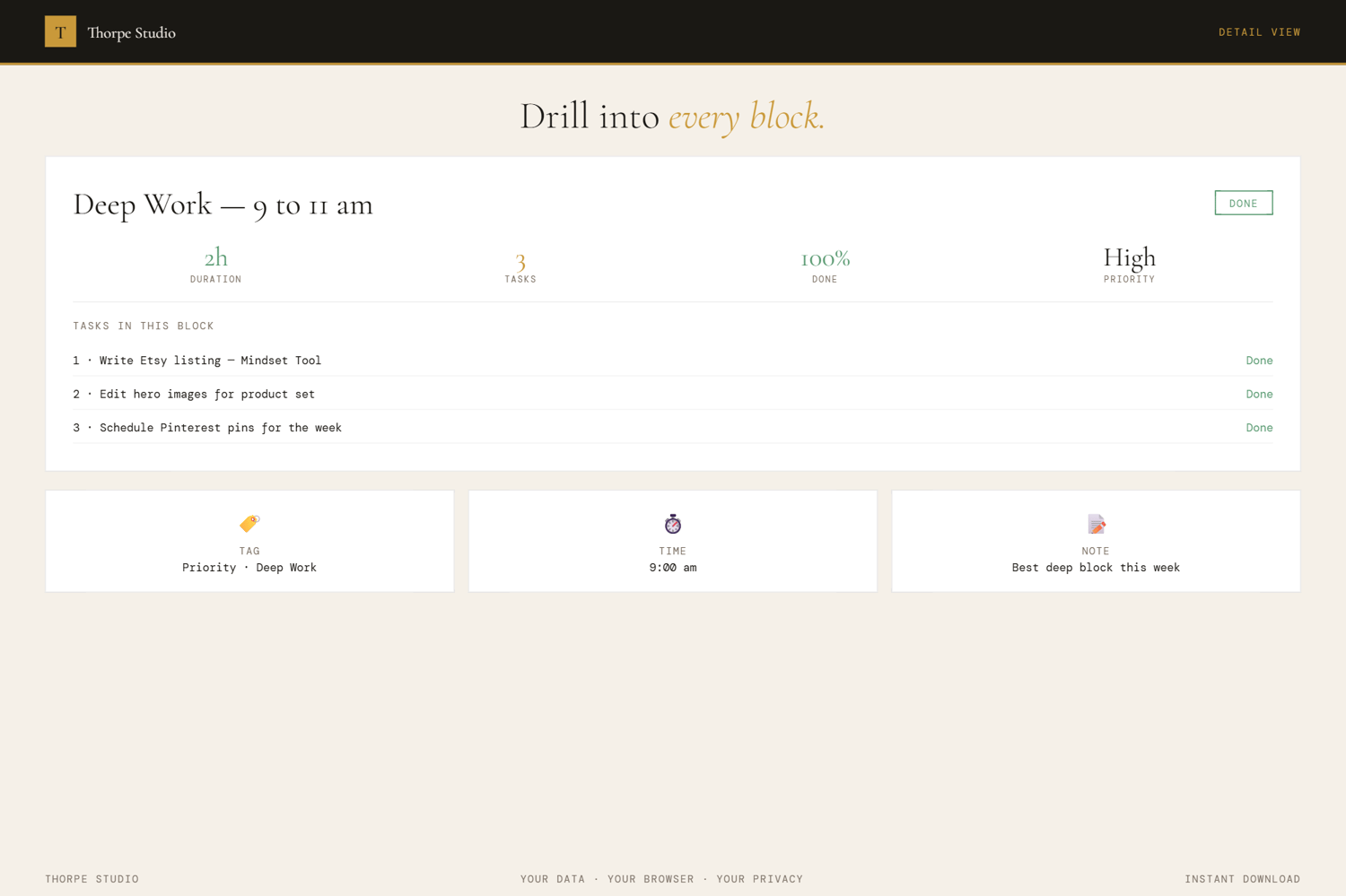
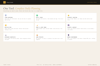
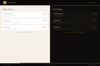
The Daily Planner & Time Blocker forces you to be intentional about your hours. Structure your day into three chunks—Morning, Afternoon, Evening. Within each block, assign tasks with a category: Work, Personal, Health, Break, or Focus (your deep work time). Rank your daily priorities as High, Medium, or Low. Watch your priorities actually get done instead of drowning in everything at once. A built-in habit tracker shows your 7-day consistency at a glance, complete with streak counting—you'll start protecting that streak pretty quickly. At the end of each day, reflect: What went well? What could I improve? How do I want to feel tomorrow?
The tool builds a weekly overview so you can spot patterns. Which days are you most productive? When do you have the most energy? When you understand your own rhythms, you can design your weeks around them instead of fighting yourself. Your data saves automatically. No Google account. No Notion subscription. No app.
◈ KEY FEATURES
★ Time Blocks by Day Part Morning, Afternoon, Evening—three main buckets. No infinite to-do list. Just the day ahead, carved into realistic chunks.
★ Task Categorisation Assign each task to Work, Personal, Health, Break, or Focus. Colour-coded categories help you spot balance at a glance. Are you all work? All breaks? The visual tells the story.
★ Priority Ranking System Mark tasks as High, Medium, or Low. Reorder them by dragging. The High-priority tasks sit at the top because they deserve focus first.
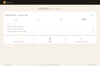
★ Daily Habit Tracker Grid 7-day view with tick boxes for habits you're building. Watch the streak counter climb. Streaks become addictive fast—that's by design.
★ Daily Reflection At day's end, three simple questions: What went well? What could improve? What's your focus for tomorrow? Helps you learn from each day.
★ Mood Selector & Energy Slider Choose your mood and rate your energy 1-10. Over time, you'll see which days and task mixes affect your wellbeing.
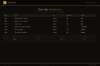
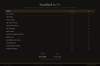
★ Weekly Overview with Completion Bars Each day gets a completion bar showing task progress. Glance at the week and see where you're strongest and where you struggle.
★ Date Navigation Jump between days freely. Plan ahead. Look back. Understand your patterns over weeks.
★ Smart Insights & Nudges The tool tells you when you're consistently over-scheduling. Celebrates completed days. Suggests habit adjustments based on your streaks.
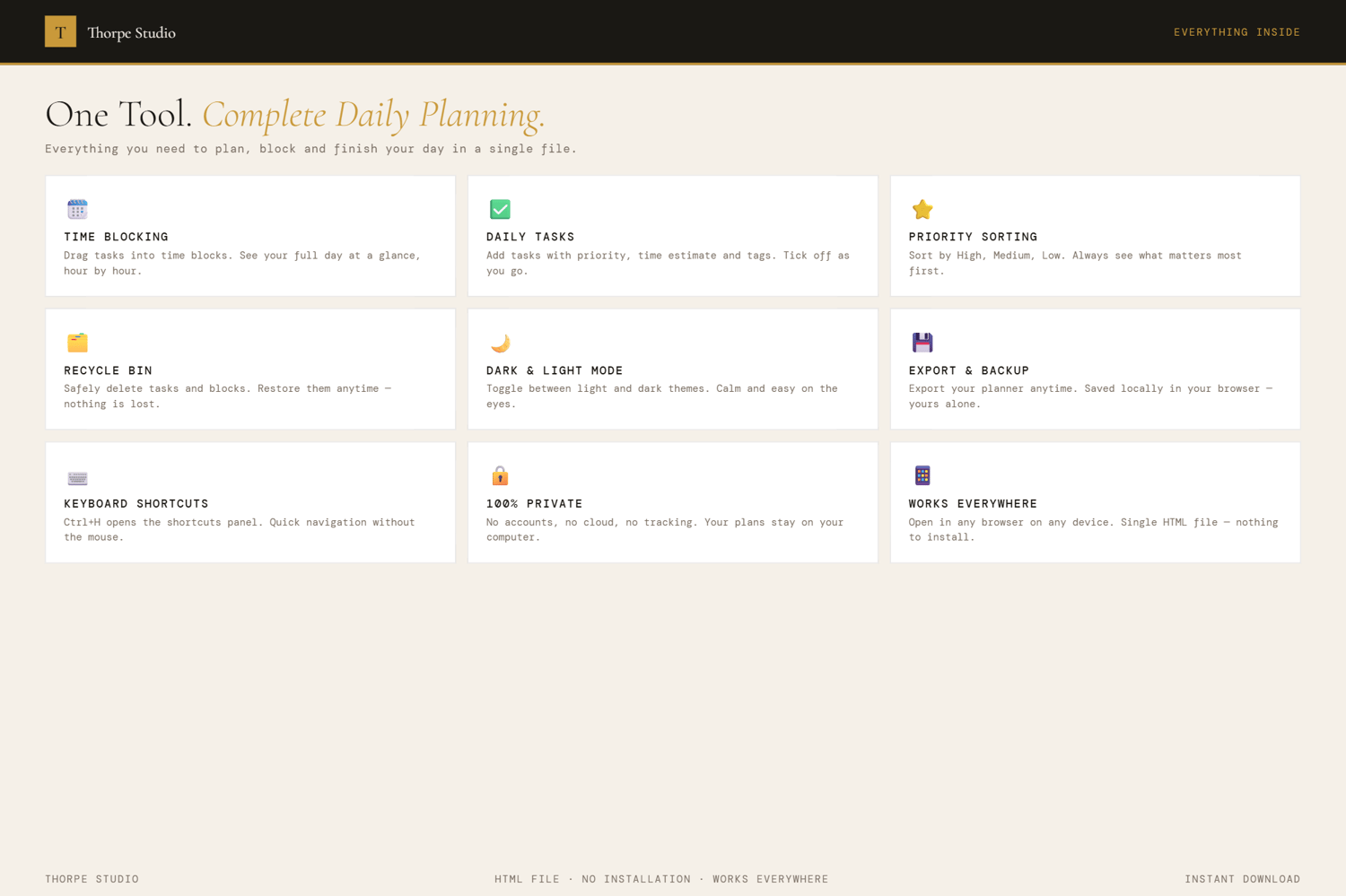
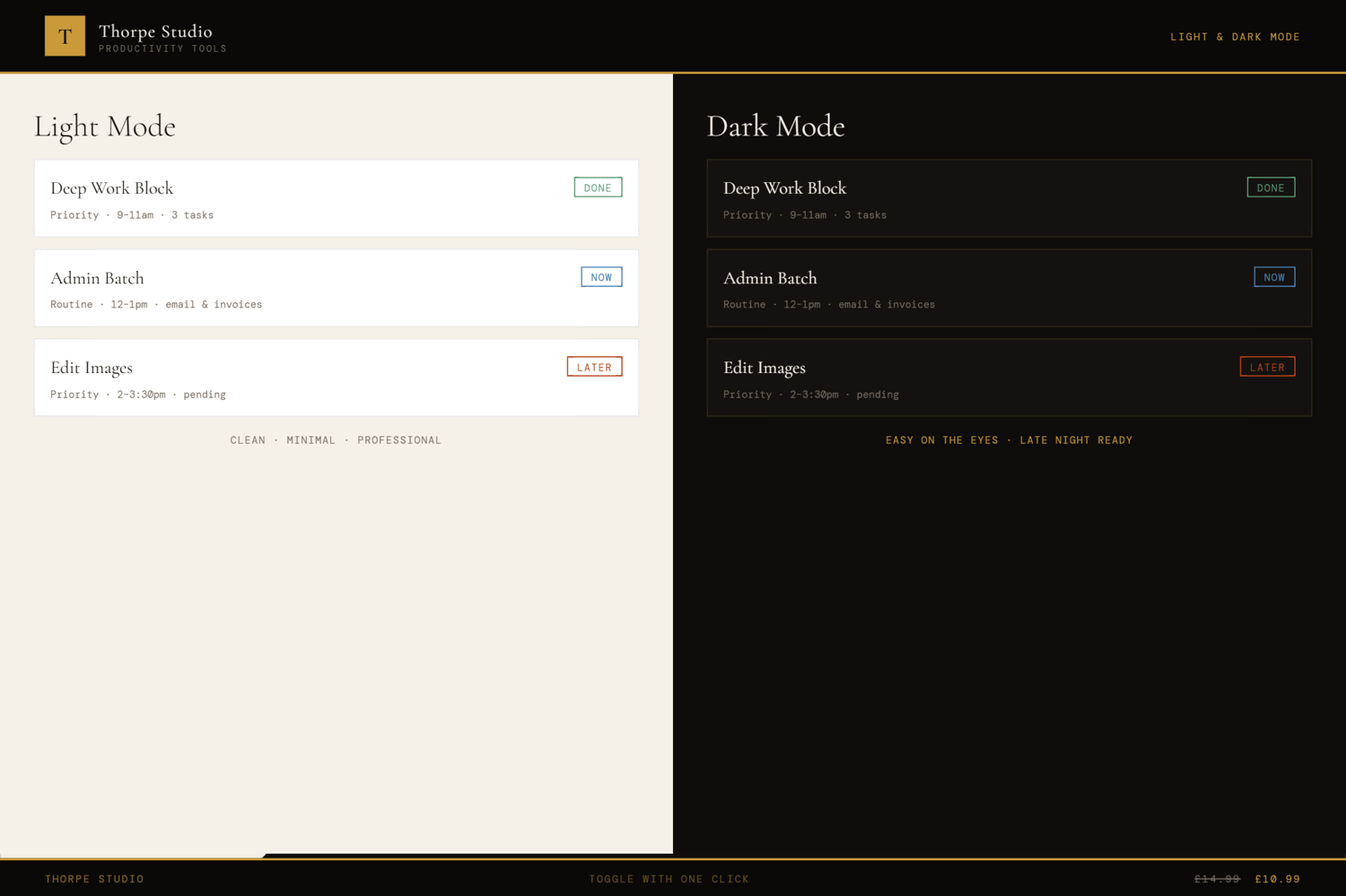
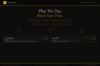
★ Dark & Light Mode Switch between reading modes instantly.
★ Complete Export & Import Back up your planner as JSON. Move it to a new device. Never lose a day of planning.
◈ YOUR DATA — HOW IT WORKS
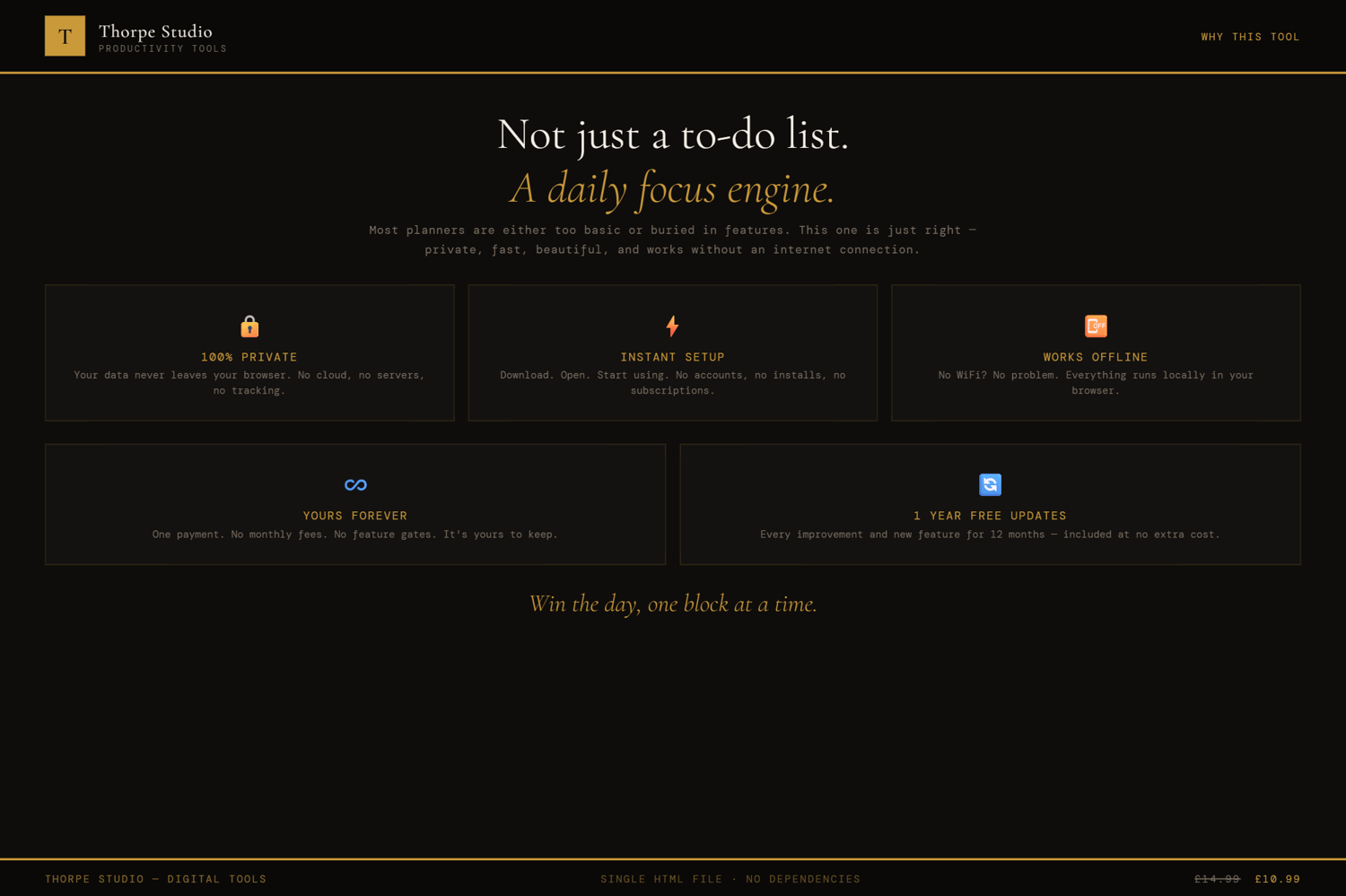
Your schedule and habits live locally on your device using browser storage (localStorage). Nothing syncs to servers. Nothing is shared. When you close the tool, your daily plans and streak data stay right there. Open it tomorrow, next week, next month—it's all still there. Want to switch devices or create a backup? Export your complete planner as a JSON file and import it anywhere.
◈ WHO IS THIS FOR
→ Solopreneurs and freelancers juggling multiple projects → People building consistent daily habits (exercise, writing, deep work) → Anyone who feels busy but unproductive—needs structure, not more tasks → Entrepreneurs tracking energy and mood alongside productivity → Side-hustlers with limited hours who must protect their time
◈ WHAT YOU RECEIVE
- 1 × HTML file — Daily Planner & Time Blocker
- Works in any modern browser: Chrome, Edge, Firefox, Safari
- No installation. No account. No internet connection required after download
- Built-in welcome guide on first open
- Lifetime use. No subscription. No expiry
- Designed for desktop use — best experienced on a laptop or computer
◈ HOW TO USE IT
- Download the file and place it on your Desktop
- Double-click to open in your browser
- Follow the welcome guide on first load
- Click the date to start planning today
- Add time blocks for Morning, Afternoon, Evening
- Fill each block with tasks and assign categories (Work, Personal, Health, Break, Focus)
- Rank priorities as High, Medium, Low and reorder as needed
- Track daily habits (exercise, meditation, whatever you're building)
- At day's end, complete your reflection and mood check-in
- Review your weekly overview on Sunday to spot patterns
◈ IMPORTANT — PLEASE READ BEFORE PURCHASING
This is a digital HTML file—not a PDF, not a Google Calendar, not a Notion database. You download it once and it lives on your computer forever. Your data is stored locally on your device (localStorage); nothing is sent to servers. If you clear your browser storage or cache, your data is lost—always use the export function to back up regularly. There are no refunds on digital products. If you encounter technical issues, contact us and we'll help troubleshoot. This tool works offline—no internet required after download.
◈ ABOUT THORPE STUDIO
Thorpe Studio builds premium browser-based productivity tools for freelancers and solopreneurs. Every tool opens instantly in your browser, works offline, requires no account, and keeps your data private on your device. No subscriptions. No cloud. No friction. Just you, your ideas, and the tools you need to move forward.
£0.99