
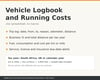
Vehicle Logbook and Running Cost Tracker
On Sale
ZAR89.00
ZAR 89.00
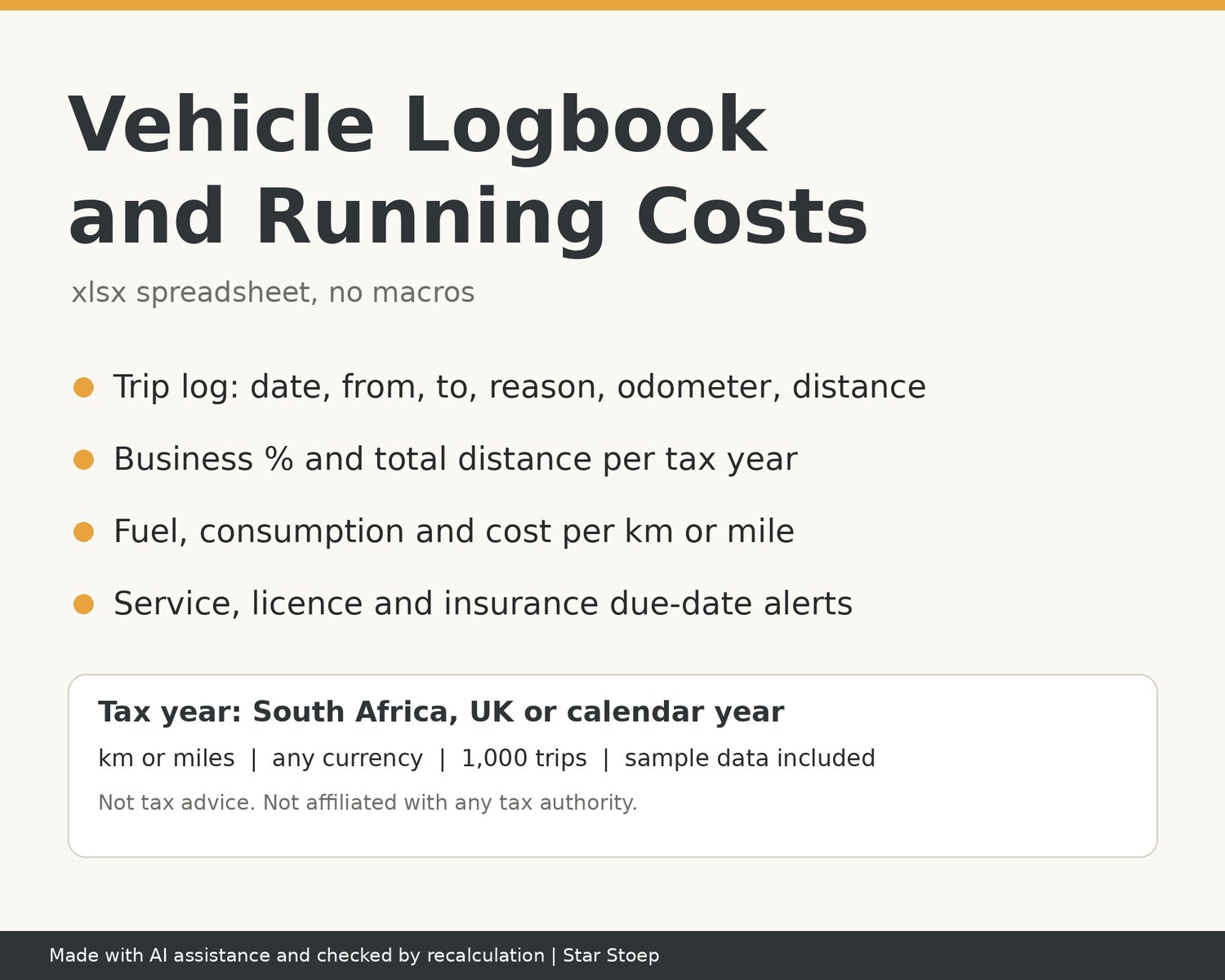
Keep your trip log, fuel, servicing and renewal dates for one vehicle in a single spreadsheet, and see your business distance and running costs for the tax year at a glance.
WHAT IT DOES
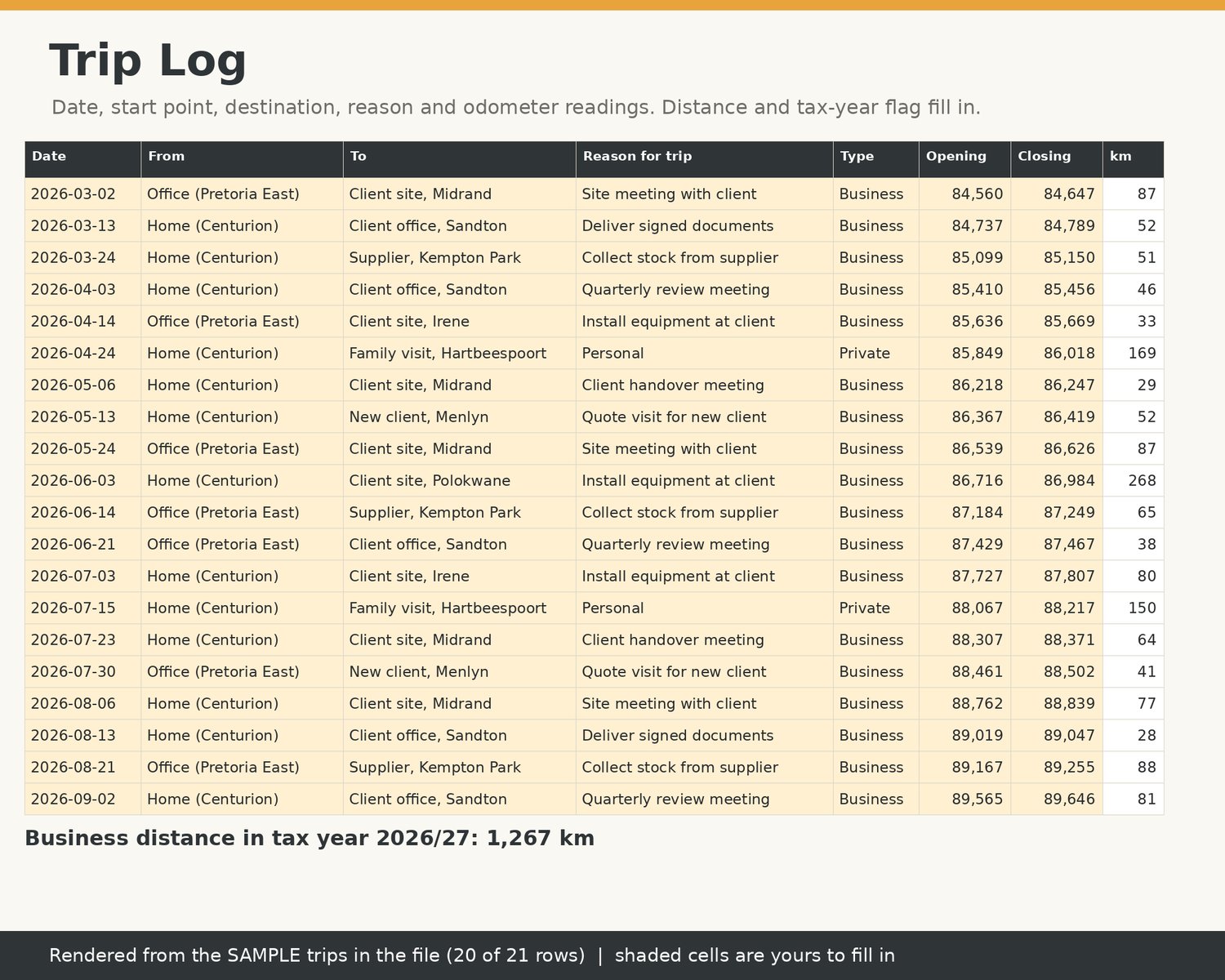
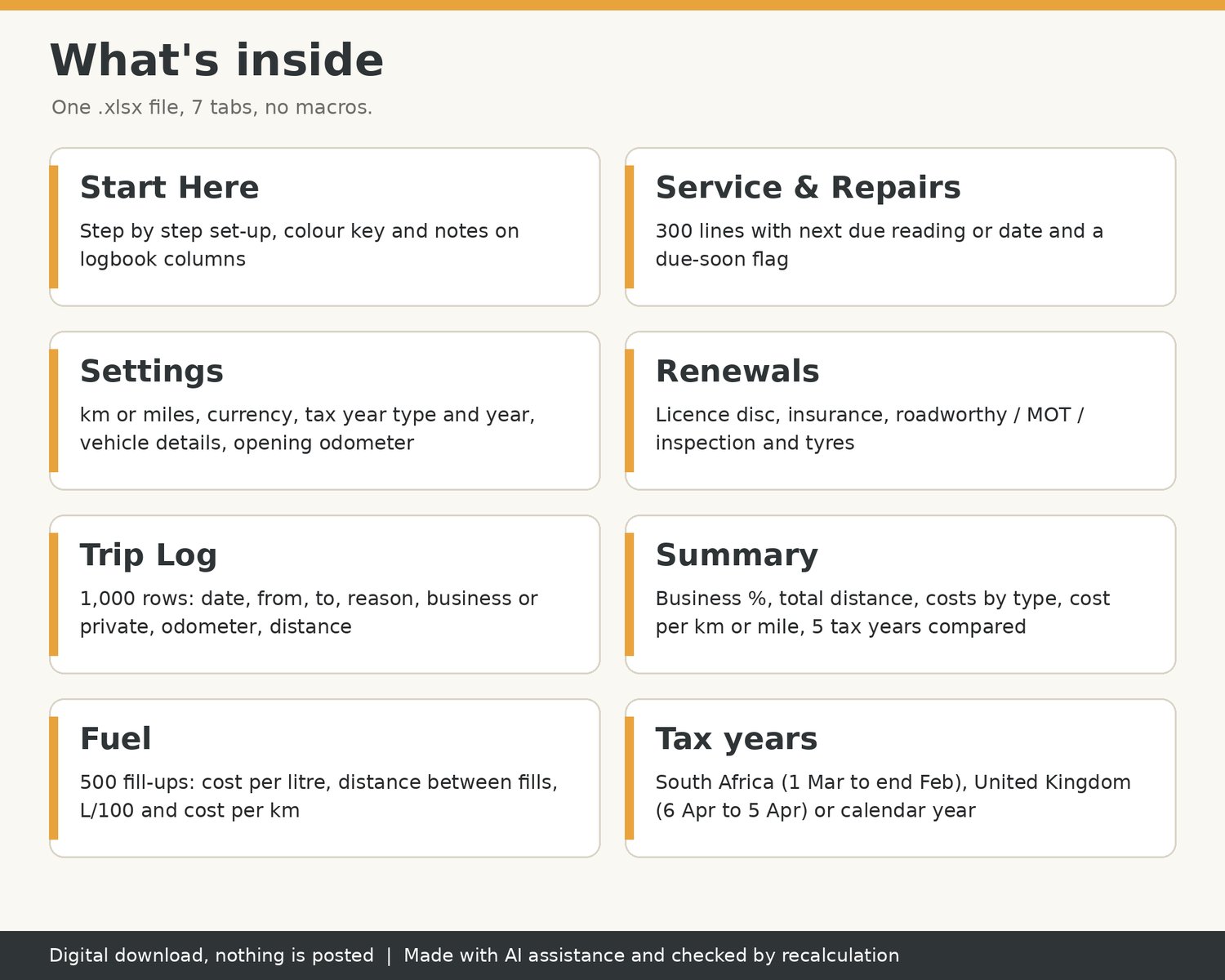
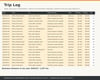
- Trip Log: 1,000 rows. Type the date, where you started, where you went, the reason for the trip, Business or Private, and the opening and closing odometer. Distance and an in-tax-year flag fill in by themselves.
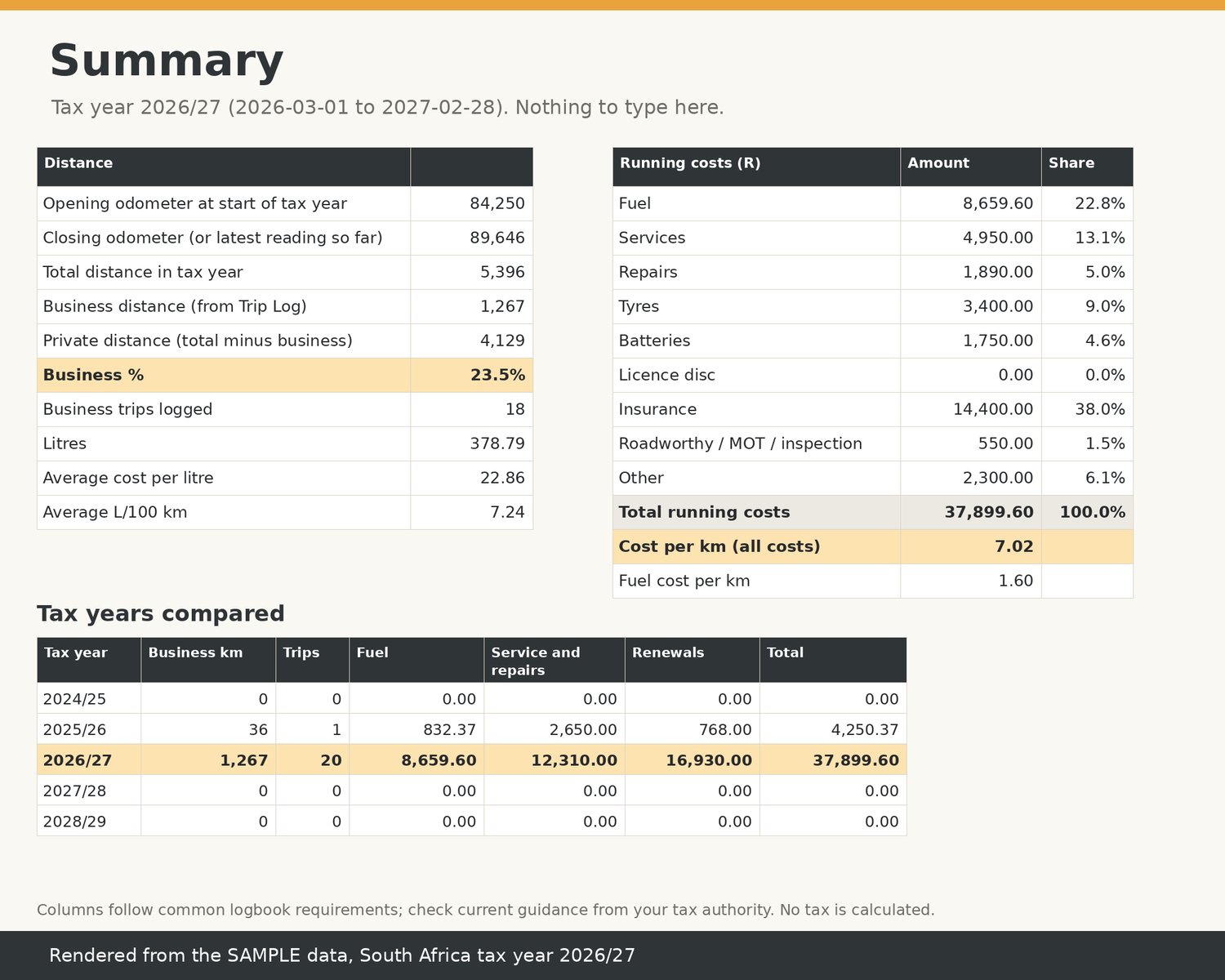
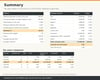
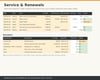
- Summary: total distance for the tax year (closing minus opening odometer), business distance, private distance and business %, plus running costs by type and cost per km or mile. Five tax years side by side.
- Fuel: 500 fill-ups with cost per litre, distance between fills, L/100 km (or per 100 miles), km or miles per litre and fuel cost per km or mile.
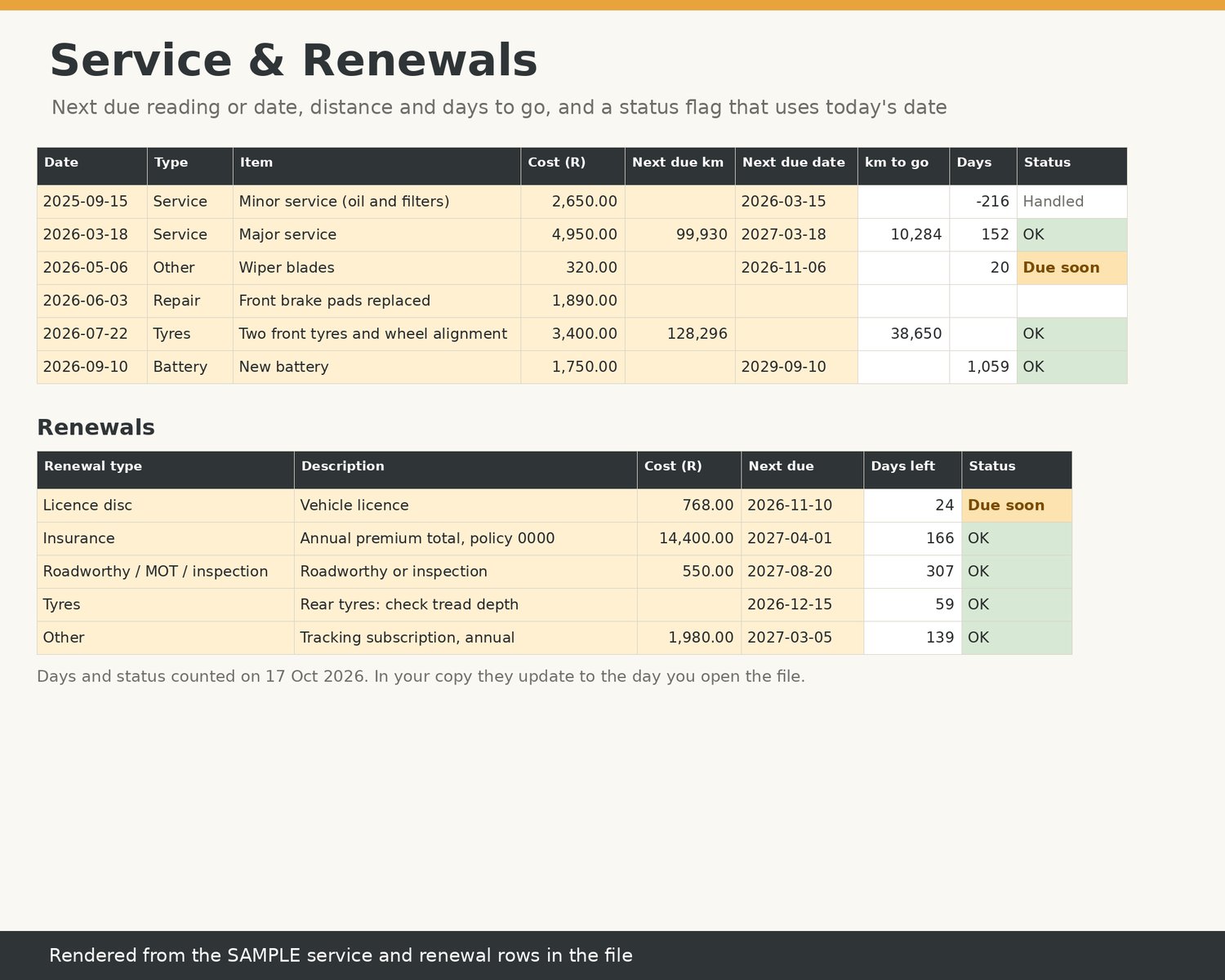
- Service & Repairs: 300 lines with next due odometer reading or date. Status shows OK, Due soon or OVERDUE.
- Renewals: licence disc, insurance, roadworthy / MOT / inspection, tyres and anything else with a due date, with days left and a due-soon flag.
- Settings: km or miles, any currency symbol, vehicle details, opening odometer, and the tax year type: South Africa (1 Mar to end Feb), United Kingdom (6 Apr to 5 Apr) or calendar year (1 Jan to 31 Dec). The start and end dates are worked out from the year you type.
WHAT'S INSIDE
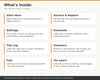
- 1 .xlsx spreadsheet with 7 tabs: Start Here, Settings, Trip Log, Fuel, Service & Repairs, Renewals, Summary.
- About 20 clearly labelled SAMPLE trips plus sample fuel, service and renewal rows, so you can see how it works. Clear the shaded sample cells and start.
- Shaded cells show where to type. Everything else calculates.
HOW TO USE IT
- An .xlsx spreadsheet with no macros. Tested in LibreOffice Calc; not yet opened in Excel or Google Sheets.
- Open the .xlsx in your spreadsheet app and start on the Start Here tab.
ABOUT THE LOGBOOK COLUMNS
Columns follow common logbook requirements; check current guidance from your tax authority. The Trip Log records the date, start point, destination, reason, opening and closing odometer and distance for each trip, and the Summary uses your odometer readings at the start and end of the tax year.
GOOD TO KNOW
- Digital download, nothing is posted. You get a file to download after purchase.
- Checked by recalculation. Every formula was recalculated and checked for errors before listing.
- This is a record-keeping tool. It does not calculate tax, allowances or any deduction and it is not tax advice.
- Not affiliated with, endorsed or approved by any tax authority (including SARS or HMRC), or by Google or Microsoft.
- Due-soon flags use today's date, so they update each time you open the file.
- One vehicle per file. Make a copy for each extra vehicle.
- Please message me if anything does not open correctly and I will help.