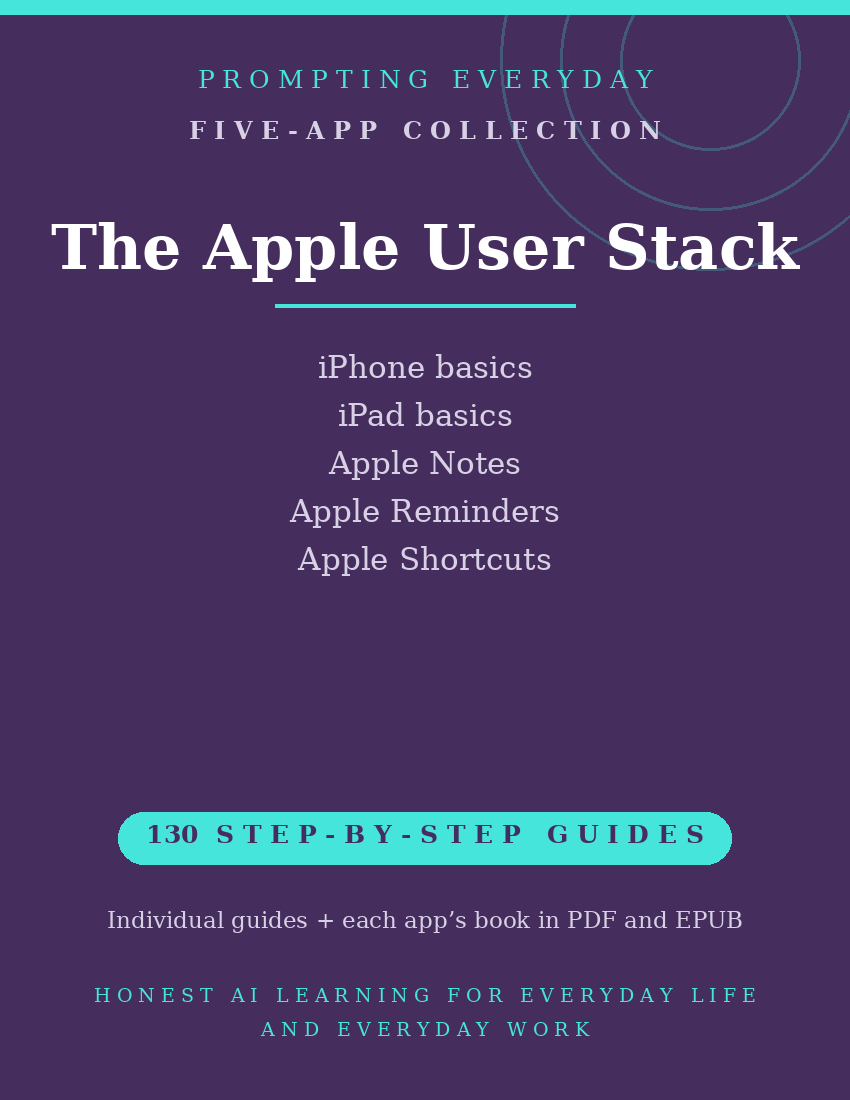
Apple User Collection — iPhone, iPad & Apple App Guides
iPhone, iPad, and Apple App Guides
Your iPhone and iPad include features and built-in apps for organizing information, managing everyday tasks, customizing device settings, and automating supported activities.
But knowing where to find a feature and understanding how to use it aren't always straightforward.
The Apple User Collection brings together five function-guide collections covering iPhone Basics, iPad Basics, Apple Notes, Apple Reminders, and Apple Shortcuts.
Two collections focus on understanding and using iPhone and iPad features. The other three provide instructions for working with Apple's Notes, Reminders, and Shortcuts apps.
With 115 individual function guides, the collection provides plain-language instructions to help Apple device owners learn about available features and settings.
Each guide explains what a specific feature does, where to find it, and how to use it, with practical examples you can reference when needed.
Whether you're learning to navigate your iPhone, exploring iPad settings, organizing notes, managing reminders, or creating automations with Shortcuts, these guides provide instructional resources for the individual devices and apps.
What's included:
- 115 individual function guides across five collections.
- Two device-guide collections covering iPhone and iPad basics.
- Three app-guide collections covering Apple Notes, Apple Reminders, and Apple Shortcuts.
- Five compiled reference books, each available in PDF and EPUB formats.
- Individual guides organized by device or app for easy reference.
Designed for iPhone and iPad owners who want to better understand their devices and built-in apps, this collection focuses on learning available features rather than providing technical support or device repair services.
Some features may vary by device model and operating system version.
The purchase includes instructional guides, not Apple devices, subscriptions, or paid app features.
Included Device and App Guide Collections
iPhone Basics — 30 Function Guides
Learn about everyday iPhone features, including navigating the device, managing settings, customizing the Home Screen, working with notifications, and using available accessibility and device controls.
iPad Basics — 30 Function Guides
Explore iPad features for navigating the device, managing settings, customizing the Home Screen, working with apps, and using supported multitasking and accessibility features.
Apple Notes — 23 Function Guides
Learn about Apple Notes' tools for creating and organizing notes, managing folders, using tags, making checklists, and working with supported attachments.
Apple Reminders — 18 Function Guides
Understand Apple Reminders' tools for creating tasks, organizing lists, setting due dates, managing recurring reminders, and sharing supported lists.
Apple Shortcuts — 14 Function Guides
Explore Apple Shortcuts' automation tools for creating shortcuts, combining actions, using available app shortcuts, and setting up supported personal automations.
Total: 115 individual function guides across five collections.
Each device or app collection also includes its own compiled reference book in PDF and EPUB formats.
Who it's for: iPhone and iPad owners who suspect their devices do more than they use.
Not for: Android households — although the Google Everyday Stack fits there.
What you get: Five function-guide collections containing 115 individual guides: two covering iPhone and iPad basics, and three covering Apple Notes, Apple Reminders, and Apple Shortcuts. Each collection also includes a compiled reference book in PDF and EPUB formats.
How it's delivered: Delivered as a Google Drive folder link after purchase. One-time
purchase.
Updates: Updates are included while the collection is maintained — if a guide changes,
the folder copy is updated.
Disclaimers: These are reference guides that teach the apps, they are not prompt packs,
and they don't include subscriptions to the apps themselves.