
🚀 Launch offer 40% off The Copilot Chief of Staff Guide + Copy-Paste Prompt Library
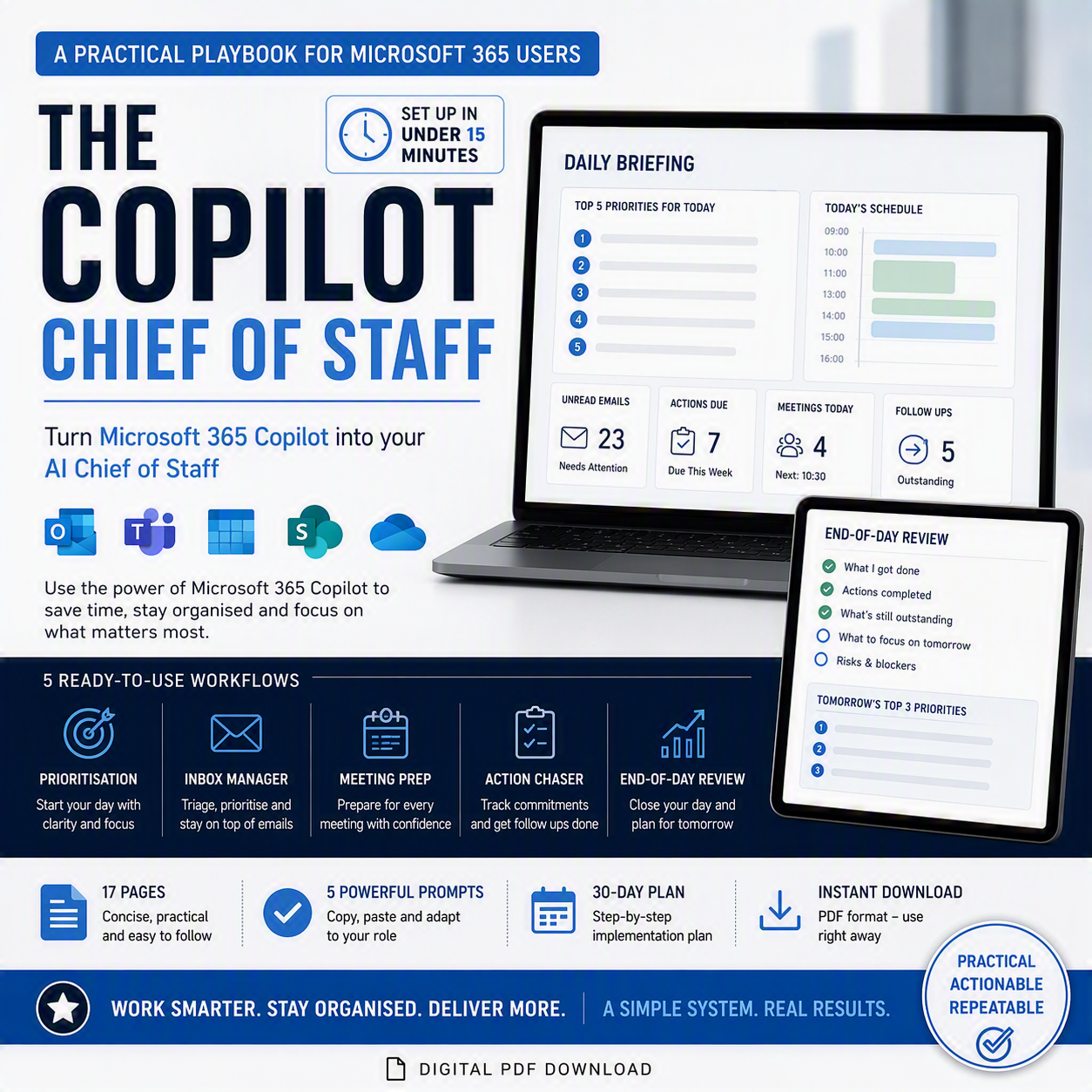
The Copilot Chief of Staff is a complete productivity system for running your working day through Microsoft 365 Copilot built for anyone managing a high volume of email, meetings and stakeholder follow-ups who wants Copilot working with them, not just answering one-off questions.
This listing gives you both pieces you need to set it up once and run it every day:
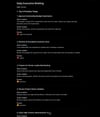
📘 The Guide (PDF, 17 pages)
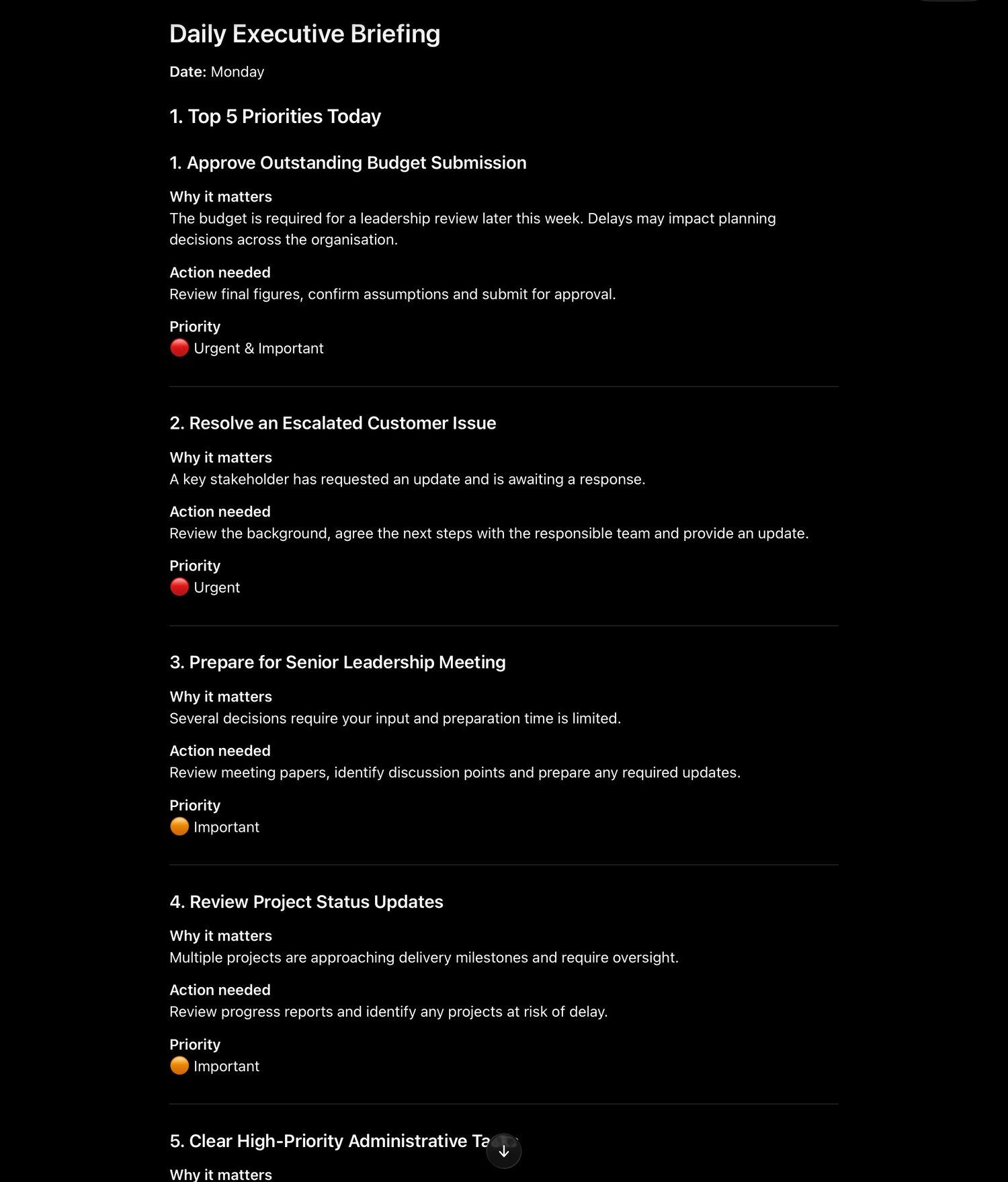
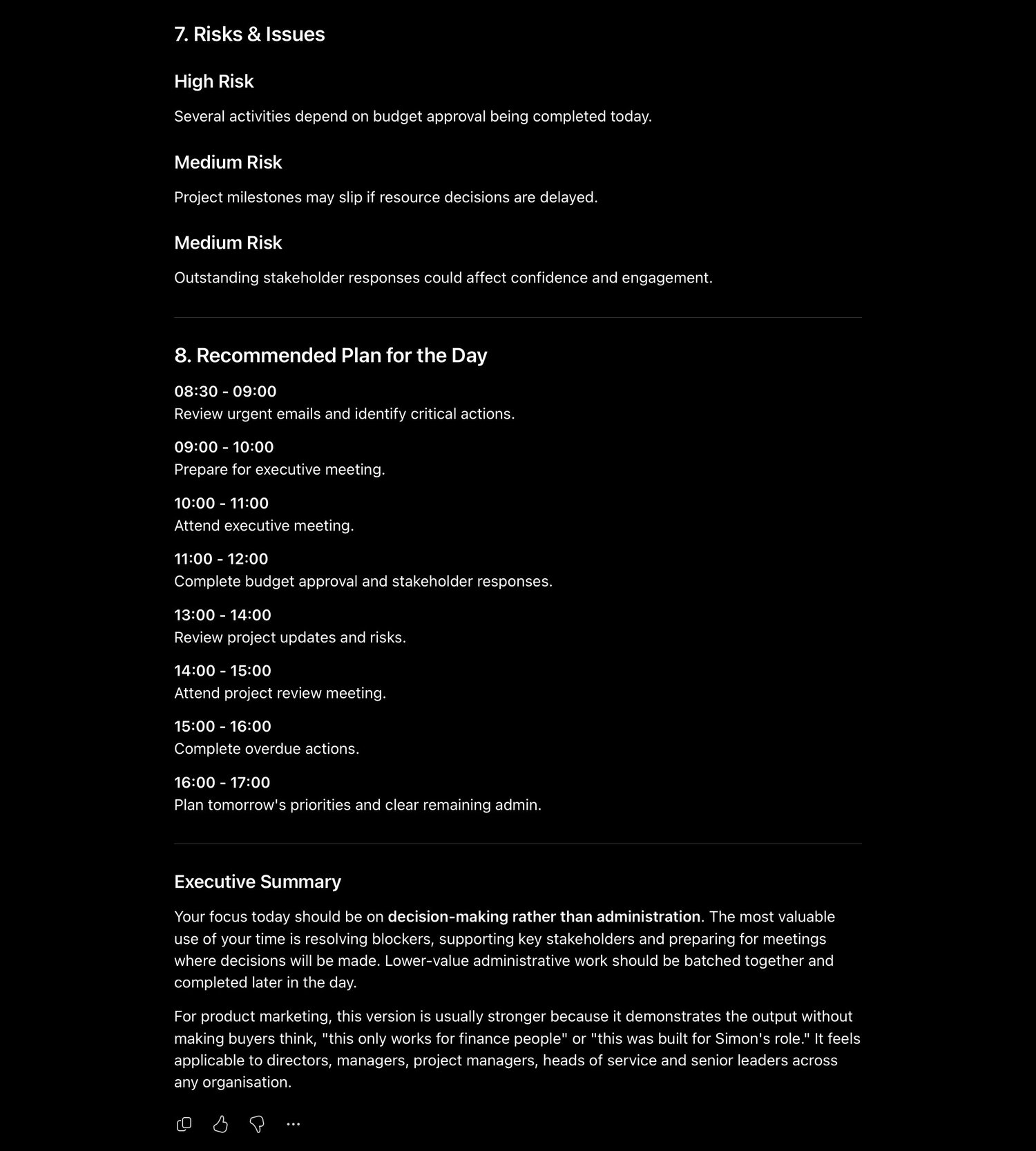
A complete playbook covering agent setup and full Agent Instructions, plus 5 ready-to-run workflows from your Daily Briefing through to Inbox Manager, meeting prep, action chasing and end-of-day review. Includes a 30-day implementation plan so you build the habit in stages, not all at once, and a “What Success Looks Like” section so you know what to expect by day 30.
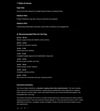
📋 The Prompt Library (plain text file)
Every prompt and the full Agent Instructions block from the guide, copy-paste ready no reformatting, no hunting through PDF pages mid-meeting. Select the block you need and paste it straight into Copilot.
Set it up in under 15 minutes. Use it for the life of your role.
What's Included
● The Copilot Chief of Staff guide (PDF, 17 pages)
● Full Agent Instructions copy-paste directly into Copilot
● 5 ready-to-run prompts: Daily Briefing, Inbox Manager, Prepare Me for My Next Meeting, Action Chaser, End-of-Day Review
● Plain-text Prompt Library for fast copy-paste, with no formatting or page breaks to work around
● Bonus: 3 recurring review formats Daily Briefing, End-of-Day Review and Weekly Review
● 30-Day Implementation Plan to roll it out gradually, one workflow a week
● “What Success Looks Like” benchmark so you know what good looks like by day 30
● Instant digital download
Who This Is For
● Anyone with access to Microsoft 365 Copilot who wants to reduce administrative overhead
● People managing a high volume of email, meetings and stakeholder follow-ups
● Finance, operations, project management, client-facing and leadership roles the prompts are role-agnostic
You don't need a technical or IT background just access to Microsoft 365 Copilot.
Why Both Files
The guide explains the thinking why each workflow exists, how to set up your agent, and how to build the habit over 30 days. The Prompt Library is what you'll actually reach for day to day: no scrolling through a PDF mid-meeting, just the exact block of text you need, ready to paste. Together they cover both the one-time setup and the daily use.
FAQ
Do I need a specific Microsoft 365 or Copilot licence?
You need access to Microsoft 365 Copilot with the ability to create a custom agent (sometimes called “Create an agent” or Copilot Studio, depending on your tenant). The guide explains what to check with your IT administrator if this isn't visible.
Will this work for my specific role?
Yes the prompts are role-agnostic and designed to be adapted. The guide includes a “Making It Your Own” section covering how to adjust categories, terminology and structure to match how you work.
Is the prompt library just the guide copy-pasted?
It's the same prompts and instructions, reformatted as plain text with no page breaks, headers or formatting built specifically so you can copy a block straight into Copilot without cleaning it up first.
How long does setup take?
About 15 minutes for the initial agent setup and first Daily Briefing covered in the “Get Value Today” section of the guide.