Meet Kon
9 November 2026 material correction: Restored Kon’s authored body material on PC and Quest. Import the corrected package, then reassign Kon through the Follower Pet System Installer on existing avatars.
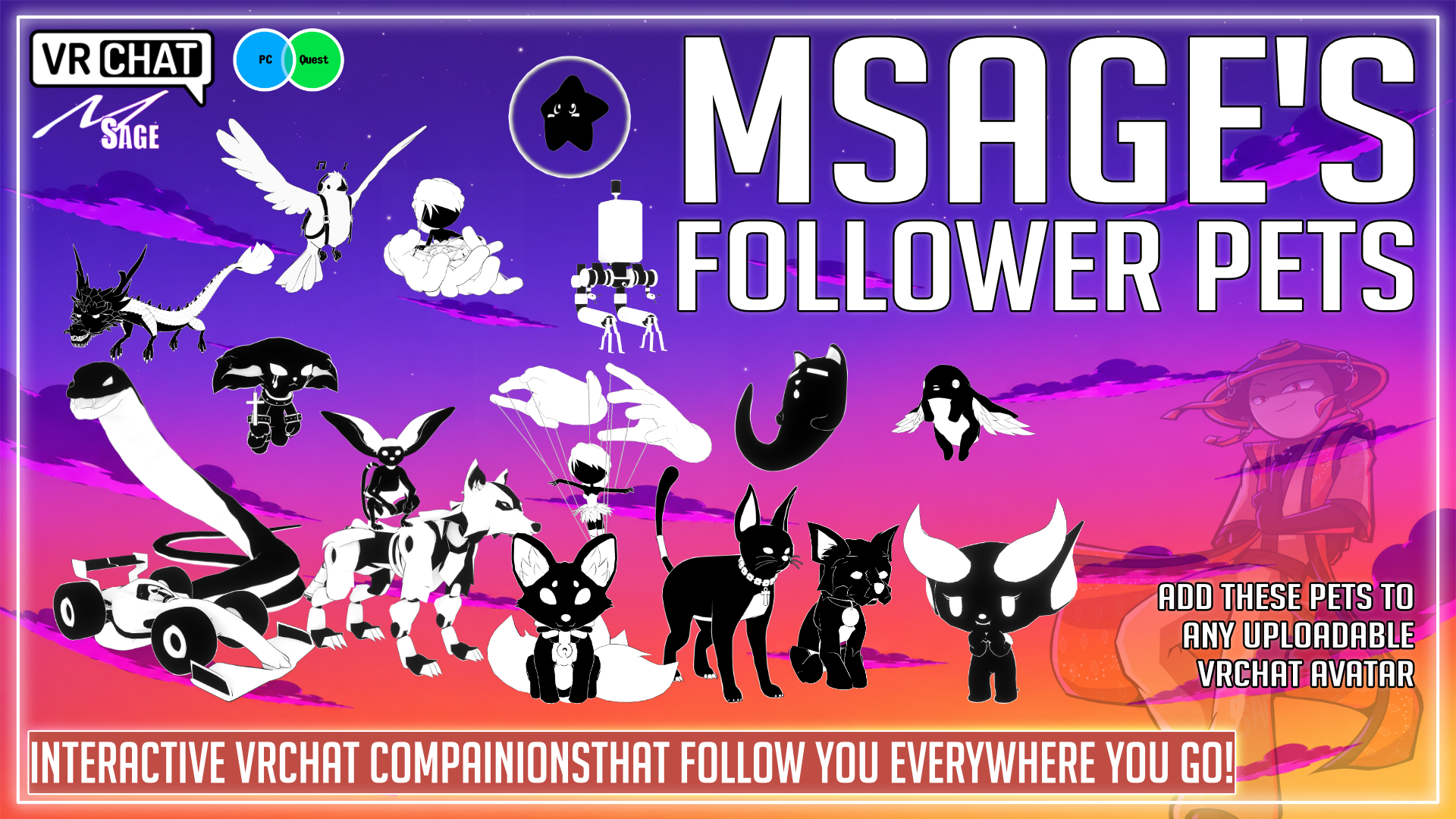
Meet Kon, a companion for your VRChat avatar. Follow, idle and petting animations bring this pet to life with MSage Follower Pet System 6.
Funded by: denji.fbx https://guns.lol/denji.fbx
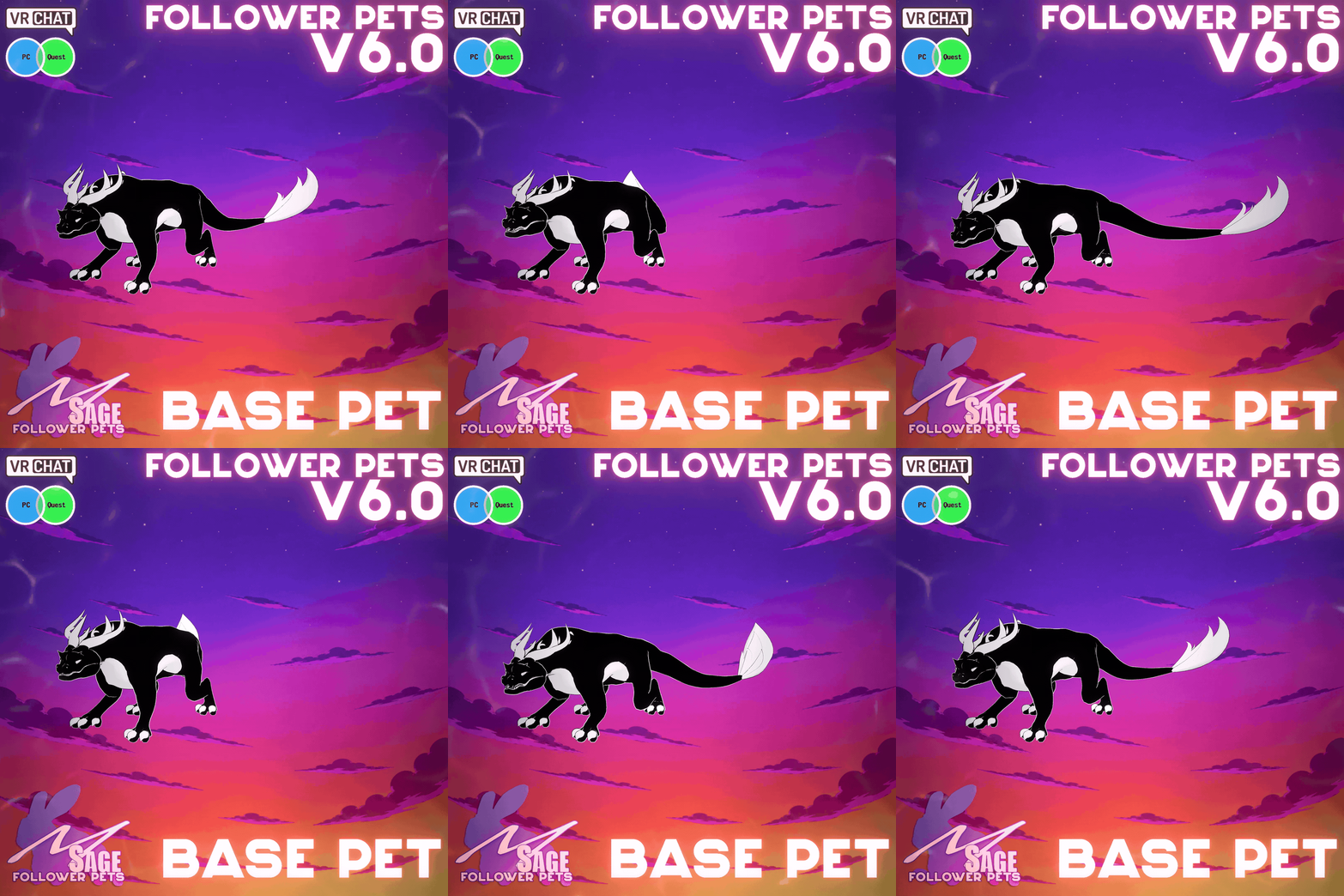
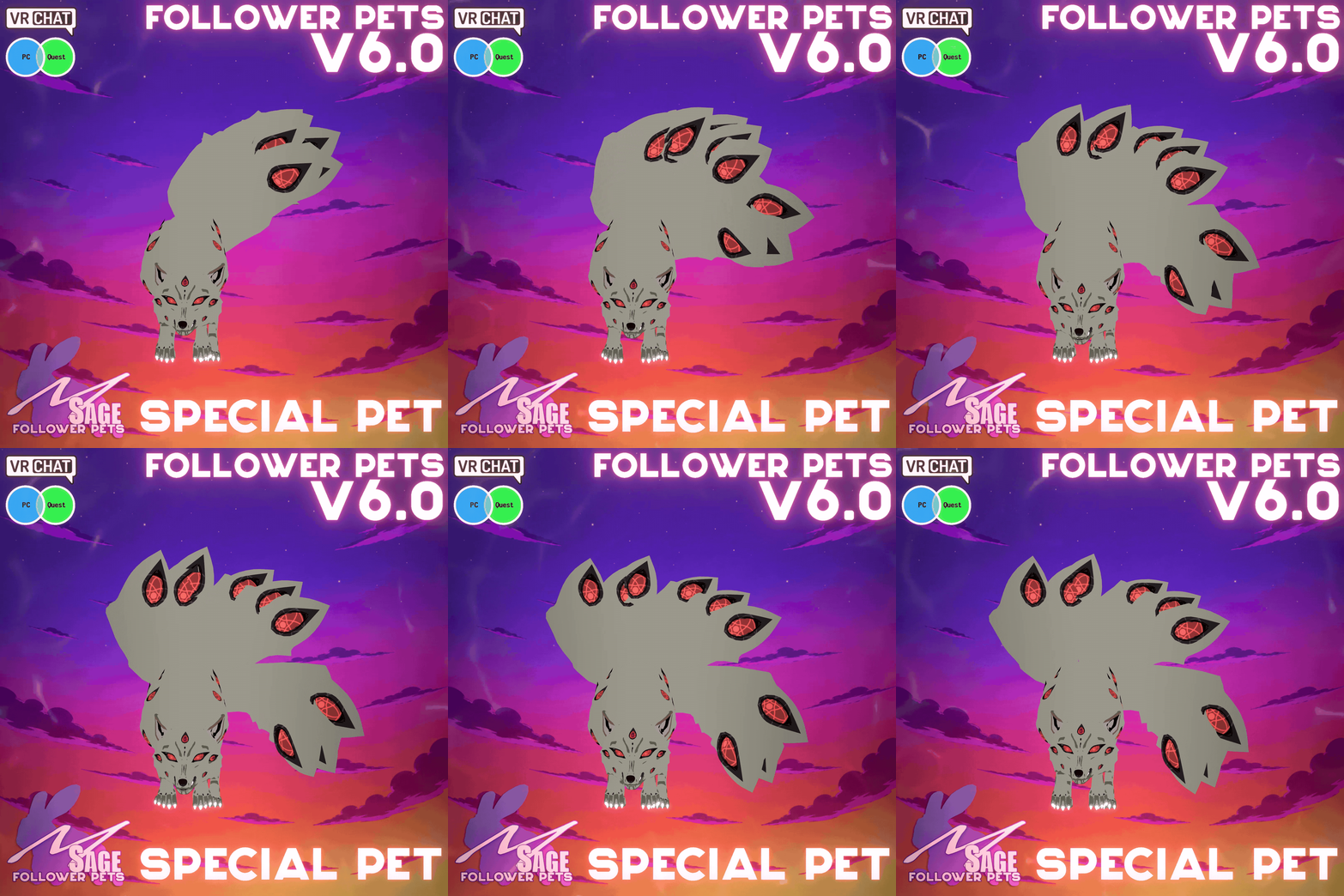
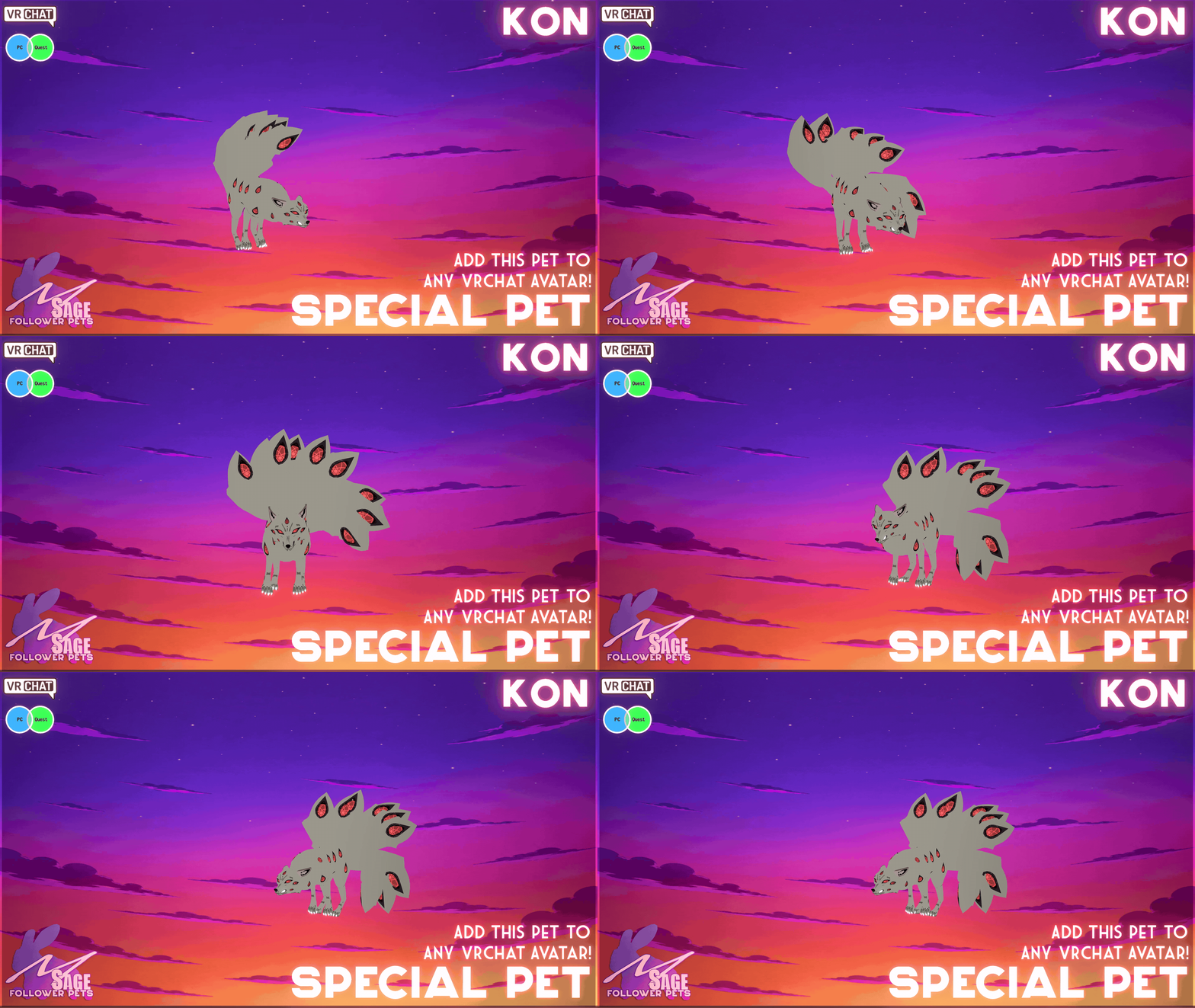
A black and white, symbol of Transformation and Shape-shifting, that follows you everywhere you go. Kon is a powerful fox demon whose presence warps the air with unholy energy, each of his many tails marked by unblinking eyes that see into the souls of the damned. Silent and calculating, he doesn't need to roar—his very gaze commands obedience, and his wrath unravels reality itself.
Kon preview
Pet details
- Compatibility: PC + Quest
- Movement speed: Configured in System 6
- Movement type: Grounded
- Recommended station: Head
- Approximate height: Adjustable in Unity
- Required base: MSage's free Follower Pet System 6
Kon signature animation
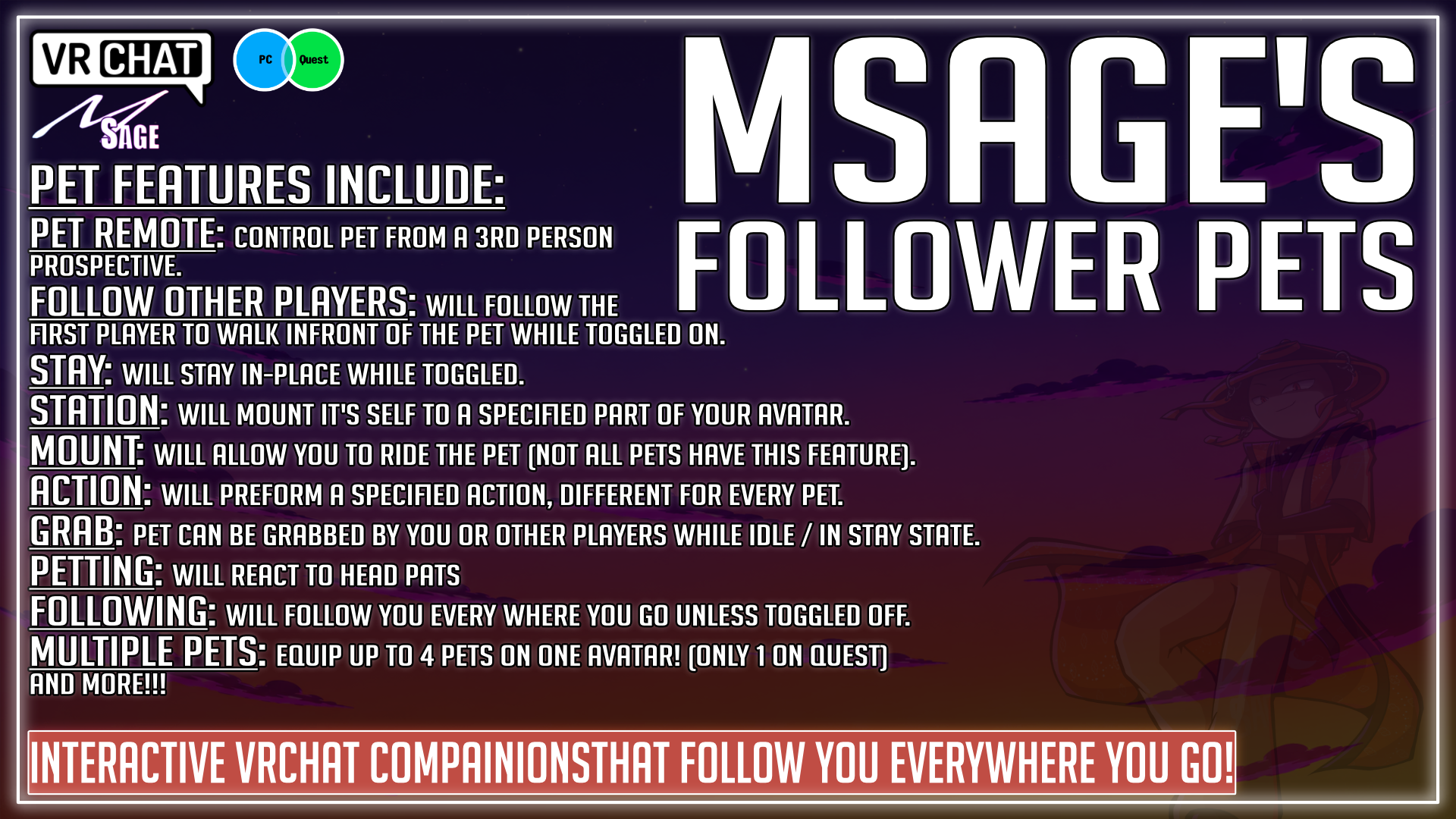
System 6 companion features
- Follows you — Kon keeps pace as you explore VRChat worlds.
- Stays in place — Set your pet down and return when you are ready to move again.
- Stations on your avatar — Adjust the station location node so Kon sits properly on your Head.
- Follows other players — Send your pet to tag along with another loaded player.
- Reacts to players — Supported pets can react when players pet, touch, or otherwise interact with them.
- Can be picked up — Other players can pick up supported pets when avatar interactions are enabled.
- Pet animations — Includes the animations shown in this product’s showcase.
- Remote control — Pilot supported pets like a tiny drone from your avatar controls.
- PC pet camera — Supported PC pets can display a first-person view from the pet while using remote control.
Included with this pet
- Special Pet - 54 - Kon - (Follower Pets v6.0.7) - Fix 2026-11-09.unitypackage
- System 6-compatible pet prefab and supported animations
- Platform version: PC + Quest
- Pet-specific actions and animations listed on this page
Required before installation
- MSage's free Follower Pet System 6 — downloaded separately
- A VRChat avatar Unity project
- The supported Unity version and VRChat SDK for your avatar project
Quick setup
- 1. Install the free system — Import MSage's Follower Pet System 6 and follow the current tutorial to prepare your avatar once.
- 2. Import Kon — Import the pet package and attach the supplied System 6-compatible pet to the prepared avatar setup.
- 3. Set, test, and upload — Assign the recommended station bone, position the station point, confirm the controls, then test each included platform before uploading.
Watch the Follower Pet System 6 installation tutorial
Frequently asked questions
Does this product include the base system?
No. This listing contains Kon. The required MSage Follower Pet System 6 is a separate free download.
Does Kon work on Quest?
Kon includes PC and Quest support. The Quest prefab retains the core companion features with optimized materials and animations; the remote camera is unavailable on Quest.
Can I include this pet on an avatar I sell?
Choose the Avatar License option for commercial avatar use. The terms shown with that license apply, including the standalone-purchase requirement for customers who want to use the pet on other avatars.
Can I edit the colors or textures?
Check the exact files listed in this pet package for any included texture-editing resources.
Where can I get installation help?
Use the installation tutorial linked above and the documentation included with the free base system.
Follower Pet System 6 is required. Install the free base system once, then add compatible pets to your avatar.
Download Follower Pet System 6 free
Browse all MSage Follower Pets
MSage Follower Pet System 6