
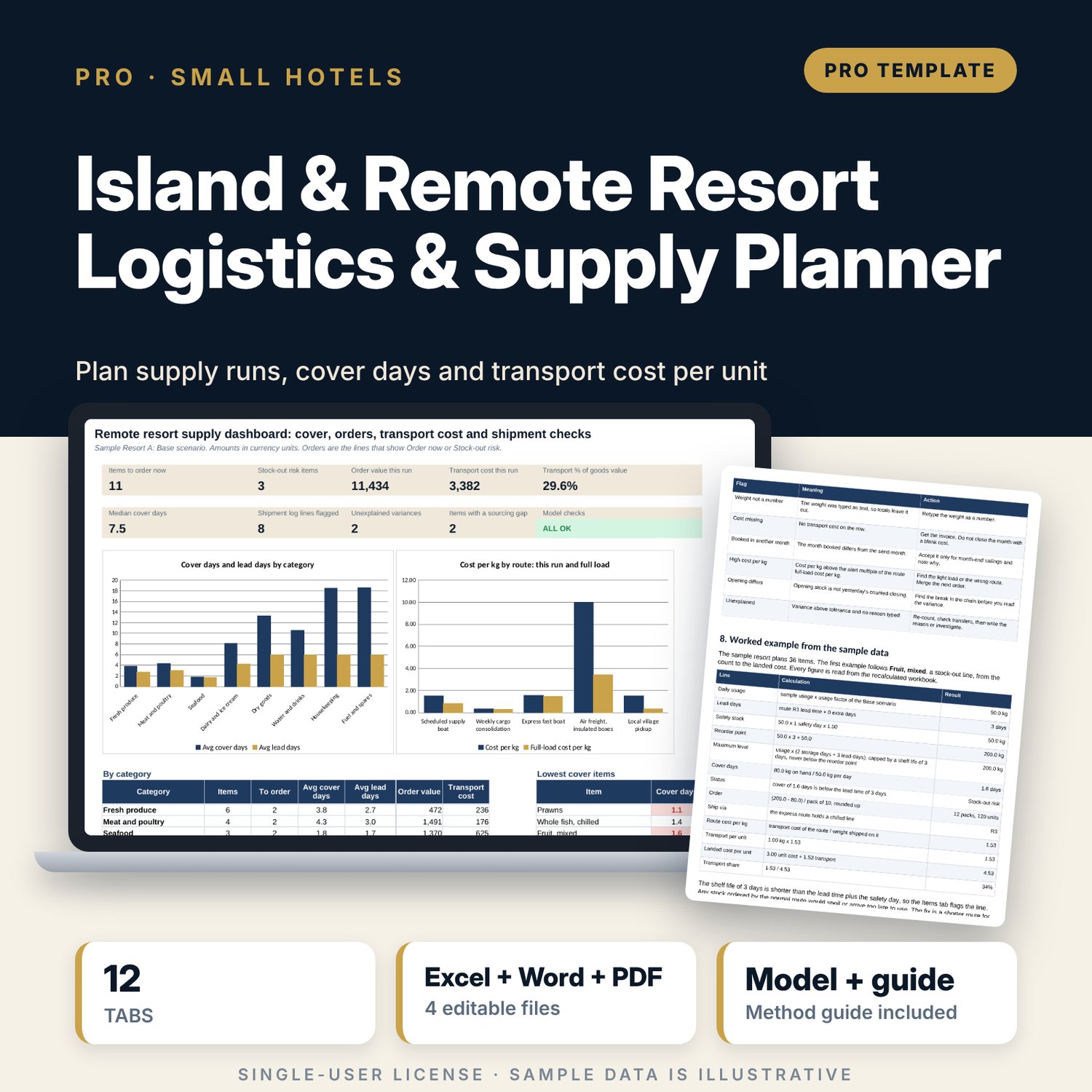
Island & Remote Resort Logistics & Supply Planner: Remote resort logistics and supply planner with order and manifest sheet
Full description
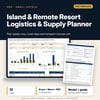
For resort managers, store keepers, buyers and purchasing teams at a site where every delivery arrives by boat, air or a shared trip, and a missed order means an empty store. The planner turns usage and lead time into cover days, safety stock, reorder points and maximum levels for 36 items, flags stock-out risks, sizes each order in whole packs and prices the trips with a transport cost per unit and a landed cost per unit. It checks past shipments for blank costs, text weights and cost per kg, and checks daily perishable counts for variance. A second workbook raises orders against runs, prints the manifest and records receipt, shortage and temperature. A 12-page Word guide gives the method, item standards, forms and a worked example.
What is inside
- Remote_Resort_Logistics_Supply_Planner.xlsx: 12 tabs, 2,997 formulas, 3 native charts, 15 integrity checks, 33 drop-down and input rules
- Items and Routes: 36 sample items in 8 categories with 6 spare rows; 5 routes and 13 suppliers with delivery day and window
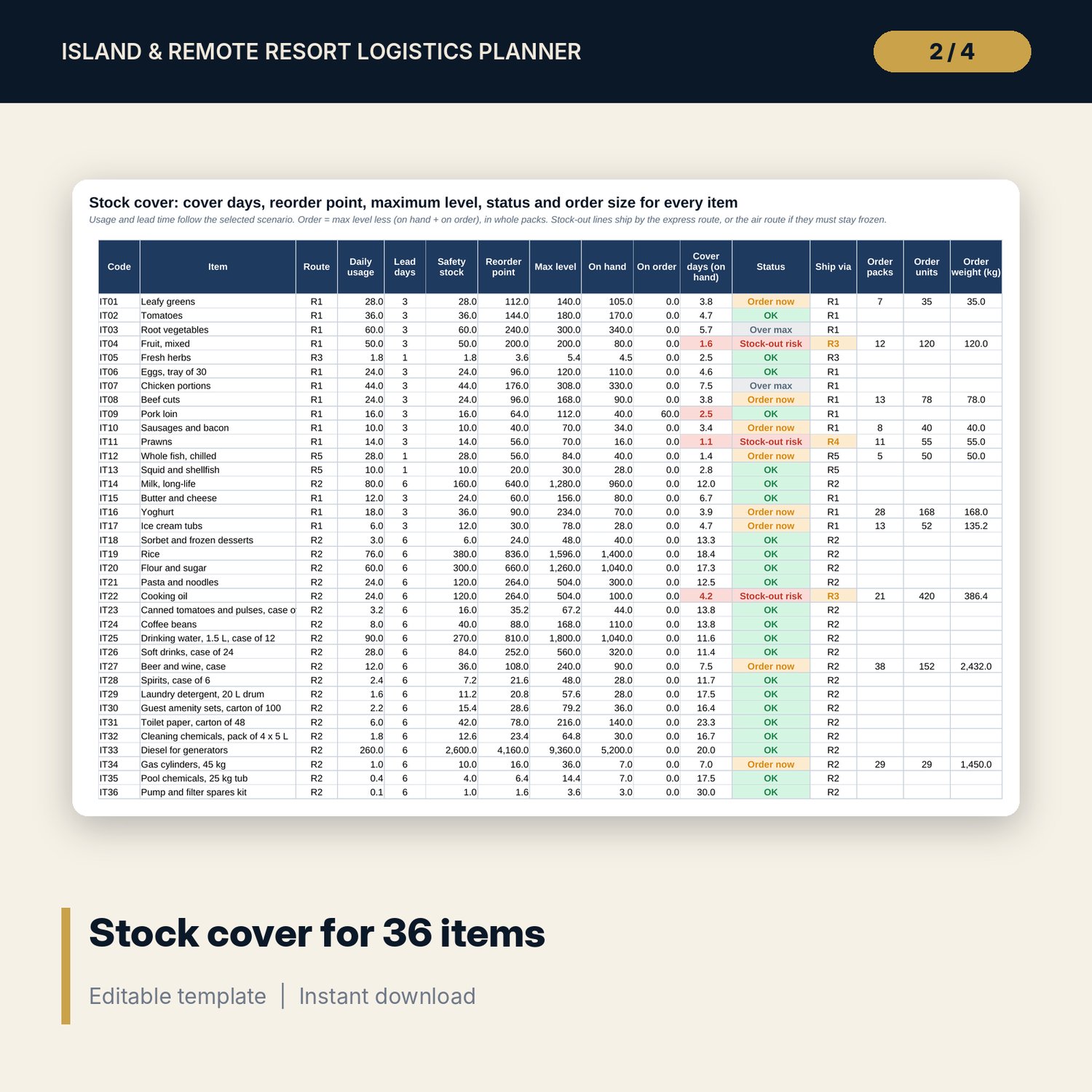
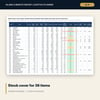
- Stock Cover: cover days, safety stock, reorder point, maximum level, four-way status and order size for every item; 11 sample lines need an order and 3 are stock-out risks
- Run Costing: trips, fixed and weight charges, utilisation and cost per kg for each route; transport cost per unit and landed cost per unit for every item
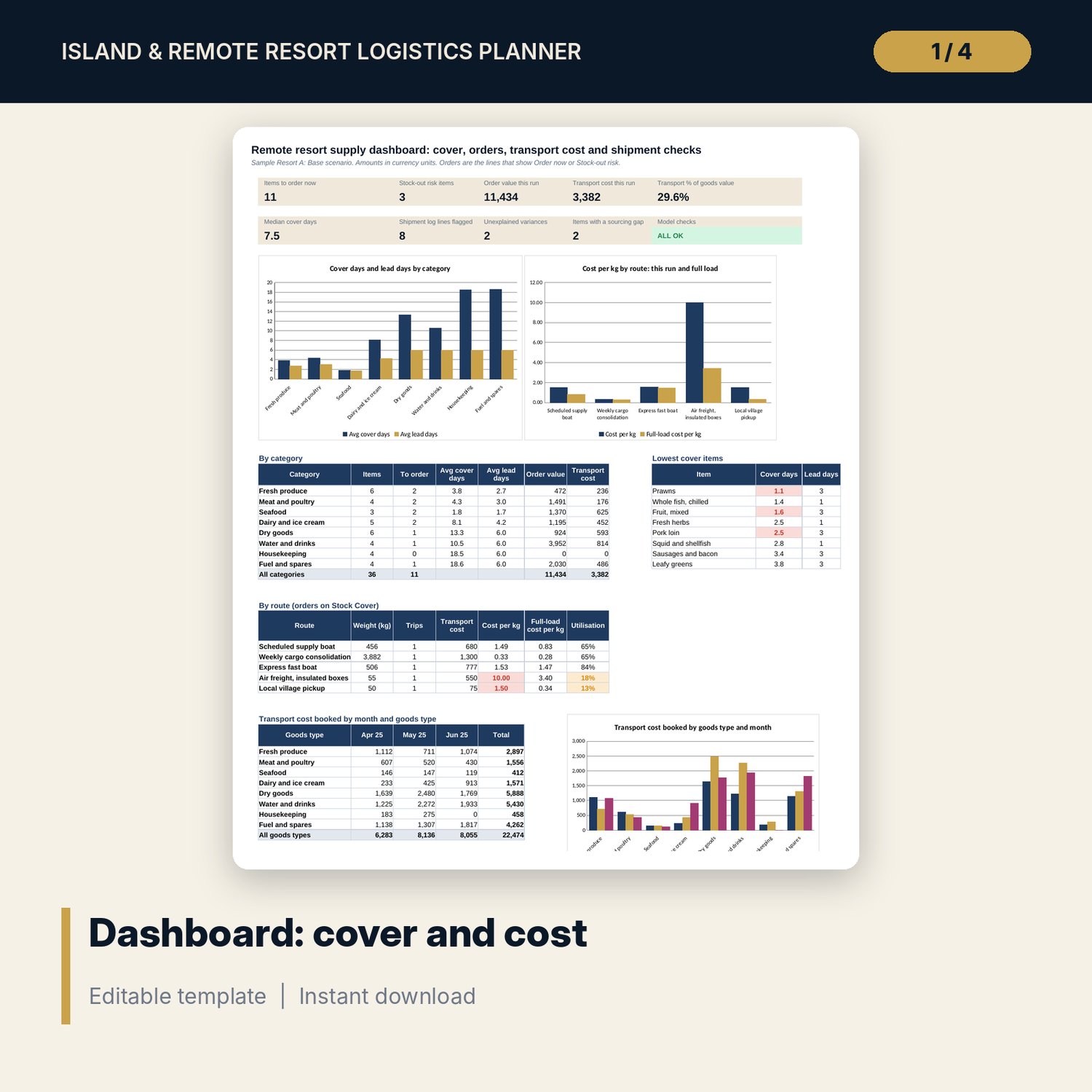
- Shipment Log: 56 sample shipments with 5 flags and a monthly summary by goods type; Perishables: 30 daily counts with variance and carry-forward checks
- Sensitivity: 4 grids for any item and a cover map of every item at 5 usage levels; 3 scenarios (Base, Rough sea, Peak season)
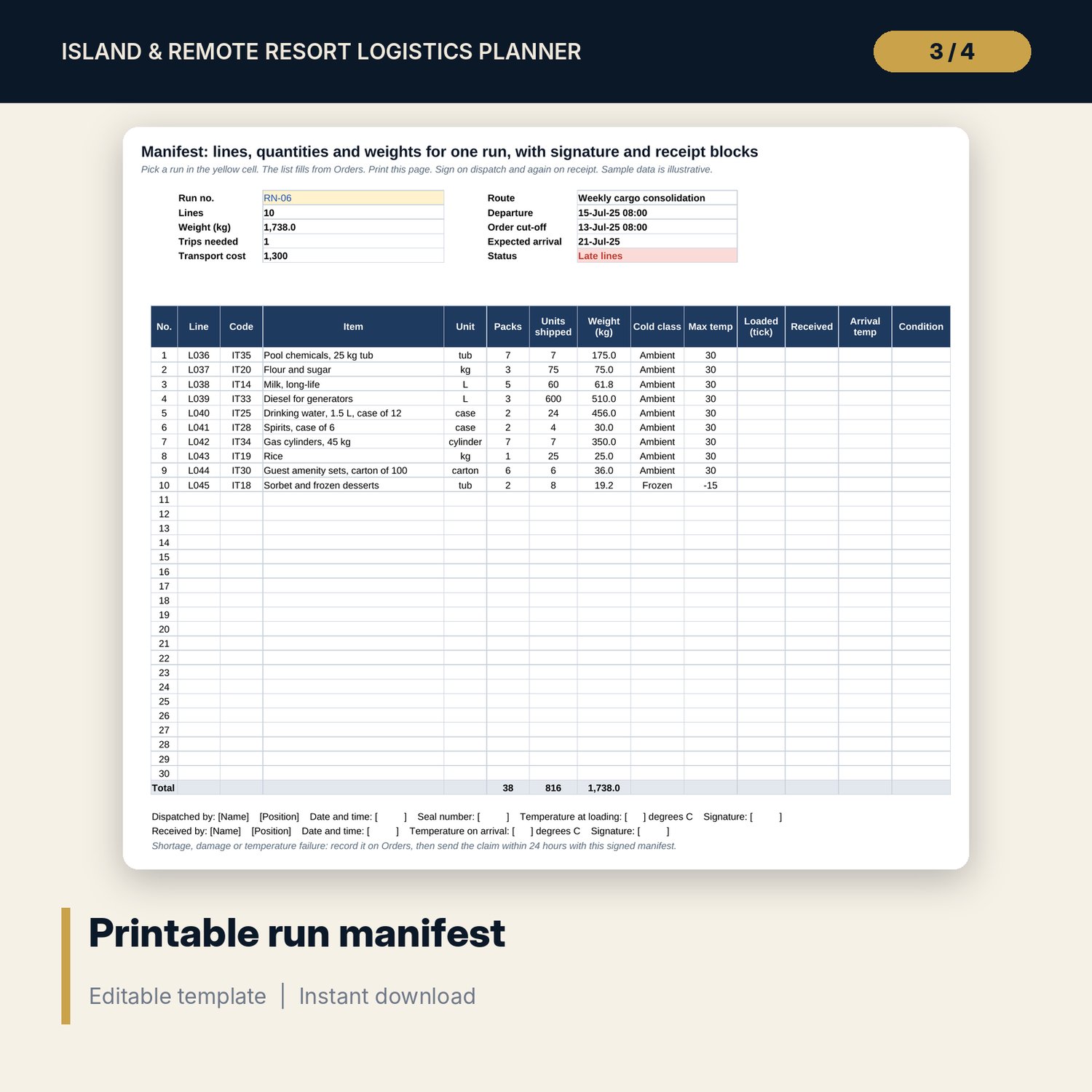
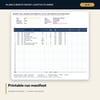
- Remote_Resort_Order_and_Manifest_Sheet.xlsx: 5 tabs, 2,003 formulas, 11 checks; 57 sample order lines on 8 runs, printable manifest, receipt and claim flags
- Remote_Resort_Logistics_Supply_Guide.docx and PDF: 12 pages with the supply method, 17-point checklist, route rules, order sequence, 4 forms and a worked example
- README.txt and LICENSE-and-Terms.txt
How it works
- Set the express and air routes, tolerances and storage and safety days on Assumptions.
- Enter your routes, suppliers and items. Count stock on hand and on order on the same day each cycle.
- Read Stock Cover and raise orders for every line at Order now or Stock-out risk. Read Run Costing for the cost of each run.
- Add the runs and order lines to the order and manifest workbook. Print the manifest and record what arrived.
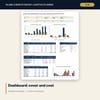
- Check the shipment log and the perishable counts each month and read the dashboard.
Details
- Formats: 2 Excel workbooks (.xlsx), 1 guide in Word (.docx) and PDF, English
- Software: Excel 2016 or later, or LibreOffice Calc 7 or later
- No macros, no external links, no data tables, no array formulas
- 4 files plus README and license; instant digital download
Good to know
- Sample data is illustrative. Items, routes, costs, shipments and counts are invented. Replace them with your own.
- Fuel, gas, cargo, customs and cold-chain rules differ by place and carrier. Verify local requirements with your supplier, carrier or adviser. This is not legal, customs, food-safety or engineering advice.
- The order and manifest workbook is a working tool, not a booking or payment system.
- Single-user license. Do not redistribute.
FAQ
Can I add more items, routes or suppliers?
Yes. Items has 6 spare rows and Routes has spare rows for routes and suppliers. The formulas are already in place. Type a code and the details.
How is the reorder point calculated?
Daily usage times lead days plus safety stock. The maximum level is usage times storage days plus lead days, capped by shelf life. Storage and safety days are set by category.
What does Stock-out risk mean?
The stock on hand and on order will run out before a normal order can arrive. The workbook sends that line by the express route, or by air if it must stay frozen, and prices it.
Does the order and manifest workbook connect to my purchasing system?
No. It is a standalone sheet. You copy items and routes in and enter the order lines by hand, or paste them from your system.
Do I need macros?
No. Both workbooks use no macros and no external links.