


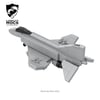
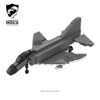
F4 Phantom II(1:90)(PDF Instructions & XML File)
The McDonnell Douglas F-4 Phantom II is an American tandem two-seat, twin-engine, all-weather, long-range supersonic jet interceptor and fighter-bomber originally developed by McDonnell Aircraft for the United States Navy. Proving highly adaptable, it first entered service with the Navy in 1961 before it was adopted by the United States Marine Corps and the United States Air Force, and by the mid-1960s it had become a major part of their air arms.
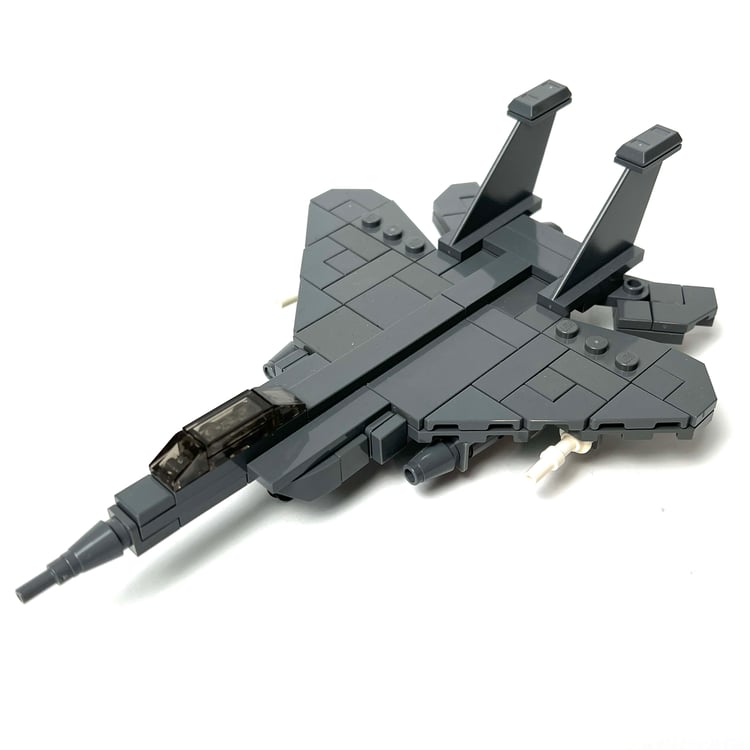
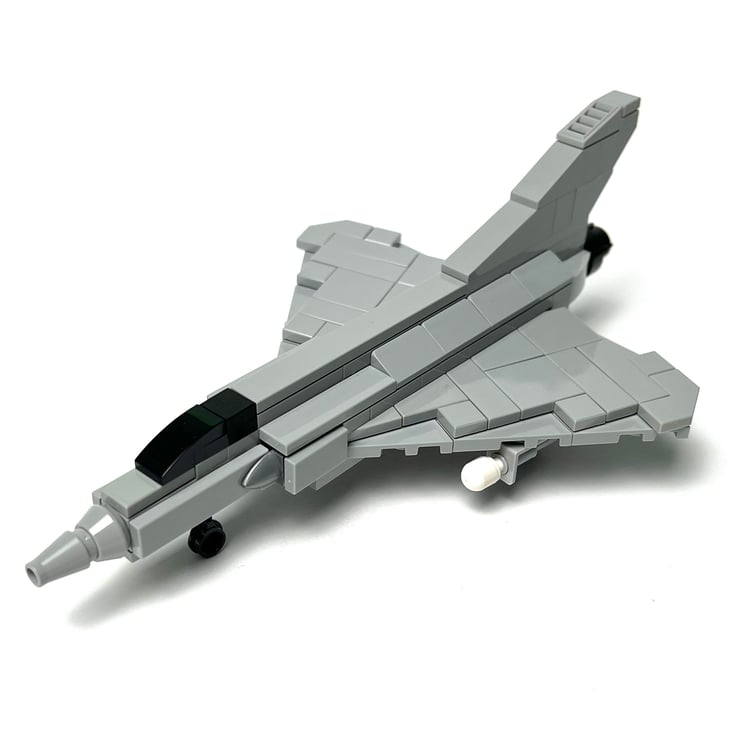
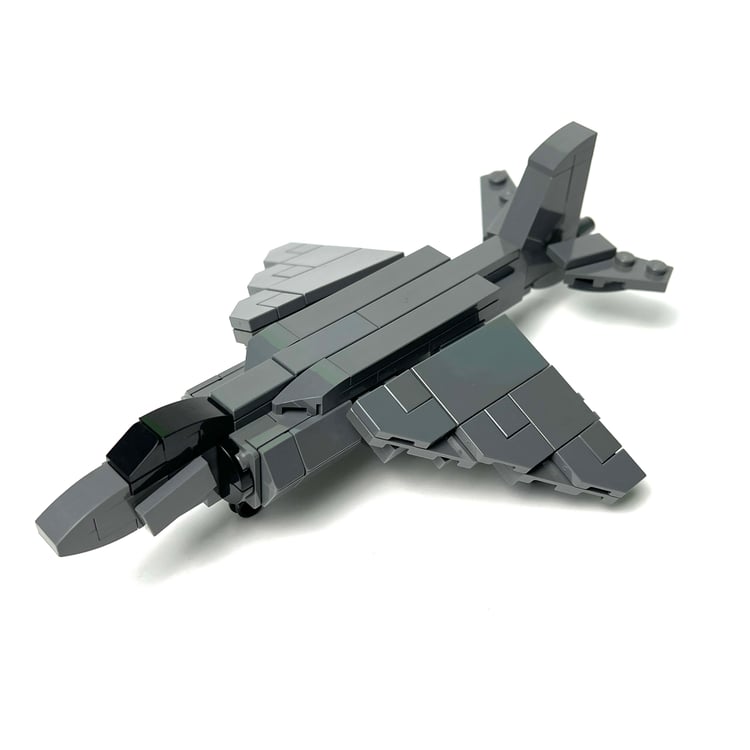
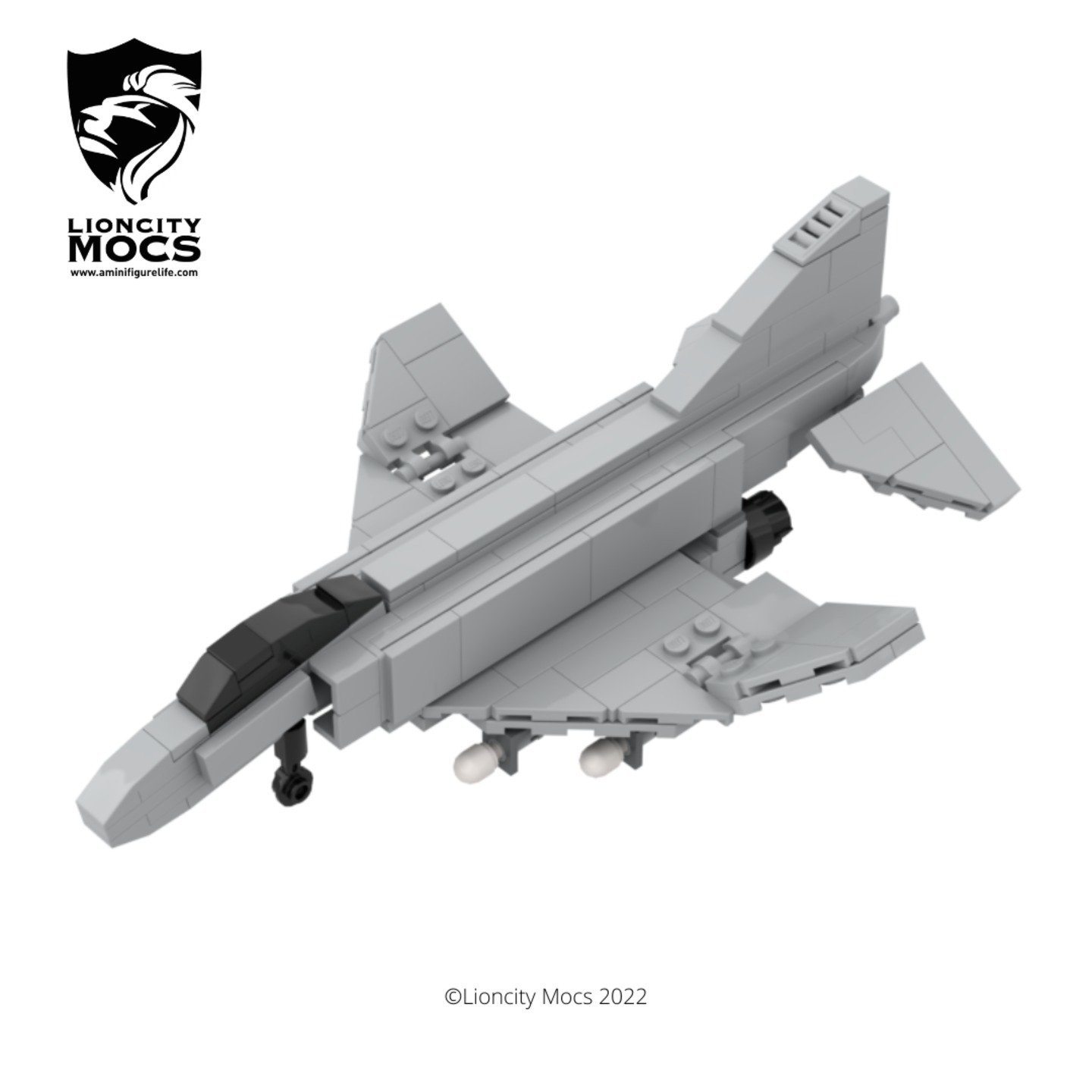
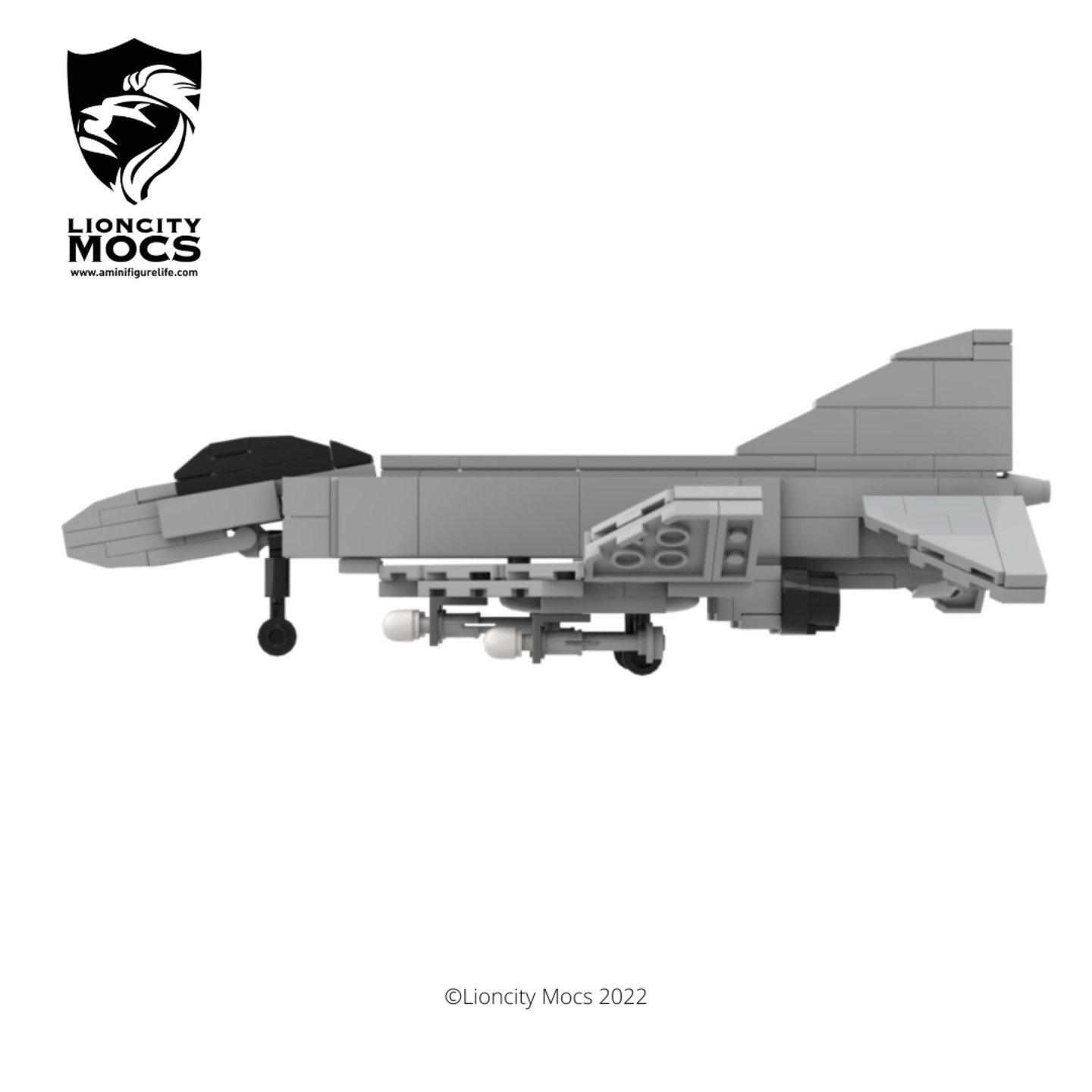
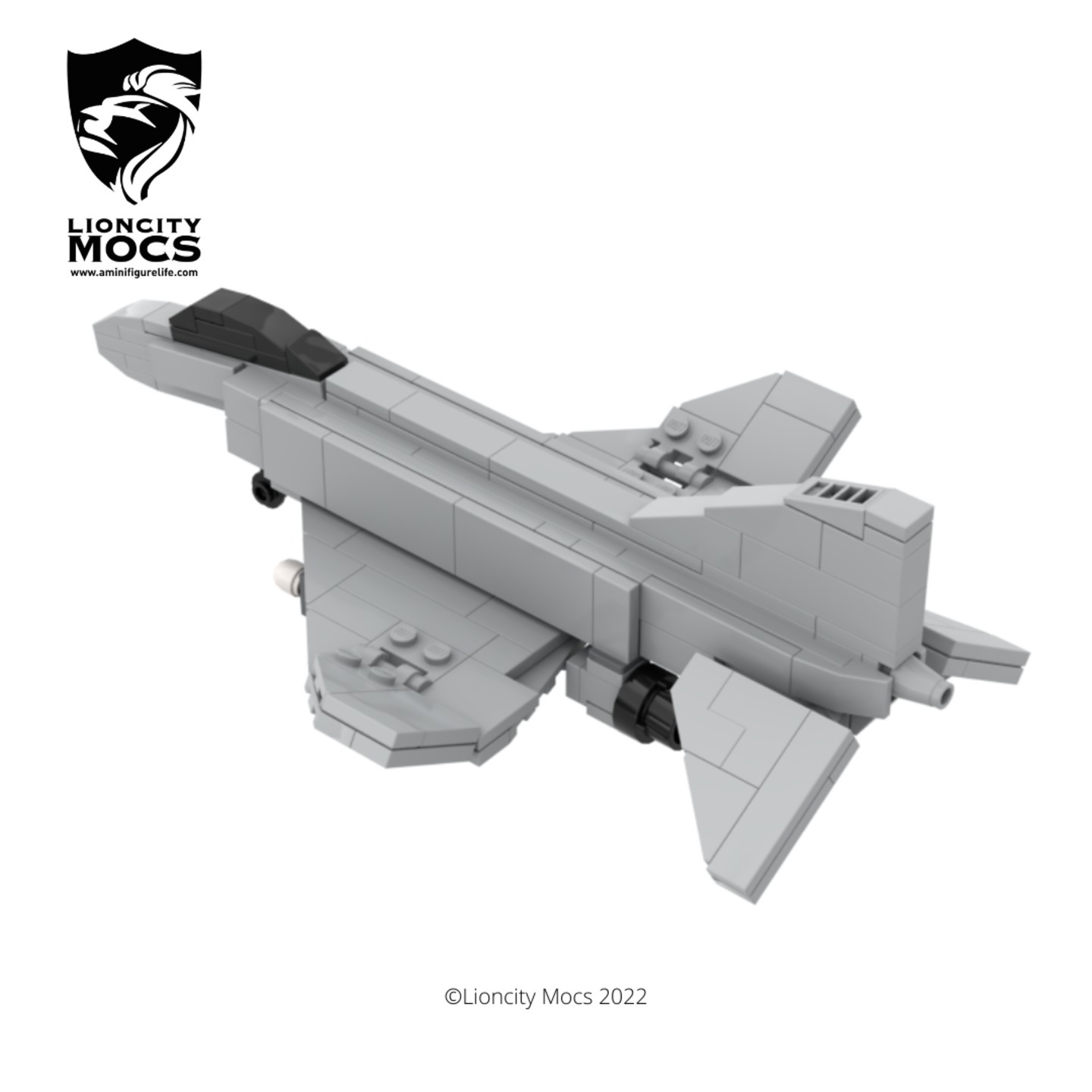
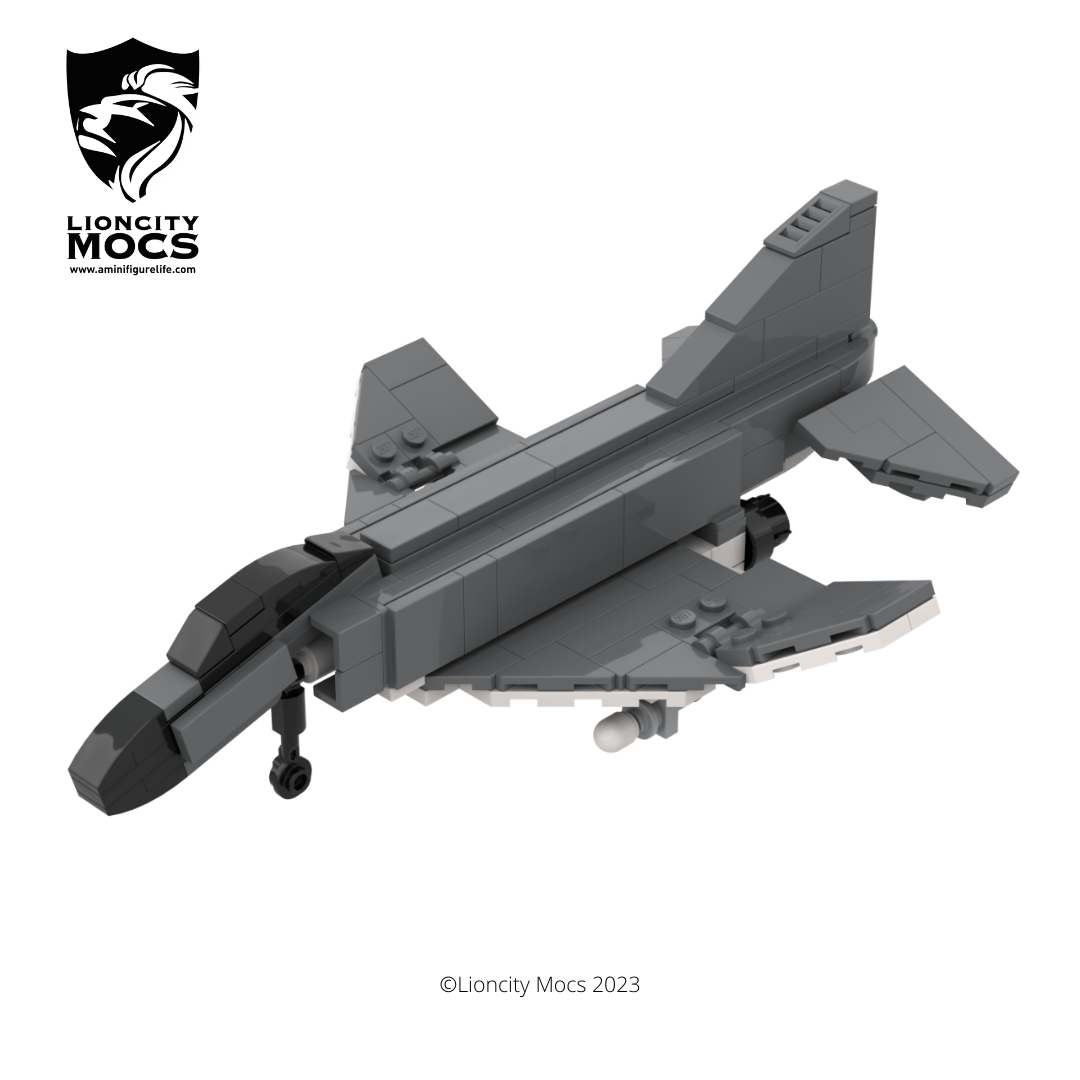
Here's my version of an F-4 Phantom II in 1:90 scale, and was made to be compatible with nano figures, or nano soldiers from Brickmini.
The Phantom comes with elevating stabilisers and it's iconic slant in the wings, and you can also fit four sidewinders or bombs on the belly of the aircraft. The wing wheels and the front wheel can be removed to simulate the aircraft in flight mode. The front of the aircraft was particularly difficult to achieve and I'm quite happy with the way it turned out.
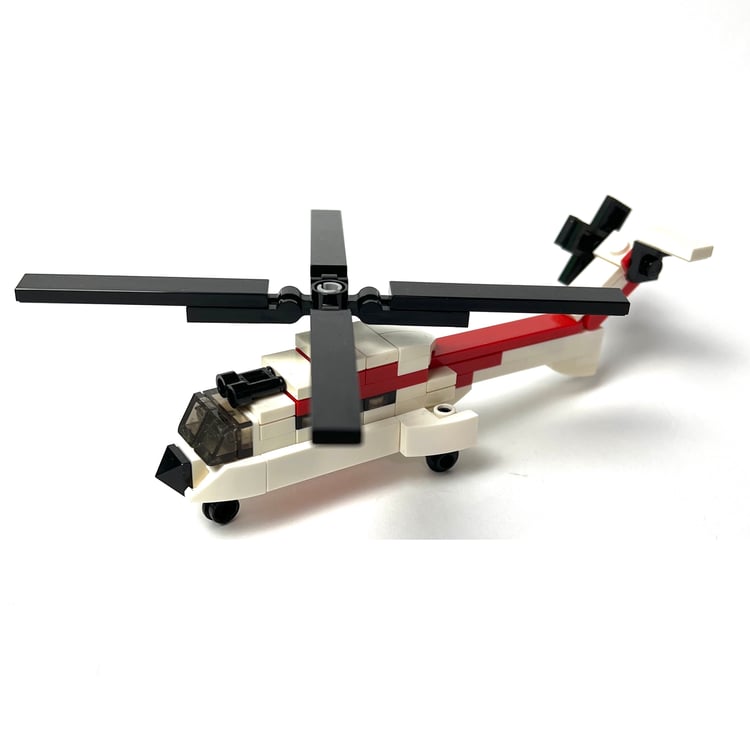
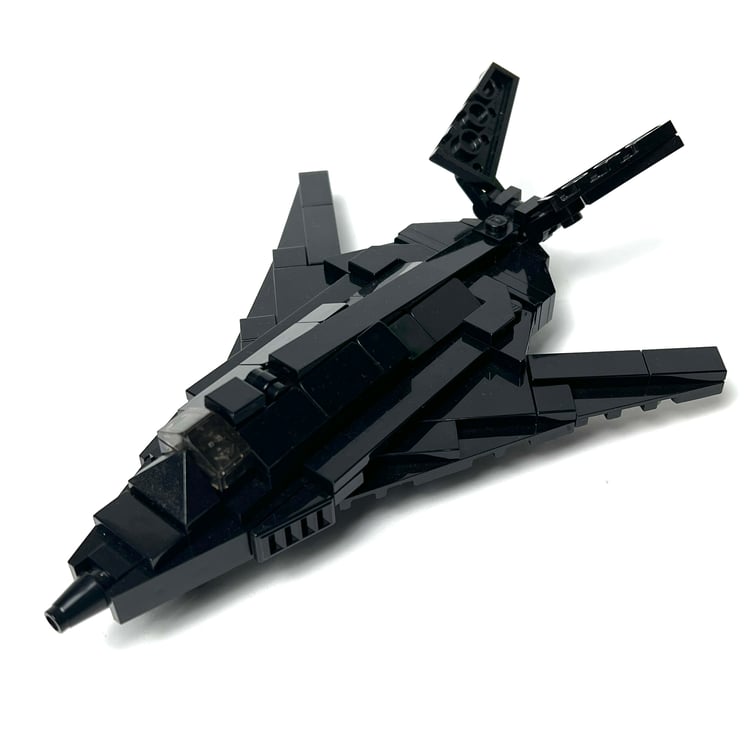
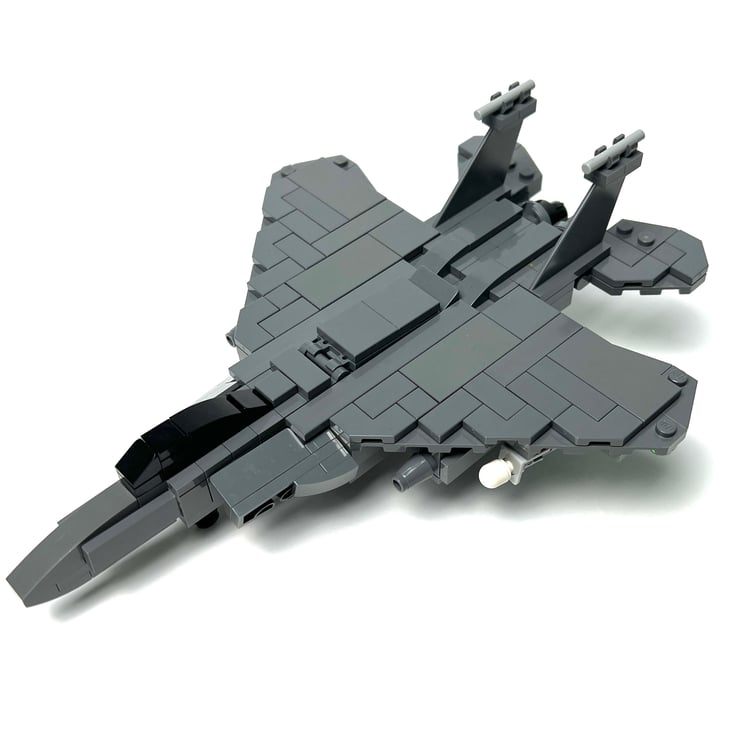
There's an alt version of this aircraft for the RAF, a version that is dark grey and white, instructions also included here.
How to Buy Parts from Bricklink:
1. Go to bricklink.com and log into your account. If you don't have one, create a free account first.
2. In the top menu, go to My BrickLink → Wanted List. This is where you'll upload your parts list(XML file).
3. Inside your Wanted List, click Upload at the top. Select Upload BrickLink XML, then choose your exported .xml file. Bricklink will parse every part automatically and populate your wanted list.
4. Once your wanted list is populated, click Buy All at the top. Bricklink will scan all current store inventories and suggest the most cost-efficient combination of sellers to source every part in your list.
5. Review the suggested stores, adjust if needed, and proceed to checkout with each seller individually.