
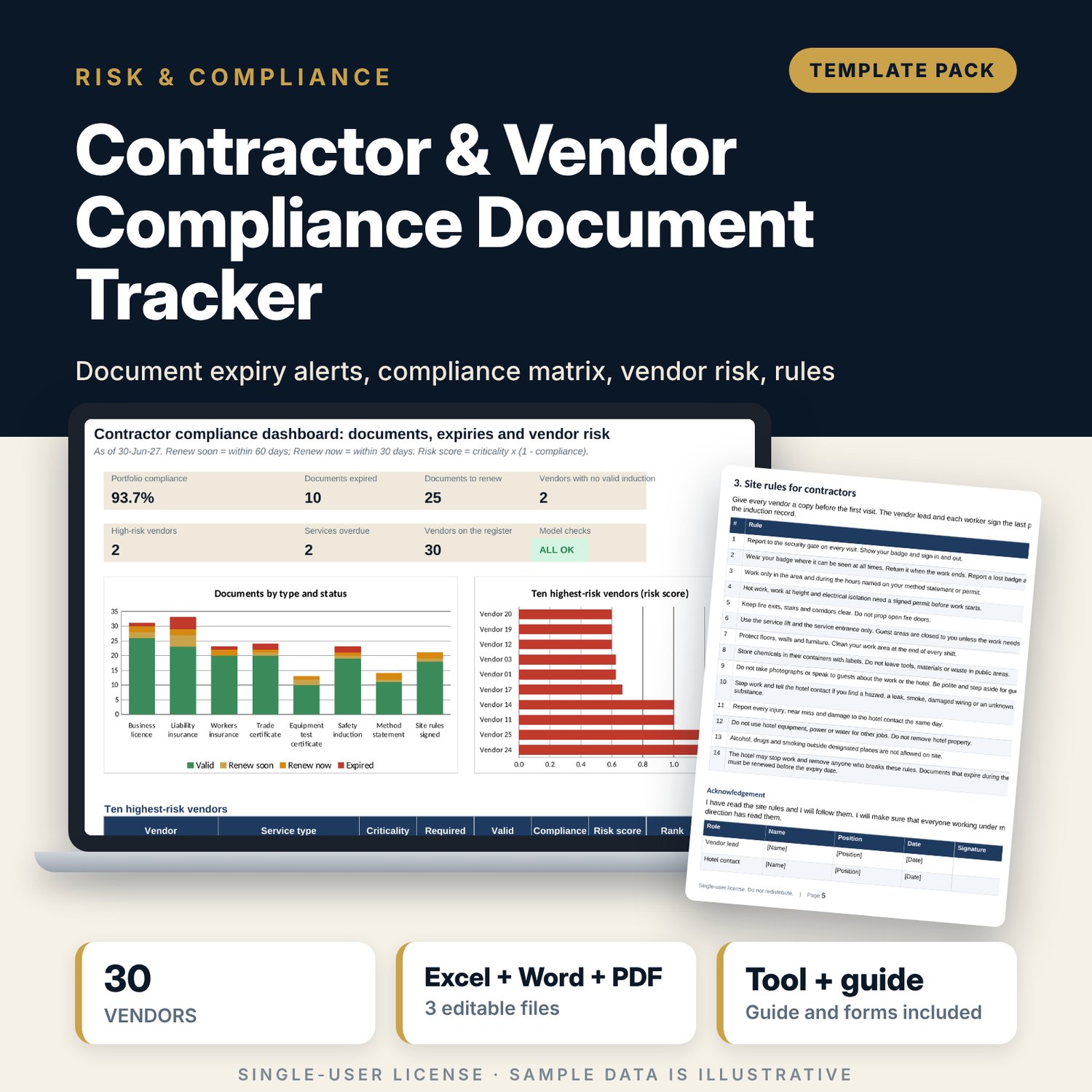
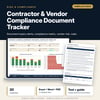

Contractor & Vendor Compliance Document Tracker: Vendor Document Tracker with Expiry Alerts
Full description
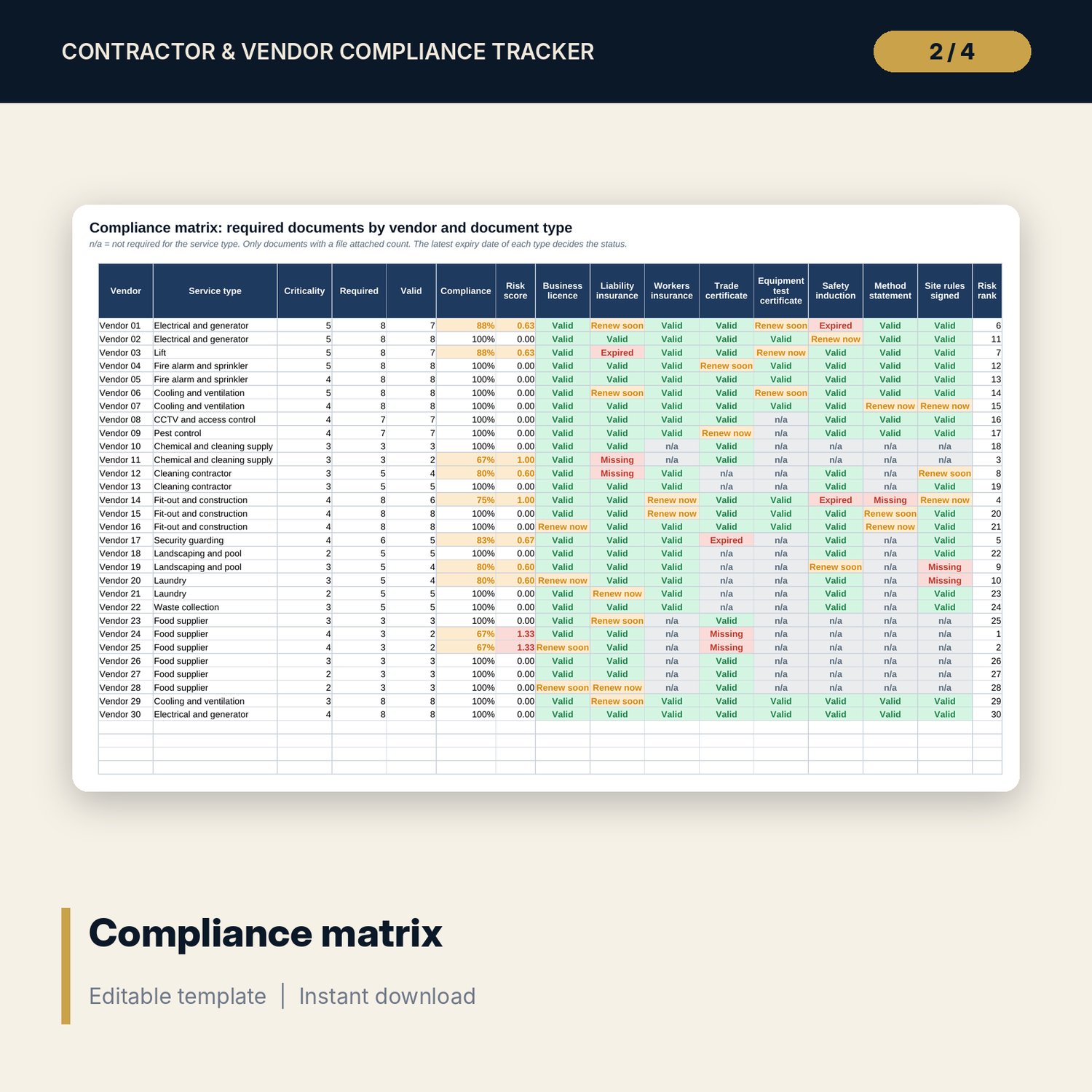
For chief engineers, purchasing managers, security managers and general managers who must prove that every contractor on site holds the right licence, insurance and certificates. The workbook keeps a register of 30 sample vendors and 182 sample documents. Each document gets a status from its expiry date: Valid, Renew soon, Renew now or Expired. A compliance matrix shows, for every vendor and each of 8 document types, whether the document is required for that service type and whether the latest copy is in date. Compliance is valid documents divided by required documents, and vendor risk is criticality times the compliance gap. The Word document holds the onboarding sequence, site rules, induction checklist, permit, handover form, review scorecard and notice templates.
What is inside
- Contractor_Compliance_Tracker.xlsx: 7 tabs, 2,585 formulas, 2 native charts, 13 drop-down and input rules
- Settings: as-of date, alert bands, risk bands and a service-type table of 14 service types with cadence and required documents
- Vendors: 30 sample vendors plus 10 spare rows, with contract status, next service due and review status
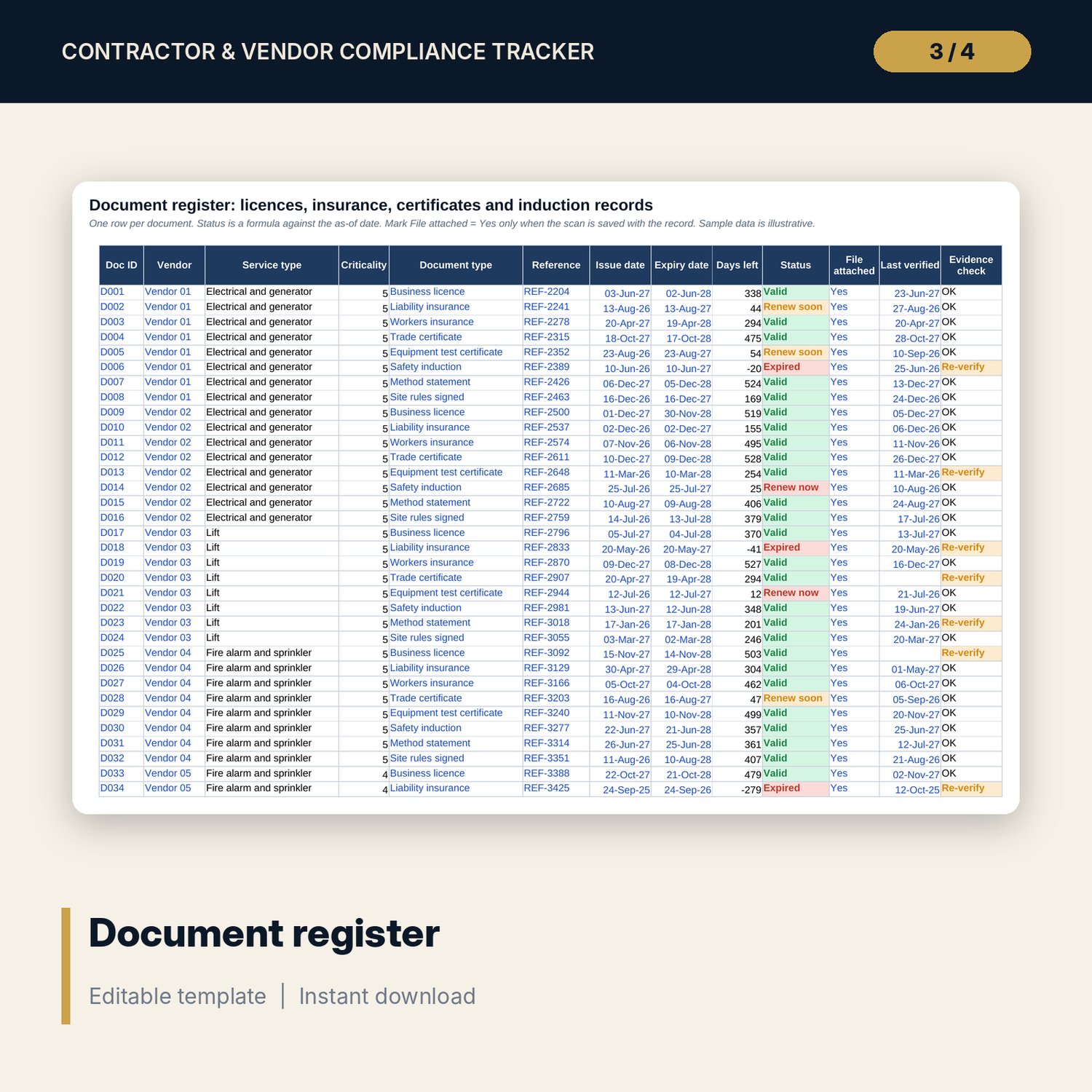
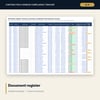
- Documents: 182 sample documents plus 60 spare rows, with days left, status and an evidence check for file and verification
- Compliance Matrix: one row per vendor, 8 document-type columns, compliance %, risk score and rank
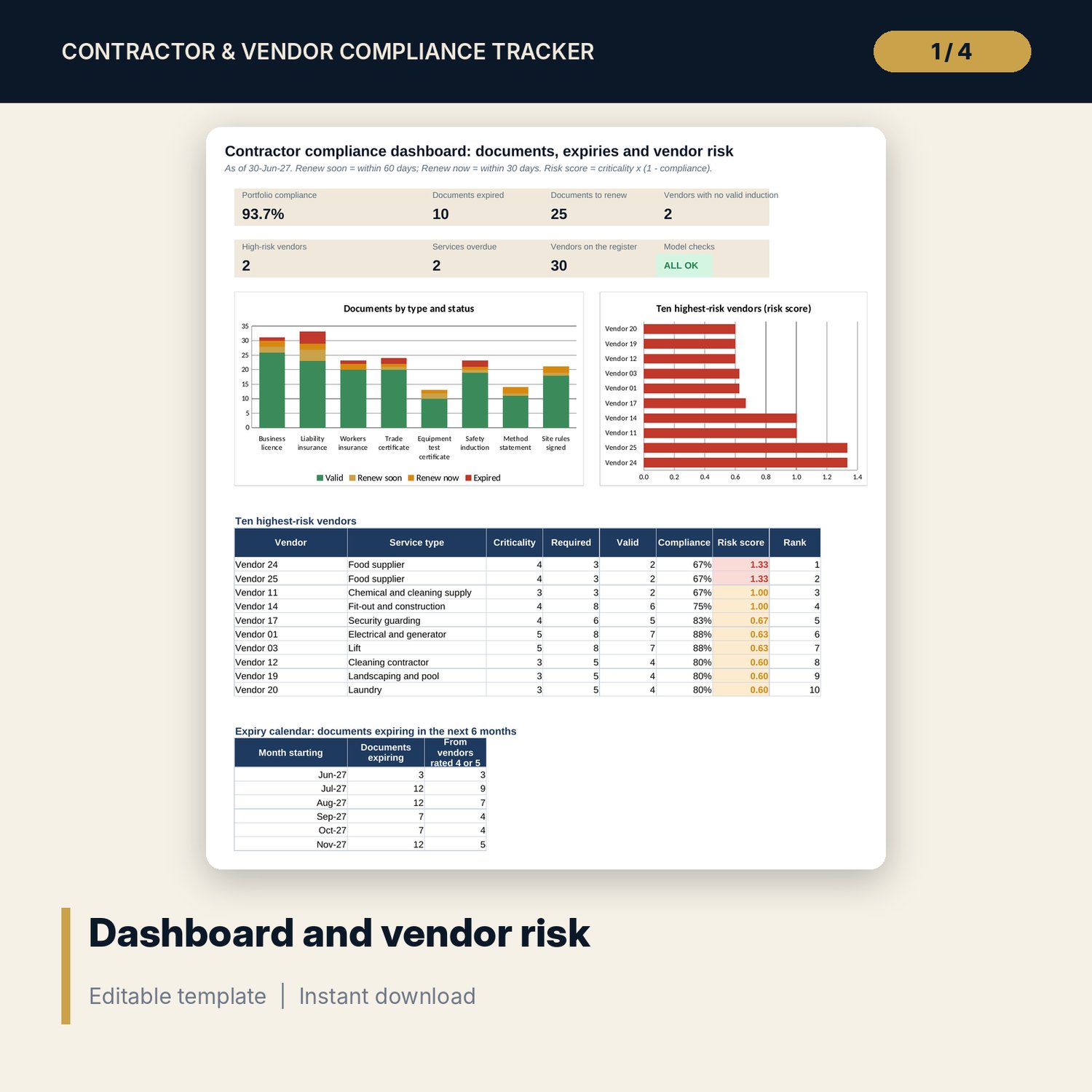
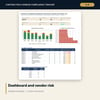
- Dashboard: 7 KPI tiles, a check tile, 2 charts, a ten-vendor risk table and a 6-month expiry calendar; 8 integrity checks
- Contractor_Rules_Handbook.docx and PDF: 10 pages with onboarding steps, document requirements by service type, 14 site rules, induction checklist, permit, handover form, review scorecard, notices and a worked example
- README.txt and LICENSE-and-Terms.txt
How it works
- Set the as-of date and alert bands on Settings, and check the required documents for each service type.
- List every vendor on Vendors with service type, criticality and owner.
- Add each document with its issue and expiry date, and mark whether the file is attached.
- Read the Compliance Matrix for red and amber cells, and the Dashboard for expiries and the ten highest-risk vendors.
- Send the renewal and stop-work notices from the document, then update the register when the new document arrives.
Details
- Formats: 1 Excel workbook (.xlsx), 1 rules and forms document in Word (.docx) and PDF, English
- Software: Excel 2016 or later, or LibreOffice Calc 7 or later
- No macros, no external links, no data tables, no array formulas
- 3 files plus README and license; instant digital download
Good to know
- Sample data is illustrative. Replace it with your own figures.
- Required documents, service cadence and alert bands are inputs. Requirements differ by country, trade and insurer: verify local requirements and your insurer conditions.
- The workbook tracks dates and status. It does not store the scanned files; keep them in your own file system.
- Single-user license. Do not redistribute.
FAQ
Which documents are tracked?
Business licence, liability insurance, workers insurance, trade certificate, equipment test certificate, safety induction, method statement and signed site rules. You can rename the types on Settings.
How are expiry alerts set?
Renew soon and Renew now are windows in days on Settings (60 and 30 in the sample). A date in the past shows Expired.
What if a vendor holds an old and a new certificate?
Keep both rows. The matrix uses the latest expiry date of documents with a file attached, so the renewed certificate replaces the old status.
How is vendor risk scored?
Risk score is criticality (1 to 5) times one minus compliance. The Dashboard lists the ten highest scores and flags High and Medium with the bands you set.
Do I need macros?
No. Every result is a standard worksheet formula.