
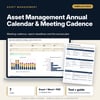
Asset Management Annual Calendar & Meeting Cadence: Annual Governance Calendar Spreadsheet with Meeting Cadence and Report Deadlines
Full description
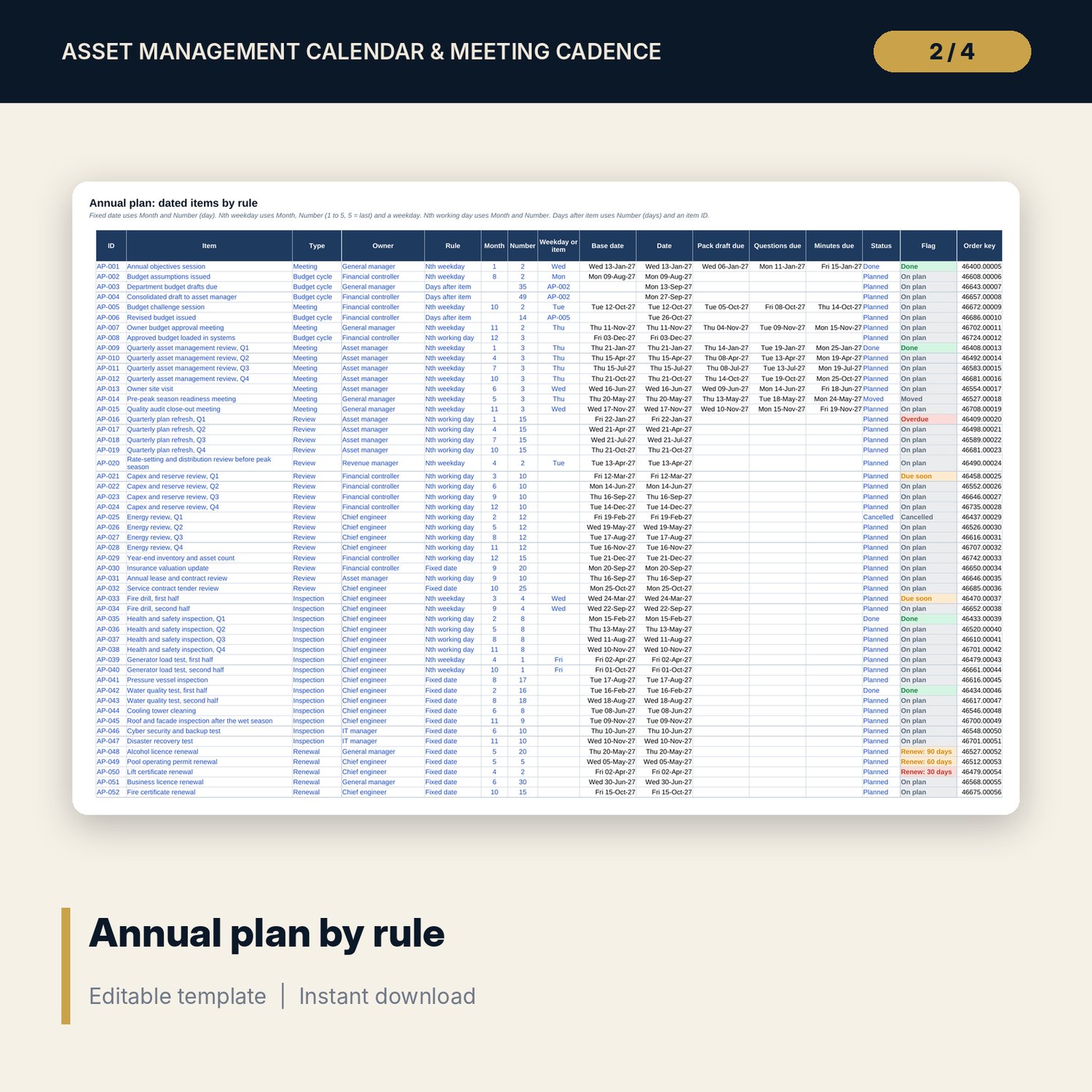
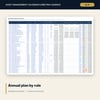
For asset managers, general managers, financial controllers and owner representatives who run a hotel under an owner and operator structure. The workbook holds a meeting register of 17 sample meetings with frequency, chair, day rule, active months and length, and counts meetings, hours and people-hours per year. A report register of 14 sample reports turns weekly and monthly rules into previous and next due dates, days late and an escalation status. An annual plan of 62 sample items builds dates from rules (fixed date, nth weekday, nth working day, days after another item), adds pack, question and minutes dates for meetings and flags renewals at 90, 60 and 30 days. Change the plan year and the holidays and every date moves. A Word charter sets roles, decision rights, meeting standards, reporting rules, forms and a roll-forward checklist.
What is inside
- Asset_Management_Calendar.xlsx: 7 tabs, 1,073 formulas, 2 native charts, 20 drop-down and input rules
- Meetings: 17 sample meetings plus 8 spare rows, 7 frequencies, meetings, hours and people-hours per year
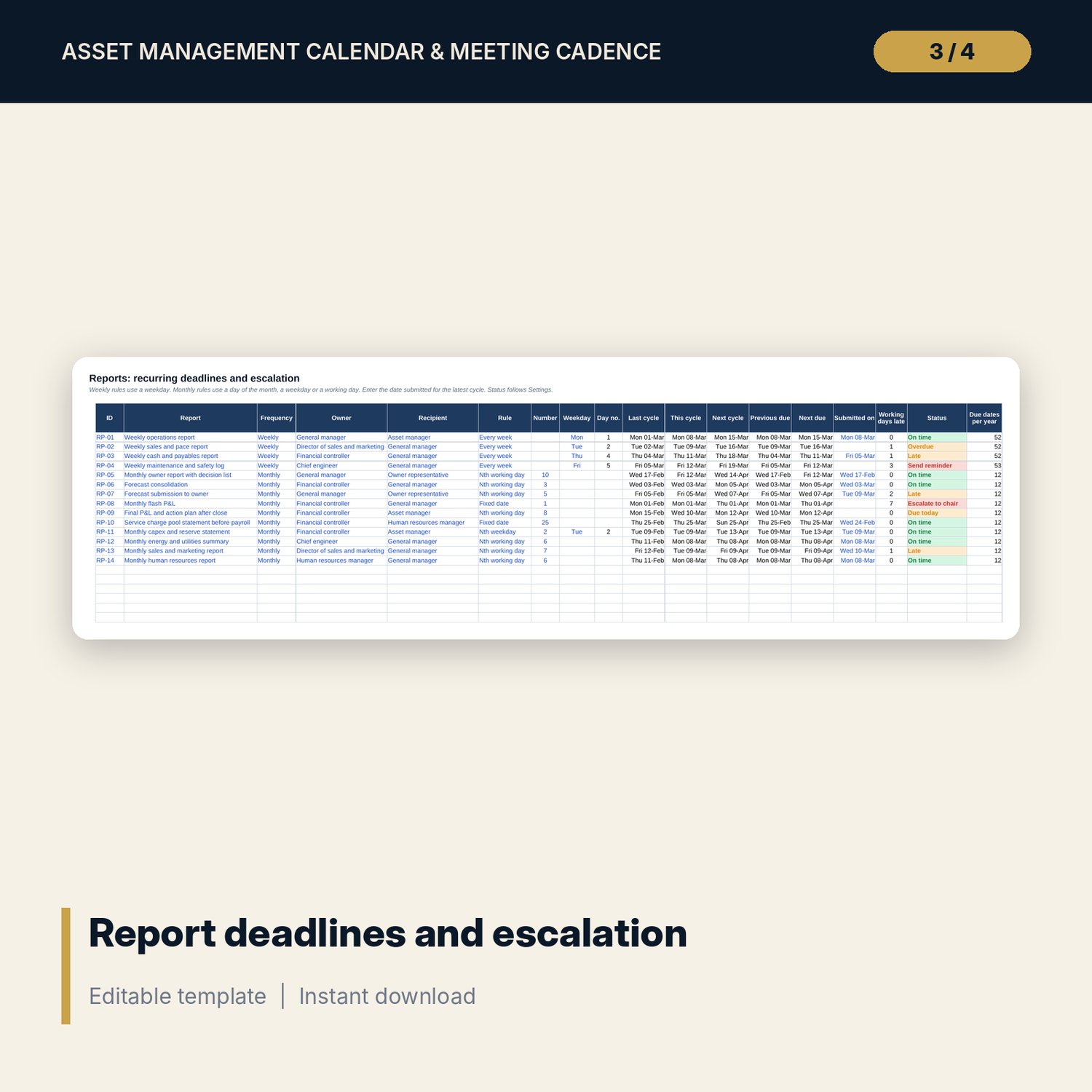
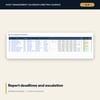
- Reports: 14 sample reports plus 6 spare rows, with previous and next due, submitted date, working days late and 6 status values
- Annual Plan: 62 sample items plus 19 spare rows in 6 types, 4 date rules, pack dates and 3 renewal notice levels
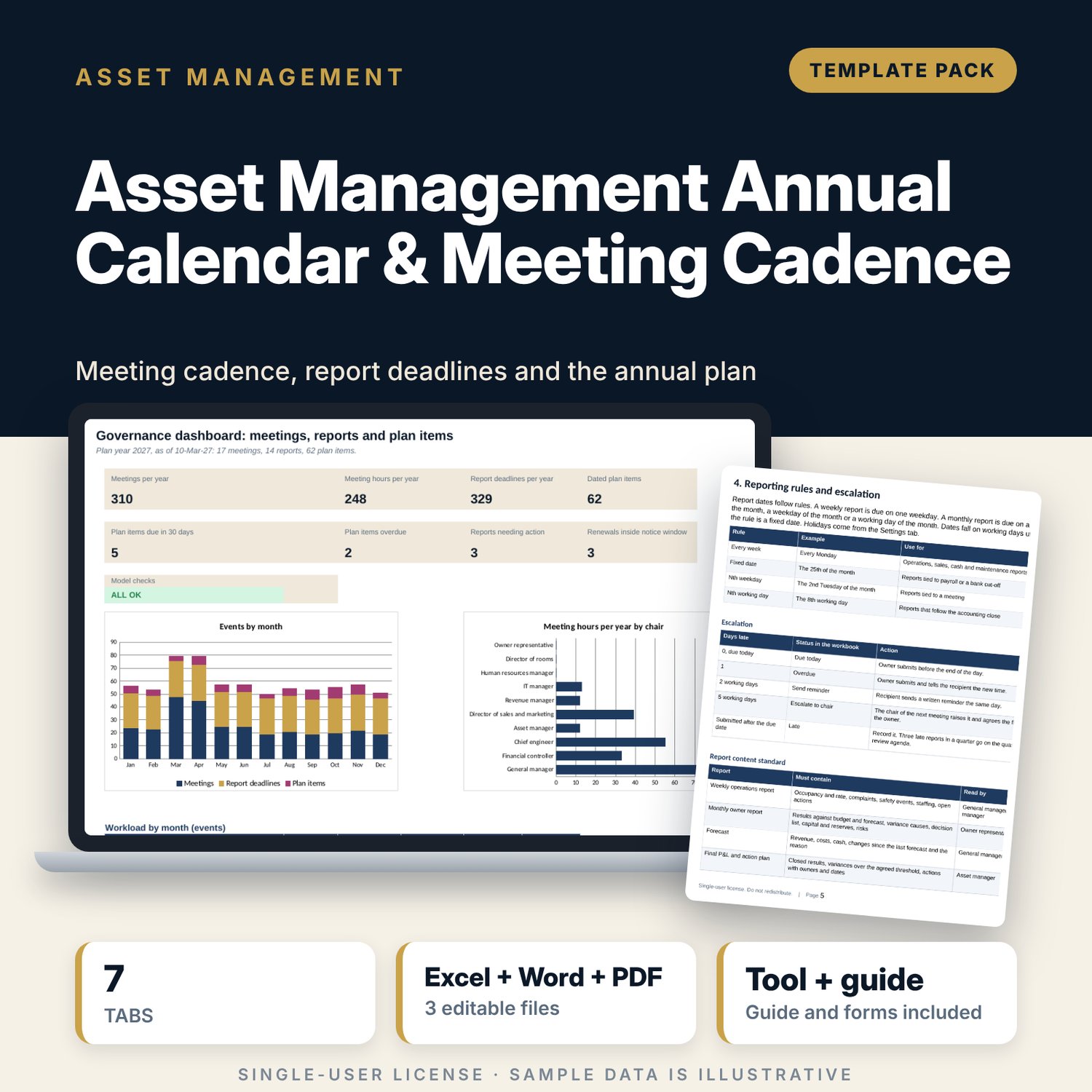
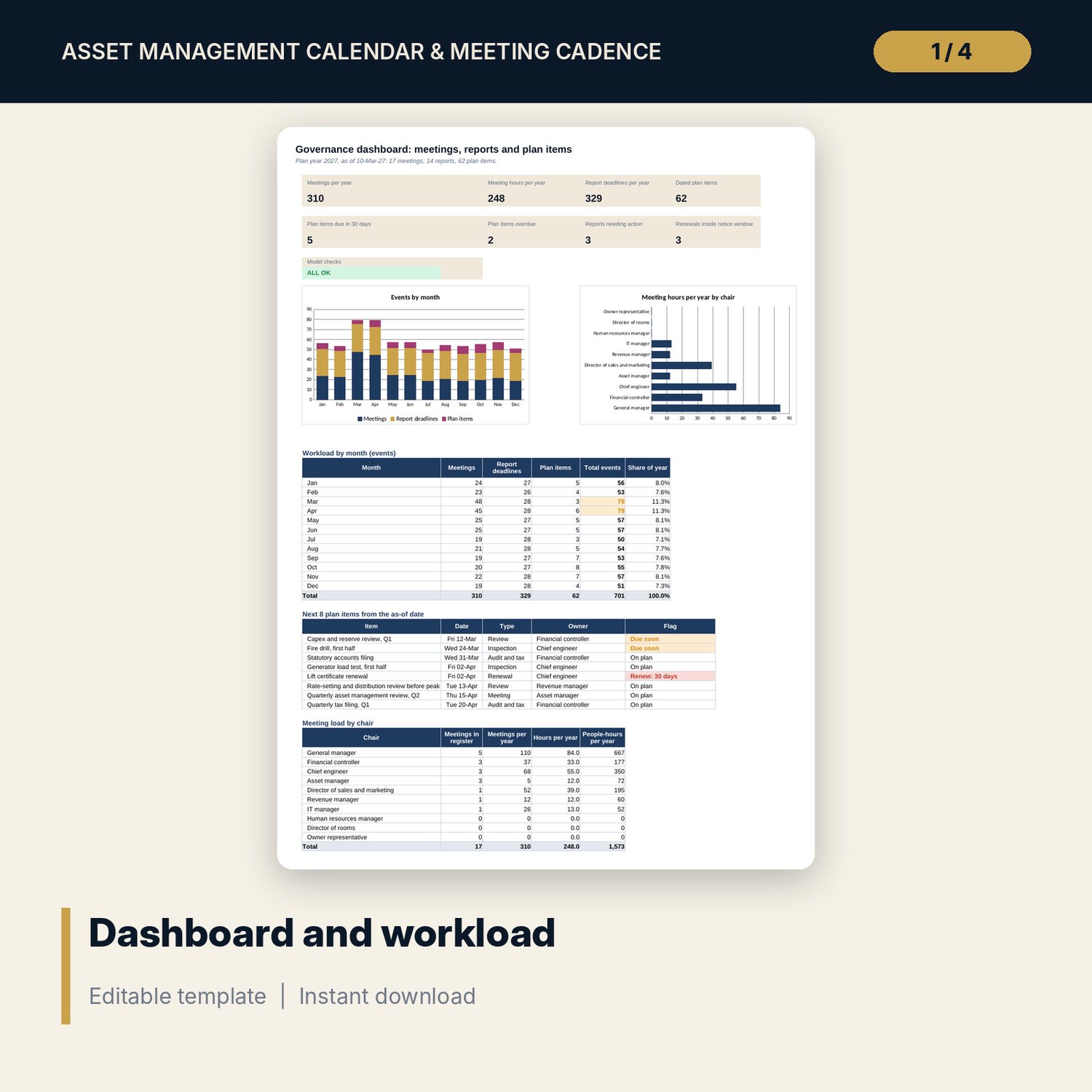
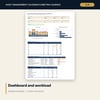
- Dashboard: 8 KPI tiles, a check tile, 2 charts, workload by month, the next 8 items and meeting load by chair; 8 integrity checks on the Checks tab
- Asset_Management_Governance_Charter.docx and PDF: 10 pages with roles and approval levels, meeting standards, reporting and escalation rules, the budget cycle, 2 forms, a worked example and an annual check
- README.txt and LICENSE-and-Terms.txt
How it works
- Set the plan year, as-of date, holidays, pack timeline and escalation days on Settings.
- List your meetings and reports, then enter each dated plan item with its rule.
- Read the Dashboard weekly: reports needing action, overdue plan items and renewals inside their notice window.
- Each January, change the plan year and the holidays to roll the calendar forward, and review the charter.
Details
- Formats: 1 Excel workbook (.xlsx), 1 governance charter in Word (.docx) and PDF, English
- Software: Excel 2016 or later, or LibreOffice Calc 7 or later
- No macros, no external links, no data tables, no array formulas
- 3 files plus README and license; instant digital download
Good to know
- Sample data is illustrative. Replace it with your own figures.
- Holidays, statutory and licence dates, approval limits and notice periods are examples. Verify local requirements and your agreements.
- The files are management tools, not legal advice. Have your adviser check the charter wording.
- Single-user license. Do not redistribute.
FAQ
How does the calendar roll forward?
Dates come from rules. Change the plan year and the holidays on Settings and every rule-based date moves. Items set to Days after item follow the date of the item they point to.
How is a late report handled?
The sheet counts working days late against the previous due date. At 2 days the status is Send reminder and at 5 days it is Escalate to chair. Both limits are inputs.
What does the meeting load show?
Meetings, hours and people-hours per year for each meeting and for each chair, so you can see which roles carry the most meeting time and which months are busiest.
Can I add meetings, reports and plan items?
Yes. The sample has 8 spare meeting rows, 6 spare report rows and 19 spare plan rows with formulas ready.
Do I need macros?
No. Every result is a standard worksheet formula.