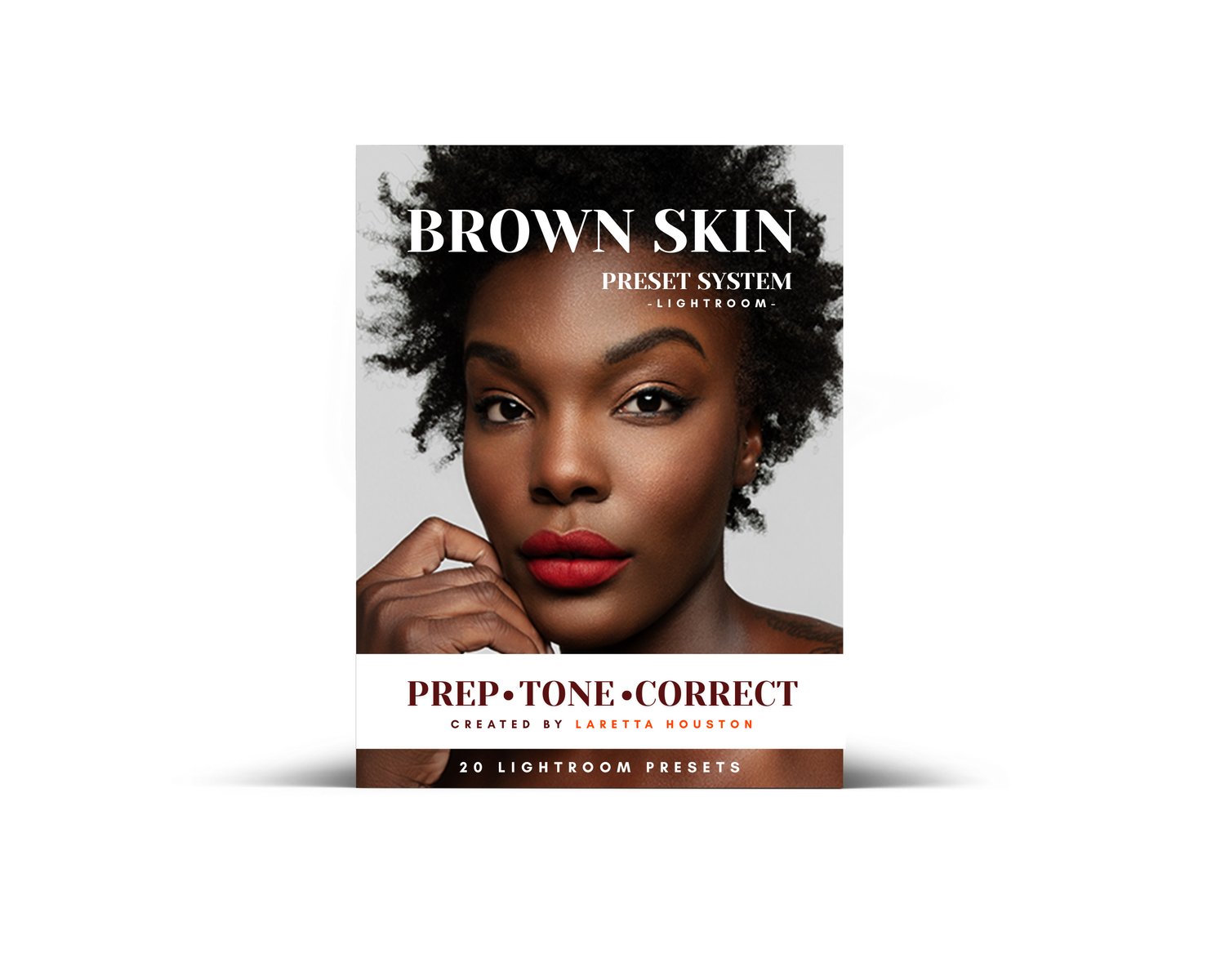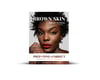
Brown Skin Preset System
Edit brown skin without turning it orange, gray, muddy, or flat. A 20-preset Lightroom workflow for cleaner color, richer depth, and more intentional edits on brown and deep skin tones.

Edit brown skin without turning it orange, gray, muddy, or flat. A 20-preset Lightroom workflow for cleaner color, richer depth, and more intentional edits on brown and deep skin tones.
A skin-first Lightroom preset system created to help photographers edit brown and deep skin tones with more care, control, and confidence.
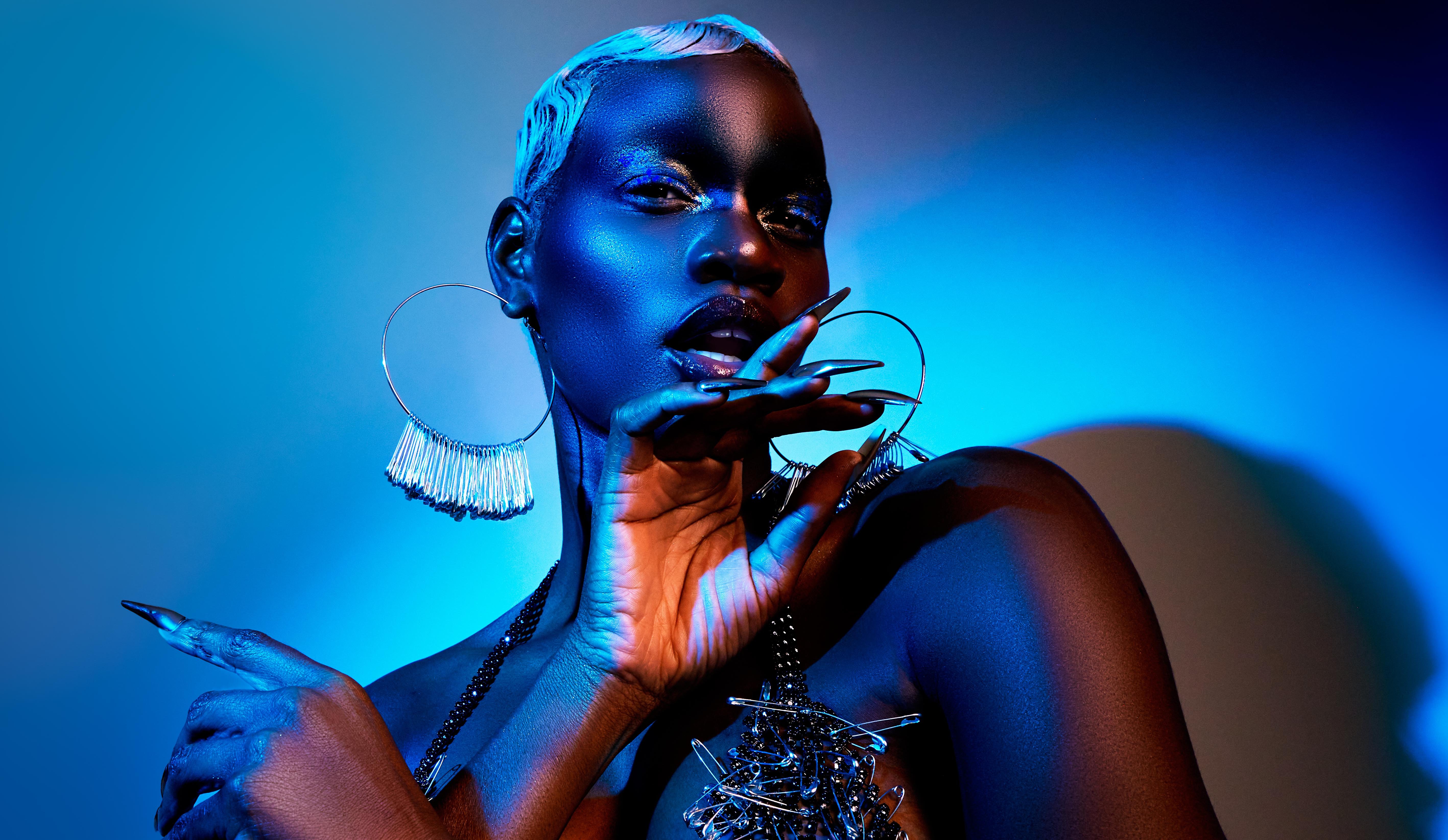
Brown skin is not one tone, one temperature, or one preset. Sometimes it pulls too orange. Sometimes it looks gray or flat. Sometimes the warmth disappears, the shadows get muddy, or the skin loses its natural depth.
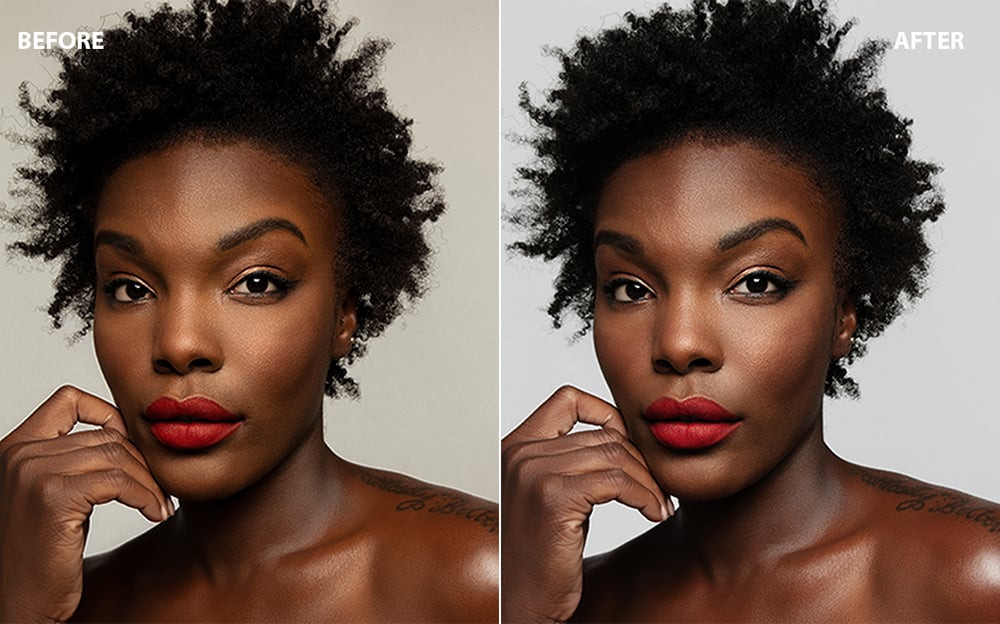
The Brown Skin Preset System gives you a guided editing workflow designed to help you create a cleaner starting point while protecting undertone, depth, and dimension.
This system can help with:
• Creating a cleaner base before color work
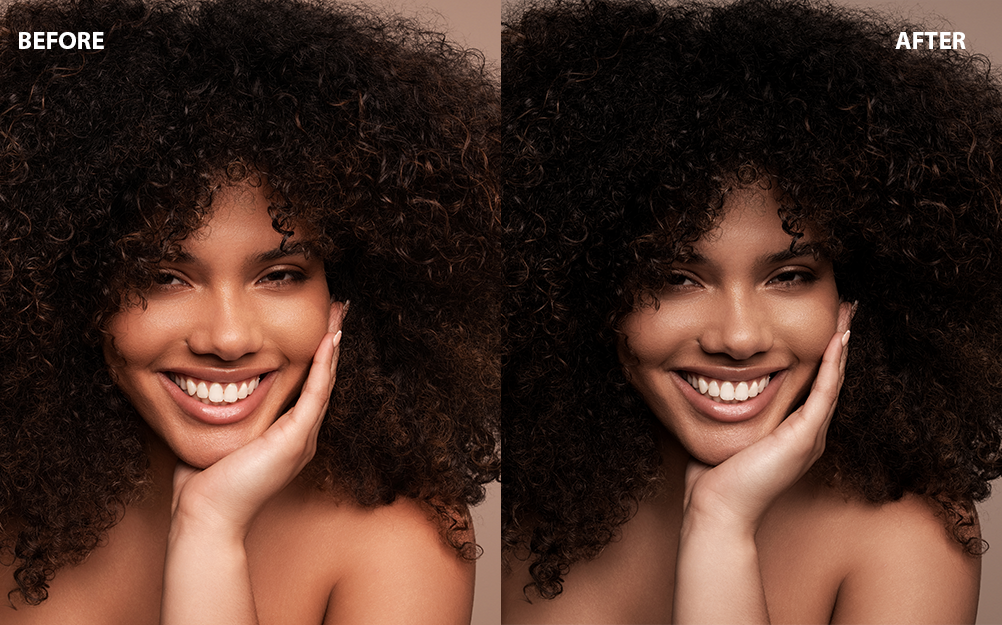
• Adding warmth without turning skin orange
• Building richer brown depth without muddy shadows
• Softening harsh shine while keeping healthy glow
• Reducing orange, red, or ashy skin tone issues
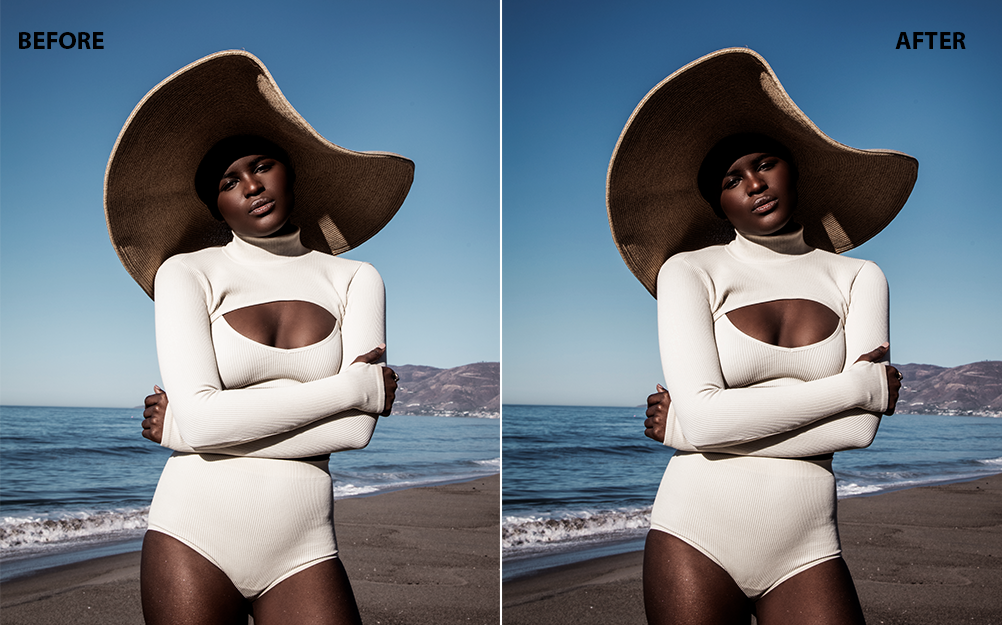
• Opening heavy shadows without washing out the image
• Softening harsh highlights on skin and bright areas
• Reducing distracting color casts in the background
What’s included:
• 20 Lightroom presets
• Prep presets
• Undertone presets
• Color correction presets
• Installation guide
• Identifying Undertone
• Read Me First
Best for:
Portrait, fashion, beauty, editorial, commercial, natural-light, and studio photographers who want more control when editing brown and deep skin tones.
Please note:
These presets are not one-click magic. They are designed as a starting point for your edit. Final results will depend on your lighting, exposure, white balance, camera profile, and the original image file.
Works best with RAW files. JPEGs may work, but with less flexibility.
Digital product. Due to the nature of digital downloads, all sales are final.