
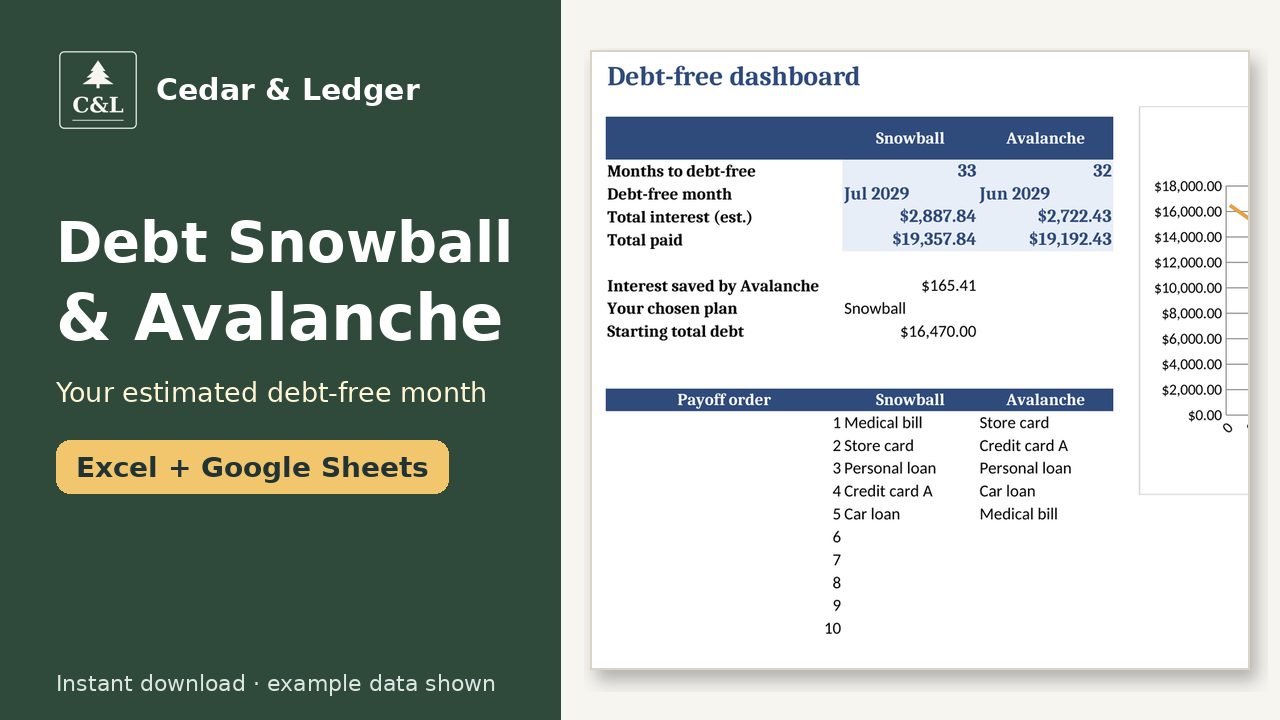
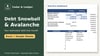
Debt Snowball & Avalanche Planner, Debt Payoff Spreadsheet (Excel + Google Sheets)
Enter up to 10 debts once and see your estimated debt-free month, plus what to pay on each debt every month, with Snowball and Avalanche side by side. Works in Excel and Google Sheets; the payoff math is estimated monthly.
How it works: 1) Download the zip after checkout. 2) Open the .xlsx in Excel, or upload it to Google Drive and open it with Google Sheets. 3) Delete the example rows and type in your own numbers.
What's inside (one .xlsx file that works in Excel and Google Sheets):
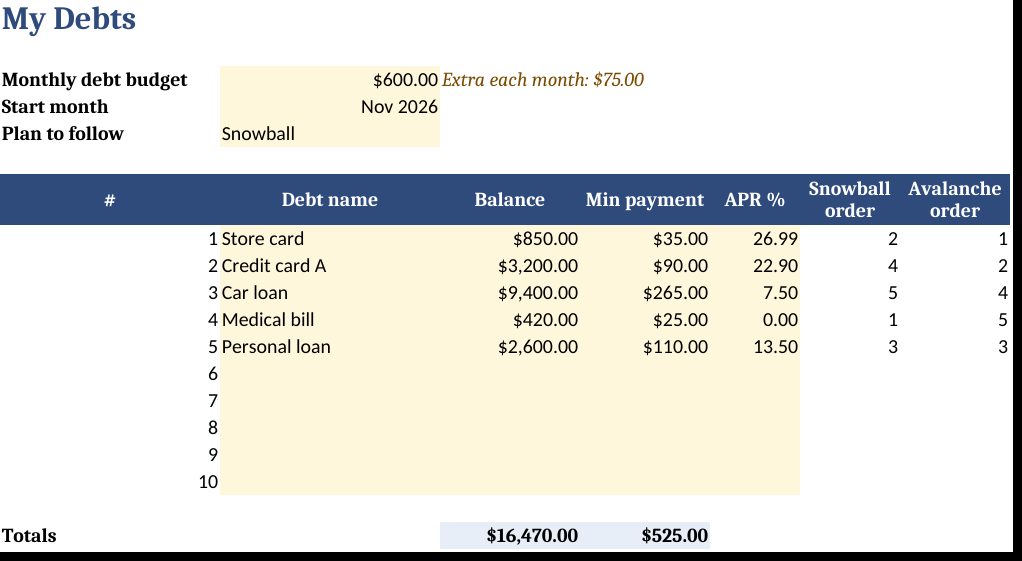
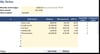
- My Debts: up to 10 debts, with balance, minimum payment and APR, plus your monthly budget. It warns you if the budget is below your minimums.
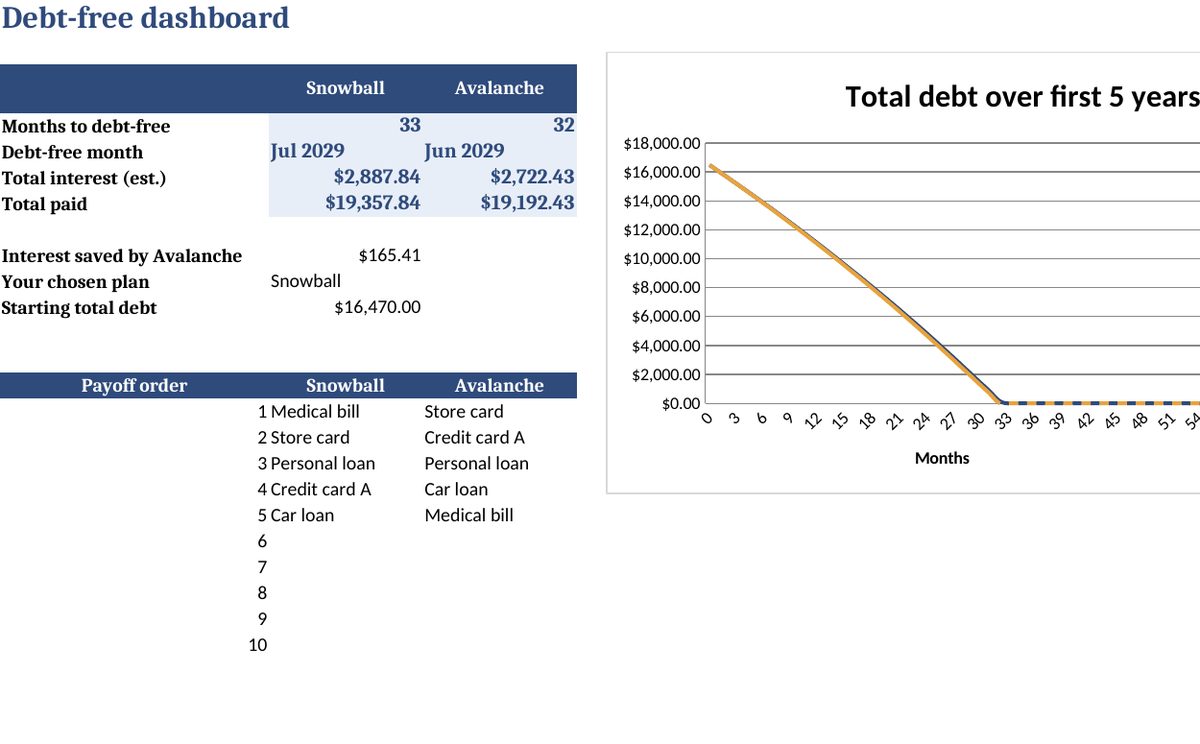
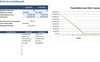
- Dashboard: months to debt-free, debt-free date, estimated total interest and total paid for both methods, the interest the Avalanche method saves, the payoff order and a chart of your balance over time.
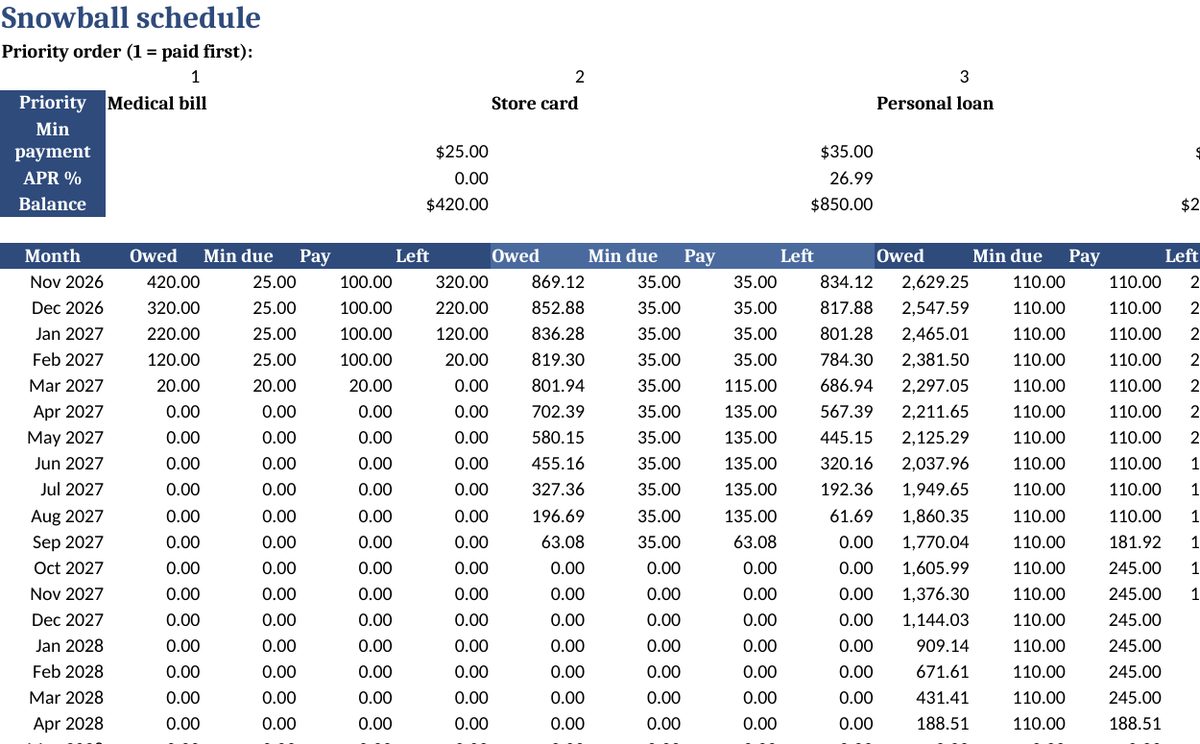
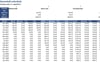
- Snowball and Avalanche schedules: month-by-month payments for up to 30 years. When a debt is paid off, its payment rolls over to the next one automatically. There's a "Done" column so you can tick off each month.
- A Start Here tab and a quick-start README.
Tested: the schedule math was checked against an independent calculation using the included example debts.
Good to know:
- Interest is estimated monthly (balance × APR ÷ 12). Real statements will vary slightly because of daily interest, fees and rate changes.
- This is a planning tool, not financial advice. It doesn't connect to your accounts.
- The previews show example debts. Replace them with your own.
- License: for personal use only.
Instant download: a .zip containing the .xlsx and the README.
Honest note: images show example data, not real results. This is a planning tool, not financial, tax, legal or medical advice.
Refunds: because it's a digital file, please contact the shop if something doesn't open or work and we'll help.
Works in Google Sheets and Excel · Instant download · Nothing shipped
Buyer questions
Which apps does it open in?
Excel 2016 or newer (including Microsoft 365 and Excel for the web) and Google Sheets: upload the .xlsx to Google Drive, then open it with Google Sheets.
What happens after checkout?
Payhip shows your download link right after checkout and emails it to you too. You download a .zip with the .xlsx file(s) and a short how-to. It's an instant digital download; nothing physical ships.
Can I edit it?
Yes. Nothing is locked: rename categories, add rows, change colors and type over the example data.
Does it connect to my bank or send reminders?
No. It's a spreadsheet, not an app: you type in your own numbers and nothing is synced or sent.
Are the numbers in the previews real?
No. Previews and the file use example data only. Delete the example rows and add your own.
Can I get a refund?
It's a digital download, so if something doesn't open or work, message the shop through Payhip (or reply to the Payhip email) and I'll help fix it. Refund requests are handled case by case under Payhip's terms.
Is this financial advice?
No. It's an organizing and planning tool with example numbers, not financial, tax, legal or medical advice.
You might also like
- Paycheck Budget Planner ($7): find the extra money to put toward debt each payday. https://payhip.com/b/omBNR
- Sinking Funds & Savings Goals Tracker ($5): save for planned costs so they don't go on a card. https://payhip.com/b/uMEUn
Free how-to guides that use this template (no sign-up): https://cedarandledger.vercel.app/guides/debt-snowball-vs-avalanche/
More free guides: https://cedarandledger.vercel.app/guides/
Need more than one? All 13 home budget spreadsheets are in the Household Budget Bundle for $29 ($69 separately): https://payhip.com/b/VLr3c