




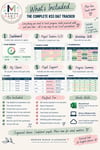
The KS3 D&T Teacher Dashboard | Progress, Projects & Workshop Skills Tracker
Stop keeping your entire D&T department in your head.
Tracking projects. Remembering who is below target. Workshop competencies. Assessment areas. Students who need to catch up. What you actually need to teach next...
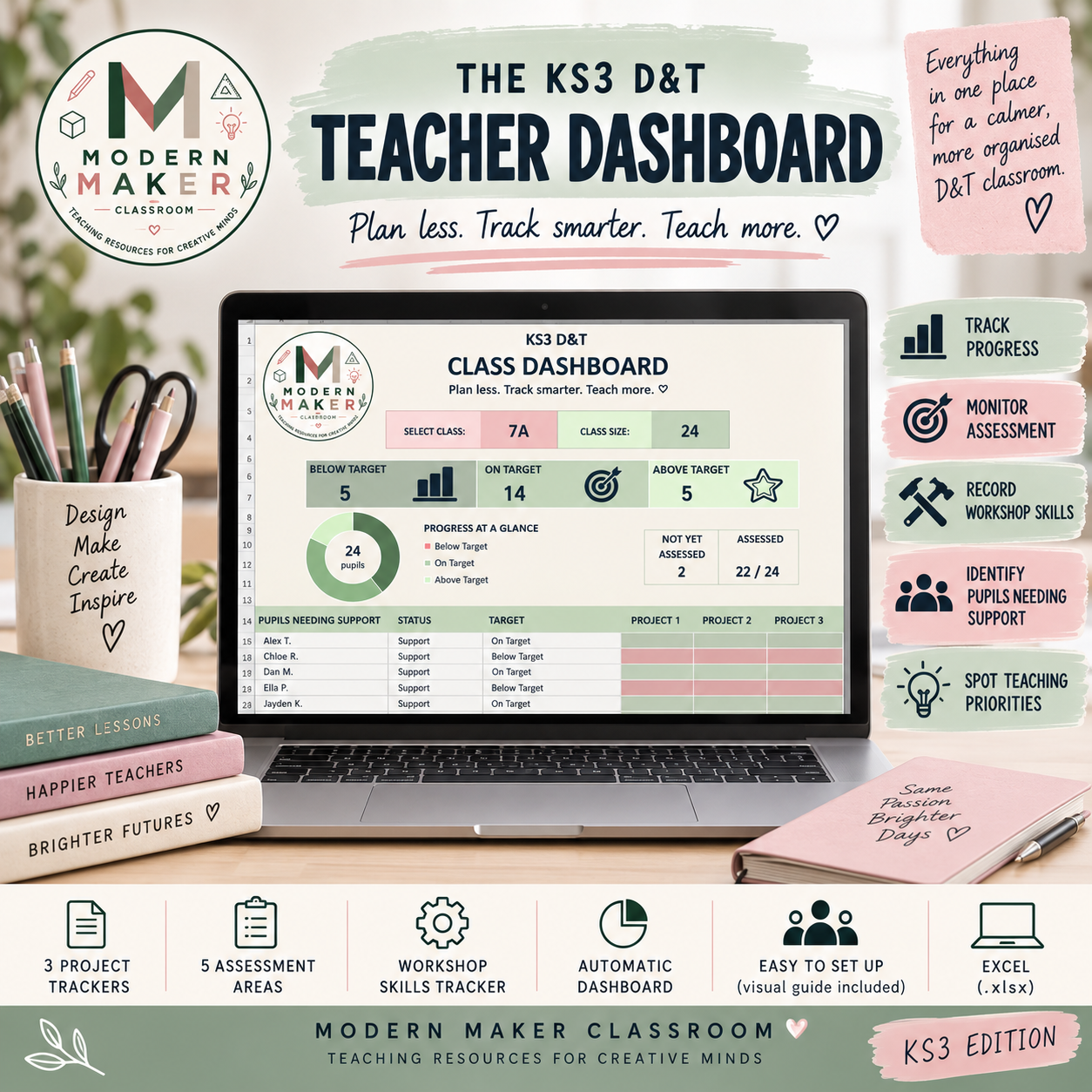
The KS3 D&T Teacher Dashboard brings it all together in one simple Excel workbook.
Designed specifically for KS3 Design & Technology teachers, it helps you record the information you already need — then turns it into a useful class overview automatically.
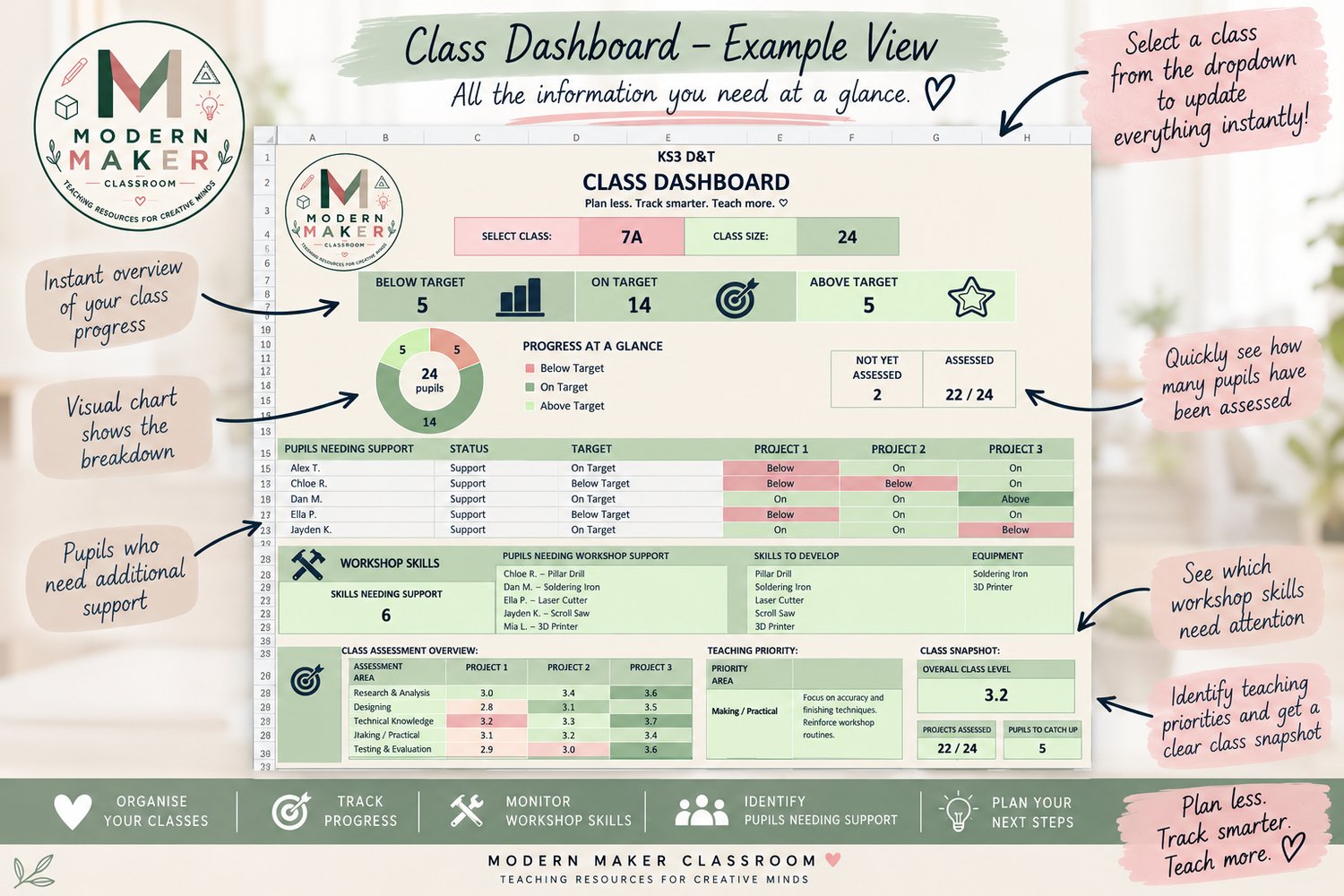
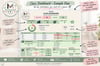
Select a class from your dashboard and quickly see who needs support, how the class is progressing, which assessment areas need attention and where your workshop competency gaps are.
No complicated spreadsheet knowledge needed.
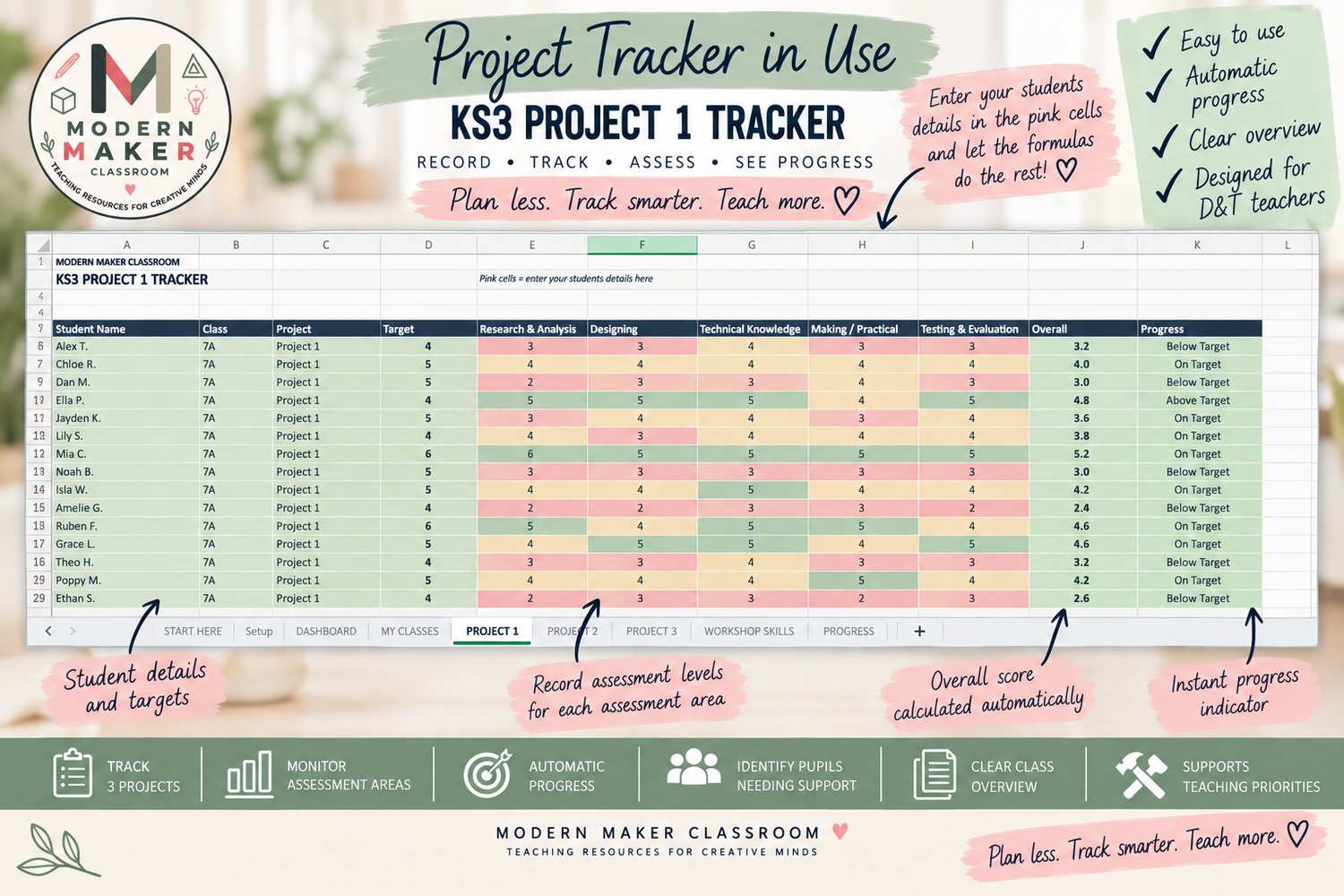
Simply enter information into the clearly marked pink cells and let the dashboard do the rest. ♡
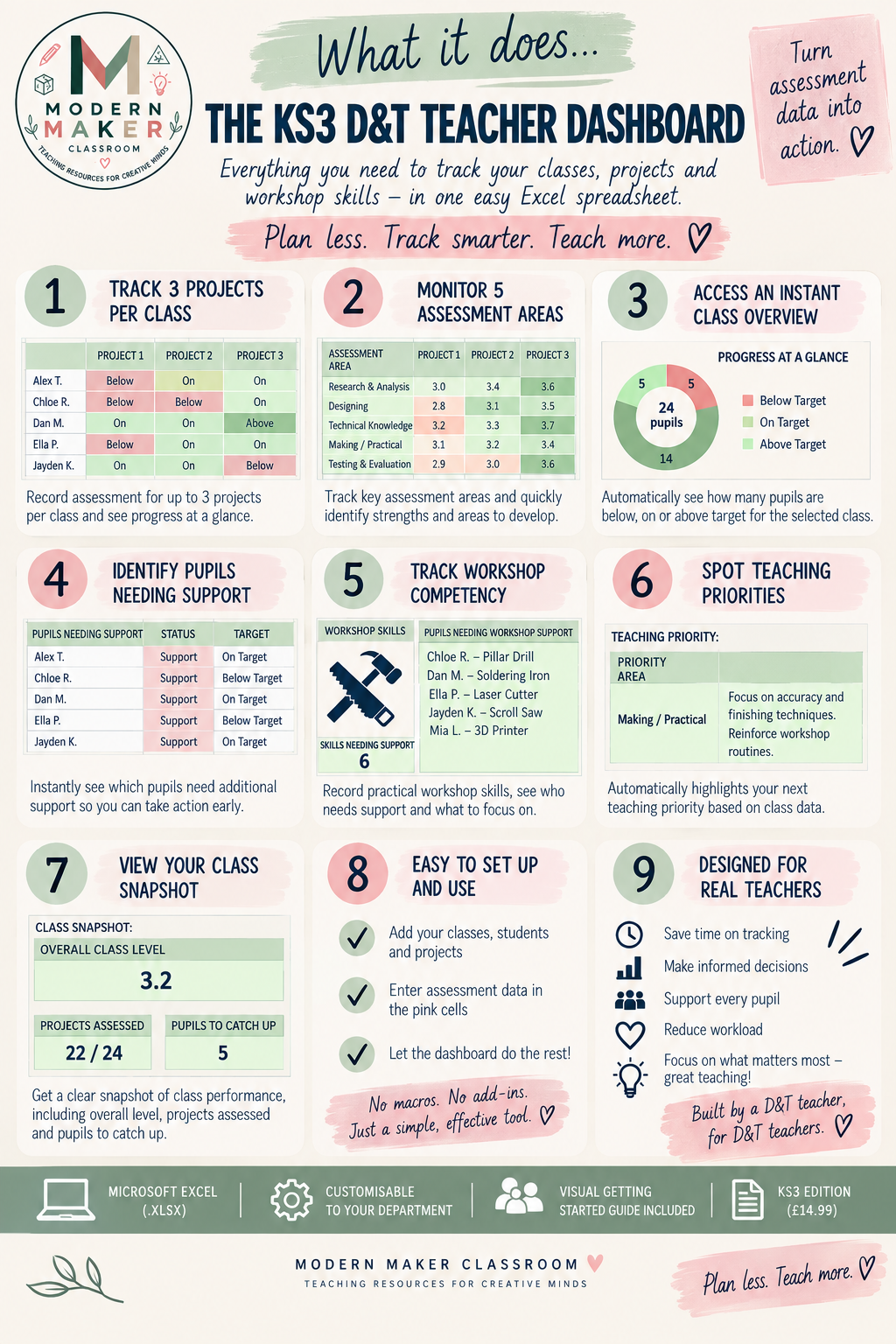
What can you track?
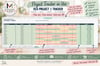
- Up to 3 projects per class
- Research & Analysis
- Designing
- Technical Knowledge
- Making / Practical
- Testing & Evaluation
- Overall project performance
- Progress against individual targets
- Workshop equipment competency
- Pupils needing additional support
- Pupils who need to catch up
- Class assessment strengths and development areas
- Teaching priorities
Your class dashboard
Choose your class from the dropdown and get an instant overview including:
Below / On / Above Target
Progress at a Glance
Students Needing Support
Workshop Skills Support
Class Assessment Overview
Teaching Priority
Class Snapshot
Projects Assessed
Pupils to Catch Up
So instead of simply collecting data, your tracking actually helps answer:
Who needs me? What needs teaching? And where should I focus next?
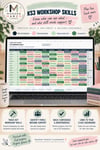
Workshop competency tracking
D&T isn't just about assessment data.
Record student competency across your workshop equipment using four simple stages:
Not Introduced → Demonstrated → Supervised Use → Competent
The equipment list can be customised to suit your own department.
Easy to set up
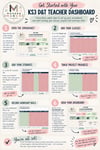
You'll also receive a clear visual Getting Started guide showing you exactly how to:
Set up classes → Add students → Record project assessment → Track workshop skills → Use your dashboard
No macros. No add-ins. No complicated setup.
What's included
1 × KS3 D&T Teacher Dashboard Excel workbook
3 × Project assessment trackers
Workshop Skills tracker
Progress tracker
Automatic class dashboard
Customisable class/project/equipment setup
Getting Started visual guide
Compatibility
Designed in Microsoft Excel (.xlsx) and suitable for use with Excel and Excel Online.
The workbook contains protected formula areas to prevent accidental changes, while the cells teachers need to complete are clearly identified.
Please note: This is a digital spreadsheet product. Microsoft Excel is not included.