
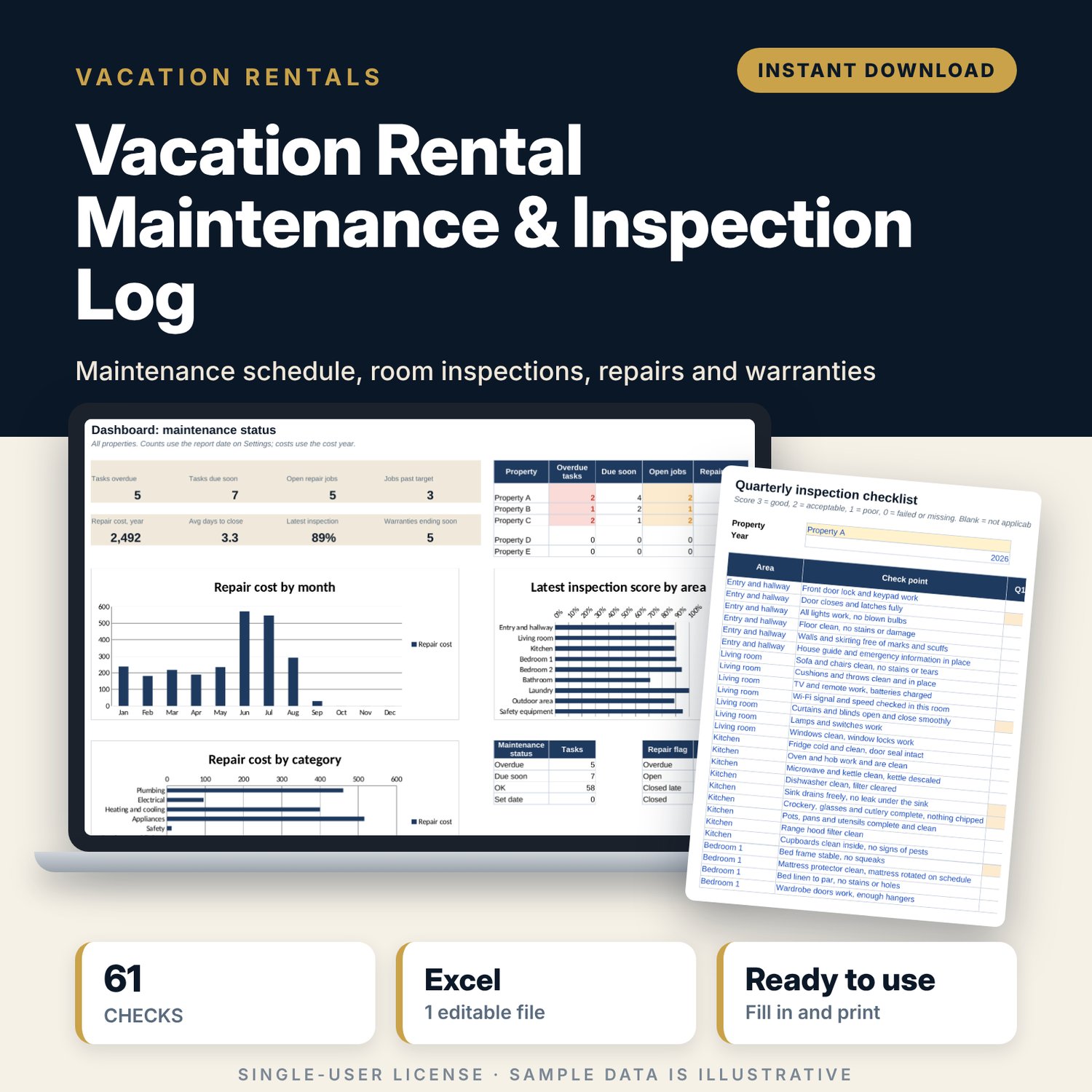
Vacation Rental Maintenance & Inspection Log: Maintenance Schedule and Repair Tracker Spreadsheet
Full description
For hosts and property managers who look after one to five short-term rentals and want maintenance under control before guests notice a problem. You list recurring tasks once and type the date each one was last done; the workbook shows the next due date and flags anything overdue. A printable 61-point checklist scores each room every quarter. Repairs, contractor codes, costs and warranties sit in one file, and a dashboard shows what needs action this week.
Save with a bundle: this template is also in the Vacation Rental Business Bundle, 10 templates for $29 instead of $69. All 141 templates are in the All-Access Hospitality Template Library for $79.
What is inside
- Vacation_Rental_Maintenance_Inspection_Log.xlsx: 8 tabs, 2,022 formulas, 4 native charts, 22 drop-down or number rules.
- Settings: report date, cost year, due-soon and warranty warning windows, inspection pass mark, 5 property codes, 6 task frequencies, 4 priorities with target days, 10 contractor codes, 11 areas, 12 repair categories and 5 job statuses.
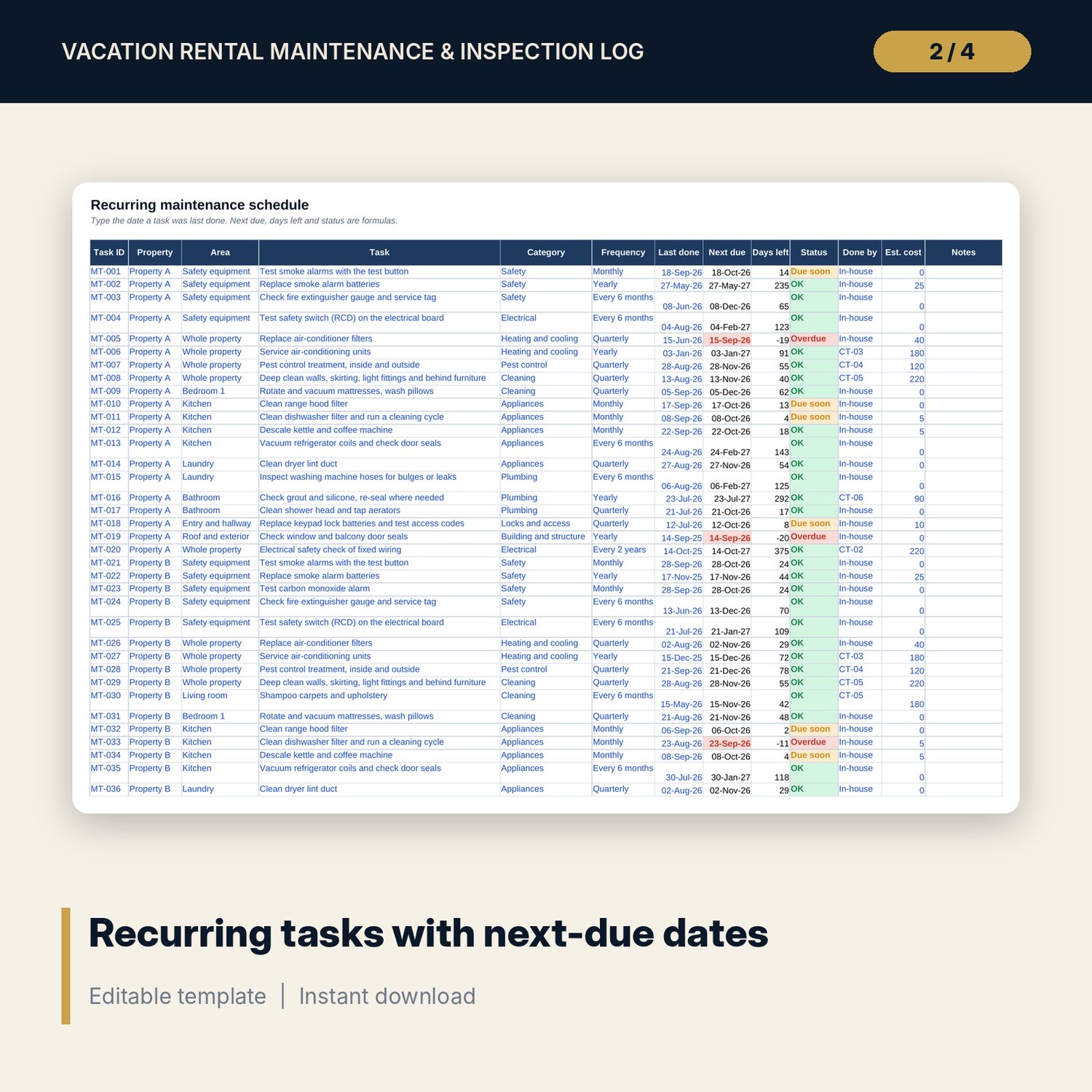
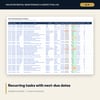
- Maintenance_Schedule: room for 200 recurring tasks (70 sample rows built from 27 task types: filters, smoke and CO alarms, deep cleans, pest control, appliances, plumbing, exterior). Next due date, days left and an Overdue, Due soon or OK status calculate.
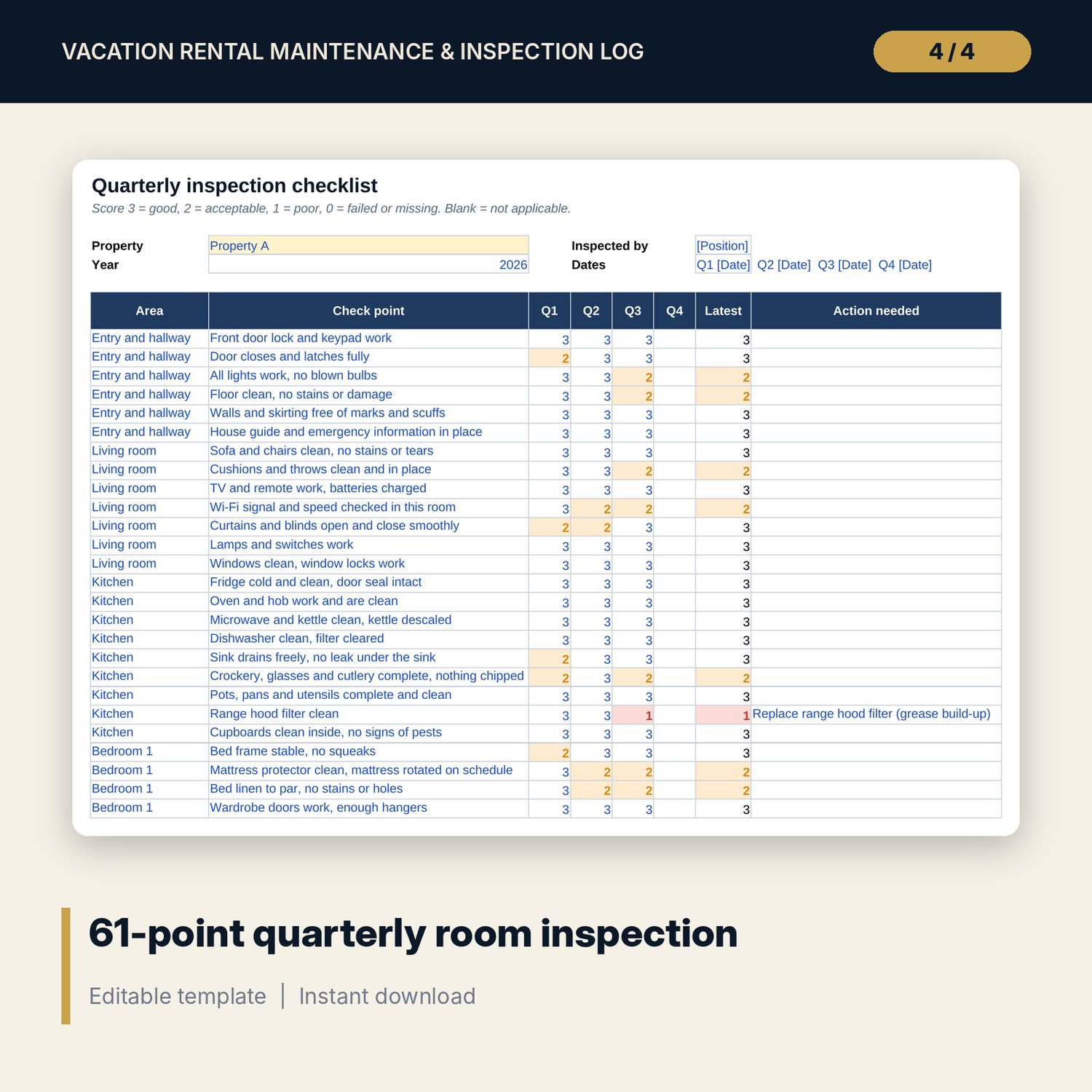
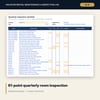
- Inspection: 61 check points in 9 areas, a score from 0 to 3 for each quarter, the latest score and an action column. Prints for the walk-through.
- Inspection_Summary: score % per area and quarter, change since the last quarter, pass or below pass mark, and a chart.
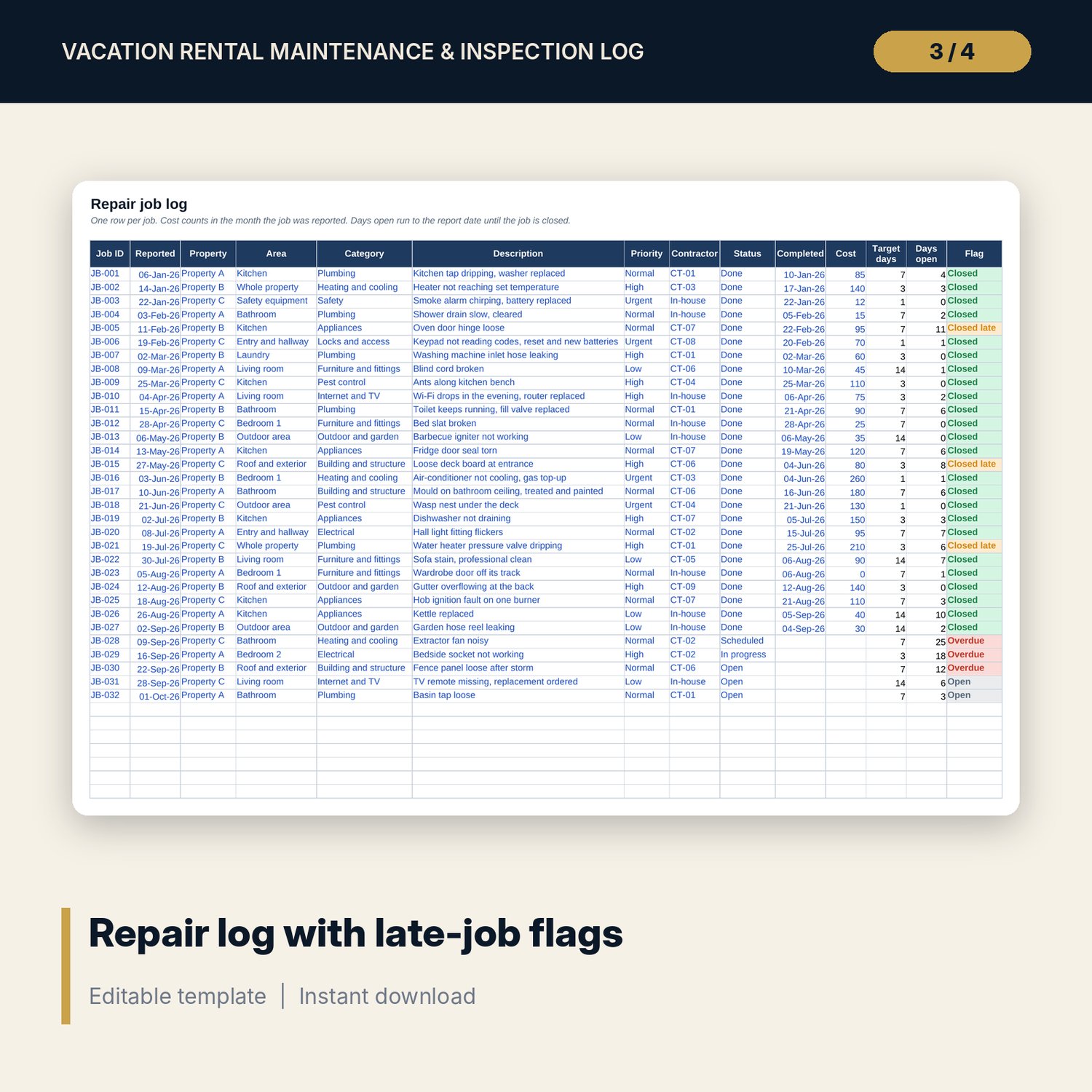
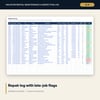
- Repair_Log: room for 300 jobs (32 sample rows) with priority, contractor code, status, cost, days open and a late flag against the target days.
- Warranty_Register: room for 100 items (18 sample rows) with purchase date, warranty length, end date, days left and an expiry warning.
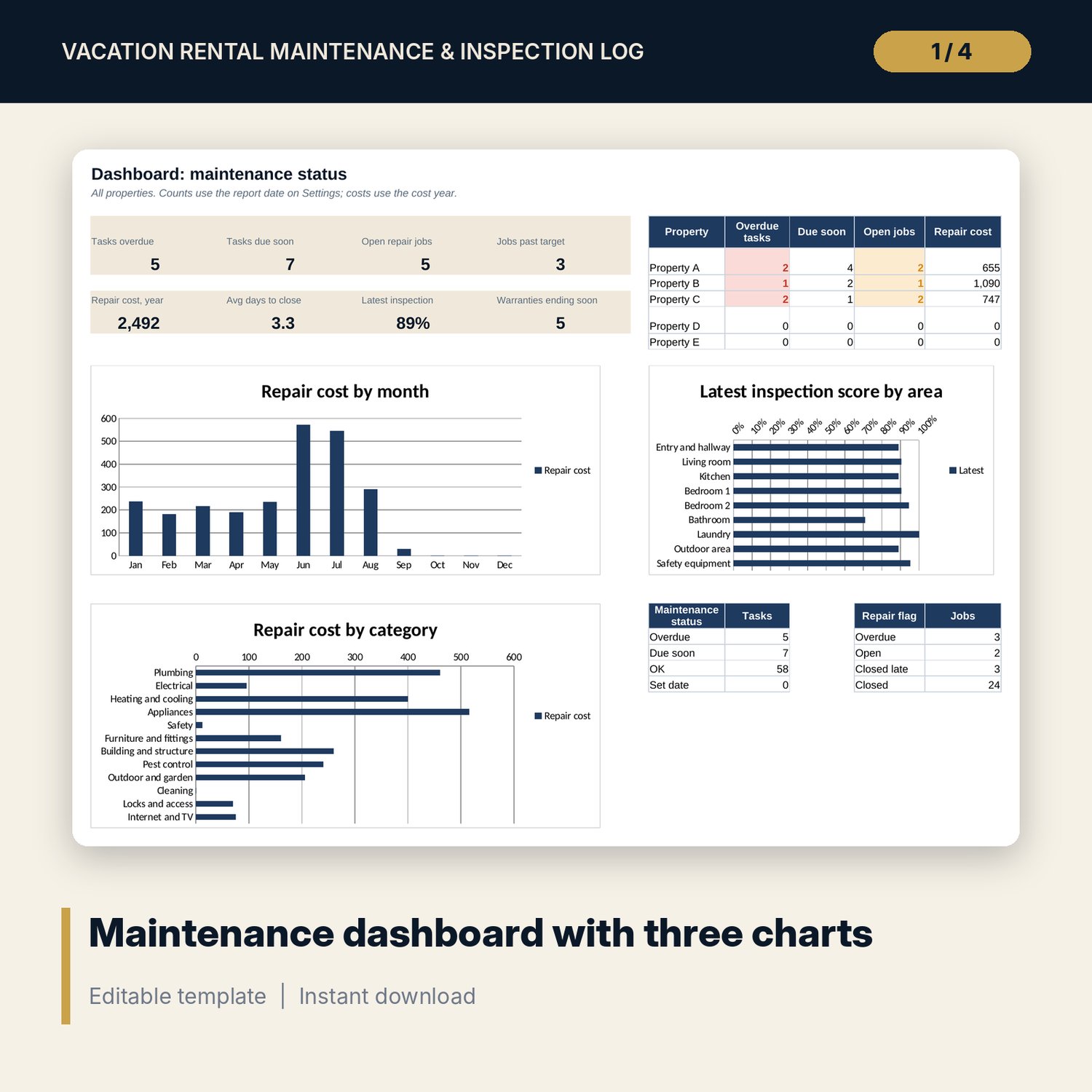
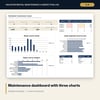
- Dashboard: 8 KPI tiles, a status table per property, status counts and 3 charts on one printable page.
- README.txt and LICENSE-and-Terms.txt.
How it works
- Enter your property codes, contractor codes and warning windows on Settings.
- Replace the sample tasks with your own and type the date each was last done.
- When you complete a task, update the last-done date. The next due date moves forward.
- Each quarter, print the Inspection tab, walk the property and type the scores in.
- Log repairs and new appliances as they happen and check the Dashboard each week.
Details
- Format: Excel workbook (.xlsx). No macros.
- Language: English.
- Software: Excel 2016 or later, or a spreadsheet program that opens .xlsx files.
- Delivery: instant digital download. Nothing is shipped.
Good to know
- All sample tasks, dates, costs and scores are illustrative. Replace them with your own data.
- Task frequencies are examples. Follow the maker's instructions and verify local requirements for smoke alarms, gas, electrical and fire equipment.
- Contractors are stored as codes. Keep names and phone numbers in your own contact list.
- Single-user license. Do not share or resell the files.
FAQ
Do I need special software?
Excel 2016 or later works best. Other spreadsheet programs that open .xlsx files also work.
Does it work in Google Sheets?
It opens in Google Sheets and the formulas calculate. Check the drop-downs and charts after import.
How do the overdue flags know today's date?
The report date on Settings uses today's date. Type a fixed date over it to see the status on another day.
Can I inspect more than one property?
Yes. Pick the property at the top of the Inspection tab, or copy the tab once per property.
Is this a physical product?
No. It is a digital download. Refund terms follow the store policy at the time of purchase.