
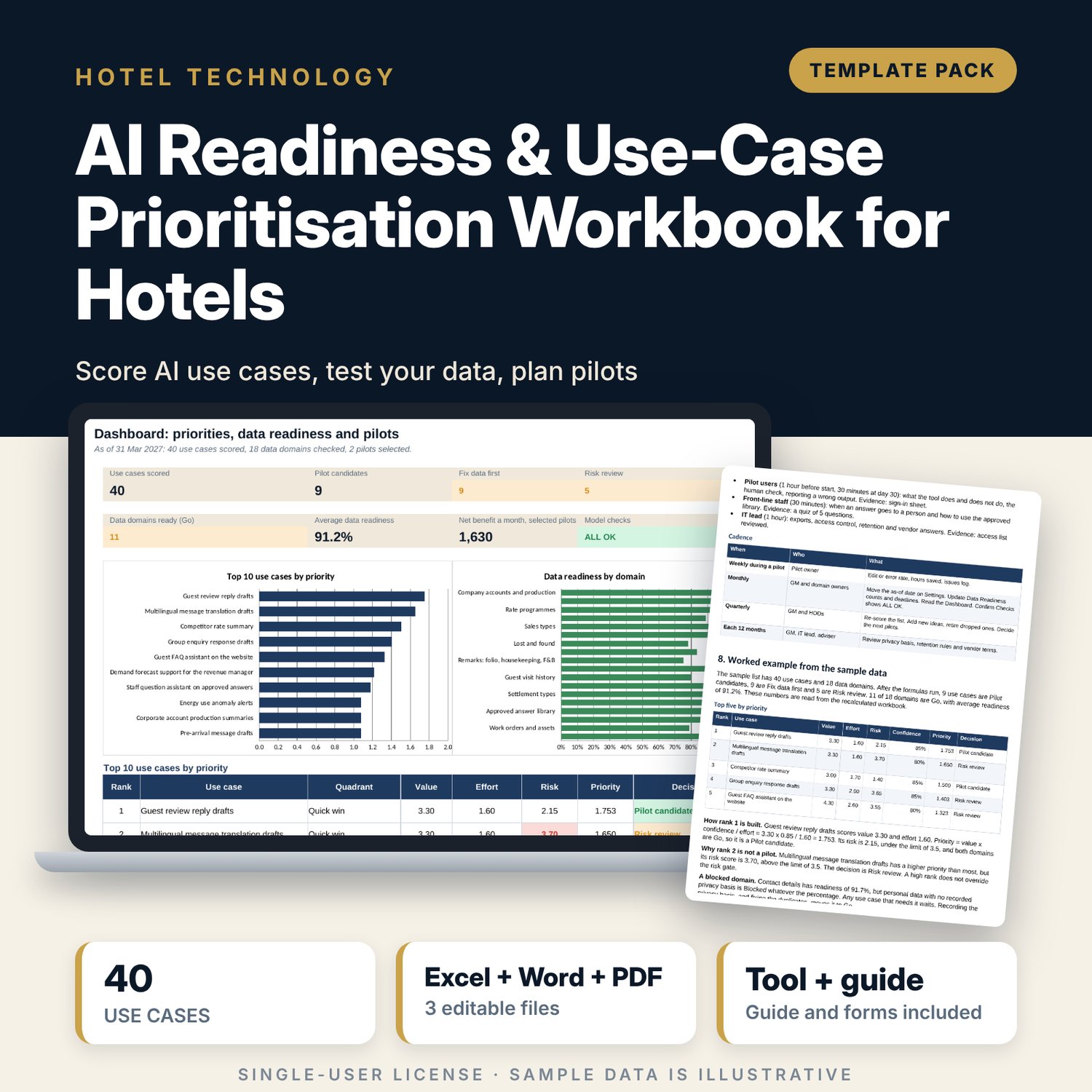
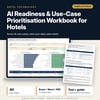
AI Readiness & Use-Case Prioritisation Workbook for Hotels: Score Hotel AI Use Cases and Pick Pilots
Full description
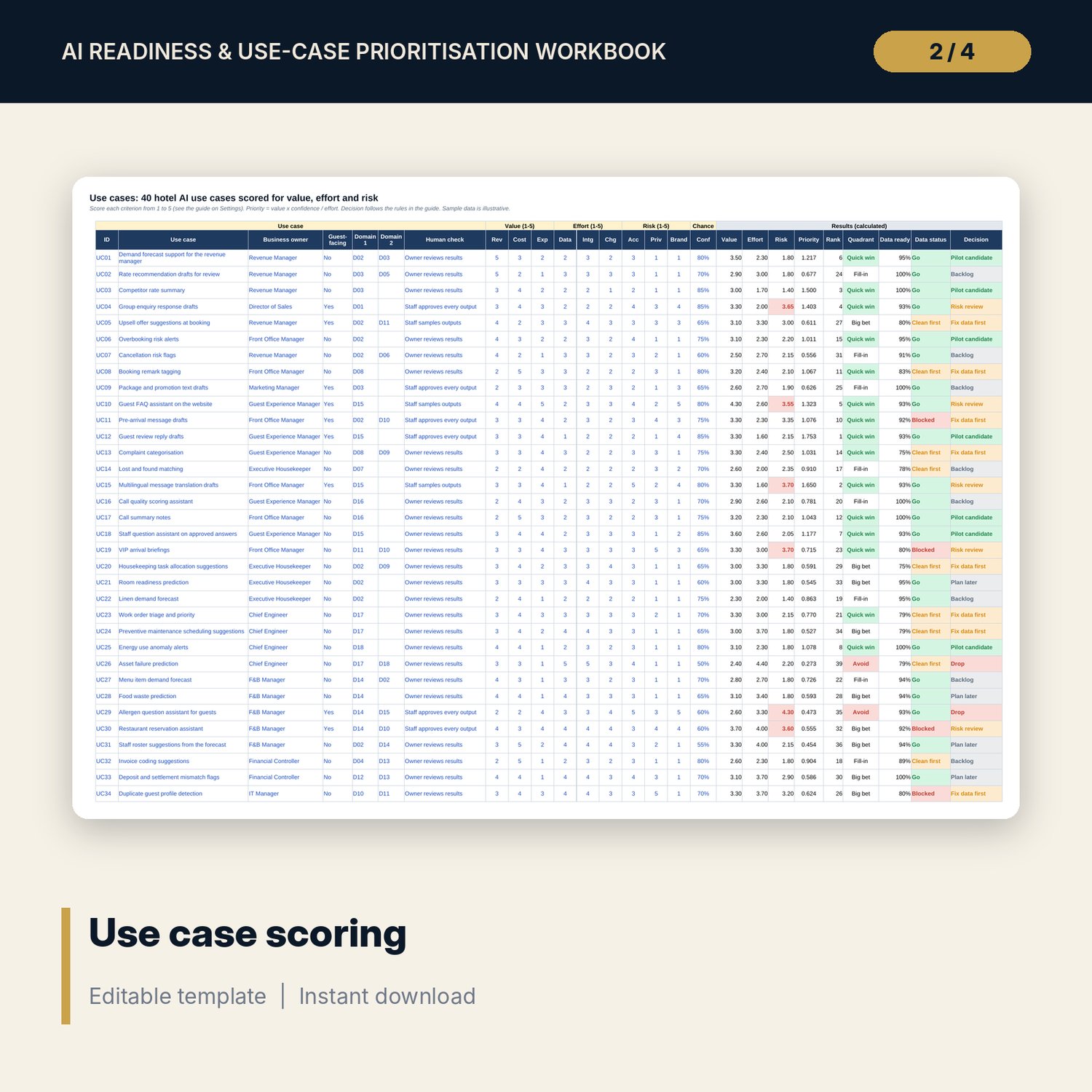
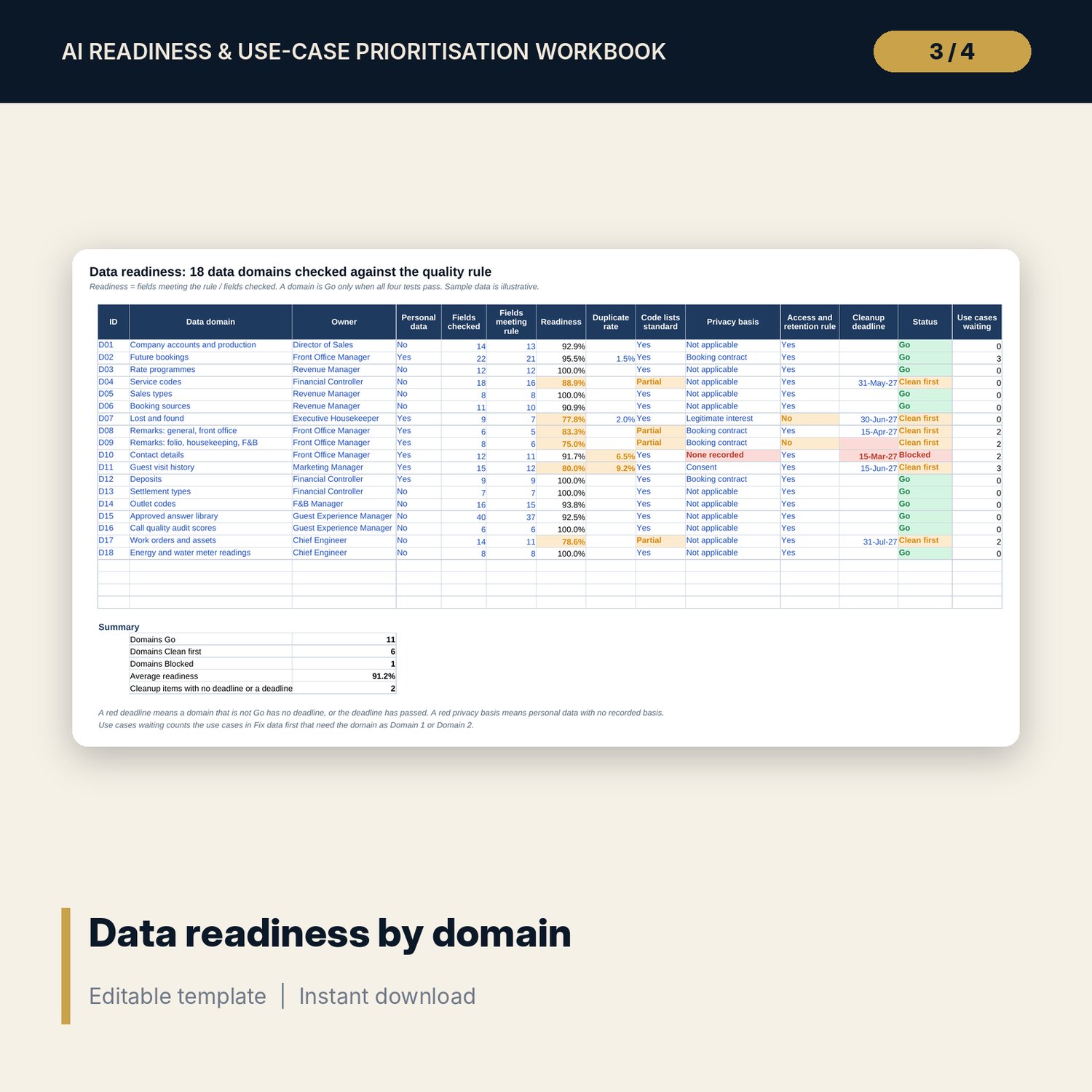
For general managers, revenue managers, IT leads and department heads who are asked to "do something with AI" and need a defensible order of work. The workbook holds 40 sample hotel use cases, each scored from 1 to 5 on nine criteria (revenue, cost, experience, data, integration and change effort, accuracy, privacy and brand risk) with a confidence %. Priority is value x confidence / effort, and a decision follows from the quadrant, the risk limit and the state of the data. Data Readiness tests 18 data domains on field quality, duplicates, code lists, privacy basis and access rule. Pilot Plan costs six pilots and sets 30, 60 and 90 day reviews. The Word guide gives the gates, the scoring session, human check rules, a pilot charter and vendor questions.
What is inside
- AI_Readiness_Workbook.xlsx: 7 tabs, 812 formulas, 2 native charts, 25 drop-down and input rules
- Settings: thresholds, 9 scoring weights, a 1 to 5 scoring guide for every criterion and the drop-down lists
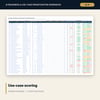
- Use Cases: 40 sample use cases plus 10 spare rows; value, effort, risk, priority, rank, quadrant, data readiness and decision are calculated
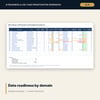
- Data Readiness: 18 sample data domains plus 4 spare rows; Go, Clean first or Blocked, cleanup deadline flags and use cases waiting
- Pilot Plan: 6 sample pilots with net benefit, payback, 12-month net, owner, success measure, stop rule and review dates
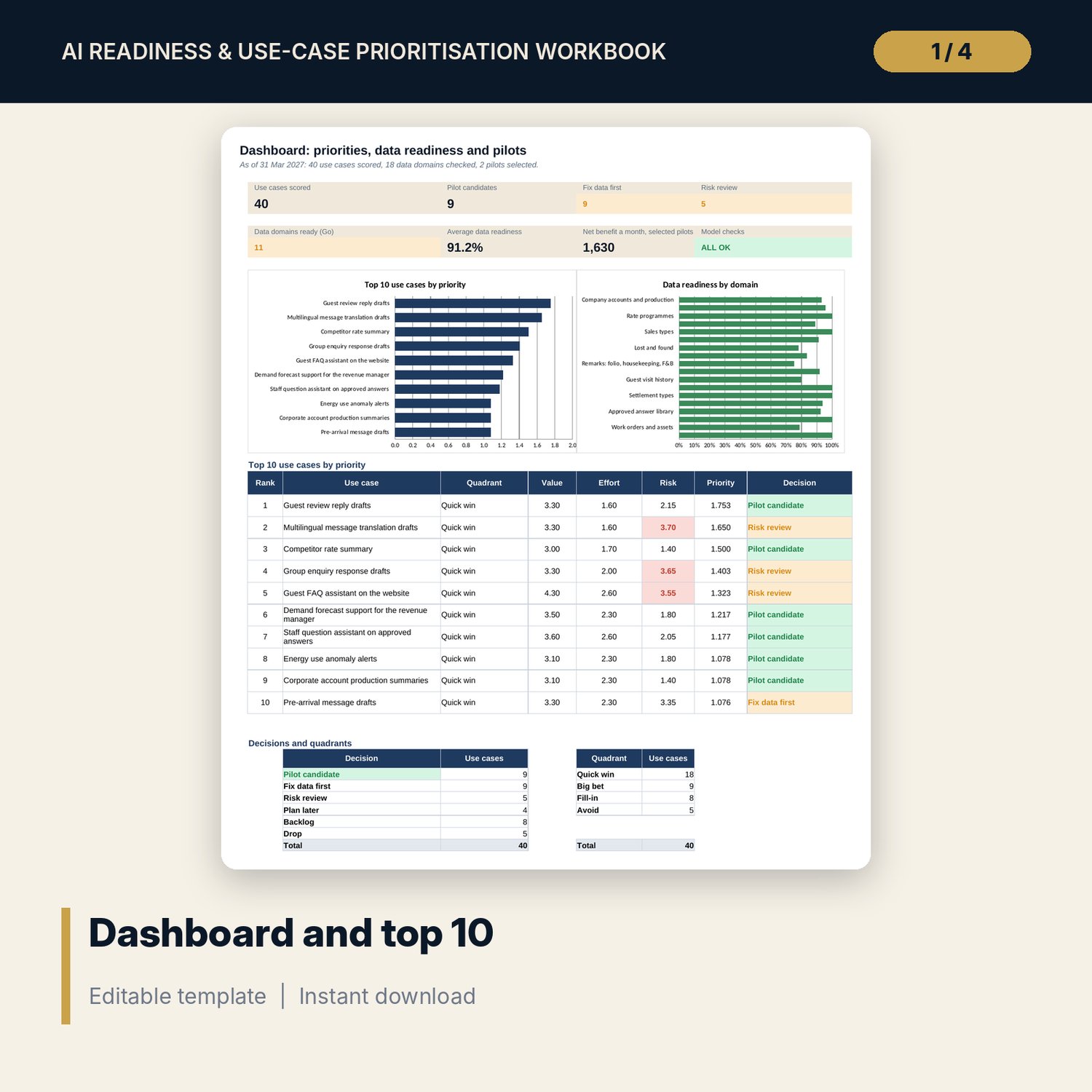
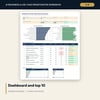
- Dashboard: 7 KPI tiles, a check tile, 2 charts, the top 10 use cases and decision and quadrant counts; 8 integrity checks on the Checks tab
- AI_Readiness_Guide.docx and PDF: 9 pages with the readiness gates, 9 data quality rules, scoring session agenda, approved answer library standard, pilot charter form, 12 vendor questions and a worked example
- README.txt and LICENSE-and-Terms.txt
How it works
- Set the hourly cost, readiness threshold, cut-offs and pilot limit on Settings.
- List your data domains on Data Readiness and enter the field counts, owners and cleanup deadlines.
- Replace the sample list on Use Cases and score each criterion from 1 to 5 in a session with your department heads.
- Read the decision column and the Dashboard, select up to two pilots on Pilot Plan and complete a charter from the Word guide.
Details
- Formats: 1 Excel workbook (.xlsx), 1 guide in Word (.docx) and PDF, English
- Software: Excel 2016 or later, or LibreOffice Calc 7 or later
- No macros, no external links, no data tables, no array formulas
- 3 files plus README and license; instant digital download
Good to know
- Sample data is illustrative. Replace it with your own scores, counts and costs.
- Scores, weights and thresholds are your judgement written down. The workbook makes them comparable.
- Data protection, consent and retention rules differ by place. Verify local requirements with your adviser before any guest data is used.
- These files are management tools, not legal advice.
- Single-user license. Do not redistribute.
FAQ
Does it need any AI software or a connection to one?
No. It is a planning workbook. It scores ideas and data; it does not run any AI tool.
How is priority calculated?
Value x confidence / effort, where value and effort are weighted averages of three 1 to 5 scores each. Equal priorities rank in list order.
What makes a data domain Blocked?
A domain with personal data and no recorded privacy basis. It stays Blocked whatever its readiness percentage.
Can I use my own use cases and criteria weights?
Yes. Replace the sample rows and change the weights on Settings. The workbook checks that each group of weights adds to 100%.
How many pilots can I run?
Up to the pilot limit on Settings, from 1 to 6. The sample limit is 2.