
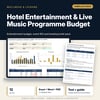
Hotel Entertainment & Live Music Programme Budget: Live Music and Entertainment Budget Planner
Full description
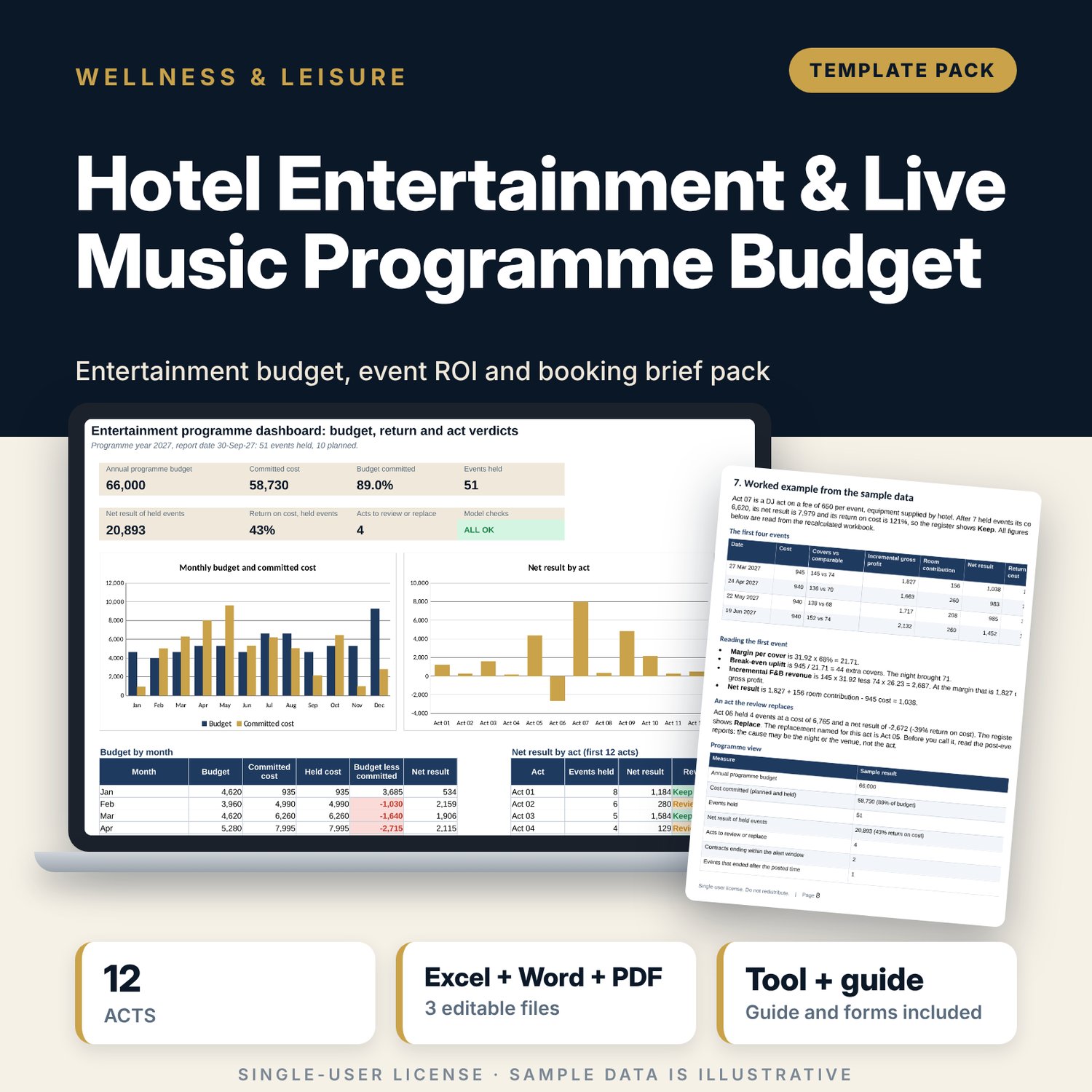
For hotel general managers, food and beverage managers and entertainment coordinators who book live music, DJs and shows and need to know whether the programme pays back. The workbook sets an annual budget as a percentage of outlet revenue, phases it by season, and records each act and each event night with every cost line. For each held event it compares covers and spend with a comparable night without entertainment, then calculates the break-even uplift (event cost divided by margin per cover), incremental gross profit, room contribution, net result and return on cost. After the number of events you set, each act is marked Keep, Review or Replace. The Word pack gives you the booking brief, an act scorecard, a noise and end-time standard, an event-night checklist, a post-event report and a worked example.
What is inside
- Entertainment_Programme_Budget.xlsx: 7 tabs, 1,947 formulas, 2 native charts, 21 drop-down and input rules
- Settings: budget, season weights for 12 months, margins, review rule and noise and quality standards
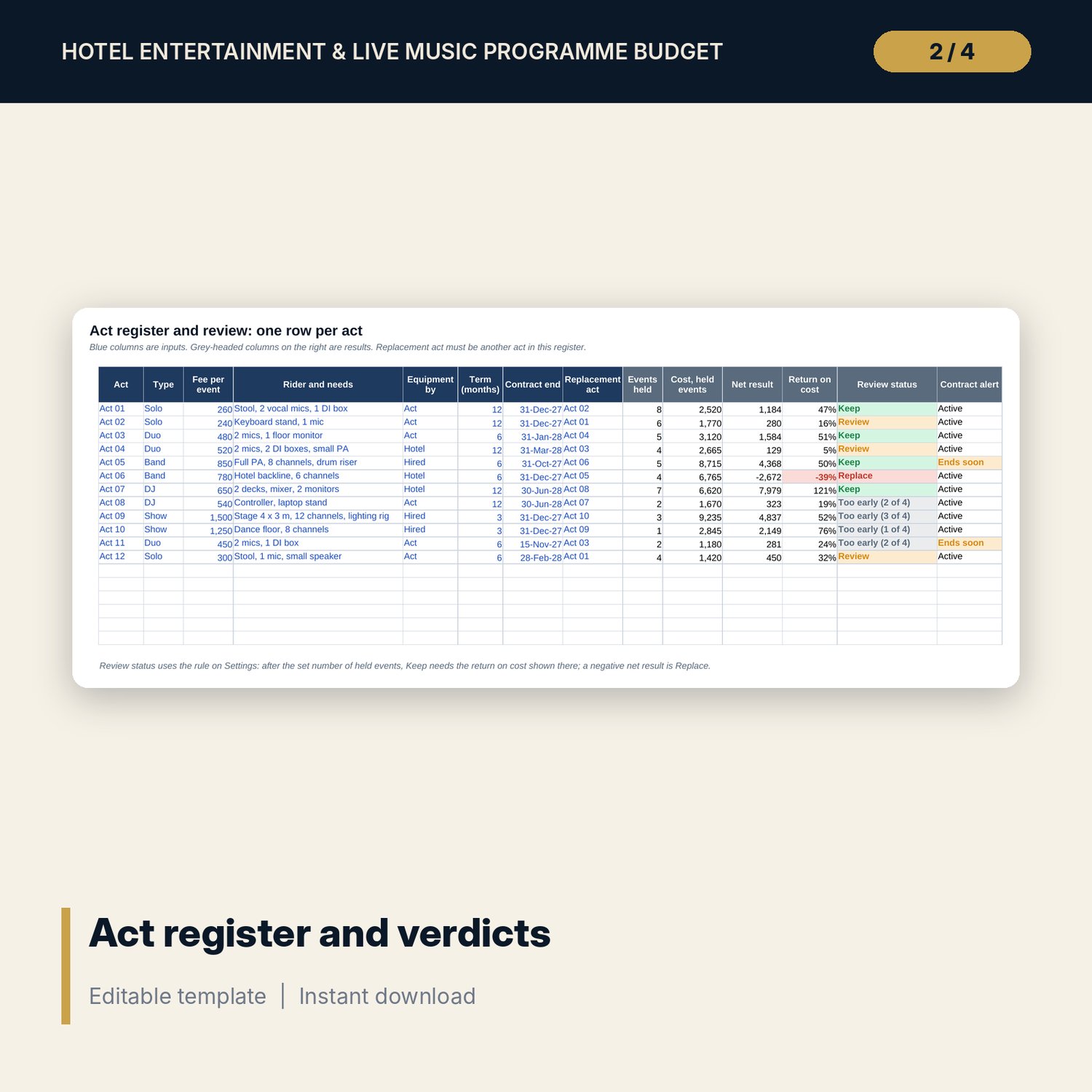
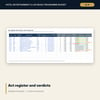
- Acts: 12 sample acts plus 6 spare rows, with contract alerts and a Keep, Review or Replace verdict
- Calendar: 63 sample event nights plus 17 spare rows, with six cost lines, set times and an end-time flag
- Event Results: 22 columns per event, from covers and spend to net result and return on cost
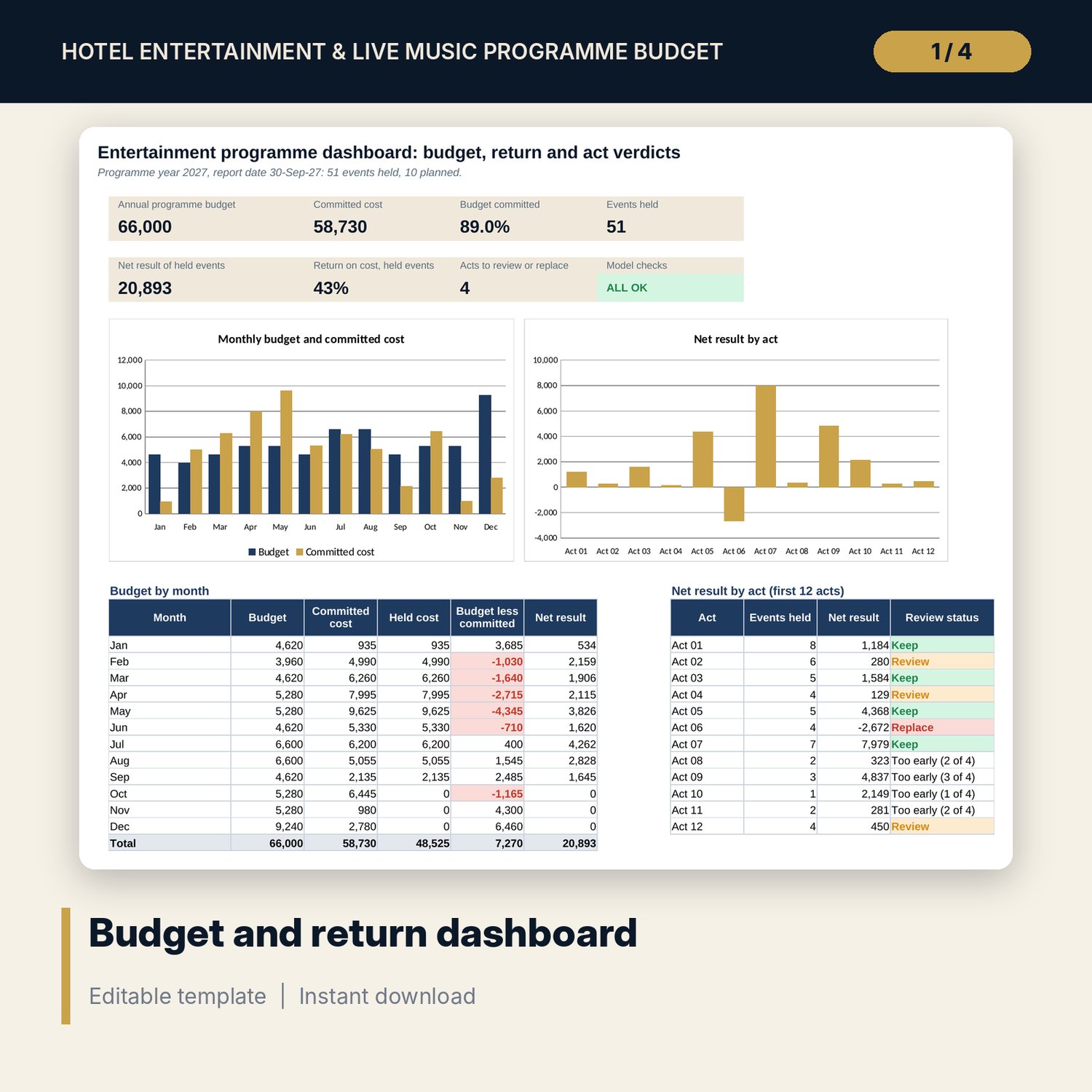
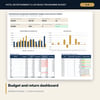
- Dashboard: 7 KPI tiles, a check tile, 2 charts; 8 integrity checks on the Checks tab
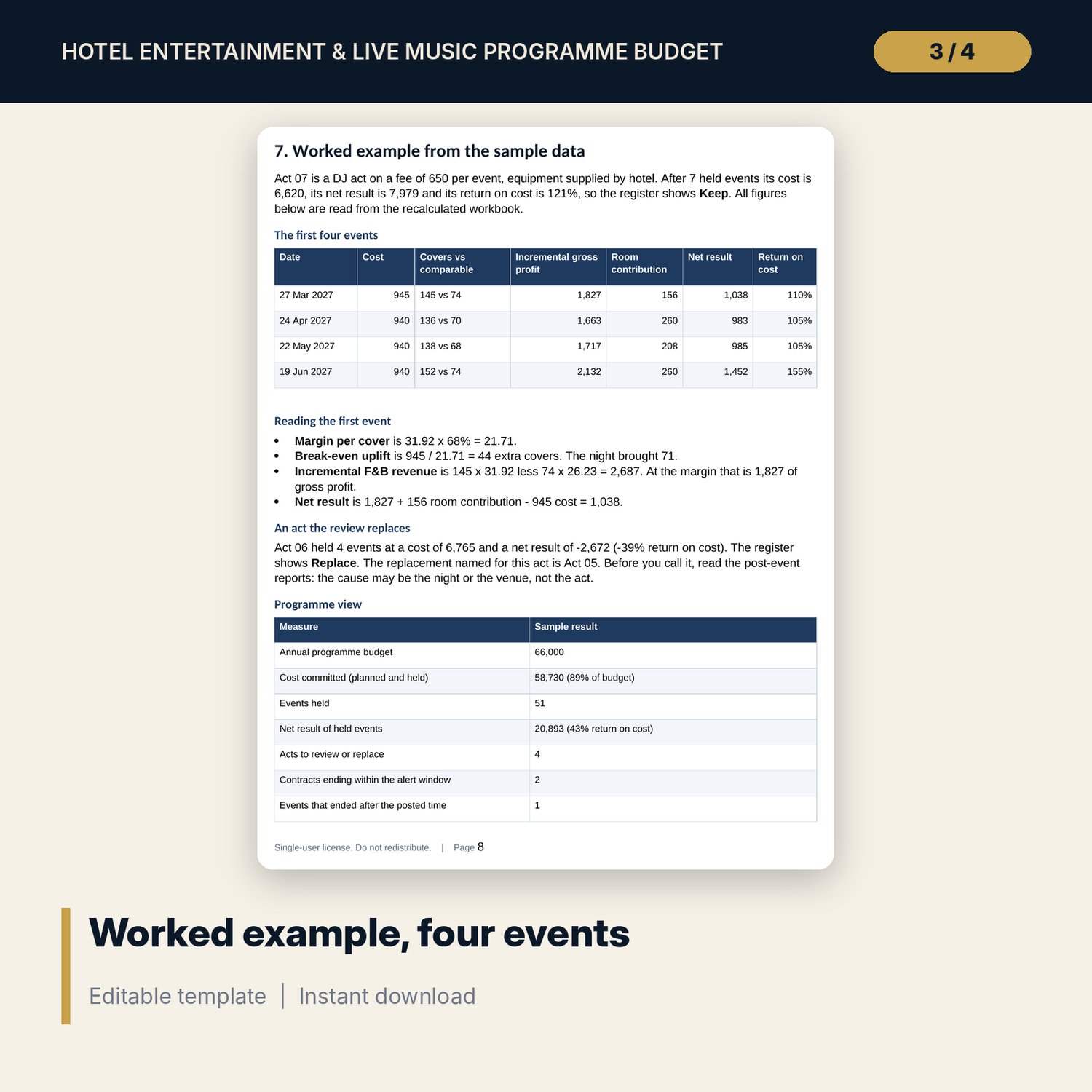
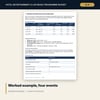
- Entertainment_Booking_Brief_Pack.docx and PDF: 8 pages with a booking brief, act scorecard, noise standard, three-part event-night checklist, post-event report, review record and a worked example
- README.txt and LICENSE-and-Terms.txt
How it works
- Enter the outlet revenue and budget percentage on Settings; the workbook phases the budget by month.
- Record your acts and each event night with its cost lines on Acts and Calendar.
- After each event, enter covers, spend, the comparable night, room nights, rating and complaints on Event Results.
- Read the verdict for each act on Acts and the budget position on the Dashboard.
Details
- Formats: 1 Excel workbook (.xlsx), 1 booking brief pack in Word (.docx) and PDF, English
- Software: Excel 2016 or later, or LibreOffice Calc 7 or later
- No macros, no external links, no data tables, no array formulas
- 3 files plus README and license; instant digital download
Good to know
- Sample data is illustrative. Replace it with your own figures.
- Margins, licence fees, noise limits and end times are your inputs. Verify local requirements and your contract terms.
- The comparable night is your own estimate. The results are only as good as that baseline.
- These files are management tools, not legal or financial advice.
- Single-user license. Do not redistribute.
FAQ
How is the break-even uplift calculated?
Event cost divided by the margin per cover, where margin per cover is the event-night average spend times your F&B gross margin. It is the number of extra covers the night needs to pay for the act.
What counts as a comparable night?
The average of the last four similar nights at the same venue without entertainment. You enter the covers and average spend for it on each event row.
When does an act get a verdict?
After the number of held events you set on Settings (four in the sample). Before that the register shows Too early. After it, the return on cost decides Keep, Review or Replace.
Does it include room revenue?
Yes, as an option. Enter the room nights the event brought in and the room contribution per night on Settings. Leave the room nights blank to ignore it.
Do I need macros?
No. Every result is a standard worksheet formula.