

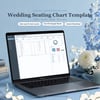
Wedding Seating Chart Template | Guest List & Table Planner with Auto Seat Counter (Excel & Google Sheets)
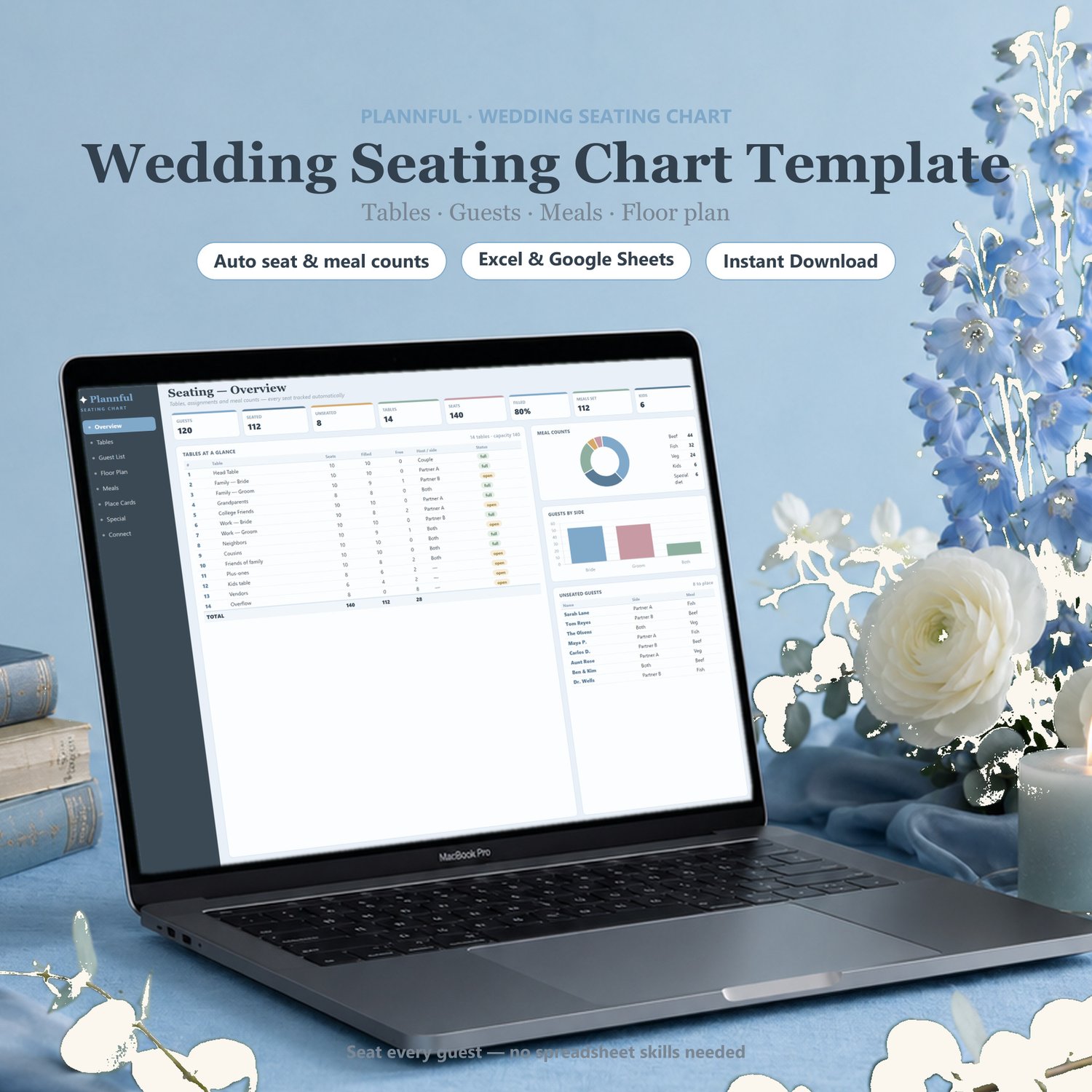
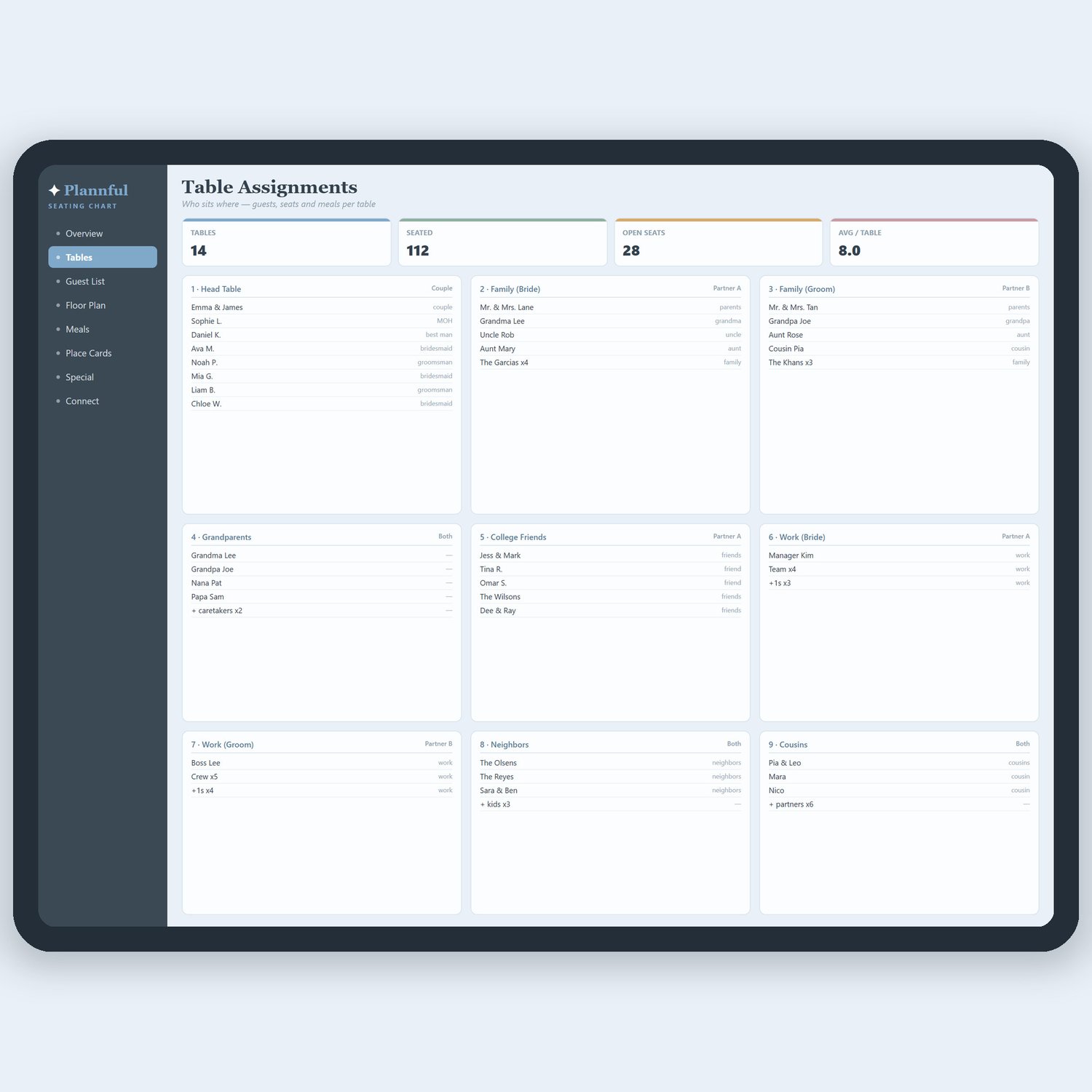
Seating your guests just got easy. Type a table number next to each guest and this spreadsheet does the rest — counting seats used, seats left and warning you the moment a table goes over capacity. No more sticky notes or guesswork.
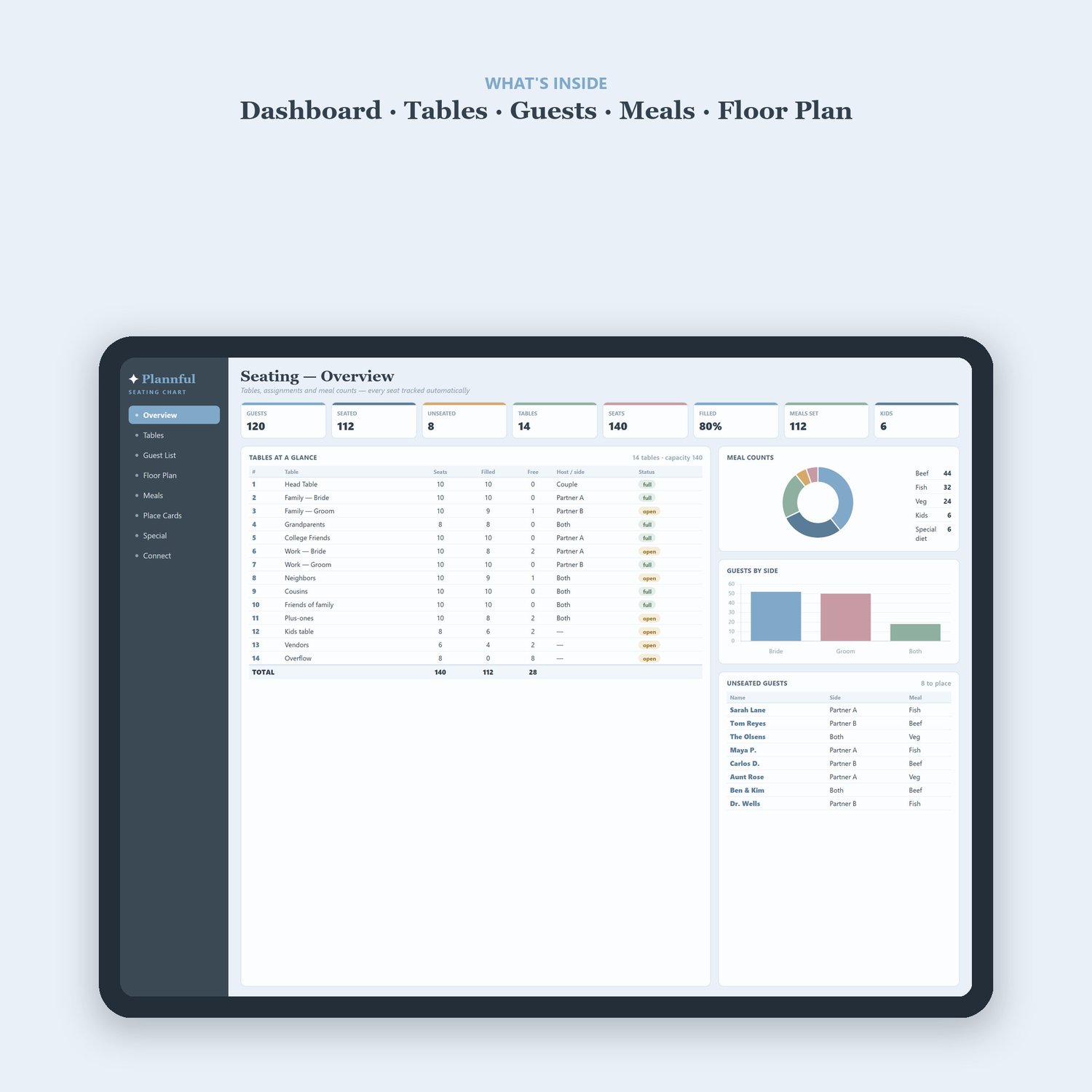
WHAT'S INSIDE (4 tabs):
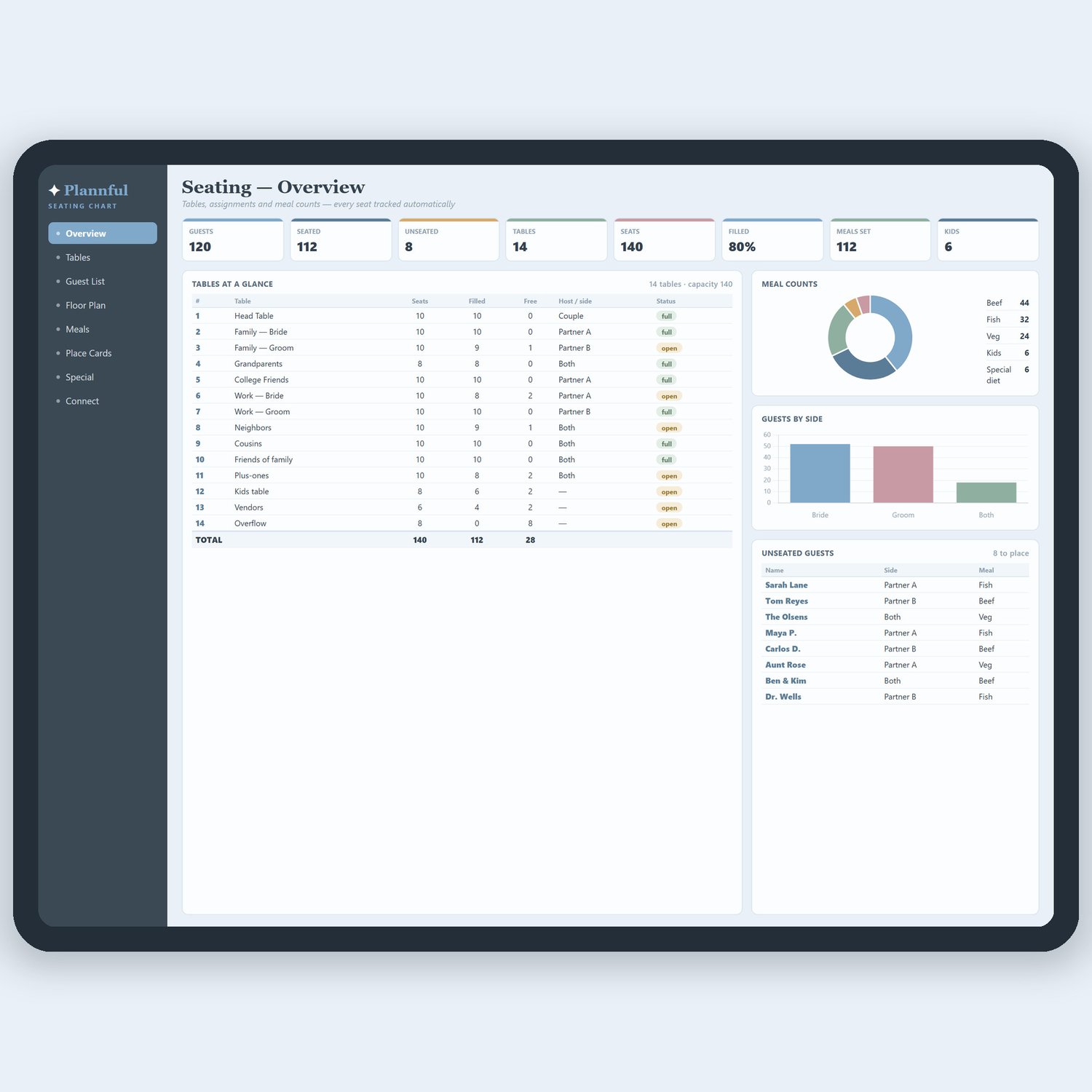
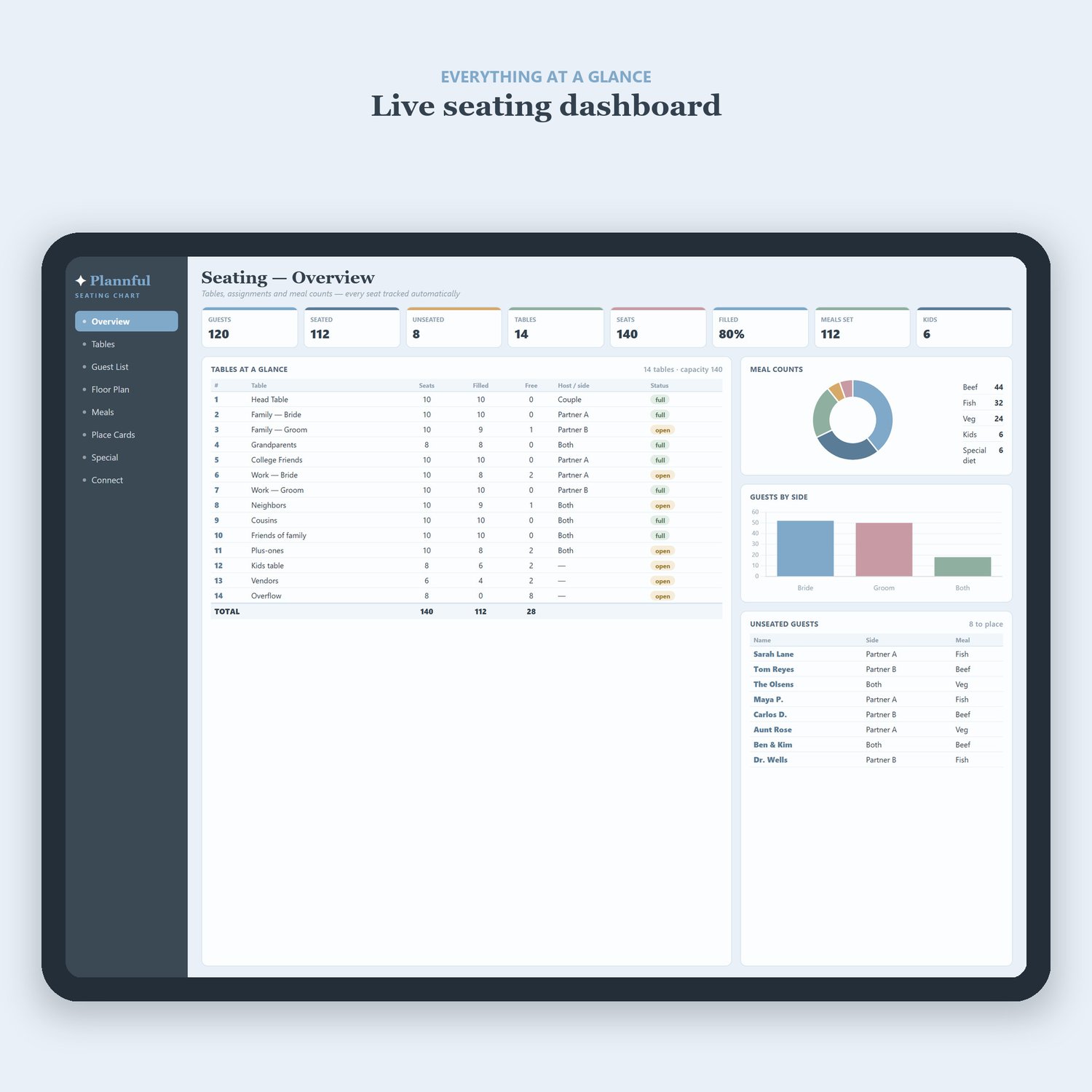
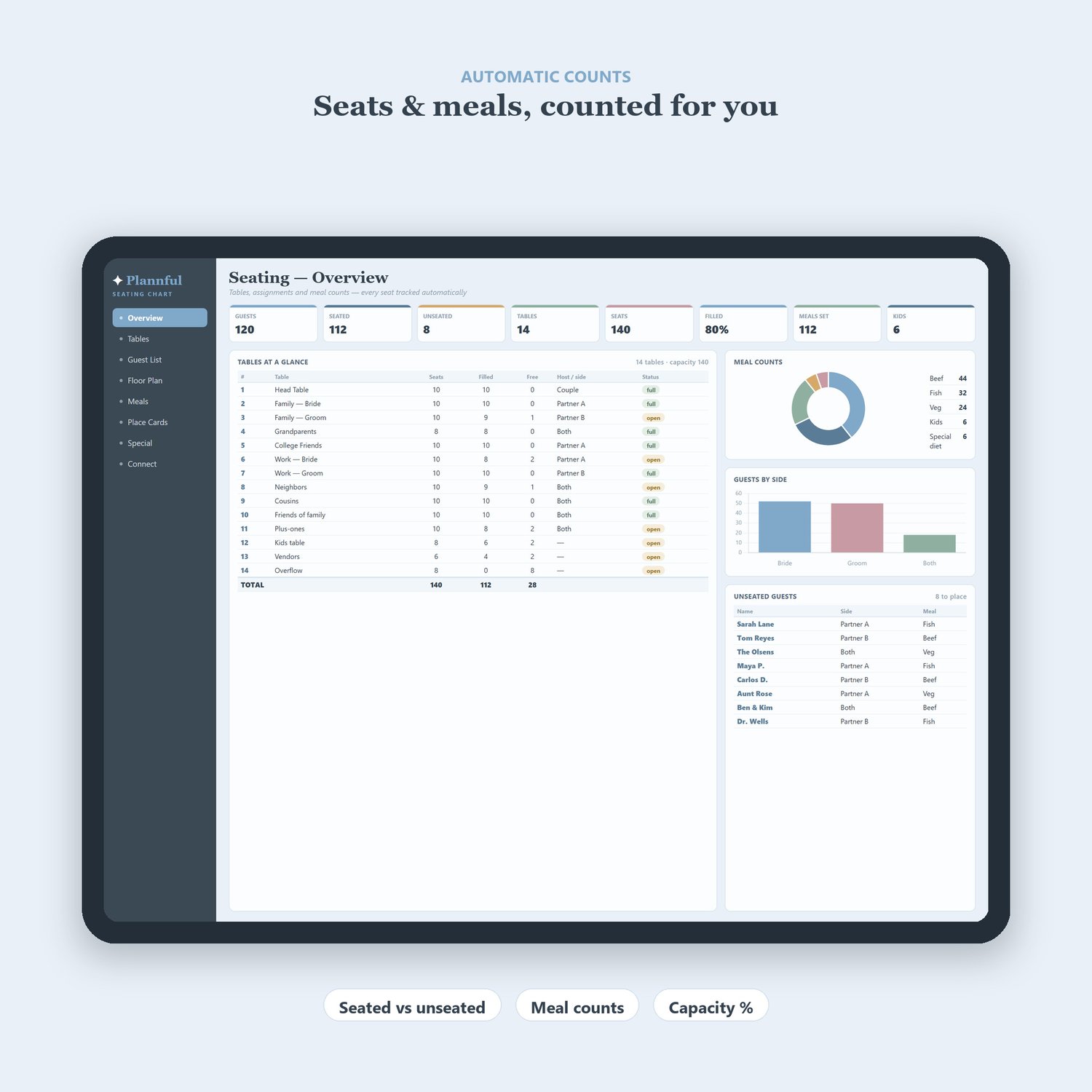
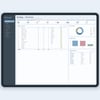
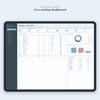
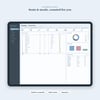
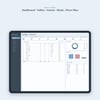
• Dashboard – guests seated, seats filled, capacity used and over-capacity alerts
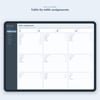
• Guests – names, group, table number, meal choice and RSVP (with dropdowns)
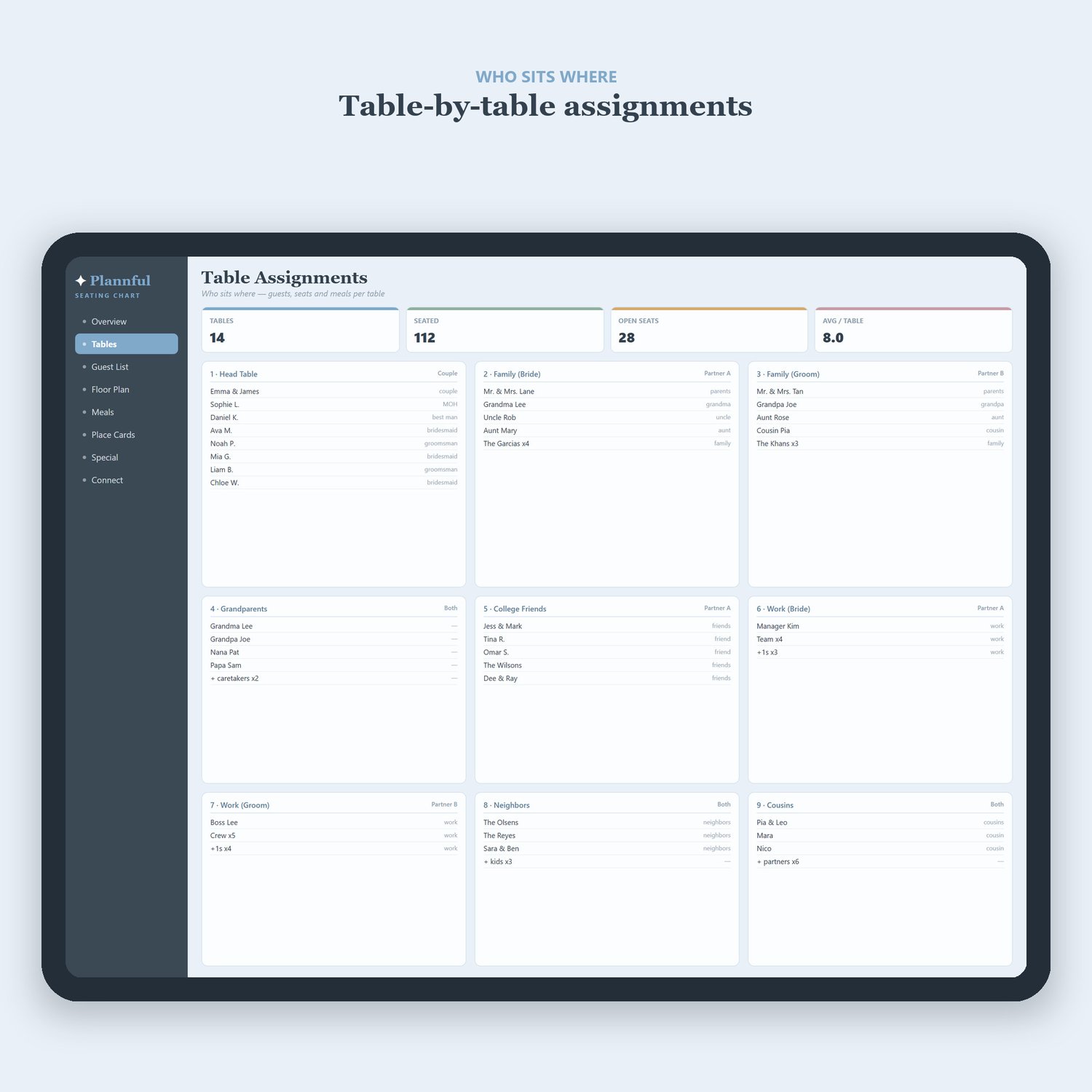
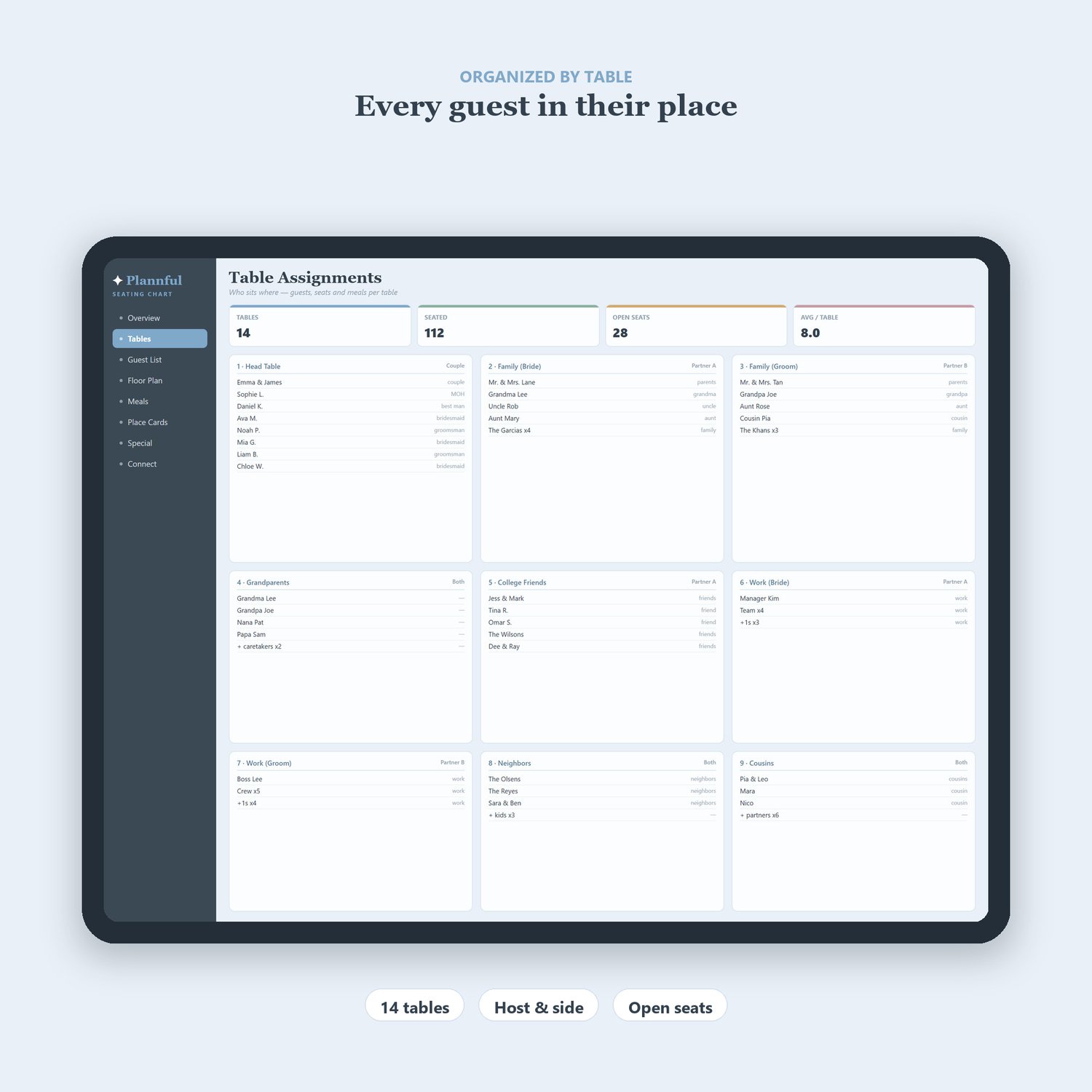
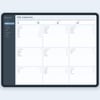
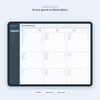
• Tables – set each table's name & capacity; seats used / left counted for you
• Instructions – a simple step-by-step guide
WHY YOU'LL LOVE IT:
• Assign a table and watch the seats count themselves — real formulas
• Instant "OVER capacity" warning so no table is overbooked
• Meal column gives your caterer an exact head count per dish
• Fully editable — add as many guests and tables as you need
• Works in Microsoft Excel, Google Sheets and LibreOffice (Windows or Mac)
INSTANT DIGITAL DOWNLOAD — you'll get the file right after purchase. Nothing physical is shipped.
FREQUENTLY ASKED QUESTIONS
Q: Will it work on my computer?
A: Yes! It works in Microsoft Excel, Google Sheets and LibreOffice — on Windows or Mac.
Q: Do I need to be good with spreadsheets?
A: Not at all. Just type a table number next to each guest — the counting is automatic. Example data is included so you can see how it works.
Q: Can I use it on my phone?
A: Yes, through the free Google Sheets app (it looks best on a computer or tablet).
Q: How do I receive it?
A: Instant digital download — you get the file right after purchase. Nothing physical is shipped.
Q: Can I edit and reuse it?
A: Absolutely. Everything is fully editable and reusable.
Q: Is this a one-time payment?
A: Yes — pay once and it's yours forever.
Q: What is your refund policy?
A: As this is an instant digital download, all sales are final. But if you have any trouble with the file, just message me and I'll help you out.