
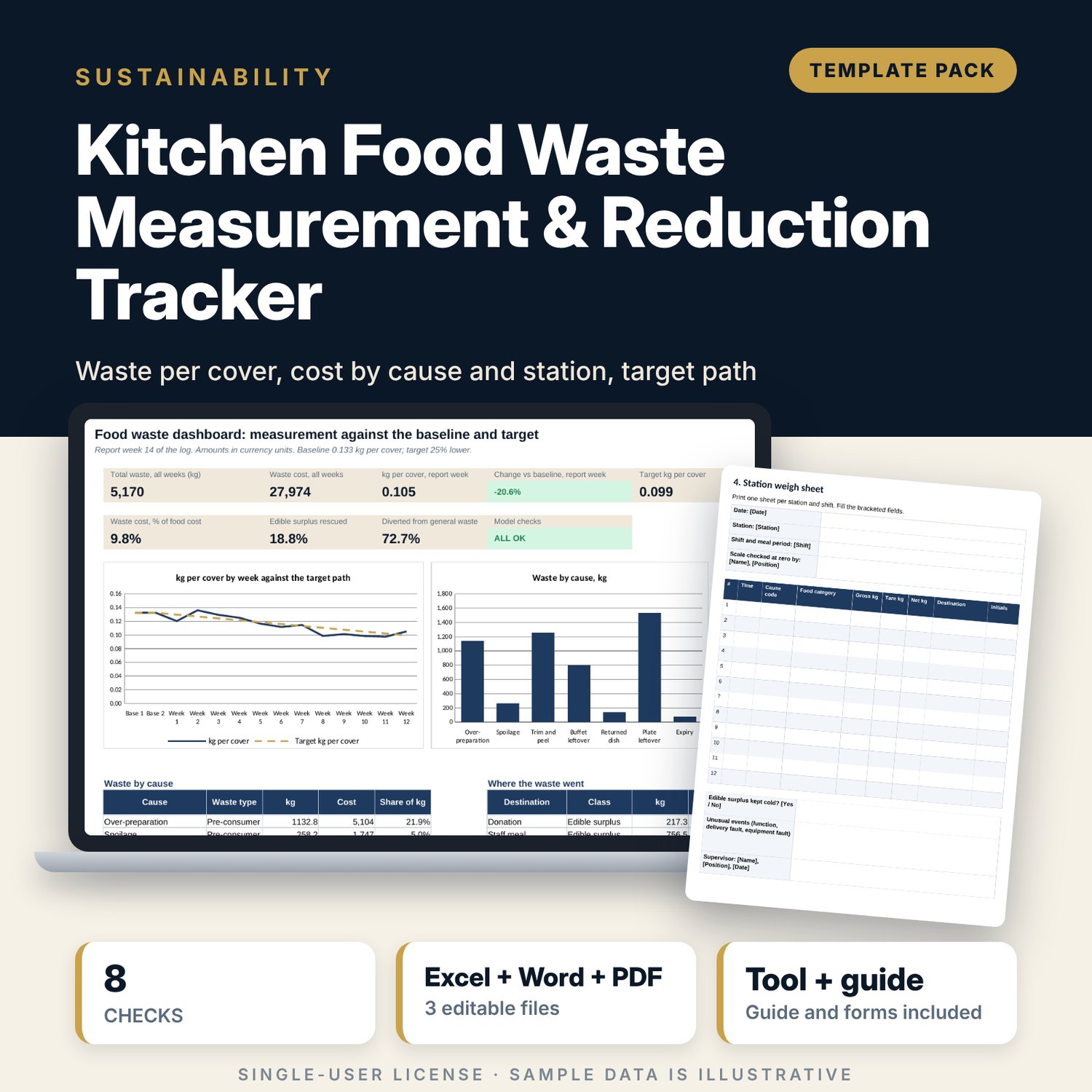
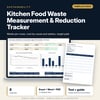
Kitchen Food Waste Measurement & Reduction Tracker: Food Waste Tracker Spreadsheet for Hotel and Restaurant Kitchens
Full description
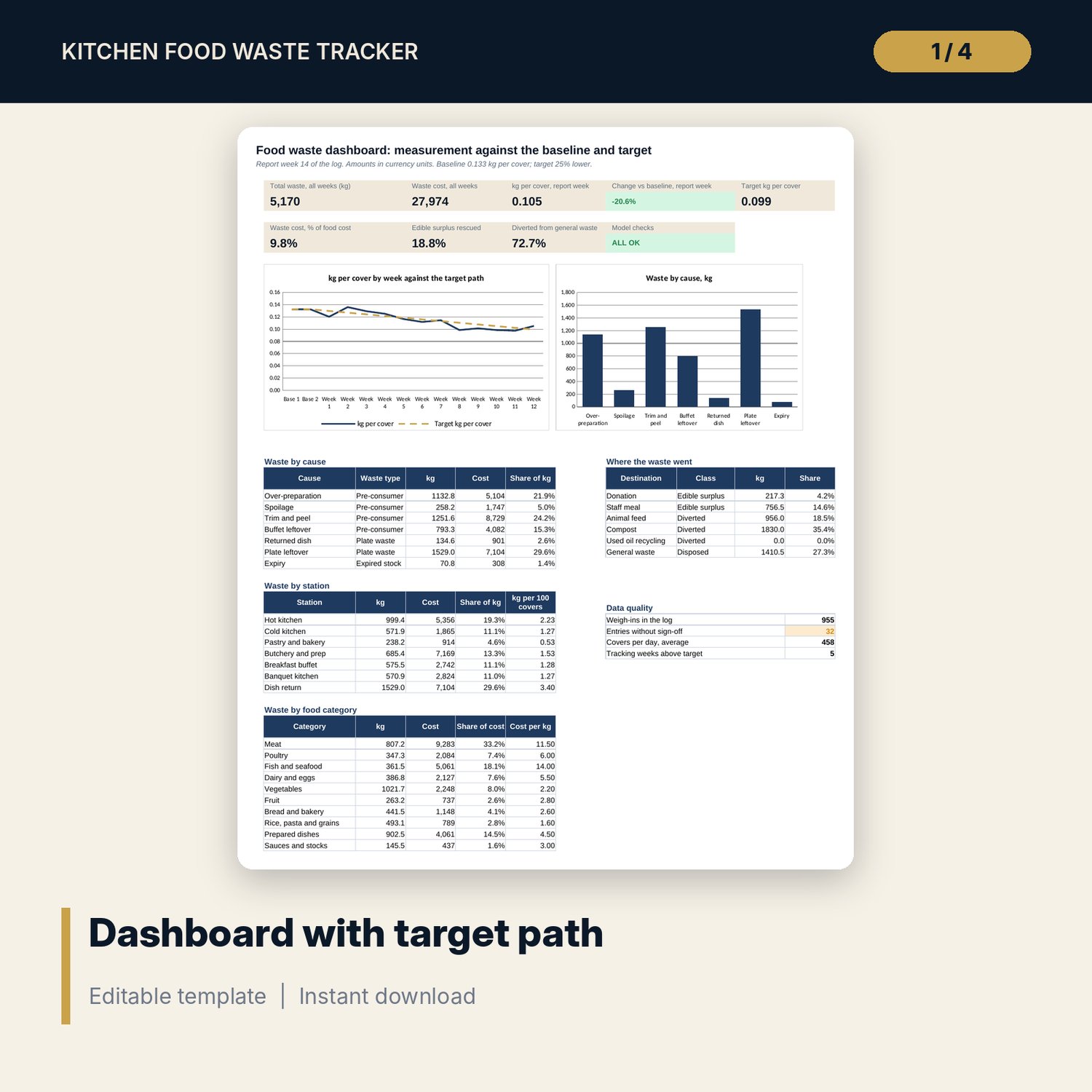
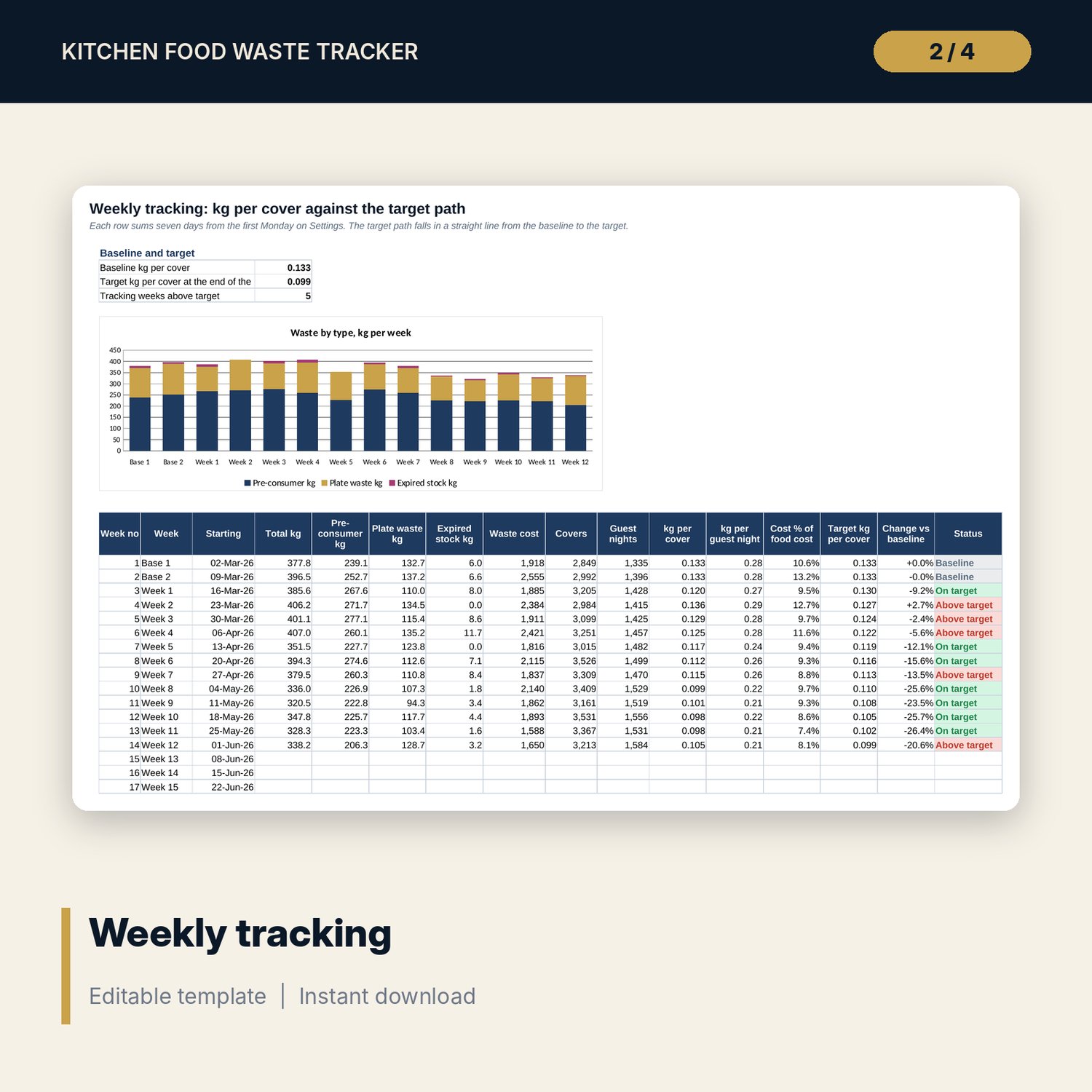
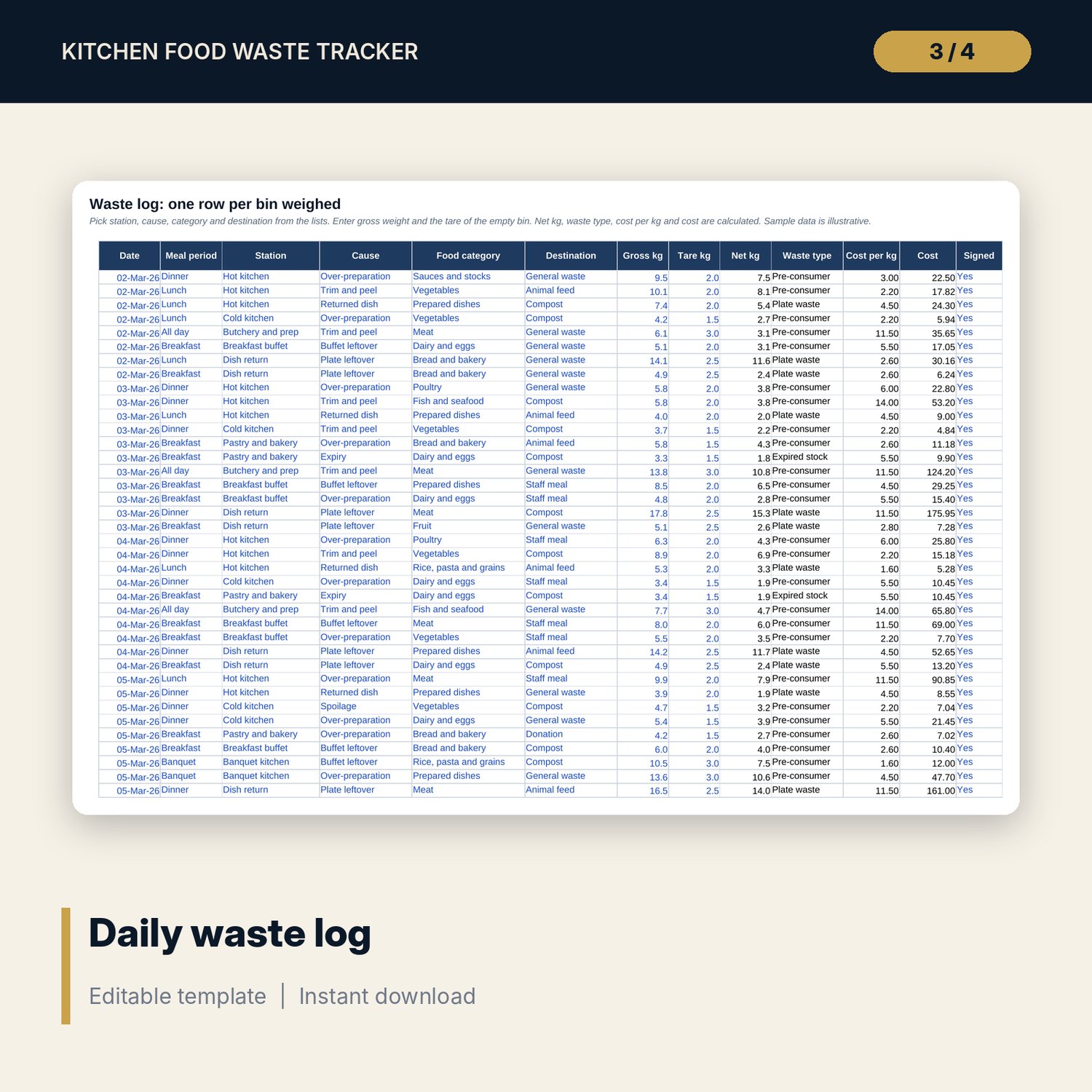
For executive chefs, F&B managers and cost controllers who want to measure food waste before they try to cut it. The workbook turns a daily weigh log into net kg, waste type, cost and cost per kg by food category. It divides by covers and guest nights, sets a baseline from your first weeks, draws a target path, and flags each week as On target or Above target. The dashboard shows the largest causes, stations and categories. The Word procedure covers equipment, daily weighing, cause codes, the weekly review and the checks needed before surplus food is donated.
What is inside
- Kitchen_Food_Waste_Tracker.xlsx: 7 tabs, 5,689 formulas, 3 native charts, 16 drop-down and input rules
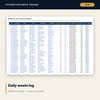
- Waste Log: 955 sample weigh-ins over 98 days, 300 spare rows; station, cause, food category and destination from lists; gross, tare, net kg, type and cost calculated
- Covers: 98 days of covers by meal period, guest nights and food cost, 70 spare rows
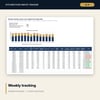
- Weekly: 14 sample weeks plus 10 spare; kg per cover, kg per guest night, cost as % of food cost, baseline, target path and status
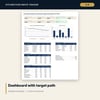
- Dashboard: 8 KPI tiles and a check tile, 2 charts, breakdowns by 7 causes, 7 stations, 10 food categories and 6 destinations; 1 more chart on Weekly
- Checks: 8 integrity checks
- Food_Waste_Measurement_Procedure.docx and PDF: 9-page measurement procedure with weigh sheet, cause codes, baseline method, weekly review agenda, donation checklist, calibration log and a worked example
- README.txt and LICENSE-and-Terms.txt
How it works
- Set the first Monday, baseline weeks, target and cost per kg on Settings.
- Weigh waste at each station and add one row per weigh-in; enter covers, guest nights and food cost each day.
- After the baseline weeks, read Weekly and Dashboard for kg per cover against the target path.
- Take the top three causes to a weekly review with the Executive Chef and record actions.
Details
- Formats: 1 Excel workbook (.xlsx), 1 Word document (.docx) and its PDF, English
- Software: Excel 2016 or later, or LibreOffice Calc 7 or later
- No macros, no external links, no array formulas
- 3 files plus README and license; instant digital download
Good to know
- Sample data is illustrative. Replace it with your own figures.
- Cost per kg values are averages for the sample. Replace them with your purchase prices.
- Not food-safety or legal advice. Check local rules for donation, animal feed and waste disposal before you use them.
- Single-user license. Do not redistribute.
FAQ
What do I need to weigh with?
A calibrated scale readable to 0.1 kg and a bin with a known empty weight. The procedure explains where to place each scale.
How does it set the target?
It finds the baseline kg per cover from your first weeks, then draws a straight line to your reduction target over the number of weeks you choose.
Why does cost use food categories?
A kilogram of fish costs far more than a kilogram of vegetable peel. Each category has its own average cost per kg that you can edit.
Can I add my own stations and causes?
Yes. The lists are on Settings. Add a station or cause there and it appears in the drop-downs; the procedure advises keeping to seven causes at first.
Do I need macros?
No. Every result is a standard worksheet formula.