
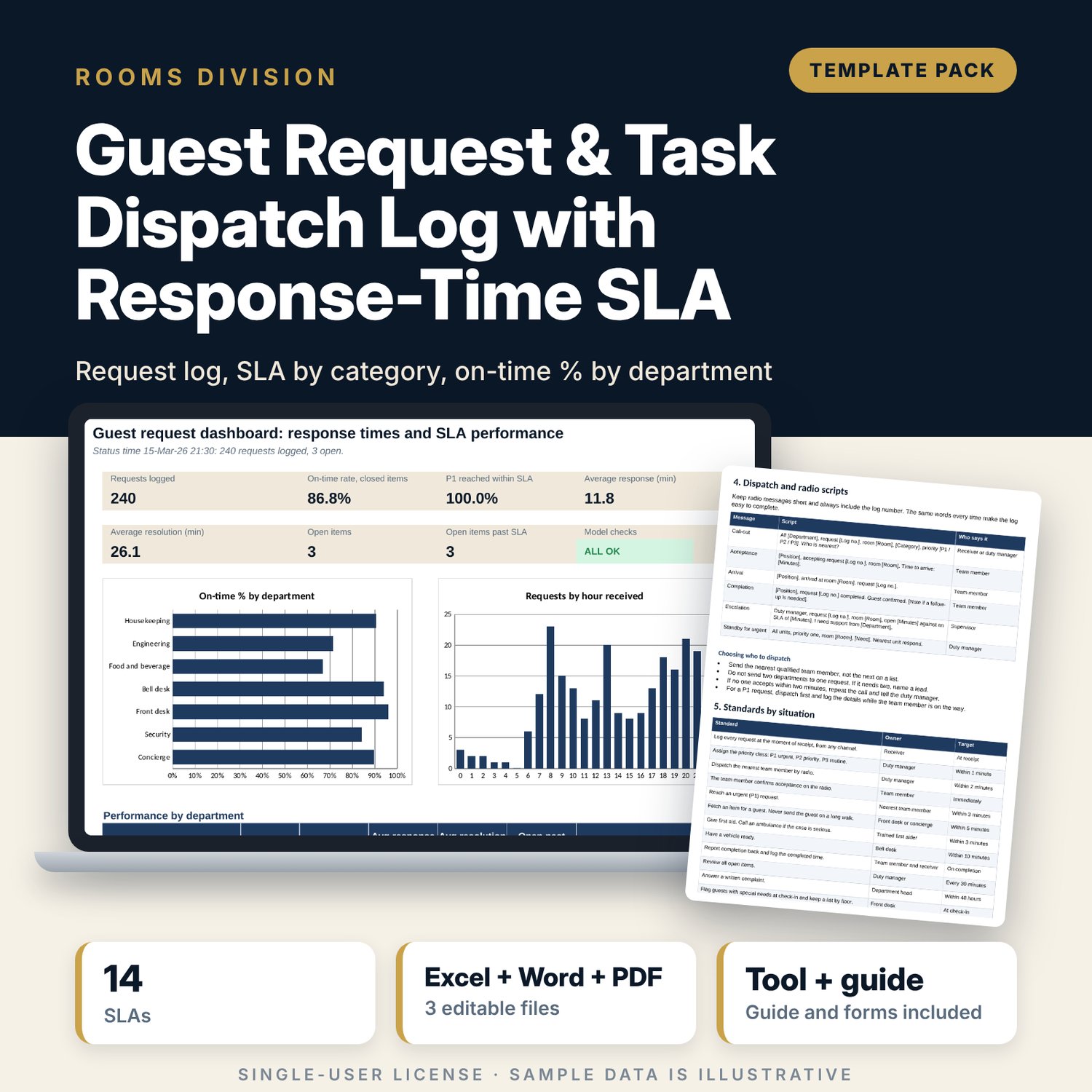
Guest Request & Task Dispatch Log with Response-Time SLA: Guest Request Log, Dispatch Procedure and SLA Tracker
Full description
For duty managers, front office managers, guest services teams and department heads who need every guest request logged, dispatched and closed against a target time. The workbook records received, dispatched, arrived and completed times, applies the lower of the category SLA and the priority cap, calculates response and resolution in minutes, and reports on-time %, averages, open items and items past SLA by department, category, priority, channel and hour. Open items age to a status time and escalate at 100% of SLA to the supervisor and 150% to the duty manager. The Word procedure gives the flow, priority classes, radio scripts and forms.
What is inside
- Guest_Request_Dispatch_Log.xlsx: 7 tabs, 4,379 formulas, 2 native charts, 10 drop-down and input rules
- Settings: SLA table for 14 categories in 7 departments, 3 priority classes with caps, escalation points and on-time target
- Request Log: 240 sample requests over 14 days with 4 channels, result, open age and escalation, plus 60 spare rows
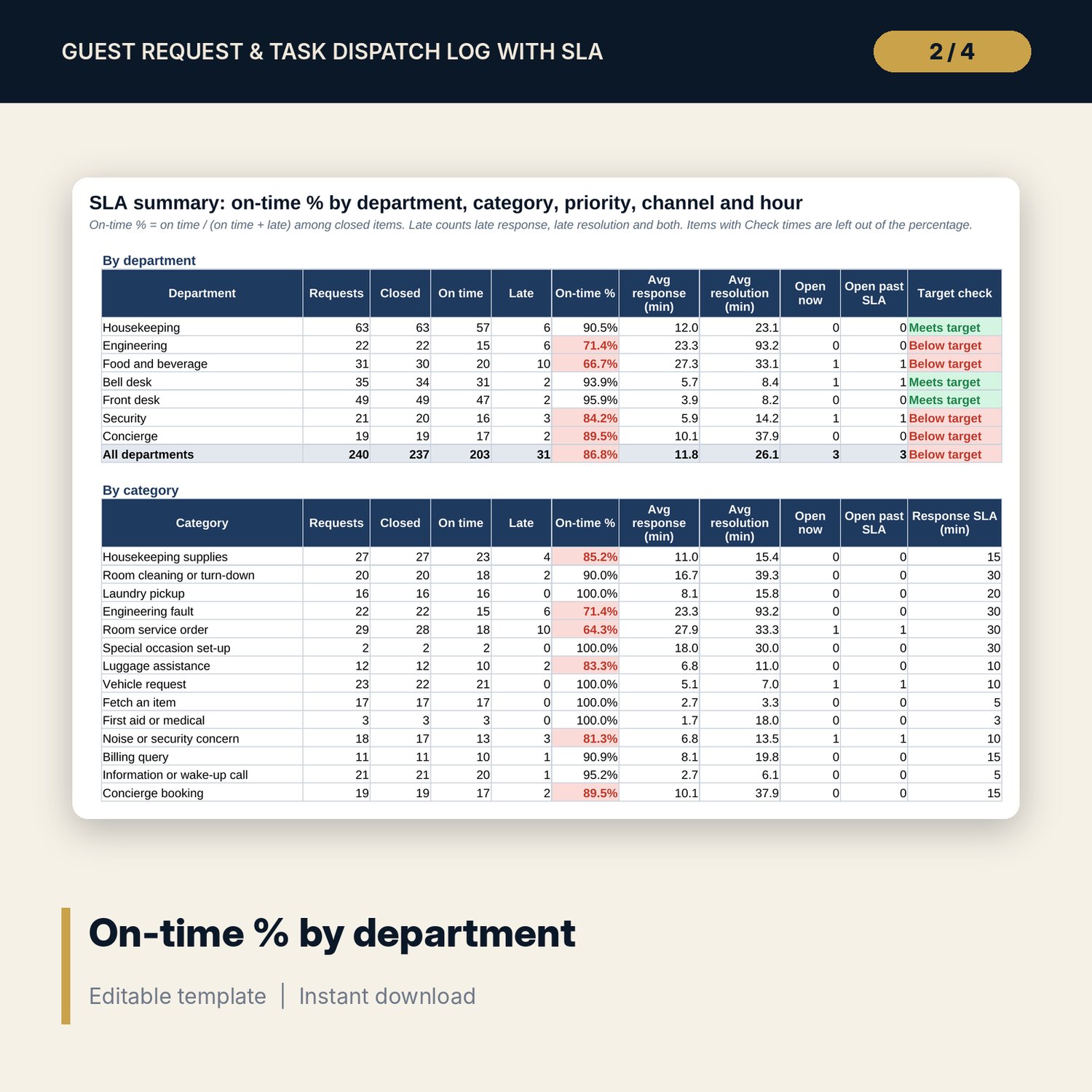
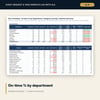
- SLA Summary: on-time % and averages by department, category, priority, channel and hour of day
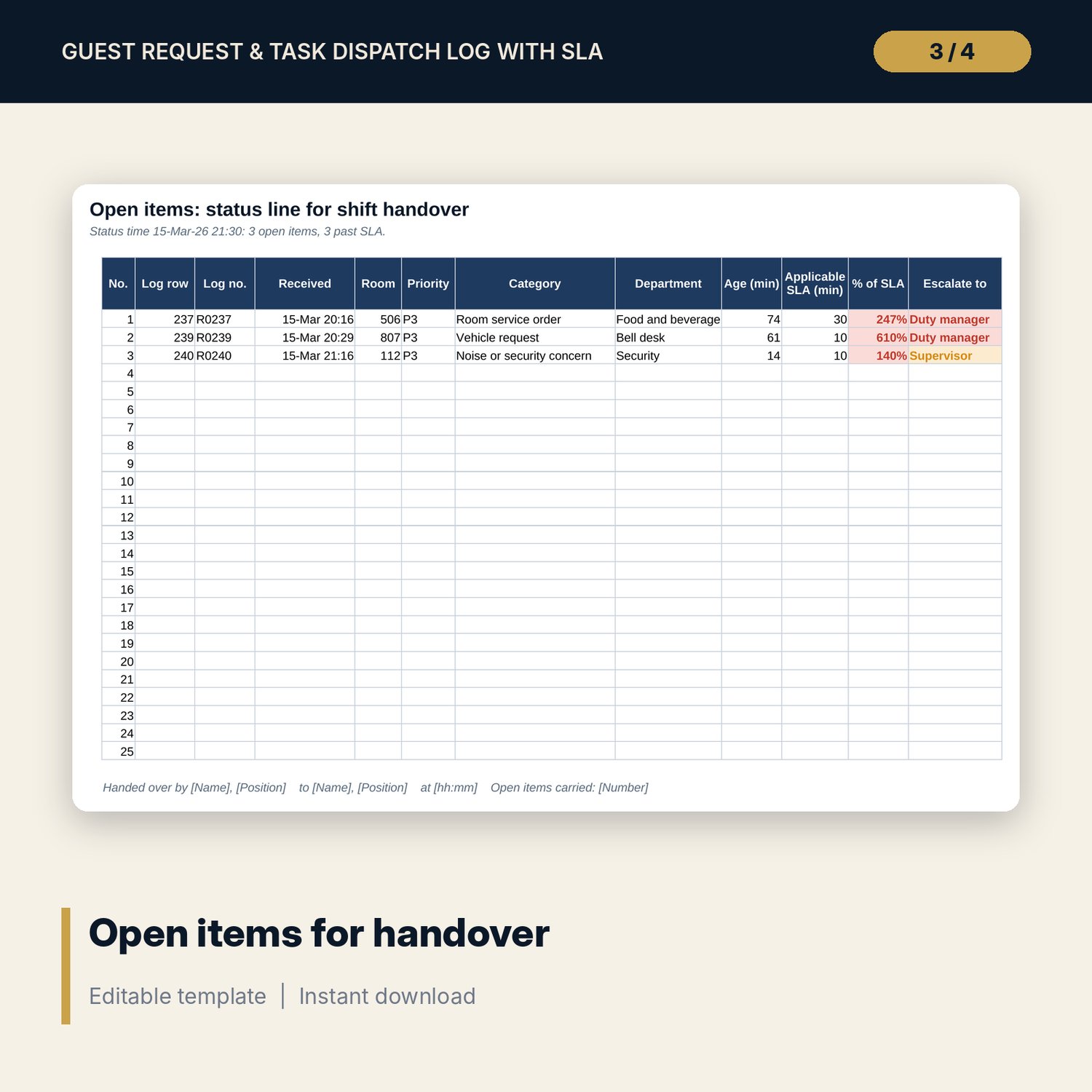
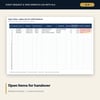
- Open Items: up to 25 open requests with age, % of SLA and who to escalate to, for shift handover
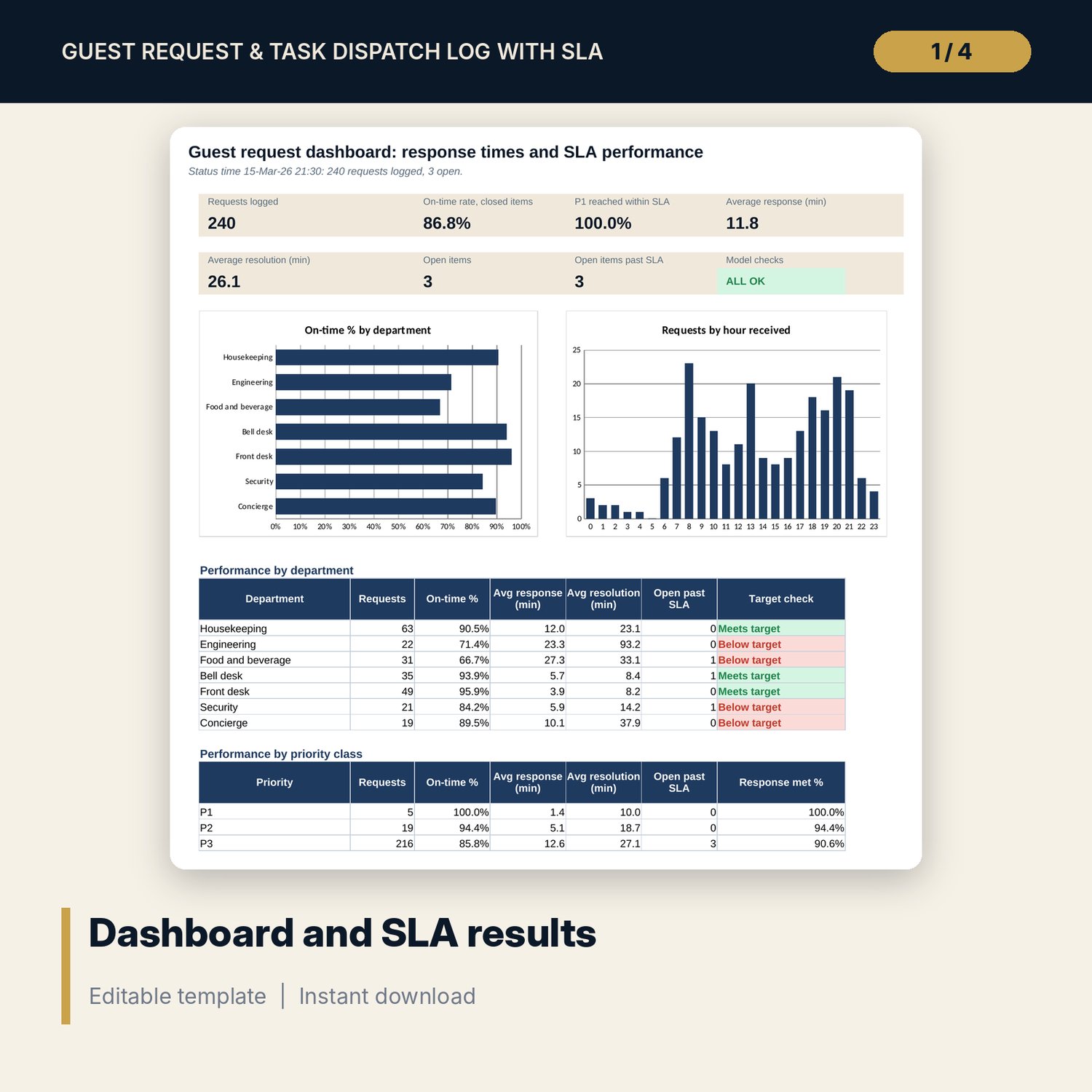
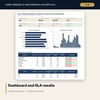
- Dashboard: 7 KPI tiles, a check tile and 2 charts; 8 integrity checks on the Checks tab
- Guest_Request_Dispatch_Procedure.docx and PDF: 10 pages with a five-step flow, priority classes, 6 radio scripts, 14 standards, escalation rules, 3 forms and a worked example
- README.txt and LICENSE-and-Terms.txt
How it works
- Set your SLA by category, the priority caps, the escalation points and the on-time target on Settings.
- Log each request at receipt and enter the dispatched, arrived and completed times as they happen.
- Read Open Items every 30 minutes and escalate what shows Supervisor or Duty manager.
- Review SLA Summary and Dashboard weekly with each department head.
Details
- Formats: 1 Excel workbook (.xlsx), 1 procedure in Word (.docx) and PDF, English
- Software: Excel 2016 or later, or LibreOffice Calc 7 or later
- No macros, no external links, no data tables, no array formulas
- 3 files plus README and license; instant digital download
Good to know
- Sample data is illustrative. Replace it with your own figures.
- SLA values and caps are your own standards. These files are management tools. Follow your emergency plan and local requirements for medical and safety events.
- The workbook records and measures. It does not connect to your radio, phone or property system.
- Single-user license. Do not redistribute.
FAQ
How is the SLA applied?
Each category has a response SLA and a resolution SLA. The priority class can cap both. The log uses the lower of the two.
What counts as on time?
Response and resolution are both within the SLA applied. The percentage counts closed items only.
What happens to open items?
They age to the status time on Settings. At 100% of SLA they show Supervisor and at 150% Duty manager. You can change both points.
How many requests can it hold?
240 sample requests plus 60 spare rows. Add rows by copying the last row down.
Do I need macros?
No. Every result is a standard worksheet formula.