
Hotel KPI Dictionary & Data Definitions Standard: Hotel KPI Dictionary Template and Data Standard
Full description
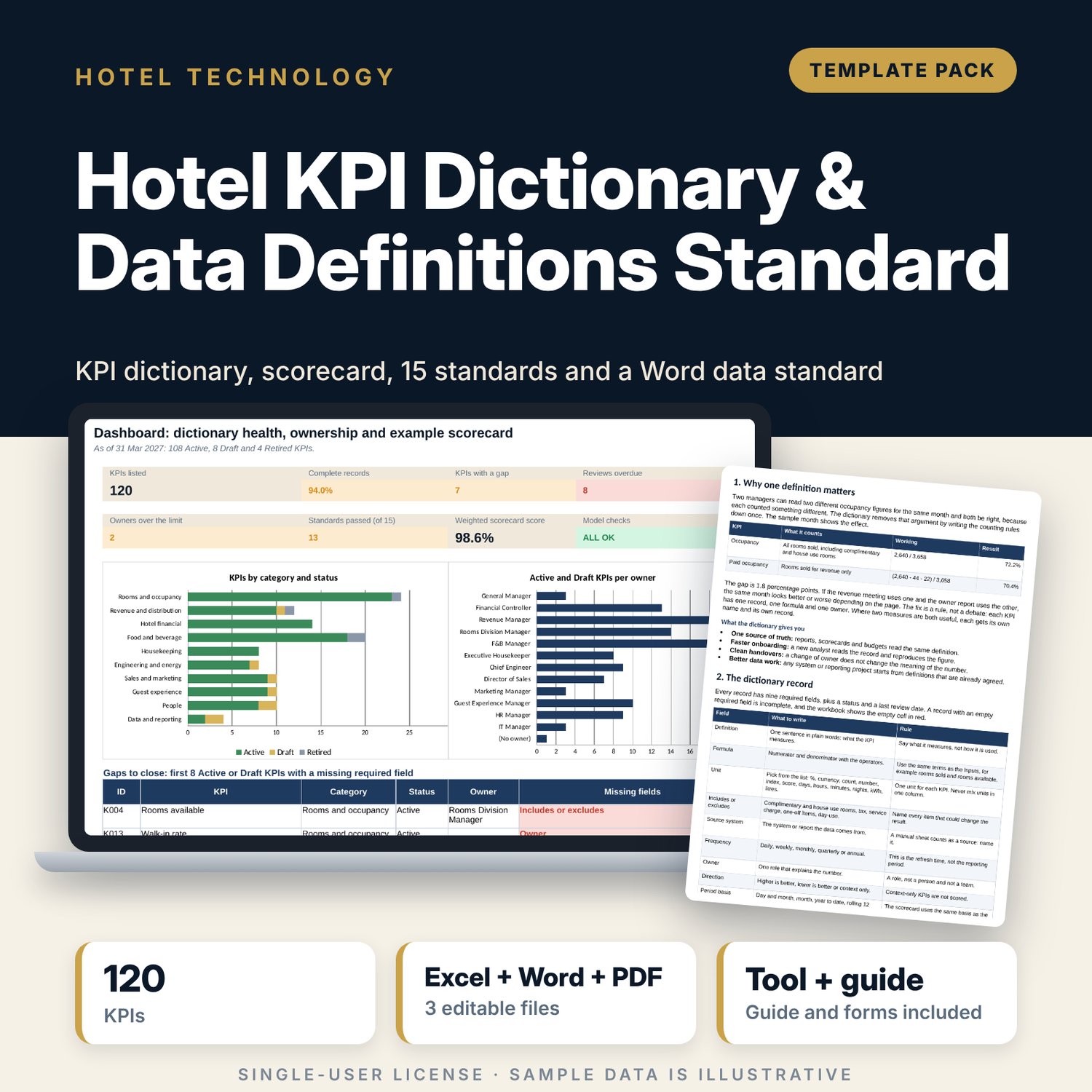
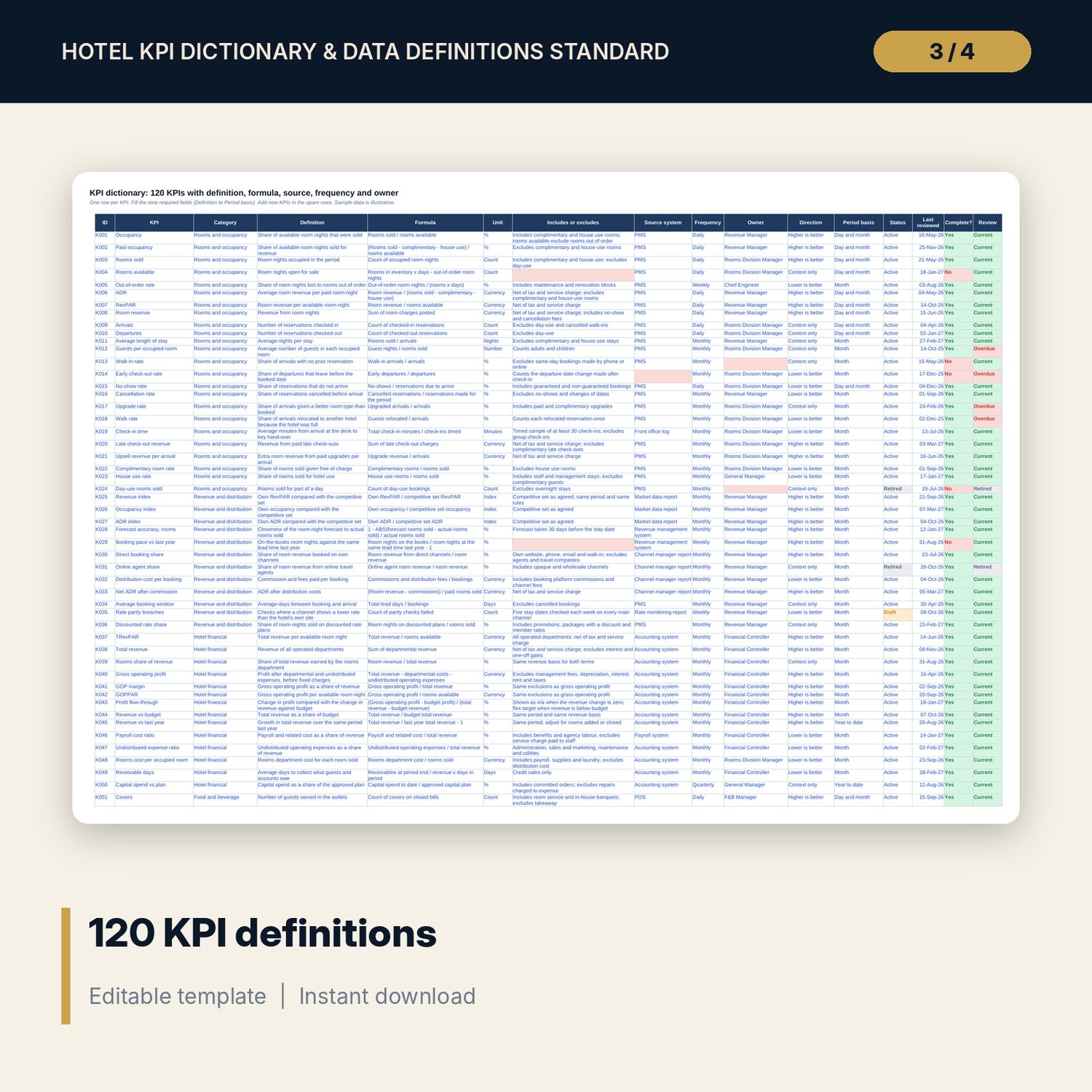
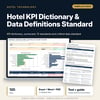
For general managers, financial controllers, revenue managers and hotel analysts who need every KPI written down once and owned by one role. The workbook holds 120 KPI records in 10 categories. Each record has a definition, formula, unit, inclusions and exclusions, source system, frequency, owner, direction, period basis, status and review date. Empty required cells turn red, overdue reviews are flagged, and the Dictionary Health tab counts gaps, tests the owner load and checks 15 standards. A scored example month of 20 KPIs shows how targets, weights, a floor and a cap turn actuals into points. The Word standard sets out the rules, the core formulas with worked arithmetic, ownership, change control and printable forms.
What is inside
- Hotel_KPI_Dictionary.xlsx: 7 tabs, 1,401 formulas, 2 native charts, 22 drop-down and input rules
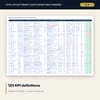
- KPI Dictionary: 120 sample KPIs in 10 categories, 20 spare rows, nine required fields, status, last review and completeness flags
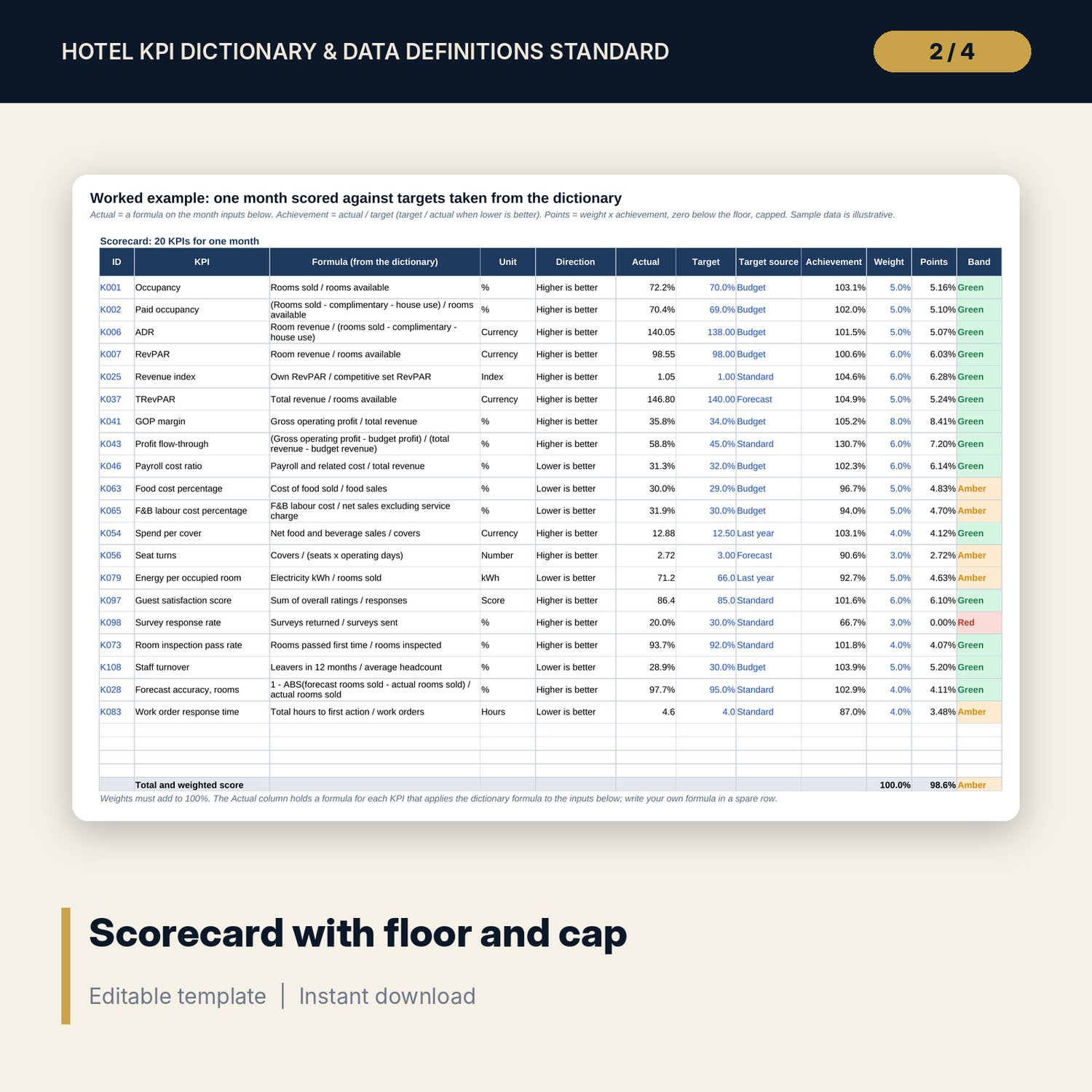
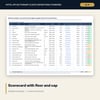
- Worked Examples: 31 month inputs and a scorecard of 20 KPIs with actual, target, achievement, weight, points and band
- Dictionary Health: field completeness, KPIs by category, owner load against a limit, 15 standards tested, change log with 8 sample entries
- Settings: review cycle, owner limit, scoring floor and cap, three rules in words, data stewards and nine drop-down lists
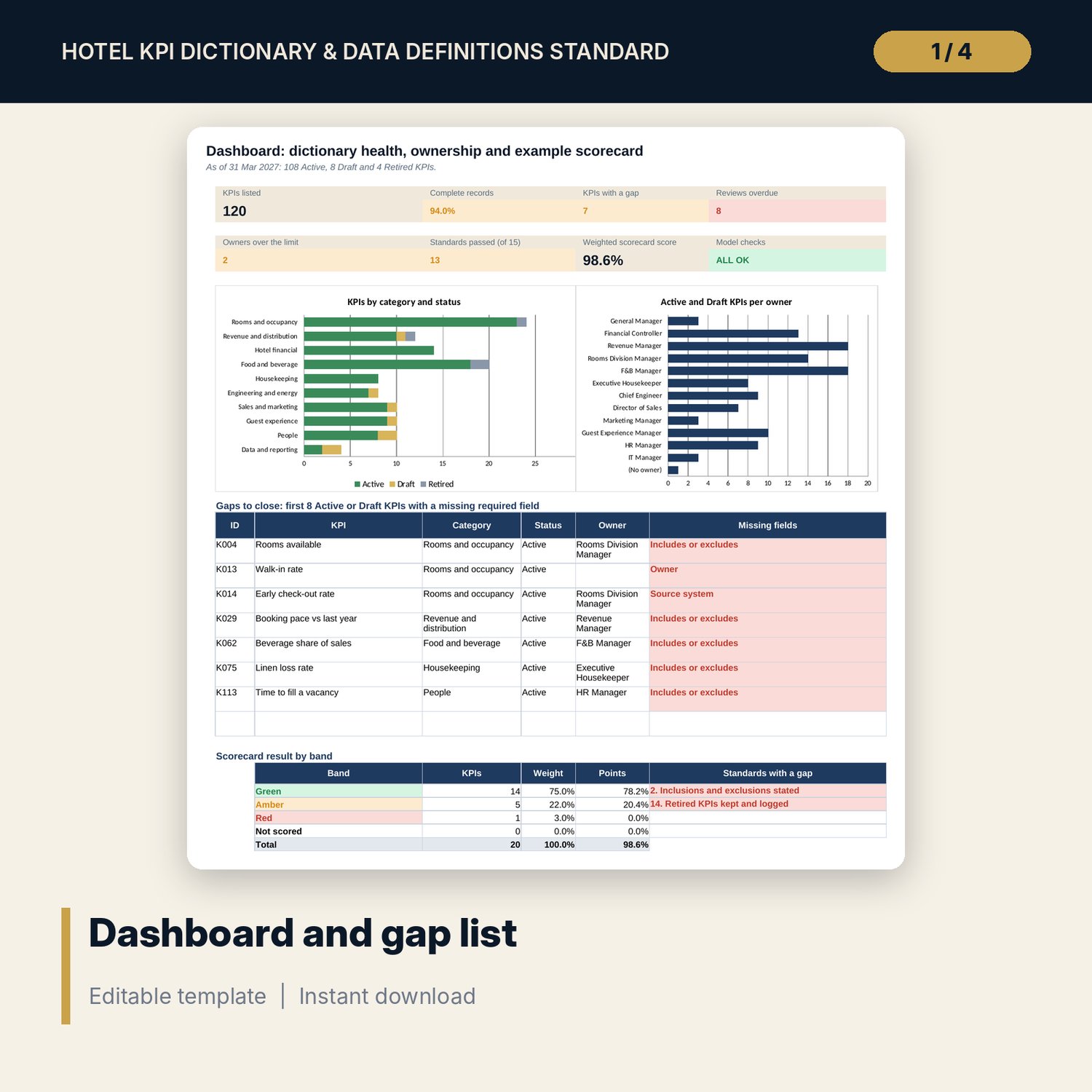
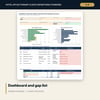
- Dashboard: 8 tiles including a check tile, 2 charts and a gap list; 8 integrity checks on the Checks tab
- Hotel_KPI_Data_Standard.docx and PDF: 10 pages with the dictionary record, the 15 standards, formulas with arithmetic, scoring rules, ownership, change control, common mistakes, an annual checklist and 2 printable forms
- README.txt and LICENSE-and-Terms.txt
How it works
- Set the as-of date, the review cycle, the owner limit and the scoring rules, and name a data steward for each category.
- Keep or replace the sample KPIs. Fill the nine required fields for each one and set the status.
- Replace the example month with your own figures and set targets, sources and weights.
- Log every change, then read the Dashboard and fix the gaps it lists.
Details
- Formats: 1 Excel workbook (.xlsx), 1 standards document in Word (.docx) and PDF, English
- Software: Excel 2016 or later, or LibreOffice Calc 7 or later
- No macros, no external links, no data tables, no array formulas
- 3 files plus README and license; instant digital download
Good to know
- Sample data is illustrative. The definitions are a working starting point, not an industry standard.
- Adapt each definition to your property and accounting rules. Verify reporting requirements with your accountant.
- The files are management tools, not accounting or legal advice.
- Single-user license. Do not redistribute.
FAQ
Are the 120 definitions ready to use?
They are a working starting point written for a full-service hotel. Edit the wording, units and sources to match your own systems and accounting rules.
How does the workbook find incomplete records?
Each record needs nine fields. Any empty required cell turns red, the record shows No under Complete, and the Dashboard lists the first gaps with the missing field.
Can I score my own KPIs?
Yes. Add the KPI to the dictionary, then use a spare row on Worked Examples: enter the ID, write the actual formula, then set the target, source and weight.
What does the floor and cap do?
Achievement below the floor scores zero. Between the floor and 100% points rise in proportion. Above the cap there are no extra points. All three are inputs on Settings.
Do I need macros?
No. Every result is a standard worksheet formula.